Florida Form I-9
Description
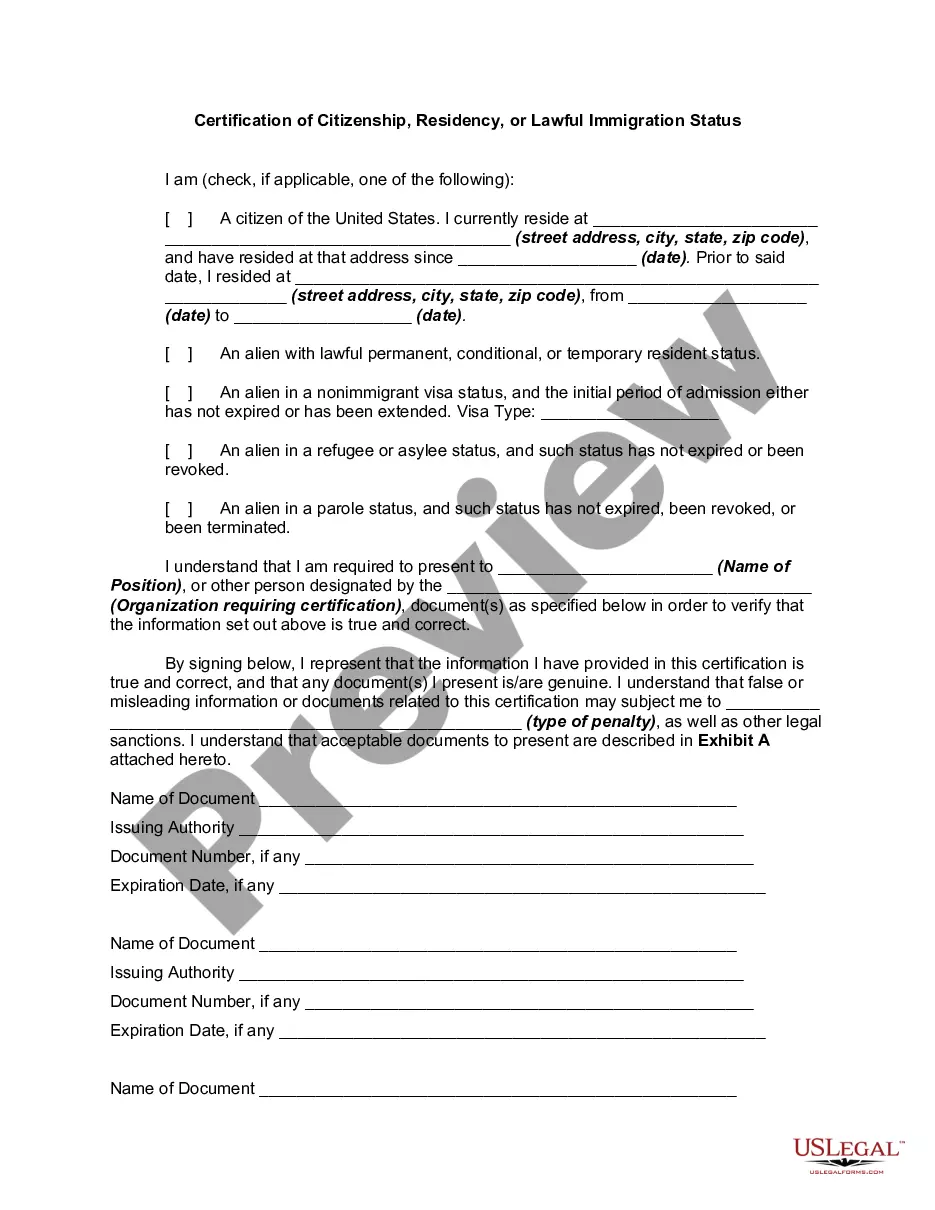
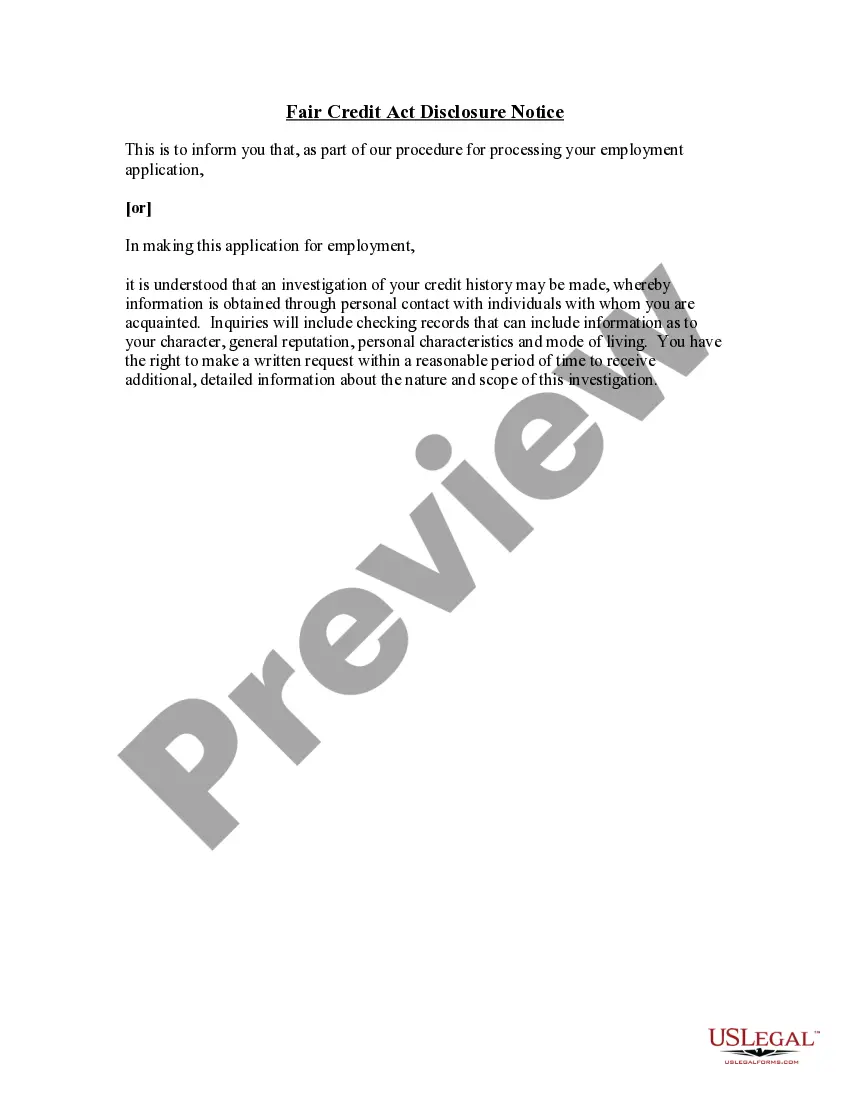
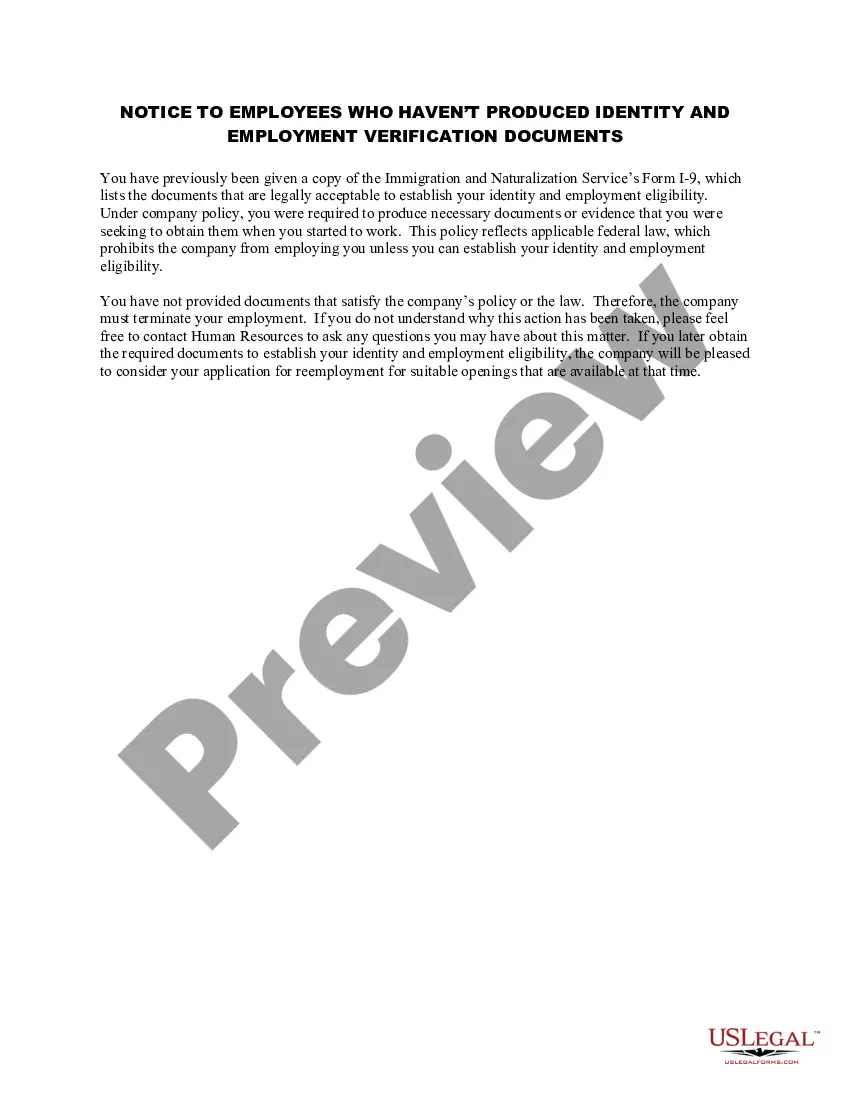
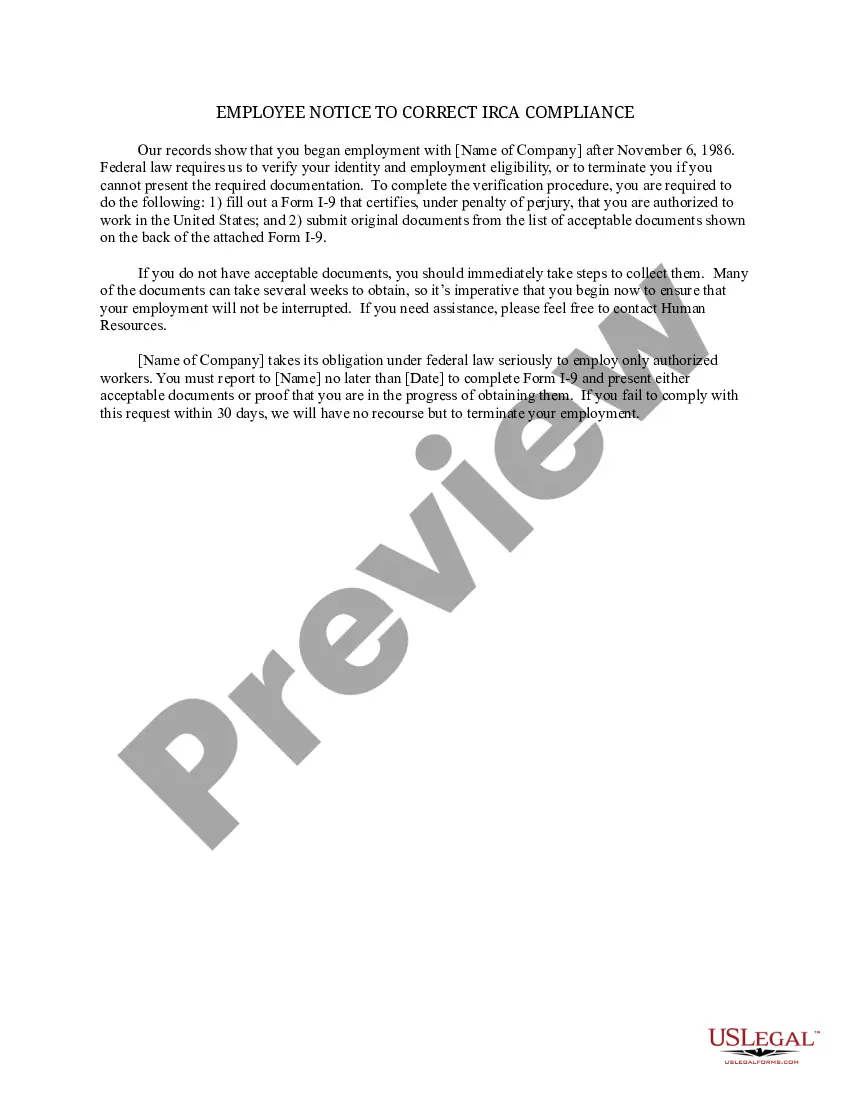
Get your form ready online
Our built-in tools help you complete, sign, share, and store your documents in one place.
Make edits, fill in missing information, and update formatting in US Legal Forms—just like you would in MS Word.
Download a copy, print it, send it by email, or mail it via USPS—whatever works best for your next step.
Sign and collect signatures with our SignNow integration. Send to multiple recipients, set reminders, and more. Go Premium to unlock E-Sign.
If this form requires notarization, complete it online through a secure video call—no need to meet a notary in person or wait for an appointment.
We protect your documents and personal data by following strict security and privacy standards.

Make edits, fill in missing information, and update formatting in US Legal Forms—just like you would in MS Word.

Download a copy, print it, send it by email, or mail it via USPS—whatever works best for your next step.

Sign and collect signatures with our SignNow integration. Send to multiple recipients, set reminders, and more. Go Premium to unlock E-Sign.

If this form requires notarization, complete it online through a secure video call—no need to meet a notary in person or wait for an appointment.

We protect your documents and personal data by following strict security and privacy standards.
Looking for another form?





How to fill out Form I-9?
US Legal Forms - one of many largest libraries of lawful forms in the United States - delivers a wide array of lawful document layouts you may download or printing. Using the site, you can get thousands of forms for enterprise and personal reasons, sorted by categories, suggests, or keywords and phrases.You can get the most up-to-date types of forms just like the Florida Form I-9 in seconds.
If you have a monthly subscription, log in and download Florida Form I-9 through the US Legal Forms library. The Acquire button can look on each and every type you view. You have access to all formerly acquired forms inside the My Forms tab of your account.
If you want to use US Legal Forms initially, allow me to share basic directions to help you get started off:
- Make sure you have chosen the right type to your area/state. Go through the Review button to examine the form`s content material. See the type explanation to ensure that you have chosen the correct type.
- In case the type doesn`t suit your requirements, utilize the Search area towards the top of the screen to find the one who does.
- In case you are pleased with the shape, affirm your option by clicking on the Buy now button. Then, opt for the prices strategy you favor and give your credentials to sign up for an account.
- Process the deal. Make use of your Visa or Mastercard or PayPal account to complete the deal.
- Choose the file format and download the shape in your system.
- Make changes. Load, change and printing and indication the acquired Florida Form I-9.
Each template you added to your bank account does not have an expiration day which is yours forever. So, if you would like download or printing yet another backup, just visit the My Forms area and click on in the type you require.
Obtain access to the Florida Form I-9 with US Legal Forms, the most extensive library of lawful document layouts. Use thousands of skilled and state-certain layouts that meet your organization or personal requires and requirements.
Form popularity
FAQ
For most employees, the process will take less than one business day to complete, once the I-9 form has been sent to Simplei9.com. How do I sign up for the E-Verify process through Simple I-9? Complete and submit the SignUp Form.
The I-9 form records each employee's employment eligibility verification. In Canada, employers must ask for and record the SIN number of every employee. Employers must provide each employee with a statement of income that includes the SIN number.
The new Form I-9, Employment Eligibility Verification, which was released on August 1, 2023, must be used for all new hires, effective November 1, 2023. The grace period?during which an employer could use the new Form I-9 or the Form I-9 (10/21/2019 version)?ends October 31, 2023.
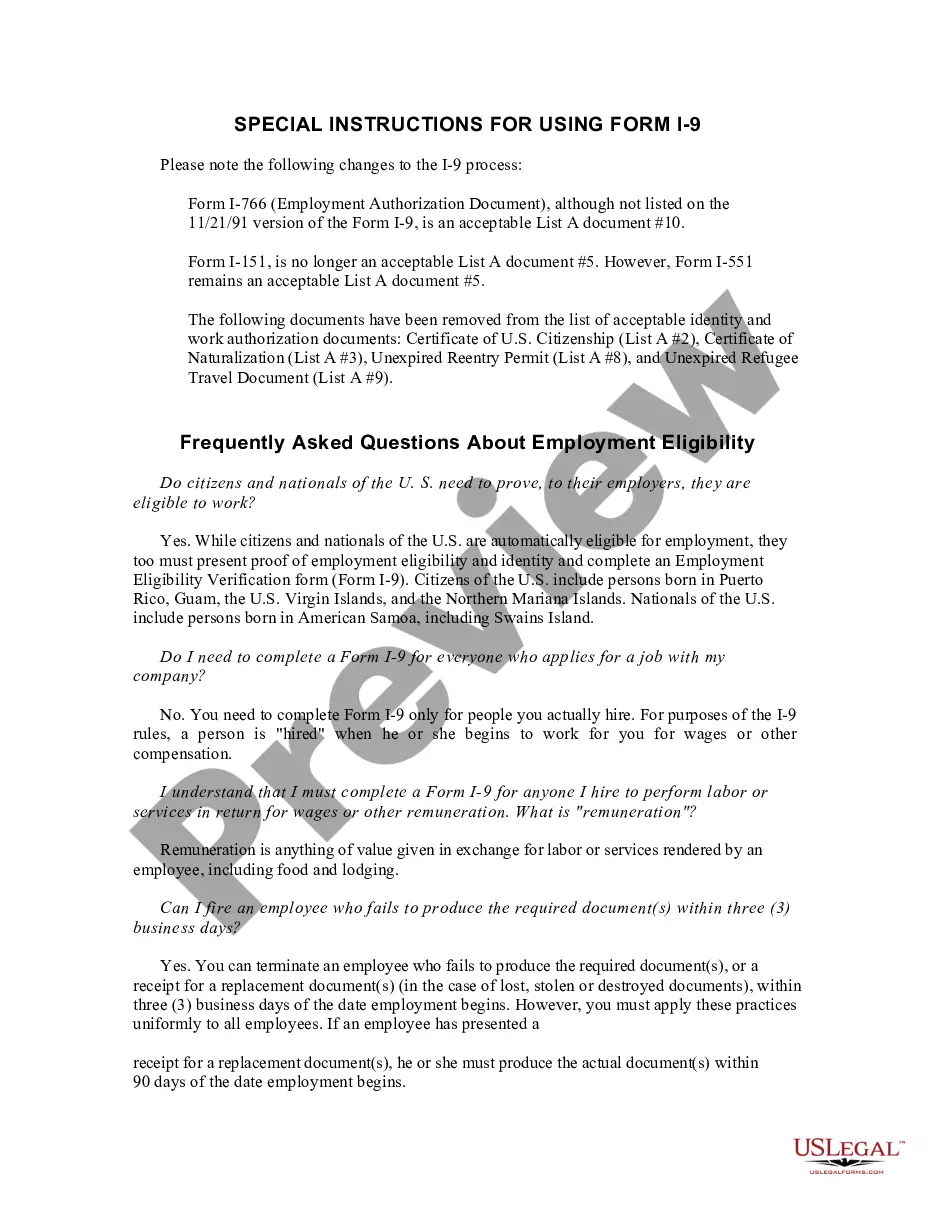
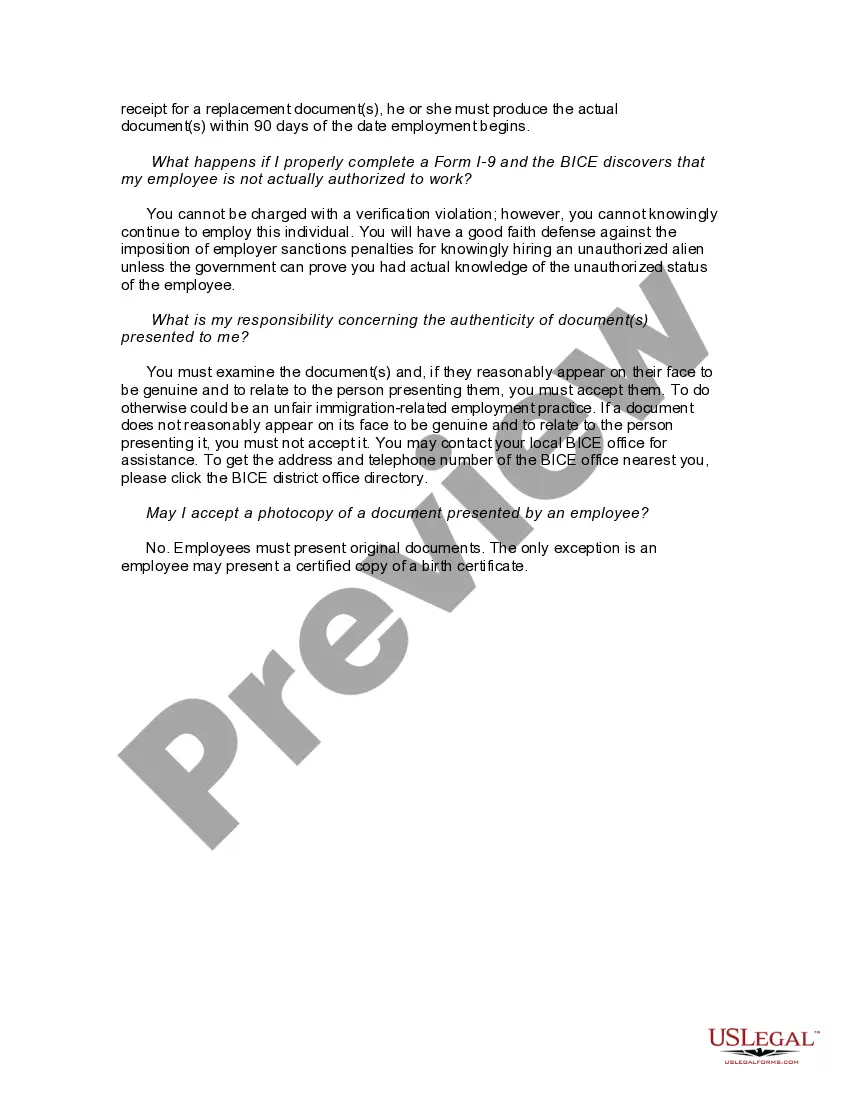
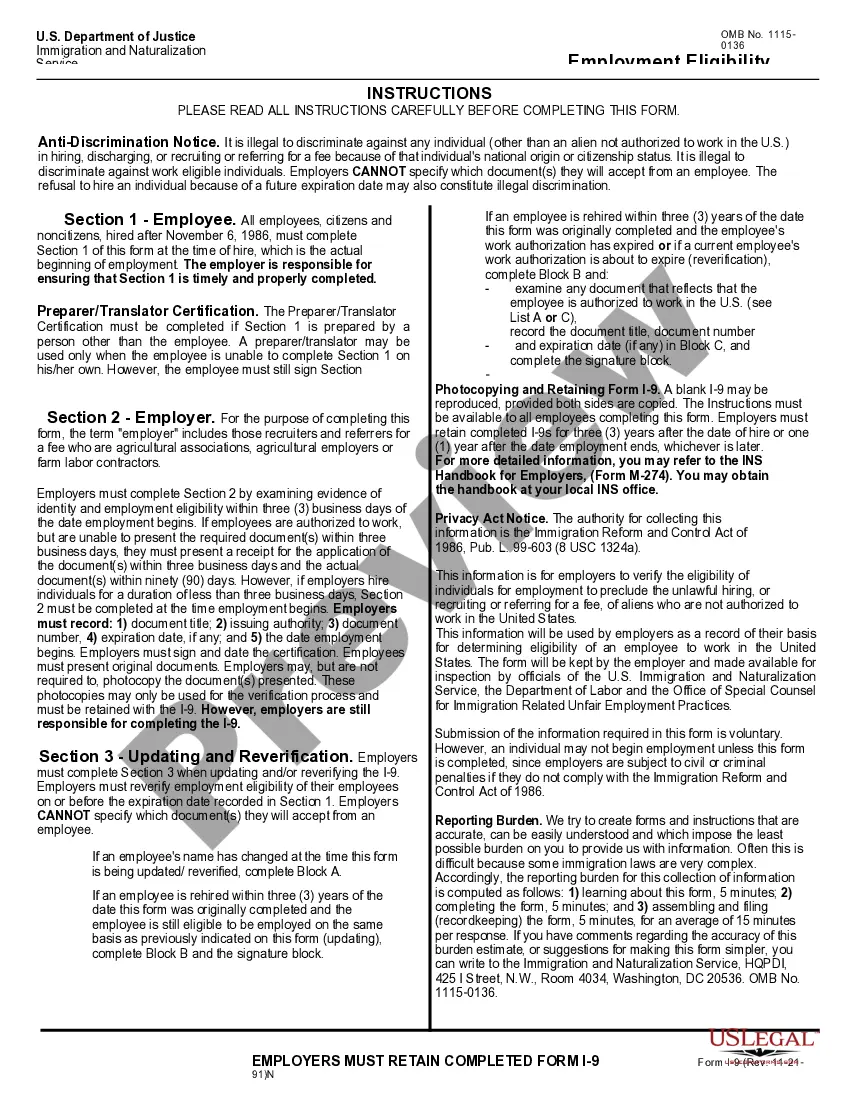
Employers are permitted to utilize an electronic version of Form I-9 and obtain electronic signatures. I-9 forms should be retained for three years after the date of hire or one year after the date employment ends, whichever is later.
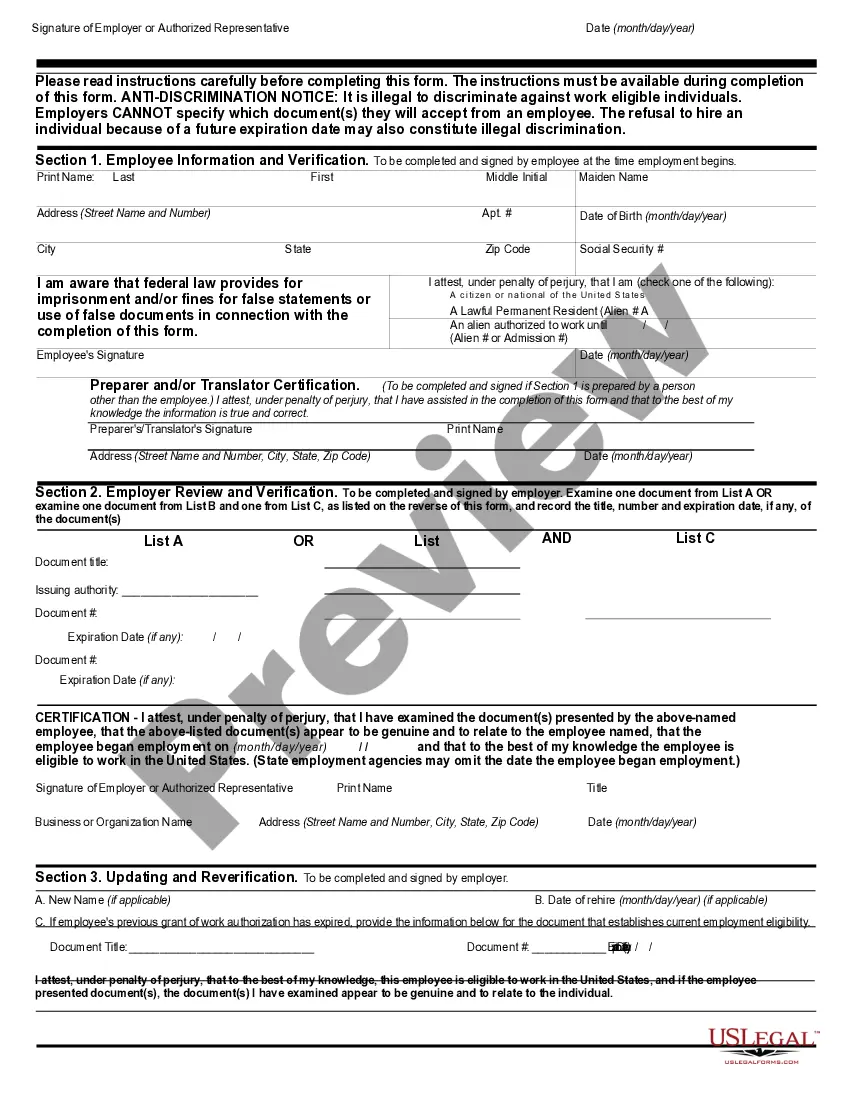
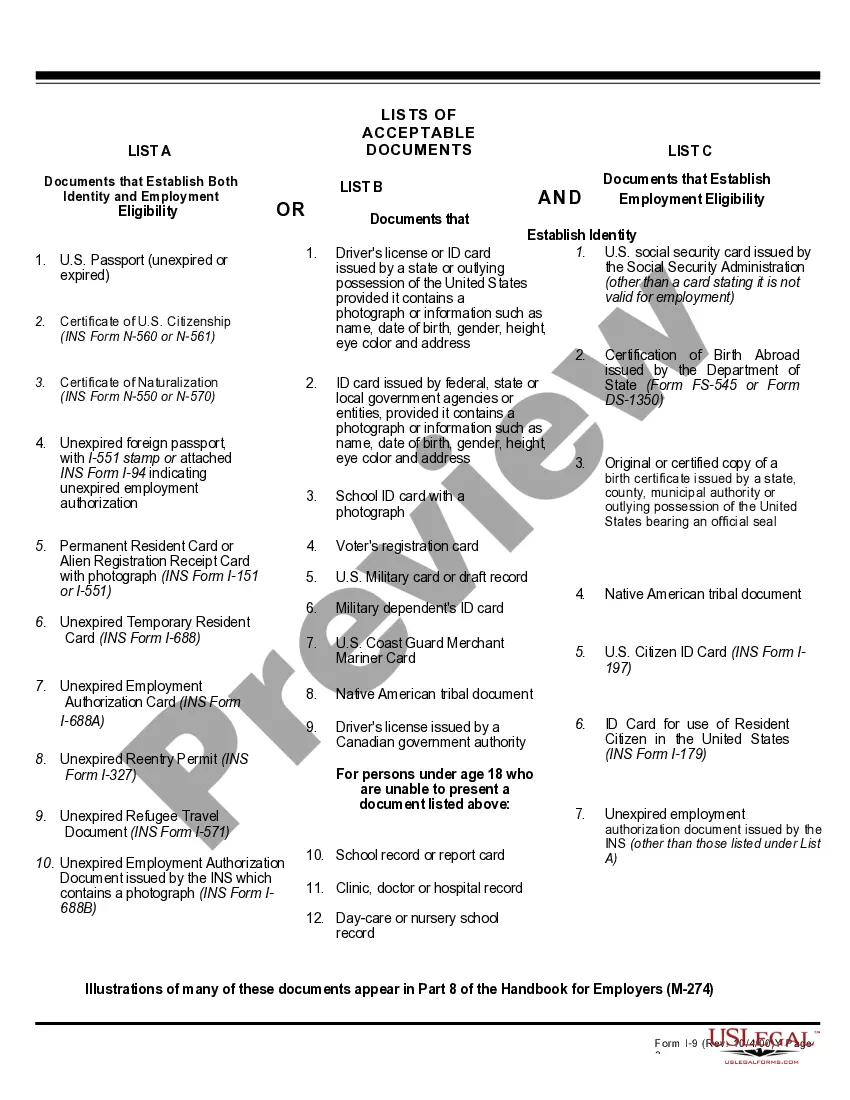
How to fill out an I-9 form in 6 steps Designate your authorized representative. Have the new hire complete Section 1: Employee Information and Attestation. Inspect the new hire's I-9 identification documents. Complete Section 2: Employer Review and Verification. Complete I-9 supplements, if applicable.
Completing Form I-9 Section One: Employee Information and Attestation. Completed by employees. Section Two: Employer or Authorized Representative Review and Verification. Completed by employers. Supplement A, Preparer and/or Translator Certification for Section 1. ... Supplement B: Reverification and Rehires.
Form I-9 rules govern whether an individual is considered self-employed with respect to using E-Verify. Generally, self-employed individuals are not required to complete Forms I-9 on themselves; therefore, they are not required to use E-Verify.