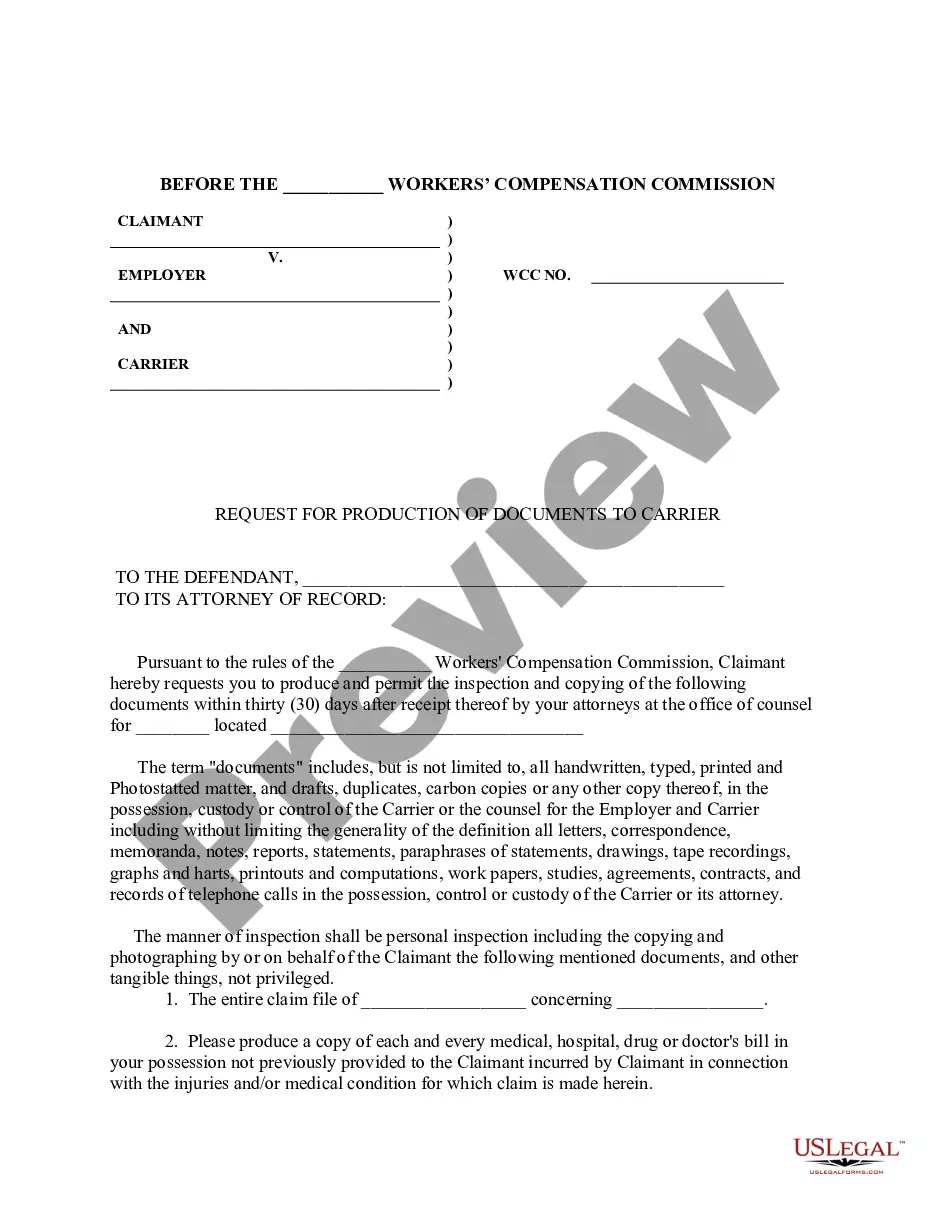
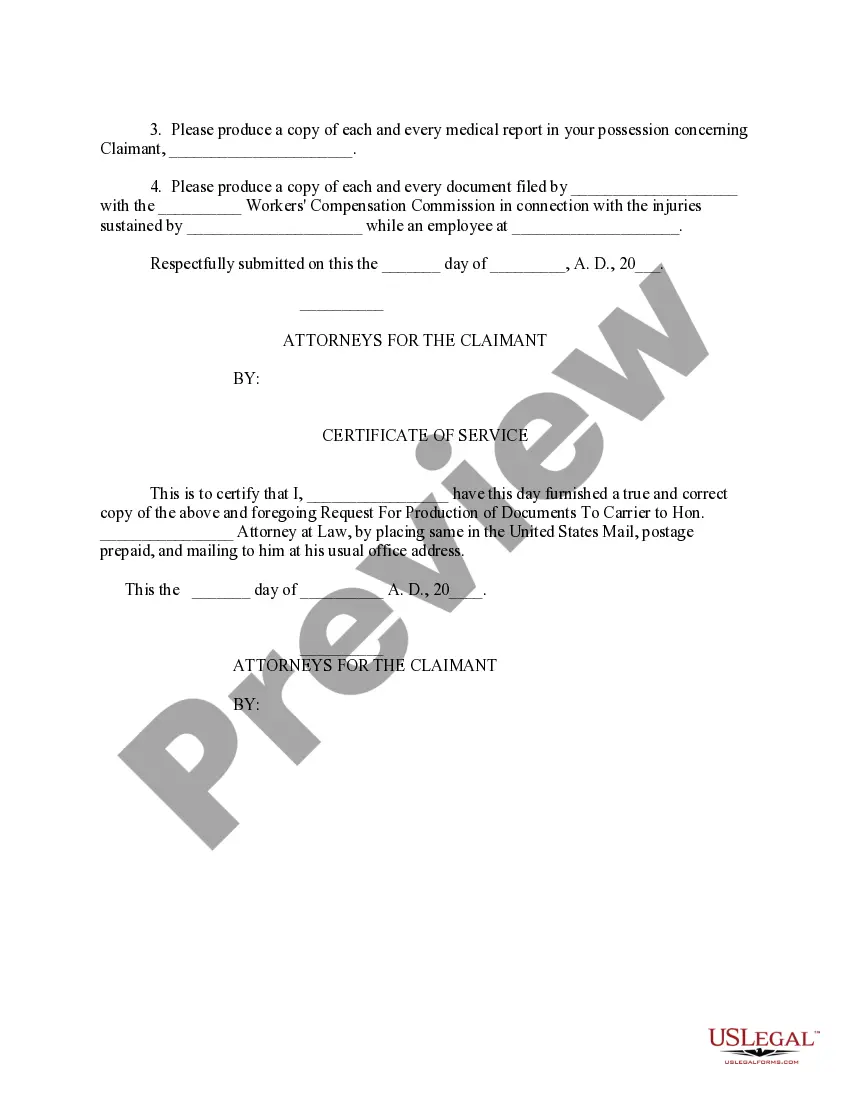
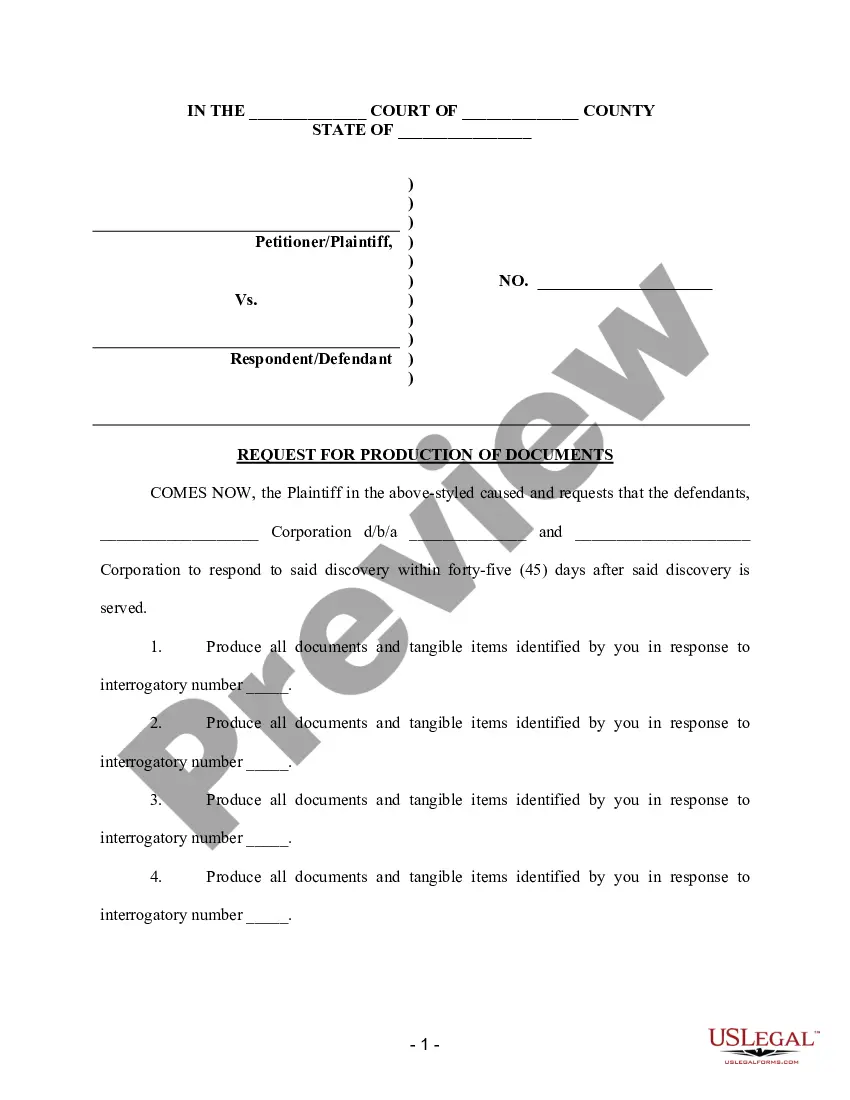
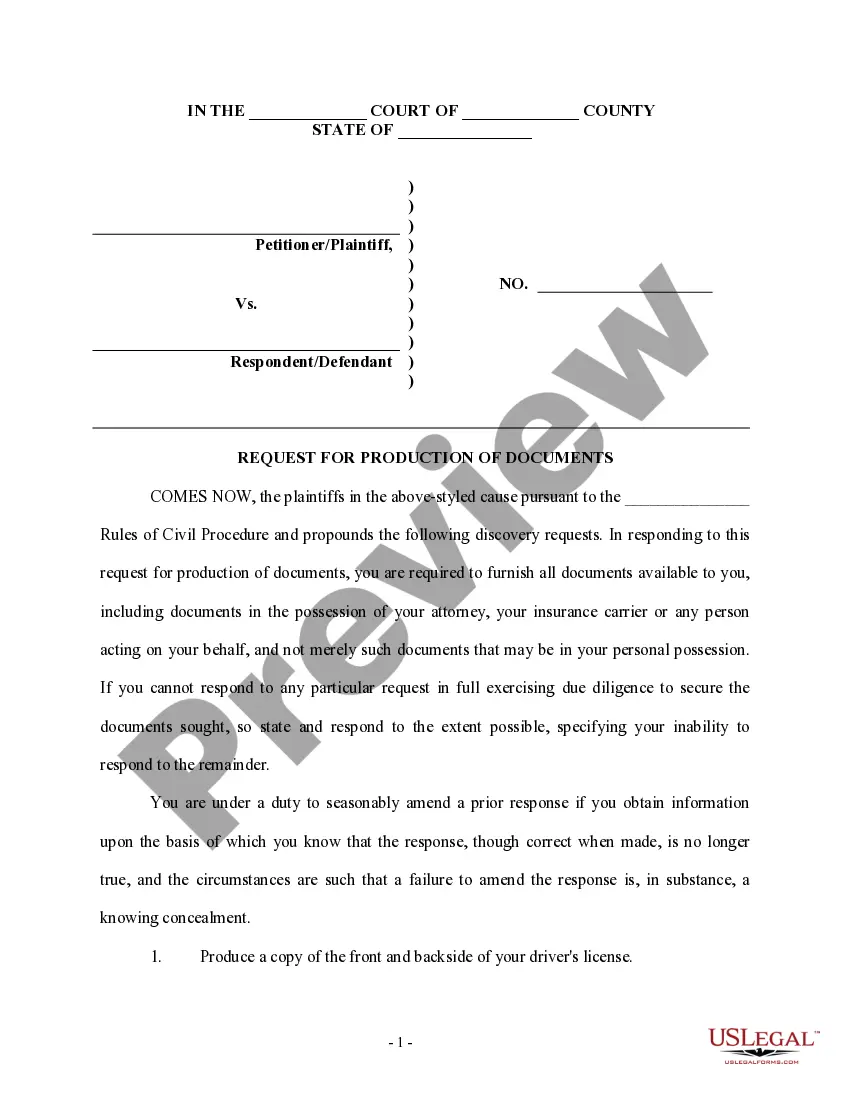
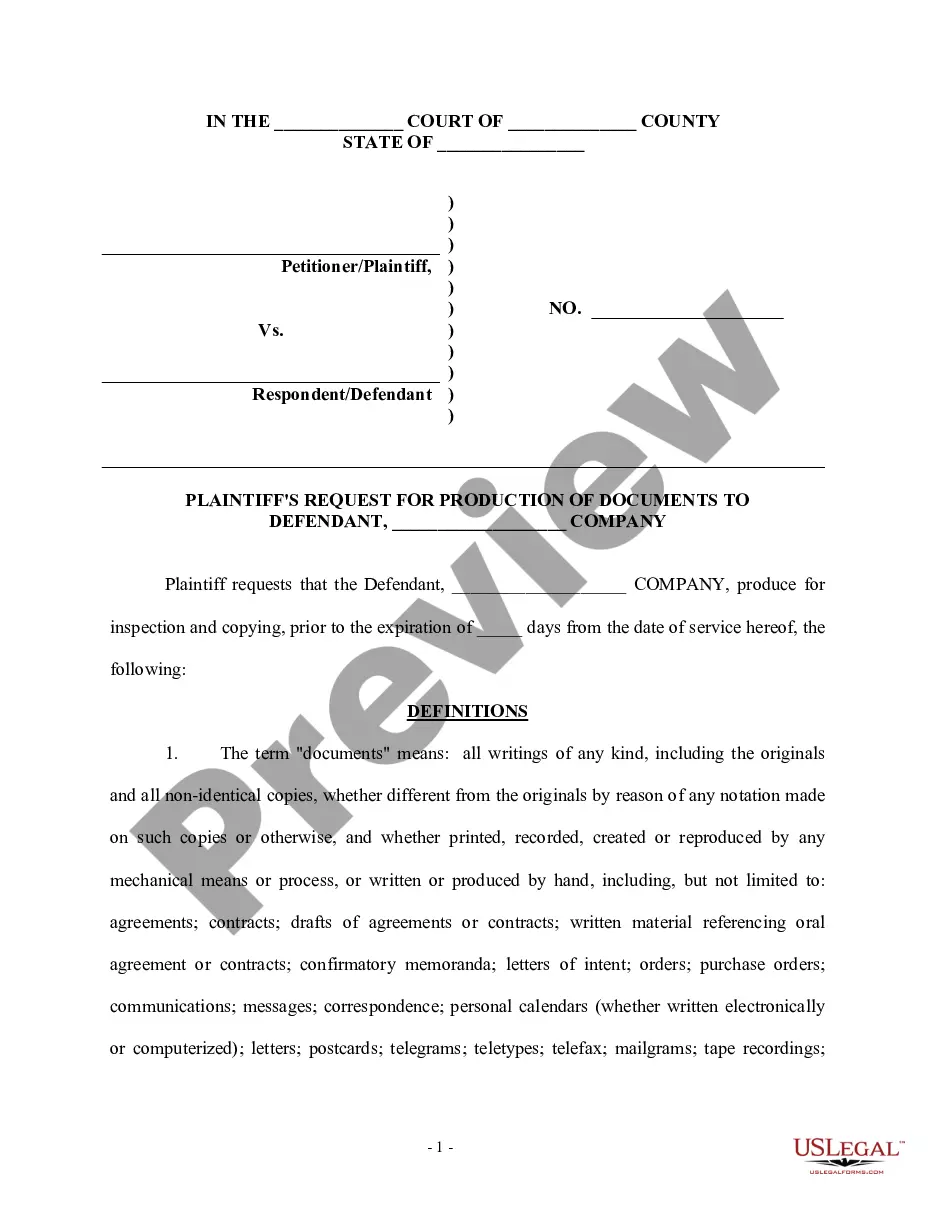
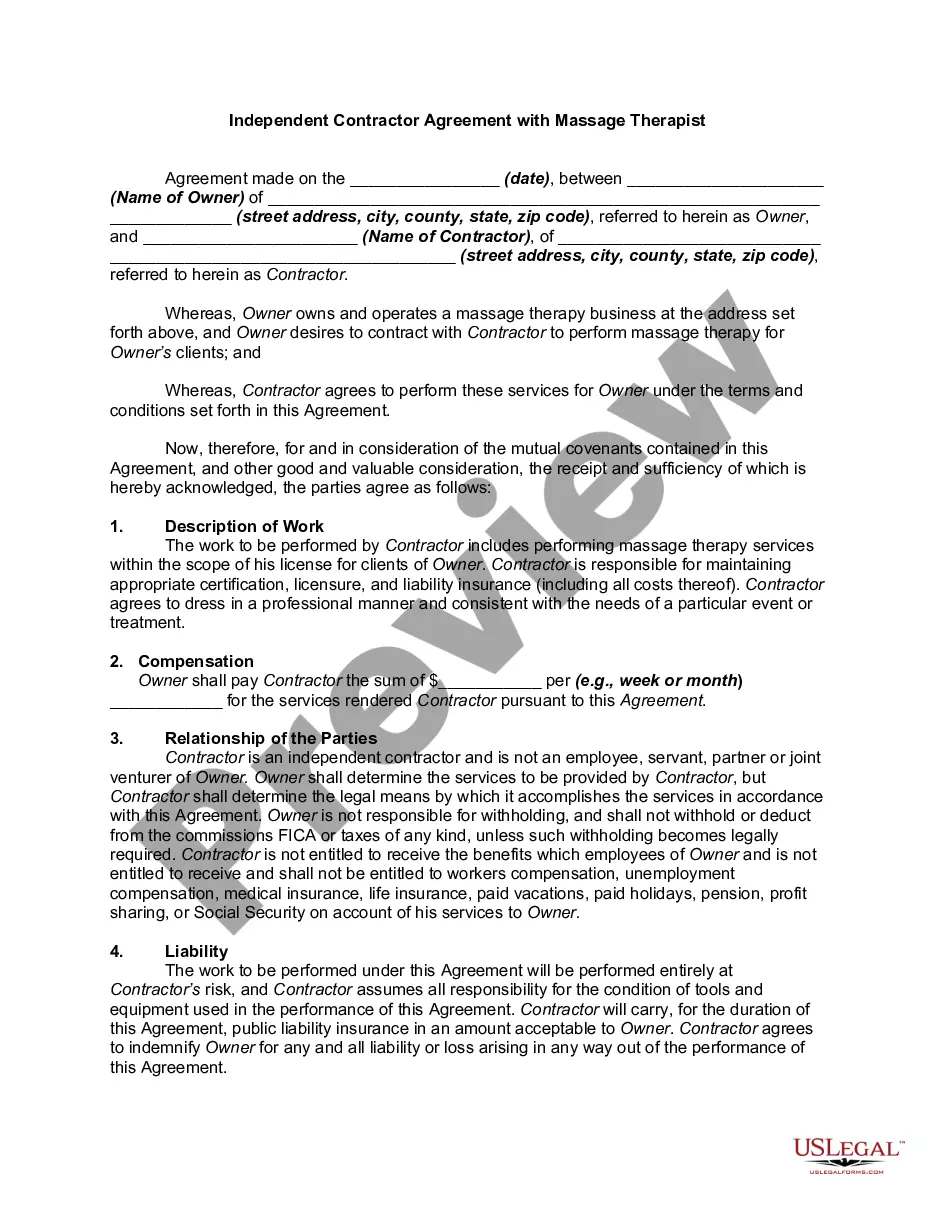
Florida Requests for Production of Documents to Carrier
Description
Get your form ready online
Our built-in tools help you complete, sign, share, and store your documents in one place.
Make edits, fill in missing information, and update formatting in US Legal Forms—just like you would in MS Word.
Download a copy, print it, send it by email, or mail it via USPS—whatever works best for your next step.
Sign and collect signatures with our SignNow integration. Send to multiple recipients, set reminders, and more. Go Premium to unlock E-Sign.
If this form requires notarization, complete it online through a secure video call—no need to meet a notary in person or wait for an appointment.
We protect your documents and personal data by following strict security and privacy standards.

Make edits, fill in missing information, and update formatting in US Legal Forms—just like you would in MS Word.

Download a copy, print it, send it by email, or mail it via USPS—whatever works best for your next step.

Sign and collect signatures with our SignNow integration. Send to multiple recipients, set reminders, and more. Go Premium to unlock E-Sign.

If this form requires notarization, complete it online through a secure video call—no need to meet a notary in person or wait for an appointment.

We protect your documents and personal data by following strict security and privacy standards.
Looking for another form?
How to fill out Requests For Production Of Documents To Carrier?
Locating the correct valid document format can be a challenge. Clearly, there is a multitude of templates accessible online, but how do you find the authentic type you require? Utilize the US Legal Forms website. The platform offers thousands of templates, including the Florida Requests for Production of Documents to Carrier, that you can use for business and personal purposes. All the forms are reviewed by experts and meet federal and state requirements.
If you are already registered, Log In to your account and click the Download button to obtain the Florida Requests for Production of Documents to Carrier. Use your account to browse through the official forms you have previously purchased. Navigate to the My documents section of your account and download another copy of the document you need.
If you are a new user of US Legal Forms, here are simple instructions that you can follow: First, make sure you have selected the correct form for your city/region. You can review the document using the Review option and read the form description to ensure it is suitable for you. If the form does not meet your requirements, use the Search field to find the appropriate form. Once you are confident that the form is accurate, click the Buy now button to acquire the form. Choose the pricing plan you desire and enter the required information. Create your account and pay for your order using your PayPal account or credit card. Select the file format and download the official format to your device. Complete, modify, print, and sign the obtained Florida Requests for Production of Documents to Carrier.
Make the most of US Legal Forms to ensure you have the right documents for your legal and business needs.
- US Legal Forms is the largest repository of official forms where you can find numerous document templates.
- Utilize the service to download properly crafted documents that comply with state regulations.
- You can access a wide variety of themes for different needs.
- All templates are verified to ensure they meet legal standards.
- The platform offers an easy-to-use interface for finding forms.
- You can manage your previous orders conveniently through your account.
Form popularity
FAQ
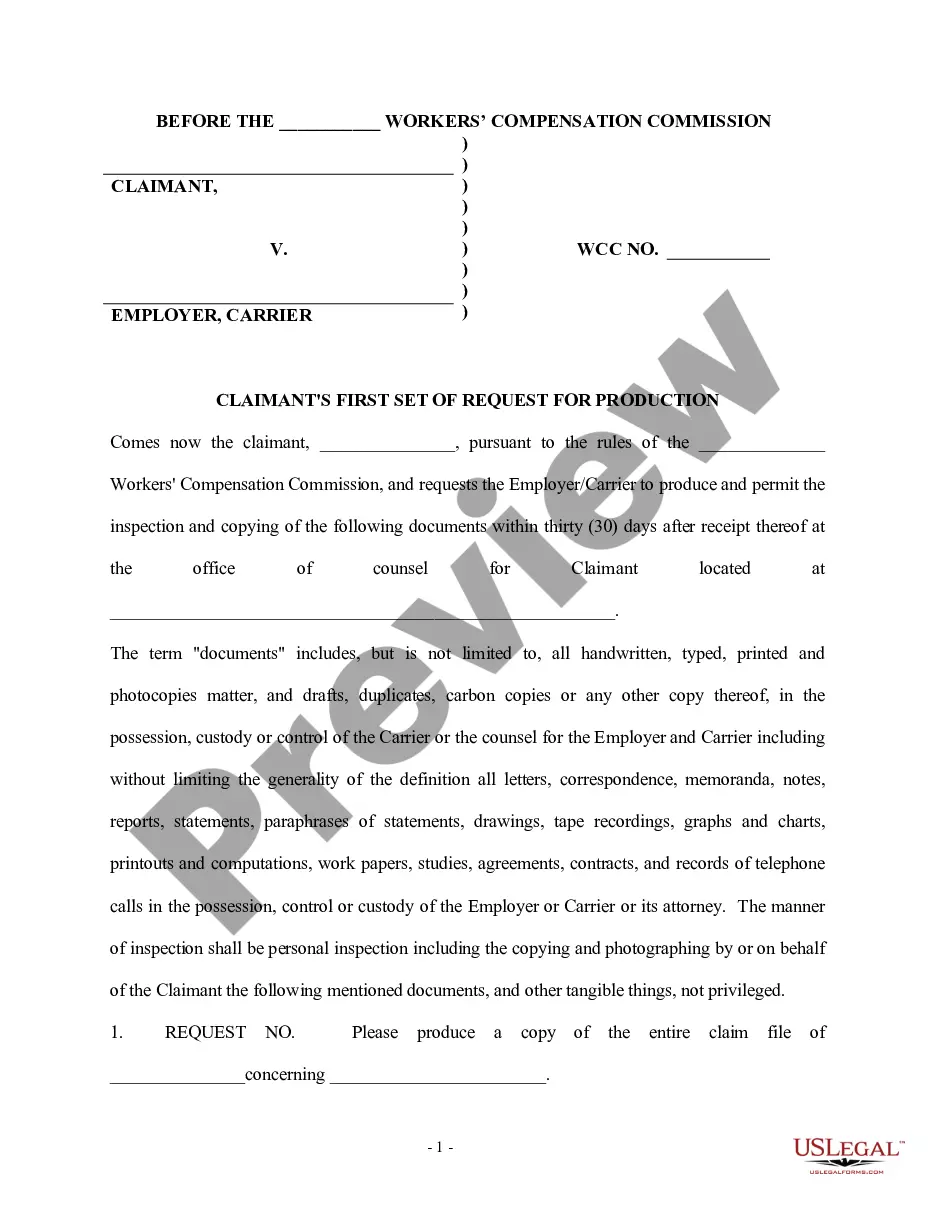
A Request for Production (RFP) is a discovery tool that permits you to request documents or electronically stored information in the opposing side's ?possession, custody or control.? An RFP can also allow you to inspect, copy, test, or sample ?tangible things? in the opposing side's ?possession, custody or control.? ...
A notice to produce documents is different from a subpoena. The former is a request for information, while the latter is a court order to provide testimony.
The process of delivering, or making available for review, documents produced during litigation or in response to a request for documents from a regulatory or other body. Discoverable documents in litigation may include both paper (hard copy) documents and electronically stored information (ESI).
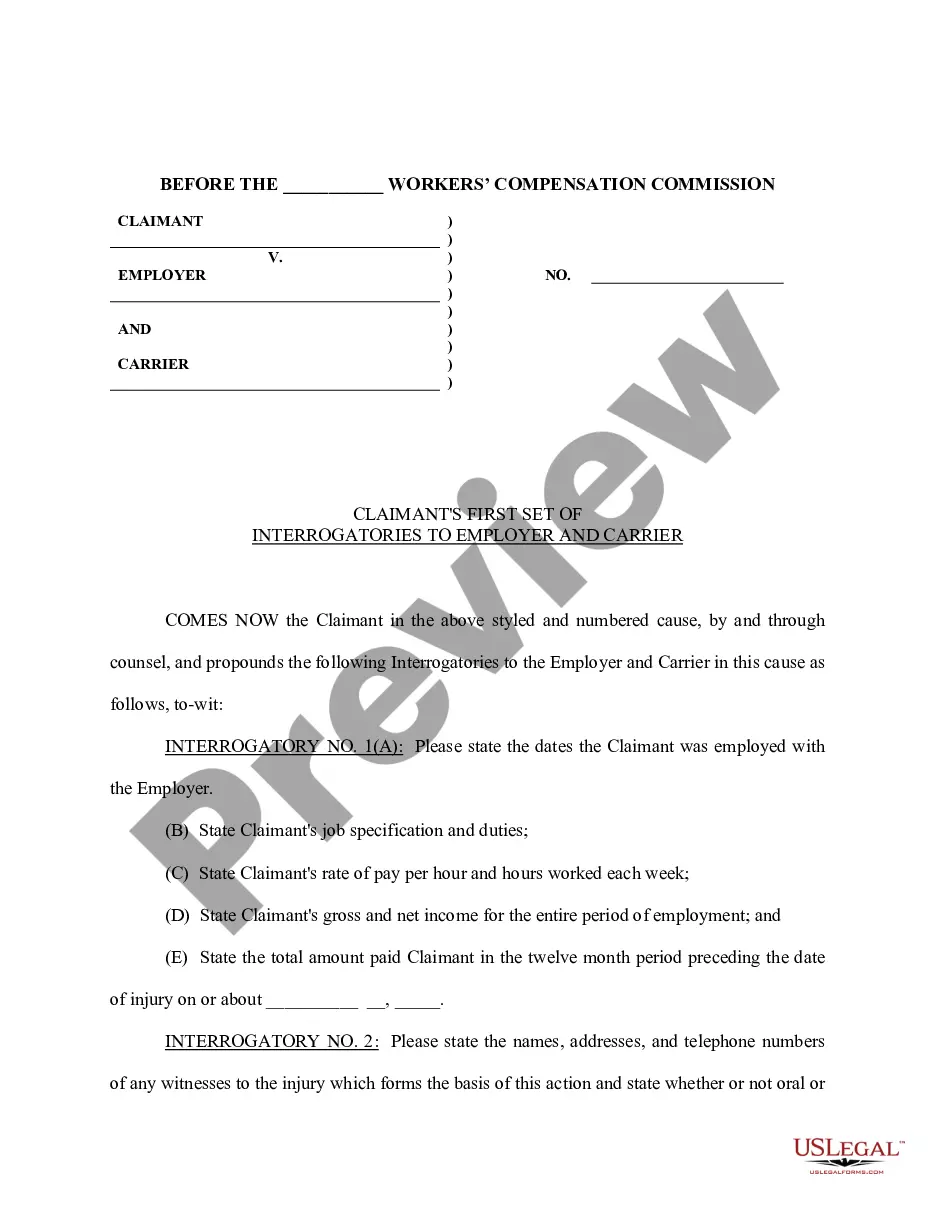
Under the Florida Rules of Civil Procedure, Rule 1.340, any party may serve upon any other party written interrogatories to be answered 1) by the party the interrogatories are directed to or 2) if that party is a public or private corporation, a partnership or association, or a governmental agency, by any officer or ...
How to respond to Requests for Production Download the blank response template and fill in basic information. ... Prepare the template for your responses. ... Read and answer the questions. ... Sign the document.
Any party may request any other party (1) to produce and permit the party making the request, or someone acting in the requesting party's behalf, to inspect and copy any designated documents, including electronically stored information, writings, drawings, graphs, charts, photographs, audio, visual, and audiovisual ...
Notice of Production from Nonparty, Florida Supreme Court Approved Family Law Form 12.931(a), is used to notify the other party in your case that in 10 days you are going to subpoena documents from a nonparty.
Answer. Requests for the Production of Documents. Definition: A written list of documents, electronic files, and audio and video recordings or physical things, submitted to a party from his or her adversary to inspect and copy the requested items and that have relevance to the issues in a lawsuit.