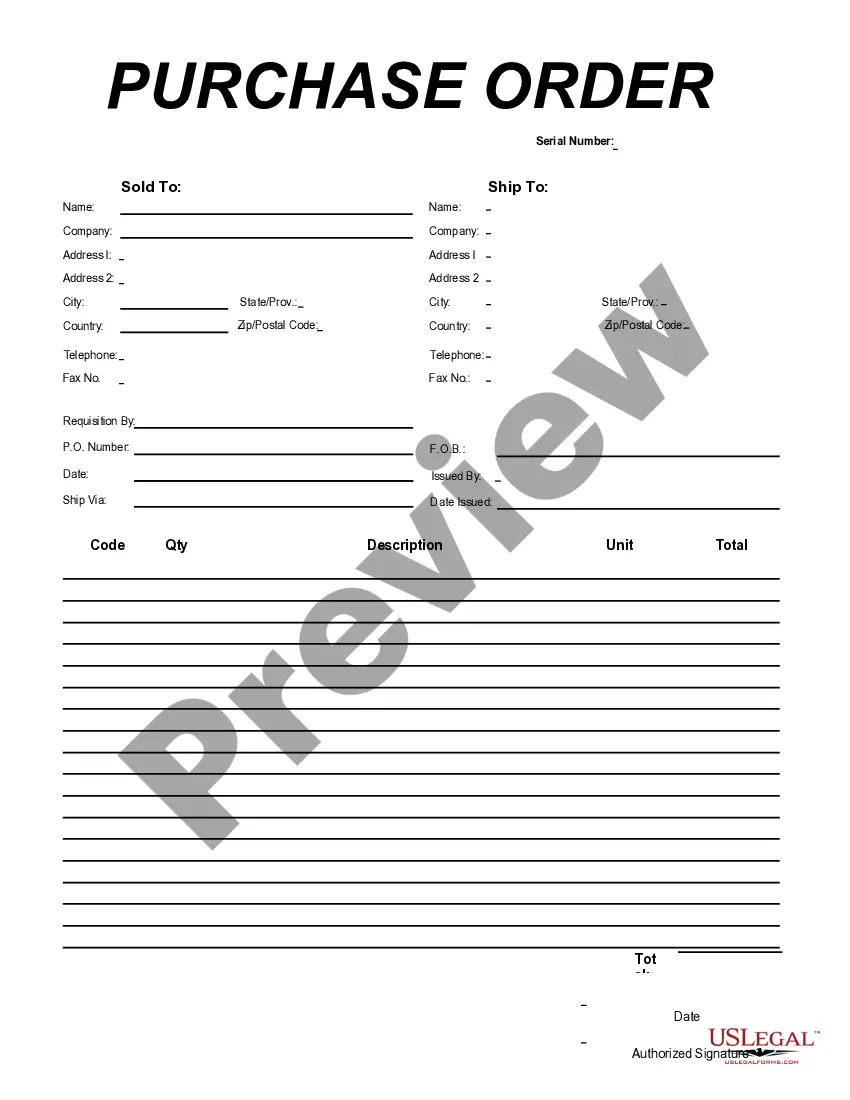
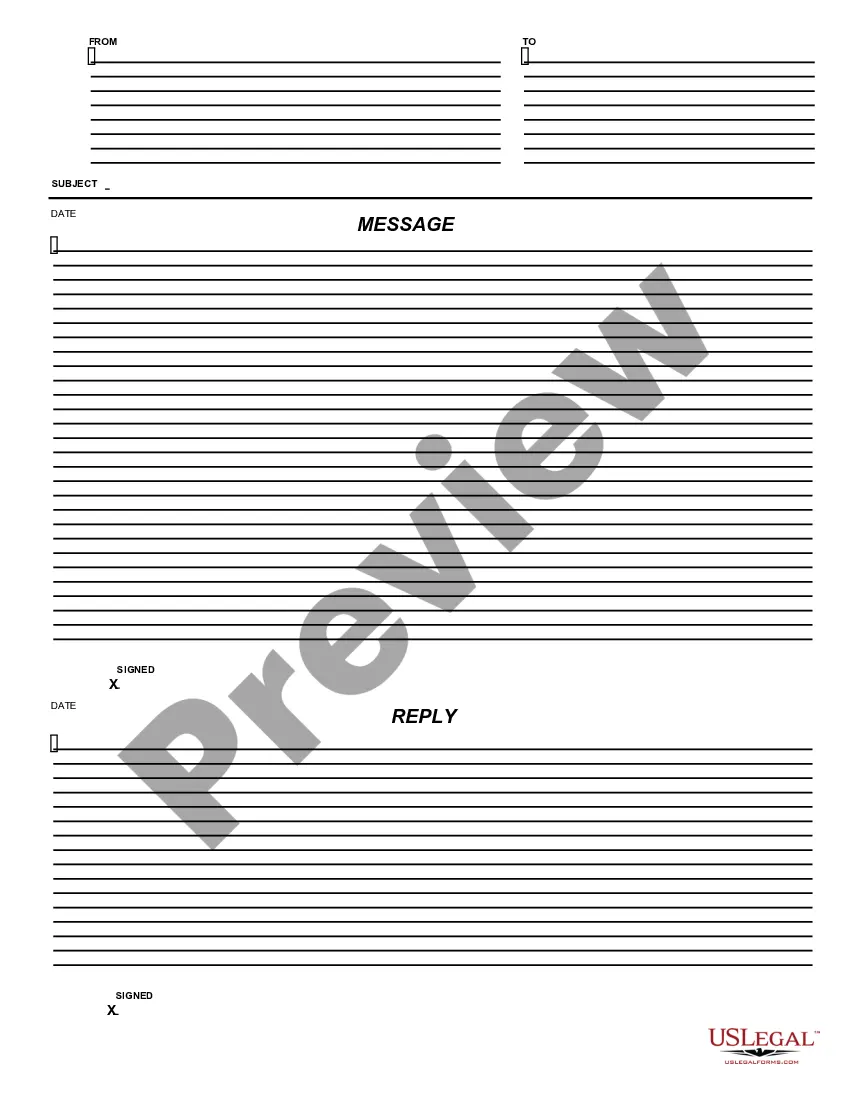
This form is a business type form that is formatted to allow you to complete the form using Adobe Acrobat or Word. The word files have been formatted to allow completion by entry into fields. Some of the forms under this category are rather simple while others are more complex. The formatting is worth the small cost.
Delaware Message - Reply
Category:
State:
Multi-State
Control #:
US-164-AZ
Format:
Word;
PDF;
Rich Text
Instant download
Description

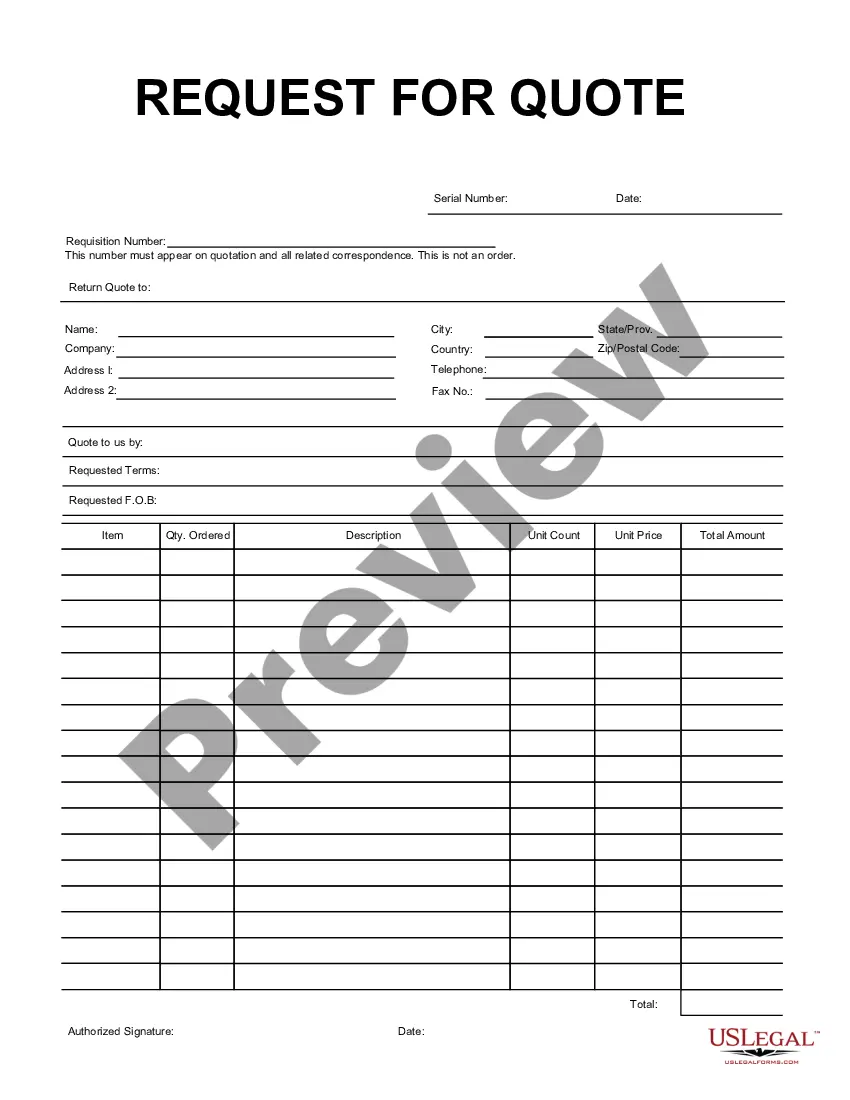
Get your form ready online
Our built-in tools help you complete, sign, share, and store your documents in one place.
Built-in online Word editor
Make edits, fill in missing information, and update formatting in US Legal Forms—just like you would in MS Word.
Export easily
Download a copy, print it, send it by email, or mail it via USPS—whatever works best for your next step.
E-sign your document
Sign and collect signatures with our SignNow integration. Send to multiple recipients, set reminders, and more. Go Premium to unlock E-Sign.
Notarize online 24/7
If this form requires notarization, complete it online through a secure video call—no need to meet a notary in person or wait for an appointment.
Store your document securely
We protect your documents and personal data by following strict security and privacy standards.

Make edits, fill in missing information, and update formatting in US Legal Forms—just like you would in MS Word.

Download a copy, print it, send it by email, or mail it via USPS—whatever works best for your next step.

Sign and collect signatures with our SignNow integration. Send to multiple recipients, set reminders, and more. Go Premium to unlock E-Sign.

If this form requires notarization, complete it online through a secure video call—no need to meet a notary in person or wait for an appointment.

We protect your documents and personal data by following strict security and privacy standards.
Looking for another form?

How to fill out Message - Reply?
It is feasible to spend numerous hours online trying to locate the legal document template that meets the federal and state requirements you need.
US Legal Forms provides a vast collection of legal documents that can be examined by professionals.
You can easily download or print the Delaware Message - Reply from your account.
If available, use the Preview button to browse through the document template as well.
- If you already possess a US Legal Forms account, you can Log In and then click the Acquire button.
- After this, you can complete, modify, print, or sign the Delaware Message - Reply.
- Every legal document template you obtain is yours forever.
- To get an additional copy of any purchased form, navigate to the My documents tab and click the relevant button.
- If you are using the US Legal Forms website for the first time, follow the simple steps outlined below.
- Firstly, make sure you have selected the correct document template for the county/area of your choice.
- Review the form description to confirm you have chosen the right form.
Form popularity
FAQ
If you filed online, you should receive an email confirmation after you file your claim. In the first week you will receive three mailings: Notice of Financial Determination (UC-44F), UC Claim Confirmation Letter (UC-360) and the Delaware UC Handbook (UCP-1).
Contact Information - Unemployment Insurance Claimants may file initial claims for unemployment benefits via Maryland's Division of Unemployment Insurance BEACON 2.0 System or by telephone at 667-207-6520. We cannot accept claims by email.
(302) 761-6576 The Delaware Unemployment Insurance Division provides a quick and easy way to claim your weekly unemployment insurance benefits check by telephone using a feature of the Information Hotline called TeleBenefits. We hope you will find this customer service option easy and convenient to use.
It takes at least three weeks to process a claim for unemployment benefits and issue payment to most eligible workers. When your first benefit payment is available, you will receive a debit card in the mail.
The Information Hotline, at (800) 794-3032 or (302) 761-6576 is available 7 days a week, 24 hours per day. Remember, your TeleBenefits for any claim period cannot be filed until the week ending date for which you are filing has passed.
Respond to requests from the Division promptly by email dolduiwilmingtonclaims@delaware.gov or 302-761-6637.
State of Delaware - Search and Services/Information. Through this website, you can file for your weekly unemployment insurance payment and check on the status of your unemployment insurance benefits. To begin, please log in below using your SSN and PIN.
Once your application has been approved, the Department of Labor will send a Monetary Determination with information on your weekly benefit amount. After making your claim, it will take between two to three weeks to receive it. Delays may be caused if the state needs additional information before sending payment.
Under normal conditions, a claim that does not require any staff assistance could take about 10 days to be approved. Some claims can take several weeks. The U.S. Department of Labor recommends state departments pay 87% of eligible claimants within 21 days of filing.