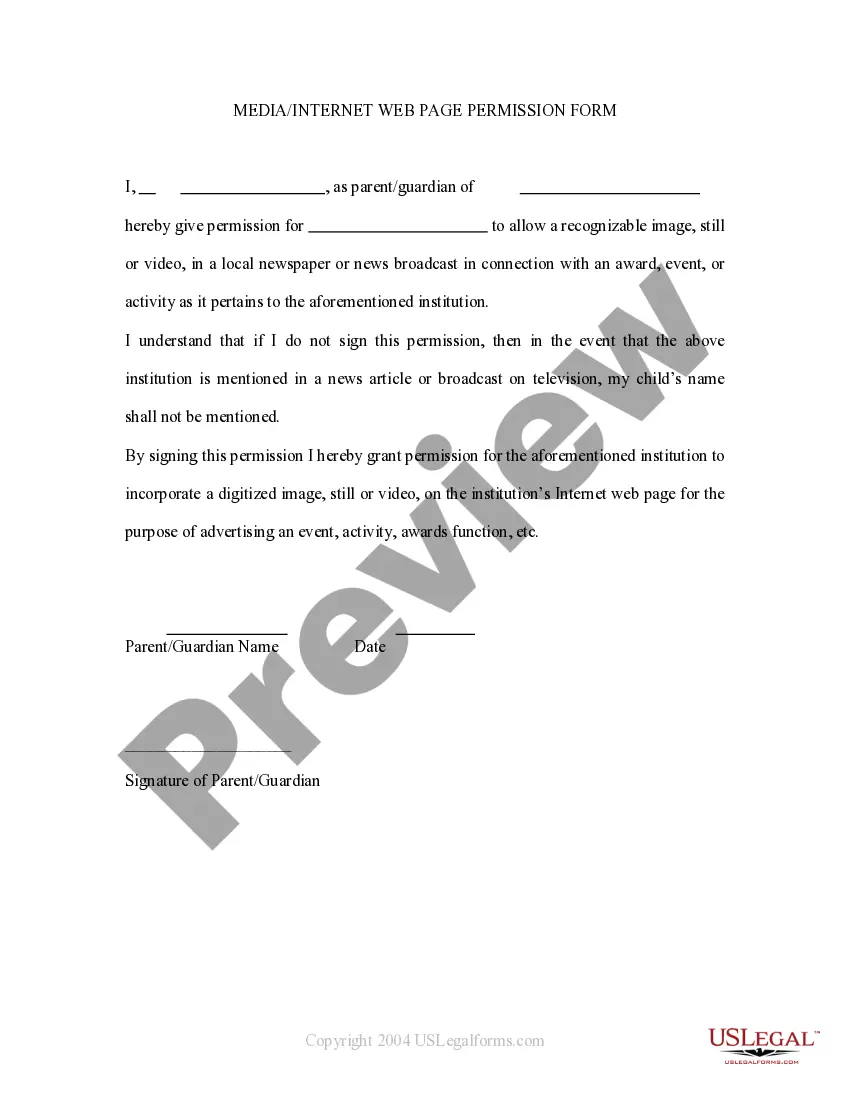
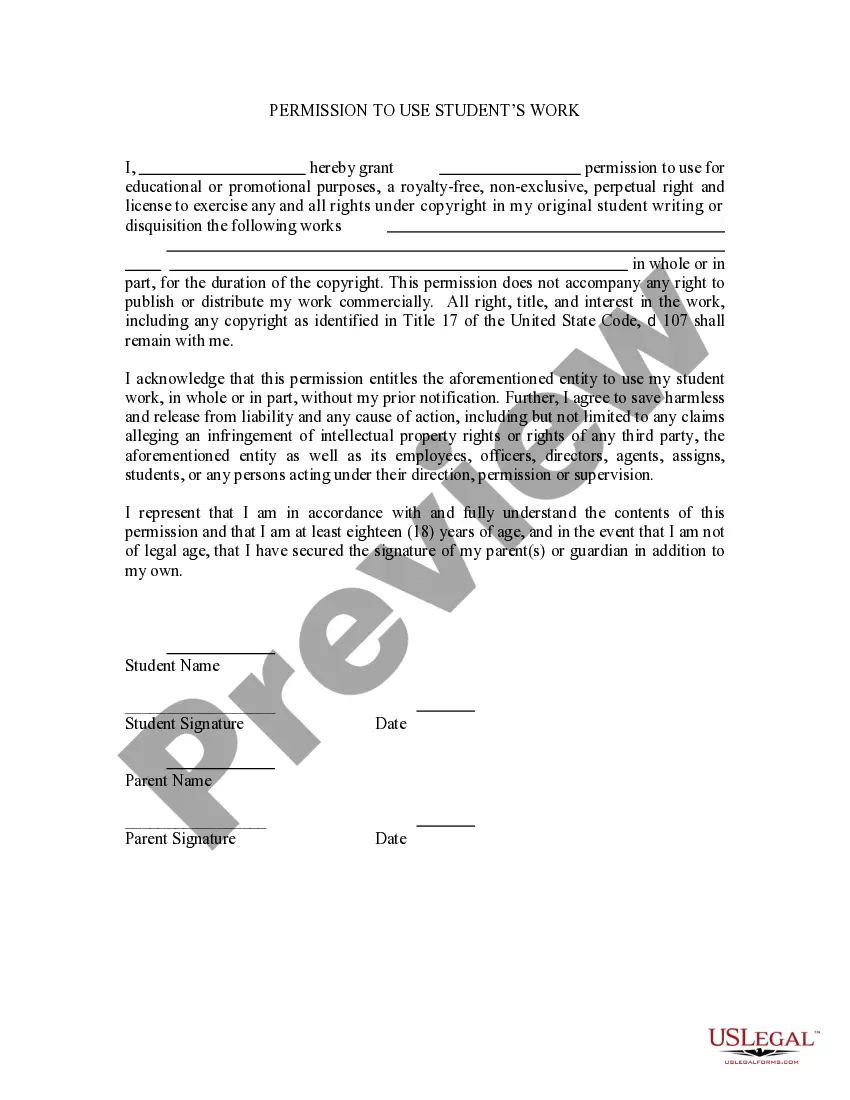
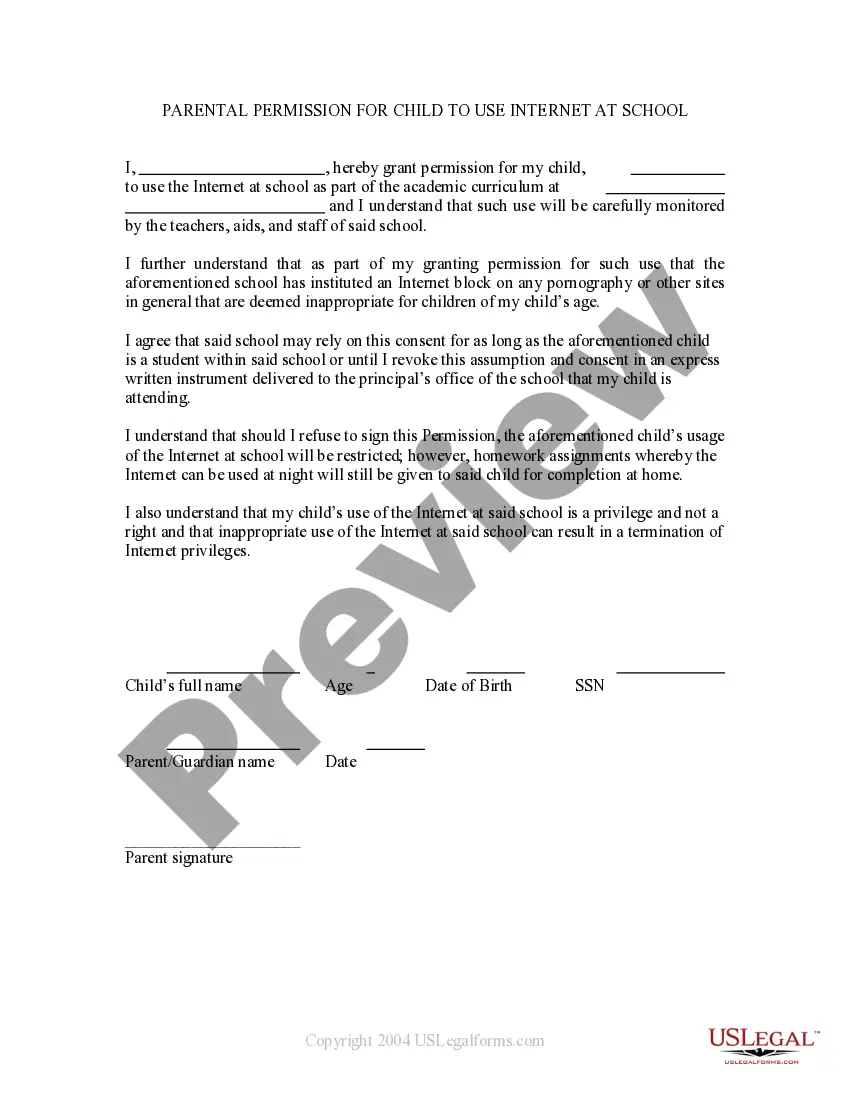
This is a permission form signed by parents allowing a child's name to be mentioned in broadcast form. If the child wins an award then permission is thereby granted to mention the child in a newspaper or on televised news. It also grants permission for the child's name to be mentioned on the school's web site.
District of Columbia Media - Internet Web Page Permission Form
Category:
State:
Multi-State
Control #:
US-PRM-22
Format:
Word;
Rich Text
Instant download
Description
Get your form ready online
Our built-in tools help you complete, sign, share, and store your documents in one place.
Built-in online Word editor
Make edits, fill in missing information, and update formatting in US Legal Forms—just like you would in MS Word.
Export easily
Download a copy, print it, send it by email, or mail it via USPS—whatever works best for your next step.
E-sign your document
Sign and collect signatures with our SignNow integration. Send to multiple recipients, set reminders, and more. Go Premium to unlock E-Sign.
Notarize online 24/7
If this form requires notarization, complete it online through a secure video call—no need to meet a notary in person or wait for an appointment.
Store your document securely
We protect your documents and personal data by following strict security and privacy standards.

Make edits, fill in missing information, and update formatting in US Legal Forms—just like you would in MS Word.

Download a copy, print it, send it by email, or mail it via USPS—whatever works best for your next step.

Sign and collect signatures with our SignNow integration. Send to multiple recipients, set reminders, and more. Go Premium to unlock E-Sign.

If this form requires notarization, complete it online through a secure video call—no need to meet a notary in person or wait for an appointment.

We protect your documents and personal data by following strict security and privacy standards.
Looking for another form?



How to fill out Media - Internet Web Page Permission Form?
US Legal Forms - one of the most prominent collections of legal documents in the United States - offers a variety of legal form templates that you can download or print. By using the website, you can access thousands of forms for business and personal purposes, organized by categories, states, or keywords. You can find the most current versions of forms like the District of Columbia Media - Internet Web Page Permission Form in just minutes.
If you already hold a monthly subscription, Log In and download the District of Columbia Media - Internet Web Page Permission Form from the US Legal Forms library. The Download button will appear on every form you view. You can access all previously acquired forms within the My documents tab of your account.
To use US Legal Forms for the first time, here are simple instructions to help you get started: Ensure you have selected the correct form for your city/state. Click the Review button to examine the form's content. Review the form summary to ensure you have selected the correct one. If the form does not meet your needs, utilize the Search field at the top of the screen to find one that does. If you are satisfied with the form, confirm your choice by clicking the Purchase now button. Then, select the payment plan you prefer and provide your information to register for an account.
- Process the transaction. Use your credit card or PayPal account to complete the transaction.
- Select the format and download the form to your device.
- Make edits. Complete, modify, print, and sign the acquired District of Columbia Media - Internet Web Page Permission Form.
- Each template you added to your account has no expiration date and is yours indefinitely. Therefore, if you wish to download or print an additional copy, simply go to the My documents section and click on the form you desire.
- Access the District of Columbia Media - Internet Web Page Permission Form with US Legal Forms, one of the most extensive collections of legal document templates.
- Utilize thousands of professional and state-specific templates that meet your business or personal needs and requirements.
Form popularity
FAQ
The District of Columbia has specific privacy laws aimed at protecting personal information and ensuring digital security. These laws regulate how personal data can be collected, used, and shared, especially in the context of online platforms. When using the District of Columbia Media - Internet Web Page Permission Form, it is essential to understand these regulations to maintain compliance and safeguard users' rights. For accurate legal forms and guidance, consider exploring the resources available on the uslegalforms platform.
The DC Portal is maintained by the Government of the District of Columbia, ensuring that citizens have access to essential services and information. This platform serves as a centralized hub for various government functions and resources. When navigating the portal, consider utilizing the District of Columbia Media - Internet Web Page Permission Form to facilitate your requests and inquiries.
Under FOIA, you can request a wide range of information, including agency reports, budgets, and correspondence. However, the specifics of what you can obtain depend on the agency's records. By completing the District of Columbia Media - Internet Web Page Permission Form, you can effectively specify the type of information you seek, improving your chances of a successful request.
Certain information is exempt from disclosure under FOIA, including personal privacy data, law enforcement records, and sensitive national security information. Additionally, internal government communication may also be protected. Understanding these limitations can help you frame your requests better when using the District of Columbia Media - Internet Web Page Permission Form.
To contact District Direct DC, you can visit their official website or call their customer service line. They provide comprehensive assistance for inquiries related to government services and FOIA requests. Utilizing the District of Columbia Media - Internet Web Page Permission Form can help you prepare your questions or requests in advance, ensuring a smoother interaction.
The FOIA in DC serves as a vital tool for citizens seeking government information. It empowers you to request data from various government agencies, enhancing public access to governmental operations. By using the District of Columbia Media - Internet Web Page Permission Form, you can streamline your requests and gain insights into the workings of your local government.
The FOIA, or Freedom of Information Act, in the District of Columbia allows you to request access to government records. This act promotes transparency and accountability by ensuring that public information is accessible. When you utilize the District of Columbia Media - Internet Web Page Permission Form, you can simplify your request process and ensure compliance with local regulations.
When submitting a FOIA request in the District of Columbia, you must include four key elements. First, clearly identify the records you wish to access. Second, provide your contact information for follow-up. Third, specify the preferred method of receiving the information. Lastly, include a brief statement that you are making the request under the District of Columbia Media - Internet Web Page Permission Form.
To create a DC Portal account, visit the official District of Columbia website and navigate to the registration section. You will need to provide your personal information, including your name, email address, and contact details. After submitting your information, you will receive a confirmation email to verify your account. Once verified, you can access the District of Columbia Media - Internet Web Page Permission Form and other resources available through the portal.