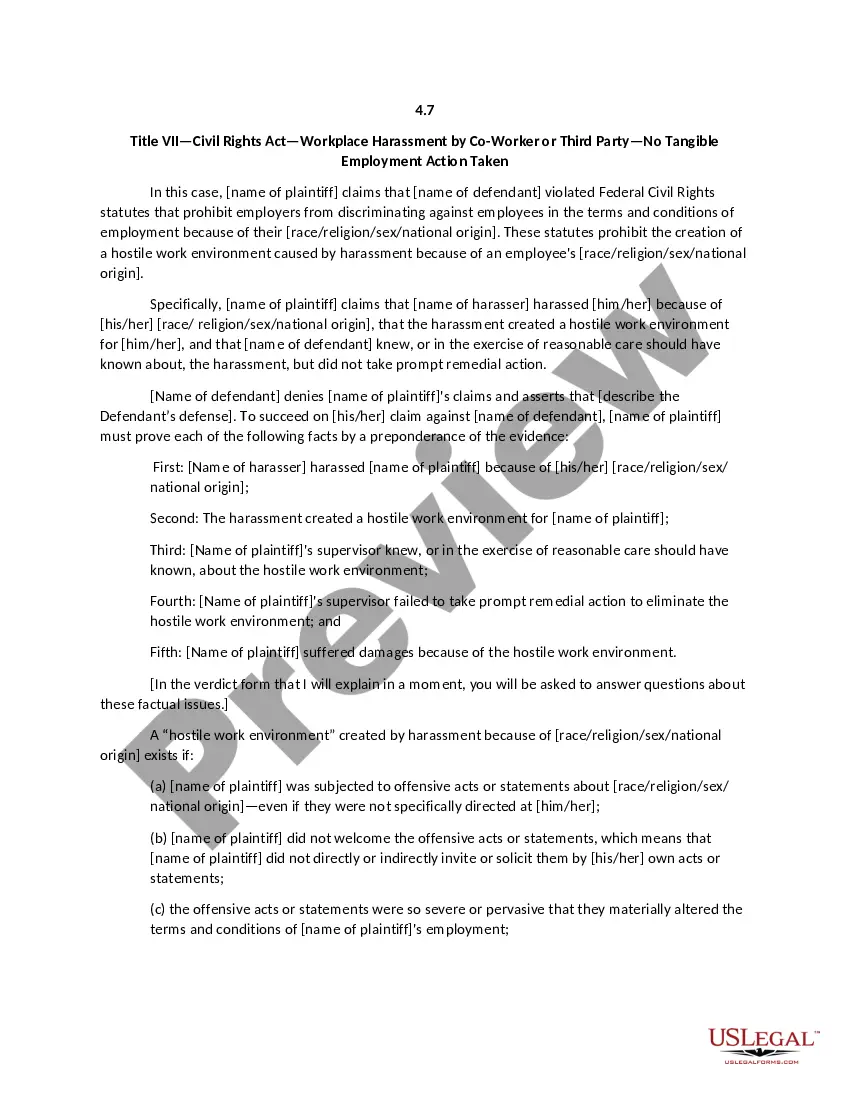
District of Columbia Form - Multimedia Product Publication Agreement
Description
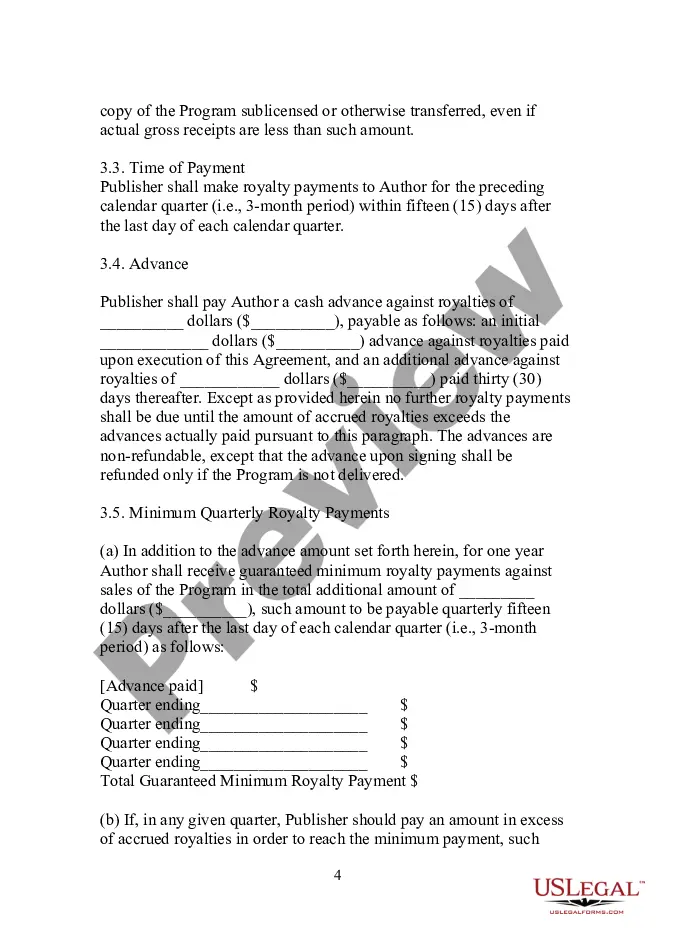
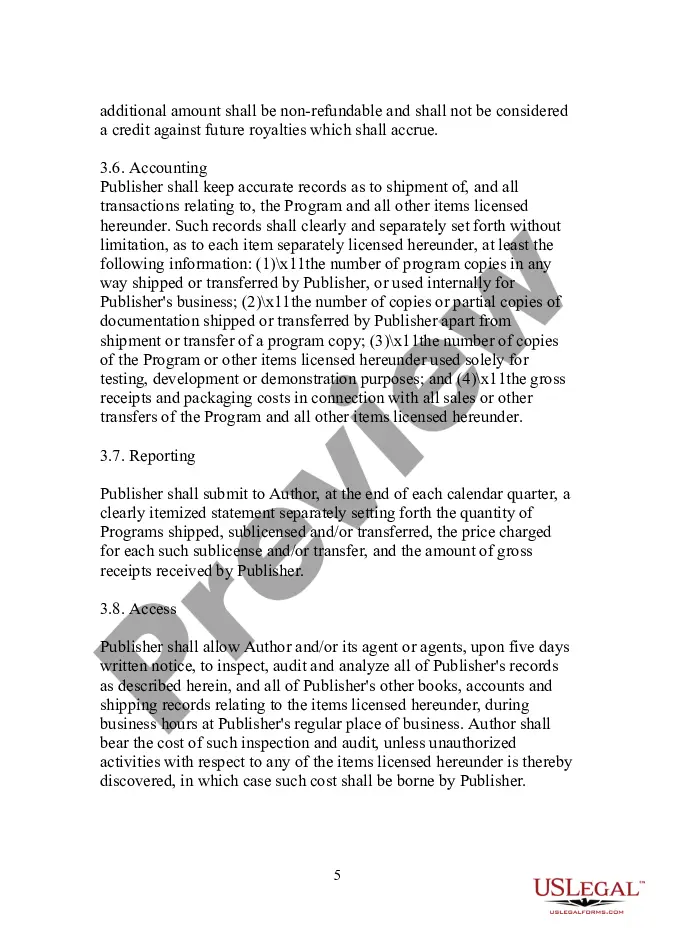
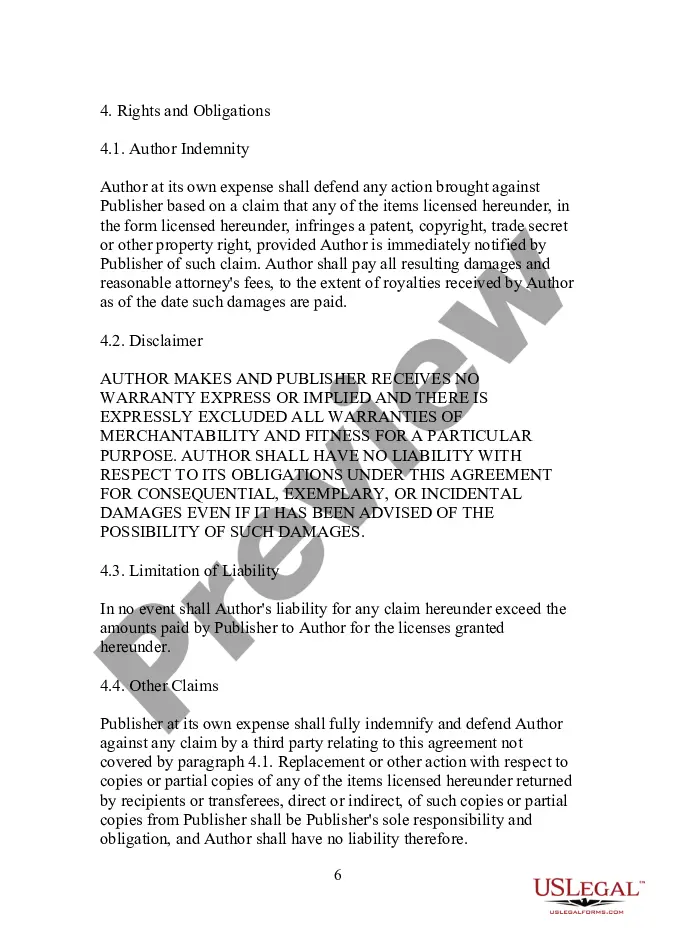
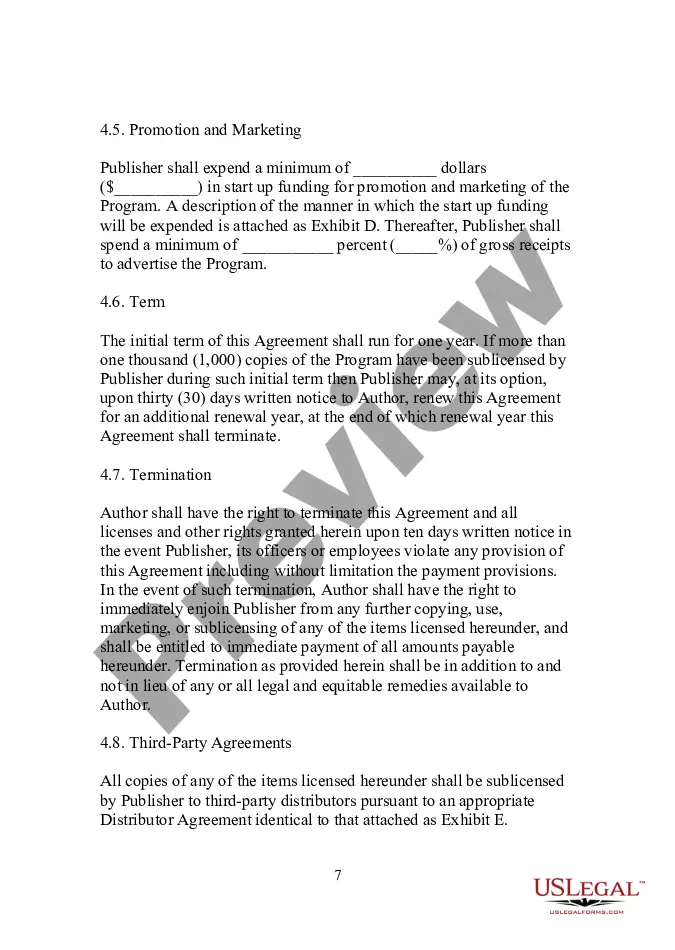
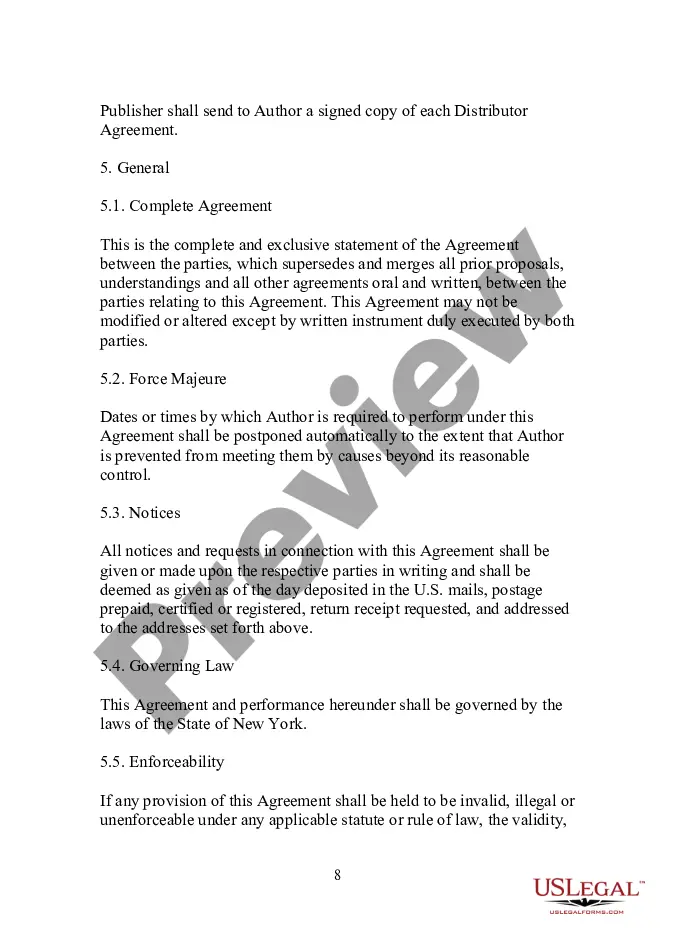
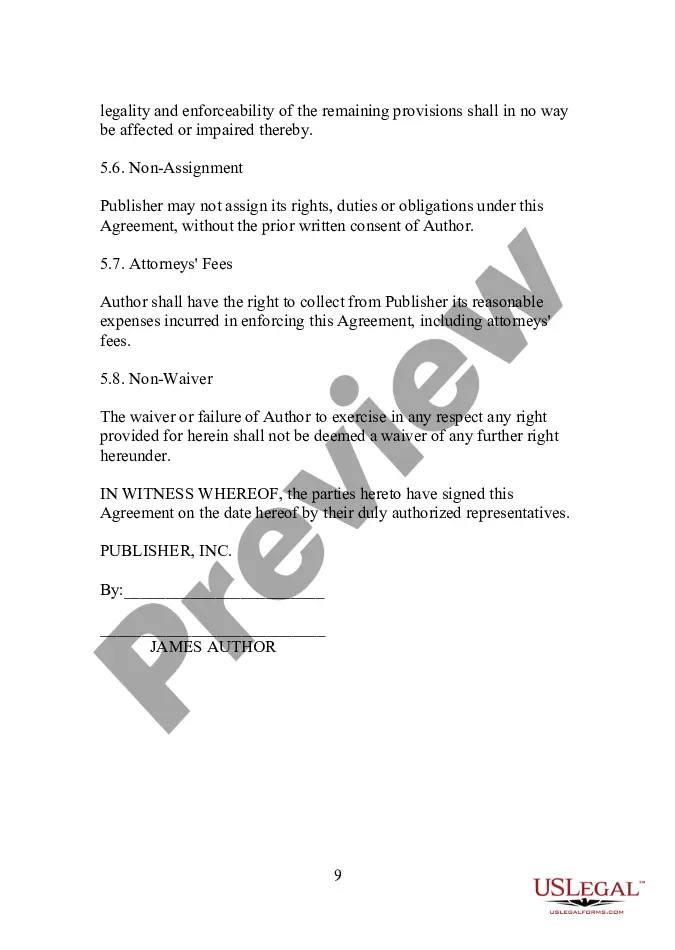
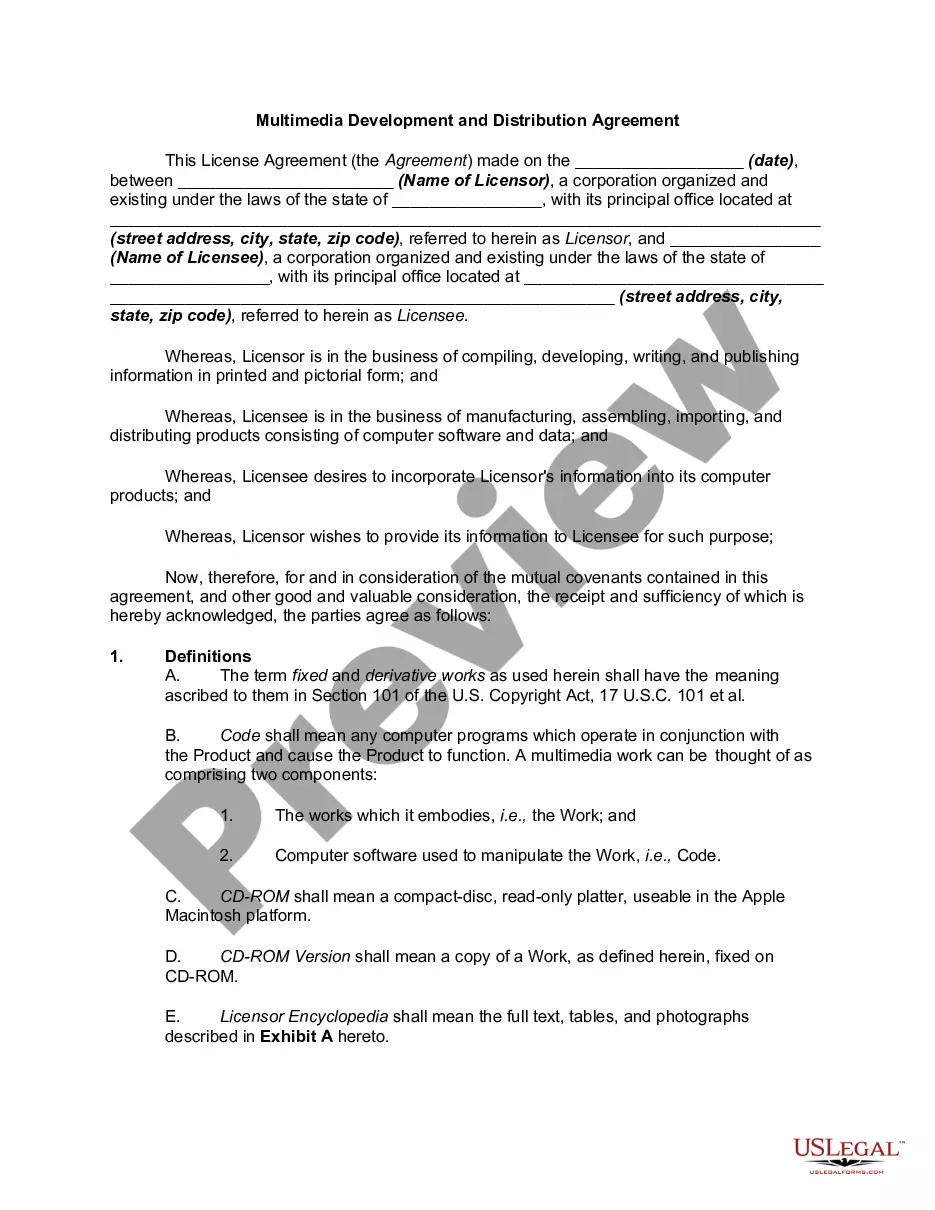
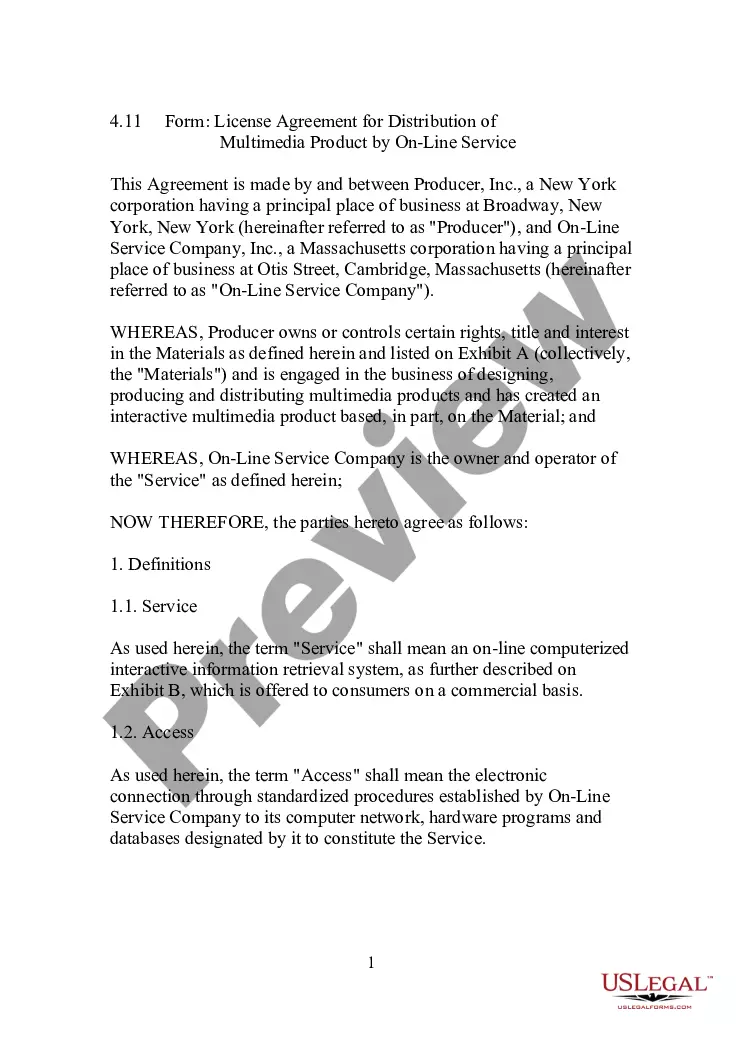
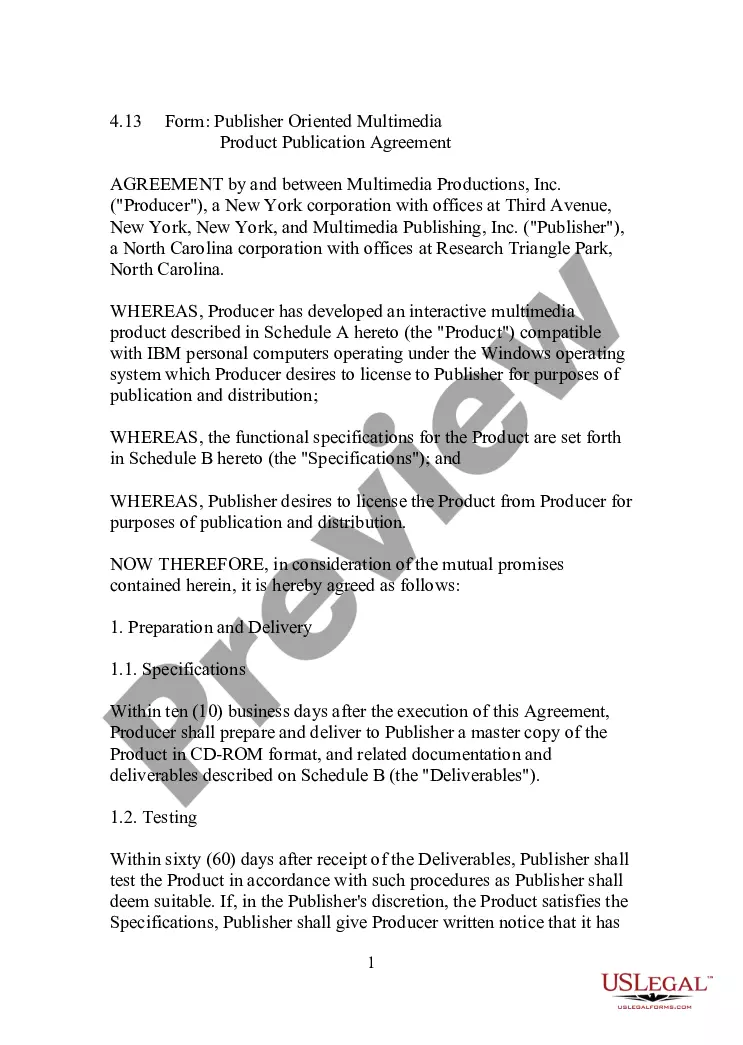
Get your form ready online
Our built-in tools help you complete, sign, share, and store your documents in one place.
Make edits, fill in missing information, and update formatting in US Legal Forms—just like you would in MS Word.
Download a copy, print it, send it by email, or mail it via USPS—whatever works best for your next step.
Sign and collect signatures with our SignNow integration. Send to multiple recipients, set reminders, and more. Go Premium to unlock E-Sign.
If this form requires notarization, complete it online through a secure video call—no need to meet a notary in person or wait for an appointment.
We protect your documents and personal data by following strict security and privacy standards.

Make edits, fill in missing information, and update formatting in US Legal Forms—just like you would in MS Word.

Download a copy, print it, send it by email, or mail it via USPS—whatever works best for your next step.

Sign and collect signatures with our SignNow integration. Send to multiple recipients, set reminders, and more. Go Premium to unlock E-Sign.

If this form requires notarization, complete it online through a secure video call—no need to meet a notary in person or wait for an appointment.

We protect your documents and personal data by following strict security and privacy standards.
Looking for another form?




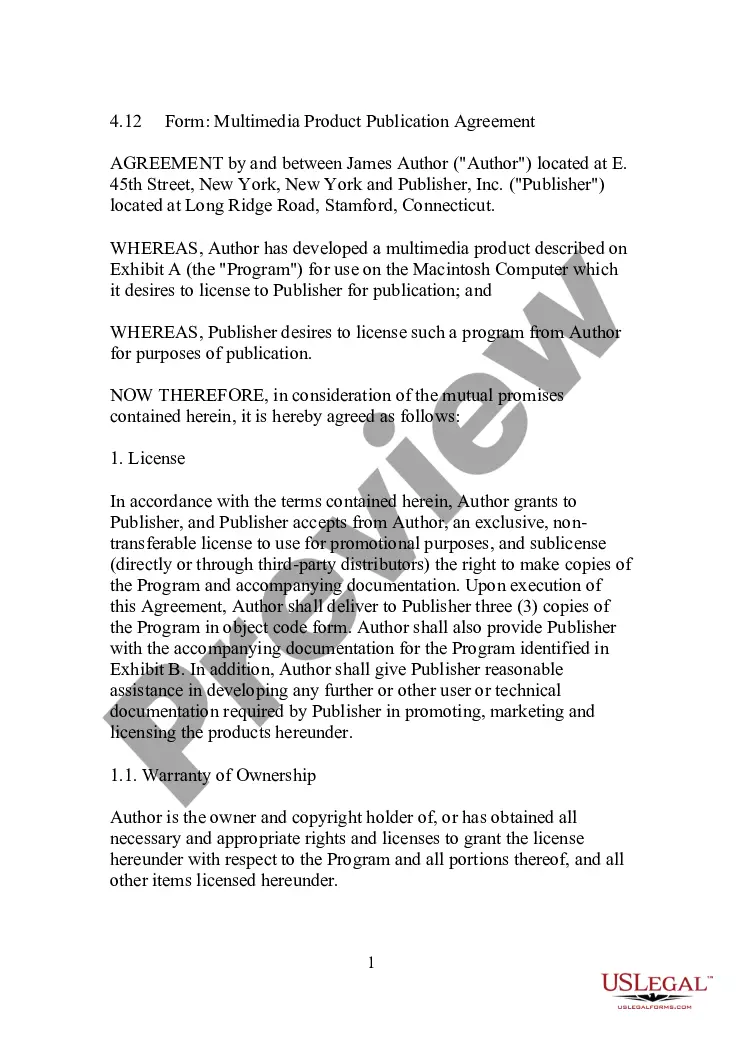
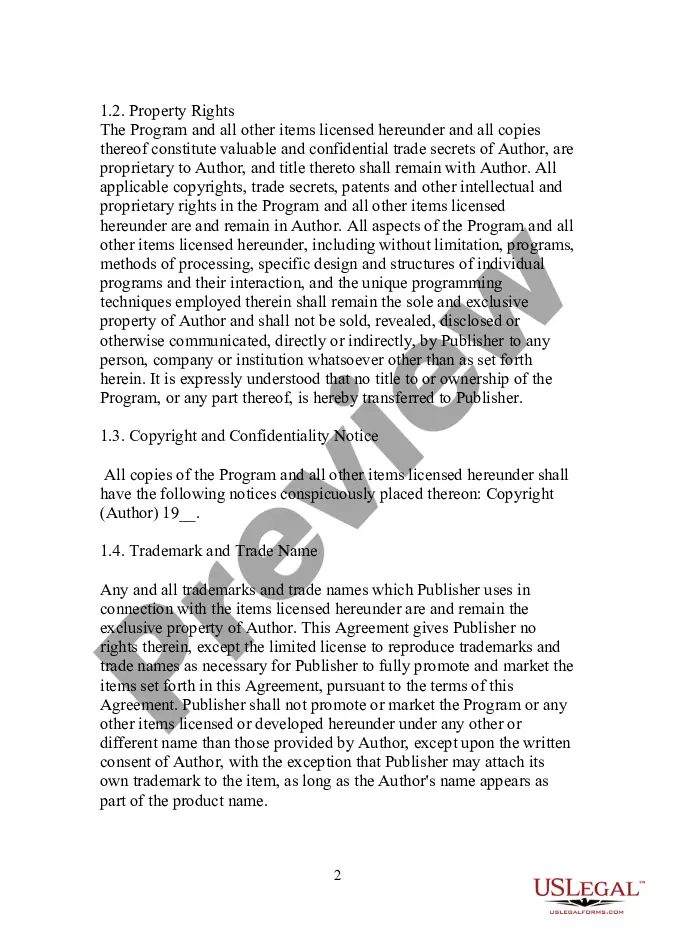
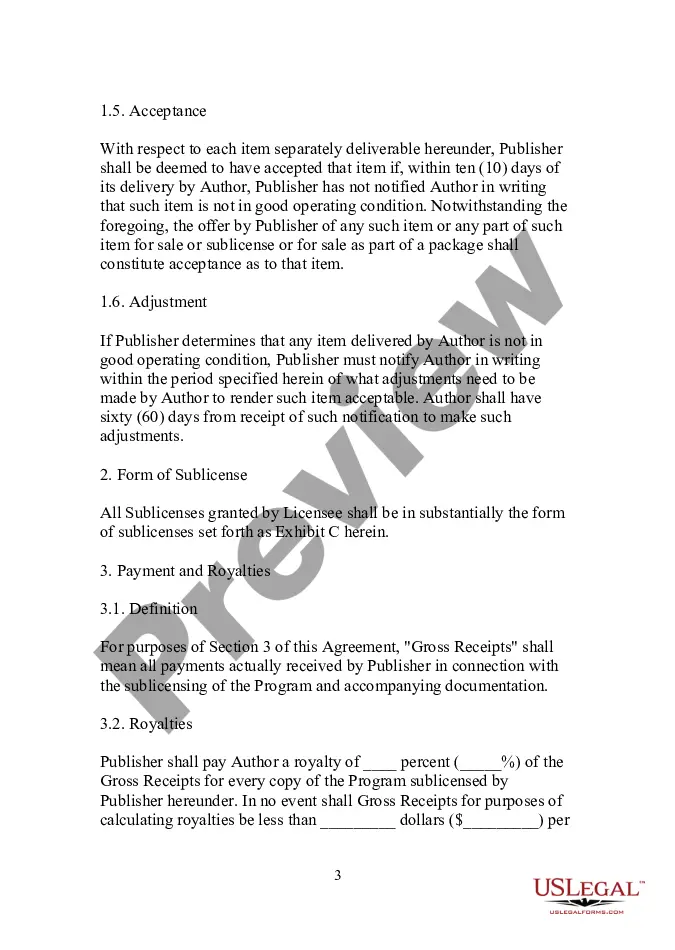
How to fill out Form - Multimedia Product Publication Agreement?
You are able to devote several hours online trying to find the legitimate document format that fits the state and federal specifications you will need. US Legal Forms provides thousands of legitimate varieties which can be reviewed by experts. You can actually acquire or print out the District of Columbia Form - Multimedia Product Publication Agreement from the services.
If you currently have a US Legal Forms account, you can log in and click the Download option. Afterward, you can total, modify, print out, or signal the District of Columbia Form - Multimedia Product Publication Agreement. Each and every legitimate document format you purchase is yours for a long time. To acquire one more version of any bought kind, go to the My Forms tab and click the related option.
If you use the US Legal Forms website for the first time, follow the basic directions below:
- First, be sure that you have chosen the right document format to the state/city of your choosing. Browse the kind description to make sure you have picked out the appropriate kind. If available, make use of the Review option to search throughout the document format as well.
- If you would like locate one more model from the kind, make use of the Lookup industry to get the format that fits your needs and specifications.
- When you have discovered the format you want, click on Get now to carry on.
- Pick the pricing program you want, enter your references, and sign up for an account on US Legal Forms.
- Complete the deal. You may use your bank card or PayPal account to cover the legitimate kind.
- Pick the structure from the document and acquire it to the system.
- Make changes to the document if needed. You are able to total, modify and signal and print out District of Columbia Form - Multimedia Product Publication Agreement.
Download and print out thousands of document themes while using US Legal Forms Internet site, which offers the most important selection of legitimate varieties. Use skilled and status-specific themes to take on your small business or person demands.
Form popularity
FAQ
Periods (abbreviations) Don't use periods for multi-word abbreviations, such as DC (not D.C.) and US (not U.S.). This is different from most publications' style.
District: Always capitalize District when referring to the District of Columbia. District government: District is capitalized, government is not. District-wide: Hyphenate. In titles and headlines, capitalize Wide, e.g. District-Wide Services.
A comma should always separate ?Washington? and ?D.C.? as in ?Washington, D.C.? with a comma after ?D.C.? if the sentence continues. Example: ?In Washington, D.C., students visited the Smithsonian museum.? When referring to a major city, there is no need for the state abbreviation.
Qualified High Technology Companies (QHTCs)
A Qualified High Technology Company (QHTC) is a for-profit company which: Leases or owns an office in the District of Columbia. Derives at least 51% of its gross revenues earned in the District from one or more permitted high technology activities.