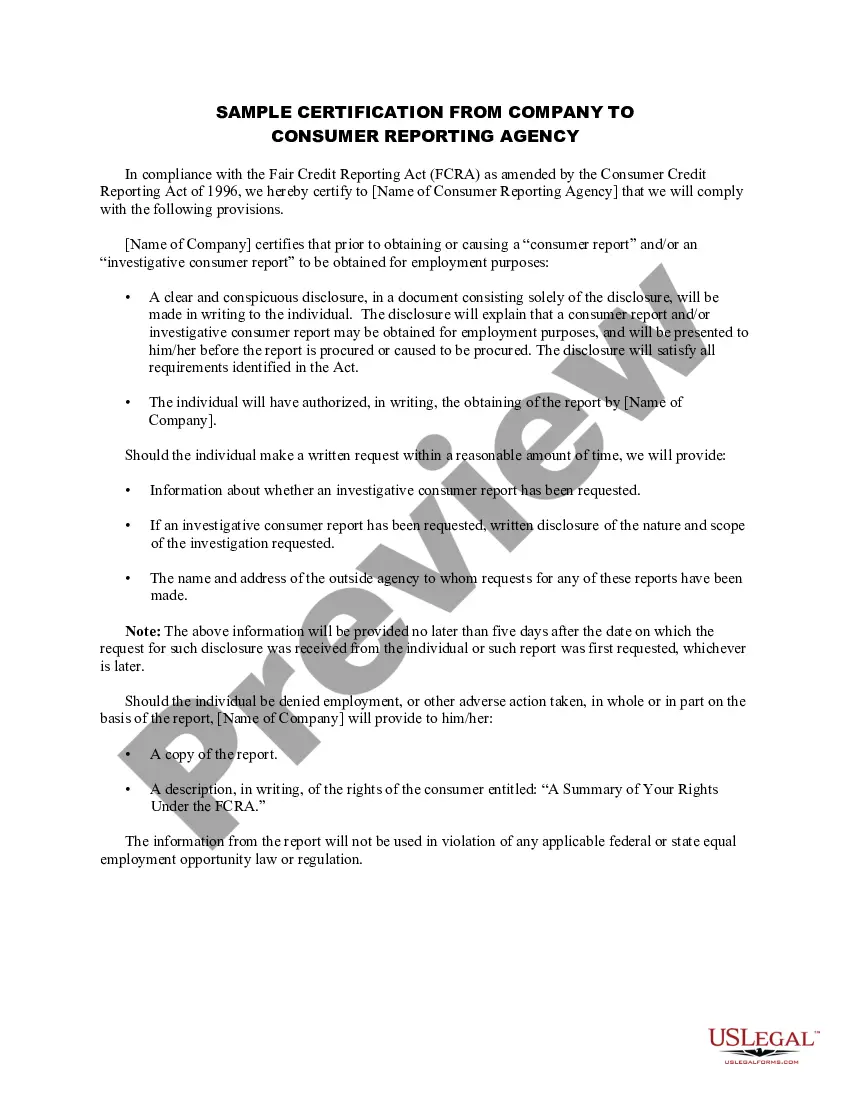
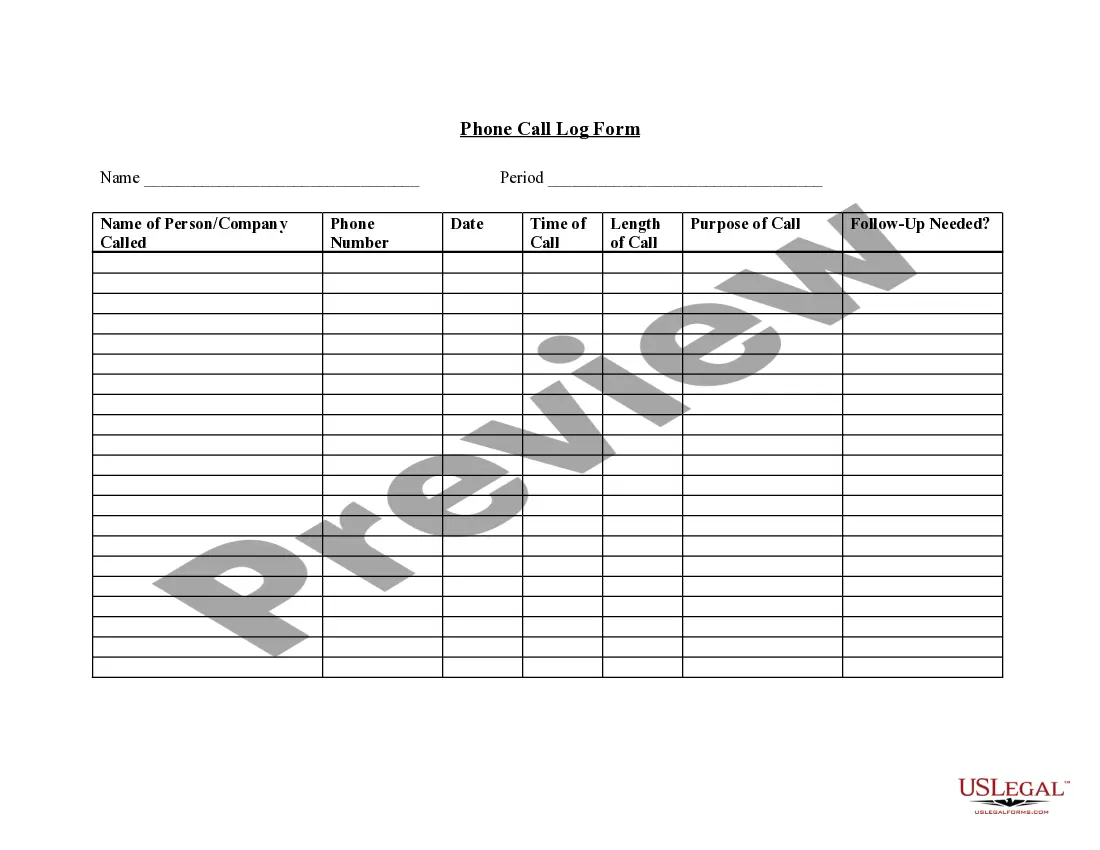
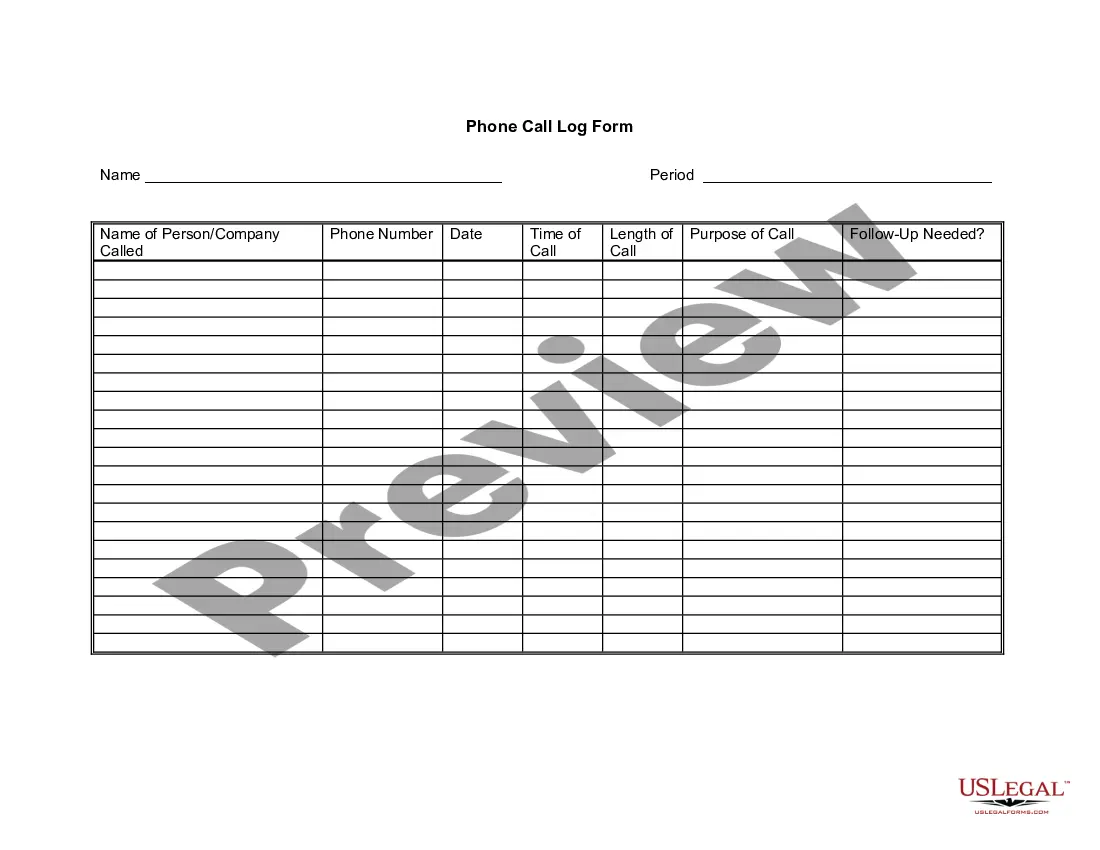
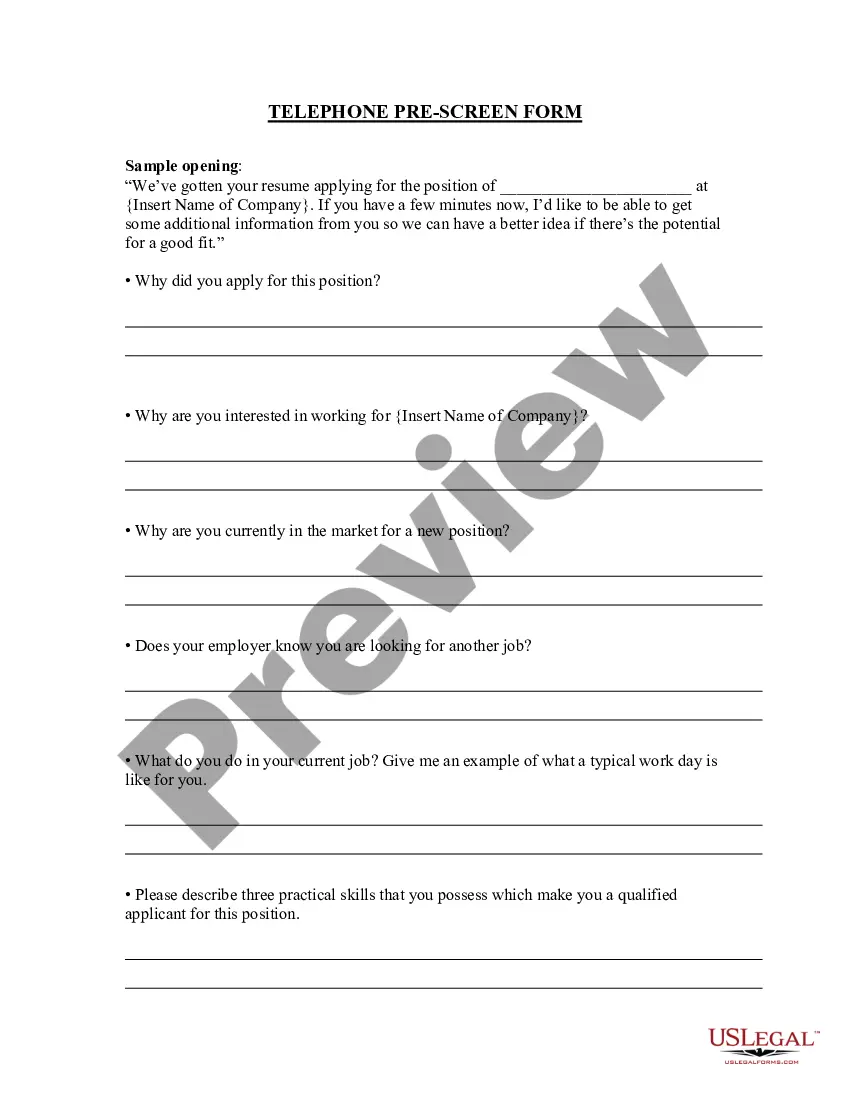
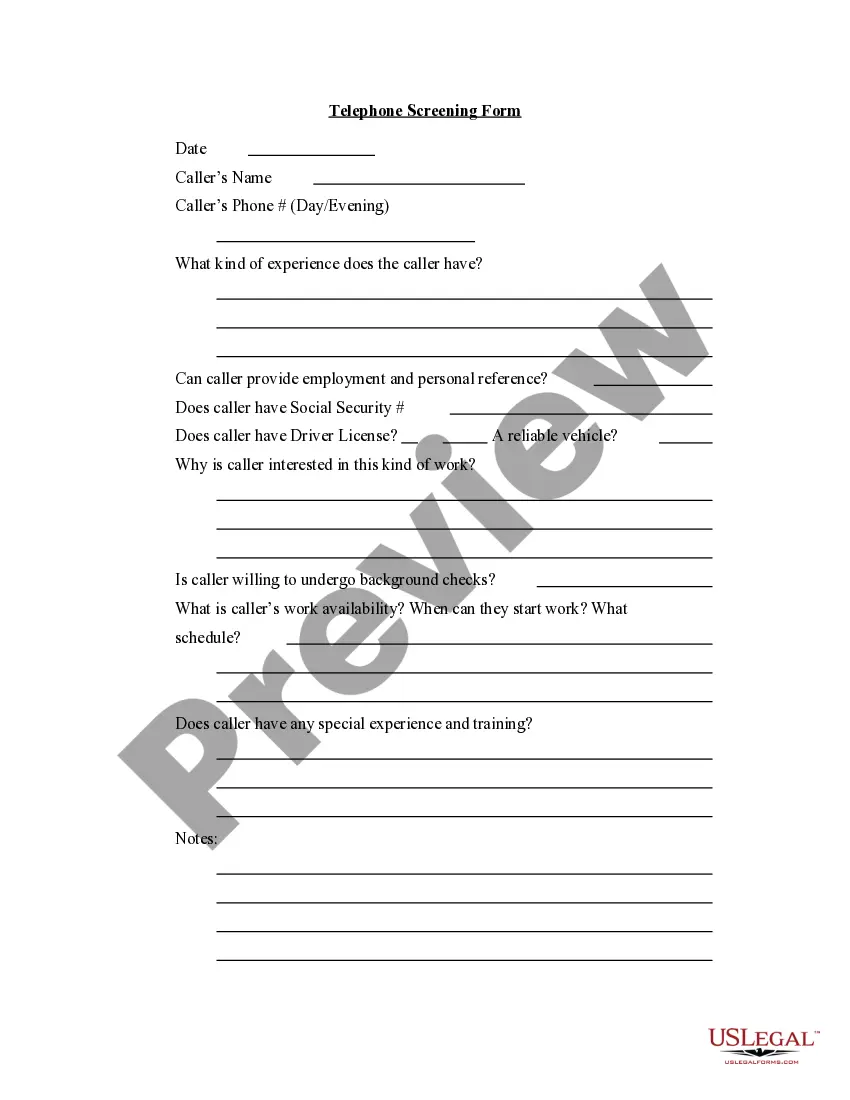
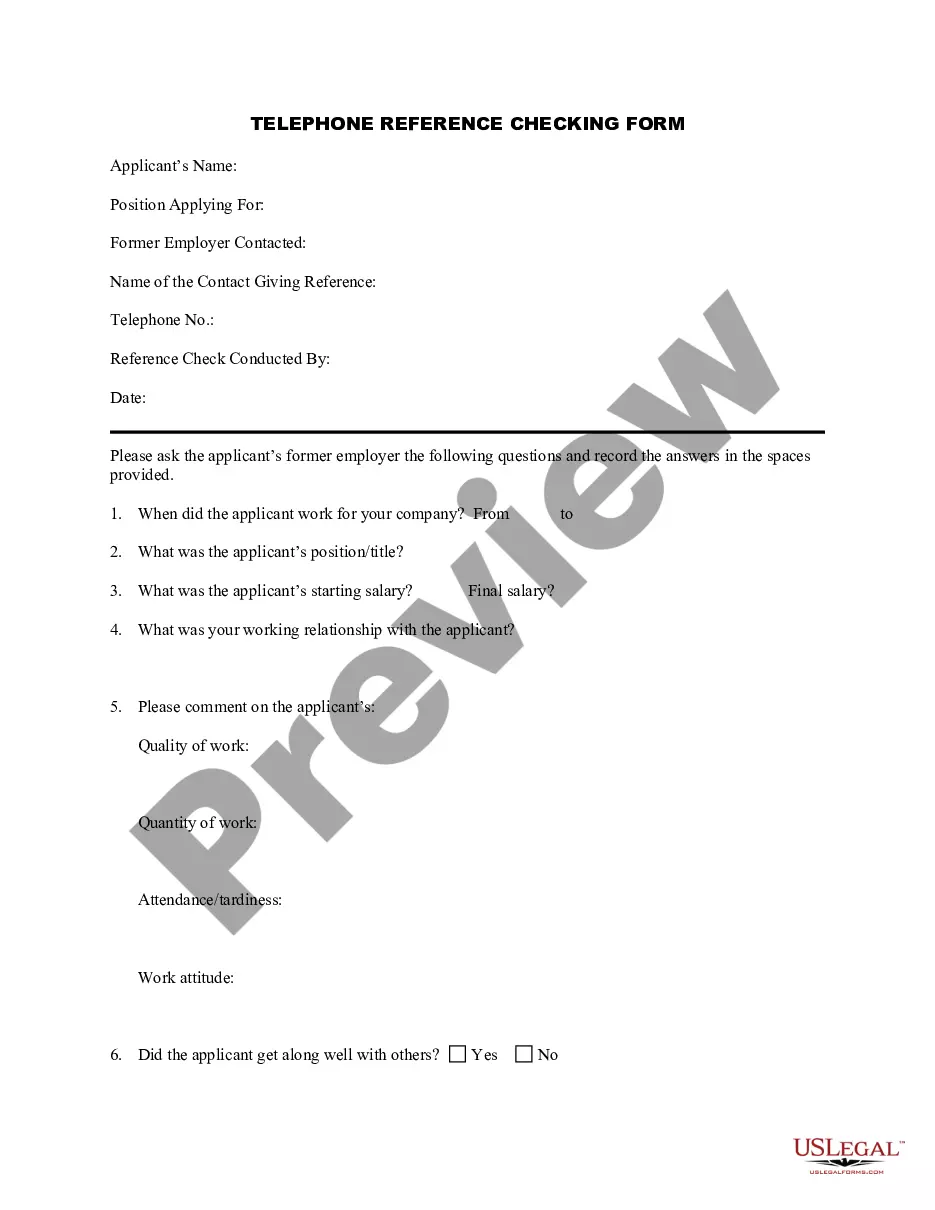
District of Columbia Telephone Call Log Form
Description
Get your form ready online
Our built-in tools help you complete, sign, share, and store your documents in one place.
Make edits, fill in missing information, and update formatting in US Legal Forms—just like you would in MS Word.
Download a copy, print it, send it by email, or mail it via USPS—whatever works best for your next step.
Sign and collect signatures with our SignNow integration. Send to multiple recipients, set reminders, and more. Go Premium to unlock E-Sign.
If this form requires notarization, complete it online through a secure video call—no need to meet a notary in person or wait for an appointment.
We protect your documents and personal data by following strict security and privacy standards.

Make edits, fill in missing information, and update formatting in US Legal Forms—just like you would in MS Word.

Download a copy, print it, send it by email, or mail it via USPS—whatever works best for your next step.

Sign and collect signatures with our SignNow integration. Send to multiple recipients, set reminders, and more. Go Premium to unlock E-Sign.

If this form requires notarization, complete it online through a secure video call—no need to meet a notary in person or wait for an appointment.

We protect your documents and personal data by following strict security and privacy standards.
Looking for another form?



How to fill out Telephone Call Log Form?
If you want to obtain, secure, or create sanctioned document templates, utilize US Legal Forms, the largest collection of legal forms accessible online.
Employ the site's straightforward and user-friendly search to locate the documents you need.
Various templates for business and personal uses are organized by categories and states, or keywords.
Every legal document template you purchase is yours permanently. You will have access to each form you've downloaded in your account. Click on the My documents section and choose a form to print or download again.
Complete and obtain, then print the District of Columbia Telephone Call Log Form with US Legal Forms. There are thousands of professional and state-specific forms you can use for your business or personal needs.
- Utilize US Legal Forms to locate the District of Columbia Telephone Call Log Form with just a few clicks.
- If you are already a US Legal Forms user, Log In to your account and click the Download button to obtain the District of Columbia Telephone Call Log Form.
- You can also access forms you've previously downloaded in the My documents tab of your account.
- If you are using US Legal Forms for the first time, follow the instructions below.
- Step 1. Ensure you have selected the form for the correct area/state.
- Step 2. Use the Preview option to review the form's content. Remember to read the description.
- Step 3. If you are unhappy with the form, use the Search field at the top of the screen to find other forms in the legal form design.
- Step 4. After you have found the form you need, select the Purchase now button. Choose the pricing plan you prefer and provide your information to register for an account.
- Step 5. Process the transaction. You may use your Visa or Mastercard or PayPal account to complete the transaction.
- Step 6. Choose the format of the legal form and download it to your device.
- Step 7. Complete, modify, print, or sign the District of Columbia Telephone Call Log Form.
Form popularity
FAQ
To obtain the call log of a specific phone number, check your phone's call history, or contact your service provider for detailed records. If you want to create a personal log of these calls, you can utilize the District of Columbia Telephone Call Log Form from US Legal Forms. This form makes it easy for you to record important information and stay organized.
If you are a new business, register online with the DC Office of Tax and Revenue. If you already have a DC Withholding Account Number, you can look this up online or on on correspondence from the DC Office of Tax and Revenue. If you're unsure, contact the agency at 202-727-4829.
The District of Columbia Clean Hands mandate (D.C. Code § 47-2862) stipulates that individuals and businesses are to be denied City goods or services (e.g. licenses, permits, grants, contracts) if there is a debt owed to the District of Columbia of more than $100 for fees, fines, taxes, or penalties; and/or failure
Apply for a Basic Business LicenseObtain an Employer Identification Number (EIN) from the IRS.Register with the District of Columbia Office of Tax and Revenue.Make sure your DC business premise has a Certificate of Occupancy Permit (or Home Occupation Permit).Complete the Clean Hands Self Certification.More items...
500, or Combined Tax Registration Form, is used by businesses to register all their tax requirements on one simple form. Whether registering for sales tax, franchise tax, unemployment tax, etc., the business person completes all areas applicable to their business activity either in hardcopy or online.
Tax registration is required for your Basic Business License Once your LLC is registered with OTR, they will mail you a Notice of Business Tax Registration. In the upper-right hand corner of this letter will be your LLC's Notice Number. You'll need this Notice Number in order to apply for your Basic Business License.
If your company is a DC corporation, DC partnership, or DC limited liability company, you need to be registered and in good standing with the DCRA Corporation Division. All business entities registered are required to have a Washington DC registered agent and office.
Obtaining a Certificate of Clean Hands from the Office of Tax and Revenue is a simple process by visiting MyTax.DC.gov on your computer or smart phone. For additional information, please contact OTR's Compliance Administration, Collections Division at (202) 724-5045 or email CleanHands.cert@dc.gov.
Taxpayers who wish to register a new business in the District of Columbia can conveniently complete the Register a New Business: Form FR-500 application online via the Office of Tax and Revenue's (OTR) tax portal, MyTax.DC.gov.
500, or Combined Tax Registration Form, is used by businesses to register all their tax requirements on one simple form. Whether registering for sales tax, franchise tax, unemployment tax, etc., the business person completes all areas applicable to their business activity either in hardcopy or online.