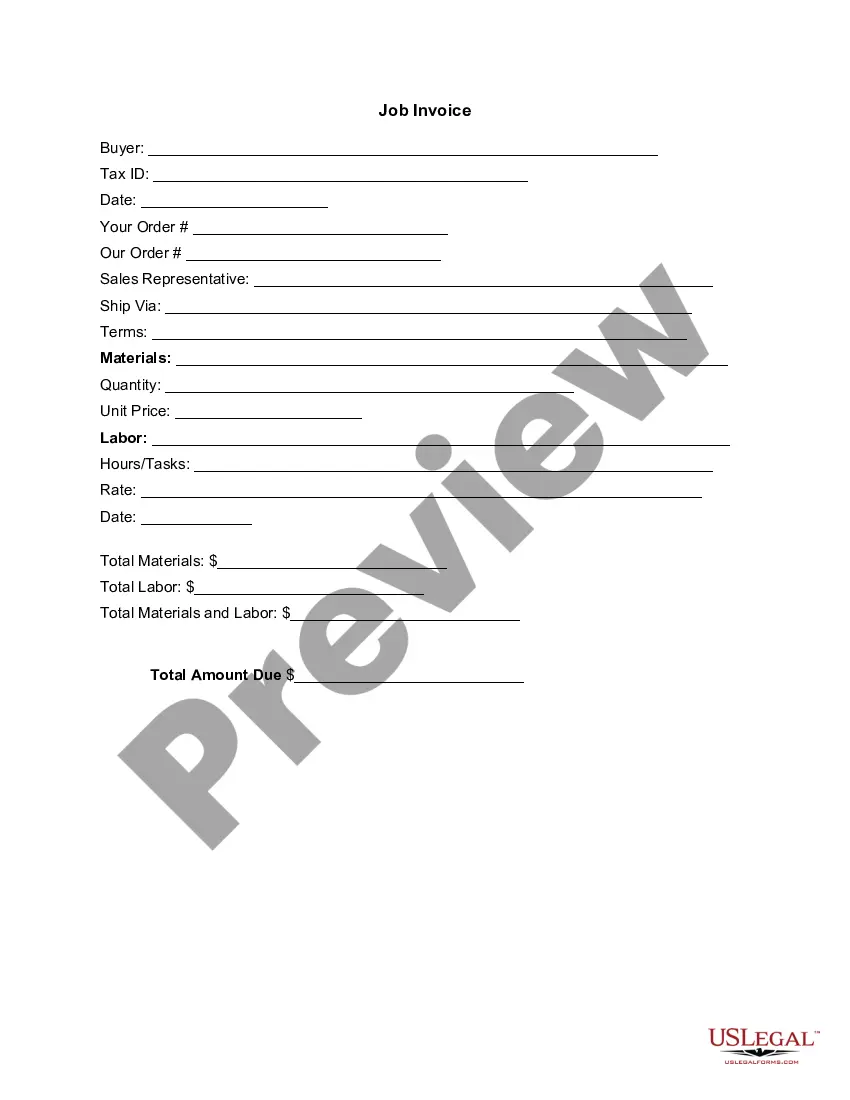
District of Columbia Invoice Template for HR Manager
Description


Get your form ready online
Our built-in tools help you complete, sign, share, and store your documents in one place.
Make edits, fill in missing information, and update formatting in US Legal Forms—just like you would in MS Word.
Download a copy, print it, send it by email, or mail it via USPS—whatever works best for your next step.
Sign and collect signatures with our SignNow integration. Send to multiple recipients, set reminders, and more. Go Premium to unlock E-Sign.
If this form requires notarization, complete it online through a secure video call—no need to meet a notary in person or wait for an appointment.
We protect your documents and personal data by following strict security and privacy standards.

Make edits, fill in missing information, and update formatting in US Legal Forms—just like you would in MS Word.

Download a copy, print it, send it by email, or mail it via USPS—whatever works best for your next step.

Sign and collect signatures with our SignNow integration. Send to multiple recipients, set reminders, and more. Go Premium to unlock E-Sign.

If this form requires notarization, complete it online through a secure video call—no need to meet a notary in person or wait for an appointment.

We protect your documents and personal data by following strict security and privacy standards.
Looking for another form?




How to fill out Invoice Template For HR Manager?
If you need to complete, download, or print legal document templates, utilize US Legal Forms, the largest collection of legal documents available online.
Use the site's straightforward and user-friendly search to find the documents you require.
Numerous templates for business and personal use are organized by categories and states, or keywords.
Every legal document format you acquire is yours permanently. You have access to each form you downloaded in your account. Click the My documents section and select a form to print or download again.
Stay competitive and download, and print the District of Columbia Invoice Template for HR Manager using US Legal Forms. There are thousands of professional and state-specific documents available for your business or personal needs.
- Utilize US Legal Forms to acquire the District of Columbia Invoice Template for HR Manager with just a few clicks.
- If you are currently a US Legal Forms customer, Log In to your account and select the Purchase button to obtain the District of Columbia Invoice Template for HR Manager.
- You can also access forms you previously downloaded in the My documents section of your account.
- If you are using US Legal Forms for the first time, follow the instructions below.
- Step 1. Ensure that you have chosen the form for the correct state/region.
- Step 2. Use the Preview option to review the form’s content. Be sure to read the description.
- Step 3. If you are unhappy with the form, utilize the Search field at the top of the screen to find alternative versions of the legal form format.
- Step 4. Once you have located the form you desire, click on the Buy Now button. Select the pricing plan you prefer and enter your details to create an account.
- Step 5. Complete the payment process. You can use your credit card or PayPal account to finalize the transaction.
- Step 6. Choose the format of the legal document and download it to your device.
- Step 7. Fill out, edit, print, or sign the District of Columbia Invoice Template for HR Manager.
Form popularity
FAQ
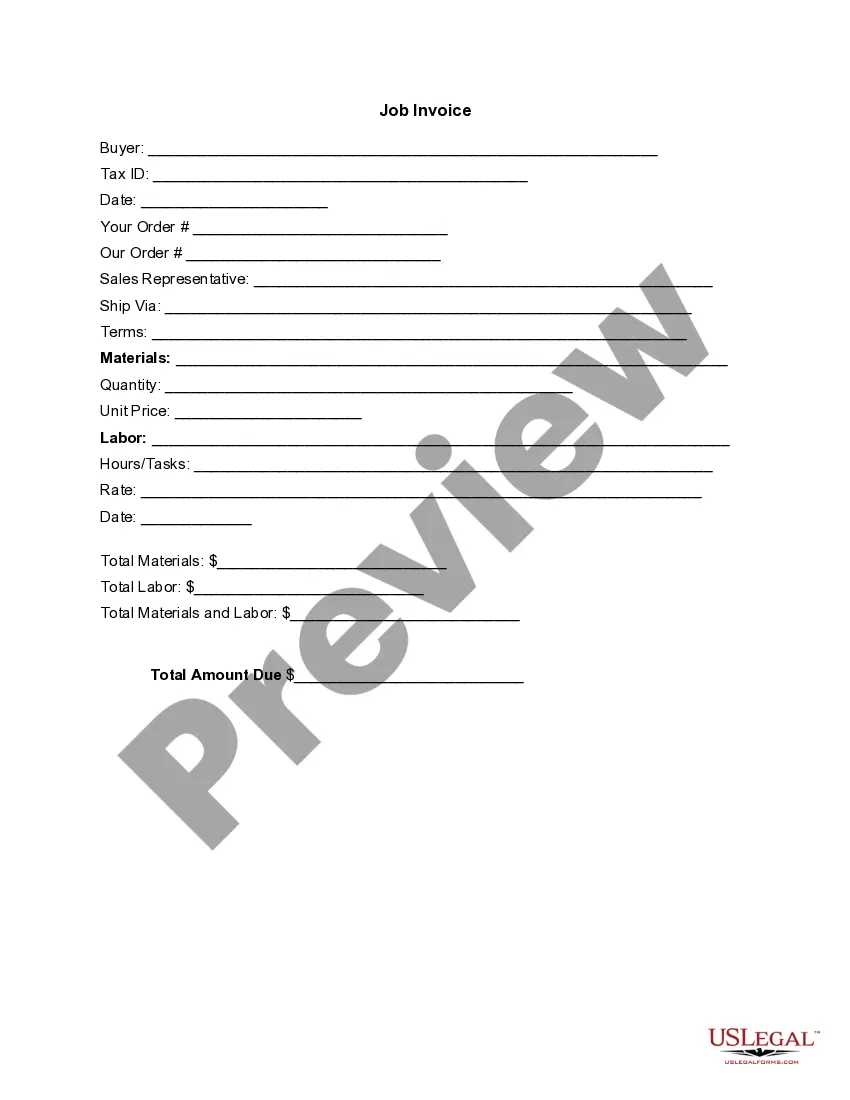
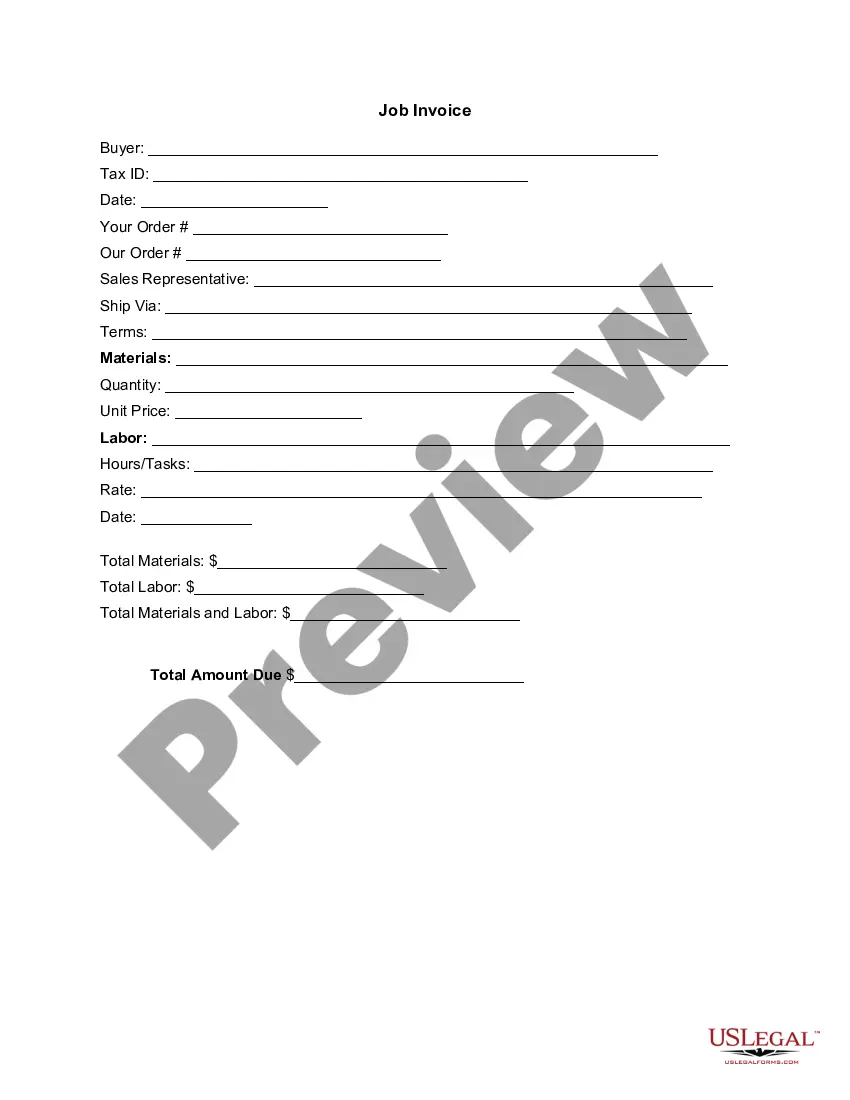
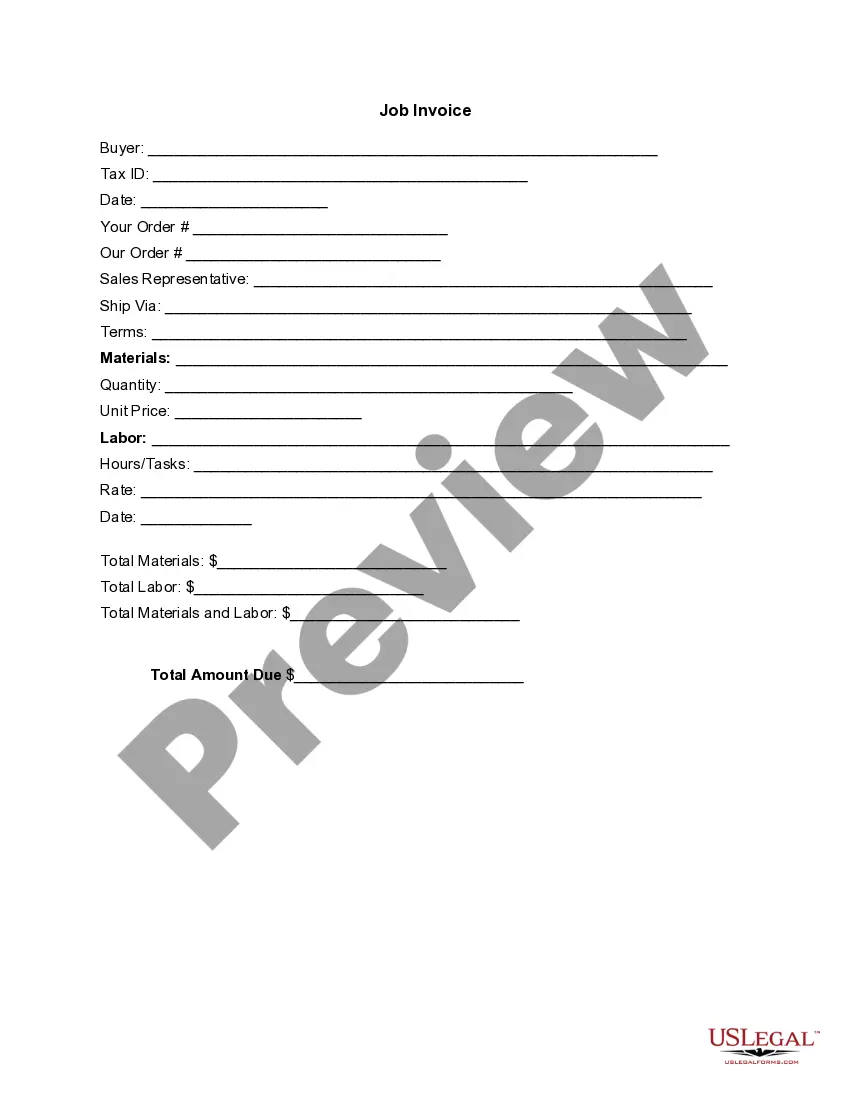
The correct format for an invoice using a District of Columbia Invoice Template for HR Manager typically includes your business name and contact information, client details, and a list of services provided with corresponding costs. Ensure that you include invoice numbers, dates, payment terms, and your preferred payment methods to make the process seamless.
Invoicing a client for services can be effectively managed using a District of Columbia Invoice Template for HR Manager. Mention the client's information at the top, followed by a detailed list of the services rendered, including dates and amounts. This clear breakdown ensures that your client understands the charges and the payment timeline.
Yes, you can generate an invoice for yourself using a District of Columbia Invoice Template for HR Manager. Simply input your details along with those of your client into the template. This method saves time and ensures your invoice meets professional standards, streamlining your invoicing process.
When filling out a service invoice sample, start by personalizing the District of Columbia Invoice Template for HR Manager to suit your business identity. Enter service dates, descriptions, and rates. Aim for clarity in presenting your charges and also clearly indicate any additional fees or discounts to avoid confusion.
To generate an invoice for professional services, begin with a District of Columbia Invoice Template for HR Manager that allows customization. Clearly detail the services rendered, including hours worked if applicable, and assign a rate to each service. Include your terms, such as payment methods and due dates, to ensure smooth transactions.
Creating a professional invoice using a District of Columbia Invoice Template for HR Manager is straightforward. Ensure your template has a clean design and clearly states your business name, logo, and contact information. List services in a clear format, include total amounts, and specify payment due dates to present professionalism to your clients.
To fill out a District of Columbia Invoice Template for HR Manager, begin by entering your company's name and contact information at the top. Next, include the client's details, such as their name and address. In the main section, outline the services provided along with the corresponding costs, and remember to include payment terms at the bottom.
The choice between Word and Excel for creating invoices depends on your specific requirements. Excel is excellent for automated calculations, while Word offers design flexibility. To balance these features, you might want to explore the District of Columbia Invoice Template for HR Manager from US Legal Forms, which can provide both a professional look and the capability for tracking payments.
Yes, you can create an invoice using Word if you prefer working with text-focused software. Word allows for easy customization and formatting, ideal for personalized invoices. For a refined and professional layout, consider the District of Columbia Invoice Template for HR Manager from US Legal Forms to streamline your invoicing process.
Creating an invoice for your employer involves organizing essential information clearly. Start with your details and your employer's information, followed by a list of services rendered with corresponding prices. To simplify the process, you might want to use the District of Columbia Invoice Template for HR Manager from US Legal Forms, which provides a comprehensive structure.