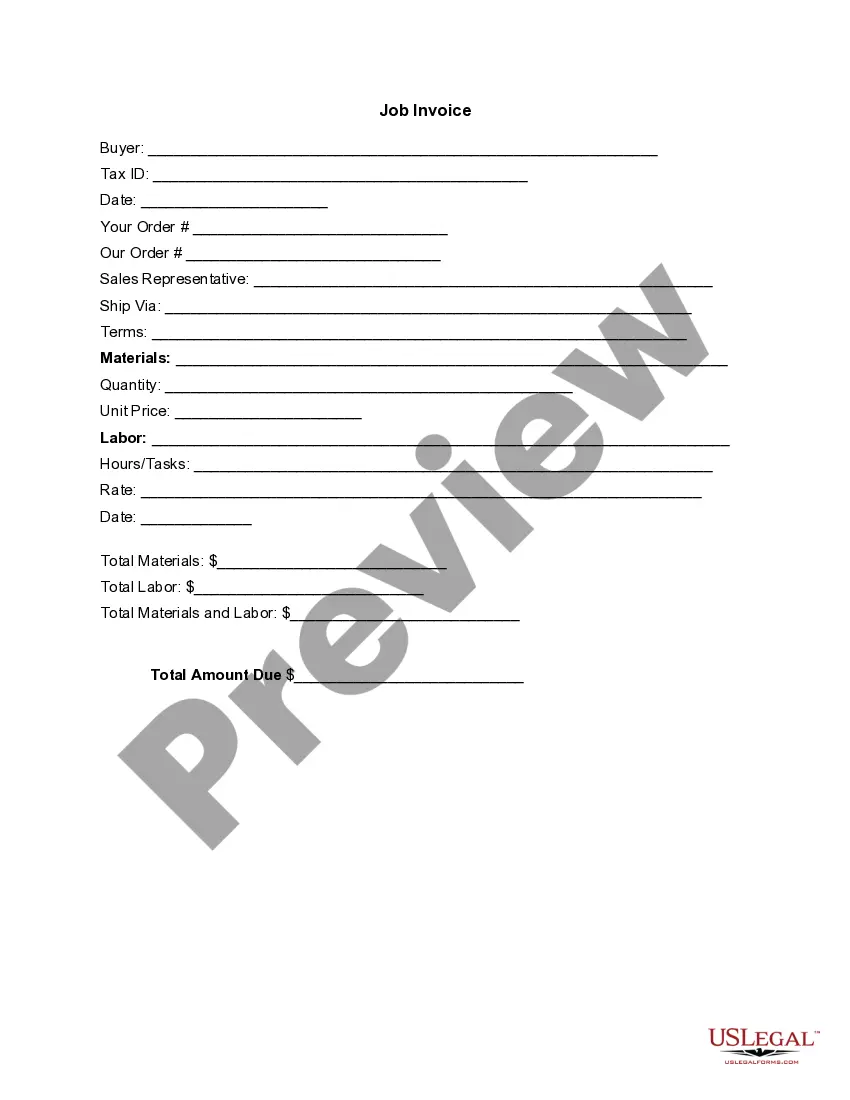
District of Columbia Invoice Template for Scientist
Description


Get your form ready online
Our built-in tools help you complete, sign, share, and store your documents in one place.
Make edits, fill in missing information, and update formatting in US Legal Forms—just like you would in MS Word.
Download a copy, print it, send it by email, or mail it via USPS—whatever works best for your next step.
Sign and collect signatures with our SignNow integration. Send to multiple recipients, set reminders, and more. Go Premium to unlock E-Sign.
If this form requires notarization, complete it online through a secure video call—no need to meet a notary in person or wait for an appointment.
We protect your documents and personal data by following strict security and privacy standards.

Make edits, fill in missing information, and update formatting in US Legal Forms—just like you would in MS Word.

Download a copy, print it, send it by email, or mail it via USPS—whatever works best for your next step.

Sign and collect signatures with our SignNow integration. Send to multiple recipients, set reminders, and more. Go Premium to unlock E-Sign.

If this form requires notarization, complete it online through a secure video call—no need to meet a notary in person or wait for an appointment.

We protect your documents and personal data by following strict security and privacy standards.
Looking for another form?



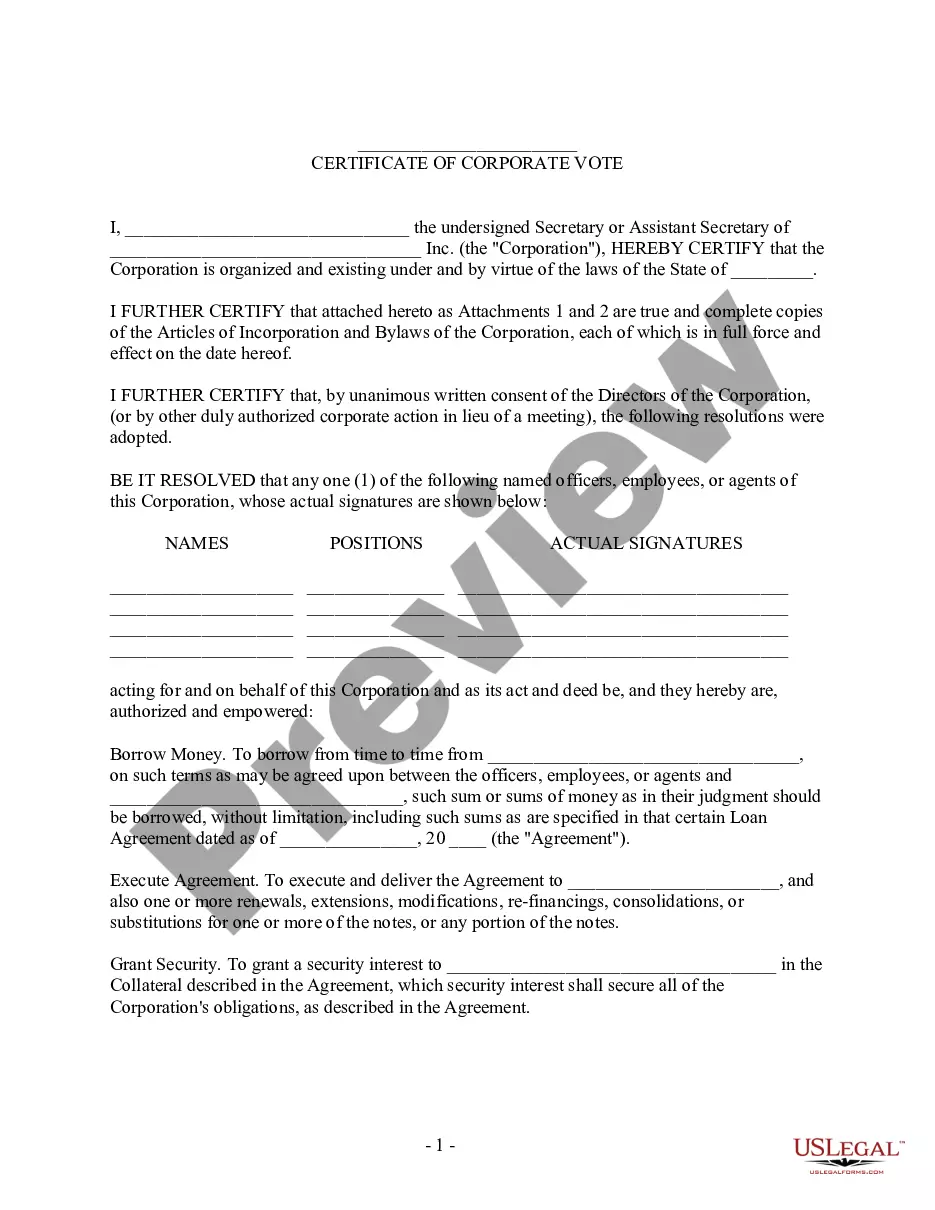

How to fill out Invoice Template For Scientist?
You might spend countless hours online trying to locate the valid document template that satisfies the state and federal criteria you need.
US Legal Forms offers thousands of legal forms that can be reviewed by experts.
You can effortlessly download or print the District of Columbia Invoice Template for Scientist from your service.
To obtain another version of your form, make use of the Research field to find the template that fulfills your needs and requirements.
- If you have a US Legal Forms account, you can Log In and then click the Acquire button.
- After that, you can complete, modify, print, or sign the District of Columbia Invoice Template for Scientist.
- Every legal document template you obtain is your personal property permanently.
- To get an additional copy of any purchased form, navigate to the My documents tab and click the corresponding button.
- If you are using the US Legal Forms site for the first time, follow the simple instructions listed below.
- First, ensure you have selected the correct document template for your chosen state/city. Review the form description to confirm you have chosen the right form.
- If available, utilize the Preview button to inspect the document template as well.
Form popularity
FAQ
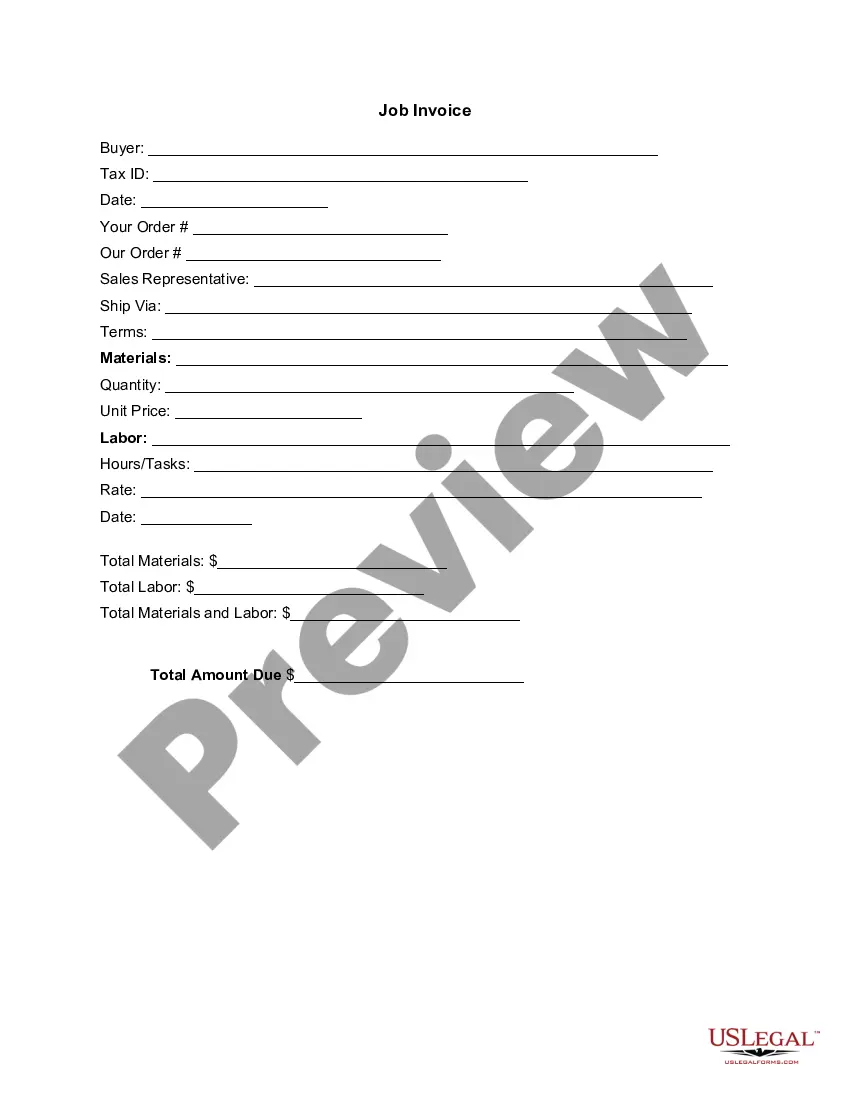
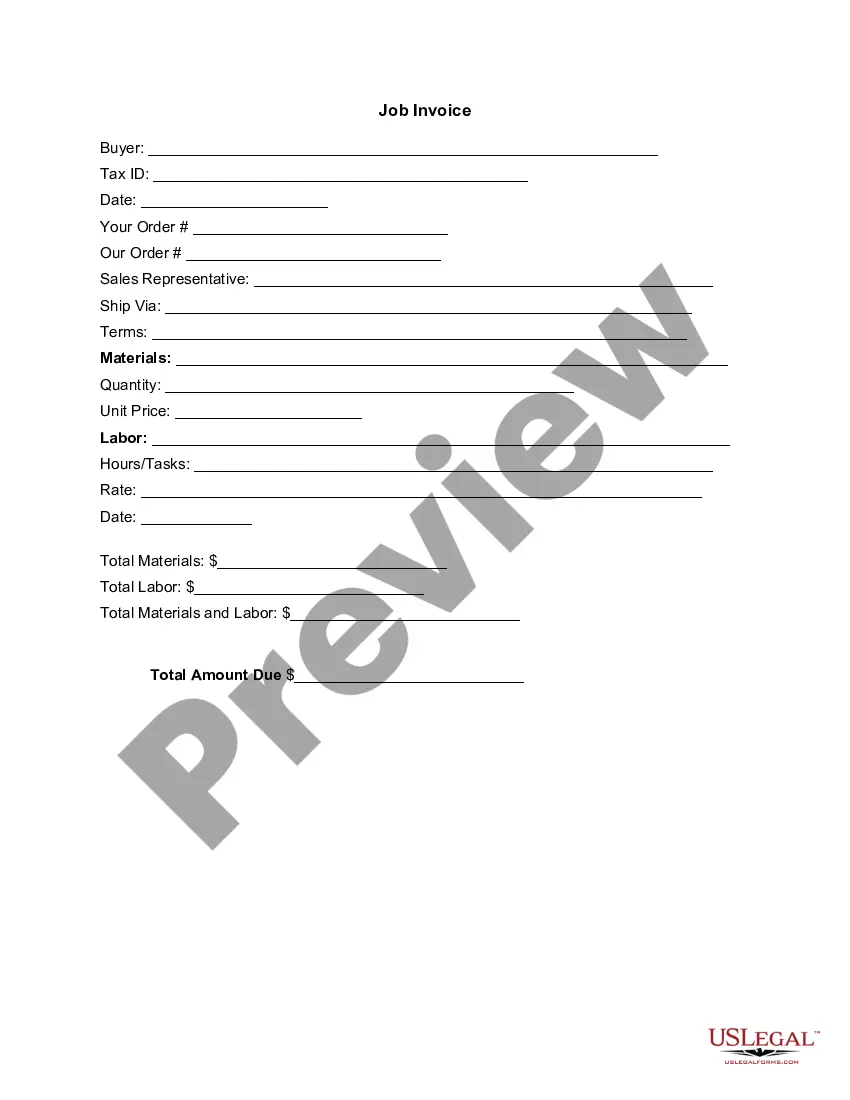
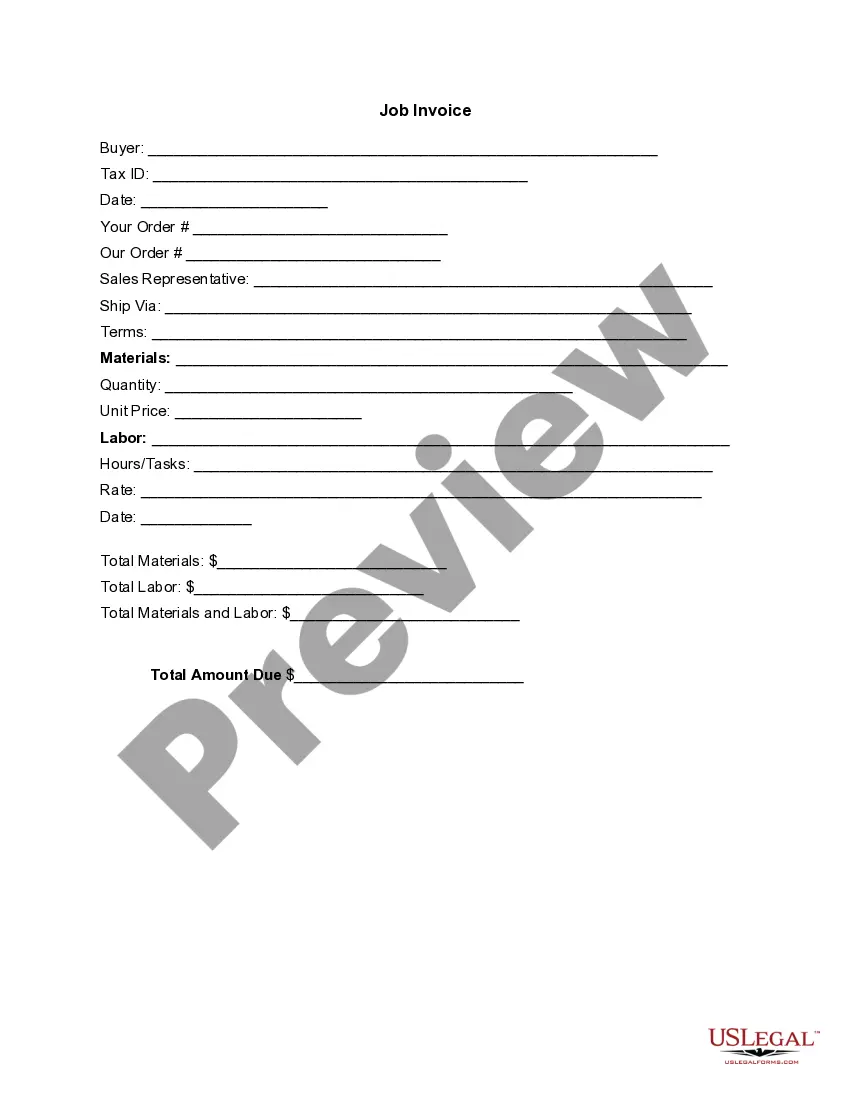
Creating an invoice for construction involves listing your business and your client's details prominently. You should itemize the services or materials provided, including quantities and prices. The District of Columbia Invoice Template for Scientist not only simplifies this process but also ensures compliance with relevant standards, making invoicing more efficient.
To fill out a construction invoice, start by listing your business details, followed by the client’s information. Detail the construction services rendered, including itemized costs and completion dates. Utilizing the District of Columbia Invoice Template for Scientist ensures you follow a professional format, which can enhance your business reputation.
When filling out a contractor's invoice, begin by providing your name and your client's name in the header. Clearly outline the work completed, including dates and detailed descriptions, as well as the costs involved. The District of Columbia Invoice Template for Scientist can streamline this task by offering structure and clarity.
Filling out an invoice template involves entering your details and those of your client at the top. Then, list each service or product, with corresponding quantities and prices. Utilizing the District of Columbia Invoice Template for Scientist will help you make this process easier, as it is designed to include all essential elements.
To fill out an invoice example, you should start by including your contact information and that of your client. Next, specify the services provided, along with the corresponding fees. Finally, reference the District of Columbia Invoice Template for Scientist to ensure that you incorporate all necessary components such as itemization and payment terms.