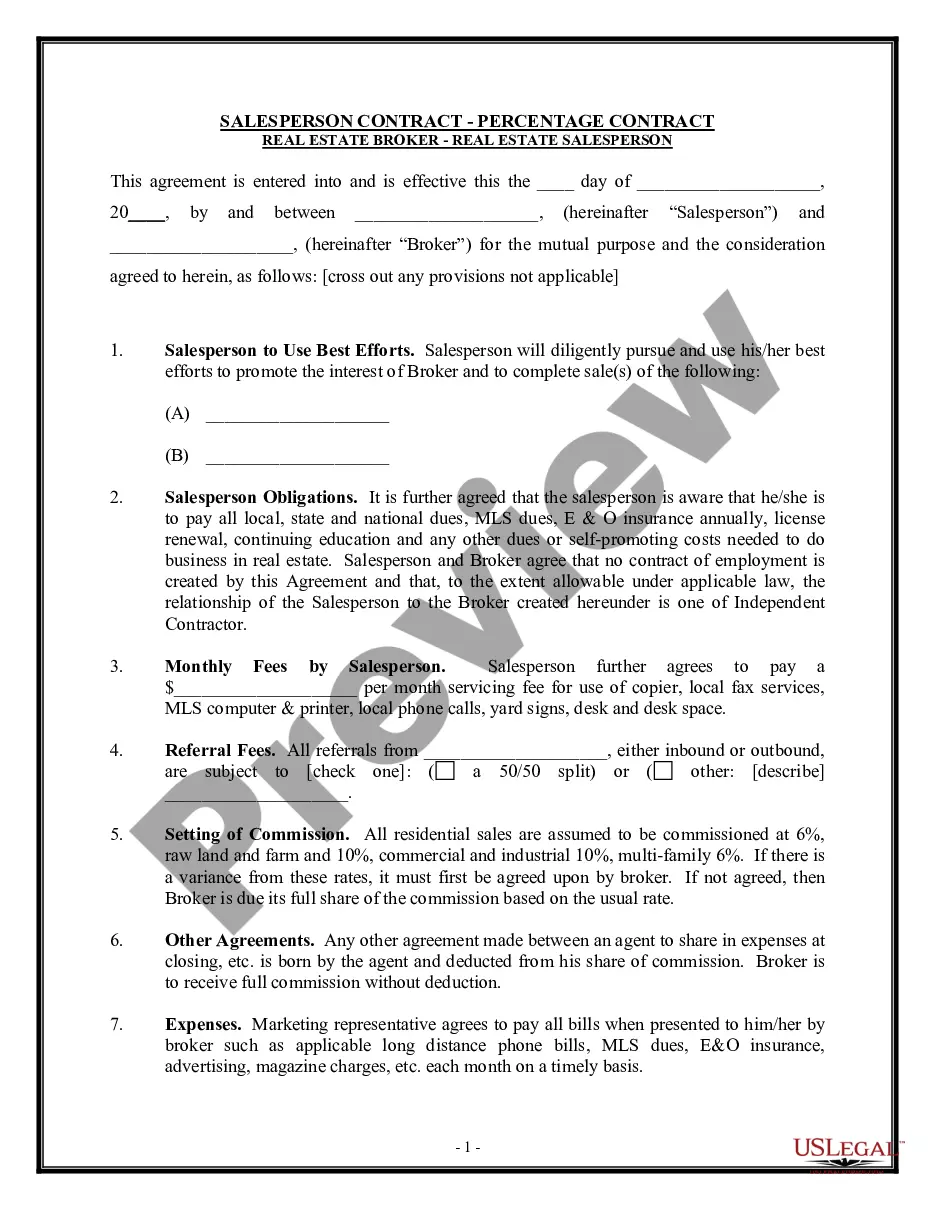
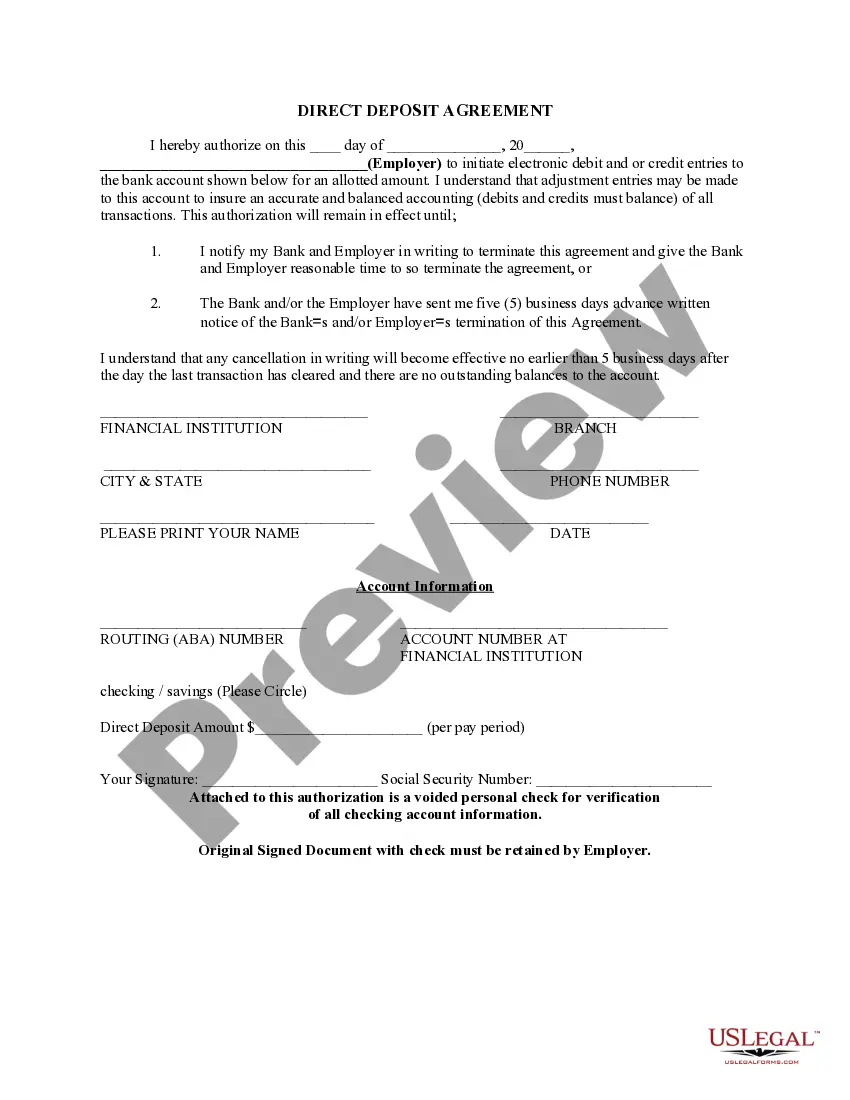
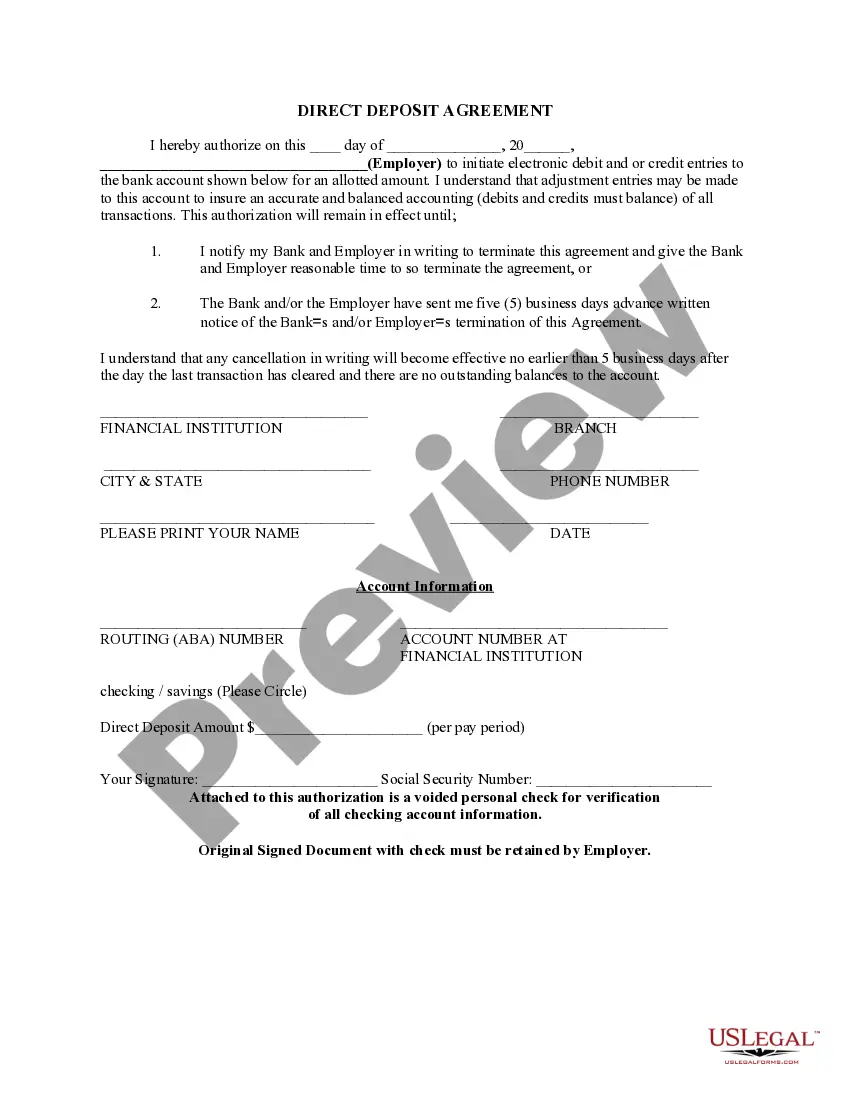
District of Columbia Direct Deposit Form for Social Security
Description
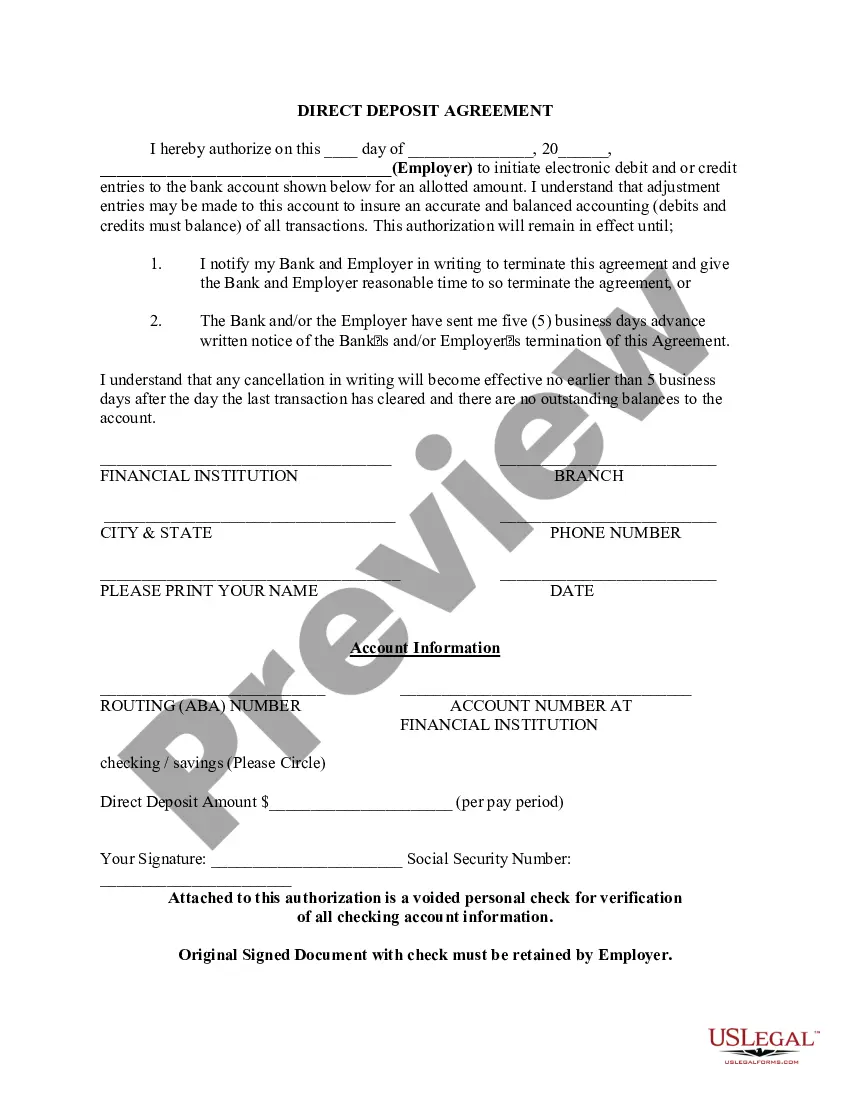
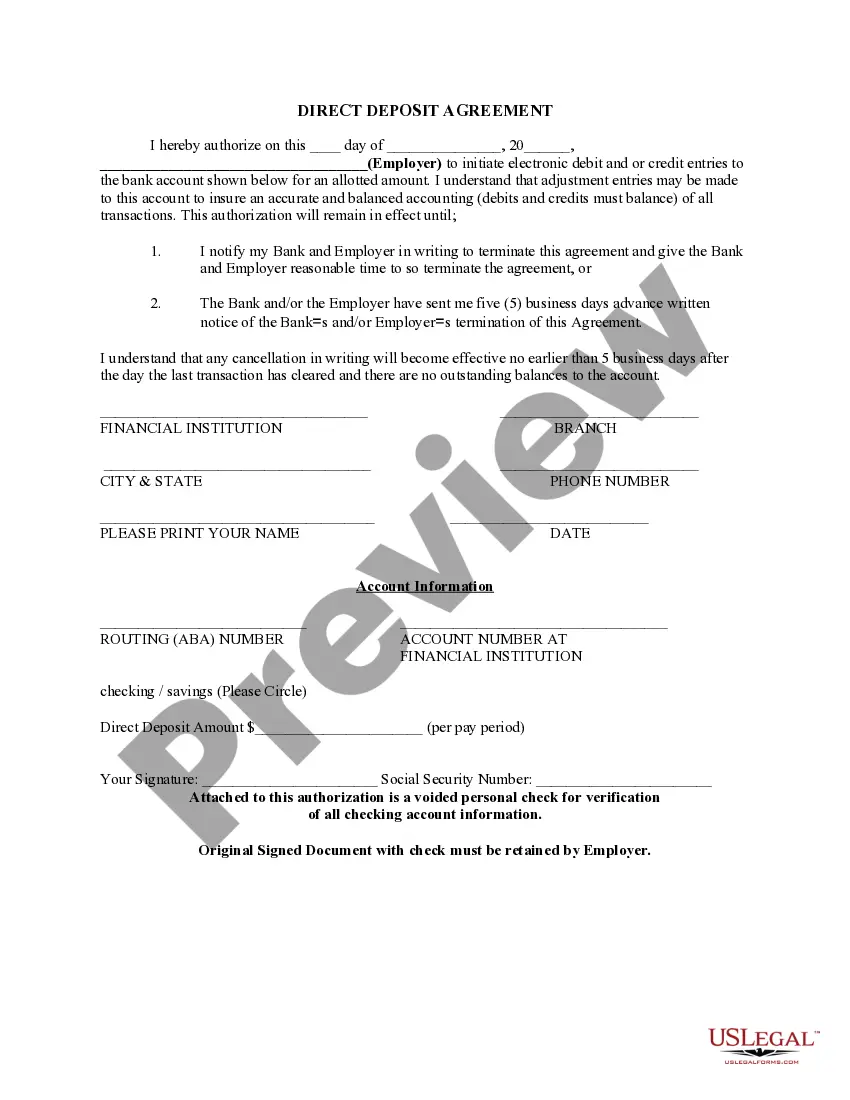


Get your form ready online
Our built-in tools help you complete, sign, share, and store your documents in one place.
Make edits, fill in missing information, and update formatting in US Legal Forms—just like you would in MS Word.
Download a copy, print it, send it by email, or mail it via USPS—whatever works best for your next step.
Sign and collect signatures with our SignNow integration. Send to multiple recipients, set reminders, and more. Go Premium to unlock E-Sign.
If this form requires notarization, complete it online through a secure video call—no need to meet a notary in person or wait for an appointment.
We protect your documents and personal data by following strict security and privacy standards.
Make edits, fill in missing information, and update formatting in US Legal Forms—just like you would in MS Word.
Download a copy, print it, send it by email, or mail it via USPS—whatever works best for your next step.
Sign and collect signatures with our SignNow integration. Send to multiple recipients, set reminders, and more. Go Premium to unlock E-Sign.
If this form requires notarization, complete it online through a secure video call—no need to meet a notary in person or wait for an appointment.
We protect your documents and personal data by following strict security and privacy standards.
Looking for another form?
How to fill out Direct Deposit Form For Social Security?
If you need to finalize, obtain, or create sanctioned document templates, utilize US Legal Forms, the premier selection of legal forms, accessible online.
Take advantage of the website's straightforward and efficient search tool to find the documents you need.
A range of templates for business and personal purposes are categorized by categories and states, or keywords. Utilize US Legal Forms to acquire the District of Columbia Direct Deposit Form for Social Security in just a few clicks.
Step 4. Once you have located the form you need, click the Purchase button. Select the pricing plan you prefer and enter your information to create an account.
Step 5. Complete the transaction. You can use your credit card or PayPal account to finalize the payment. Step 6. Choose the format of the legal form and download it to your device. Step 7. Fill out, modify, and print or sign the District of Columbia Direct Deposit Form for Social Security. Every legal document template you obtain is yours permanently. You will have access to each form you downloaded through your account. Click on the My documents section and select a form to print or download again. Be proactive and obtain and print the District of Columbia Direct Deposit Form for Social Security with US Legal Forms. There are countless professional and state-specific forms available for your business or personal needs.
- If you are already a US Legal Forms user, Log In to your account and click on the Download button to obtain the District of Columbia Direct Deposit Form for Social Security.
- You can also access forms you previously downloaded in the My documents section of your account.
- If you are using US Legal Forms for the first time, follow the instructions below.
- Step 1. Ensure you have selected the form for your specific city/state.
- Step 2. Use the Preview option to review the form's content. Don't forget to read the details.
- Step 3. If you are not satisfied with the form, use the Search area at the top of the screen to find other versions of the legal form template.
Form popularity
FAQ
Form SF-1199a is a direct deposit sign-up form for anyone who wishes to receive direct deposit payments from a government agency. This includes retirees receiving Social Security benefits, active military service members receiving salaries or veterans receiving pensions.
If you get Social Security benefits (retirement, survivors, or disability) or are enrolled in Medicare, you can change your address or direct deposit information online using the My Profile tab in your personal my Social Security account. You can also decide when the change will take effect.
How To: Change or Sign Up for Direct Deposit - YouTube YouTube Start of suggested clip End of suggested clip If you currently receive Social Security benefits. And you have a bank account starting or changingMoreIf you currently receive Social Security benefits. And you have a bank account starting or changing your direct deposit is quick secure. And easy with a personal my Social Security. Account.
Once you sign up (regardless of the method), it takes 30 to 60 days for any direct deposit changes or new accounts to take effect. Make sure you don't close or switch your bank account before you see that first successful deposit.
Form SSA-1699, Request for Appointed Representative Services and Direct Payment. Representatives appointed by the claimants must complete and submit this form to receive direct payment. This is a one-time submission.
Quick ? It's easy to receive your benefit by Direct Deposit. You can sign up online at Go Direct®, by calling 1-800-333-1795, in person at your bank, savings and loan or credit union, or calling Social Security. Then, just relax. Your benefit will go automatically into your account every month.
Starting or changing Direct Deposit online (Social Security benefits only), or. contacting your bank, credit union or savings and loan association, or. calling Social Security toll-free at 1-800-772-1213 (TTY 1-800-325-0778), or. visiting your local Social Security Field Office.