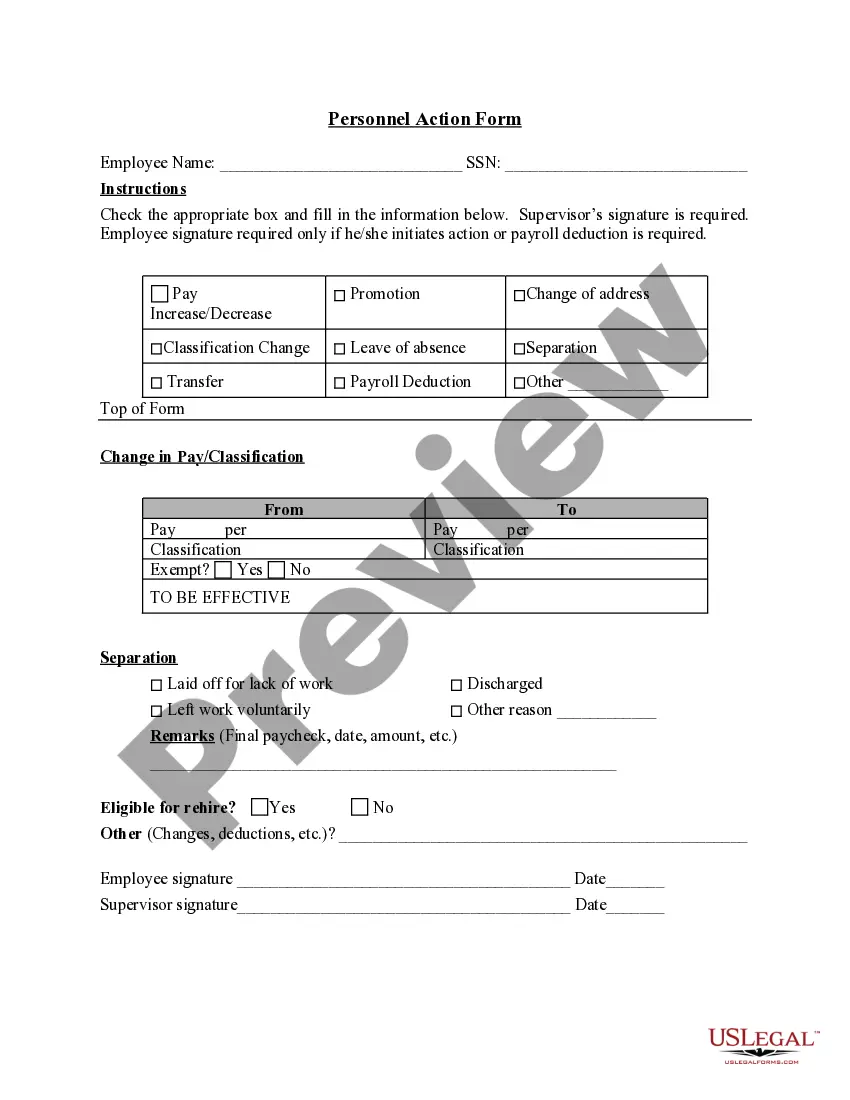
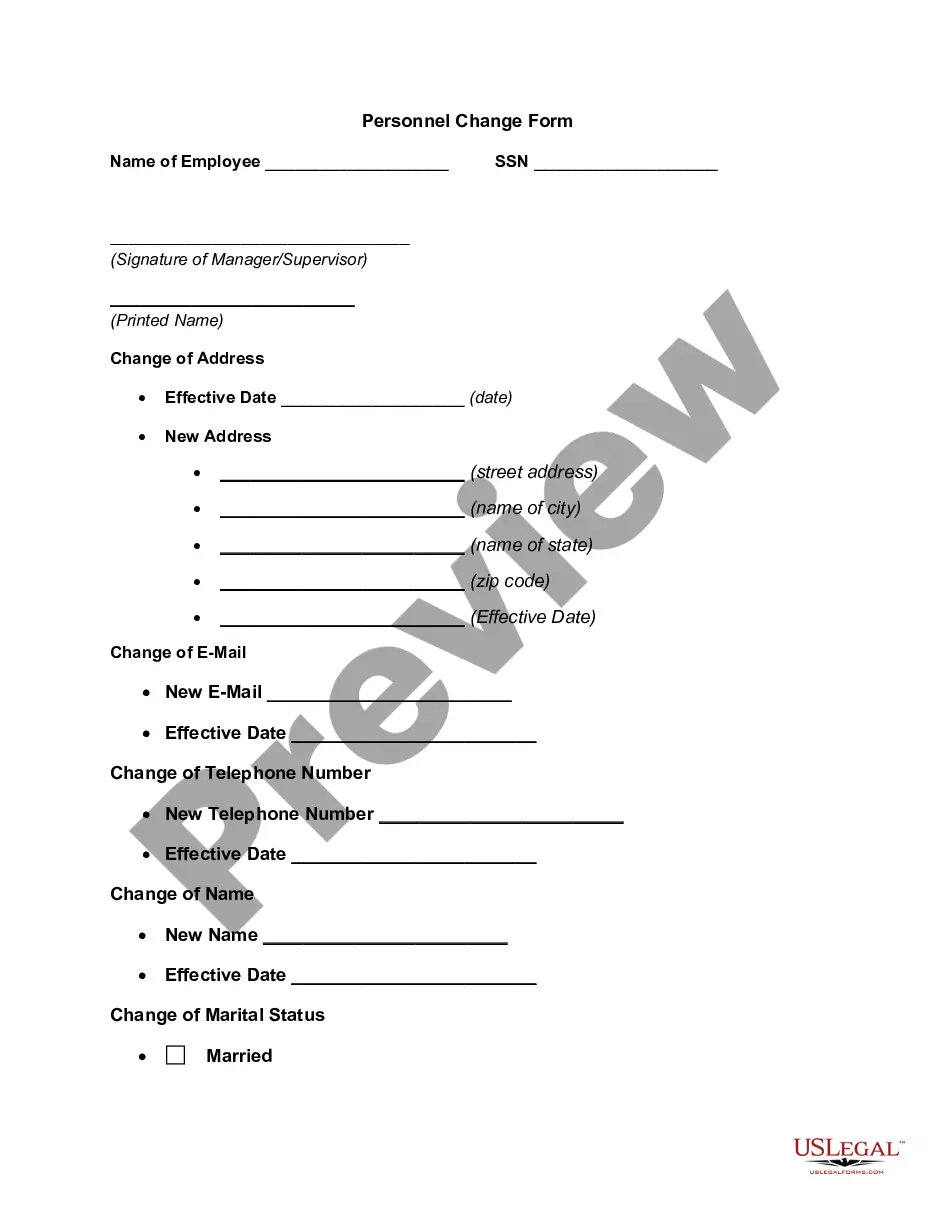
Connecticut Personnel Action Form
Description

Get your form ready online
Our built-in tools help you complete, sign, share, and store your documents in one place.
Make edits, fill in missing information, and update formatting in US Legal Forms—just like you would in MS Word.
Download a copy, print it, send it by email, or mail it via USPS—whatever works best for your next step.
Sign and collect signatures with our SignNow integration. Send to multiple recipients, set reminders, and more. Go Premium to unlock E-Sign.
If this form requires notarization, complete it online through a secure video call—no need to meet a notary in person or wait for an appointment.
We protect your documents and personal data by following strict security and privacy standards.

Make edits, fill in missing information, and update formatting in US Legal Forms—just like you would in MS Word.

Download a copy, print it, send it by email, or mail it via USPS—whatever works best for your next step.

Sign and collect signatures with our SignNow integration. Send to multiple recipients, set reminders, and more. Go Premium to unlock E-Sign.

If this form requires notarization, complete it online through a secure video call—no need to meet a notary in person or wait for an appointment.

We protect your documents and personal data by following strict security and privacy standards.
Looking for another form?
How to fill out Personnel Action Form?
US Legal Forms - one of the largest collections of legal documents in the USA - offers a wide array of legal document templates that you can download or print.
On the website, you can discover thousands of forms for both business and personal purposes, organized by categories, states, or keywords. You will be able to find the most recent versions of forms like the Connecticut Personnel Action Form in a matter of minutes.
If you hold a monthly subscription, Log In and download the Connecticut Personnel Action Form from the US Legal Forms catalog. The Download option will be available on every form you view. You can access all previously saved forms from the My documents section of your account.
Select the file format and download the form to your device.
Make edits. Complete, revise, print, and sign the saved Connecticut Personnel Action Form.
- Make sure you have selected the correct form for your city/state. Click the Preview button to review the form's content.
- Check the form details to ensure you have chosen the appropriate document.
- If the form doesn’t meet your requirements, utilize the Search field at the top of the page to find one that does.
- If you are satisfied with the form, confirm your choice by clicking the Purchase now button.
- Then, select your preferred pricing plan and provide your details to sign up for an account.
- Complete the transaction.
- Use your credit card or PayPal account to finalize the purchase.
Form popularity
FAQ
Steps to Hiring your First Employee in ConnecticutStep 1 Register as an Employer.Step 2 Employee Eligibility Verification.Step 3 Employee Withholding Allowance Certificate.Step 4 New Hire Reporting.Step 5 Payroll Taxes.Step 6 Workers' Compensation Insurance.Step 7 Labor Law Posters and Required Notices.More items...?
Steps to Hiring your First Employee in ConnecticutStep 1 Register as an Employer.Step 2 Employee Eligibility Verification.Step 3 Employee Withholding Allowance Certificate.Step 4 New Hire Reporting.Step 5 Payroll Taxes.Step 6 Workers' Compensation Insurance.Step 7 Labor Law Posters and Required Notices.More items...?
Hiring processFind your candidates. Ask your best employees if they know anyone who might be a good fit for the role.Conduct interviews. You should try to have at least a couple of employees interview the candidates, if possible.Run a background check.Make sure they're eligible to work in the U.S.
Advertise Locally In this case, traditional job posting websites may not be necessary. Instead, consider using a more grassroots approach to hiring. Try posting your job on local job boards, Facebook Groups, or websites like Craigslist.
Hiring your first employee: Steps to takeObtain your EIN.Get your taxes in order.Set up your insurance.Write a job description and post the opening.Interview and hire.7 Startup Business Loan Options for Entrepreneurs.
1. Start With Employment Documentation and Relationship StatusesJob application, resume, and cover letter.Employment verification and signed offer letters.Emergency contact information.Performance assessments, evaluations, and more.Compensation information and IRS withholding documents.More items...?
Personnel Action Form (PAF)
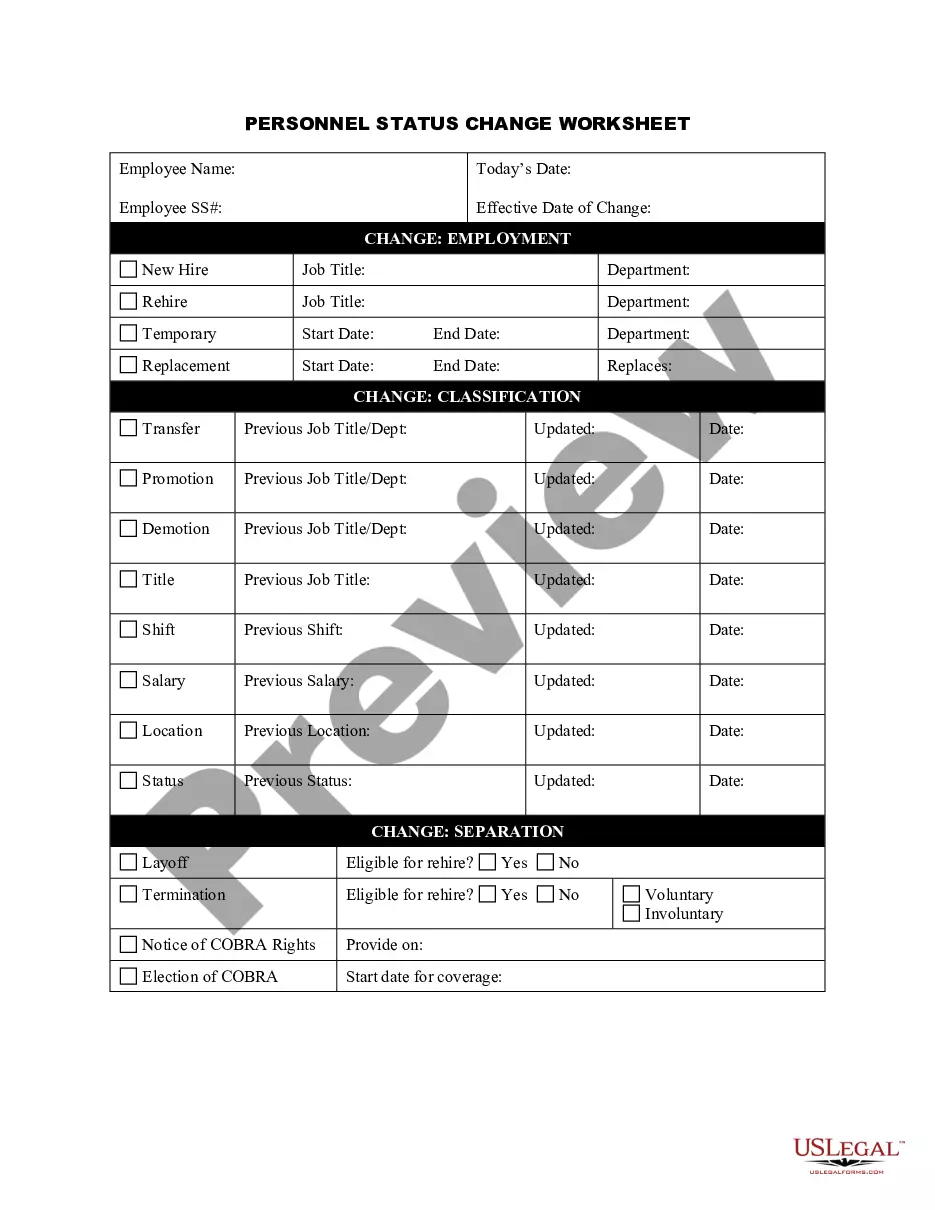
Personnel Action means any action taken with reference to appointment, compensation, promotion, transfer, layoff, dismissal, discipline, commendations or any other action affecting the status of employment.
Personnel Action Form (PAF): A PAF is the form that hires, terminates, transfers, increases or decreases salary, or makes any other changes to an employee's job.
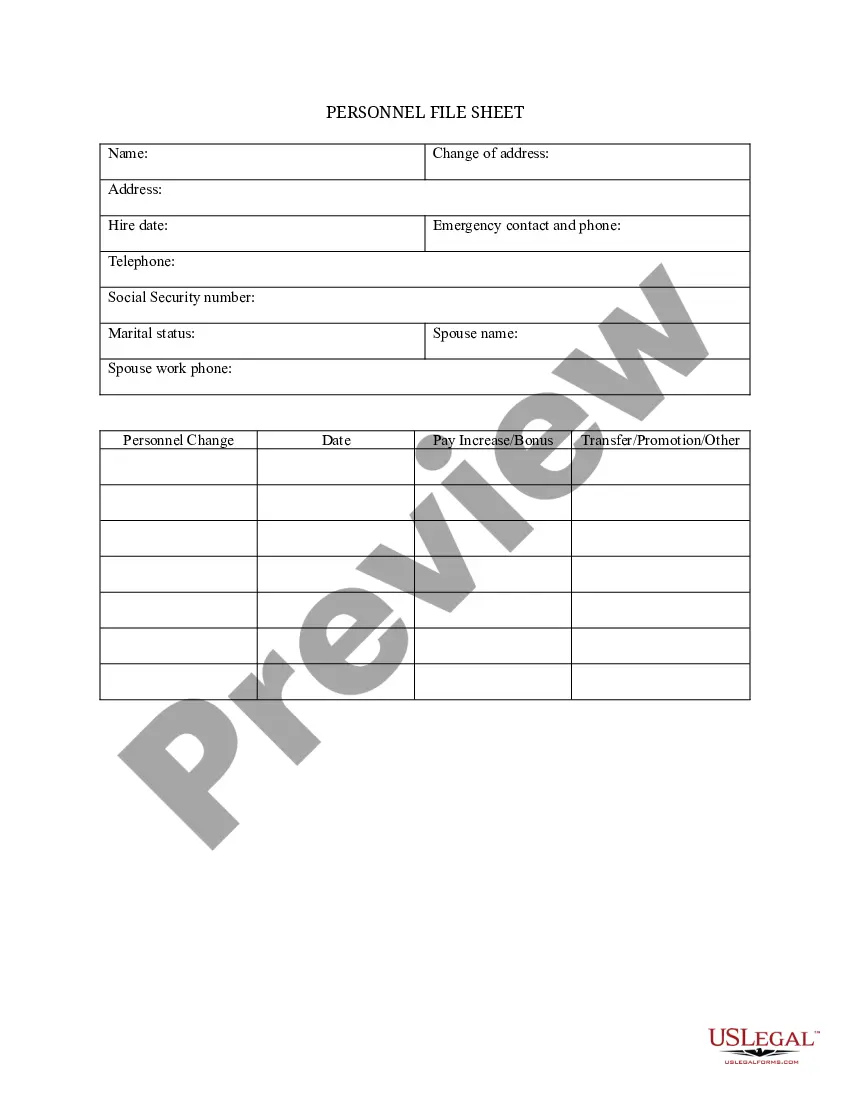
Personnel files usually contain documents that the employee has already reviewed and so he or she is familiar with their content. This includes documents such as job applications, performance evaluations, letters of recognition, training records, and forms that relate to transfers and promotion.