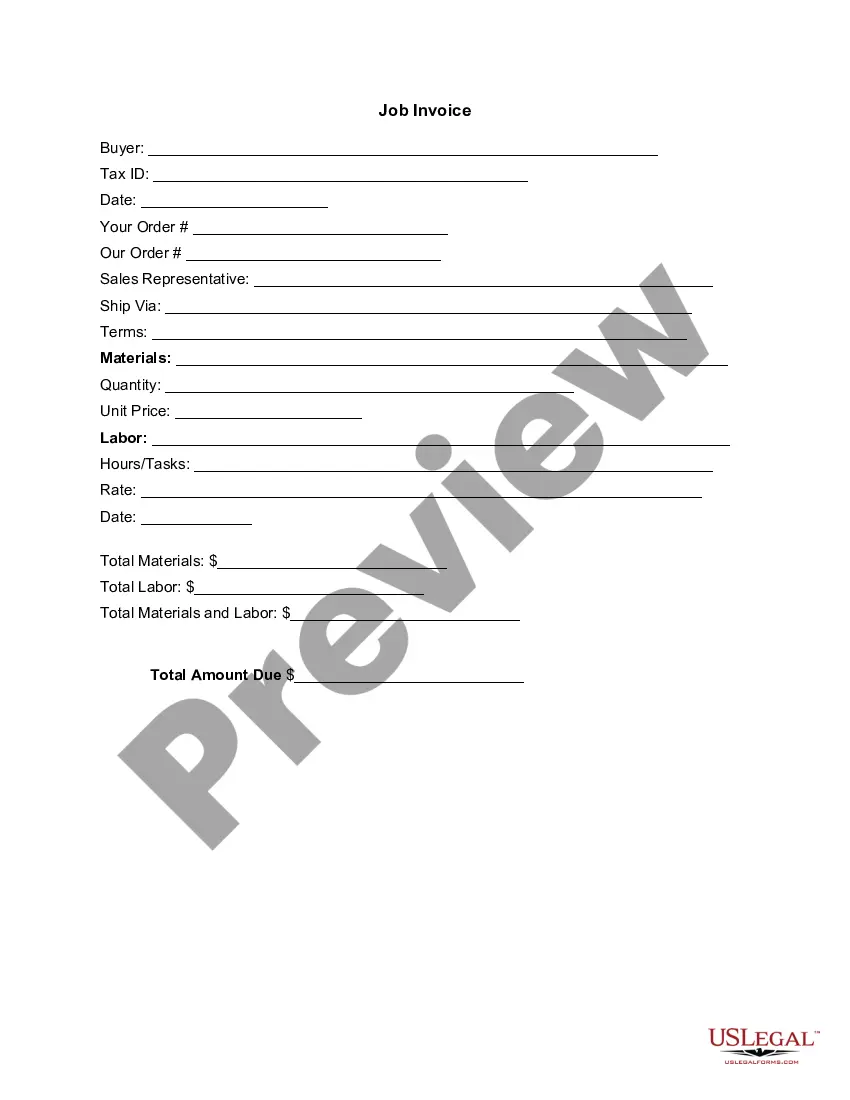
Connecticut Invoice Template for Florist
Description
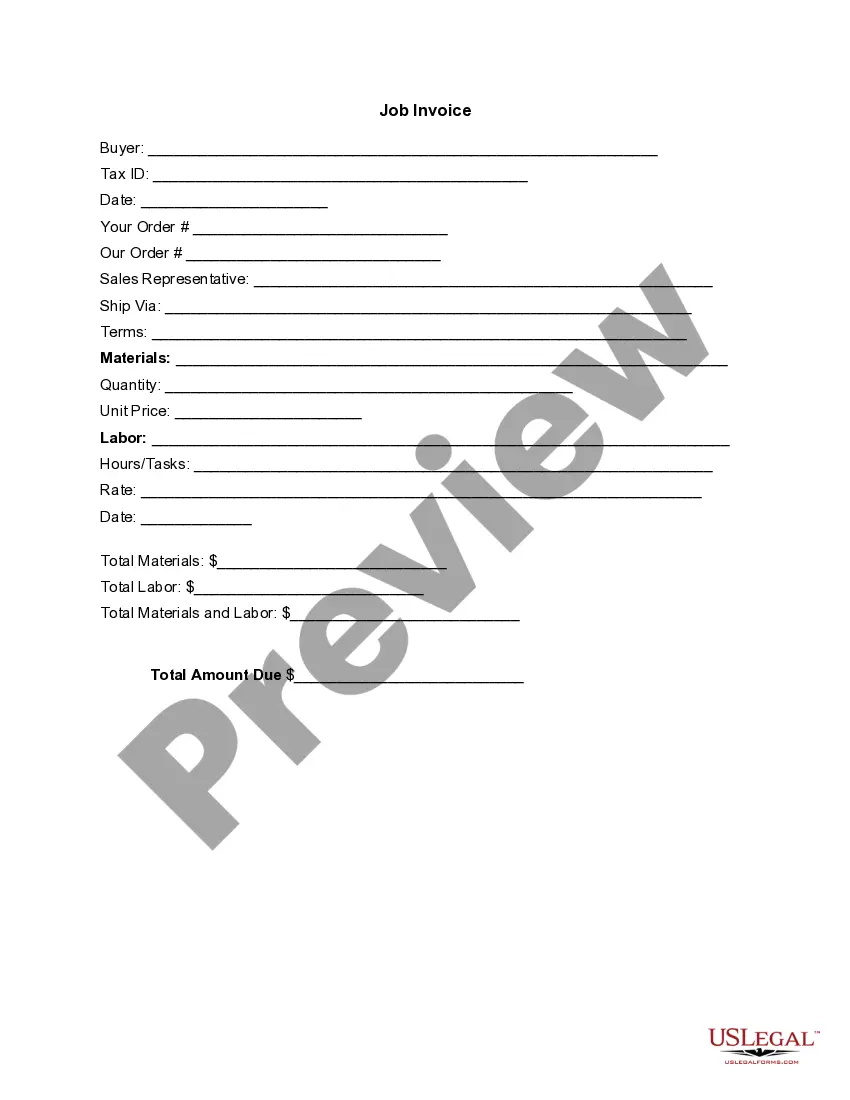
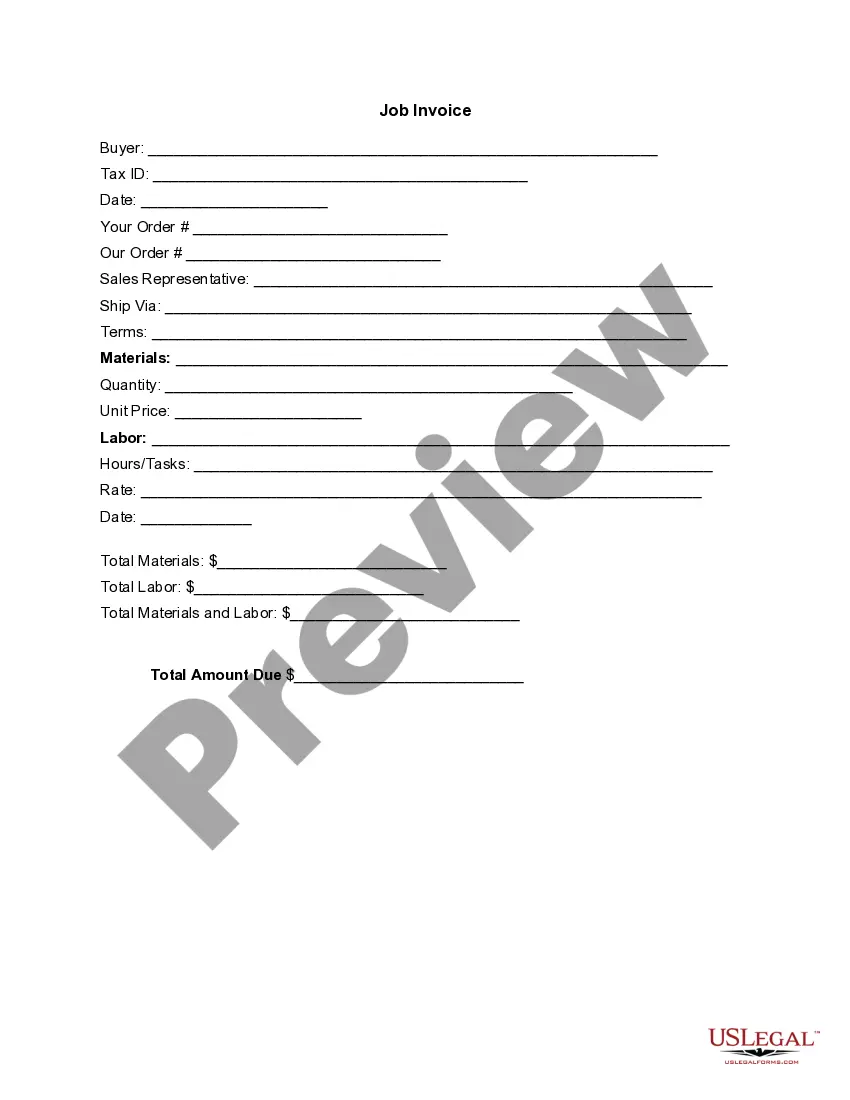
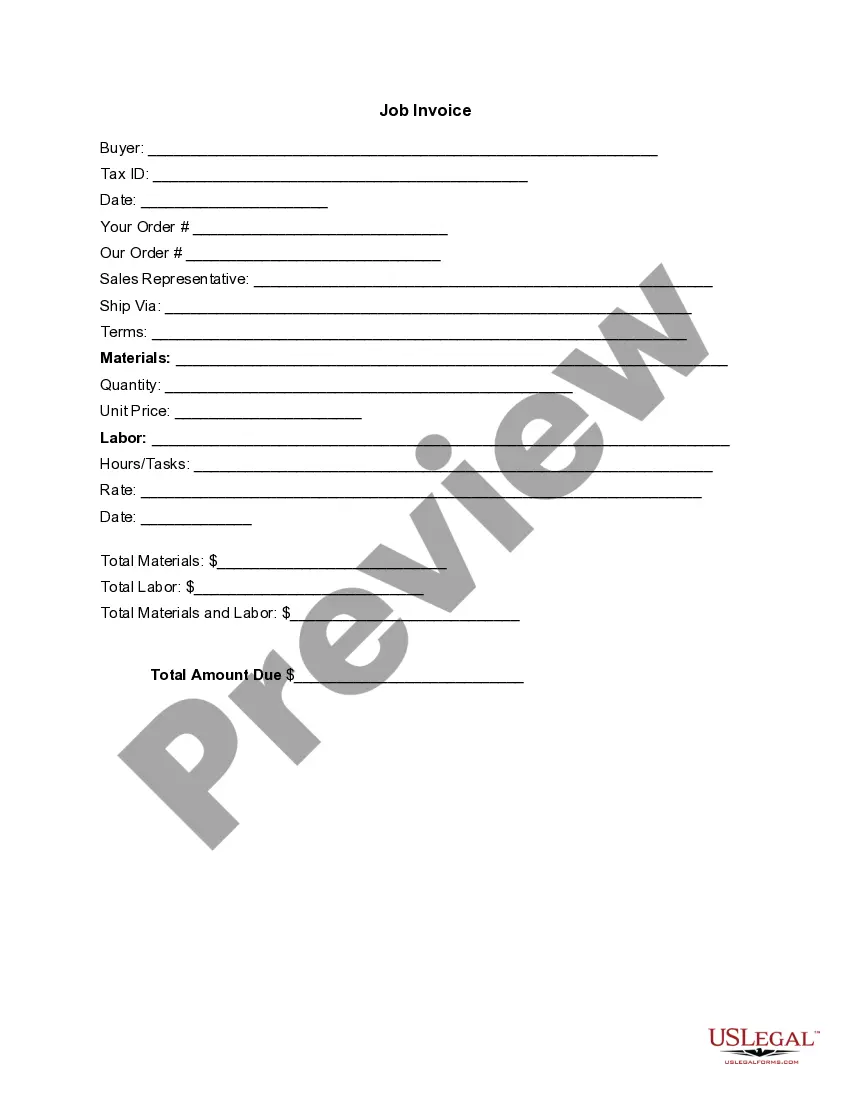
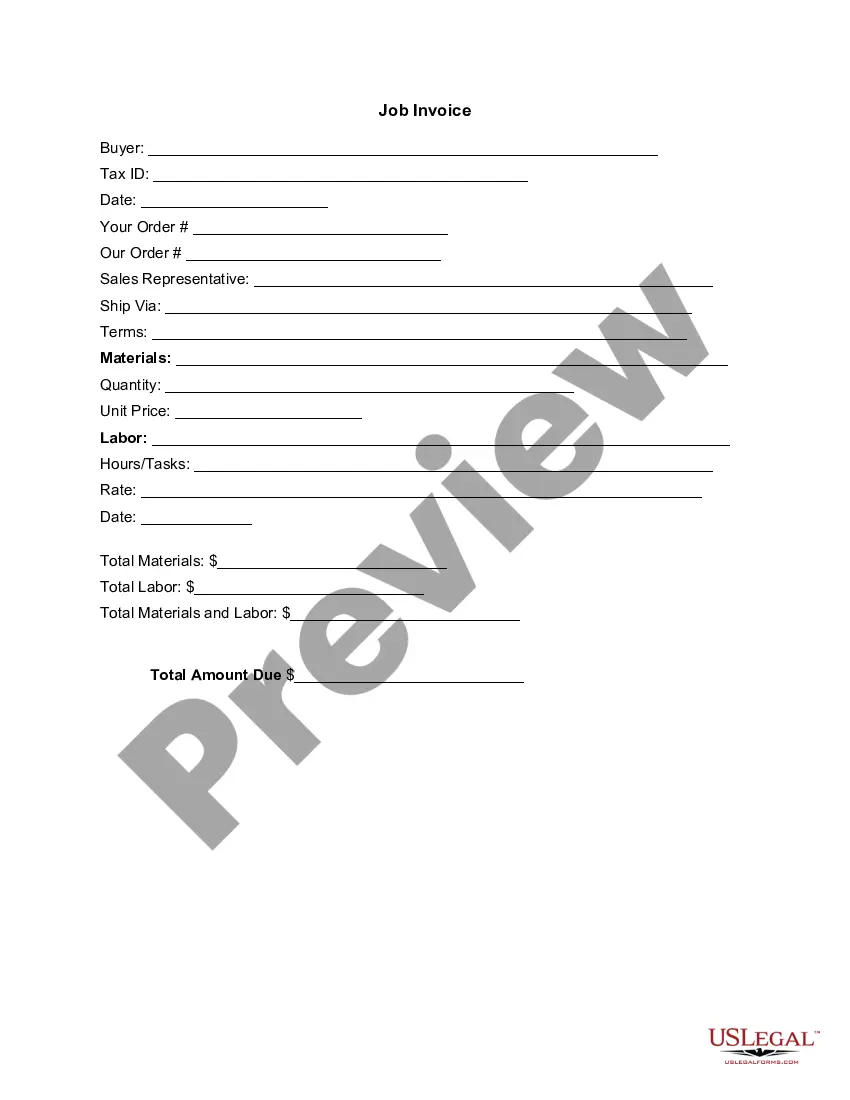








How to fill out Invoice Template For Florist?
If you require extensive, acquire, or produce legal document templates, utilize US Legal Forms, the largest collection of legal forms, which is accessible online.
Take advantage of the site’s user-friendly and efficient search feature to locate the documents you need.
Various templates for business and personal use are categorized by type and state, or keywords.
Step 4. Once you locate the form you need, click the Get now button. Choose your preferred payment plan and provide your details to register for the account.
Step 5. Process the payment. You can use your Visa, Mastercard, or PayPal account to complete the transaction.
- Use US Legal Forms to find the Connecticut Invoice Template for Florist in just a few clicks.
- If you are already a US Legal Forms customer, Log In to your account and click the Download button to retrieve the Connecticut Invoice Template for Florist.
- You can also access forms you previously downloaded in the My documents section of your account.
- If you are using US Legal Forms for the first time, follow the instructions below.
- Step 1. Confirm you have selected the form for the correct city/state.
- Step 2. Utilize the Preview option to review the form's content. Be sure to read the information.
- Step 3. If you are dissatisfied with the form, use the Search box at the top of the screen to find alternative versions of your legal form template.
Form popularity
FAQ
Yes, Microsoft Word does include invoice templates that users can access and customize. To find a Connecticut Invoice Template for Florist, simply search the template section within Word. You can modify these templates according to your specific requirements, ensuring that your invoices maintain a professional appearance and follow your branding.
Both Microsoft Word and Excel offer built-in invoice templates, which can conveniently meet your needs. You can easily find a Connecticut Invoice Template for Florist in their template galleries. Once you locate a suitable template, customize it with your business information and services offered. This allows for a professional presentation while saving you time.
Creating a PDF invoice template is straightforward. Start by designing your invoice using a Connecticut Invoice Template for Florist that suits your style. Once completed, save the document as a PDF, ensuring that you maintain the layout and format. This PDF will be easy to share with clients and preserves the integrity of your invoice design.
To write a simple invoice template, start with your company's name and contact information at the top. Next, leave space for adding customer details, the date, and a detailed list of products or services with prices. Adopting a Connecticut Invoice Template for Florist can help you create an effective and user-friendly invoice that you can reuse.
A basic invoice should look professional and easy to read. It typically includes your business name, contact details, and an itemized list of goods or services with their corresponding prices. Utilizing a Connecticut Invoice Template for Florist can provide you with a polished design and layout tailored specifically for your needs.
You can make an invoice template by using a word processor or an online invoice generator. Start with your logo and business details, followed by a space for client information. Incorporating a Connecticut Invoice Template for Florist can save you time and ensure accuracy, making it easier to create consistent invoices.
Filling out a service invoice sample involves adding your business and client details, date, and describing the specific services provided. It's essential to include prices next to each service and a total at the end. A Connecticut Invoice Template for Florist can offer guidance on what specific information should be included in your service invoice.
To write a very simple invoice, use a straightforward layout. Include your business name, the customer's name, the date, and a description of the products or services rendered. For added clarity, utilize a Connecticut Invoice Template for Florist, which provides an easy framework to follow.
Creating an invoice might seem complex, but it can be simple. Start by using a Connecticut Invoice Template for Florist, which lays out the basic structure. Include your business name, client information, date, itemized list of services, and total amount due. This structure will help you create a clear and professional invoice.
Setting up an invoice template requires a few key steps. Start with selecting a Connecticut Invoice Template for Florist that fits your preferences. Customize the template with your business's name, logo, and contact details, then adjust any sections to include the services or products you provide. This setup ensures you have a consistent and professional invoice ready for all your transactions.