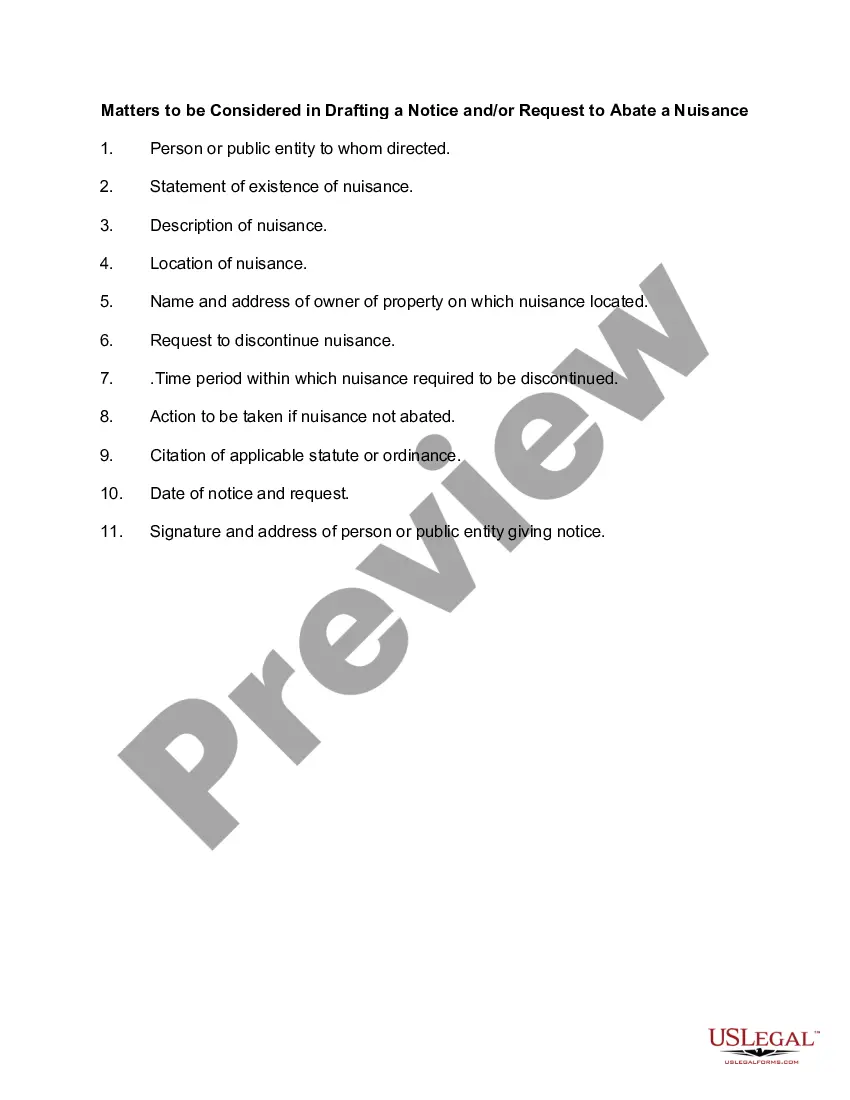
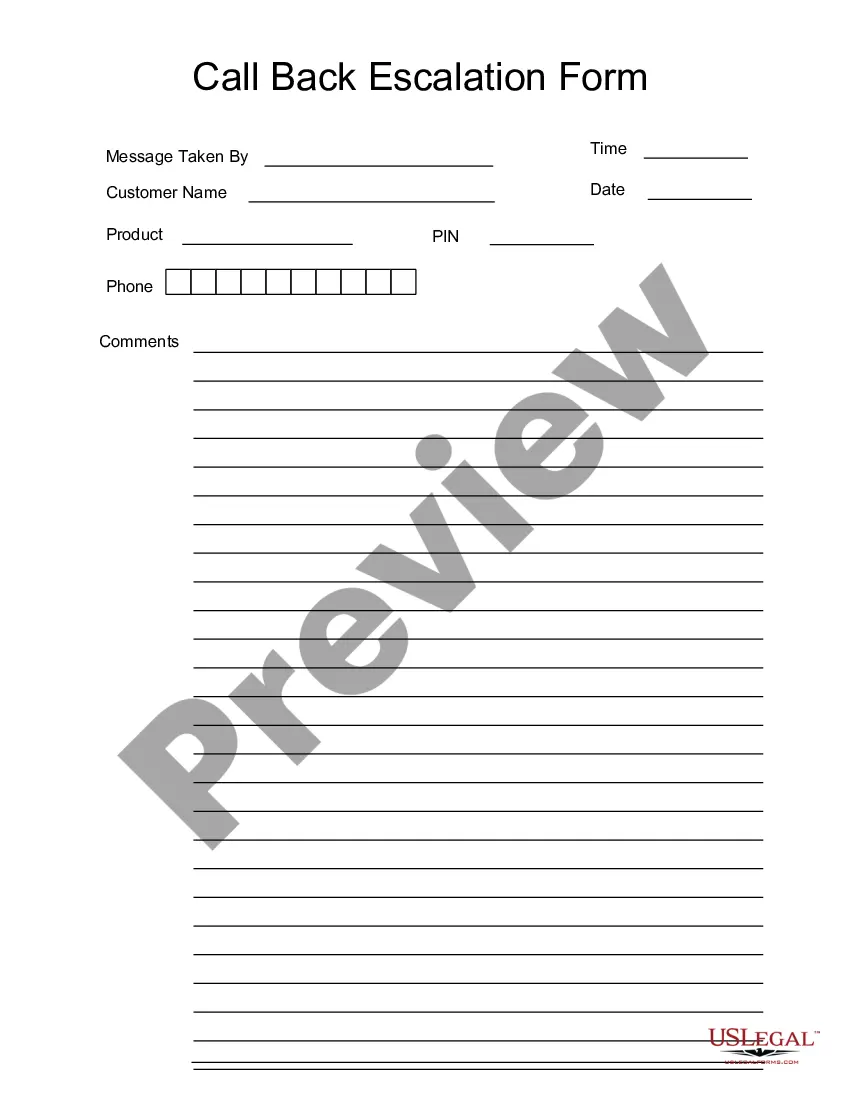
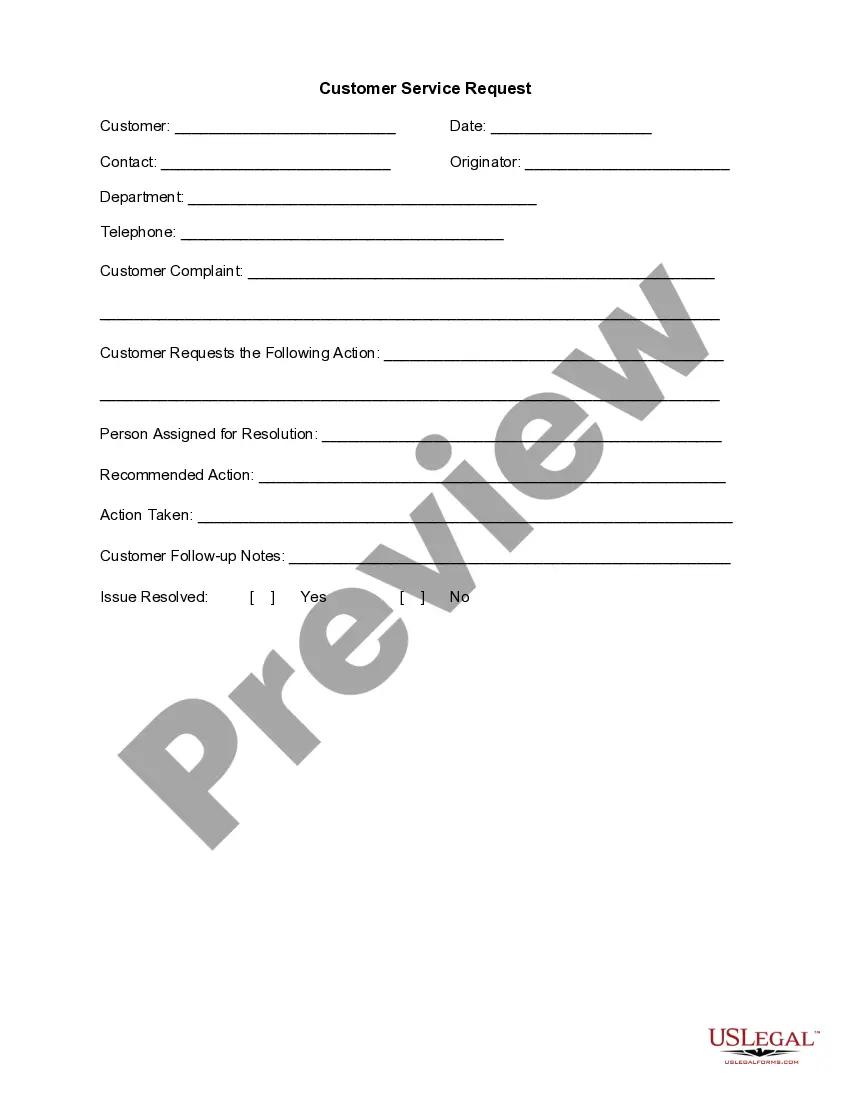
This form is a business type form that is formatted to allow you to complete the form using Adobe Acrobat or Word. The word files have been formatted to allow completion by entry into fields. Some of the forms under this category are rather simple while others are more complex. The formatting is worth the small cost.
Colorado Call Back Escalation Form
Category:
State:
Multi-State
Control #:
US-125-AZ
Format:
Word;
PDF;
Rich Text
Instant download
Description
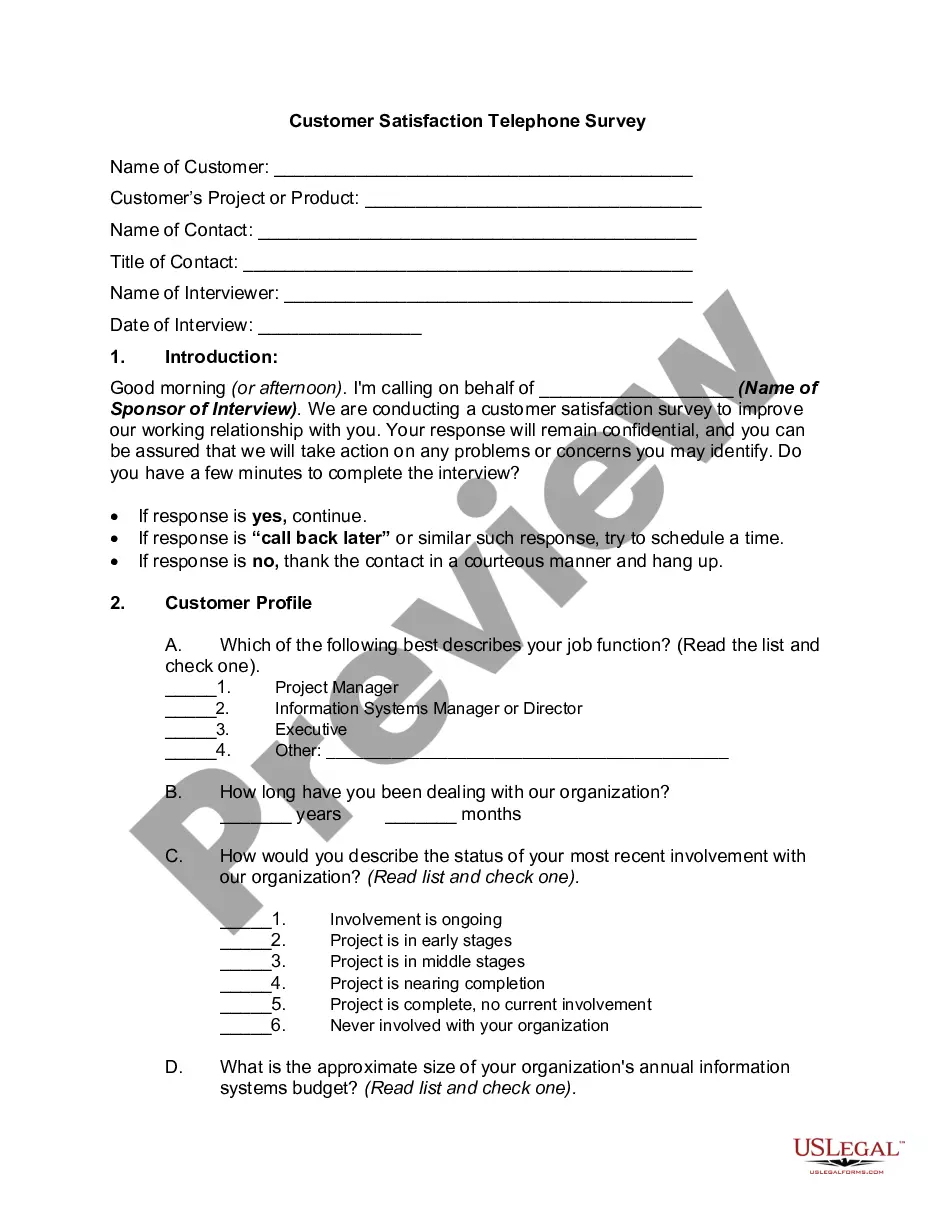
Get your form ready online
Our built-in tools help you complete, sign, share, and store your documents in one place.
Built-in online Word editor
Make edits, fill in missing information, and update formatting in US Legal Forms—just like you would in MS Word.
Export easily
Download a copy, print it, send it by email, or mail it via USPS—whatever works best for your next step.
E-sign your document
Sign and collect signatures with our SignNow integration. Send to multiple recipients, set reminders, and more. Go Premium to unlock E-Sign.
Notarize online 24/7
If this form requires notarization, complete it online through a secure video call—no need to meet a notary in person or wait for an appointment.
Store your document securely
We protect your documents and personal data by following strict security and privacy standards.

Make edits, fill in missing information, and update formatting in US Legal Forms—just like you would in MS Word.

Download a copy, print it, send it by email, or mail it via USPS—whatever works best for your next step.

Sign and collect signatures with our SignNow integration. Send to multiple recipients, set reminders, and more. Go Premium to unlock E-Sign.

If this form requires notarization, complete it online through a secure video call—no need to meet a notary in person or wait for an appointment.

We protect your documents and personal data by following strict security and privacy standards.
Looking for another form?


How to fill out Call Back Escalation Form?
US Legal Forms - one of the largest collections of legal documents in the United States - provides a vast array of legal document templates that you can download or create.
By using the website, you can access thousands of forms for business and personal purposes, organized by categories, states, or keywords. You will find the latest versions of forms such as the Colorado Call Back Escalation Form in just moments.
If you already have a membership, sign in and download the Colorado Call Back Escalation Form from your US Legal Forms library. The Download button will appear on each form you view. You have access to all previously downloaded forms in the My documents tab of your account.
Complete the payment. Use your credit card or PayPal account to finalize the transaction.
Select the format and download the form to your device. Edit, complete, print, and sign the downloaded Colorado Call Back Escalation Form. Each template you add to your account does not expire and belongs to you permanently. Therefore, if you wish to download or print another copy, simply visit the My documents section and click on the form you need. Access the Colorado Call Back Escalation Form with US Legal Forms, the most comprehensive library of legal document templates. Utilize thousands of professional and state-specific templates that cater to your business or personal requirements.
- To use US Legal Forms for the first time, here are simple instructions to get started.
- Ensure you have selected the correct form for your city/state. Click the Preview button to review the contents of the form.
- Check the form's description to confirm that you have chosen the right one.
- If the form doesn't meet your needs, use the Search field at the top of the screen to find one that does.
- If you are satisfied with the form, confirm your selection by clicking the Purchase now button.
- Then, choose the pricing plan you prefer and provide your details to register for an account.
Form popularity
FAQ
Call Unemployment Insurance at (303) 318-9000, or login to MyUI+.
To schedule an in-person ID.me appointment, please first schedule a callback by dialing 303-318-9000 or by using the Virtual Assistant. During the callback, a representative can assist you with scheduling an in-person ID.me appointment.
Our Virtual Assistant, available both at ColoradoUI.gov and by phone at 303-318-9000 or 1-800-388-5515, is available 24/7 to help you get the answers you need about your unemployment claim. In many cases, you no longer need to wait to speak to a live representative to get help.
You can submit your appeal online through MyUI+ by viewing your Notice of Determination, or by using the form on the back of the Notice of Determination to write and submit an appeal statement. Include a clear explanation of what you disagree with and why you disagree with the Notice of Determination.
The initial processing time for a claim takes four to six weeks; then if it is determined you qualify to receive payment, you are paid every two weeks from a fund paid by employers. The first payment you may receive is postponed by one week's worth of payment, called the waiting week.
Call Unemployment Insurance at (303) 318-9000, or login to MyUI+.
Rectification of Pending Issues Generally, all you need to do is submit paperwork or other documentation that gets your unemployment account into compliance with regulations, provided you can show that your mistake was unintentional.
The initial processing time for a claim takes four to six weeks; then if it is determined you qualify to receive payment, you are paid every two weeks from a fund paid by employers.