Colorado Disburser's Notice - Individual
What this document covers
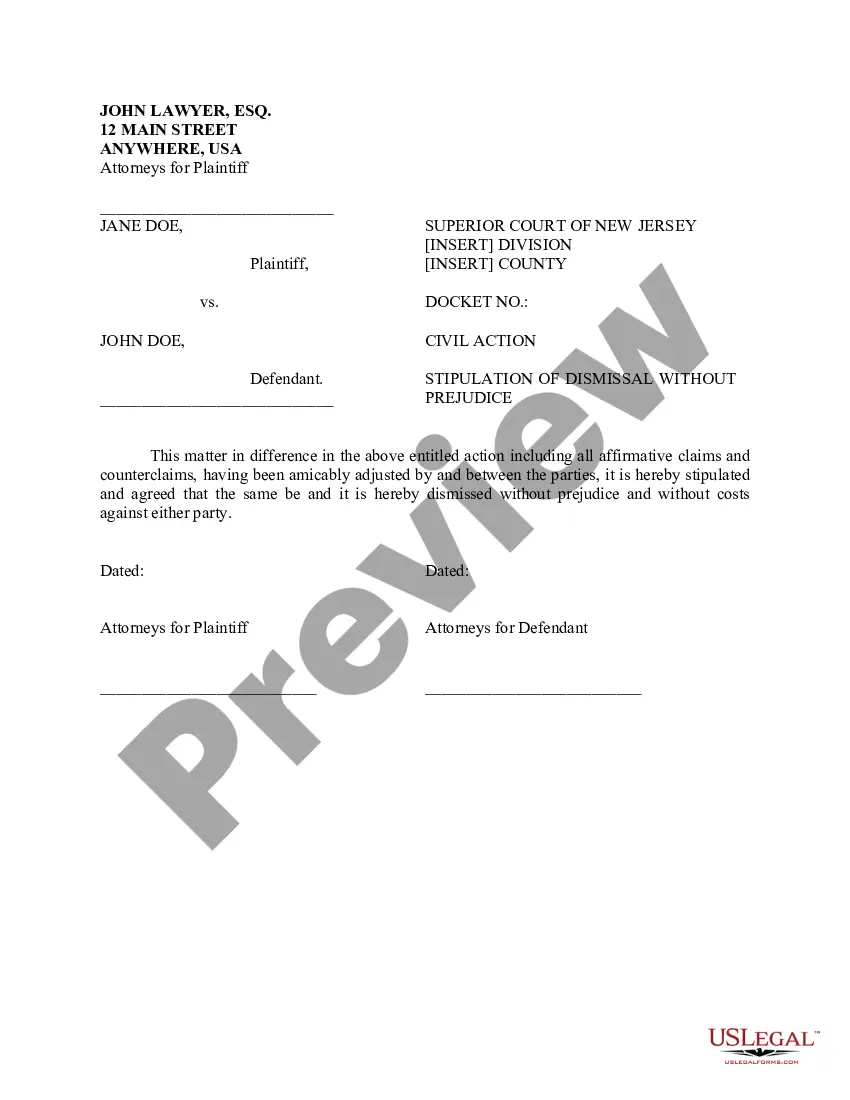
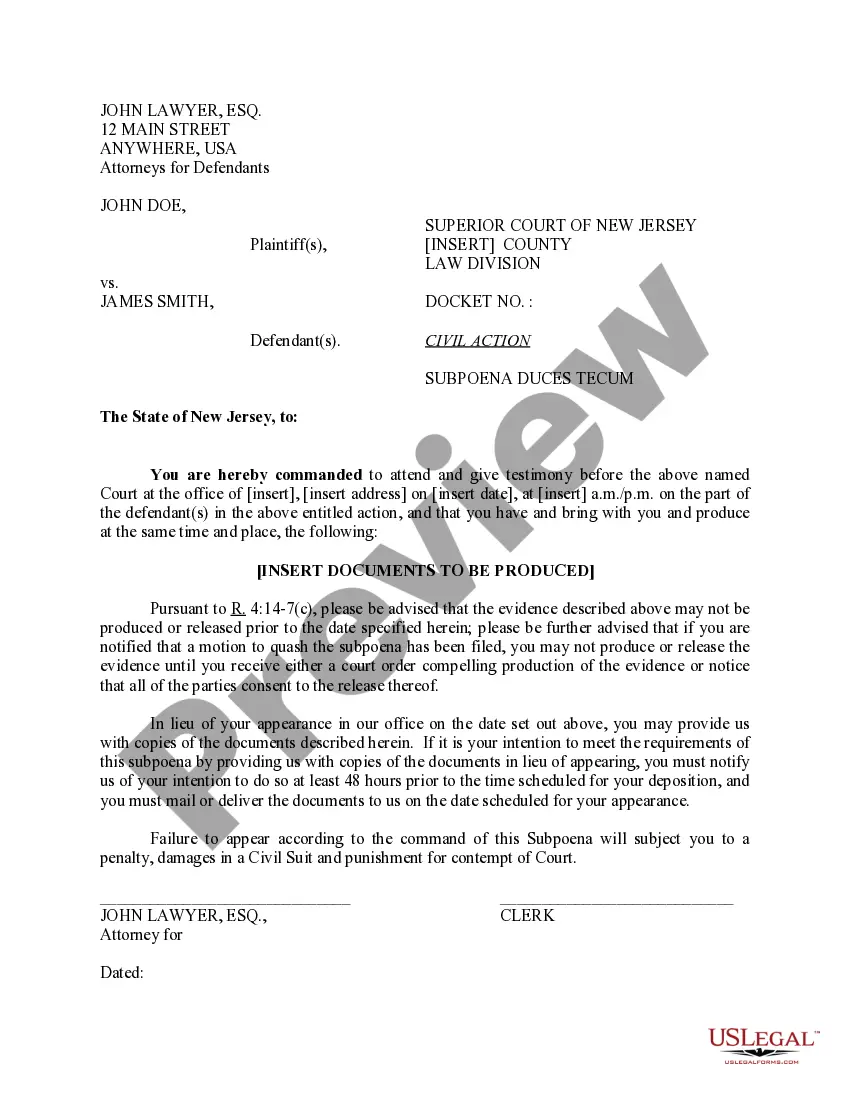
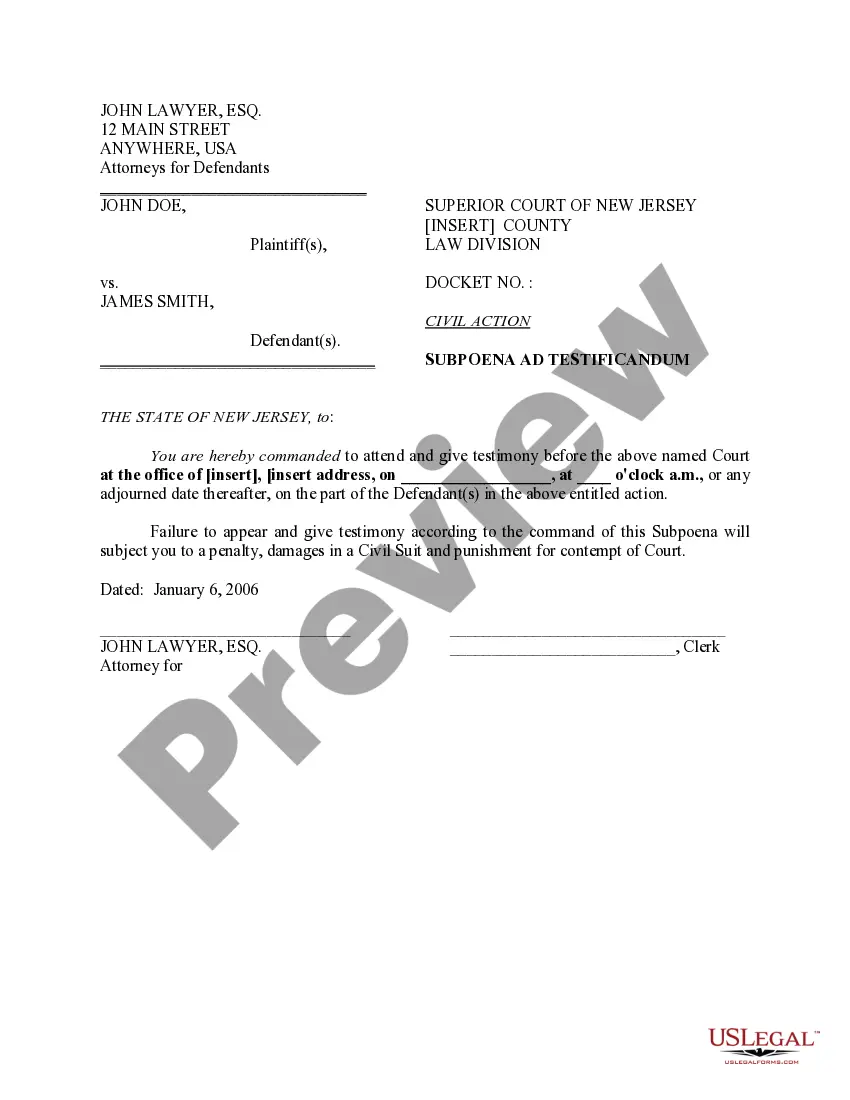
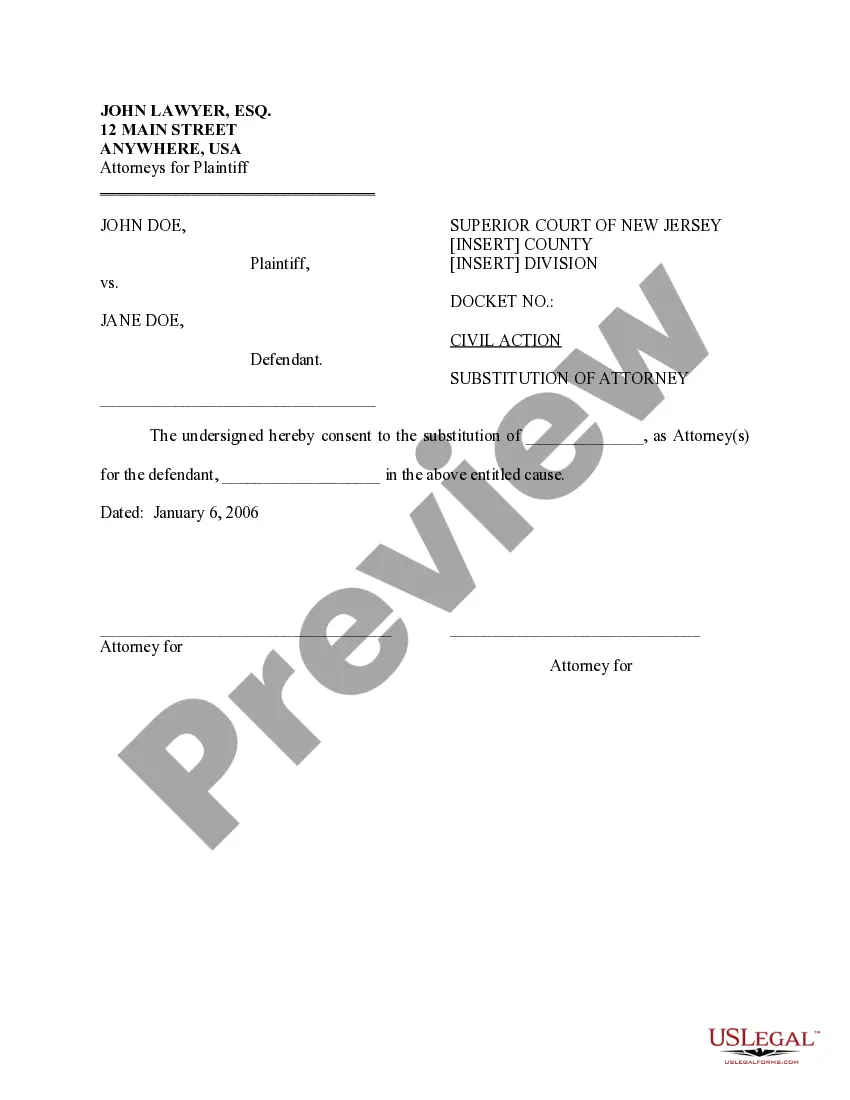
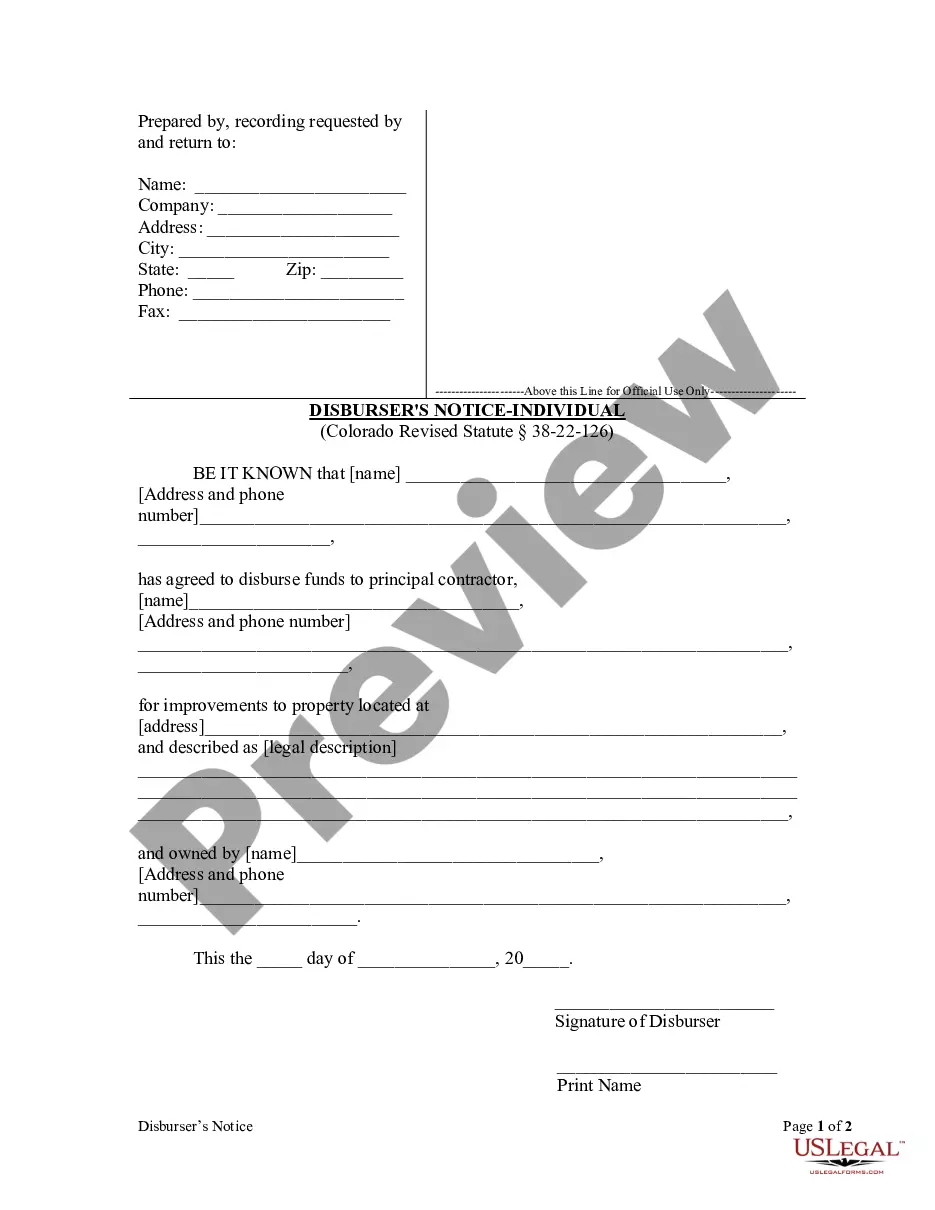
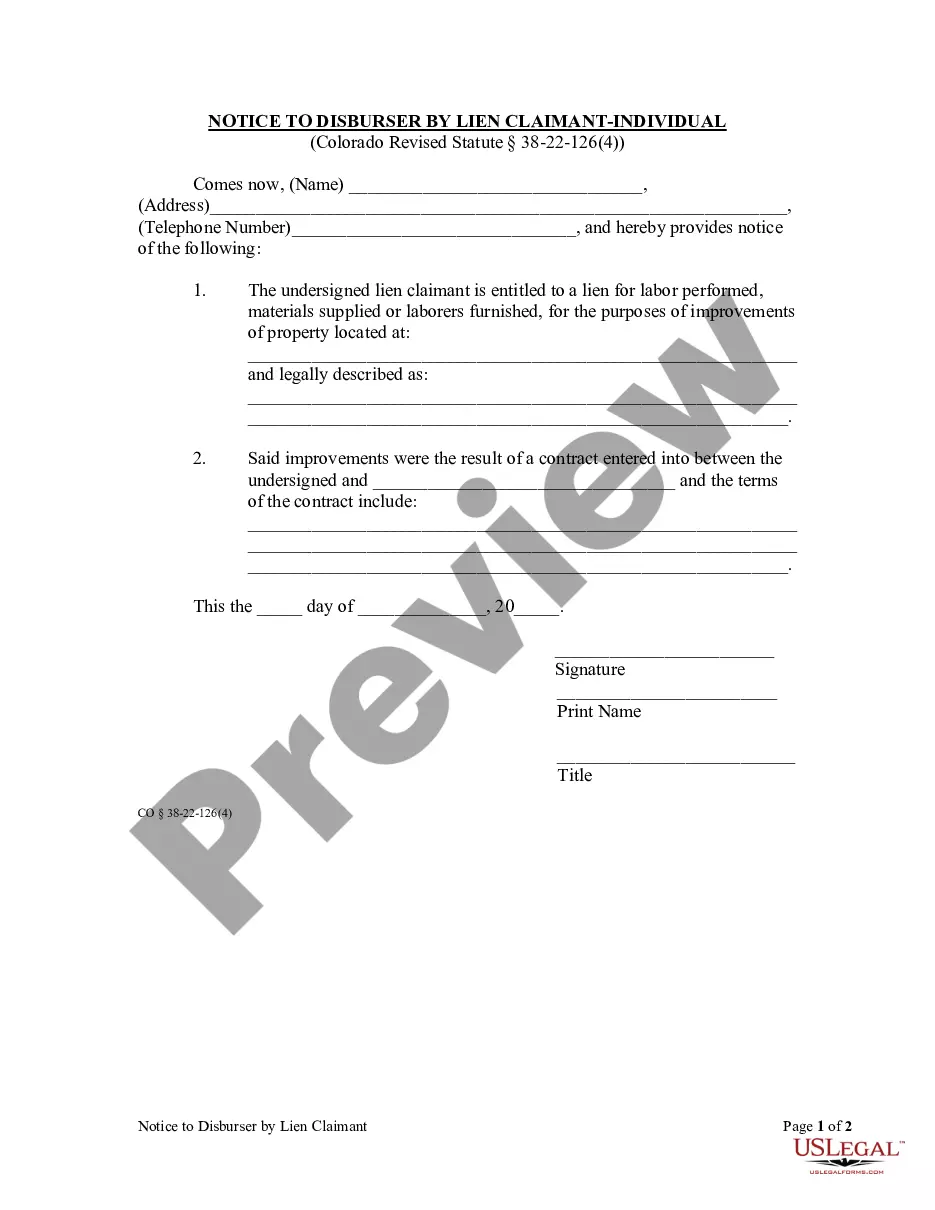
The Disburser's Notice - Individual is a legal document that lenders in Colorado must file before making any disbursement to a contractor. It serves as an official notice of the agreement to release funds for improvements on a property. Unlike other loan documents, this form specifically fulfills the requirements set forth in Colorado Revised Statute section 38-22-126, ensuring all parties are informed about the financial transaction regarding the contractor and property involved.
Key components of this form
- Name and contact information of the disburser.
- Name and contact information of the principal contractor.
- Property address and legal description.
- Date of disbursement agreement.
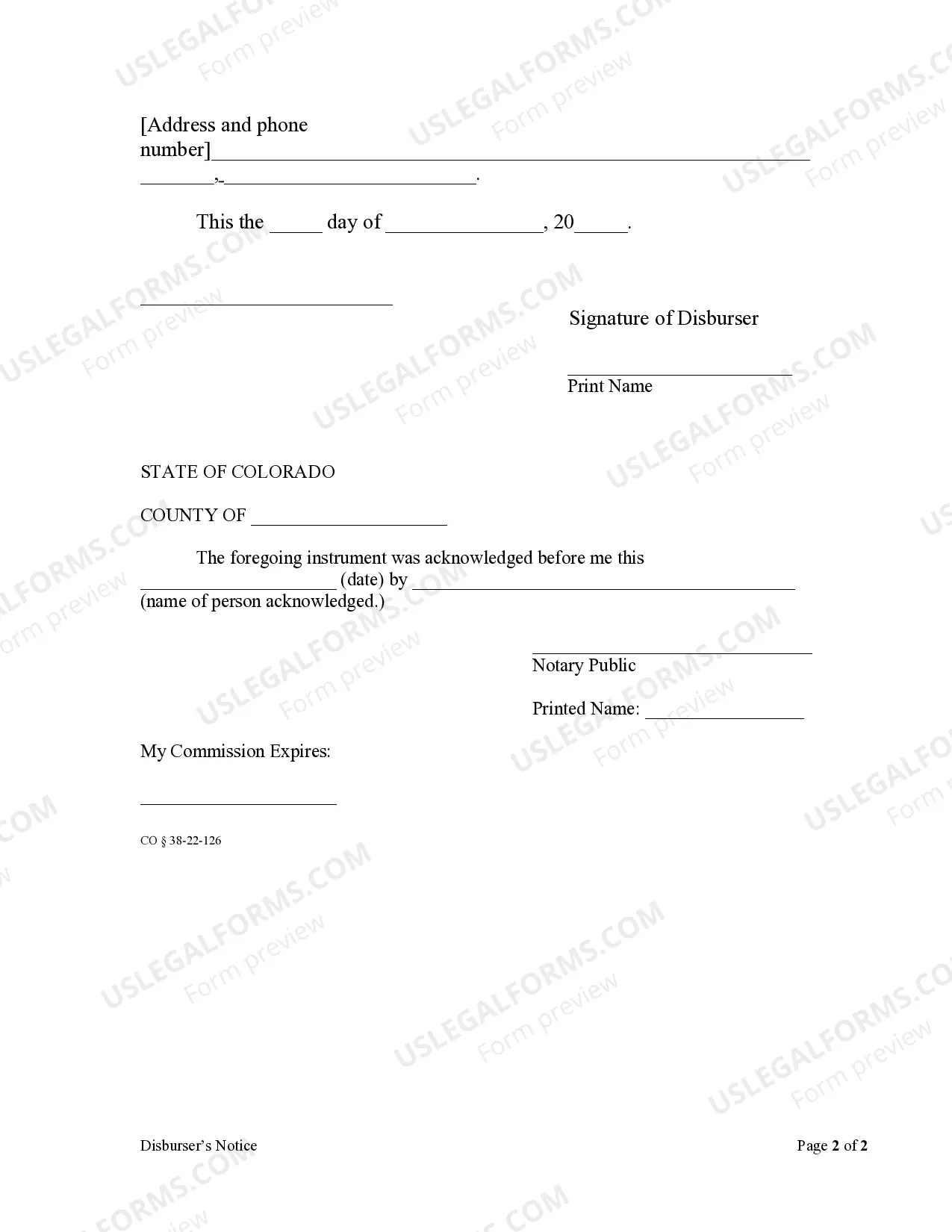
- Signature of the disburser and acknowledgement by a notary public.
When to use this form
This form should be used when a lender agrees to disburse funds to a contractor for property improvements. It is essential to complete and file this notice prior to the first disbursement to comply with Colorado law and to inform all relevant parties about the financial arrangements in place.
Who should use this form
- Lenders providing loans to contractors for property improvements.
- Contractors receiving funds for construction or renovation projects.
- Property owners hiring contractors and seeking to formalize disbursement agreements.
Steps to complete this form
- Enter the name and contact details of the disburser.
- Provide the name and contact details of the principal contractor.
- Specify the property address and include the legal description.
- Fill in the date of the disbursement agreement.
- Sign the document and have it acknowledged by a notary public.
Does this document require notarization?
Notarization is required for this form to take effect. Our online notarization service, powered by Notarize, lets you verify and sign documents remotely through an encrypted video session, available 24/7.
Get your form ready online
Our built-in tools help you complete, sign, share, and store your documents in one place.
Make edits, fill in missing information, and update formatting in US Legal Forms—just like you would in MS Word.
Download a copy, print it, send it by email, or mail it via USPS—whatever works best for your next step.
Sign and collect signatures with our SignNow integration. Send to multiple recipients, set reminders, and more. Go Premium to unlock E-Sign.
If this form requires notarization, complete it online through a secure video call—no need to meet a notary in person or wait for an appointment.
We protect your documents and personal data by following strict security and privacy standards.

Make edits, fill in missing information, and update formatting in US Legal Forms—just like you would in MS Word.

Download a copy, print it, send it by email, or mail it via USPS—whatever works best for your next step.

Sign and collect signatures with our SignNow integration. Send to multiple recipients, set reminders, and more. Go Premium to unlock E-Sign.

If this form requires notarization, complete it online through a secure video call—no need to meet a notary in person or wait for an appointment.

We protect your documents and personal data by following strict security and privacy standards.
Typical mistakes to avoid
- Failing to complete all required fields accurately.
- Not providing a legal description of the property.
- Ignoring the need for notarization, if applicable.
Benefits of using this form online
- Convenience of downloading and completing the form at your own pace.
- Editability allows for easy updates or corrections as needed.
- Access to forms drafted by licensed attorneys ensures reliability and compliance with current laws.
Quick recap
- The Disburser's Notice - Individual is essential for legal compliance in Colorado when financing contractor work.
- Thoroughly complete all sections of the form to prevent issues with disbursement.
- Always ensure the form is notarized to enhance its enforceability.
Looking for another form?
Form popularity
FAQ
File your lien claim with the Colorado county recorder Deliver your completed lien form to the recorder's office in the Colorado county where the property is located, and pay the filing fee. You will also need to include an Affidavit of Service, affirming the delivery of the notice of intent.
First, it is important to note that with certain, limited exceptions, mechanic's liens in Colorado generally must be filed with the county clerk and recorder in the county where the property is located within four months after the last labor was performed or materials were furnished by the filing party.
The filing of a Colorado lien statement must be completed within four months after the day on which the lien claimant last performed labor or furnished materials.
Colorado requires that a contractor notify the property owner of the Intent to Lien 10 full days prior to filing. This can be accomplished by sending the Notice of Intent to Lien, along with a copy of the Statement of Lien that is to be filed. Don't overstate what your owed.
The deadline to file a lien in Colorado is either 2 months or 4 months, depending on your role and the type of project. Generally, the deadline to file a Colorado mechanics lien is 4 months after the last date labor or materials were furnished to the project.
Even though these states may permit project participants to secure lien rights and claim a mechanics lien even without a written contract, it is generally best practice to have a signed written contract for work provided.
To file a lien on a motor vehicle, you must provide our office with a copy of a chattel mortgage or security agreement, the properly signed and notarized title, sales tax, if applicable, and filing fees of $5 per side per 14 inch page of the chattel mortgage or security agreement or $10 per side per page for oversized
How Can You Remove a Spurious Lien or Document? In Colorado, a party can attack a spurious lien or document by filing a petition in the district court in which the lien or document is recorded. C.R.C.P. 105.1.