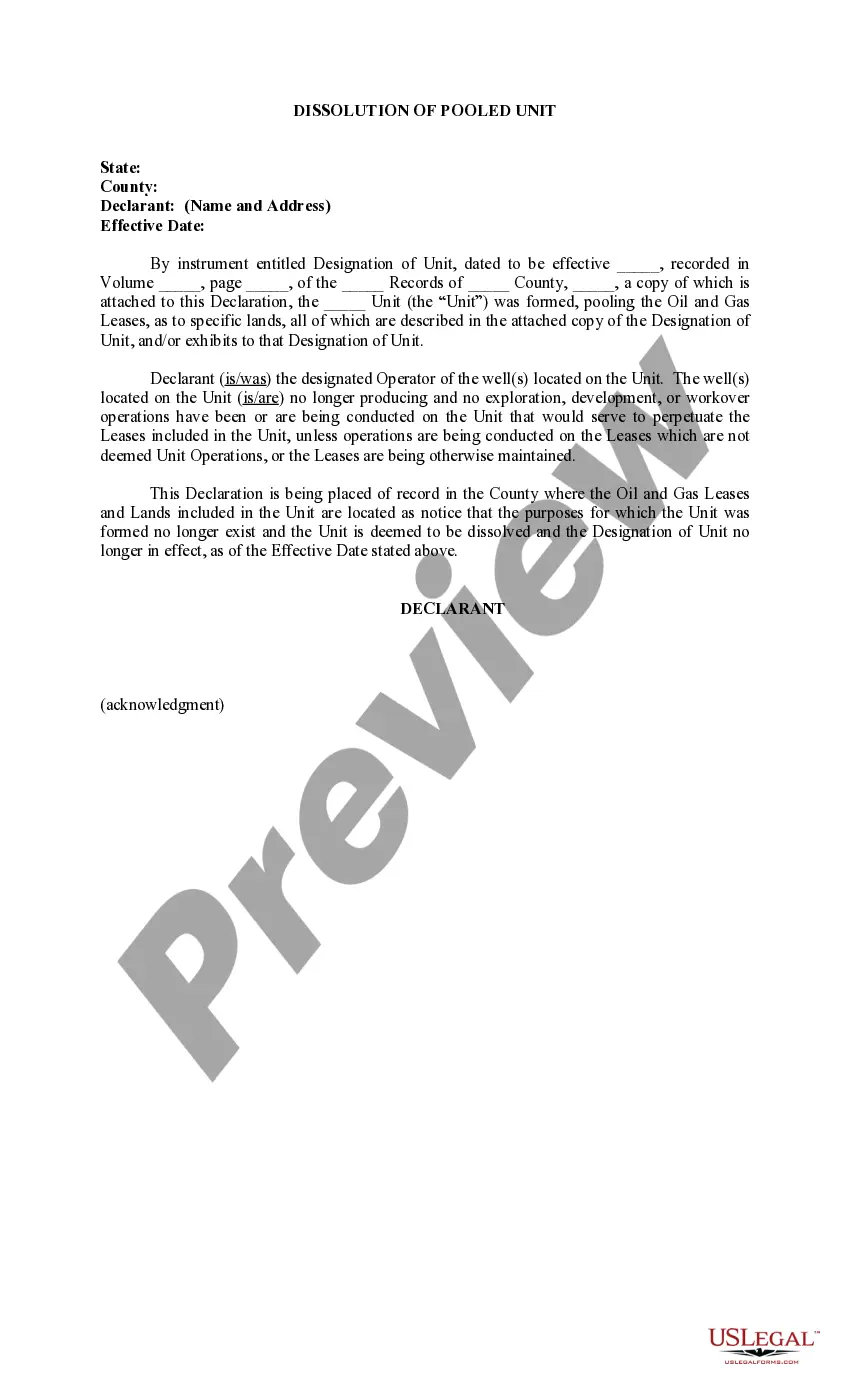
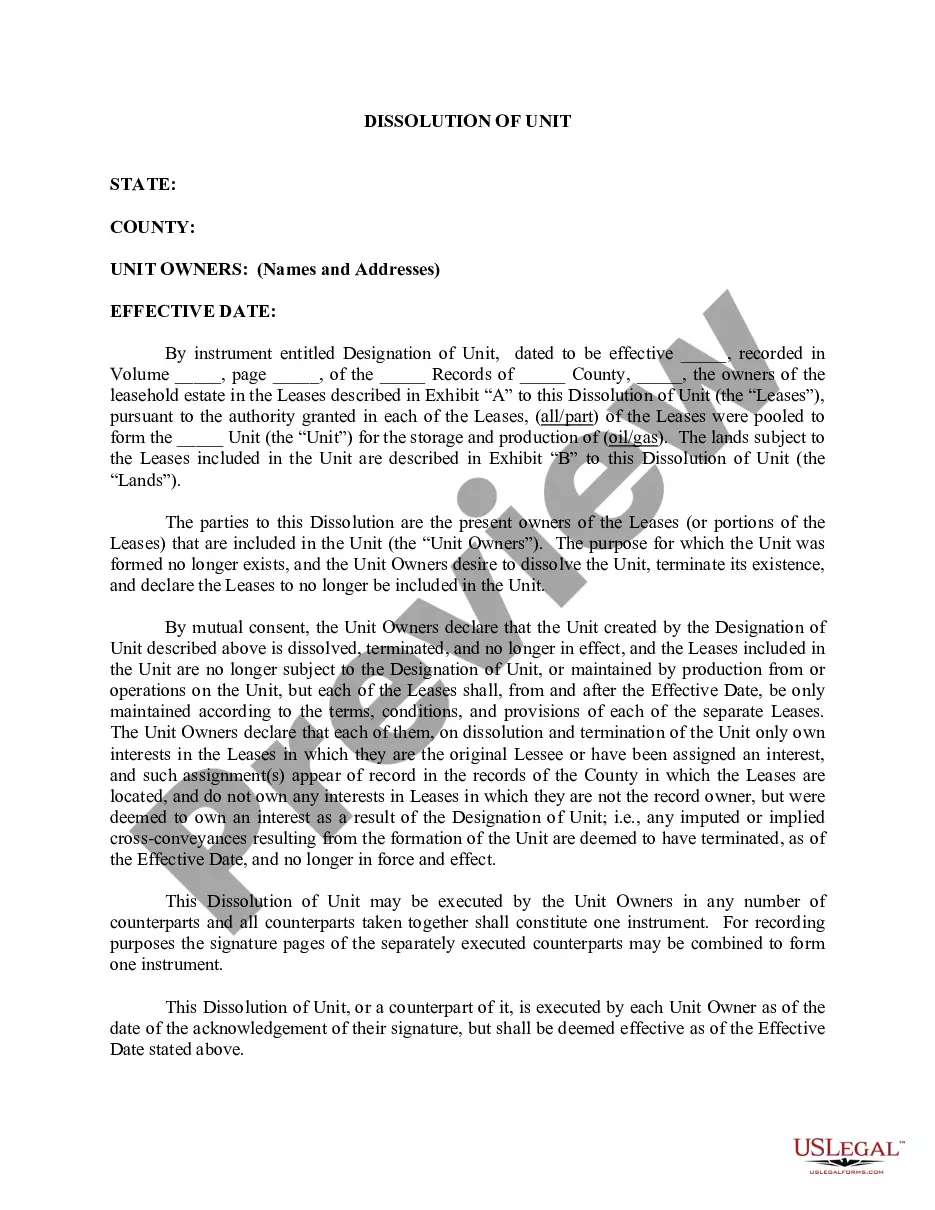
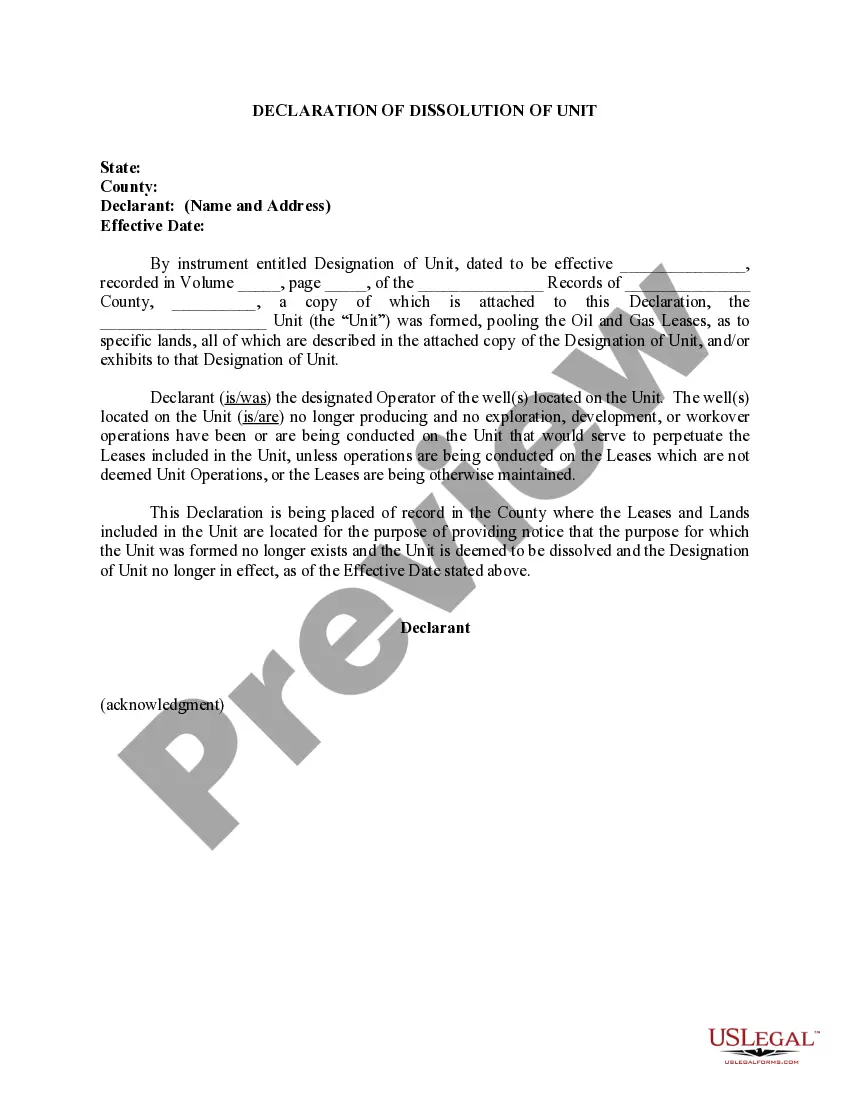
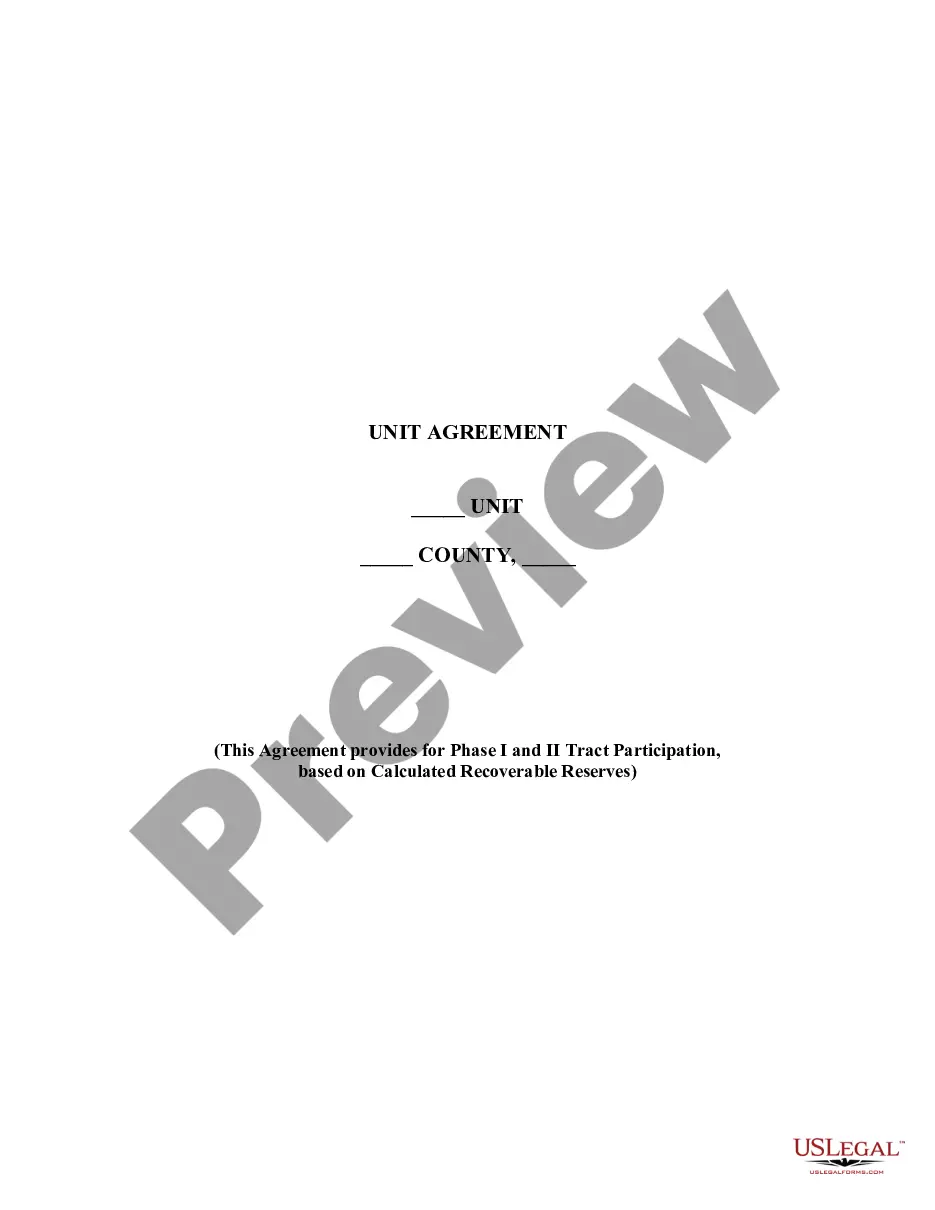
California Dissolution of Pooled Unit
Description
Get your form ready online
Our built-in tools help you complete, sign, share, and store your documents in one place.
Make edits, fill in missing information, and update formatting in US Legal Forms—just like you would in MS Word.
Download a copy, print it, send it by email, or mail it via USPS—whatever works best for your next step.
Sign and collect signatures with our SignNow integration. Send to multiple recipients, set reminders, and more. Go Premium to unlock E-Sign.
If this form requires notarization, complete it online through a secure video call—no need to meet a notary in person or wait for an appointment.
We protect your documents and personal data by following strict security and privacy standards.

Make edits, fill in missing information, and update formatting in US Legal Forms—just like you would in MS Word.

Download a copy, print it, send it by email, or mail it via USPS—whatever works best for your next step.

Sign and collect signatures with our SignNow integration. Send to multiple recipients, set reminders, and more. Go Premium to unlock E-Sign.

If this form requires notarization, complete it online through a secure video call—no need to meet a notary in person or wait for an appointment.

We protect your documents and personal data by following strict security and privacy standards.
Looking for another form?
How to fill out Dissolution Of Pooled Unit?
You may invest hours on the web looking for the legitimate document web template that fits the federal and state demands you require. US Legal Forms provides a huge number of legitimate types which are evaluated by experts. You can easily download or print out the California Dissolution of Pooled Unit from your services.
If you already possess a US Legal Forms account, you can log in and click on the Download button. Next, you can full, modify, print out, or sign the California Dissolution of Pooled Unit. Every single legitimate document web template you buy is yours permanently. To obtain another version for any obtained kind, visit the My Forms tab and click on the related button.
Should you use the US Legal Forms website the first time, follow the simple instructions under:
- Initially, be sure that you have chosen the right document web template to the county/area of your liking. Browse the kind description to ensure you have picked out the right kind. If readily available, make use of the Preview button to check through the document web template at the same time.
- If you would like get another version of the kind, make use of the Look for industry to find the web template that fits your needs and demands.
- Upon having found the web template you want, simply click Acquire now to continue.
- Find the prices plan you want, type your accreditations, and register for a merchant account on US Legal Forms.
- Complete the transaction. You should use your credit card or PayPal account to cover the legitimate kind.
- Find the formatting of the document and download it for your device.
- Make modifications for your document if necessary. You may full, modify and sign and print out California Dissolution of Pooled Unit.
Download and print out a huge number of document web templates using the US Legal Forms Internet site, that offers the largest variety of legitimate types. Use skilled and condition-particular web templates to tackle your small business or specific demands.
Form popularity
FAQ
To dissolve a California corporation, submit the appropriate form(s) to the California Secretary of State (SOS) by mail or in person. The dissolution forms are available on the SOS website and can be filled in online then printed out. You may type on the forms or write in black or blue ink.
To dissolve a California corporation, submit the appropriate form(s) to the California Secretary of State (SOS) by mail or in person. The dissolution forms are available on the SOS website and can be filled in online then printed out. You may type on the forms or write in black or blue ink.
The completed form can be mailed to Secretary of State, Document Filing Support Unit, P.O. Box 944228, Sacramento, CA 94244-2280 or delivered in person to the Sacramento office, 1500 11th Street, 3rd Floor, Sacramento, CA 95814.
There is no fee to file the California dissolution forms. To speed up the process, you can pay for expedited service and preclearance. Preclearance means that you can drop your document off in person for a review prior to filing to ensure you haven't made any mistakes that will get your filing rejected.
There are three (3) potential ways of moving a corporation from one state to another. Reincorporation. Form a new-state corporation; transfer assets and liabilities of the existing corporation to the new-state corporation; and dissolve the existing corporation ( known as "Reincorporation").