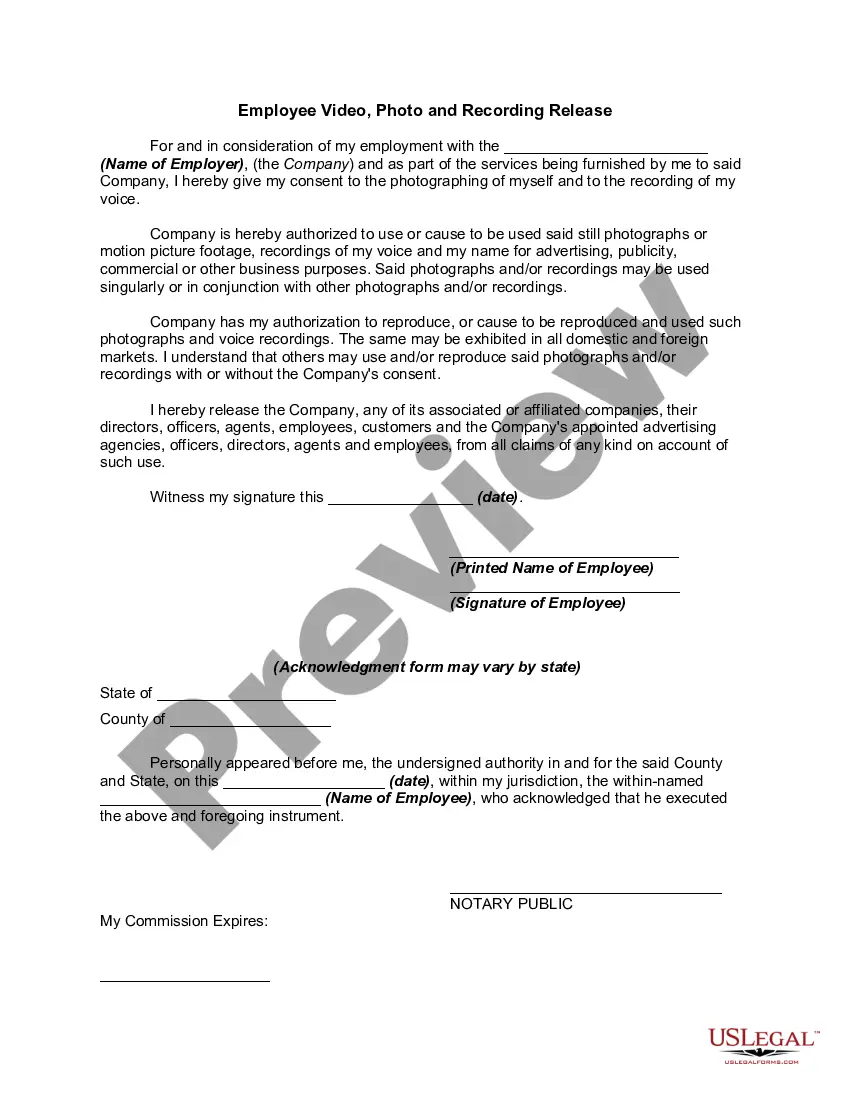
California Employee Video, Photo and Recording Release
Description

Get your form ready online
Our built-in tools help you complete, sign, share, and store your documents in one place.
Make edits, fill in missing information, and update formatting in US Legal Forms—just like you would in MS Word.
Download a copy, print it, send it by email, or mail it via USPS—whatever works best for your next step.
Sign and collect signatures with our SignNow integration. Send to multiple recipients, set reminders, and more. Go Premium to unlock E-Sign.
If this form requires notarization, complete it online through a secure video call—no need to meet a notary in person or wait for an appointment.
We protect your documents and personal data by following strict security and privacy standards.

Make edits, fill in missing information, and update formatting in US Legal Forms—just like you would in MS Word.

Download a copy, print it, send it by email, or mail it via USPS—whatever works best for your next step.

Sign and collect signatures with our SignNow integration. Send to multiple recipients, set reminders, and more. Go Premium to unlock E-Sign.

If this form requires notarization, complete it online through a secure video call—no need to meet a notary in person or wait for an appointment.

We protect your documents and personal data by following strict security and privacy standards.
Looking for another form?
How to fill out Employee Video, Photo And Recording Release?
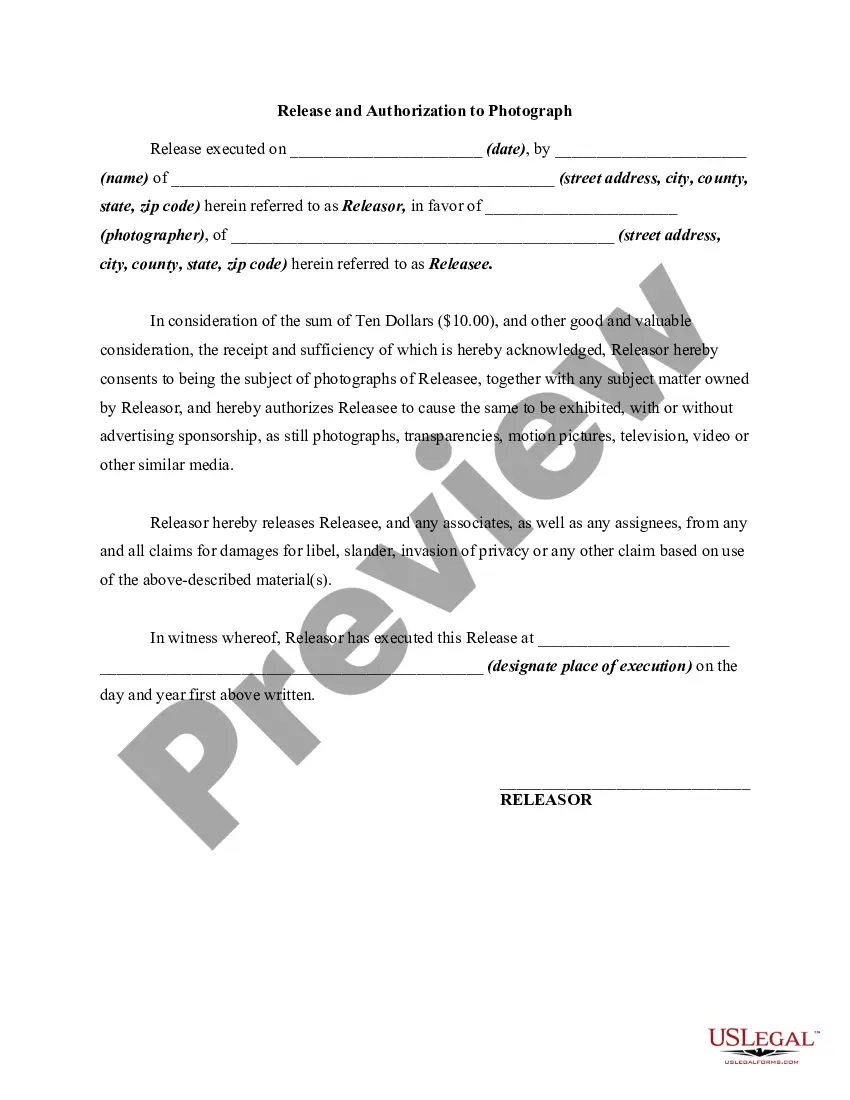
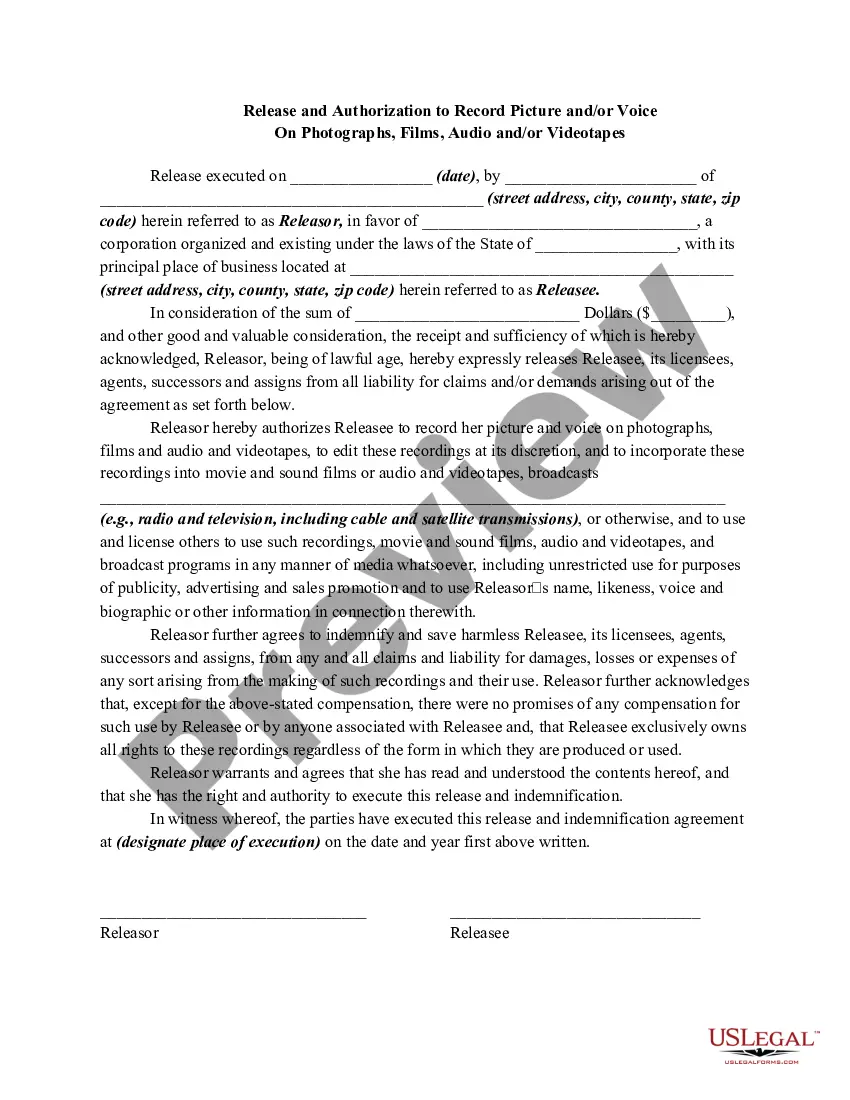
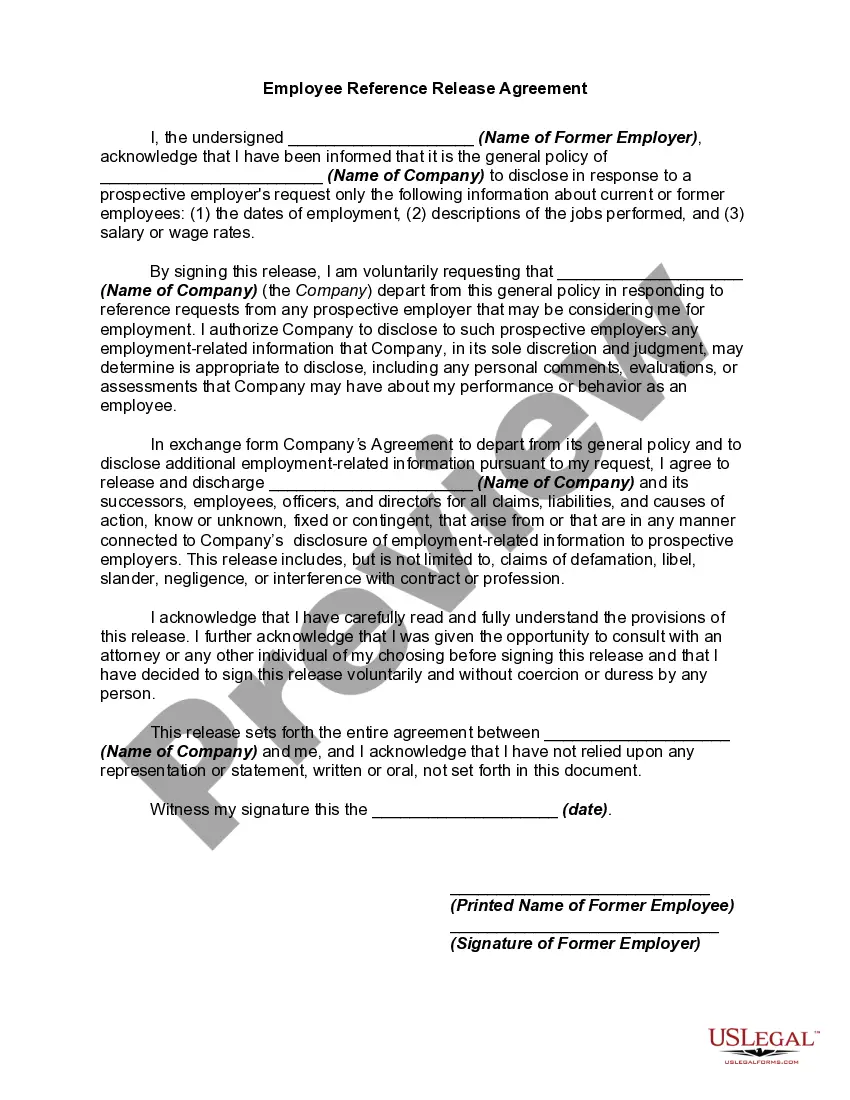
Selecting the appropriate legal document template can be a challenge. Clearly, there's a range of templates accessible on the Internet, but how do you find the legal form you require? Utilize the US Legal Forms website. The service offers a plethora of templates, including the California Employee Video, Photo and Recording Release, which you can use for business and personal purposes. All forms are verified by experts and comply with state and federal regulations.
If you are currently registered, Log In to your account and click the Download button to obtain the California Employee Video, Photo and Recording Release. Use your account to search through the legal forms you have previously acquired. Go to the My documents section of your account to retrieve another copy of the document you need.
If you are a new user of US Legal Forms, here are simple steps you should follow: First, ensure you have selected the correct form for your city/region. You can review the document using the Preview button and examine the form layout to confirm it is right for you. If the form does not meet your needs, use the Search feature to locate the appropriate document. Once you are sure the form is acceptable, click the Purchase now button to obtain the form. Choose the pricing option you want and provide the necessary information. Create your account and complete the purchase using your PayPal account or Visa or Mastercard. Select the file format and download the legal document template to your device. Fill out, edit, print, and sign the acquired California Employee Video, Photo and Recording Release.
- US Legal Forms is the largest collection of legal documents where you can find a variety of file templates.
- Utilize the service to download professionally-crafted documents that conform to state requirements.
Form popularity
FAQ
What do I include in a Video Release Form?Forms of Media. When creating your video and interview release consent form, list out any related media assets you could use going forward.Third-Party Usage.Commercial and Non-Commercial Rights.Time Limit.Future Uses.Payment.VIDEO AND INTERVIEW CONSENT AND RELEASE FORM.13-Dec-2019
A release is permission given by the person/people visible in the photo or the owners of property, brand or artwork that has been photographed. You may need to have a photo release form signed to be able to sell a photo, depending on the type of license your photo gets sold with.
A photo release form is basically a photography contract. It's an agreement between the photographer and the person you're photographing, the owner of the property you're photographing, or your client. A key aspect of photo release waivers is that they aren't one-sided.
A video release form is a grant of permission given by a person allowing a third party to use a video in which they appear for that third party's benefit. There are many kinds of benefits that the third party may obtain by using the video.
A Photo and Video Release Form is a legal document between the client and the involved company regarding how the photos and videos will be used. In this document, it should also specify if the client will receive monetary compensation.
A photo release form allows an individual or photographer to obtain consent from the other party in order to use photographs for personal or commercial use. The releasing party, the releasor, can choose to give away the rights to the images for free or charge a fee or royalty.
The release form should use clear language that explains that the model is signing over their rights to the image, likeness, or video. It should also explain whether any sort of payment is being made to the model to obtain the release. If so, the type of payment and the amount of payment should be specified.
How to Write a Photo Release Form:Identify the releasor.Describe the photo, image, likeness, or video.Address any payment the model receives for the release.Address royalties.Address whether the model has the ability to revoke their authorization.The parties sign and date the release.
Most Important Terms in a Release FormNames of releasor and releasee.Details about the project being produced.Information about what permissions are granted.Special considerations, such as crediting requirements or payment obligations.Spaces for signatures of all parties.
Components of a waiverGet help. Writing a waiver should not be complicated.Use the correct structure. Waivers should be written in a certain structure.Proper formatting.Include a subject line.Include a caution!Talk about the activity risks.Do not forget an assumption of risk.Hold harmless.More items...?