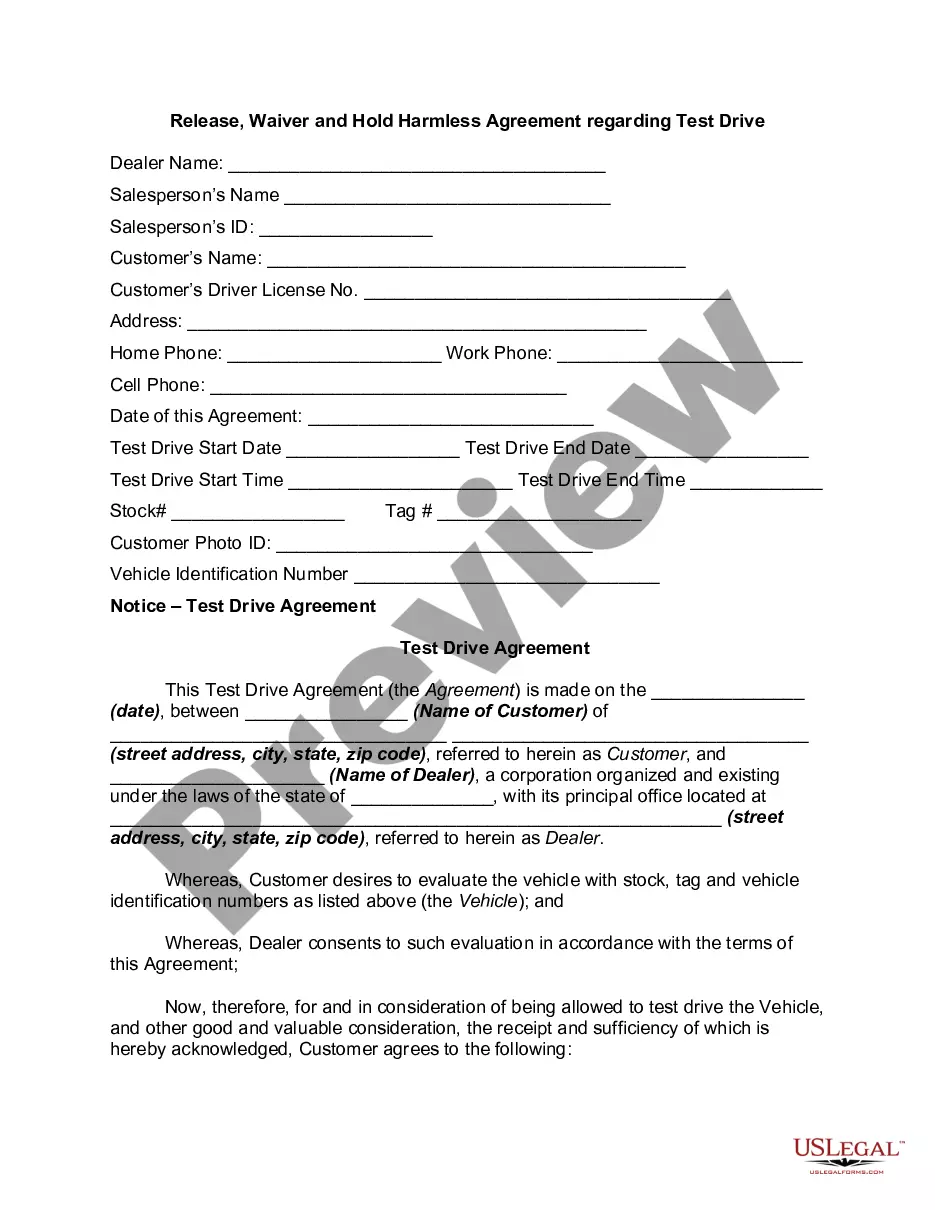
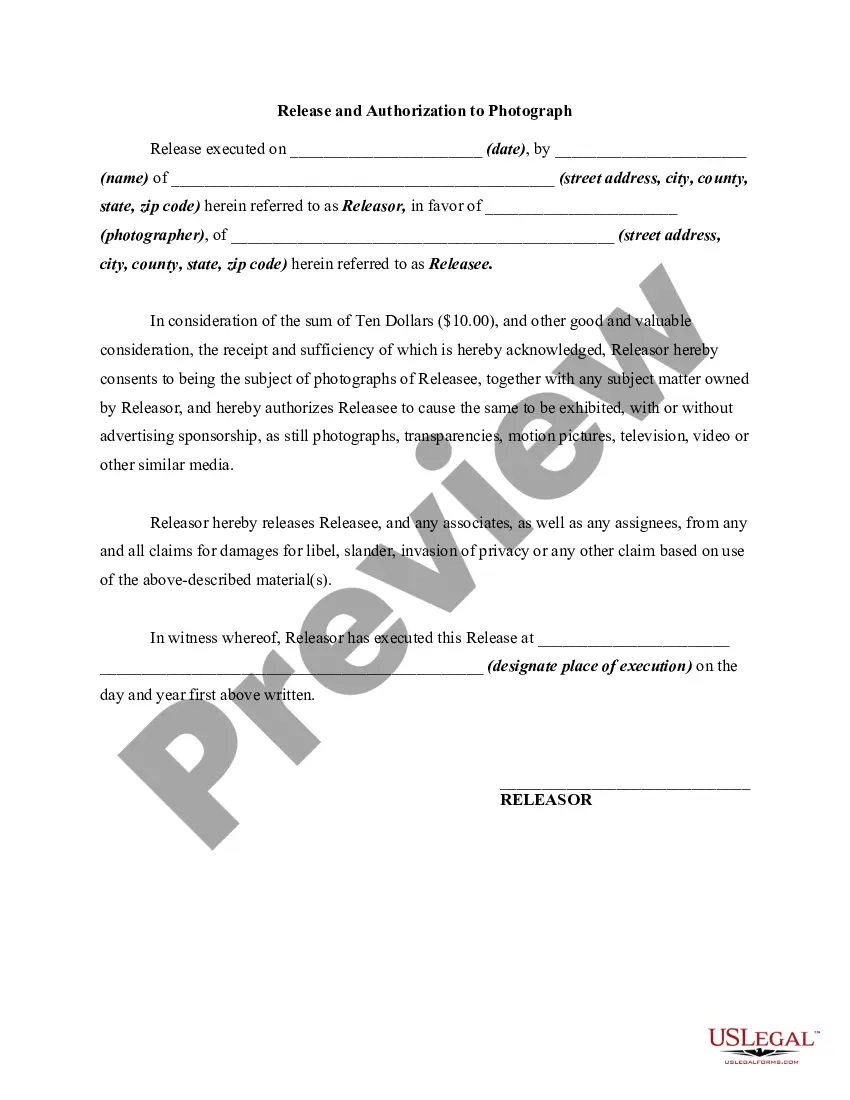
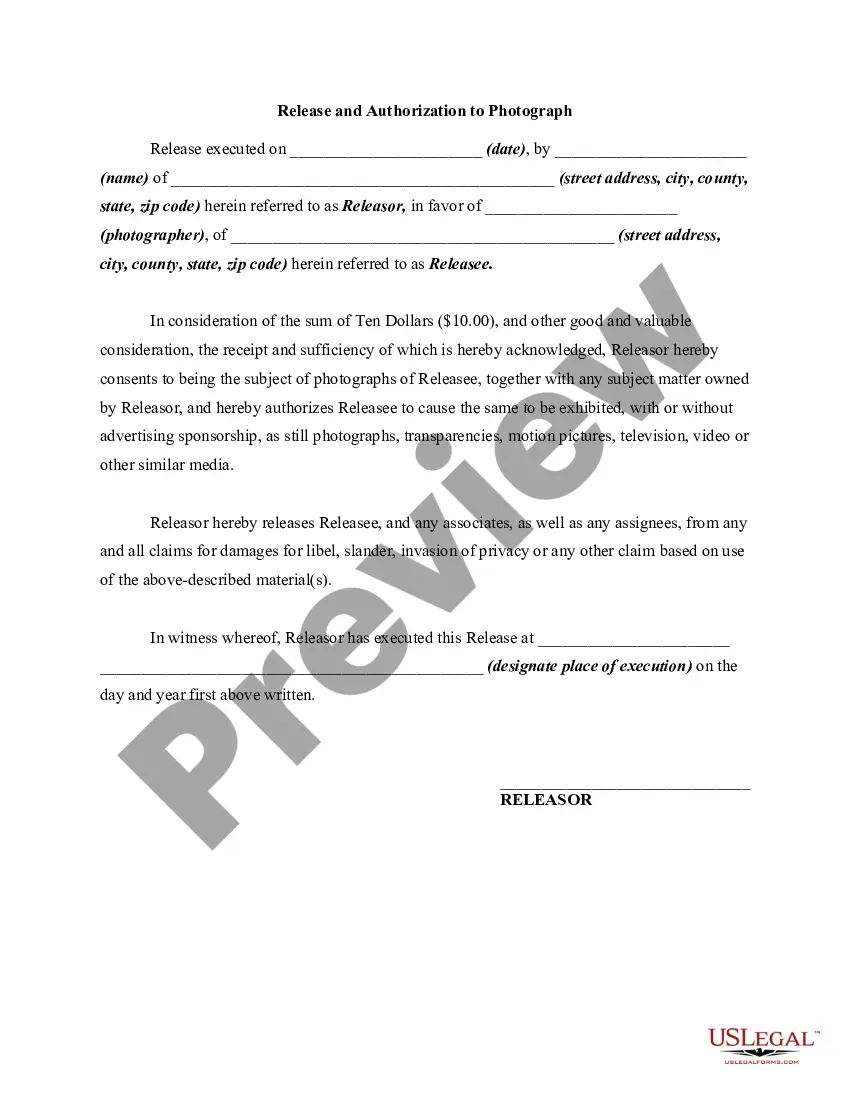
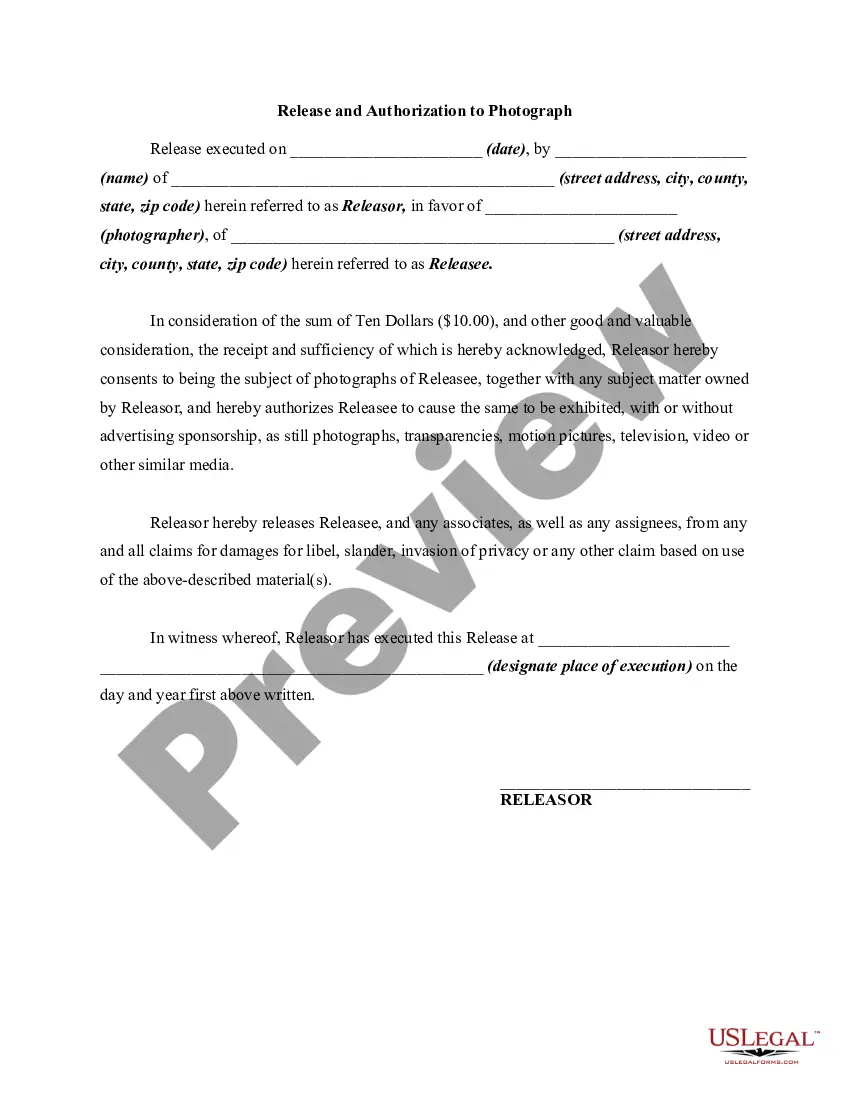
California Photo Release Form for Employees
Description

Get your form ready online
Our built-in tools help you complete, sign, share, and store your documents in one place.
Make edits, fill in missing information, and update formatting in US Legal Forms—just like you would in MS Word.
Download a copy, print it, send it by email, or mail it via USPS—whatever works best for your next step.
Sign and collect signatures with our SignNow integration. Send to multiple recipients, set reminders, and more. Go Premium to unlock E-Sign.
If this form requires notarization, complete it online through a secure video call—no need to meet a notary in person or wait for an appointment.
We protect your documents and personal data by following strict security and privacy standards.

Make edits, fill in missing information, and update formatting in US Legal Forms—just like you would in MS Word.

Download a copy, print it, send it by email, or mail it via USPS—whatever works best for your next step.

Sign and collect signatures with our SignNow integration. Send to multiple recipients, set reminders, and more. Go Premium to unlock E-Sign.

If this form requires notarization, complete it online through a secure video call—no need to meet a notary in person or wait for an appointment.

We protect your documents and personal data by following strict security and privacy standards.
Looking for another form?


How to fill out Photo Release Form For Employees?
If you wish to finalize, acquire, or print legitimate document templates, utilize US Legal Forms, the top assortment of legal forms available online.
Utilize the site's simple and useful search feature to find the documents you need.
Various templates for business and personal uses are organized by categories and states, or keywords.
Step 4. Once you have found the form you need, click the Buy now button. Choose the pricing plan you prefer and enter your details to register for an account.
Step 5. Complete the purchase. You may use your credit card or PayPal account to finalize the transaction.
- Use US Legal Forms to obtain the California Photo Release Form for Employees with just a few clicks.
- If you are already a US Legal Forms customer, Log In to your account and click on the Acquire button to obtain the California Photo Release Form for Employees.
- You can also access forms you have previously acquired from the My documents section of your account.
- If you are using US Legal Forms for the first time, follow the instructions below.
- Step 1. Ensure you have chosen the form for the correct city/state.
- Step 2. Utilize the Review option to examine the contents of the form. Don't forget to read the description.
- Step 3. If you are not satisfied with the form, use the Search field at the top of the screen to find other versions in the legal form format.
Form popularity
FAQ
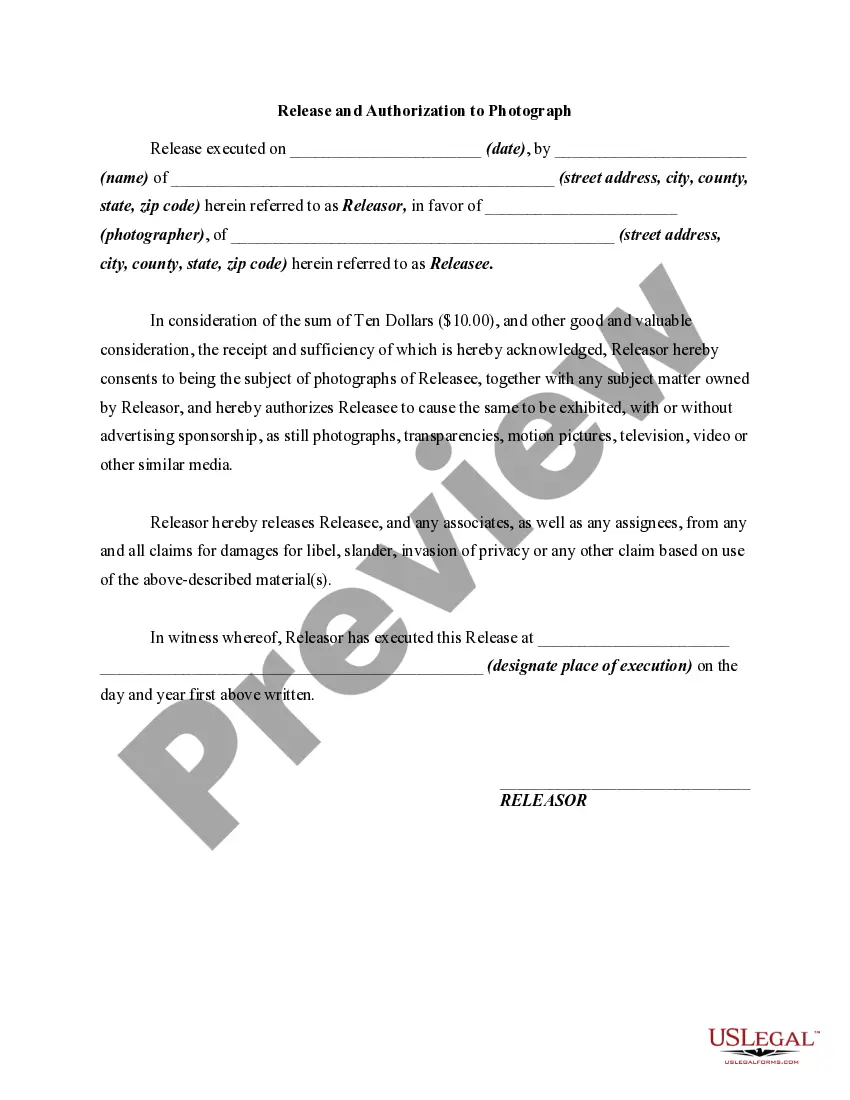
A photo disclaimer can state something like: 'Images of employees may be used by Company Name in various media, including websites and promotional materials.' This informs employees about the potential uses of their images, providing transparency and ensuring compliance with the California Photo Release Form for Employees.
A California Photo Release Form for Employees should include the employee's name, date, and details about the images. Additionally, it should specify the purpose of the image usage, whether for marketing, internal documents, or other avenues. It's crucial to include a statement of consent, ensuring the employee understands and agrees to the terms.
An example of a photo release statement can be: 'I, Employee Name, hereby grant Company Name permission to use my likeness in photographs for promotional purposes.' This statement clearly communicates consent and the context in which the images will be used, which is essential for a California Photo Release Form for Employees.
Filling out a photo release form, such as the California Photo Release Form for Employees, involves writing down specific information about the photos and the intended use. Include the employee's name, description of the images, and the scope of permission granted. Make sure to review the document for clarity and accuracy, then sign it to finalize the agreement.
To fill out a California Photo Release Form for Employees, start by gathering all necessary information, including the employee's name, date, and details about the photos being taken. Clearly state that the employee grants permission for their image to be used. Sign the document once you have completed it, ensuring that both parties have a copy for their records.
You can obtain a model release form by searching online for templates or by creating one yourself. For a professional touch and to ensure compliance, consider downloading a California Photo Release Form for Employees from US Legal Forms. This platform provides user-friendly access to pre-made forms, making it easier for you to secure the rights you need.
Yes, you absolutely can create your own release form. However, it’s essential to ensure that it includes all necessary components, such as consent, permissions, and the scope of use. If you opt for a California Photo Release Form for Employees, you will benefit from including specific clauses tailored for workplace settings. To avoid any legal pitfalls, consider using templates from US Legal Forms.
To create a photo release form, you need to gather essential details, including the purpose of the photo use and consent from the individuals involved. A California Photo Release Form for Employees should clarify the rights of both parties regarding image usage. You can either write one from scratch or utilize ready-made forms from services like US Legal Forms to ensure your document meets legal requirements.
Creating a model release form is straightforward. You can start by outlining the basic information, such as the names of the parties involved, the date, and the description of the photos being taken. For a comprehensive California Photo Release Form for Employees, you can include a clause that addresses the use of images in various media. Utilizing platforms like US Legal Forms simplifies this process, offering templates tailored for California employees.
Yes, photo release forms are necessary as they protect both the employer and the employee from potential legal issues surrounding the use of images. They provide a record of consent and specify how images can be used, promoting a respectful workplace environment. Implementing a California Photo Release Form for Employees sets professional standards and minimizes risks.