California Quitclaim Deed - General
Understanding this form
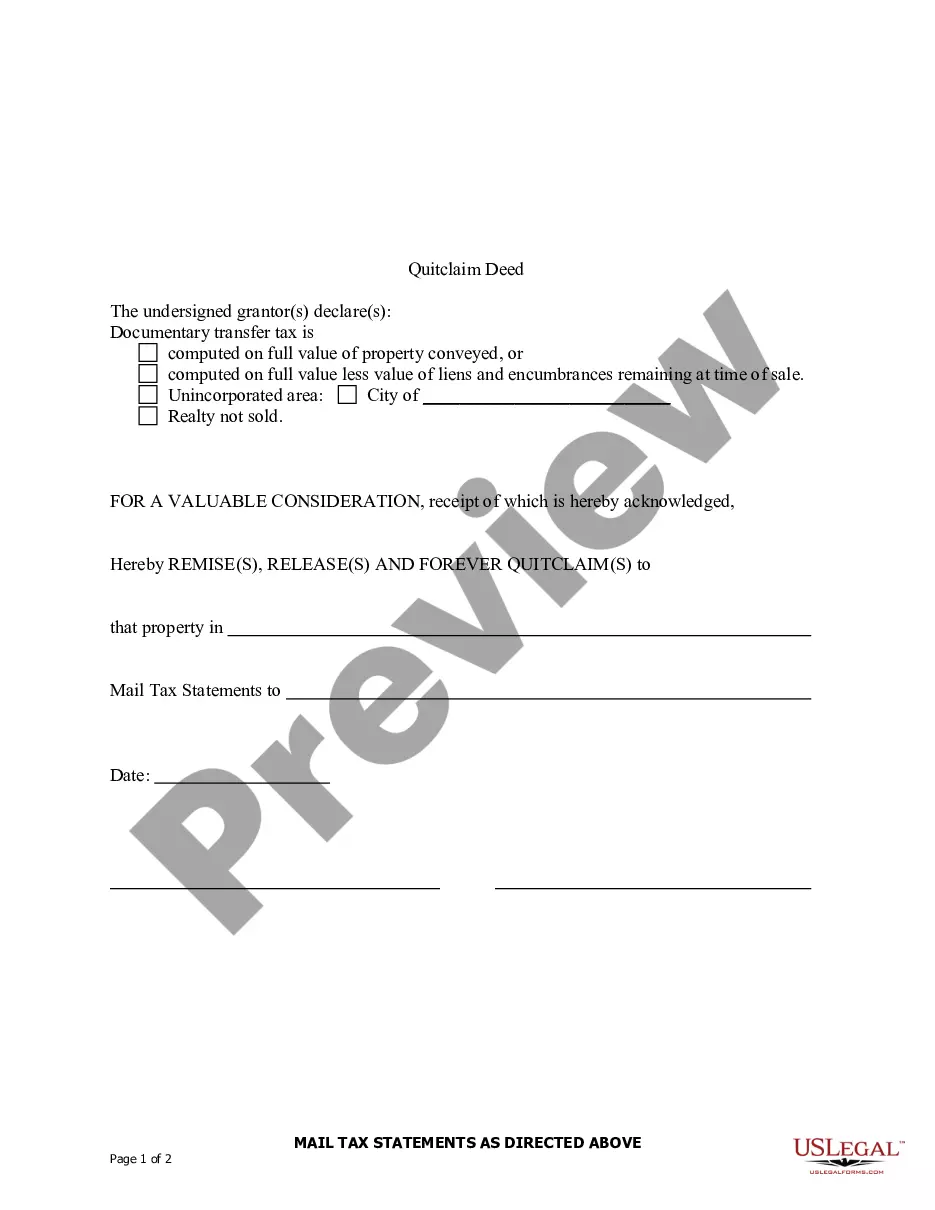
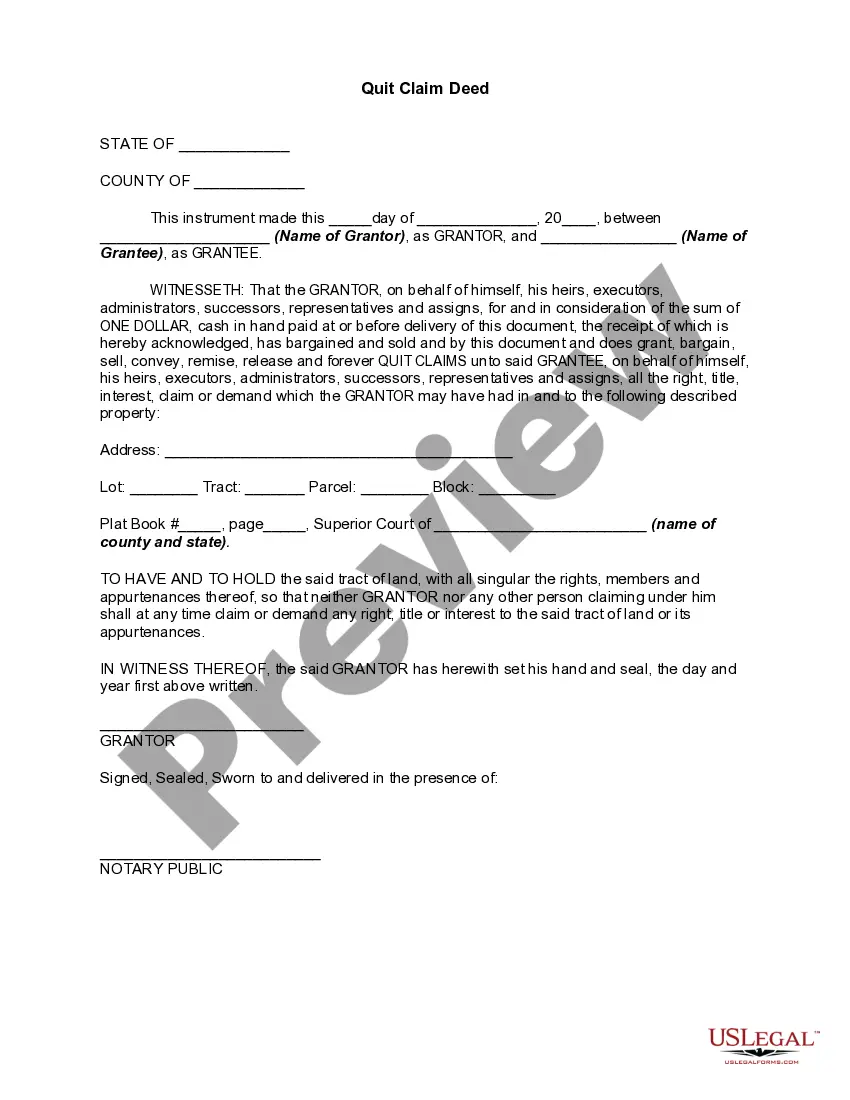
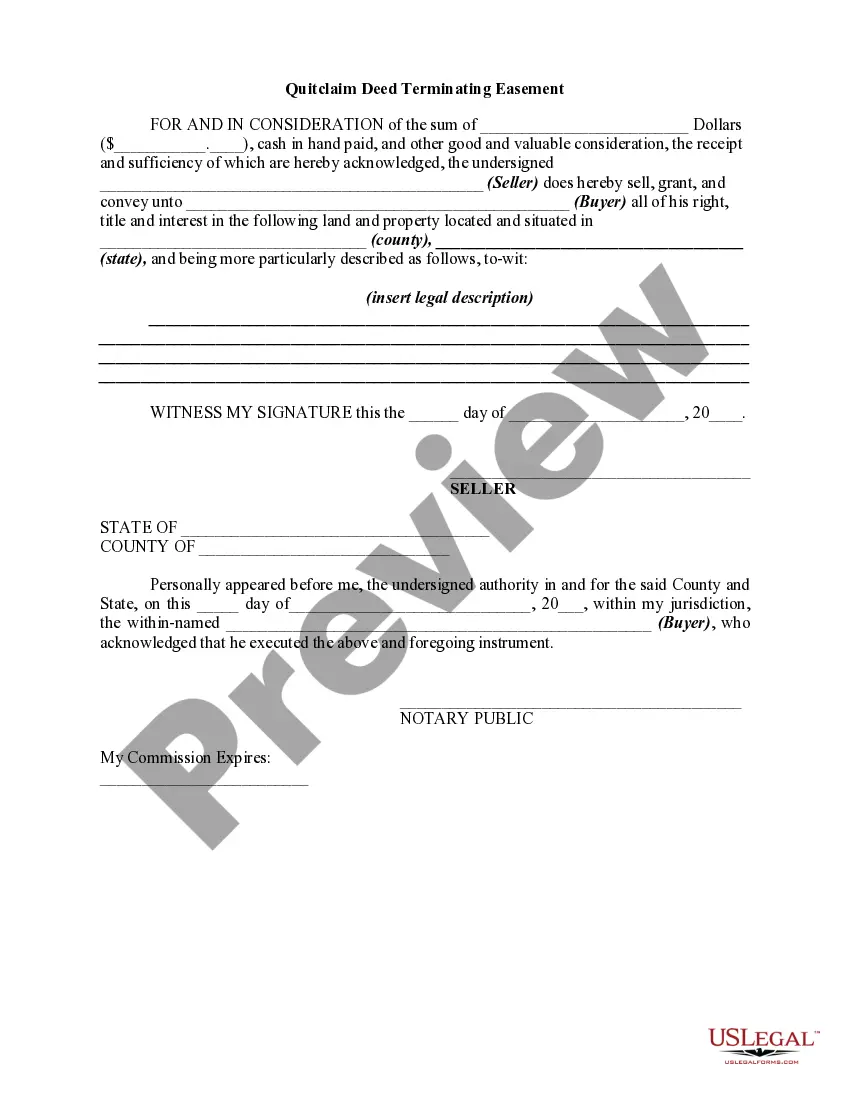
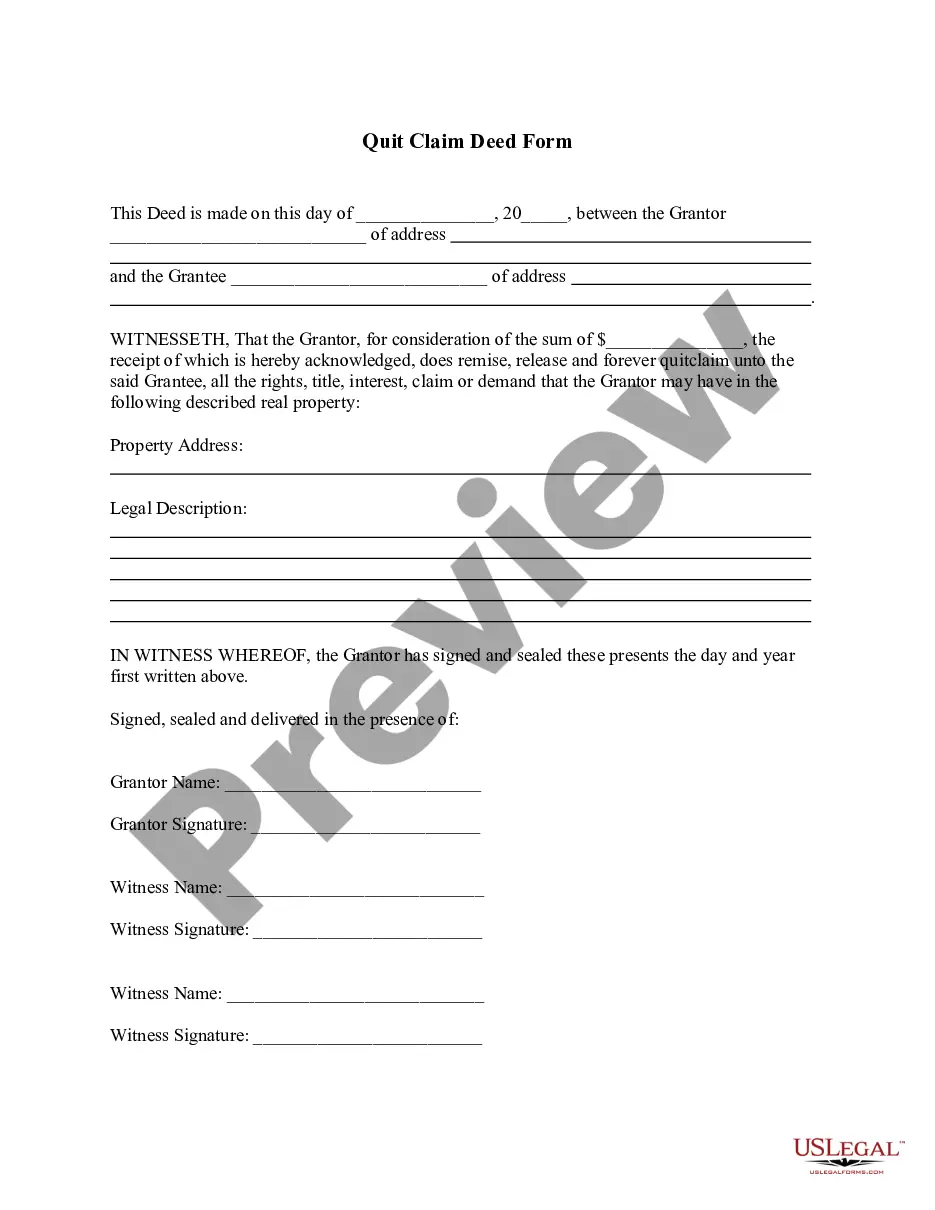
A Quitclaim Deed is a legal document used to transfer ownership of real estate from one party to another without any warranty of title. This means that the grantor transfers whatever interest they have in the property, but does not guarantee that the title is clear or free from claims. Unlike other types of deeds, such as a warranty deed, a Quitclaim Deed offers no protections to the grantee. It is commonly used in scenarios such as transferring property between family members or clearing up title issues.
Key parts of this document
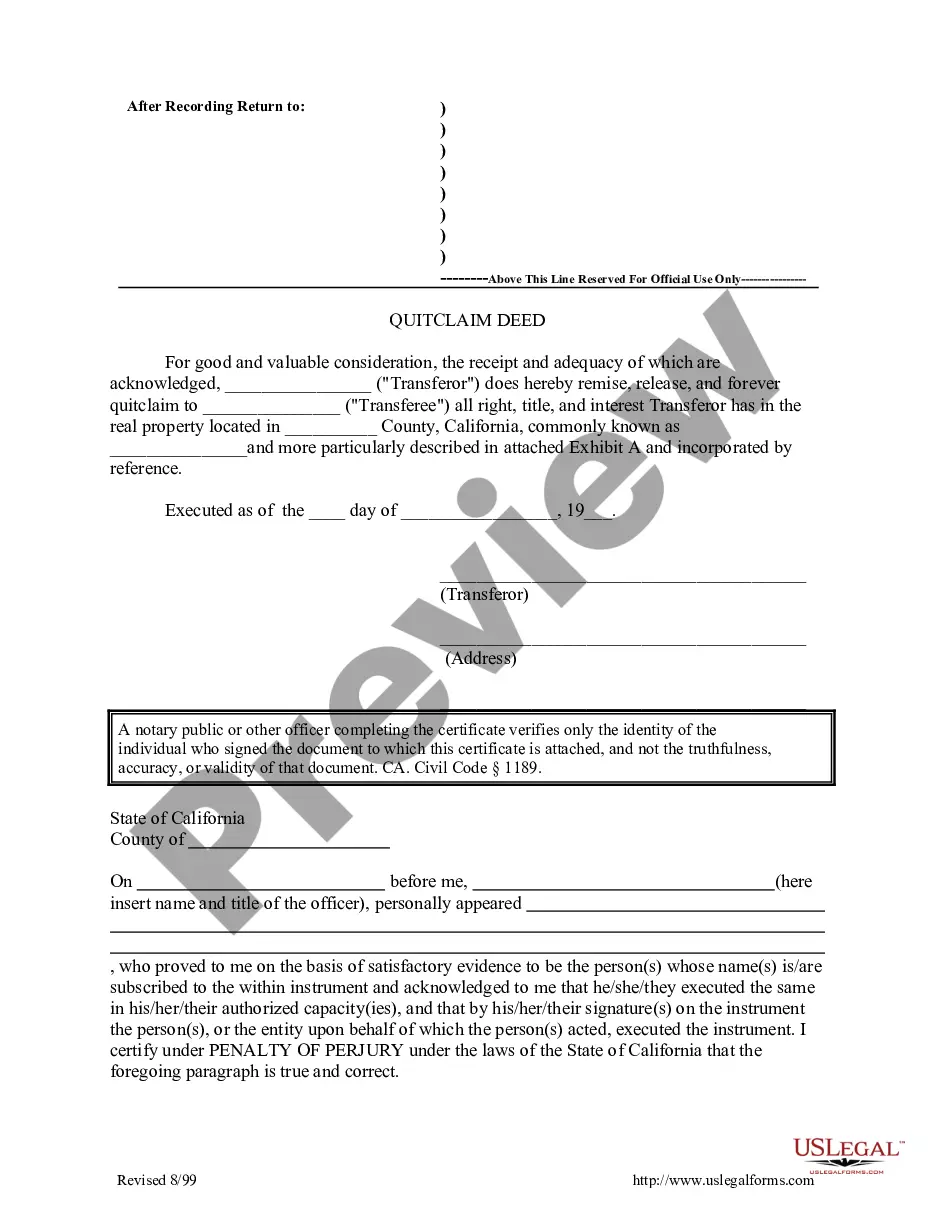
- Names of the grantor(s) and grantee(s): Clearly identify the parties involved in the property transfer.
- Property description: An accurate and complete description of the property being transferred is crucial.
- Consideration: A statement acknowledging the receipt of valuable consideration in exchange for the property.
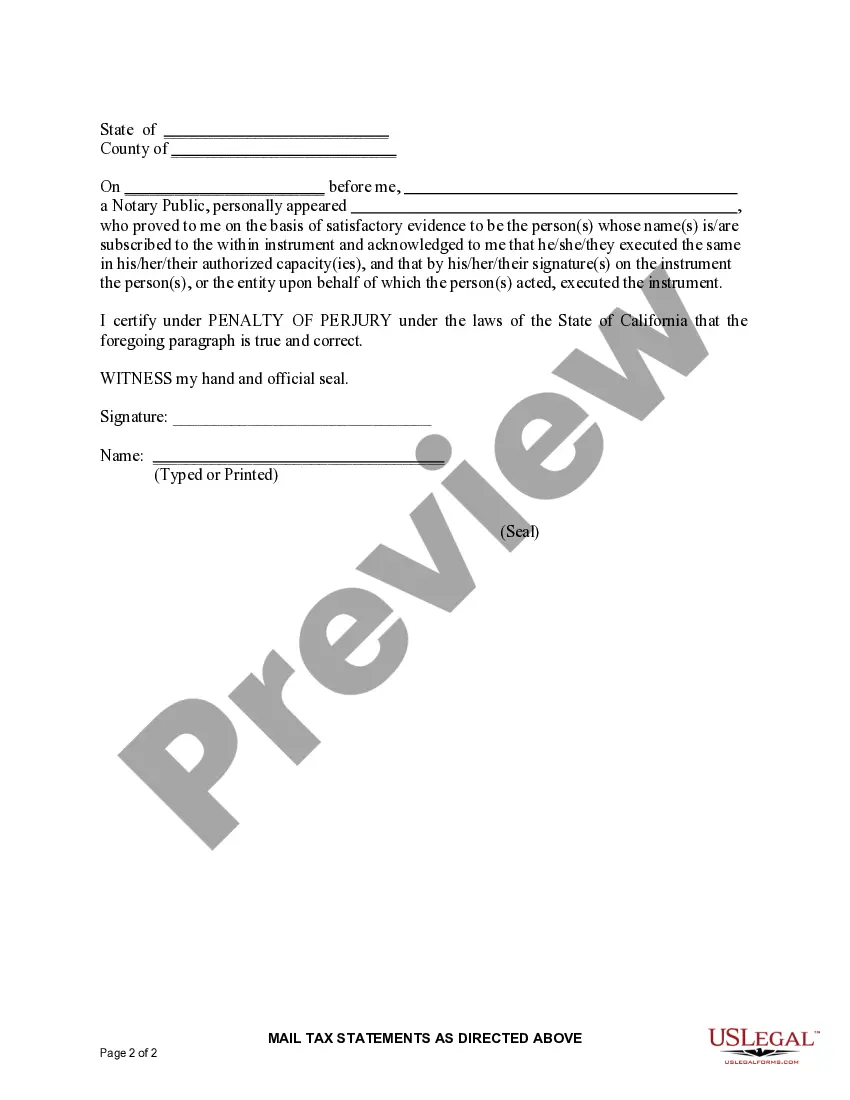
- Notary section: A place for a notary public to verify the identity of the signer(s) and their authorization.

When to use this document
This Quitclaim Deed should be used when you want to transfer interest in property without making any guarantees about the title. Common situations include transferring property between family members, handling estate matters, or correcting errors in a property title. It can also be used to release property claims in legal disputes or as part of a divorce settlement.
Who this form is for
- Property owners wishing to transfer their interest in a property.
- Family members transferring property to one another.
- Individuals involved in divorce proceedings who need to settle property rights.
- Heirs dealing with property in an estate settlement.
How to complete this form
- Identify the parties: Fill in the names of the grantor(s) and grantee(s) accurately.
- Specify the property: Provide a detailed description of the property being transferred.
- Enter the consideration: State the amount of consideration or acknowledge its receipt.
- Notarize the document: Arrange for a notary public to witness the signing of the deed and complete the notarization section.
- File the deed: If required, file the completed Quitclaim Deed with your local land records office.
Notarization guidance
Yes, this form must be notarized to be legally valid. A notary public will verify the identity of signers, providing assurance of the document's authenticity. US Legal Forms offers integrated online notarization, available 24/7 via secure video call, ensuring legal equivalence without the need for travel.
Get your form ready online
Our built-in tools help you complete, sign, share, and store your documents in one place.
Make edits, fill in missing information, and update formatting in US Legal Forms—just like you would in MS Word.
Download a copy, print it, send it by email, or mail it via USPS—whatever works best for your next step.
Sign and collect signatures with our SignNow integration. Send to multiple recipients, set reminders, and more. Go Premium to unlock E-Sign.
If this form requires notarization, complete it online through a secure video call—no need to meet a notary in person or wait for an appointment.
We protect your documents and personal data by following strict security and privacy standards.

Make edits, fill in missing information, and update formatting in US Legal Forms—just like you would in MS Word.

Download a copy, print it, send it by email, or mail it via USPS—whatever works best for your next step.

Sign and collect signatures with our SignNow integration. Send to multiple recipients, set reminders, and more. Go Premium to unlock E-Sign.

If this form requires notarization, complete it online through a secure video call—no need to meet a notary in person or wait for an appointment.

We protect your documents and personal data by following strict security and privacy standards.
Common mistakes
- Leaving out the property description, which can lead to ambiguity.
- Not having the document notarized when required by local law.
- Failing to accurately list the names of all parties involved in the transaction.
- Not properly filing the Quitclaim Deed with local authorities, which may affect legal ownership.
Benefits of using this form online
- Easy access: Download and complete your Quitclaim Deed form at your convenience.
- Customizable: Tailor the document to fit your specific circumstances and needs.
- Time-saving: Quickly complete the form without needing to visit a legal office.
- Reliability: Ensure your form is drafted by licensed attorneys to meet legal standards.
Main things to remember
- A Quitclaim Deed transfers ownership without warranties, making it useful for certain property transactions.
- Accurate identification of parties and property is essential for a valid transfer.
- Notarization is required to ensure the document's legal validity.
- Using online forms can save time and provide peace of mind in legal transactions.
Looking for another form?
Form popularity
FAQ
First, you need to make sure you fill out the quitclaim deed properly and get it notarized. Next, take the quitclaim deed to the County Recorder's Office. Make sure to file a Preliminary Change of Ownership Report and a Documentary of Transfer Tax or a Notice of Exempt Transaction.
The fee will vary depending on the county, but generally ranges from $1 to $12 for the first page and $1-3 for each additional page. In Sacramento County, you can get a copy for $1 a page. In San Bernardino County, you can expect to pay $12 for the first page and $1 for any additional pages.
If the residence is the separate property of one spouse, that spouse will have a 100% interest in the home, subject to any reimbursements owed to the community and any interest the community acquired in the home during marriage.
Only the grantor signs the quitclaim deed, signing before a notary public.
While recording a deed does not affect its validity, it is extremely important to record since recordation protects the grantee. If a grantee fails to record, and another deed or any other document encumbering or affecting the title is recorded, the first grantee is in jeopardy.
A California quitclaim deed form is a special type of deed that transfers real estate without guarantees about the property's title. A person who transfers property by quitclaim deed (the transferor or grantor) does not promise that he or she has clear title or actually owns the property.
Recording. Once the quitclaim deed is signed and notarized, it is a valid legal document. But the grantee must also have the quitclaim deed recorded in the county recorder's office, or with the county clerk -- whoever has the authority to record deeds and property transfers.