California Training Session Roll Sheet
Overview of this form
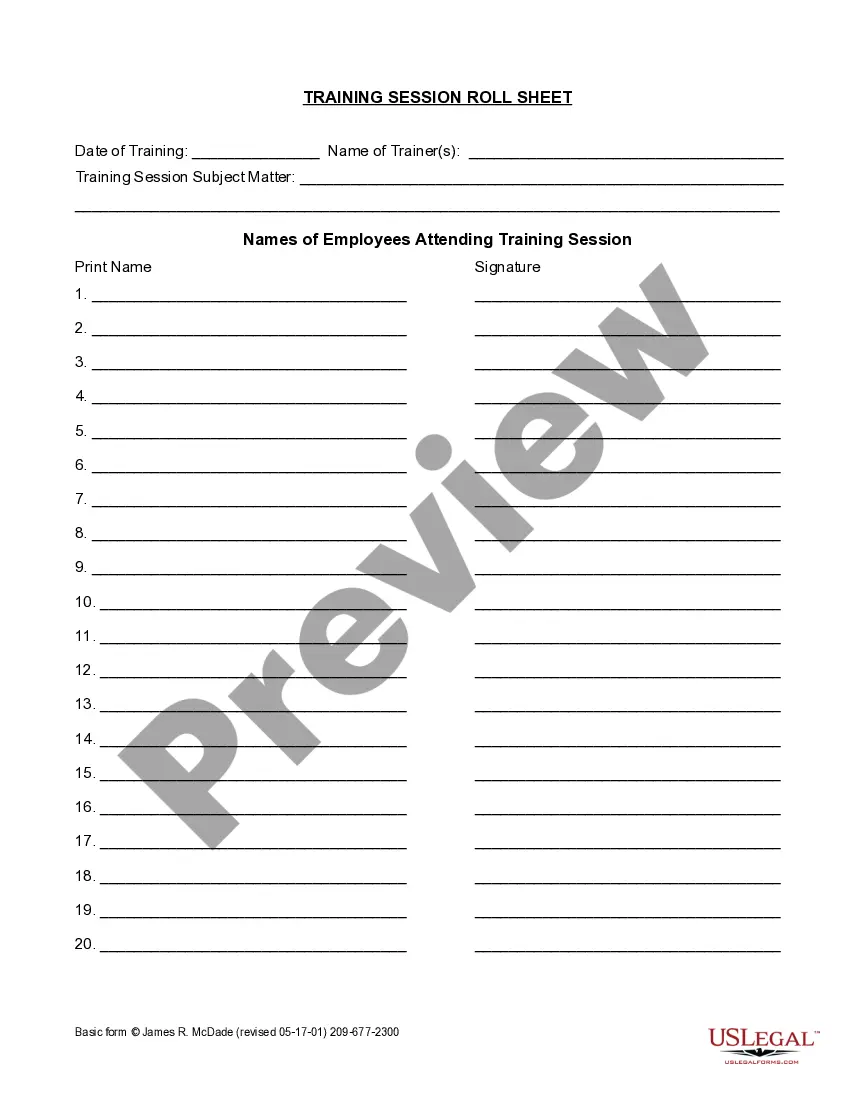
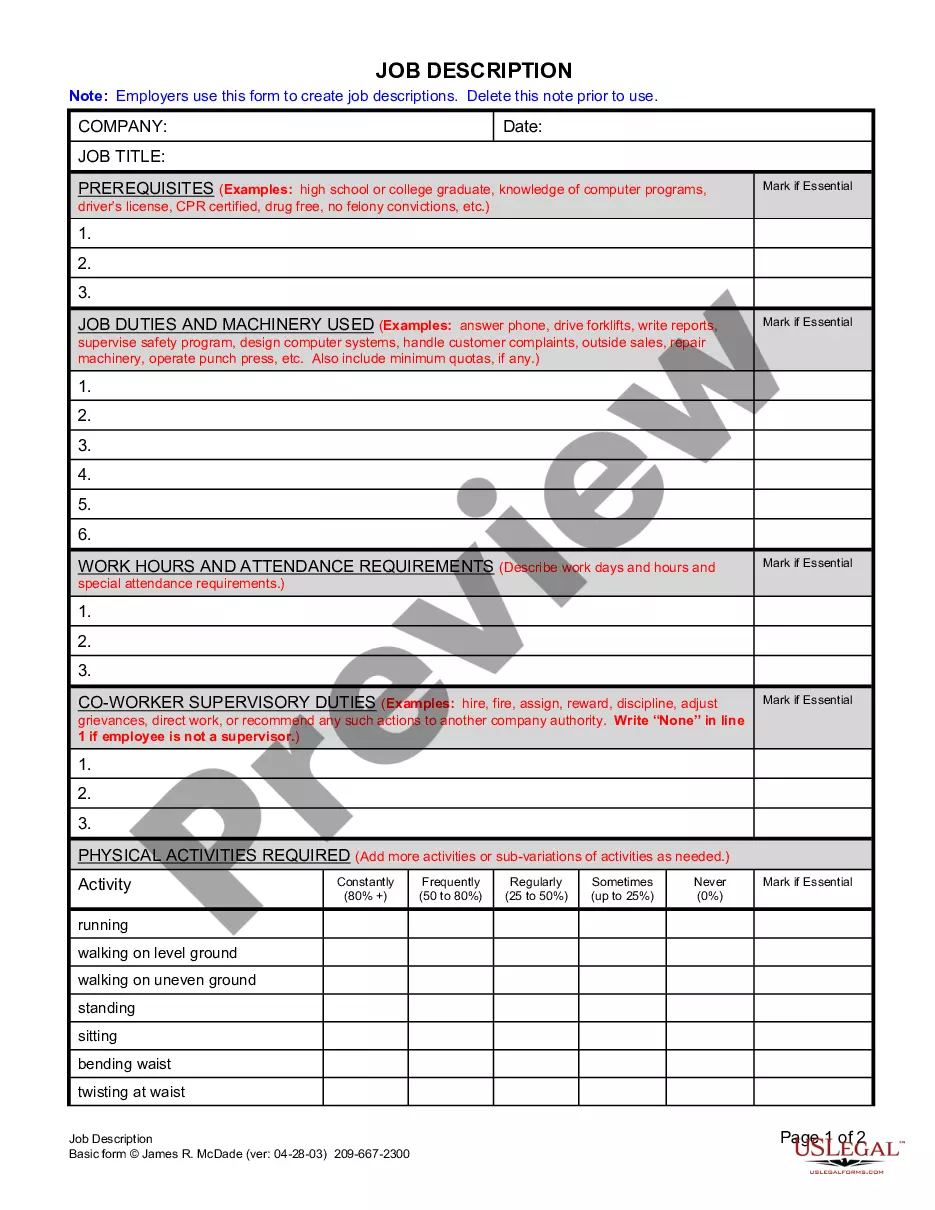
The Training Session Roll Sheet is a legal document used to record attendance at training sessions conducted for employees. This form ensures that participation is documented efficiently, which helps organizations manage training compliance and track employee development. Unlike other attendance forms, the Training Session Roll Sheet is specifically designed for training contexts and includes sections for course details and employee signatures.
Main sections of this form
- Date of Training: The specific date when the training session occurs.
- Name of Trainer(s): The individual or individuals conducting the training.
- Training Session Subject Matter: The topic or content covered during the training.
- Names of Employees Attending Training Session: A list of employees who participated, including spaces for their print names and signatures.


Situations where this form applies
This form is essential in various scenarios, such as when a company conducts mandatory training for compliance reasons, onboarding new employees, or providing professional development opportunities. It serves as a formal record that can be referenced for attendance tracking and may be required during audits.
Who can use this document
- Human resources personnel responsible for training and development.
- Trainers or facilitators leading training sessions.
- Managers ensuring compliance with training requirements.
- Organizations seeking to maintain accurate records of employee training attendance.
Steps to complete this form
- Identify the date of the training session and enter it at the top of the form.
- List the names of trainers leading the session.
- Specify the subject matter of the training provided.
- Have attendees print their names and sign adjacent to their printed names for verification.
- Ensure all fields are filled out completely before submitting or storing the form for compliance.
Does this form need to be notarized?
This form does not typically require notarization unless specified by local law.
Get your form ready online
Our built-in tools help you complete, sign, share, and store your documents in one place.
Make edits, fill in missing information, and update formatting in US Legal Forms—just like you would in MS Word.
Download a copy, print it, send it by email, or mail it via USPS—whatever works best for your next step.
Sign and collect signatures with our SignNow integration. Send to multiple recipients, set reminders, and more. Go Premium to unlock E-Sign.
If this form requires notarization, complete it online through a secure video call—no need to meet a notary in person or wait for an appointment.
We protect your documents and personal data by following strict security and privacy standards.

Make edits, fill in missing information, and update formatting in US Legal Forms—just like you would in MS Word.

Download a copy, print it, send it by email, or mail it via USPS—whatever works best for your next step.

Sign and collect signatures with our SignNow integration. Send to multiple recipients, set reminders, and more. Go Premium to unlock E-Sign.

If this form requires notarization, complete it online through a secure video call—no need to meet a notary in person or wait for an appointment.

We protect your documents and personal data by following strict security and privacy standards.
Common mistakes
- Forgetting to record the date of the training session.
- Neglecting to get signatures from all attending employees.
- Leaving sections incomplete, such as the subject matter of training.
Advantages of online completion
- Convenient download and print options for easy access.
- Editable fields allow for customization according to specific training sessions.
- Reliability in record-keeping reduces the risk of errors.
Legal use & context
- Provides documentation for training compliance and employee development.
- Can be used as evidence in case of audits or disputes regarding training attendance.
Main things to remember
- The Training Session Roll Sheet is essential for documenting employee attendance at training.
- It captures important information such as the date, trainers, subjects, and signatures.
- Using this form helps ensure compliance and proper record-keeping for training activities.
Looking for another form?

Form popularity
FAQ
Step 1: Assess Training needs. Step 2: Identify the employees. Step 3: Implement the training program. Training Topic/Task: Mode of Training: Training Hours: Expected Completion Date: Status:
Learning Management System (LMS) the Easiest Way to Track Employee Training. An LMS is a digital learning hub. Training Management System (TMS) Advanced Administrative Functionality. Excel and Google Spreadsheets Low-Cost Workarounds.
Step 1: Select a File Format. To create any schedule, you have to firstly open a new document in any of the selected file formats such as Goggle Docs, MS Word, Pages, etc. Step 2: Place the Heading. Step 3: Enter Basic Details. Step 4: Insert a Table. Step 5: Enter Contents.
Know your audience (the trainees/learners) Write for your training audience. Write to your training audience. Use conversational language for training. Tell stories to improve training. Put people in scenarios. Use short words instead of big words. Use short and simple sentences.
STEP 1: Write the date and your bodyweight (if you wish) at the top of the page. STEP 2: Write your planned workout routine for the day in the following format: STEP 3: Record tally marks as you complete your work sets. STEP 4: Vary this basic structure as needed for the training session.
Click the "File" drop-down menu then "New" and select "Blank Workbook" to create an empty workbook. Across row "1", starting in cell "A", enter headings for the information you need to track. Enter training informationone new row for each training event and each person to track. Things You'll Need.
Set specific goals to meet each training need you've identified. List everyone who needs to be trained in each topic area. Set up a training schedule. Choose the appropriate method(s) for each group of trainees in each topic area.
Identify Your Specific Goals in a Clear, Direct Fashion. Plan the Training Materials and Schedule. Develop the Training Materials. Implement Your Training Program. Revise, Rework, and Repeat. Utilize the Training Immediately. Submerge Your Employees.
Set a smart goal to training and make sure it is understood. Define topics to be included in a training program. Determine time needed for each topic and consider difficulty of a topic in relation to understanding it. Organize and arrange the order of the topics.