California HIPAA Release and Authorization
About this form
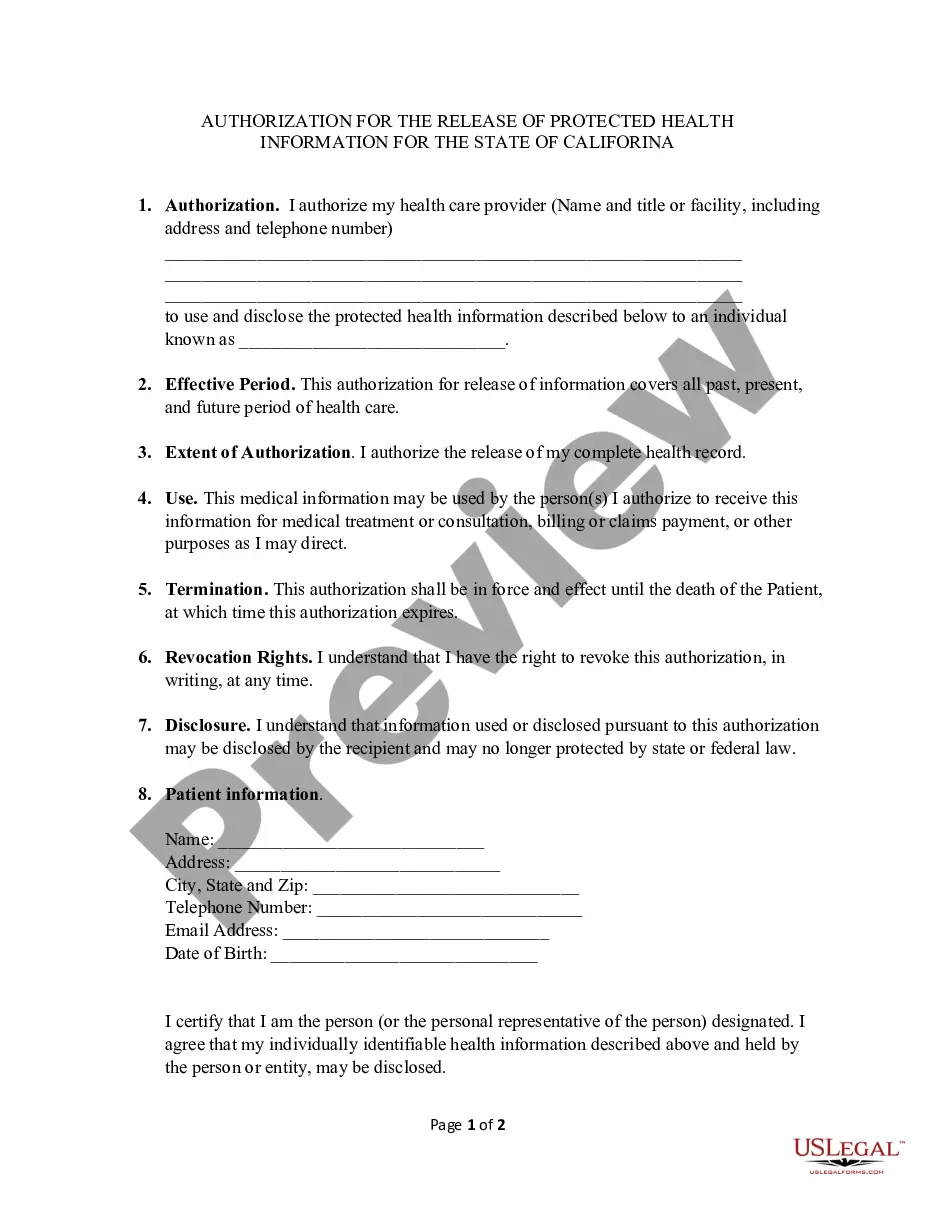
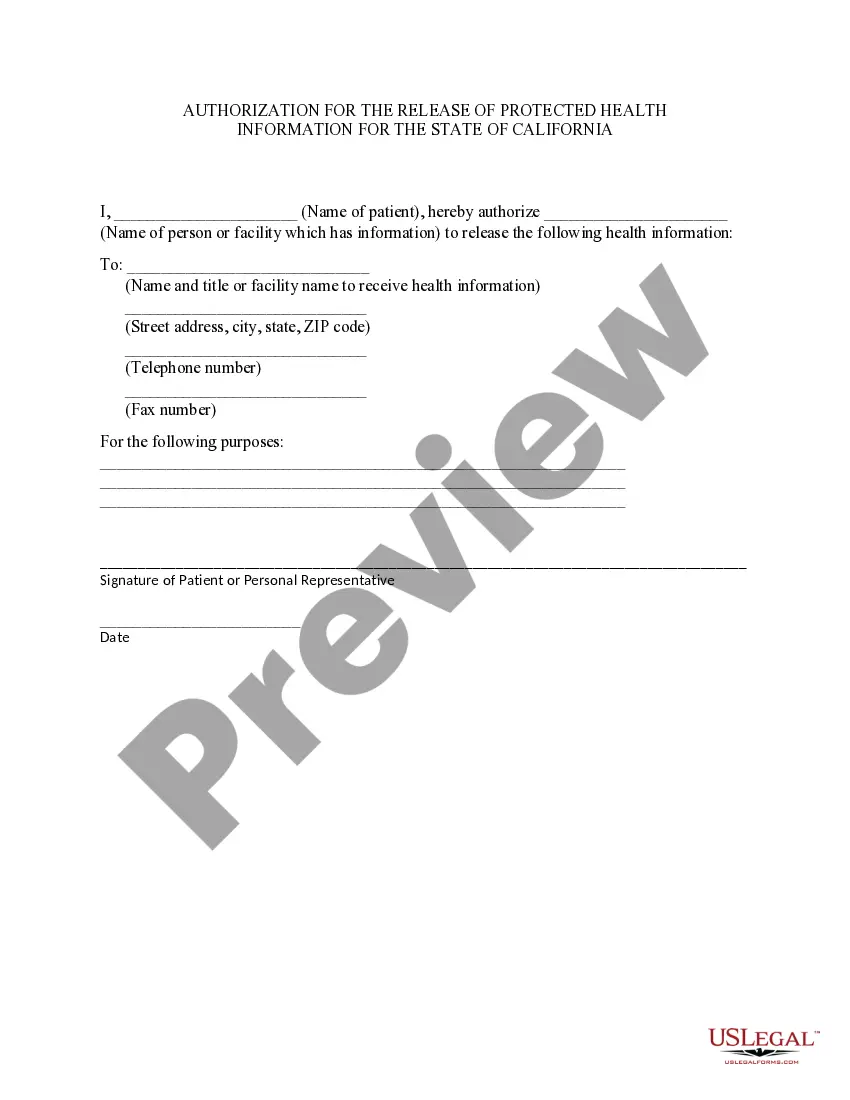
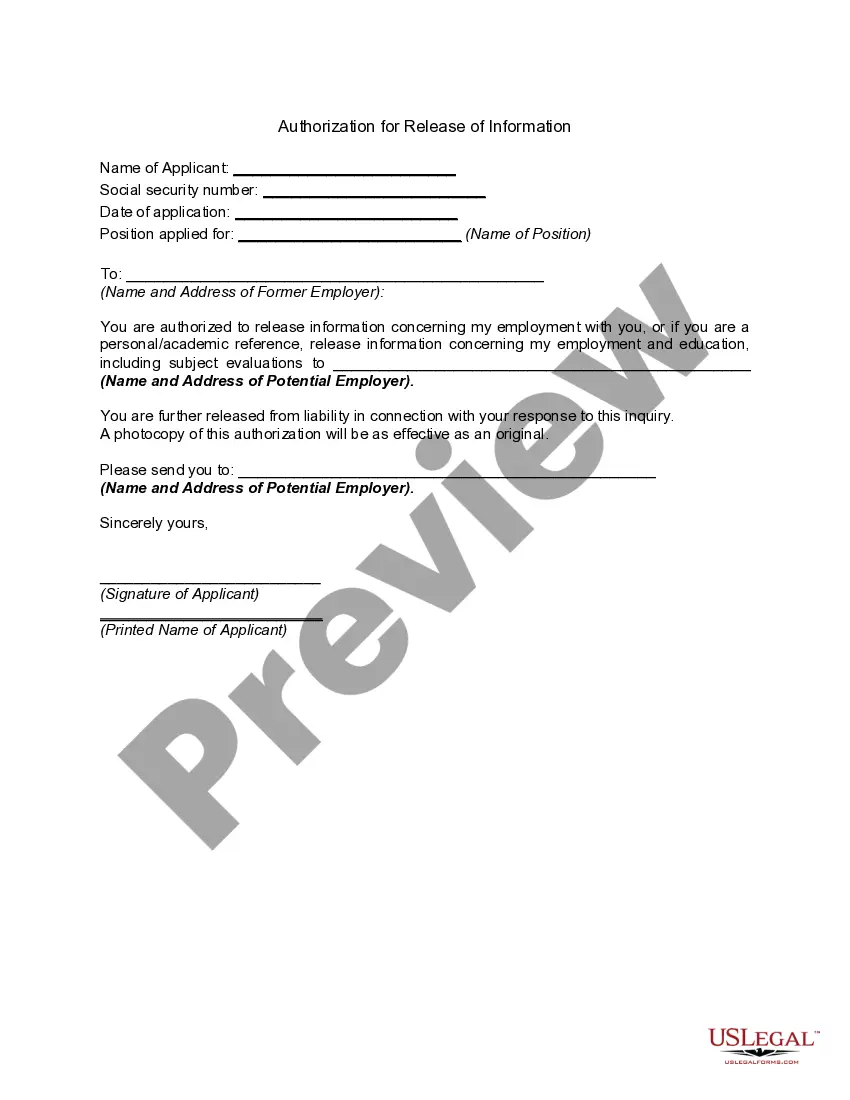
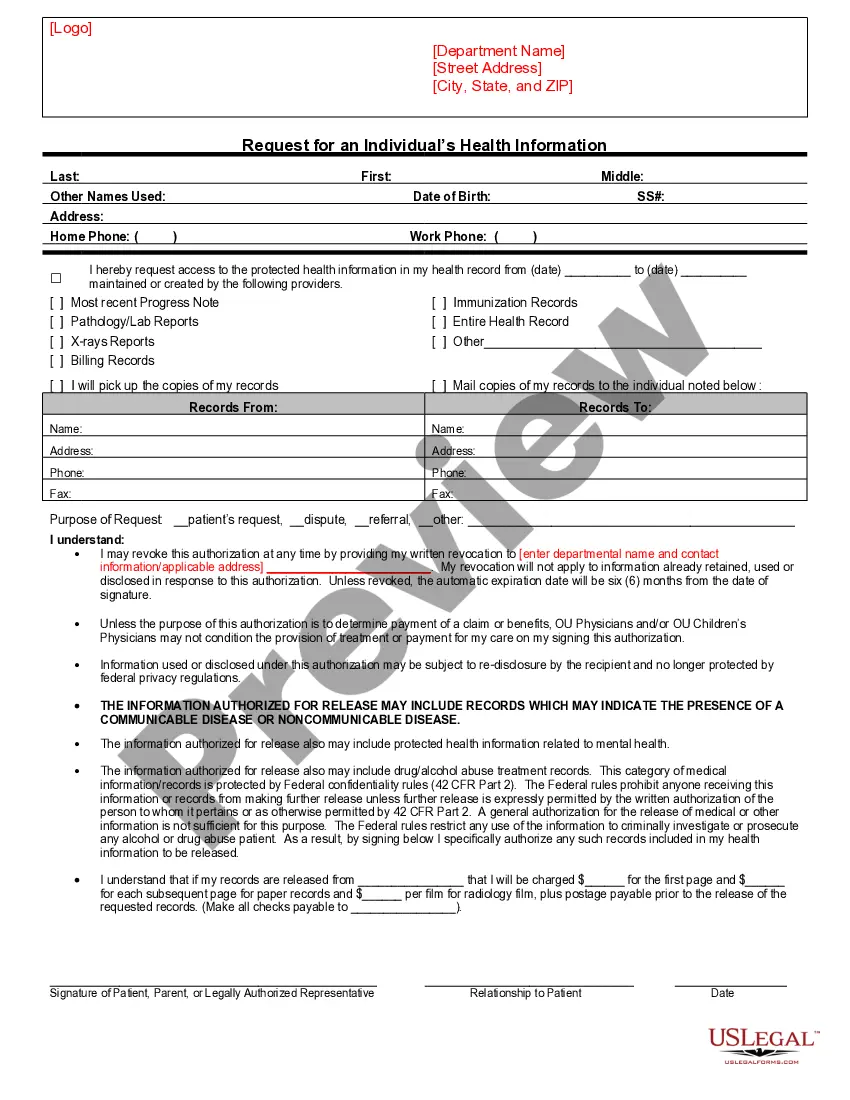
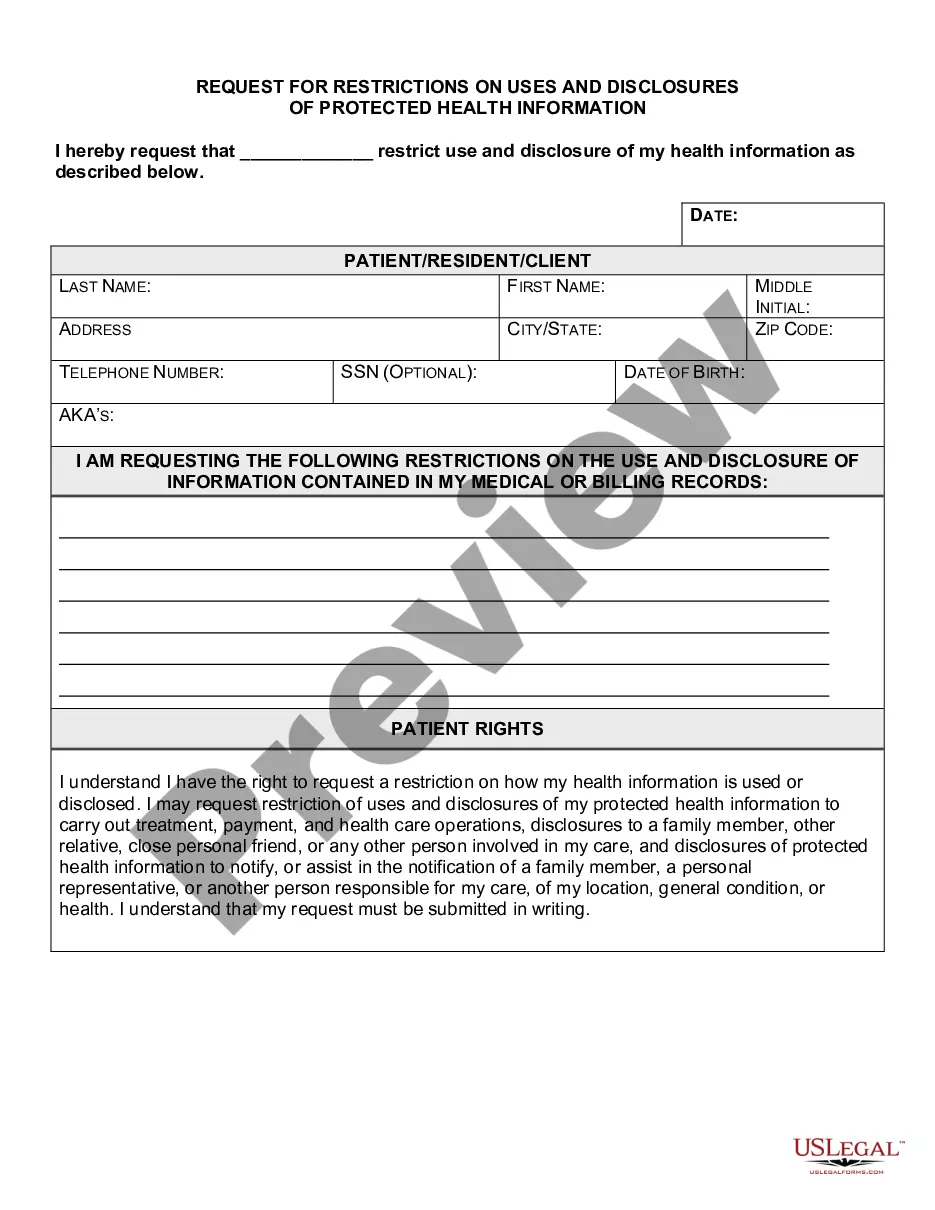
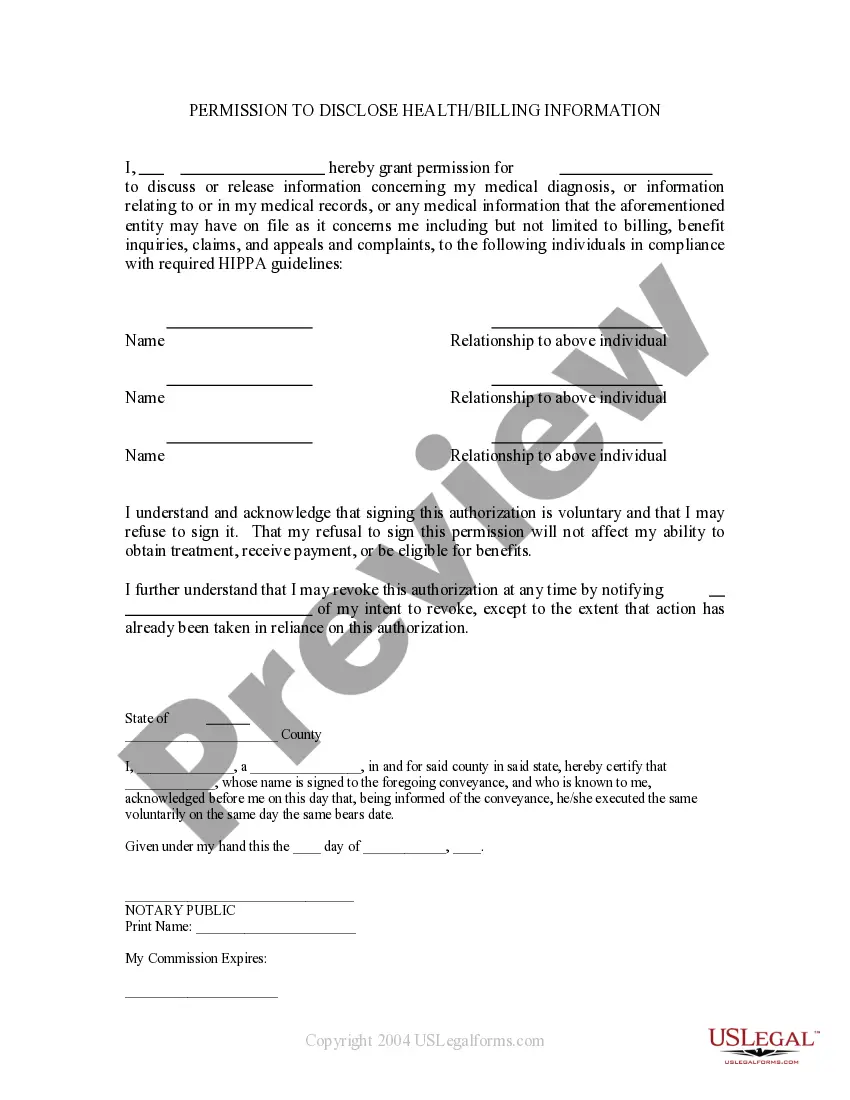
The California HIPAA Release and Authorization is a legal document that allows individuals to authorize their healthcare providers to share their protected health information with designated individuals or parties. This form is specific to California, complying with state regulations regarding medical privacy. It ensures that individuals can access their health records while maintaining control over who can view or use that information.
Key components of this form
- Authorization: Allows the release of protected health information by specifying the healthcare provider and the individual authorized to receive the information.
- Effective Period: Covers all past, present, and future healthcare periods.
- Extent of Authorization: Authorizes the release of complete health records.
- Use: Details how the information may be used, including for medical treatment or billing purposes.
- Termination: States that the authorization remains valid until the patient's death.
- Revocation Rights: Explains the right to revoke the authorization at any time.
When to use this form
This form is commonly used when a patient wants to grant permission to healthcare providers to release their medical records to a family member, caretaker, or another third party. Scenarios include sharing information for medical treatment, insurance claims, or consultation purposes.
Intended users of this form
- Patients who wish to authorize someone to receive their health information.
- Guardians or legal representatives acting on behalf of patients.
- Individuals in California who need to share health information for various reasons, such as insurance or treatment.
Completing this form step by step
- Identify your healthcare provider by filling in their name, title, and contact information.
- Provide the name of the individual(s) authorized to receive your health information.
- Specify the health information you are authorizing to be released.
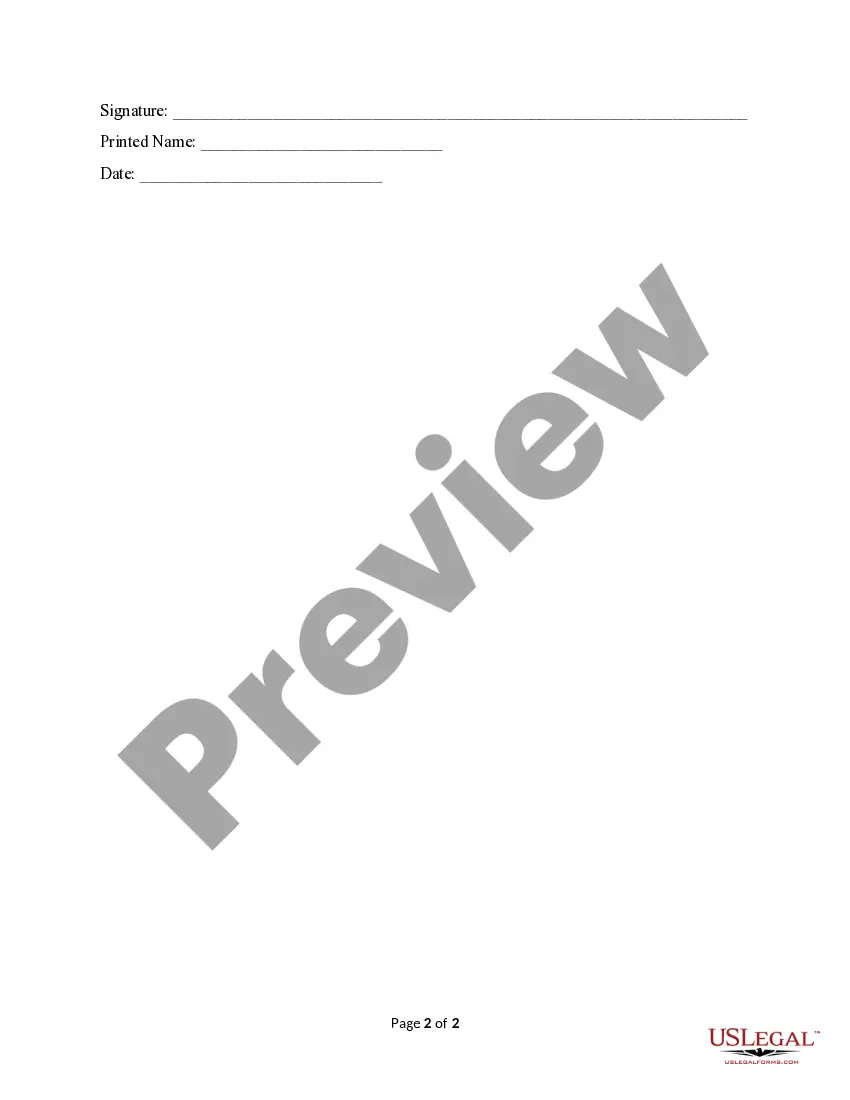
- Sign and date the authorization to confirm your consent.
- Provide your personal information, including name, address, telephone number, and date of birth.
Is notarization required?
This form does not typically require notarization unless specified by local law. Review the details in your jurisdiction to ensure compliance and validity.
Get your form ready online
Our built-in tools help you complete, sign, share, and store your documents in one place.
Make edits, fill in missing information, and update formatting in US Legal Forms—just like you would in MS Word.
Download a copy, print it, send it by email, or mail it via USPS—whatever works best for your next step.
Sign and collect signatures with our SignNow integration. Send to multiple recipients, set reminders, and more. Go Premium to unlock E-Sign.
If this form requires notarization, complete it online through a secure video call—no need to meet a notary in person or wait for an appointment.
We protect your documents and personal data by following strict security and privacy standards.

Make edits, fill in missing information, and update formatting in US Legal Forms—just like you would in MS Word.

Download a copy, print it, send it by email, or mail it via USPS—whatever works best for your next step.

Sign and collect signatures with our SignNow integration. Send to multiple recipients, set reminders, and more. Go Premium to unlock E-Sign.

If this form requires notarization, complete it online through a secure video call—no need to meet a notary in person or wait for an appointment.

We protect your documents and personal data by following strict security and privacy standards.
Mistakes to watch out for
- Not including complete contact information for the healthcare provider.
- Failing to specify which records to release.
- Not signing and dating the authorization.
- Overlooking the option to revoke the authorization if needed.
Benefits of completing this form online
- Convenient access from anywhere, allowing for quick completion and submission.
- Editability enables users to fill out the form accurately without errors.
- Reliable and professionally drafted templates ensure compliance with legal standards.
Key takeaways
- The California HIPAA Release and Authorization is essential for sharing medical information securely.
- Always provide complete and accurate information to prevent delays.
- Understand your rights to revoke consent and the implications of shared information.
Looking for another form?
Form popularity
FAQ
To give someone a California HIPAA Release and Authorization, complete the authorization form that outlines who can access your health information. Make sure to include details such as the type of information to be shared, the duration of the authorization, and your signature. This authorization must be clear and comprehensive to ensure compliance. Consider using uslegalforms for templates that help you navigate these requirements confidently.
To fill out a California HIPAA Release and Authorization form, start by clearly stating the patient’s information and the party authorized to receive the information. Next, specify the type of records you are releasing, along with the purpose for the release. It’s crucial to sign and date the form to ensure its validity. If you need assistance, uslegalforms offers templates and guidance to streamline this process.
A HIPAA release and authorization is a document that gives healthcare providers permission to share your protected health information with specified individuals or entities. This process ensures your confidentiality while allowing necessary information to be disclosed for proper treatment and care coordination. Understanding this is crucial, and US Legal Forms offers clear, compliant options for obtaining a California HIPAA Release and Authorization.
Generally, a HIPAA authorization does not need notarization to be legally valid in California. However, adding a notarization can enhance the credibility of the document when needed. It is advisable to consult local guidelines or legal experts for specific situations. For streamlined access to compliant forms, check out US Legal Forms for your California HIPAA Release and Authorization needs.
To authorize HIPAA, you need to complete a HIPAA authorization form that specifies the information you wish to disclose. This form should include the relevant parties, the scope of the information to be shared, and the duration of the authorization. By using US Legal Forms, you can access user-friendly templates tailored for California HIPAA Release and Authorization, simplifying this process.
To report a HIPAA violation in California, you can file a complaint with the Department of Health and Human Services. You may also contact the health care provider's privacy officer directly if you believe a violation occurred under their watch. It's important to document your concerns thoroughly before taking action. Utilizing resources from US Legal Forms can help clarify the process for filing complaints related to California HIPAA Release and Authorization.
In California, a HIPAA authorization form does not typically need to be notarized to be valid. However, having it notarized can provide extra assurance of its authenticity, especially in sensitive situations. You should always check specific requirements in your area, as local regulations may vary. For guidance, US Legal Forms offers comprehensive resources to assist you with California HIPAA Release and Authorization.
Yes, HIPAA release forms can be signed electronically as long as certain conditions are met. The electronic signature must comply with both HIPAA and state regulations, providing the same legal weight as a handwritten signature. Tools like USLegalForms offer secure electronic signing options that maintain compliance with California HIPAA Release and Authorization laws, making it easier for you to manage patient information.
To write a HIPAA release form, organize the document in a clear manner. Begin with the patient's full name, address, and the health information being released. You should also include the purpose of the release, who will receive the information, and sections for signatures and dates. Utilizing USLegalForms can make this process seamless while ensuring your form meets California HIPAA Release and Authorization requirements.
Creating a HIPAA release form involves several key steps. First, gather all personal information about the patient and define what information will be shared. Next, include a section for the patient's consent and signature, along with an expiration date for the release. Consider using USLegalForms to create a tailored form that adheres to California HIPAA Release and Authorization standards.