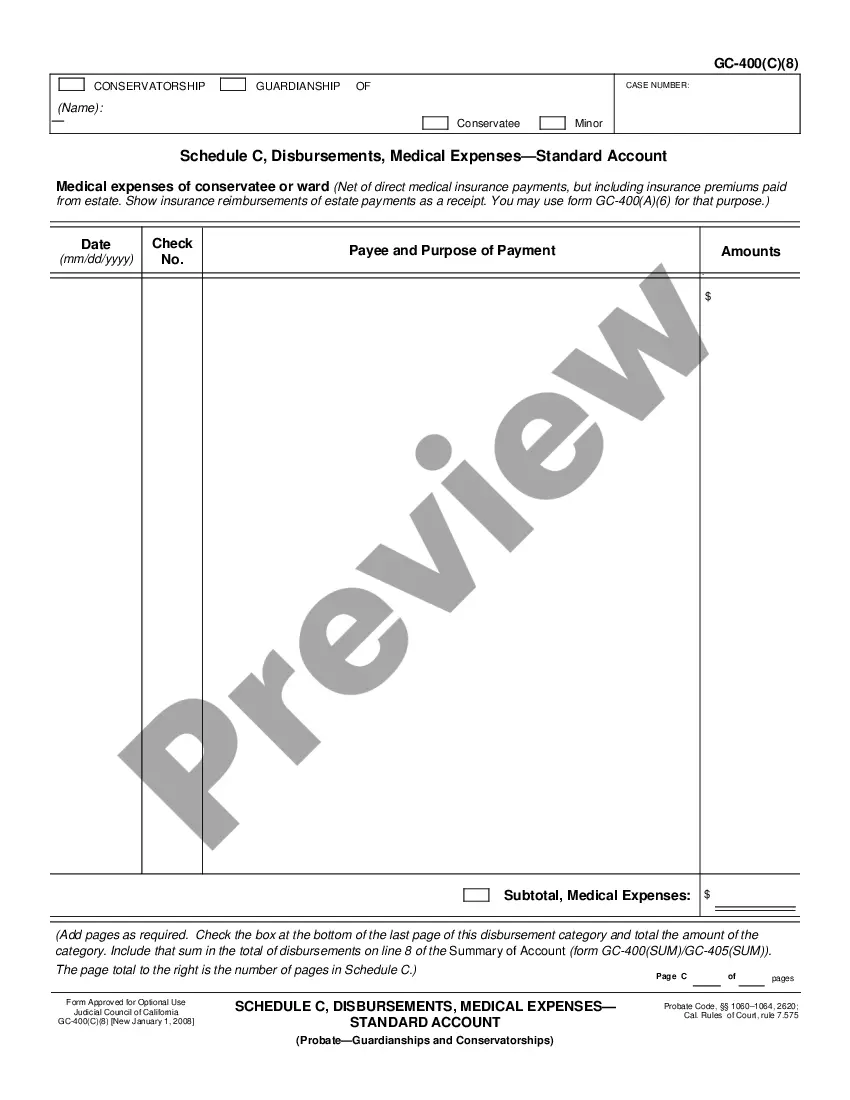
This form is an official California Judicial Council form which complies with all applicable state codes and statutes. USLF updates all state forms as is required by state statutes and law.
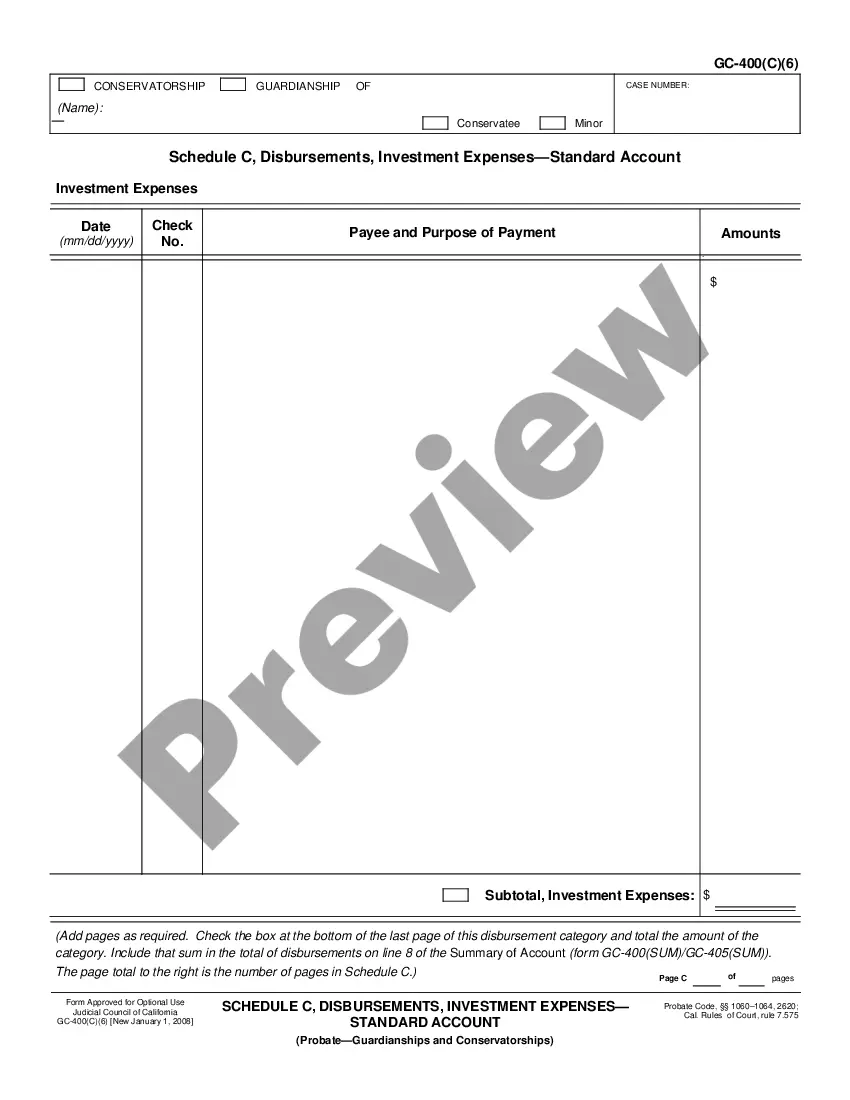
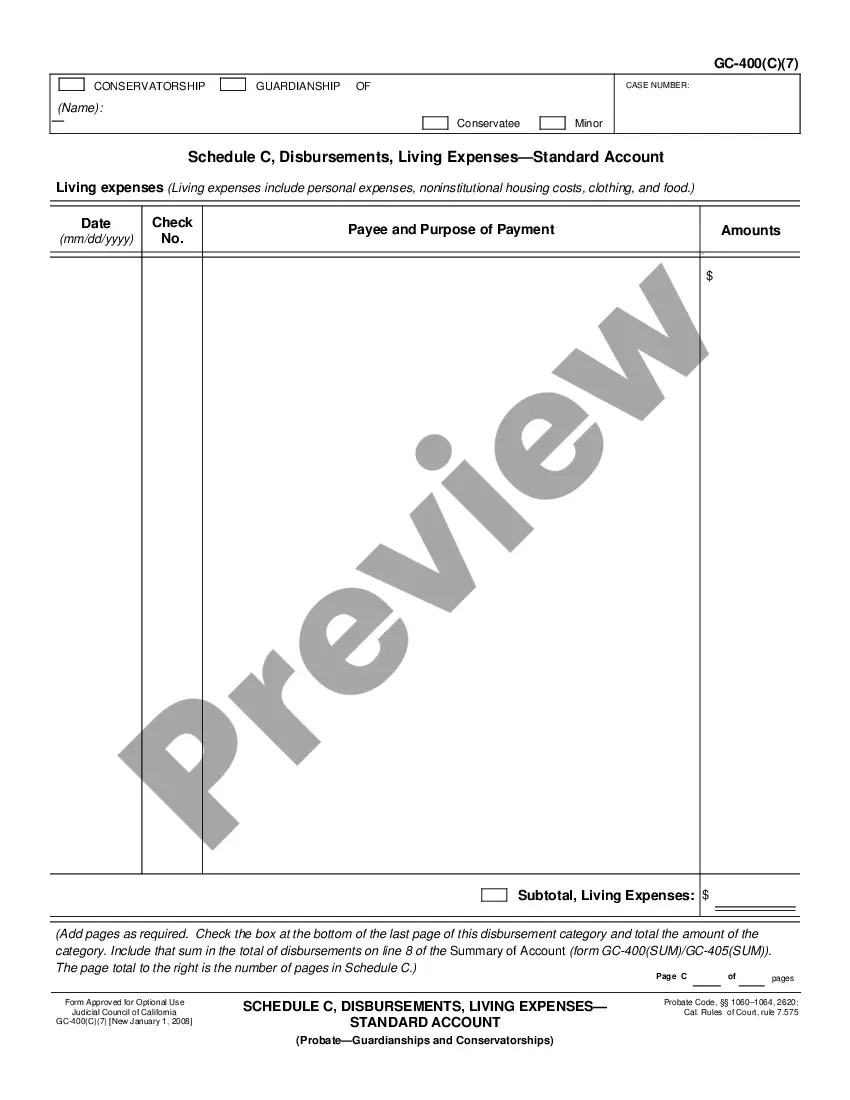
California Schedule C, Disbursements, Medical Expenses - Standard Account
State:
California
Category:
Control #:
CA-GC-400C8
Format:
PDF
Instant download
This website is not affiliated with any governmental entity
Public form
Description
Get your form ready online
Our built-in tools help you complete, sign, share, and store your documents in one place.
Built-in online Word editor
Make edits, fill in missing information, and update formatting in US Legal Forms—just like you would in MS Word.
Export easily
Download a copy, print it, send it by email, or mail it via USPS—whatever works best for your next step.
E-sign your document
Sign and collect signatures with our SignNow integration. Send to multiple recipients, set reminders, and more. Go Premium to unlock E-Sign.
Notarize online 24/7
If this form requires notarization, complete it online through a secure video call—no need to meet a notary in person or wait for an appointment.
Store your document securely
We protect your documents and personal data by following strict security and privacy standards.

Make edits, fill in missing information, and update formatting in US Legal Forms—just like you would in MS Word.

Download a copy, print it, send it by email, or mail it via USPS—whatever works best for your next step.

Sign and collect signatures with our SignNow integration. Send to multiple recipients, set reminders, and more. Go Premium to unlock E-Sign.

If this form requires notarization, complete it online through a secure video call—no need to meet a notary in person or wait for an appointment.

We protect your documents and personal data by following strict security and privacy standards.
Looking for another form?
How to fill out California Schedule C, Disbursements, Medical Expenses - Standard Account?
If you're looking for precise California Schedule C, Disbursements, Medical Expenses - Standard Account samples, US Legal Forms is what you require; obtain documents created and reviewed by state-certified attorneys.
Utilizing US Legal Forms not only alleviates concerns regarding official paperwork; additionally, you conserve time, effort, and money! Downloading, printing, and submitting a professional form is considerably less expensive than hiring legal counsel to handle it for you.
And there you have it. In just a few easy steps, you possess an editable California Schedule C, Disbursements, Medical Expenses - Standard Account. When you set up an account, all future orders will be processed even more conveniently. If you have a US Legal Forms subscription, simply Log In to your account and then click the Download button you can find on the form’s page. Then, when you wish to utilize this template again, you will always be able to find it in the My documents section. Don't waste your time comparing various forms across multiple web sources. Obtain precise copies from just one secure platform!
- To start, finish your registration process by entering your email address and creating a password.
- Follow the steps below to establish an account and acquire the California Schedule C, Disbursements, Medical Expenses - Standard Account template to address your needs.
- Make use of the Preview feature or examine the file description (if present) to confirm that the template is the one you require.
- Verify its validity in your jurisdiction.
- Click Buy Now to place your order.
- Choose a preferred pricing plan.
- Establish your account and make payment using your credit card or PayPal.
- Select a convenient file format and save the document.
Form popularity
FAQ
There is no minimum income to file the Schedule C. All income and expenses must be reported on the Schedule C, regardless of how little you earned. If you meet certain criteria detailed below you may be able to file the Schedule C EZ instead. There is a minimum threshold of $400 for paying self employment tax.
Anyone who operates a business as a sole proprietor must fill out Schedule C when filing their annual tax return. Schedule C accompanies the main tax return form, 1040, for taxpayers who must report a profit or loss from their business.
Are you starting a business venture this year or in the beginning of 2019? Get off to a good start by familiarizing yourself with the Schedule C tax form.
Use Schedule C (Form 1040 or 1040-SR) to report income or loss from a business you operated or a profession you practiced as a sole proprietor.Your primary purpose for engaging in the activity is for income or profit. You are involved in the activity with continuity and regularity.