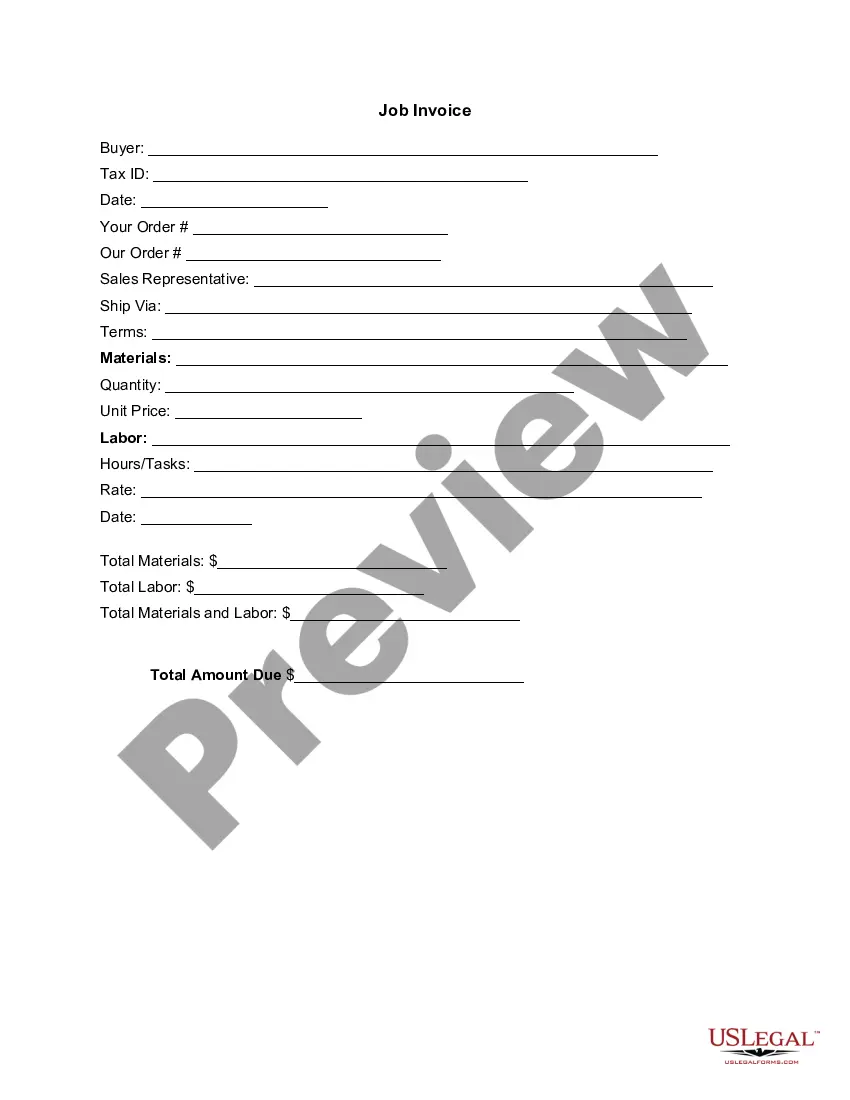
Arizona Invoice Template for Babysitting
Description

Get your form ready online
Our built-in tools help you complete, sign, share, and store your documents in one place.
Make edits, fill in missing information, and update formatting in US Legal Forms—just like you would in MS Word.
Download a copy, print it, send it by email, or mail it via USPS—whatever works best for your next step.
Sign and collect signatures with our SignNow integration. Send to multiple recipients, set reminders, and more. Go Premium to unlock E-Sign.
If this form requires notarization, complete it online through a secure video call—no need to meet a notary in person or wait for an appointment.
We protect your documents and personal data by following strict security and privacy standards.

Make edits, fill in missing information, and update formatting in US Legal Forms—just like you would in MS Word.

Download a copy, print it, send it by email, or mail it via USPS—whatever works best for your next step.

Sign and collect signatures with our SignNow integration. Send to multiple recipients, set reminders, and more. Go Premium to unlock E-Sign.

If this form requires notarization, complete it online through a secure video call—no need to meet a notary in person or wait for an appointment.

We protect your documents and personal data by following strict security and privacy standards.
Looking for another form?



How to fill out Invoice Template For Babysitting?
Are you presently in a scenario that requires documentation for either commercial or certain objectives nearly every day.
There are numerous legal document templates available online, but finding trustworthy ones is not easy.
US Legal Forms provides a large selection of form templates, such as the Arizona Invoice Template for Babysitting, which can be tailored to comply with state and federal regulations.
Utilize US Legal Forms, the most extensive collection of legal forms, to save time and minimize mistakes.
The service offers professionally created legal document templates that you can apply for various purposes. Create an account on US Legal Forms and start making your life a bit easier.
- If you are already familiar with the US Legal Forms website and have an account, simply Log In.
- After that, you can download the Arizona Invoice Template for Babysitting template.
- If you do not have an account and wish to start using US Legal Forms, follow these instructions.
- Find the form you need and ensure it is for the correct city/state.
- Utilize the Review button to examine the form.
- Check the details to confirm that you have selected the correct form.
- If the form is not what you need, use the Search field to find the form that meets your needs and requirements.
- Once you obtain the right form, click Acquire now.
- Choose the pricing plan you want, fill in the necessary information to create your account, and pay for the order using your PayPal or credit card.
- Select a convenient file format and download your copy.
- Find all the document templates you have purchased in the My documents menu.
- You can obtain another copy of the Arizona Invoice Template for Babysitting anytime, if needed.
- Just click the required form to download or print the document template.
Form popularity
FAQ
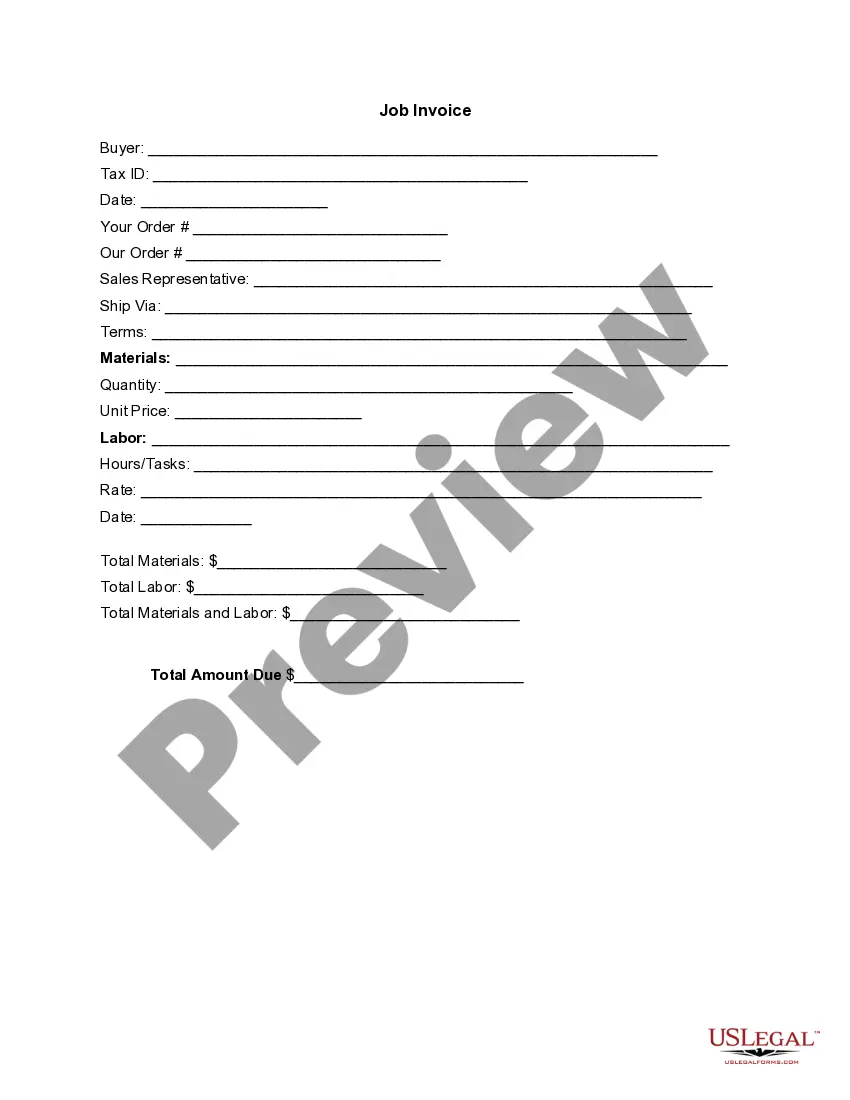
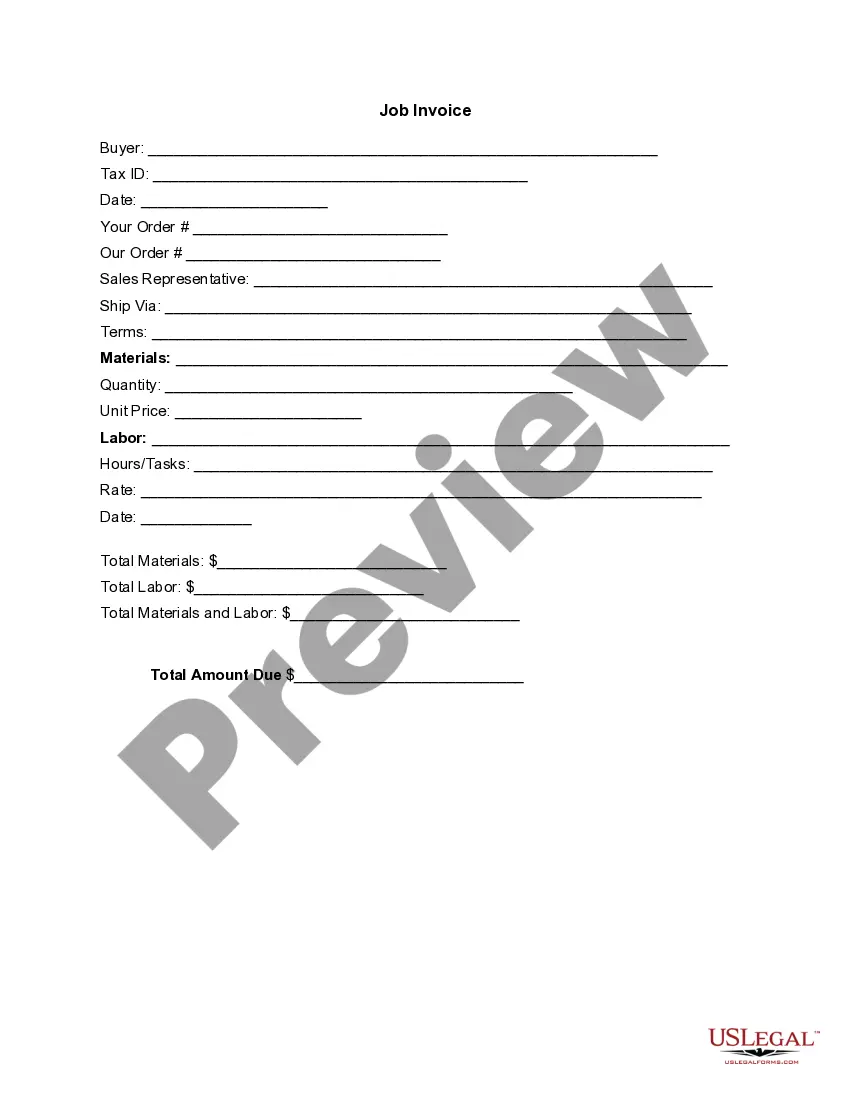
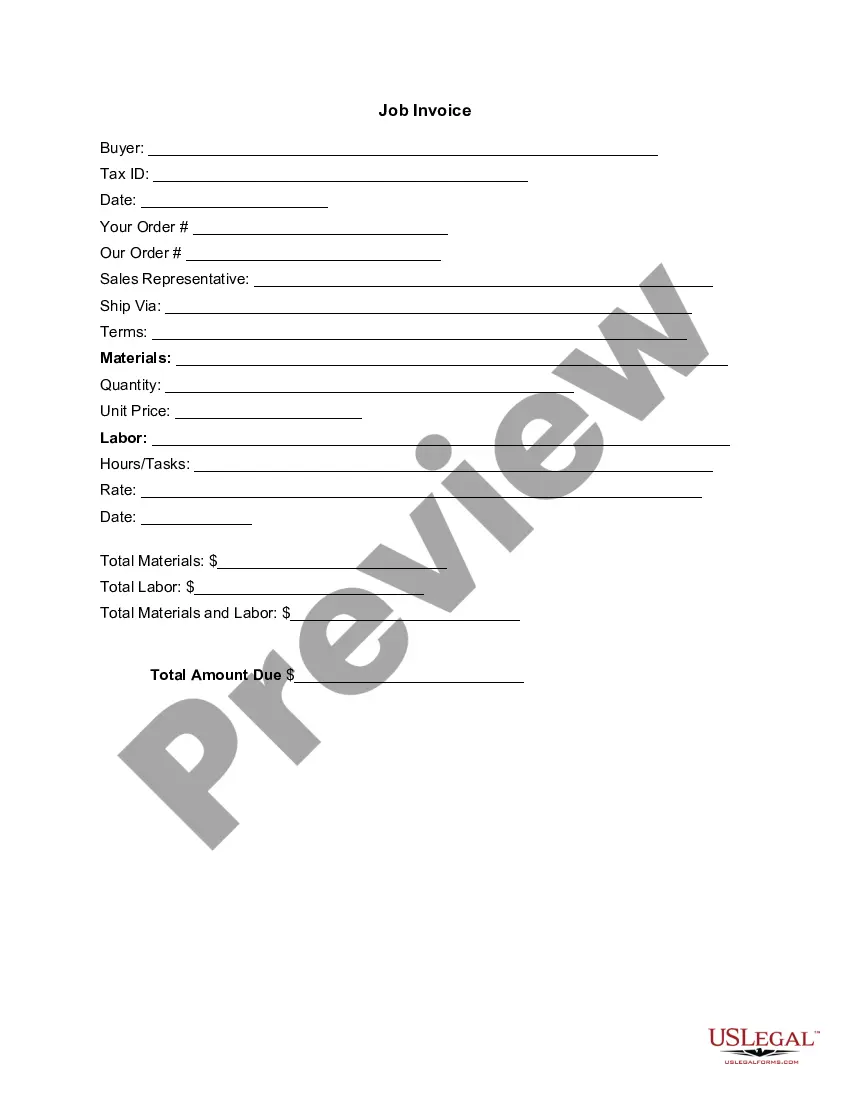
Making a child care invoice requires you to list your services, rates, and the time worked. Ensure to include your contact details as well as the client's information. To simplify this process, use the Arizona Invoice Template for Babysitting, which provides a structured layout for all necessary components. This helps you maintain professionalism and clarity in your billing.
To make a homemade receipt, start with a blank sheet of paper or a digital document. Include your name, the date, a description of the service, and the total amount charged. While a simple approach works, consider using the Arizona Invoice Template for Babysitting for a polished look. This ready-made format will ensure you don’t miss any important details.
Creating a receipt for child care involves detailing the services you provided. Include your name, the client's name, the date, hourly rate, and total amount due. The Arizona Invoice Template for Babysitting can streamline this process, offering a clear format that captures all essential details. This not only helps you but also gives your clients confidence in their transaction.
To get a 1099 for babysitting, you will need to earn over $600 from a single client in a tax year. Make sure to provide your client with your Social Security number or Tax Identification Number. They should issue a Form 1099-MISC at the end of the year if your earnings qualify. Using the Arizona Invoice Template for Babysitting can help track your earnings accurately throughout the year.
To create a babysitting receipt, start by clearly listing your name and contact information at the top. Include the date of service, hours worked, and the agreed rate. Utilize the Arizona Invoice Template for Babysitting to ensure you have all necessary fields covered. This makes it easy for your clients to understand what they are paying for and helps you keep organized records.
To create receipts for babysitting, first establish the necessary details such as the date of service and payment amount. By using the Arizona Invoice Template for Babysitting, you can easily generate receipts that are comprehensive and clear. This not only keeps your records in order but also gives parents a formal acknowledgment of their payment.
Creating a babysitting invoice involves clearly stating your services and the total amount due. Use the Arizona Invoice Template for Babysitting, which allows you to easily input your hours worked, rate, and any additional fees. This structured approach helps maintain professionalism and clarity in your transactions.
To write a babysitting contract, start by outlining the terms of the agreement between you and the parent. Include details like the babysitting schedule, payment rate, and any specific expectations. Utilize the Arizona Invoice Template for Babysitting from USLegalForms to ensure that you cover all necessary points clearly and effectively.
The correct format for an invoice typically includes a header with your name and address, followed by your client’s details. You should then outline the services provided, include the dates and payment amount, and finalize with payment instructions. The Arizona Invoice Template for Babysitting is designed to ensure your invoice adheres to this standard format.
A simple invoice should include your name, your client’s name, the date of the service, and a clear description of the service provided. Don’t forget to list the total amount due at the end. Consider using the Arizona Invoice Template for Babysitting to create a simple and effective invoice without hassle.