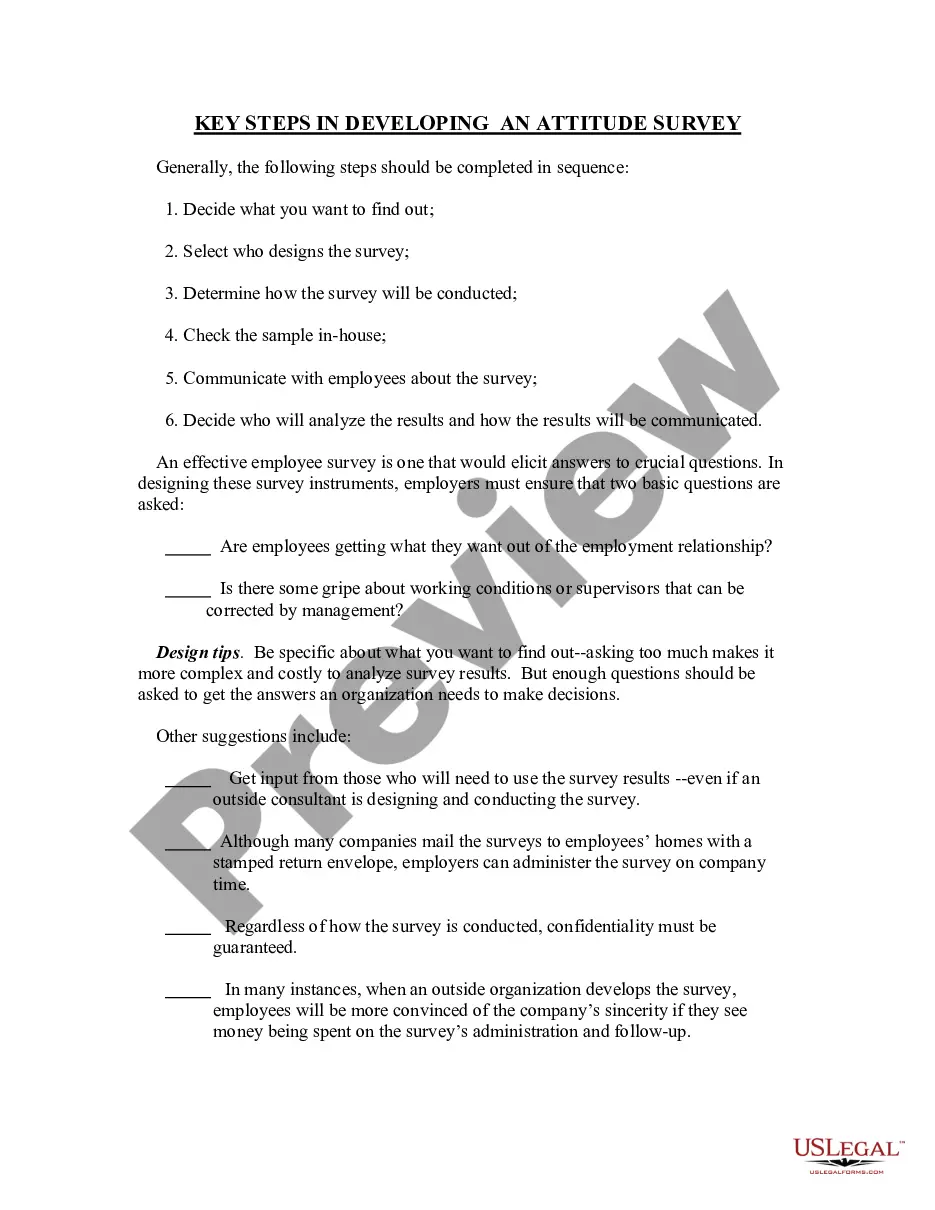
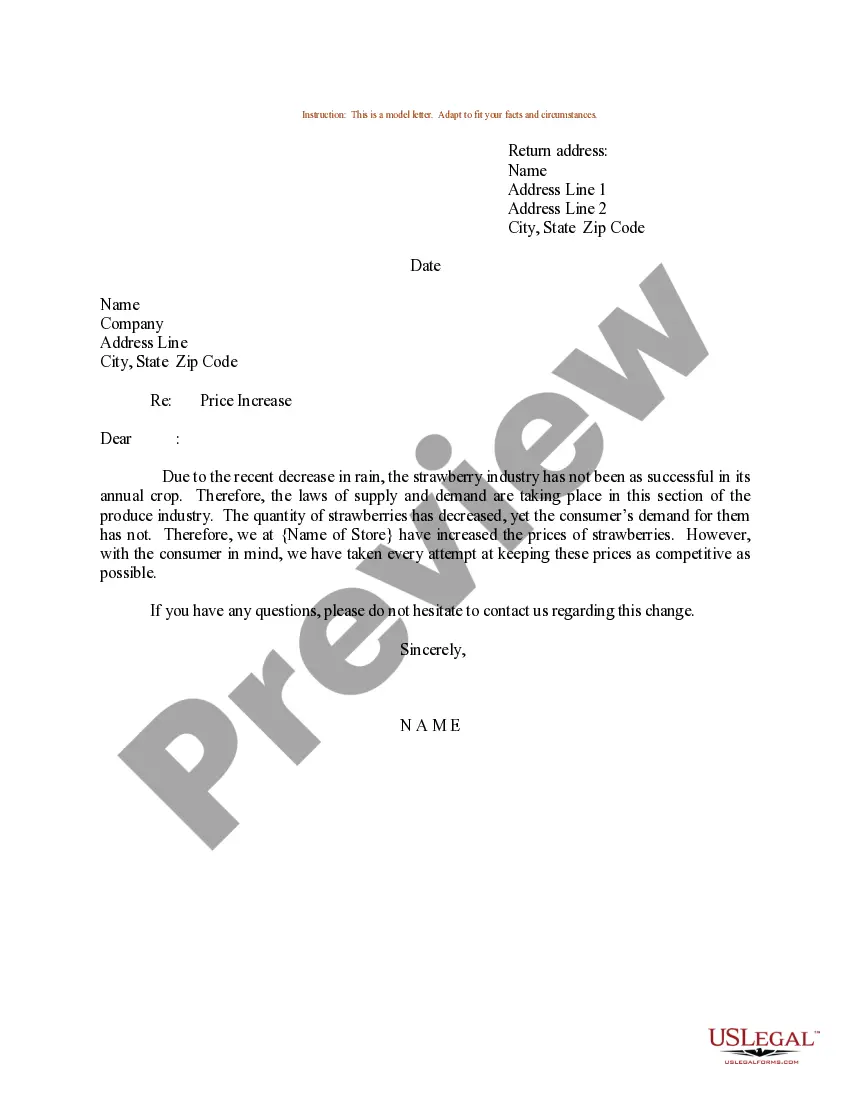
Arizona Sample Letter for Price Increase
Description
Get your form ready online
Our built-in tools help you complete, sign, share, and store your documents in one place.
Make edits, fill in missing information, and update formatting in US Legal Forms—just like you would in MS Word.
Download a copy, print it, send it by email, or mail it via USPS—whatever works best for your next step.
Sign and collect signatures with our SignNow integration. Send to multiple recipients, set reminders, and more. Go Premium to unlock E-Sign.
If this form requires notarization, complete it online through a secure video call—no need to meet a notary in person or wait for an appointment.
We protect your documents and personal data by following strict security and privacy standards.

Make edits, fill in missing information, and update formatting in US Legal Forms—just like you would in MS Word.

Download a copy, print it, send it by email, or mail it via USPS—whatever works best for your next step.

Sign and collect signatures with our SignNow integration. Send to multiple recipients, set reminders, and more. Go Premium to unlock E-Sign.

If this form requires notarization, complete it online through a secure video call—no need to meet a notary in person or wait for an appointment.

We protect your documents and personal data by following strict security and privacy standards.
Looking for another form?






How to fill out Sample Letter For Price Increase?
If you wish to finish, download, or print legal document templates, utilize US Legal Forms, the largest selection of legal forms available on the web.
Utilize the site's user-friendly and effective search feature to find the documents you require.
Various templates for business and personal purposes are sorted by categories and states, or keywords.
Step 4. Once you have identified the form you need, click the Purchase now button. Choose the pricing plan you prefer and provide your details to register for an account.
Step 5. Complete the transaction. You may use your credit card or PayPal account to process the payment.
- Use US Legal Forms to locate the Arizona Sample Letter for Price Increase with just a few clicks.
- If you are already a US Legal Forms customer, Log In to your account and click the Get button to obtain the Arizona Sample Letter for Price Increase.
- You can also access forms you previously purchased from the My documents tab in your account.
- If you are using US Legal Forms for the first time, follow the instructions below.
- Step 1. Ensure you have selected the form for the correct city/state.
- Step 2. Take advantage of the Preview option to review the form’s content. Don't forget to read the description.
- Step 3. If you are not satisfied with the form, utilize the Search field at the top of the screen to find other variations of your legal form template.
Form popularity
FAQ
Don't tiptoe around it. If you have to raise prices do it, no need to be apologetic.Justify through value.Avoid essay-ing.Make sure your emails are human-like.Personalize the email.Set the deadline & use a call-to-action to get a boost in revenue.Let customers reach you back.Segment the recipients.
Tips for writing a rate increase letterUse direct and specific wording. Notify the clients in no uncertain terms that prices will be increasing.Provide justification. Explain why prices are increasing.Provide specific details.End on a grateful note.Follow up.Offer help.
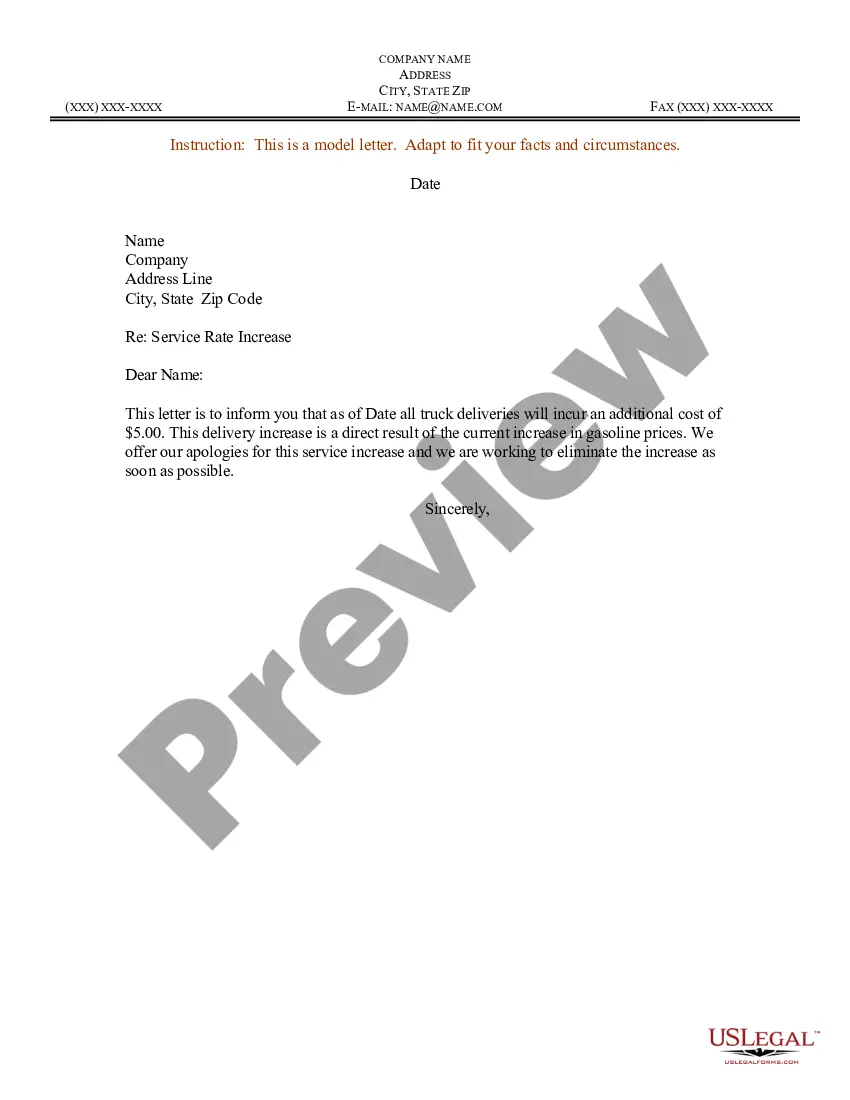
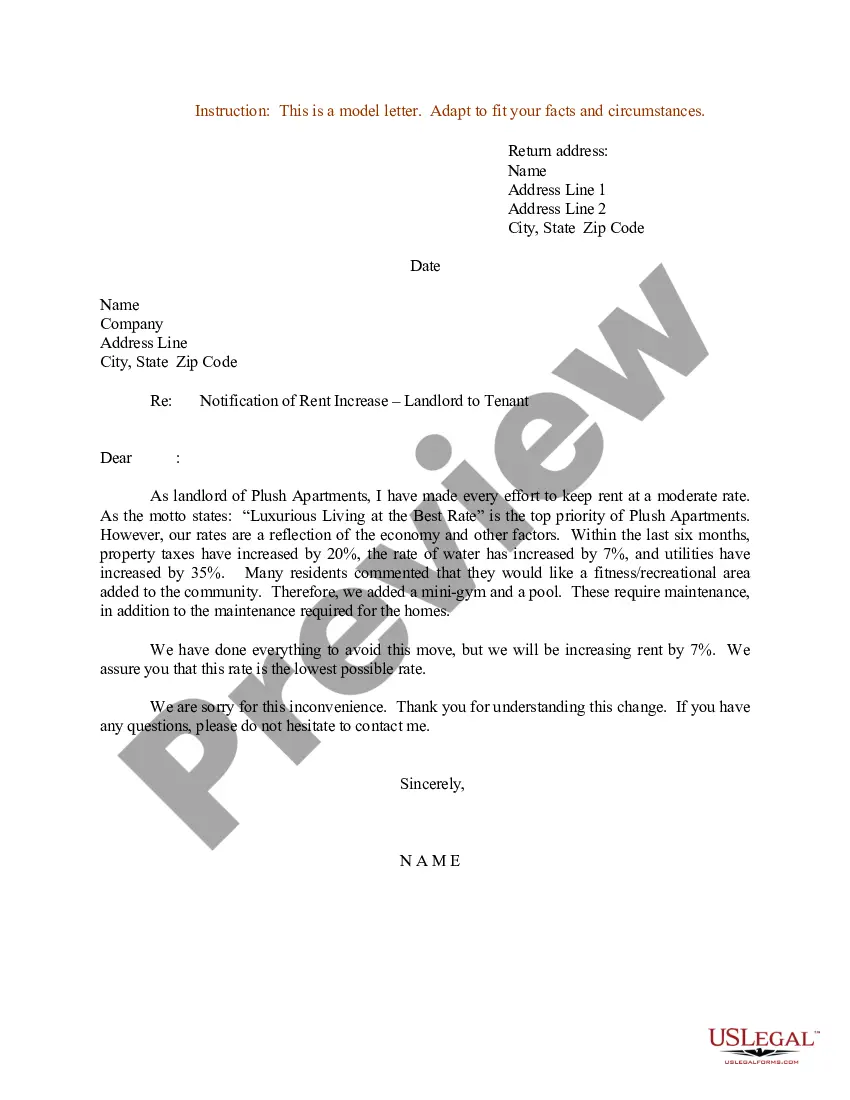
I'm writing to let you know that due to reasons for the price increase, we are going to be raising our prices on product/ service. The price is changing from amount a month, to amount, a month starting date. Our new prices will allow us to better serve you and our future customers!
How to Announce a Price Increase to Customers1) Be direct. First and foremost, make sure you directly address the price increase before it goes into effect.2) Give customers some time.3) Tie cost to quality.4) Be specific.5) Invite questions.6) Notify your entire team.About the Author.
Here are some additional tips to consider when writing a rate increase letter:Use direct and specific wording. Notify the clients in no uncertain terms that prices will be increasing.Provide justification. Explain why prices are increasing.Provide specific details.End on a grateful note.Follow up.Offer help.
Dear Customer Name, This is a notice that there will be an increase of Value in our Product Type pricing to take effect on Date. Since Date or Circumstance, Company Name has seen ever-increasing costs for Relevant Aspect of Business that has affected the cost of providing service to our customers.
Here are some additional tips to consider when writing a rate increase letter:Use direct and specific wording. Notify the clients in no uncertain terms that prices will be increasing.Provide justification. Explain why prices are increasing.Provide specific details.End on a grateful note.Follow up.Offer help.