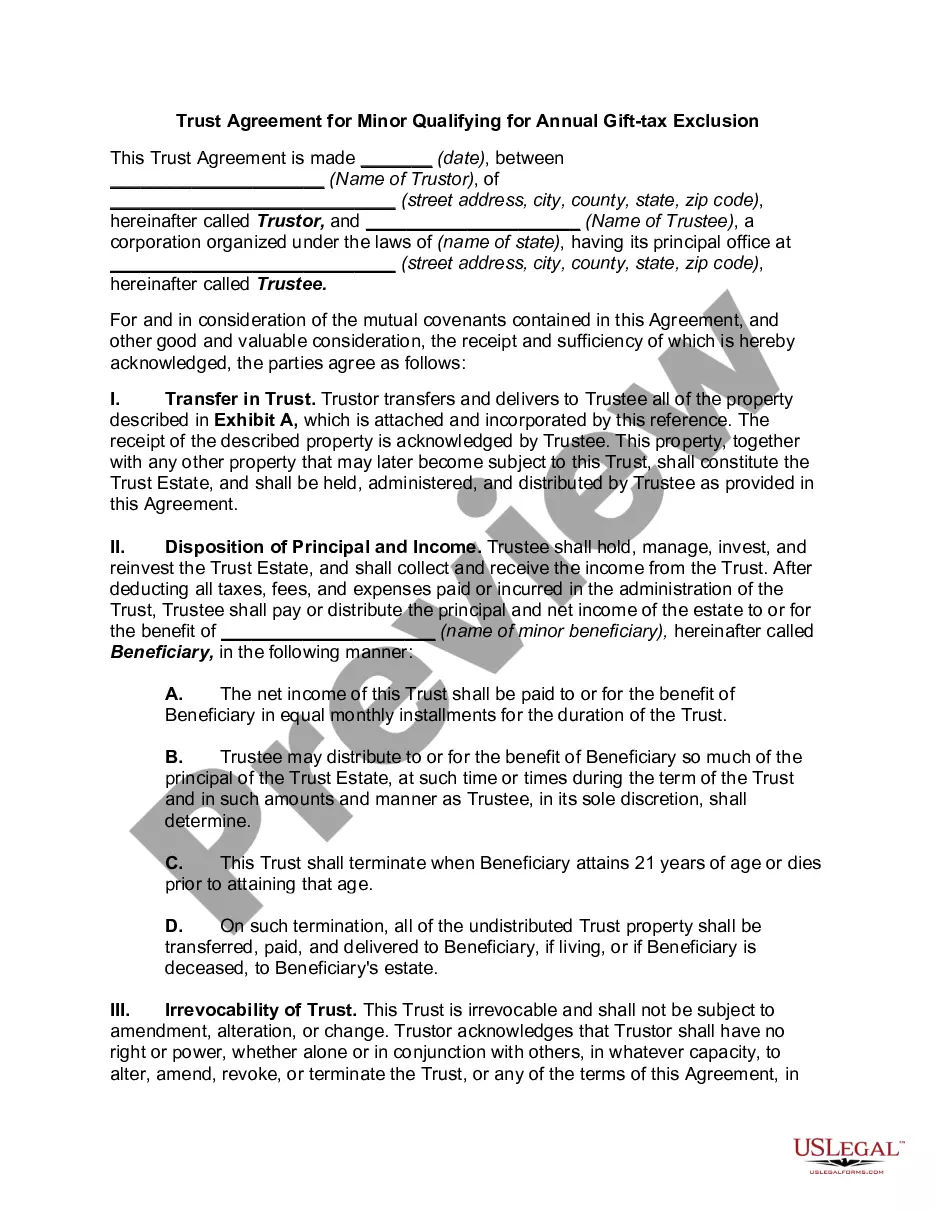
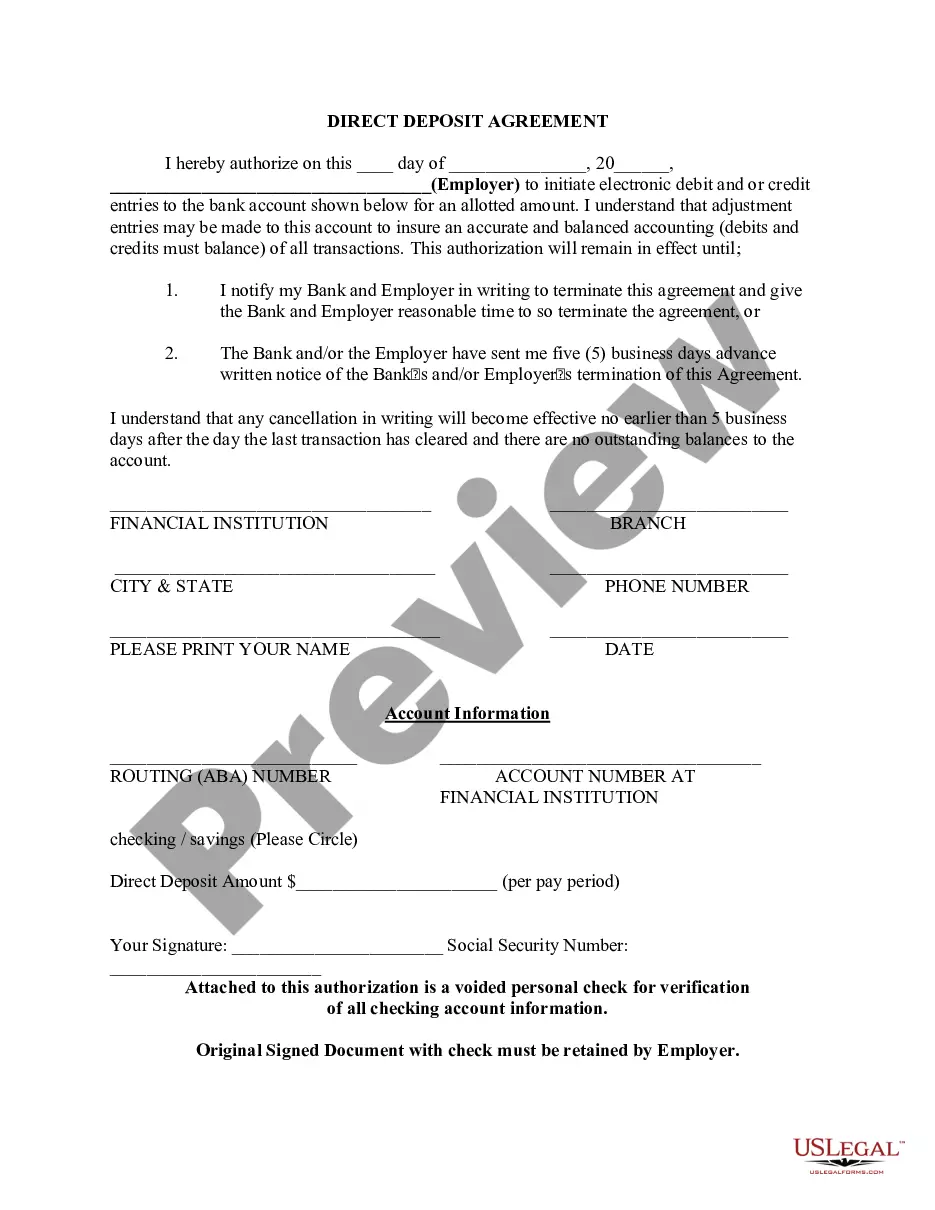
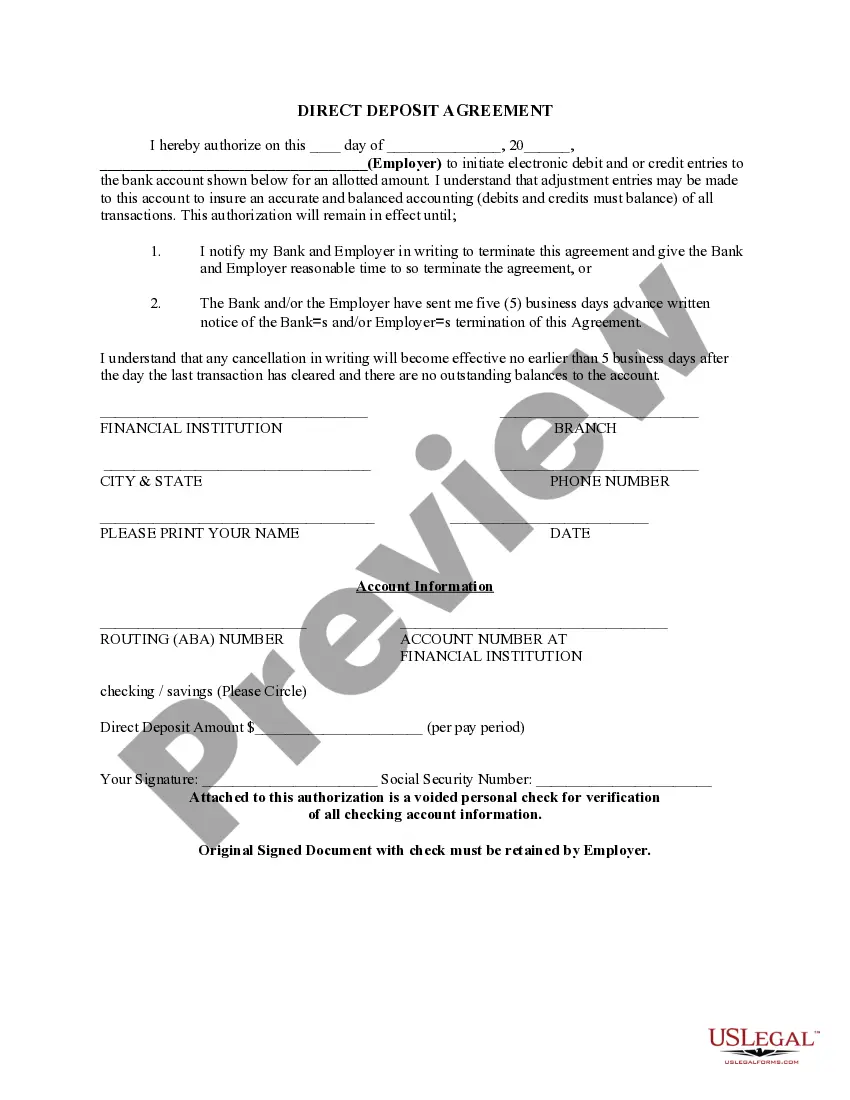
Arkansas Direct Deposit Form for Chase
Description
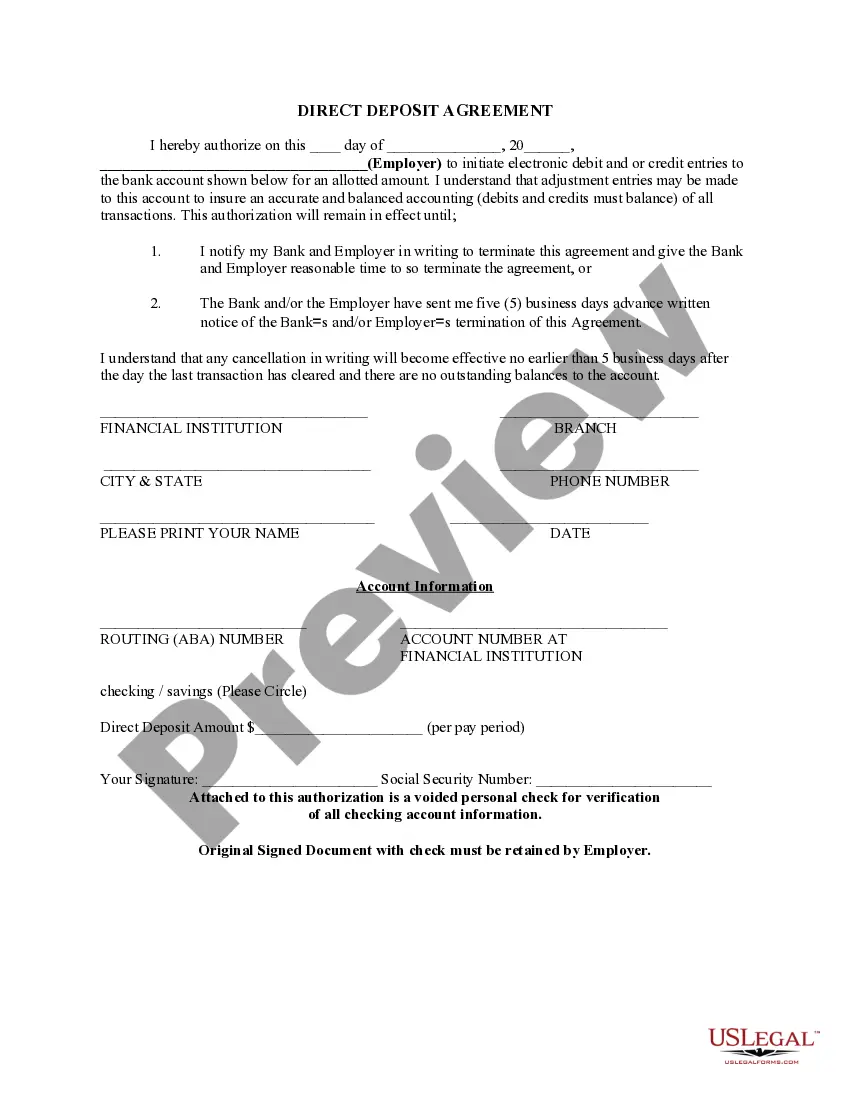

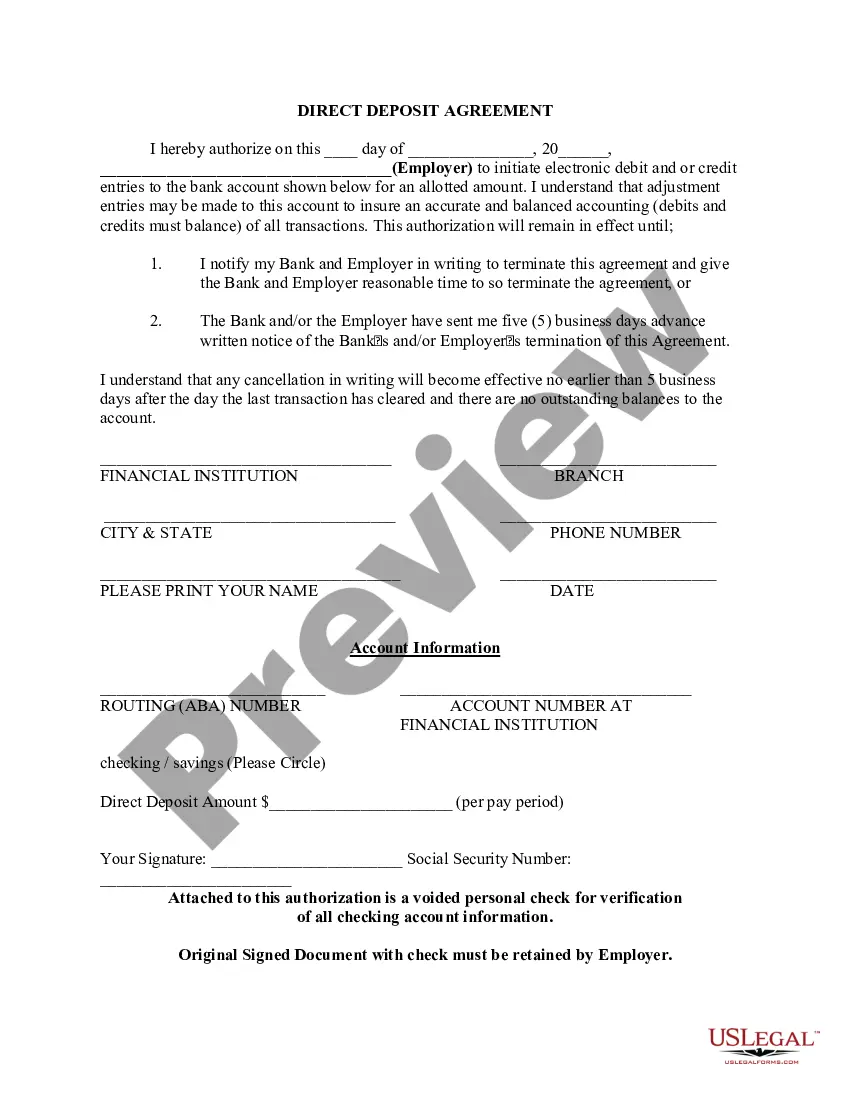

Get your form ready online
Our built-in tools help you complete, sign, share, and store your documents in one place.
Make edits, fill in missing information, and update formatting in US Legal Forms—just like you would in MS Word.
Download a copy, print it, send it by email, or mail it via USPS—whatever works best for your next step.
Sign and collect signatures with our SignNow integration. Send to multiple recipients, set reminders, and more. Go Premium to unlock E-Sign.
If this form requires notarization, complete it online through a secure video call—no need to meet a notary in person or wait for an appointment.
We protect your documents and personal data by following strict security and privacy standards.

Make edits, fill in missing information, and update formatting in US Legal Forms—just like you would in MS Word.

Download a copy, print it, send it by email, or mail it via USPS—whatever works best for your next step.

Sign and collect signatures with our SignNow integration. Send to multiple recipients, set reminders, and more. Go Premium to unlock E-Sign.

If this form requires notarization, complete it online through a secure video call—no need to meet a notary in person or wait for an appointment.

We protect your documents and personal data by following strict security and privacy standards.
Looking for another form?



How to fill out Direct Deposit Form For Chase?
Are you currently in the location where you require documents for either organizational or personal purposes every single day.
There are numerous legal document templates accessible online, but finding forms you can rely on isn't simple.
US Legal Forms offers thousands of template forms, including the Arkansas Direct Deposit Form for Chase, which can be designed to satisfy federal and state requirements.
Once you acquire the correct form, click Get now.
Select the pricing plan you want, complete the required information to create your account, and pay for the order using your PayPal or credit card.
- If you are already familiar with the US Legal Forms website and have an account, simply Log In.
- After that, you can download the Arkansas Direct Deposit Form for Chase template.
- If you do not have an account and wish to start using US Legal Forms, follow these steps.
- Obtain the form you need and ensure it is for the correct area/region.
- Utilize the Review button to examine the form.
- Check the details to confirm you have selected the right form.
- If the form isn’t what you’re looking for, use the Lookup field to find the form that suits your needs.
Form popularity
FAQ
Yes, Chase routing numbers can vary by state and type of account. When completing the Arkansas Direct Deposit Form for Chase, it’s important to use the correct routing number associated with your account. This number ensures that funds are directed to the right branch and account. You can easily find your specific routing number through the Chase website or by contacting their customer service.
Properly filling out a direct deposit form requires careful attention to detail. Begin by clearly writing your name and contact information, followed by your bank account details, including the account number and routing number. It's essential to ensure that all information matches what your bank has on file, as errors can cause issues with your direct deposit. For a smooth experience, consider using the Arkansas Direct Deposit Form for Chase available on uslegalforms, which provides a user-friendly template.
To fill out the Arkansas Direct Deposit Form for Chase, start by entering your personal information, including your name, address, and phone number. Next, provide your Chase account number and the associated routing number. Make sure to double-check all entries for accuracy, as any mistakes could delay your direct deposit setup. Finally, submit the completed form to your employer or the relevant party to initiate the direct deposit process.
JPMorgan Chase Bank, National Association.
After signing in, tap the account where you want to receive your direct deposit. Swipe up and tap "Set up direct deposit form" Check that the info is correct or make updates, then tap "Create form" Download, print or email the form.
After signing in, tap the account where you want to receive your direct deposit. Swipe up and tap "Set up direct deposit form" Check that the info is correct or make updates, then tap "Create form" Download, print or email the form.
Ask for a written or online direct deposit form. If that isn't available, ask your bank or credit union for one. We've included a list of forms from top banks and credit unions, including the Capital One and Bank of America direct deposit forms.
To obtain a bank confirmation letter from your bank you may request in-person at a bank branch from one of the bankers, by a phone call to the bank, and depending on the financial institution, through their online platform.
From the My Accounts page, choose the account for which you want to view a statement and click the ?Statements? link. Note: an exclamation point icon will appear next to the ?Statements? link when a new statement is available.
Get your personalized pre-filled direct deposit form Sign in to chase.com or the Chase Mobile® app. Choose the checking account you want to receive your direct deposit. Navigate to 'Account services' by scrolling up in the mobile app or in the drop down menu on chase.com. Click or tap on 'Set up direct deposit form'