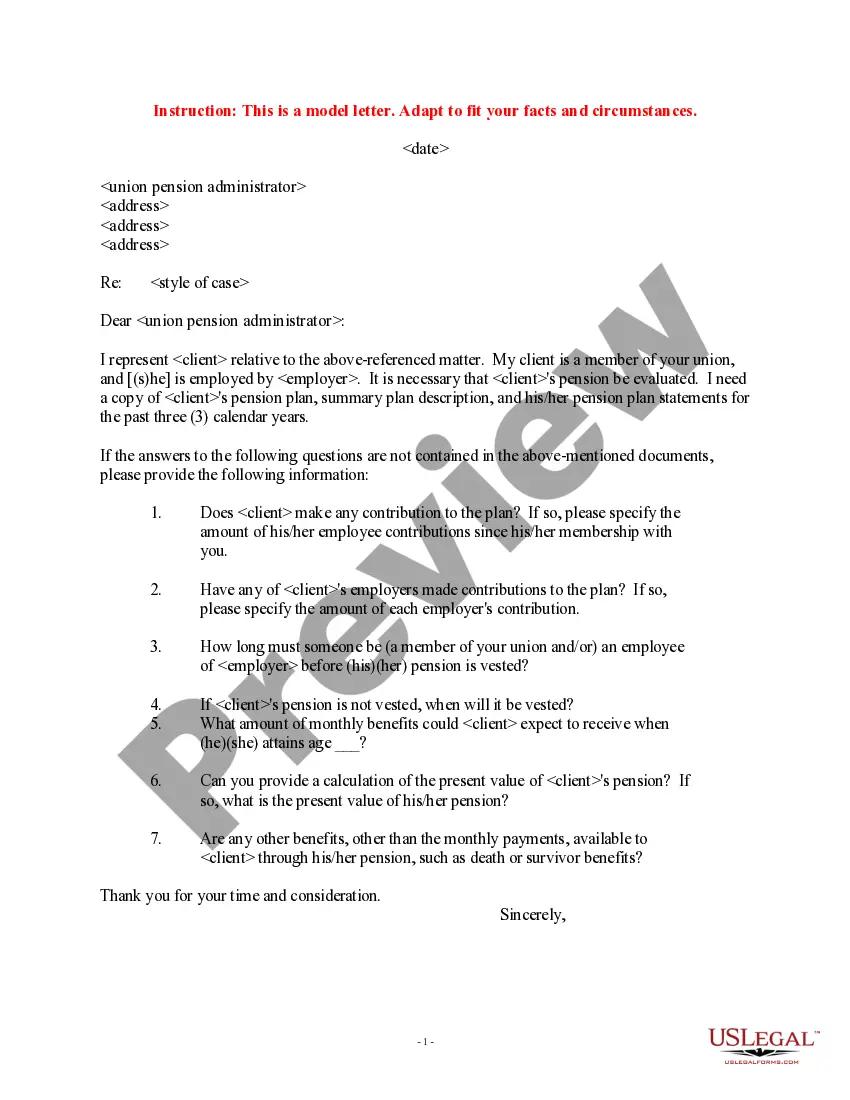
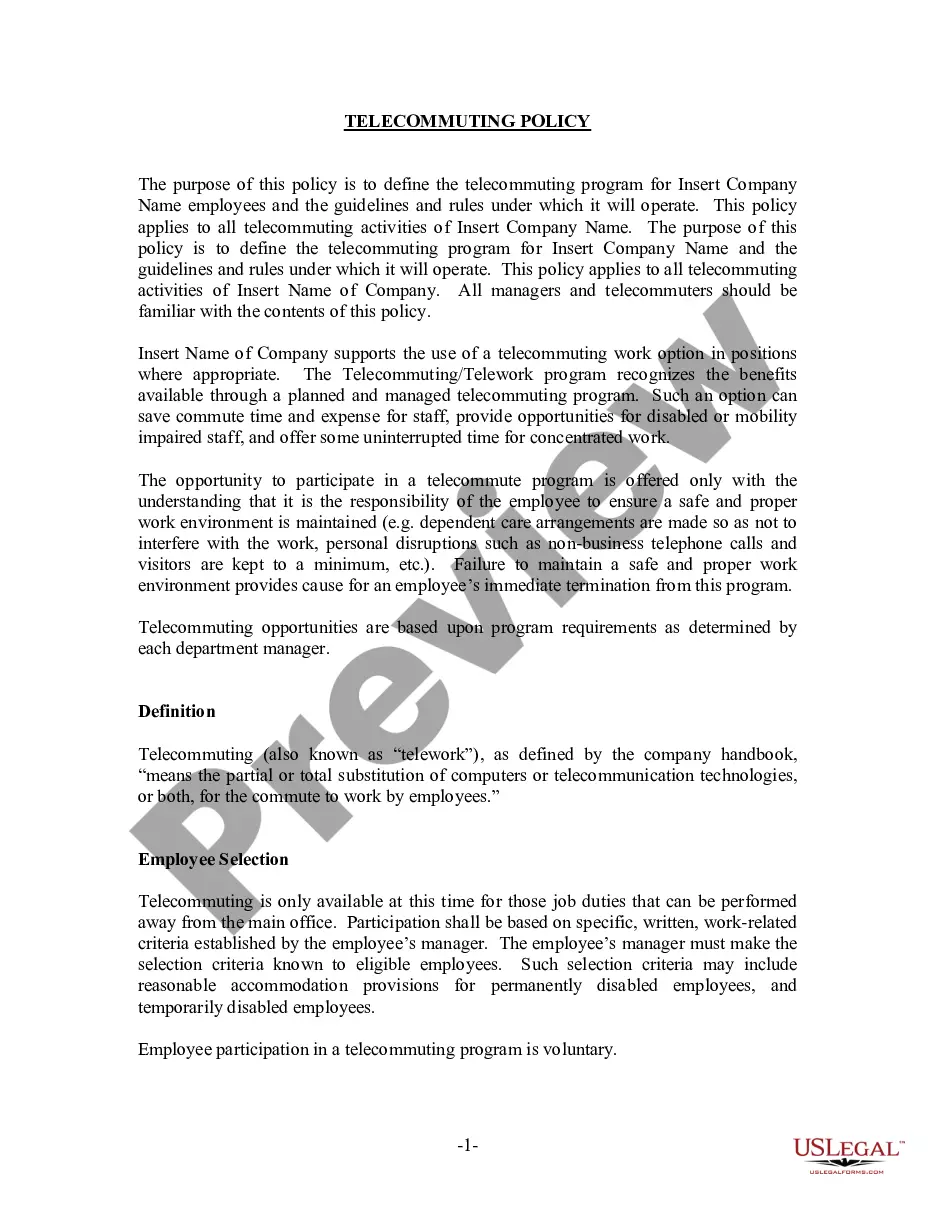
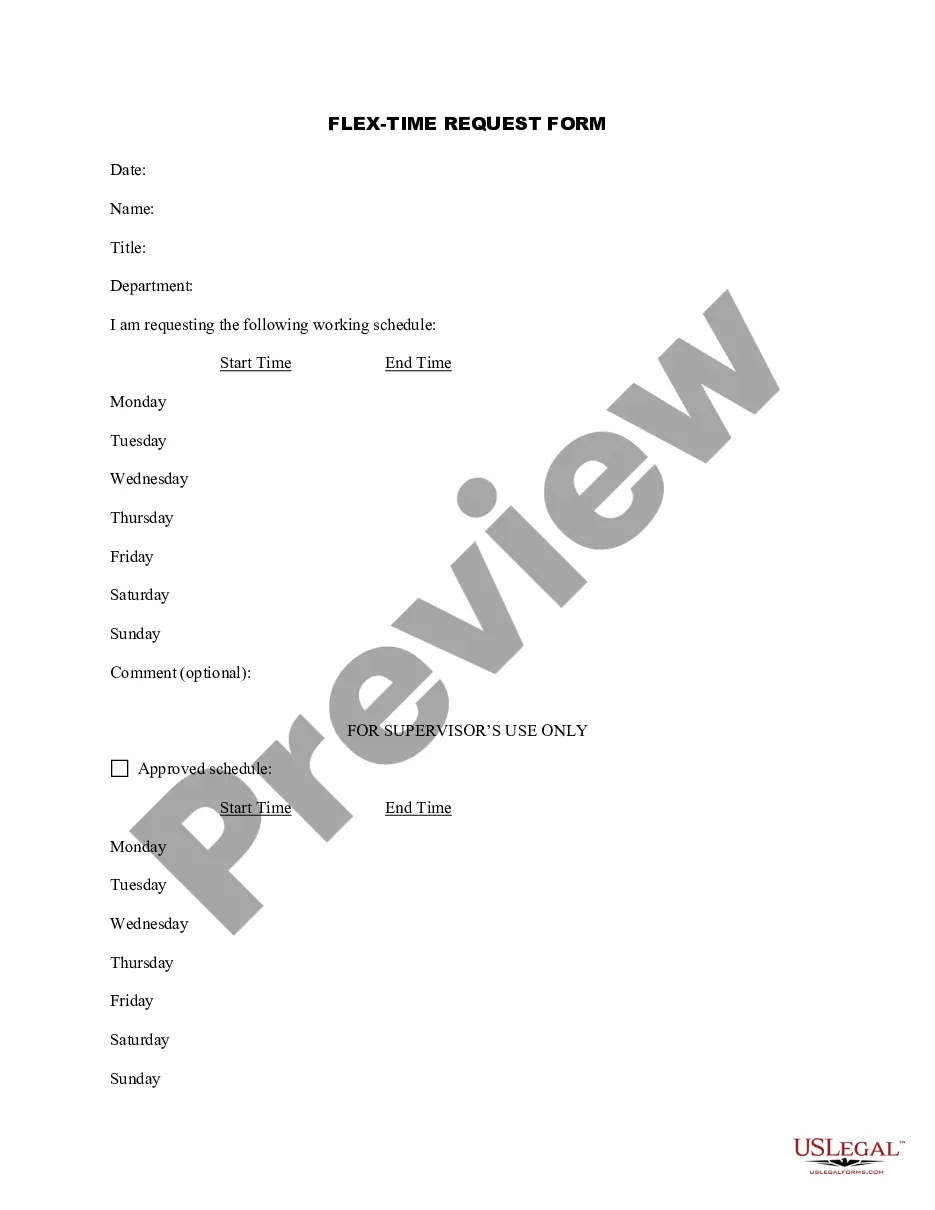
Alabama Telecommuting Application Form
Description


Get your form ready online
Our built-in tools help you complete, sign, share, and store your documents in one place.
Make edits, fill in missing information, and update formatting in US Legal Forms—just like you would in MS Word.
Download a copy, print it, send it by email, or mail it via USPS—whatever works best for your next step.
Sign and collect signatures with our SignNow integration. Send to multiple recipients, set reminders, and more. Go Premium to unlock E-Sign.
If this form requires notarization, complete it online through a secure video call—no need to meet a notary in person or wait for an appointment.
We protect your documents and personal data by following strict security and privacy standards.

Make edits, fill in missing information, and update formatting in US Legal Forms—just like you would in MS Word.

Download a copy, print it, send it by email, or mail it via USPS—whatever works best for your next step.

Sign and collect signatures with our SignNow integration. Send to multiple recipients, set reminders, and more. Go Premium to unlock E-Sign.

If this form requires notarization, complete it online through a secure video call—no need to meet a notary in person or wait for an appointment.

We protect your documents and personal data by following strict security and privacy standards.
Looking for another form?



How to fill out Telecommuting Application Form?
Are you currently in a location where you need documents for either business or personal purposes almost every day.
There are many authentic document templates available online, but locating ones you can trust is not easy.
US Legal Forms provides thousands of form templates, including the Alabama Telecommuting Application Form, that are designed to meet federal and state regulations.
If you find the right form, click Buy now.
Choose the payment plan you want, fill in the required information to create your account, and pay for the order using your PayPal or credit card.
- If you are familiar with the US Legal Forms website and have an account, simply Log In.
- Then, you can download the Alabama Telecommuting Application Form template.
- If you do not have an account and wish to start using US Legal Forms, follow these steps.
- Obtain the form you need and ensure it is for the correct city/county.
- Use the Preview option to view the form.
- Check the details to ensure you have selected the correct form.
- If the form is not what you require, use the Lookup field to find the form that fits your needs.
Form popularity
FAQ
Consider these six tips for creating effective telecommuting programs:Contact your legal experts.Invite managers to share their input.Choose the right tech tools.Keep things cohesive.Don't micromanage.Be fair to on-site employees.
Working from home or remotely requires more than a laptop. In order to set employees up for success, organizations need to provide them with the proper tools and resources. This equipment includes desks and furniture, collaboration and communication software, authentication and VPNs, monitors and productivity tools.
The telecommuter agrees to provide a secure location for EMPLOYER-owned equipment and materials, and will not use, or allow others to use, such equipment for purposes other than EMPLOYER business. All equipment, records, and materials provided by the EMPLOYER shall remain EMPLOYER property.
Telecommuting is the ability for an employee to complete work assignments from outside the traditional workplace by using telecommunications tools such as email, phone, chat and video apps.
8 Things To Include In Your Telecommuting ProposalMake Your Proposal Align With Employer Objectives.Explain Your Telecommuting Weekly Plan.Explain How Your Job Is Compatible.Explain How Your Telecommuting Will Affect Others.Listing All Possible Problems & Coming Up With Solutions.Explain How You Will Keep In Contact.More items...?
If you're having trouble getting started with your telecommuting policy, here's a list of things to include:Define which positions are eligible to work from home.Be specific about the policy.Create an effective power structure.Outline which tools your employees should use.Be open.
How to set up a home office: 15 WFH tips and tricks to increase productivityIdentify and create your ideal workspace.Get the right work from home equipment.Choose the right lighting.Temperature control.Pay attention to your health.Stock up on office supplies.Keep plants.Let the music play.More items...
Though often away from the office, a teleworker is different from a remote employee because there occasionally some in-person office attendance required though this is not always the case. Another key difference is that a teleworker is often geographically closer to the main office location than a remote worker.
Telecommuting is the ability for an employee to complete work assignments from outside the traditional workplace by using telecommunications tools such as email, phone, chat and video apps.