Initial Appointment Confirmation
About this form
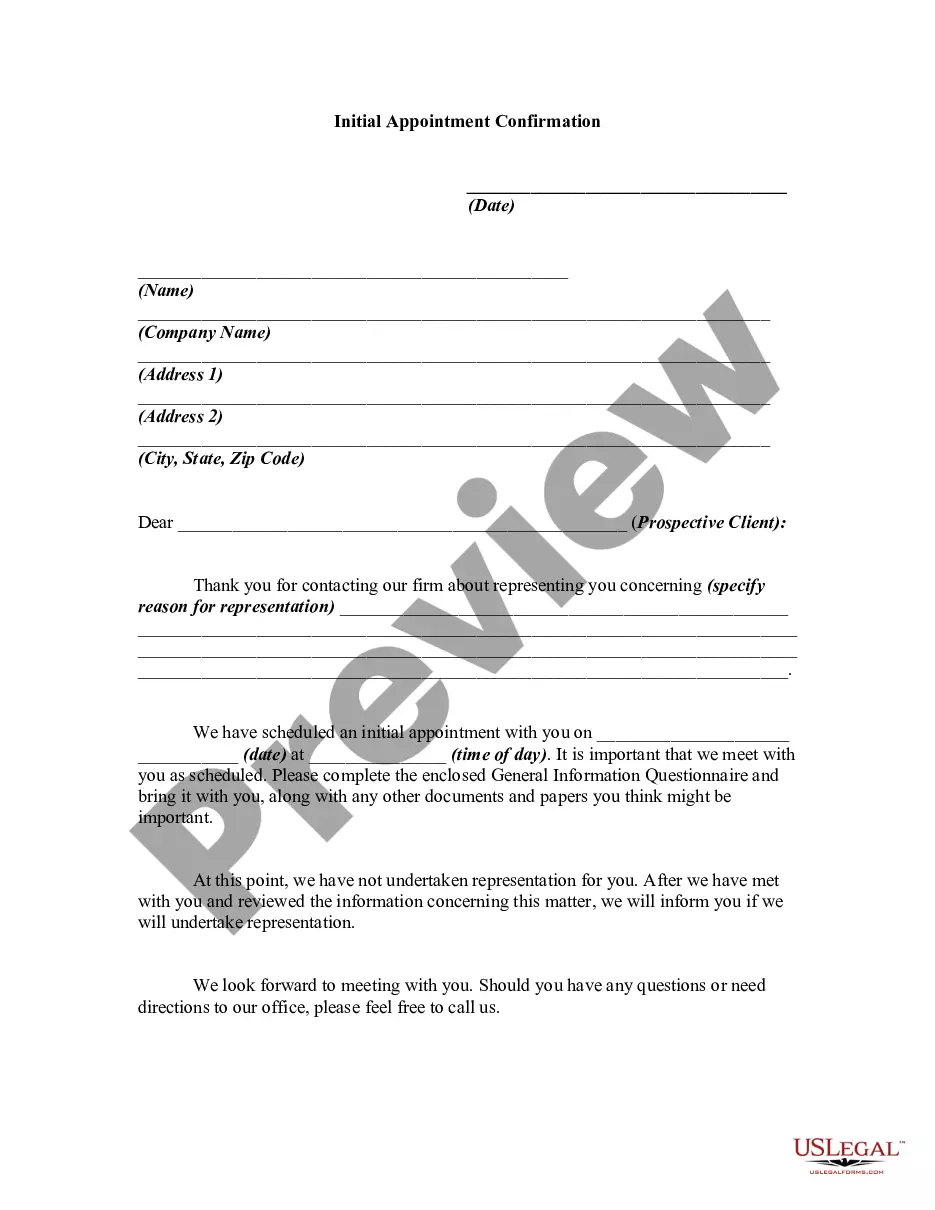
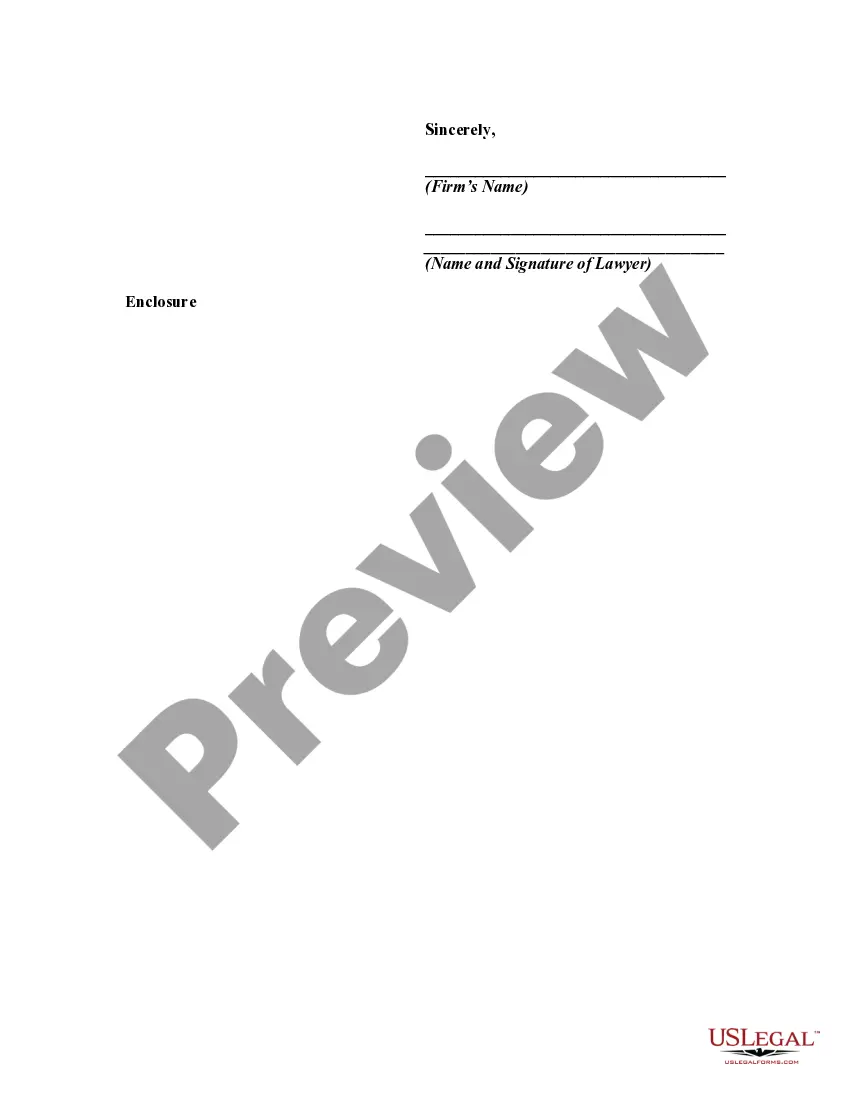
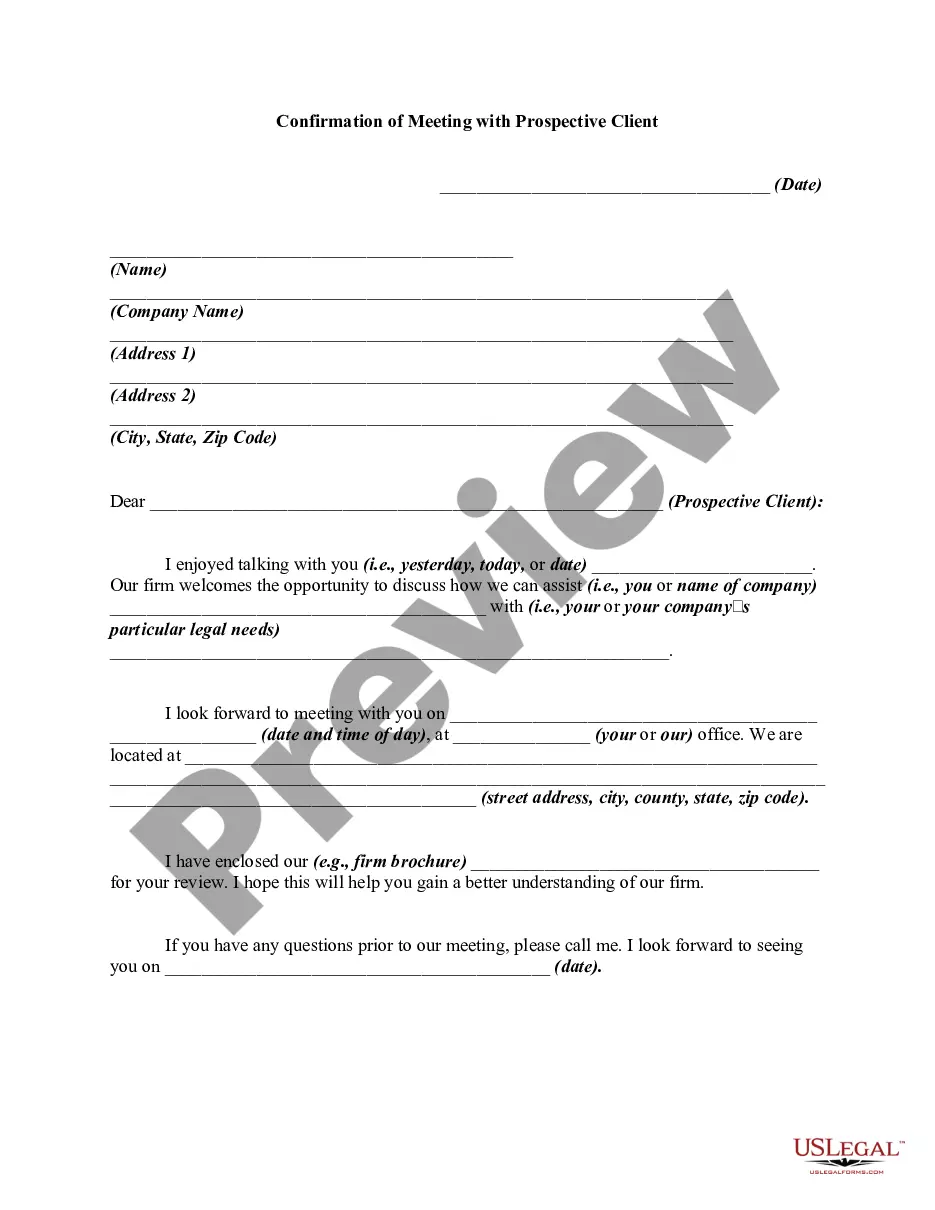
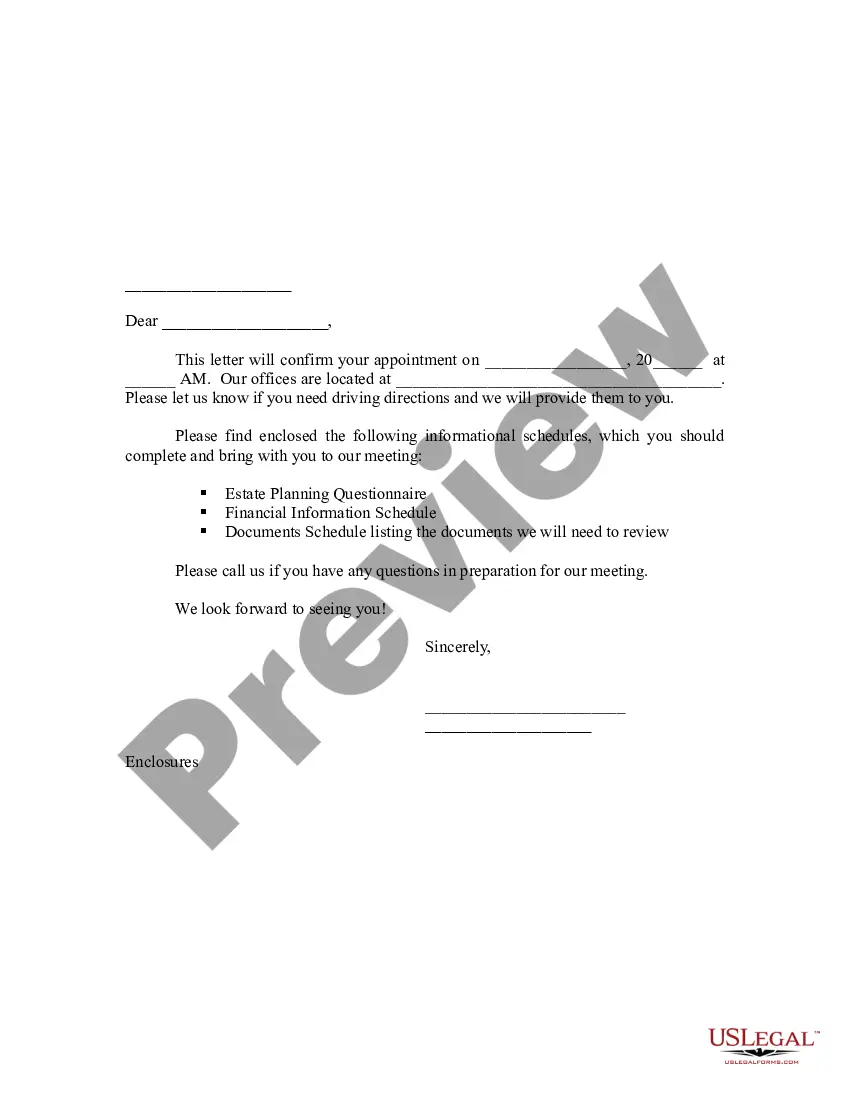
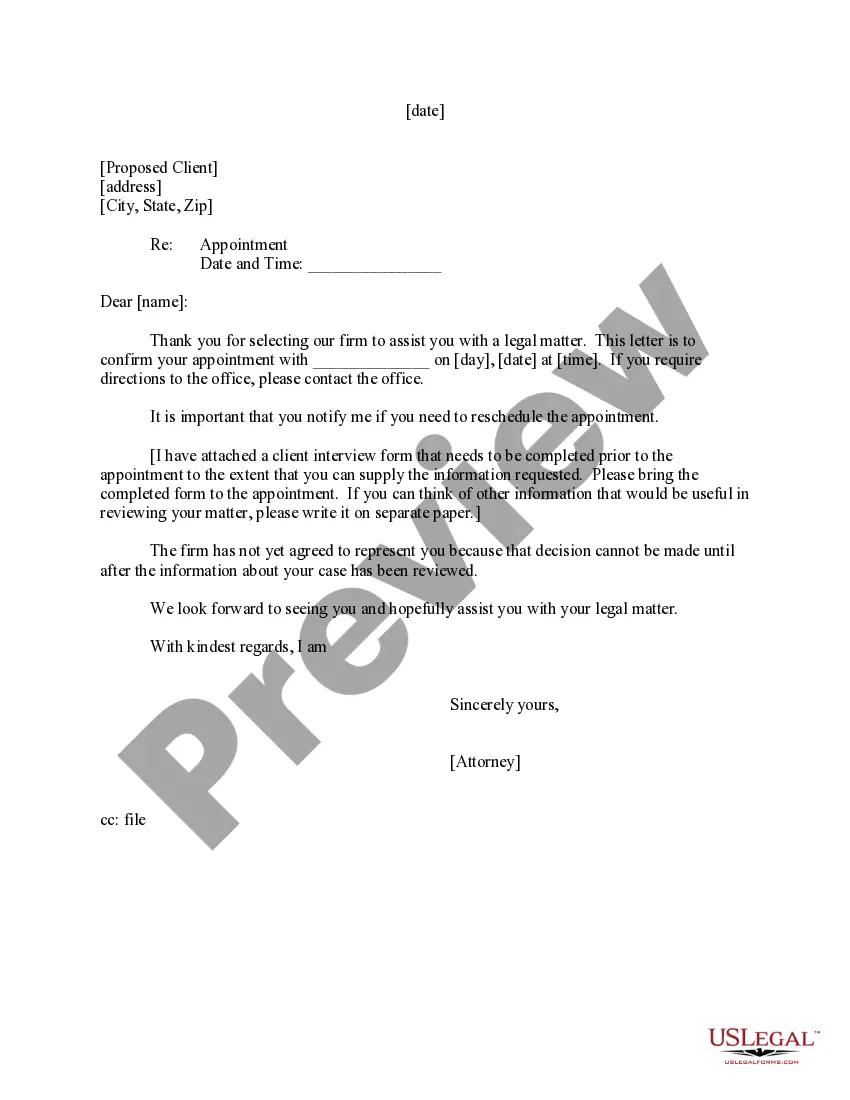
The Initial Appointment Confirmation is a formal letter that helps law firms communicate with potential clients after they express interest in legal representation. This document confirms the details of the initial meeting, outlines the information the client should bring, and clarifies that representation has not yet been established. This form is essential for ensuring clear communication and managing expectations between the attorney and the prospective client.
Key parts of this document
- Date of the scheduled appointment
- Name and contact information of the prospective client
- Specific reason for representation
- Instructions for completing a General Information Questionnaire
- Reminder that representation has not yet commenced after the first meeting

When this form is needed
This form should be used when a prospective client has contacted your law firm seeking representation. It formalizes the arrangement for an initial consultation, which is an important step in establishing the attorney-client relationship. Having a written confirmation helps both parties prepare for the meeting effectively.
Who should use this form
- Law firms that want to confirm initial appointments with potential clients
- Attorneys looking to manage their scheduling and client expectations
- Any legal professional in need of a standardized communication tool for prospective clients
Completing this form step by step
- Fill in the date of the appointment.
- Provide the name and contact details of the prospective client.
- Clearly specify the reason for representation.
- Include the scheduled date and time of the initial appointment.
- Instruct the client to complete the General Information Questionnaire and bring it to the meeting.
Notarization requirements for this form
This form does not typically require notarization unless specified by local law. It serves mainly as a communication tool rather than a binding legal document.
Get your form ready online
Our built-in tools help you complete, sign, share, and store your documents in one place.
Make edits, fill in missing information, and update formatting in US Legal Forms—just like you would in MS Word.
Download a copy, print it, send it by email, or mail it via USPS—whatever works best for your next step.
Sign and collect signatures with our SignNow integration. Send to multiple recipients, set reminders, and more. Go Premium to unlock E-Sign.
If this form requires notarization, complete it online through a secure video call—no need to meet a notary in person or wait for an appointment.
We protect your documents and personal data by following strict security and privacy standards.

Make edits, fill in missing information, and update formatting in US Legal Forms—just like you would in MS Word.

Download a copy, print it, send it by email, or mail it via USPS—whatever works best for your next step.

Sign and collect signatures with our SignNow integration. Send to multiple recipients, set reminders, and more. Go Premium to unlock E-Sign.

If this form requires notarization, complete it online through a secure video call—no need to meet a notary in person or wait for an appointment.

We protect your documents and personal data by following strict security and privacy standards.
Avoid these common issues
- Failing to specify the reason for representation, which can lead to miscommunication.
- Not including clear contact information, making it hard for clients to reach out for questions or directions.
- Forgetting to remind clients that no representation is confirmed until after the initial meeting.
Benefits of using this form online
- Convenient downloading and editing that allows for quick customization.
- Access to attorney-drafted language ensures accuracy and reliability.
- Ability to keep records of client communications digitally.
Quick recap
- The Initial Appointment Confirmation is crucial for setting client expectations.
- It provides necessary details for both the law firm and the prospective client.
- Completing the form accurately is important to avoid misunderstandings.
Looking for another form?
Form popularity
FAQ
First Name, still good to meet Time Date at Location? This is a reminder that your appointment with Person is scheduled for Date at Time. Please reply Confirm to confirm, or Reschedule to reschedule.
Use your customer's name. Confirm important details. Include a phone number to call for further information. Give customers an option to confirm, cancel or change their appointment via text reply. Keep it short and sweet.
Hi CUSTOMER-NAME, your next app with BUSINESS-NAME is on DATE-TIME. Please reply with YES to confirm or call BUSINESS-PHONE if unable to attend. Hi CUSTOMER-NAME this is a reminder that you have an appointment on DATE-TIME. Please reminder to bring your IMPORTANT-DOCUMENT with you.
Address Contacts by Name. Using your customer's name is a nice touch that makes your message more personal. Include Date, Time, and Location. Include Information on How to Change Their Appointment. Include Support Number.
Dear Mr. Stevens, I would like to confirm your appointment with John Fond tomorrow, September 21st at 2 pm. Please contact me with any questions and keep me informed if there should be any changes.
Remind them that a meeting has been scheduled. Mention the date, time, and location. Ask them to confirm their attendance within a time frame. For example: " I appreciate that you reply to this email or call to confirm the meeting no later than 12 PM so that we can make the proper arrangement".
Tell the customer the date and time that their appointment is set for. Gently, yet firmly, remind them of any cancellation policies you may have. If there are any other critical items for them to prepare, bring, or know before the appointment, reiterate them. Keep the language straightforward and inviting.
Get explicit permission. Texting a person who hasn't opted in can result in upset customers and hefty legal fines. Keep it brief. Don't text too often. Make it easy to reply. Simplify your signature. Avoid slang and abbreviations.