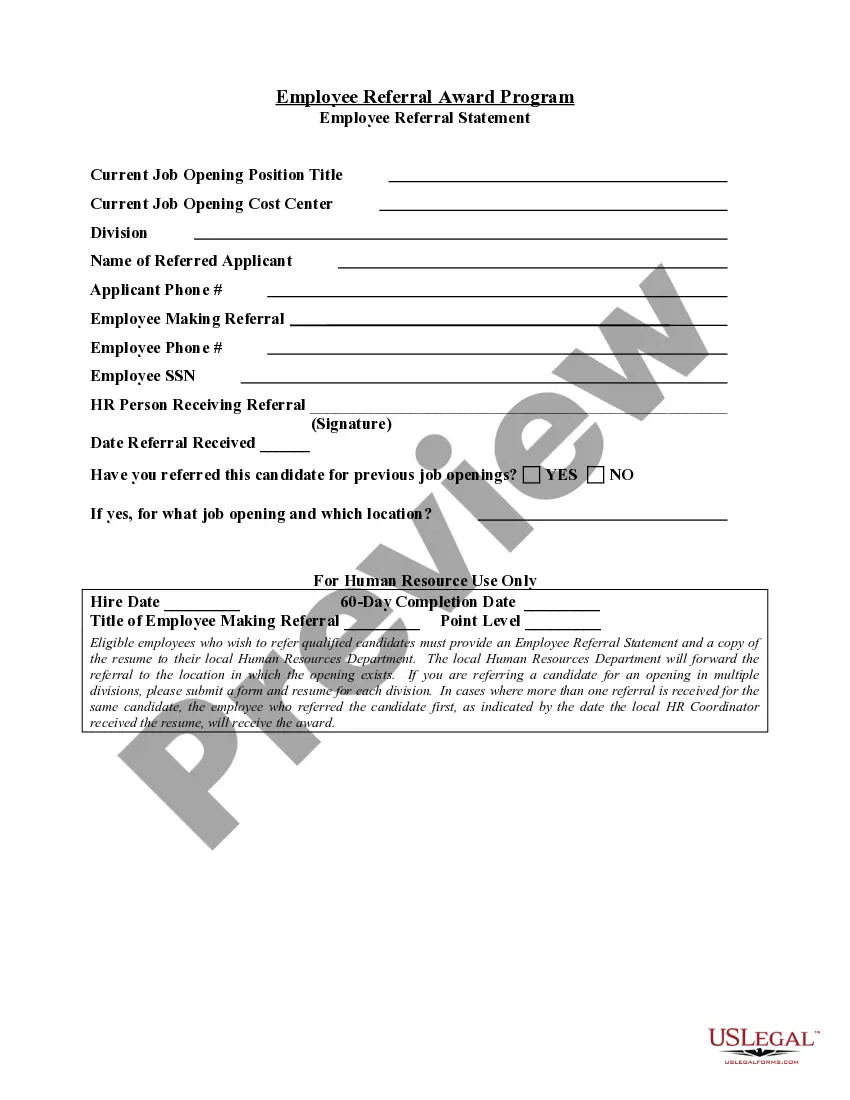
Alabama Employee Referral Statement
Description


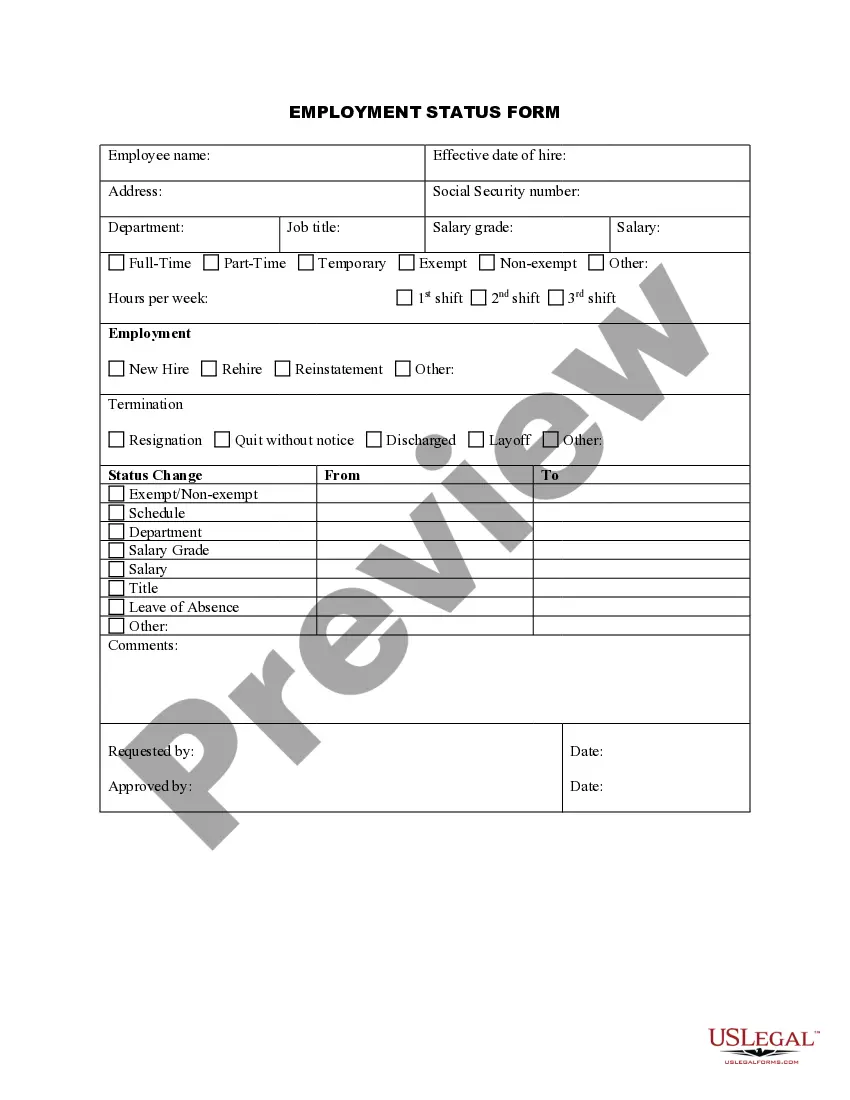
Get your form ready online
Our built-in tools help you complete, sign, share, and store your documents in one place.
Make edits, fill in missing information, and update formatting in US Legal Forms—just like you would in MS Word.
Download a copy, print it, send it by email, or mail it via USPS—whatever works best for your next step.
Sign and collect signatures with our SignNow integration. Send to multiple recipients, set reminders, and more. Go Premium to unlock E-Sign.
If this form requires notarization, complete it online through a secure video call—no need to meet a notary in person or wait for an appointment.
We protect your documents and personal data by following strict security and privacy standards.

Make edits, fill in missing information, and update formatting in US Legal Forms—just like you would in MS Word.

Download a copy, print it, send it by email, or mail it via USPS—whatever works best for your next step.

Sign and collect signatures with our SignNow integration. Send to multiple recipients, set reminders, and more. Go Premium to unlock E-Sign.

If this form requires notarization, complete it online through a secure video call—no need to meet a notary in person or wait for an appointment.

We protect your documents and personal data by following strict security and privacy standards.
Looking for another form?


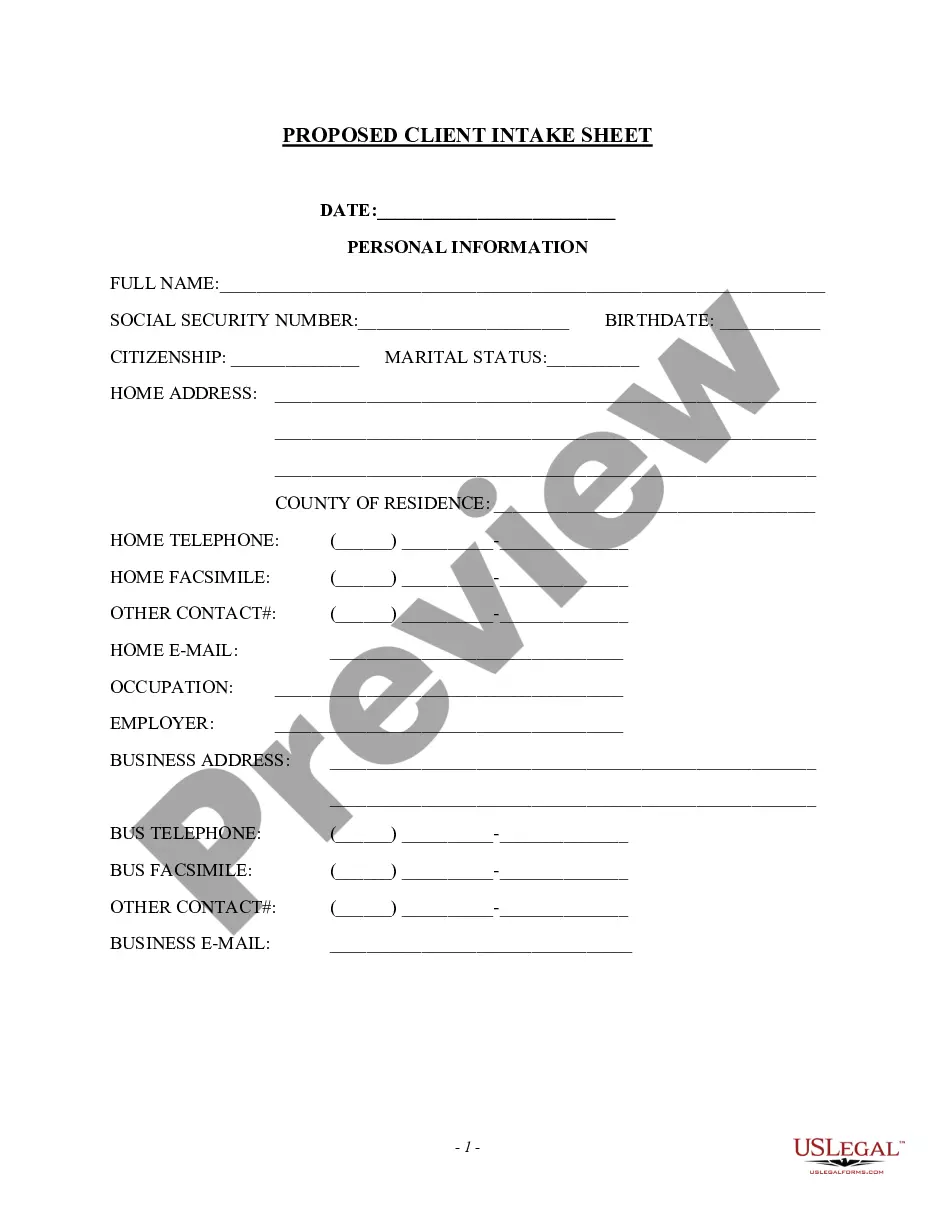
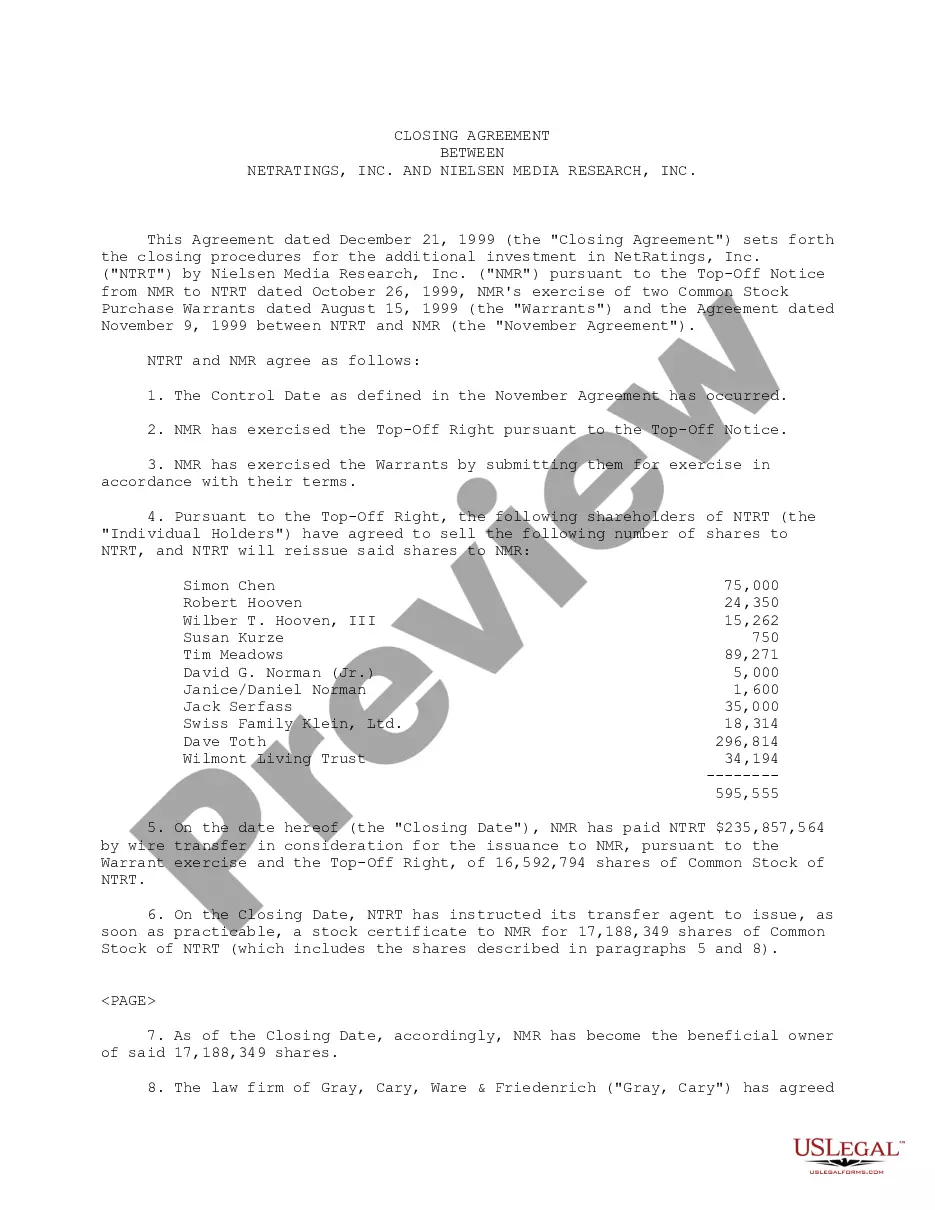
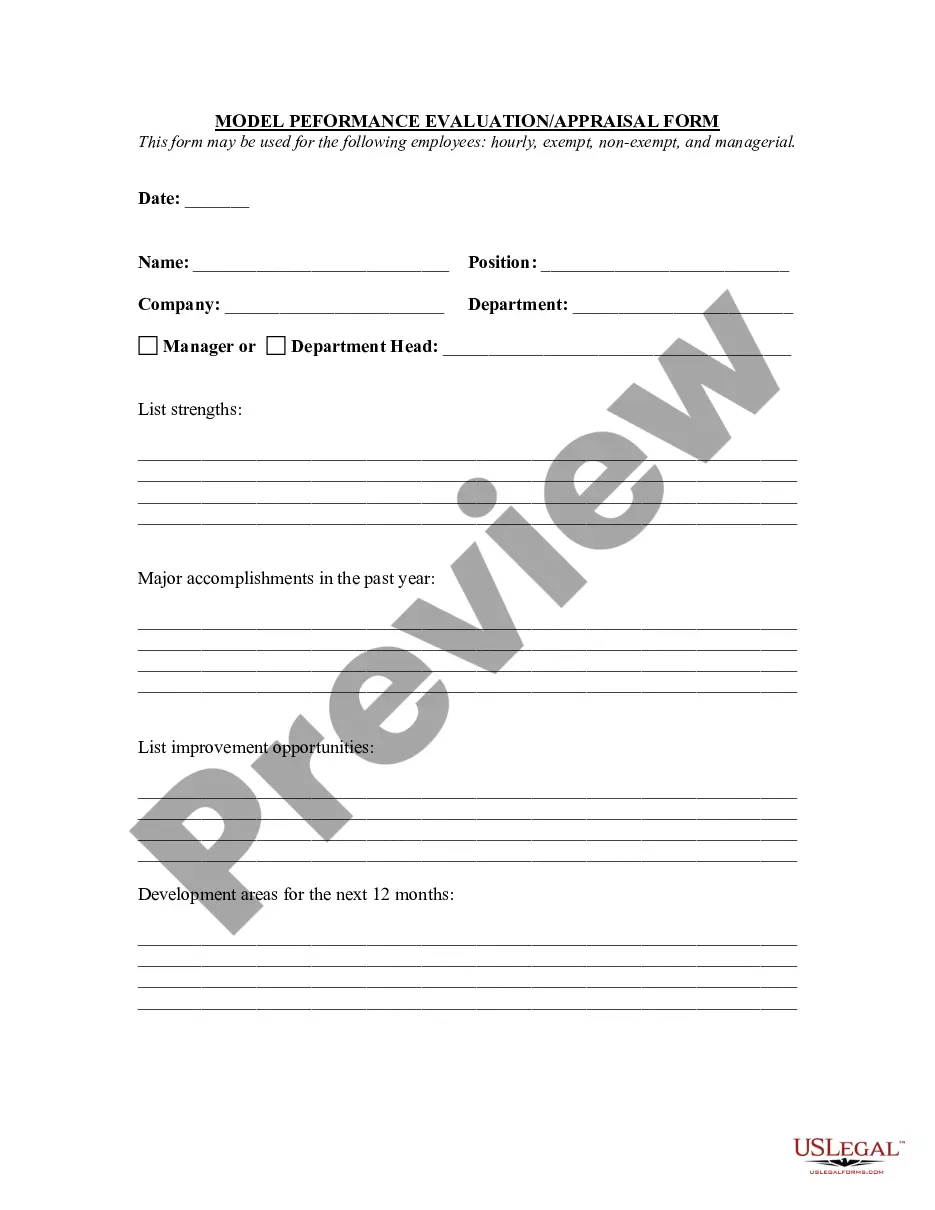
How to fill out Employee Referral Statement?
It is feasible to spend hours online searching for the legal document template that meets the state and federal requirements you seek.
US Legal Forms offers a multitude of legal forms that have been verified by experts.
You can readily download or print the Alabama Employee Referral Statement from the service.
If available, utilize the Review button to look through the document format as well.
- If you possess a US Legal Forms account, you can Log In and click the Download button.
- After that, you can fill out, modify, print, or sign the Alabama Employee Referral Statement.
- Each legal document format you obtain belongs to you permanently.
- To get another copy of any downloaded form, go to the My documents tab and click the associated button.
- If you are using the US Legal Forms site for the first time, follow the simple instructions listed below.
- First, ensure you have selected the appropriate document format for the county/region of your choice. View the form description to confirm you have picked the right form.