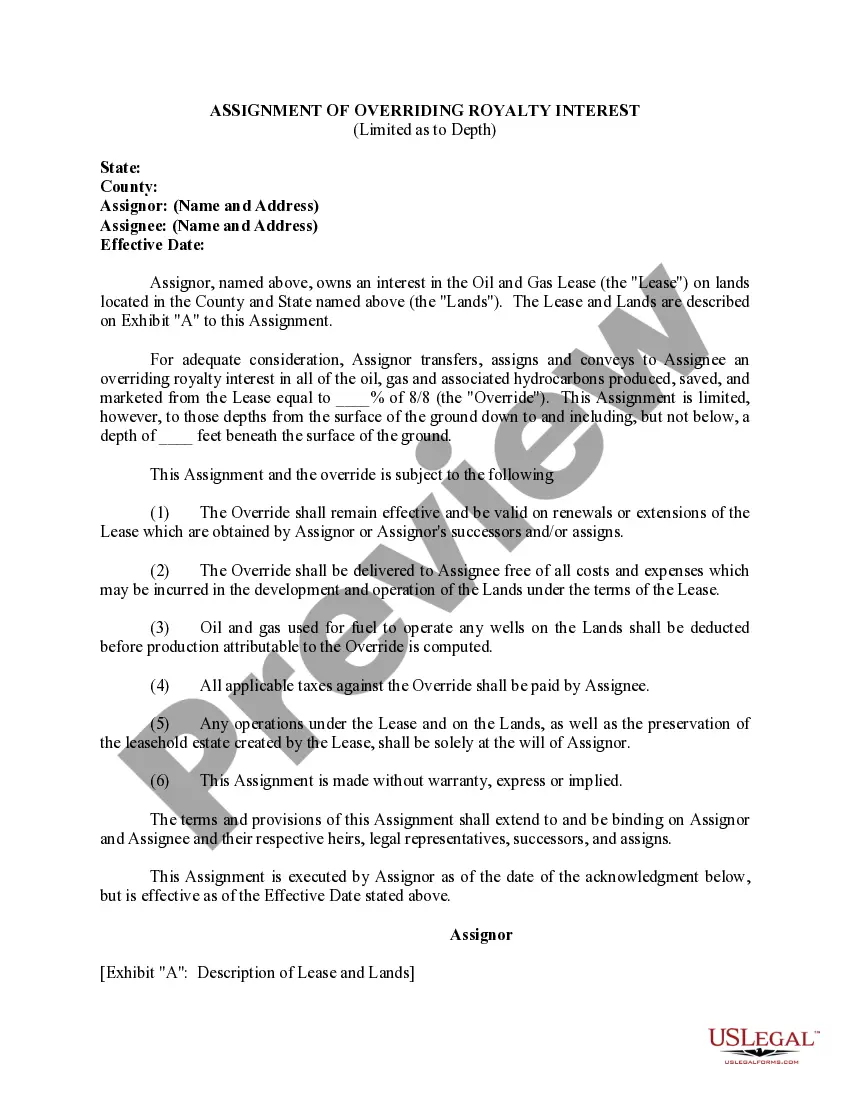
Alaska Telecommunications Service Agreement
Description
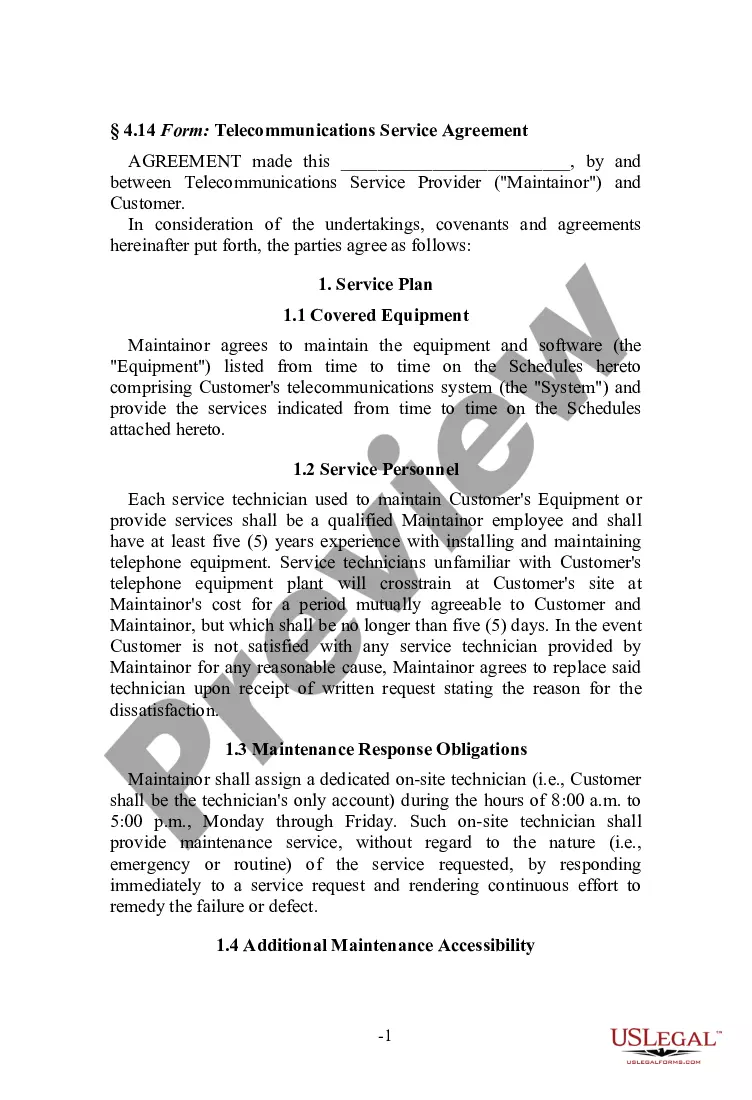
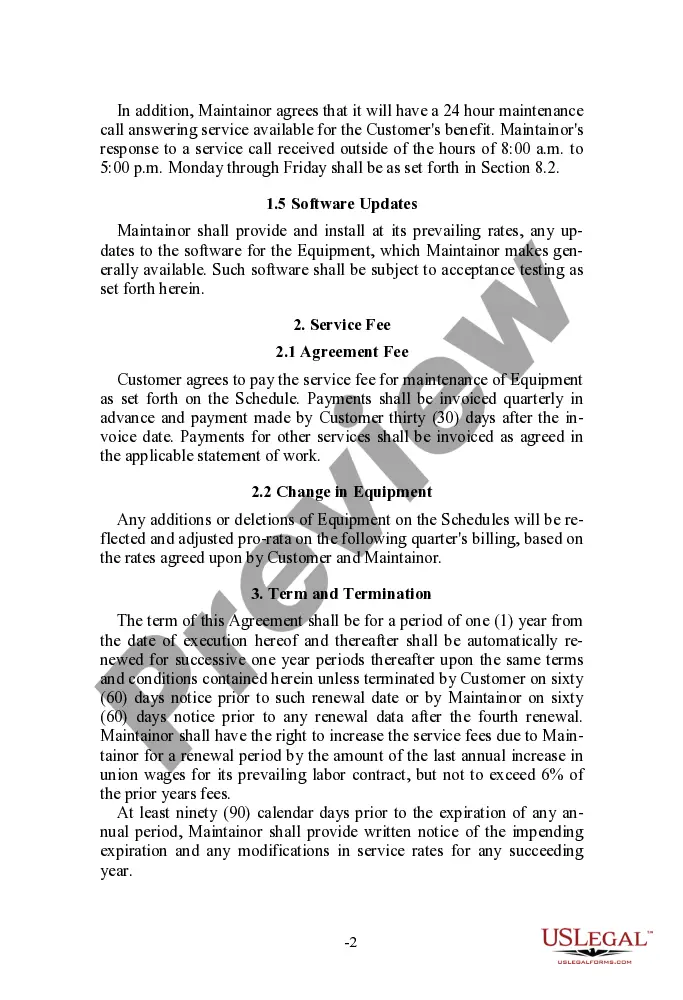
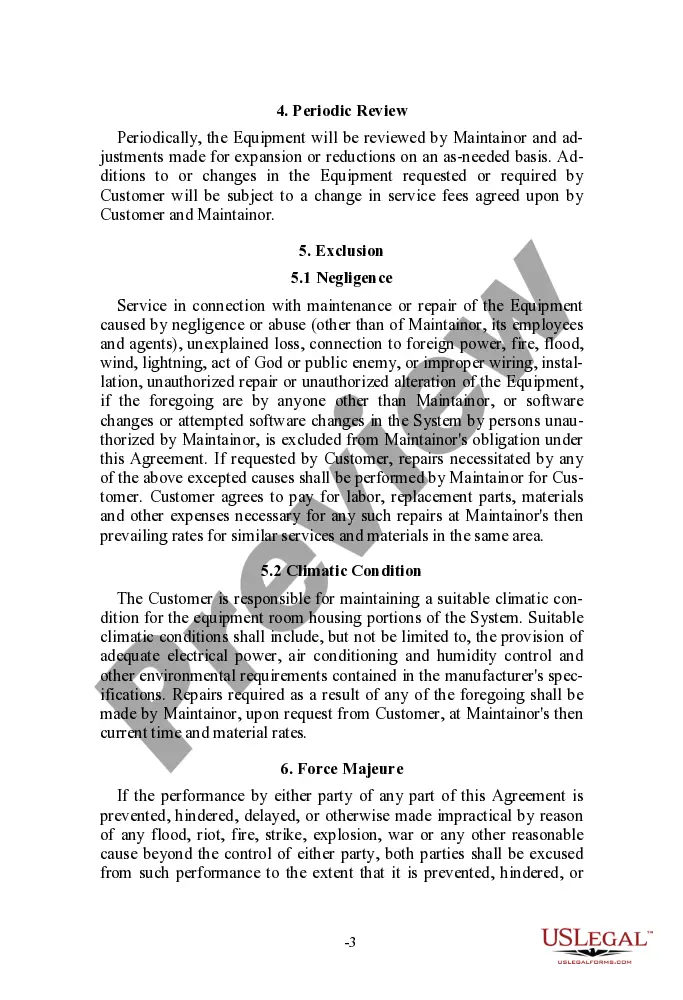
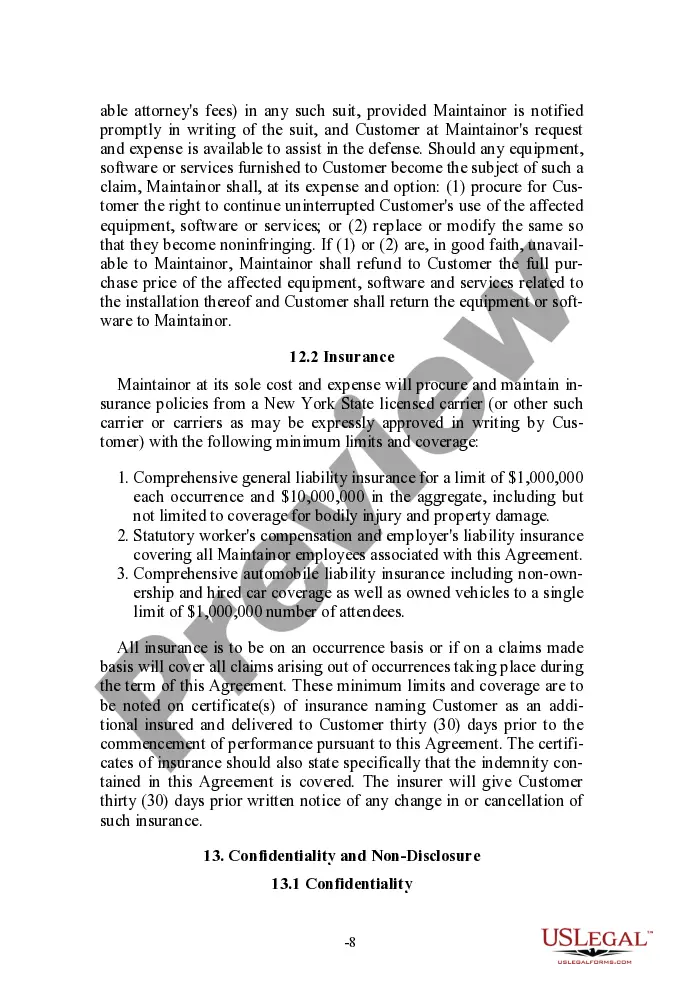
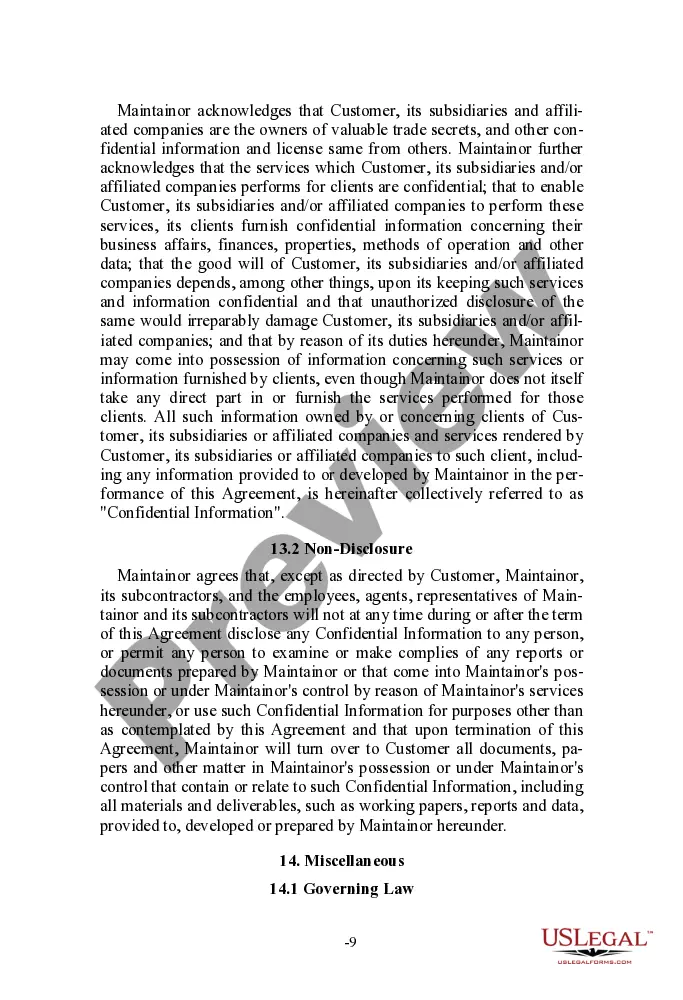
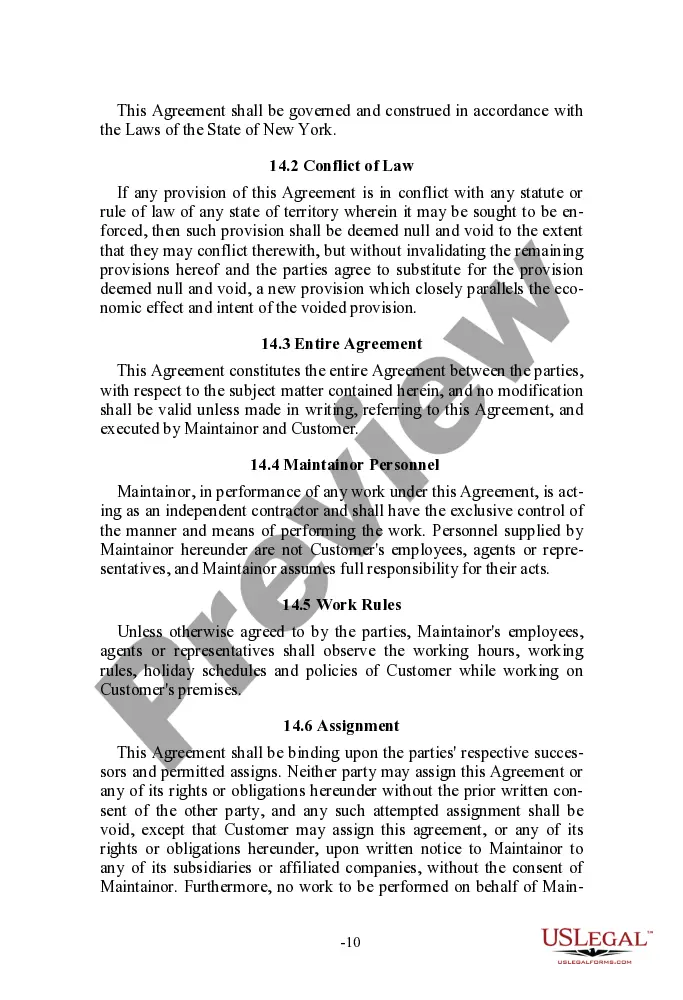

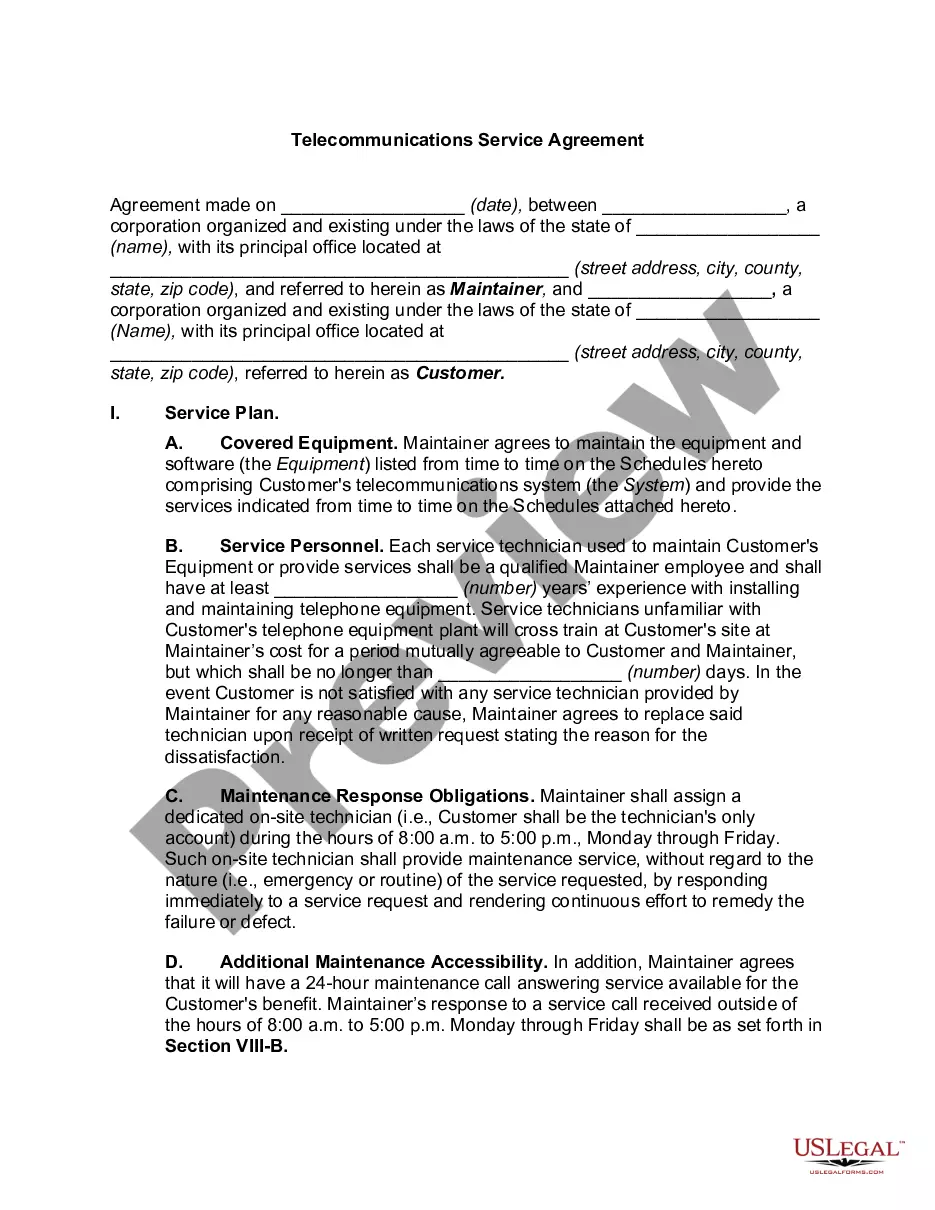
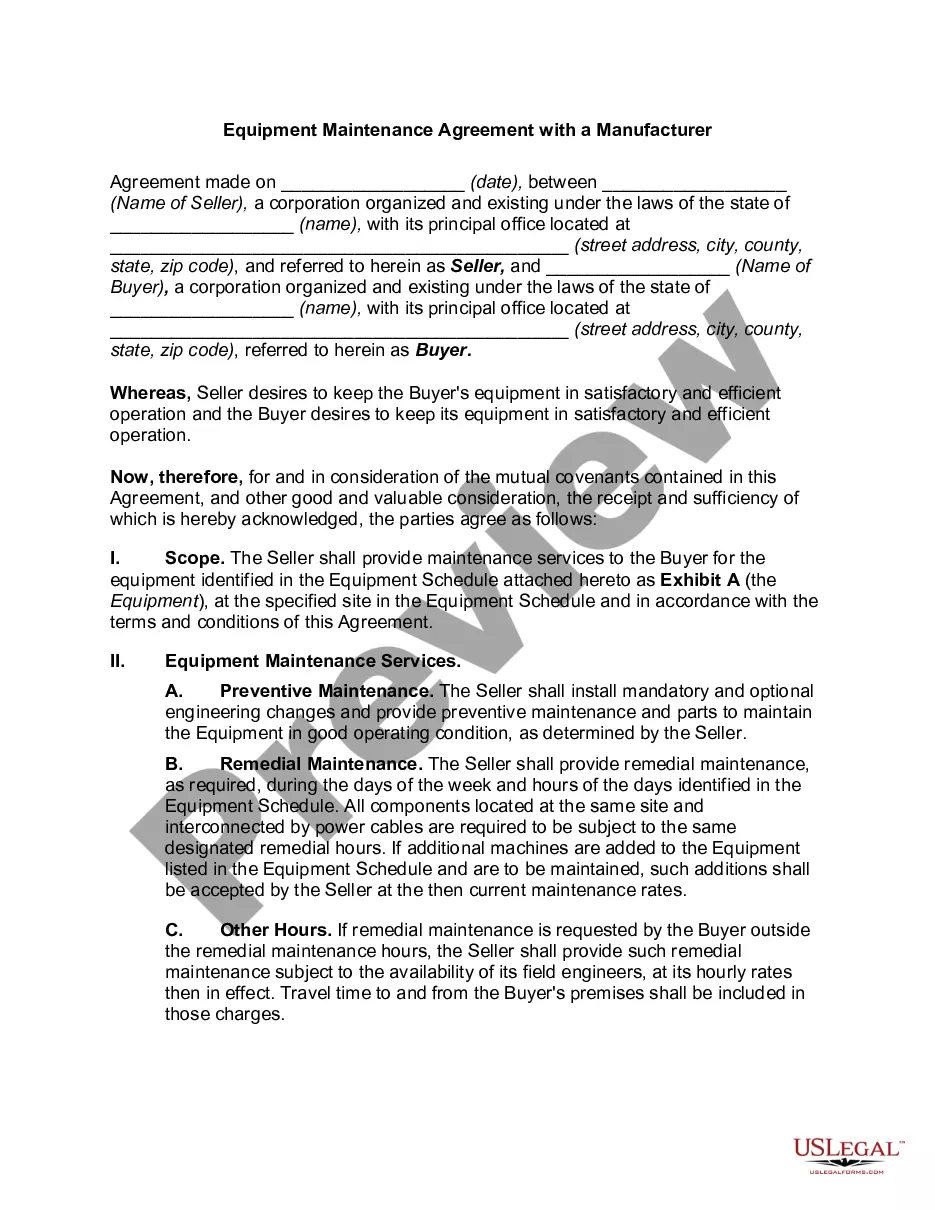
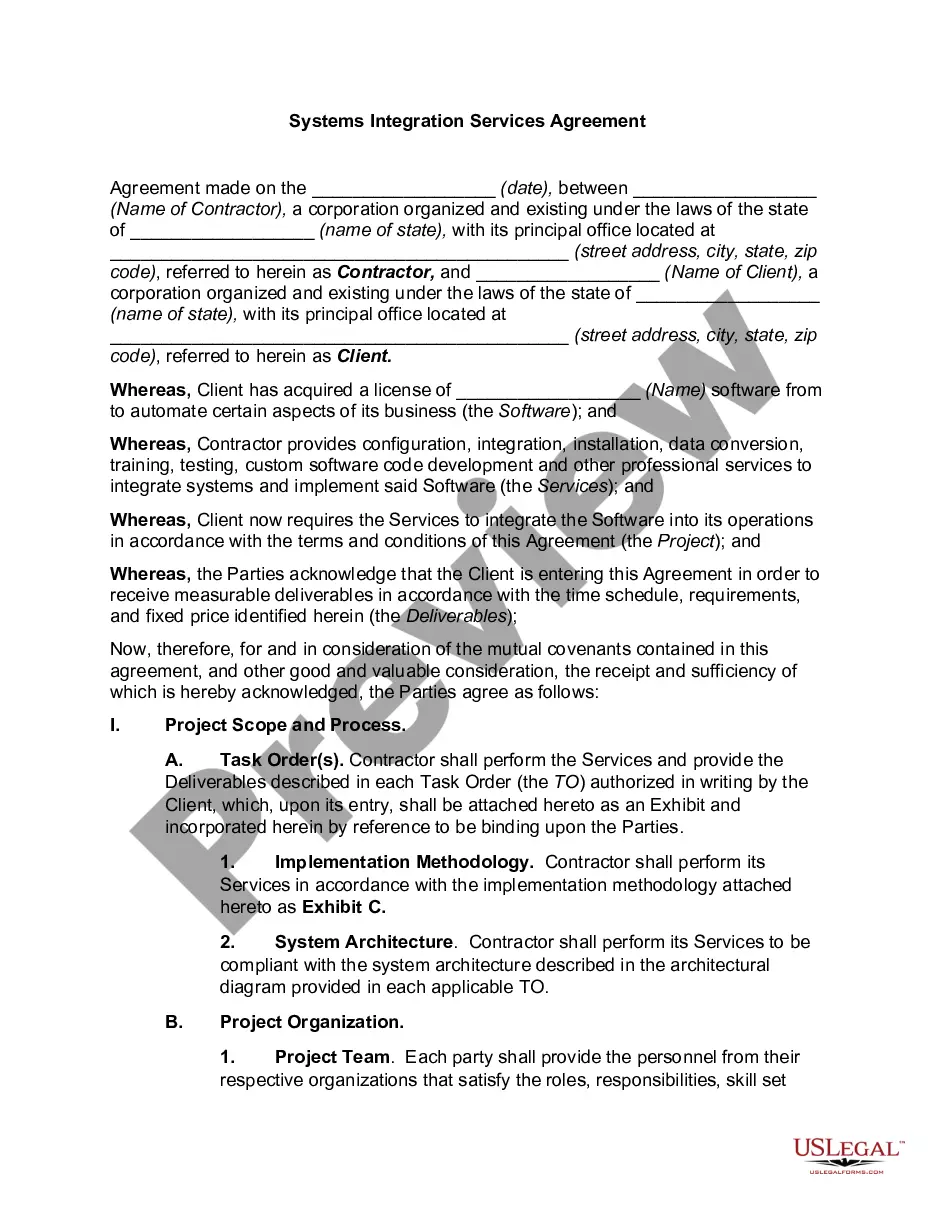
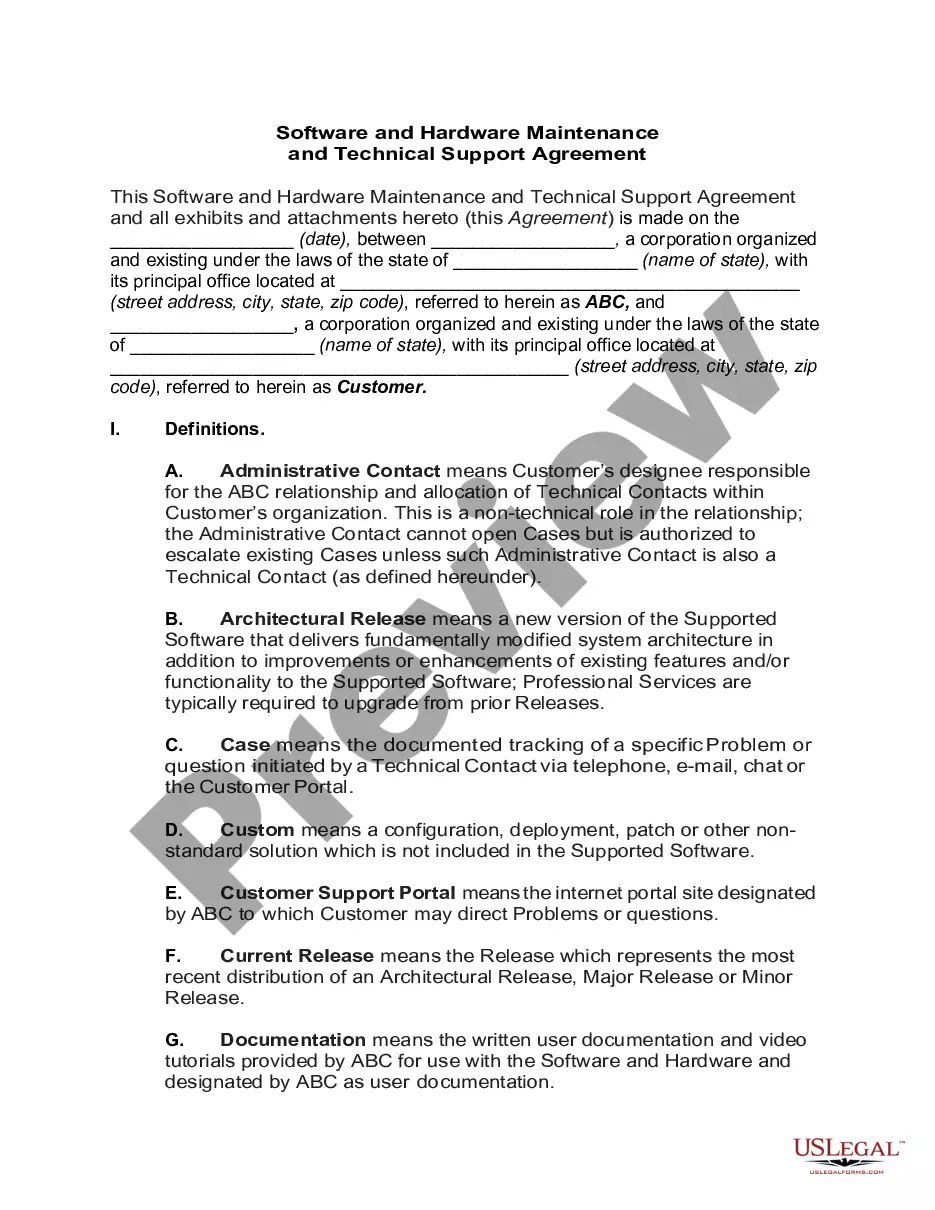
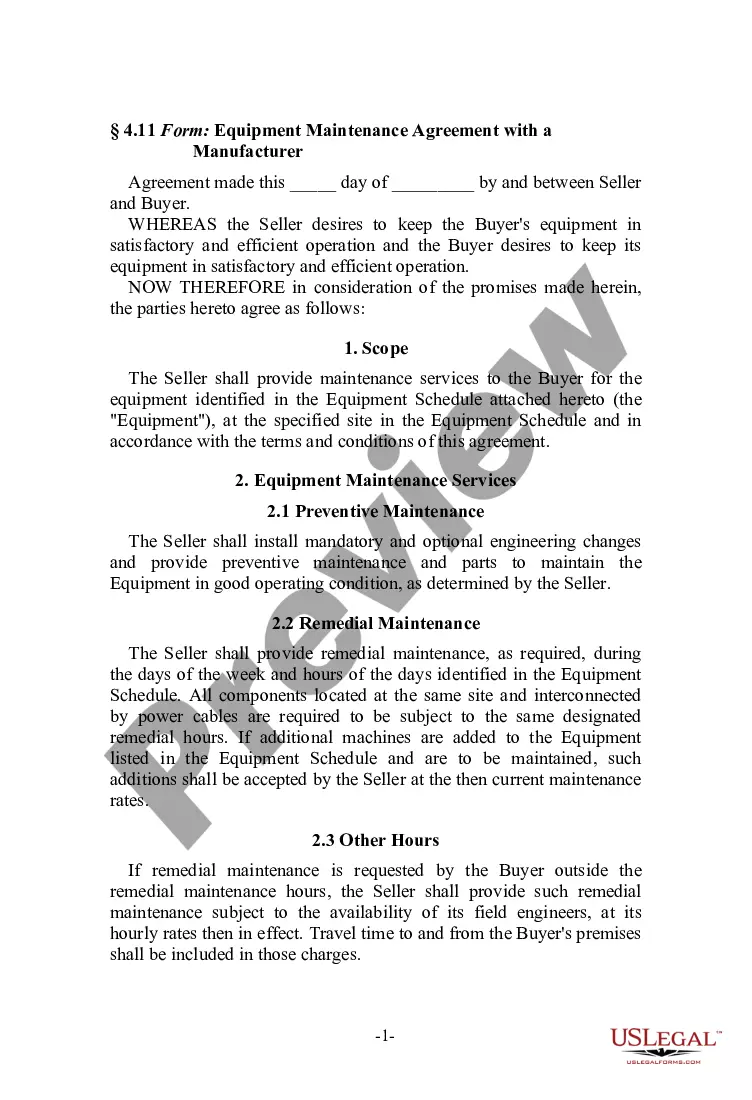
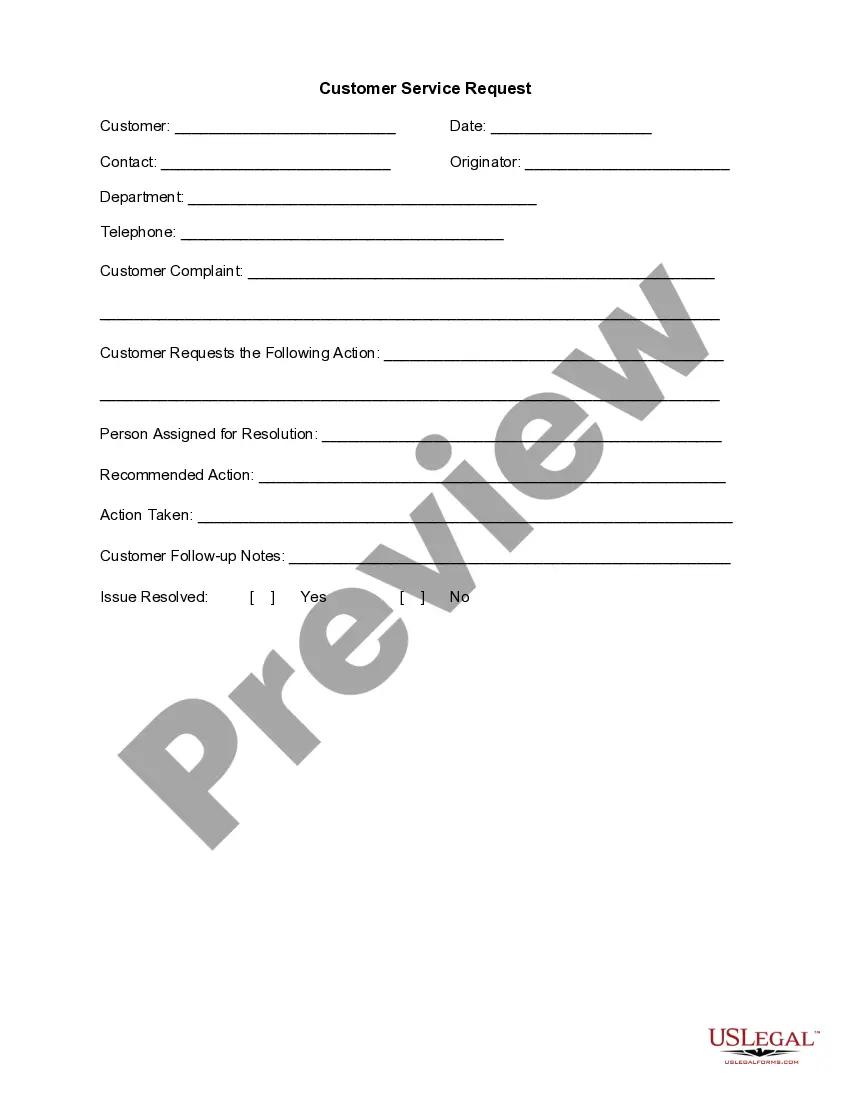
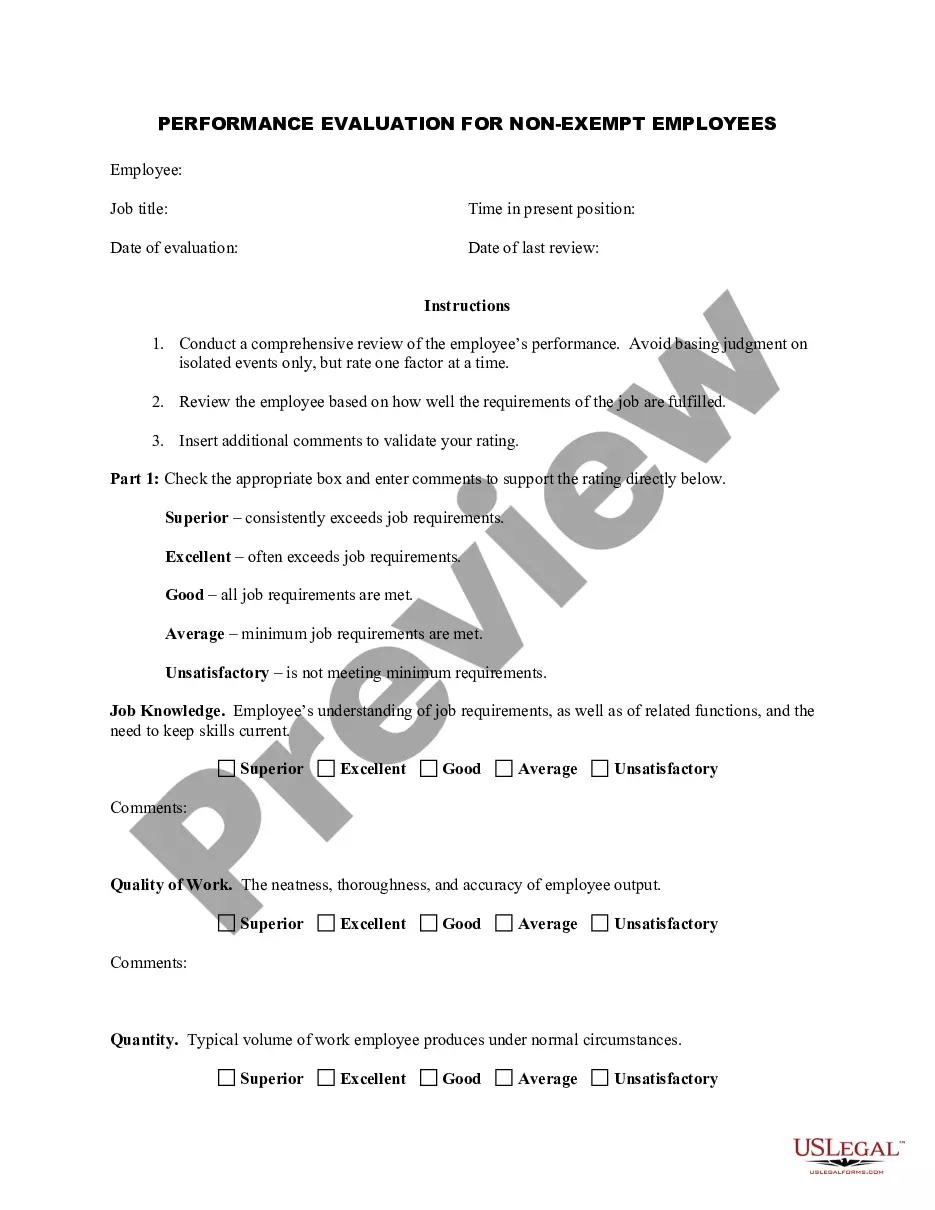
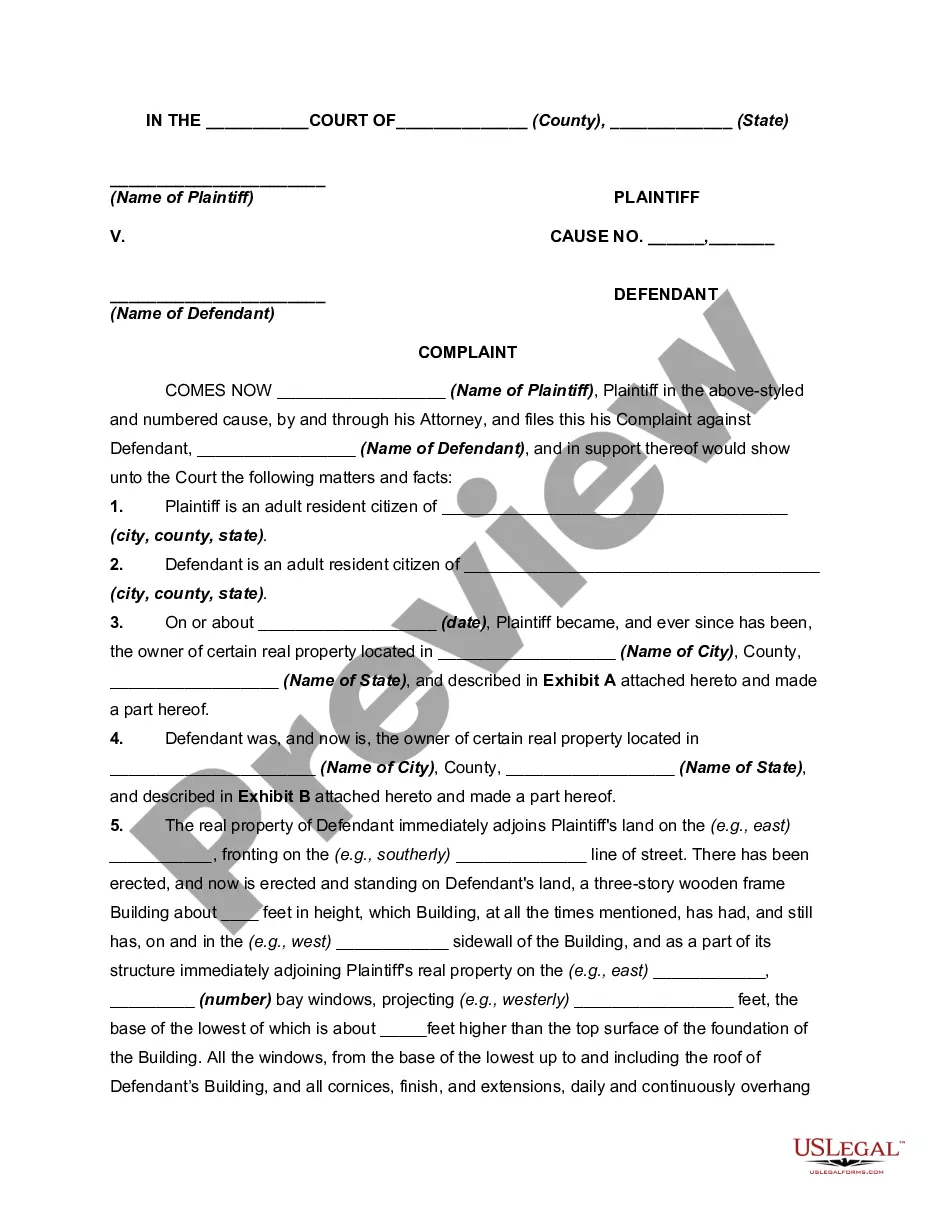
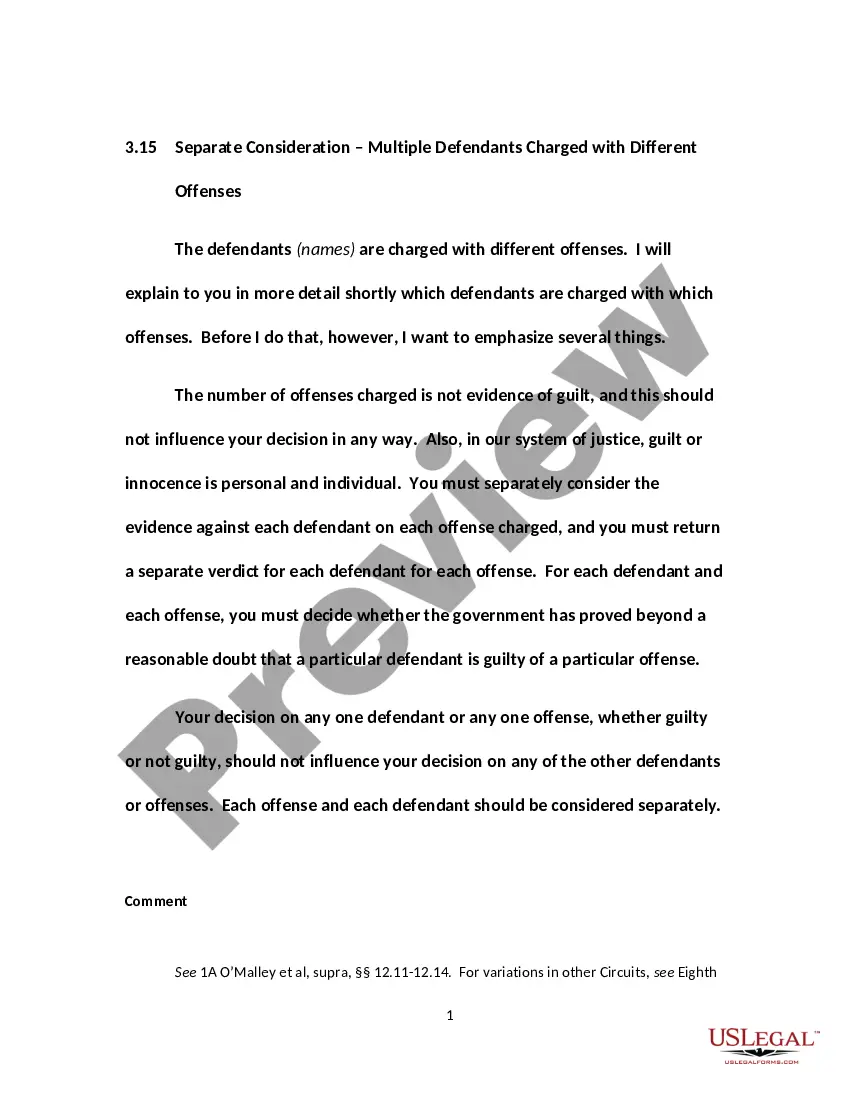

How to fill out Telecommunications Service Agreement?
If you wish to full, download, or printing legitimate record themes, use US Legal Forms, the biggest collection of legitimate kinds, which can be found on the Internet. Make use of the site`s simple and handy look for to obtain the documents you require. Numerous themes for organization and person functions are sorted by groups and suggests, or keywords. Use US Legal Forms to obtain the Alaska Telecommunications Service Agreement in just a number of mouse clicks.
When you are already a US Legal Forms client, log in for your profile and click on the Download key to find the Alaska Telecommunications Service Agreement. You can even entry kinds you in the past acquired inside the My Forms tab of your respective profile.
If you are using US Legal Forms for the first time, follow the instructions below:
- Step 1. Be sure you have chosen the form for the right city/nation.
- Step 2. Make use of the Review option to examine the form`s information. Do not forget about to read the outline.
- Step 3. When you are unsatisfied with the kind, use the Look for area near the top of the display to locate other models of the legitimate kind template.
- Step 4. Once you have identified the form you require, click the Purchase now key. Choose the costs prepare you like and add your references to register on an profile.
- Step 5. Procedure the financial transaction. You should use your charge card or PayPal profile to perform the financial transaction.
- Step 6. Find the structure of the legitimate kind and download it in your product.
- Step 7. Complete, change and printing or signal the Alaska Telecommunications Service Agreement.
Every legitimate record template you get is the one you have eternally. You might have acces to each and every kind you acquired in your acccount. Click on the My Forms area and decide on a kind to printing or download again.
Compete and download, and printing the Alaska Telecommunications Service Agreement with US Legal Forms. There are many expert and express-distinct kinds you may use for the organization or person requires.
Form popularity
FAQ
In July 2021, Alaska Communications was acquired by the Nasdaq-listed company ATN International Inc. for $343 million.
Dial 800-808-8083. Enter your account or phone number.
Jim McCarley serves as chief executive officer, overseeing the entire organization as it executes its industry leading expansion of connectivity to all Alaskans.
The company was delisted from the Nasdaq stock exchange on Thursday, with shareholders paid $3.40 per share as part of the deal. Alaska Communications principally sells internet and phone service to businesses, but it's also the second-largest provider of home internet service.
About us. With more than 120 years serving the Last Frontier, Alaska Communications is Alaska's leading broadband and managed IT service provider.
Its history began long before World War II. ACS handled the radio teletype, radio telephone, and other services for the public as well as for the military at the time I was there. Headquartered in Seattle, Washington, the main Alaskan office was located in the Federal Building in downtown Anchorage.
Disconnect Service Log into My Account. From the dashboard, select Services on the left side of the screen. Under your active service, select Disconnect. You will see a pop up to confirm your request. ... Select a reason for disconnecting service. Confirm your request by selecting Disconnect Service.