Texas Salary Verification form for Potential Lease
About this form
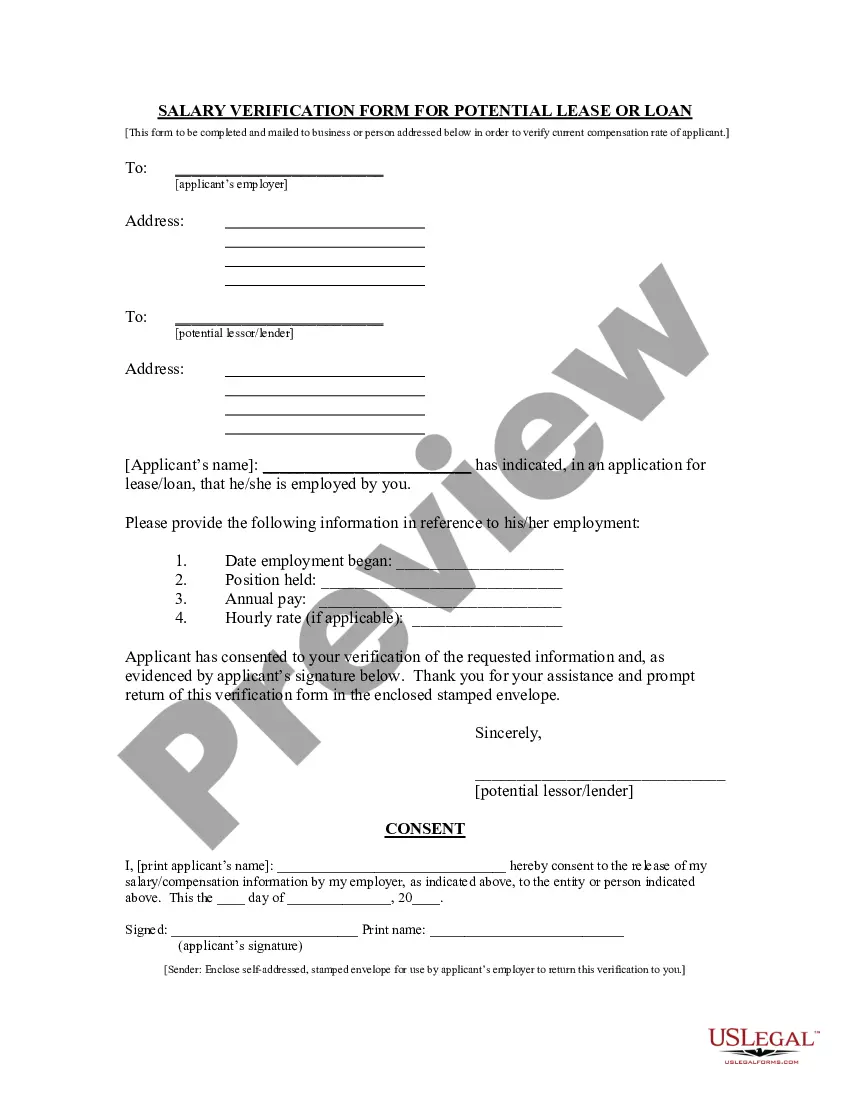
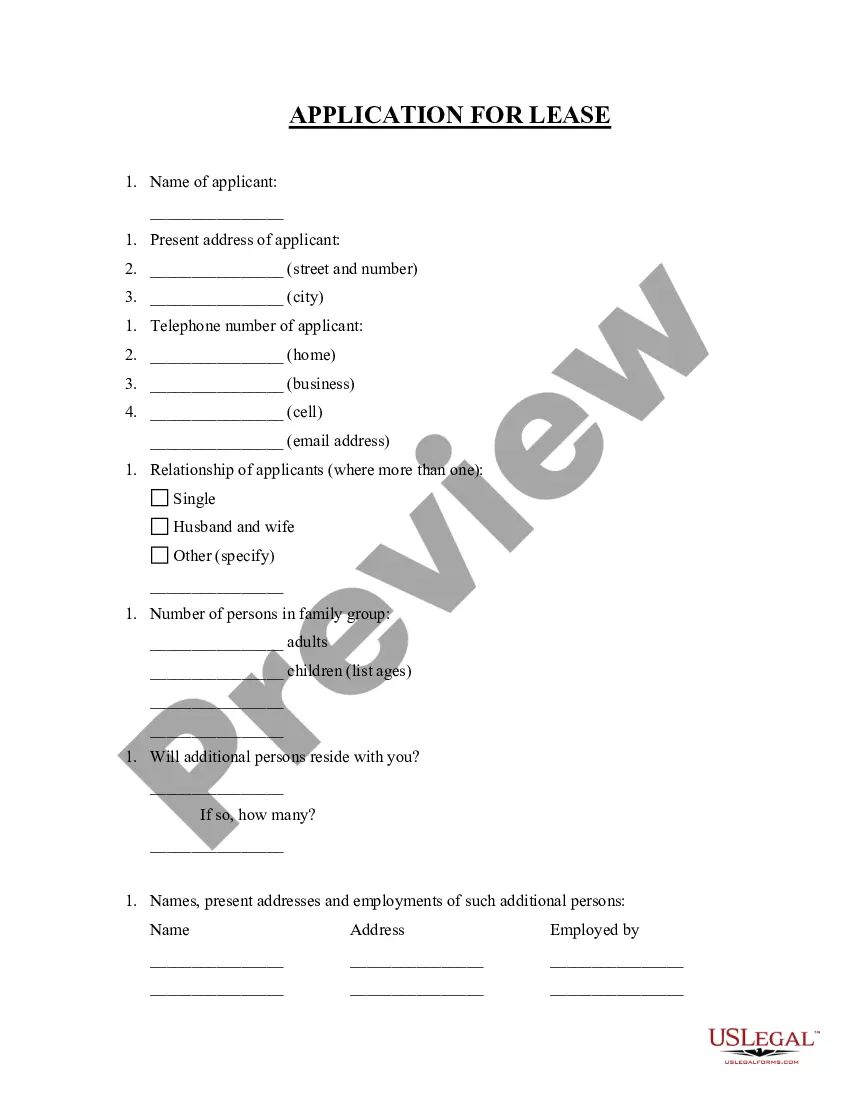
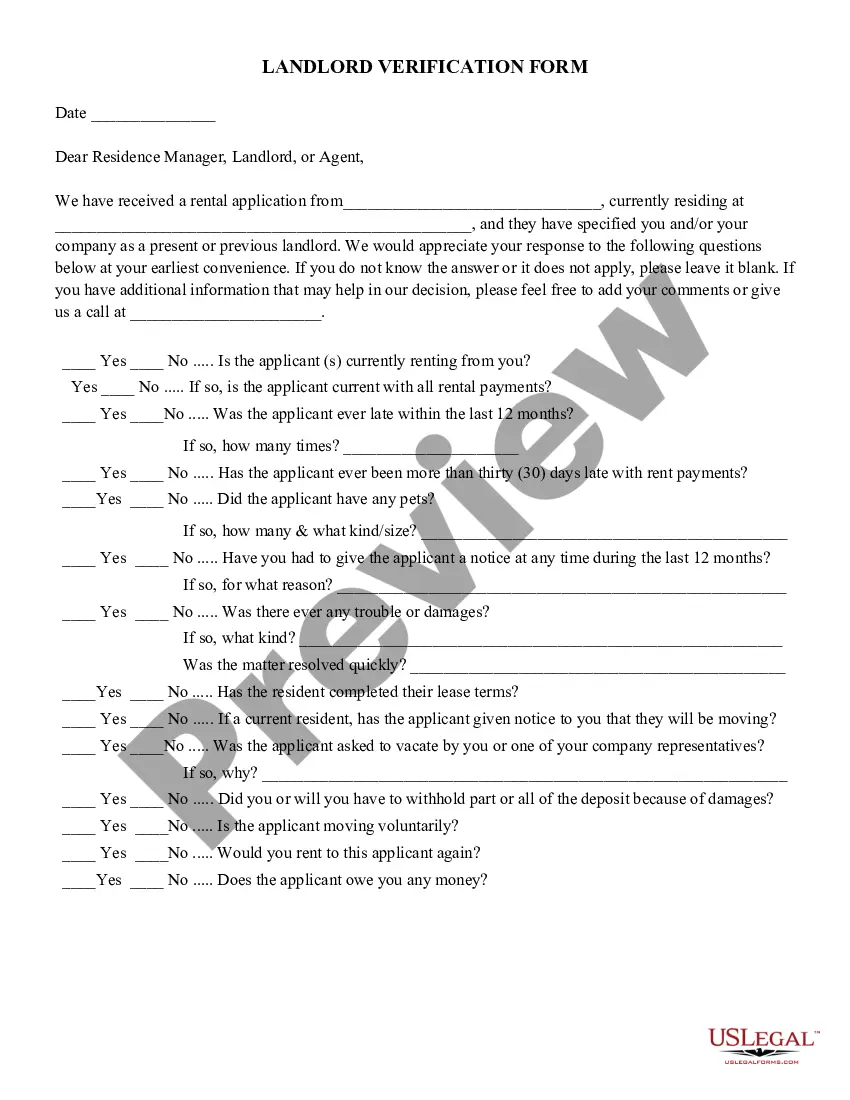
The Salary Verification form for Potential Lease is a document used by landlords to confirm a prospective tenant's income as stated in their lease application. This form serves a crucial role in ensuring the applicant's financial suitability for the rental property, helping landlords make informed decisions. Unlike general income verification documents, this form specifically addresses the context of leasing and is paired with a Tenant Consent Form to authorize the employer's release of information.
Form components explained
- Employer details: Space to enter the name of the applicant's employer.
- Employment information: Sections to provide the date employment began and the applicant's position held.
- Compensation details: Fields for annual pay and hourly rate, if applicable.
- Applicant's consent: An area for the applicant to sign, indicating their permission for the employer to release income information.
- Return instructions: Reminder to provide a self-addressed, stamped envelope for easy return of the verification.

When this form is needed
This form is used by landlords when they need to verify the claimed income of prospective tenants as part of the lease application process. It should be sent to the tenant's employer when a rental application is under review and the landlord seeks additional assurance of the applicant's financial stability.
Who needs this form
- Landlords and property managers who are assessing tenant applications.
- Employers who are asked to confirm the income of their employees.
- Prospective tenants who are applying for a lease and need to authorize income verification.
How to prepare this document
- Identify the employer: Provide the name and contact details of the applicant's employer.
- Fill in employment details: Include the start date of employment and title of the position held.
- Enter compensation: Specify the applicant's annual income and hourly wage if relevant.
- Obtain applicant's consent: Ensure the applicant signs the consent section to authorize the release of their salary information.
- Mail the form: Include a self-addressed, stamped envelope for the employer's convenience in returning the completed verification.
Does this form need to be notarized?
This form does not typically require notarization unless specified by local law. Always check local regulations to confirm if notarization is needed for your specific situation.
Get your form ready online
Our built-in tools help you complete, sign, share, and store your documents in one place.
Make edits, fill in missing information, and update formatting in US Legal Forms—just like you would in MS Word.
Download a copy, print it, send it by email, or mail it via USPS—whatever works best for your next step.
Sign and collect signatures with our SignNow integration. Send to multiple recipients, set reminders, and more. Go Premium to unlock E-Sign.
If this form requires notarization, complete it online through a secure video call—no need to meet a notary in person or wait for an appointment.
We protect your documents and personal data by following strict security and privacy standards.

Make edits, fill in missing information, and update formatting in US Legal Forms—just like you would in MS Word.

Download a copy, print it, send it by email, or mail it via USPS—whatever works best for your next step.

Sign and collect signatures with our SignNow integration. Send to multiple recipients, set reminders, and more. Go Premium to unlock E-Sign.

If this form requires notarization, complete it online through a secure video call—no need to meet a notary in person or wait for an appointment.

We protect your documents and personal data by following strict security and privacy standards.
Common mistakes
- Failing to include the applicant's consent signature.
- Not providing complete employer details, which may delay the verification process.
- Leaving compensation fields blank or incorrectly filled.
Why use this form online
- Convenience: Download and customize the form at your own pace.
- Editability: Easily make adjustments to fields as needed before sending.
- Reliability: Forms are drafted by licensed attorneys, ensuring compliance with legal standards.
Looking for another form?

Form popularity
FAQ
First, fill out an employment verification form. Second, draft a short letter of consent, if necessary. Next, provide a list of all required details. Last, include your contact information and complete your request.
Job start and end dates. Titles held. Salary. Job duties. Reason for termination. Rehire eligibility.
First, fill out an employment verification form. Second, draft a short letter of consent, if necessary. Next, provide a list of all required details. Last, include your contact information and complete your request.
Recruiter or Hiring Manager, Following up for the position of position name, I'd like to inquire about the progress of your hiring decision and the status of my job application. I am very eager to work with your company. Thanks for your time and consideration, and I look forward to hear back from you soon.
What happens during employment verification? An employer may typically disclose a current or former employee's job title, the period of employment, salary amount, responsibilities, job performance, and whether they resigned or were terminated.
Those requesting employment or salary verification may access THE WORK NUMBER® online at https://www.theworknumber.com/verifiers/ using DOL's code: 10915. You may also contact the service directly via phone at: 1-800-367-5690.
The first sentence should explain who is writing the letter and why. It should also give the name of the tenant, so the purpose of the letter is clear. The writer may be a property manager or the owner of the property. The landlord can include, if applicable, a statement on the character of the tenant.
The tenant should fill his original name with father name, permanent address, and other essential information in the given form. It verifies a tenant and makes it easy for the landlord to involve the police in case of a dispute.
Can I speak with the supervisor? Can I have your name please (HR) Is this the current employer? Is the applicant full-time or part-time? What is the hire date? What is the applicant's position there? What is his hourly or annual salary?