Minnesota Nonexclusive Roadway or Utility Easement
Understanding this form
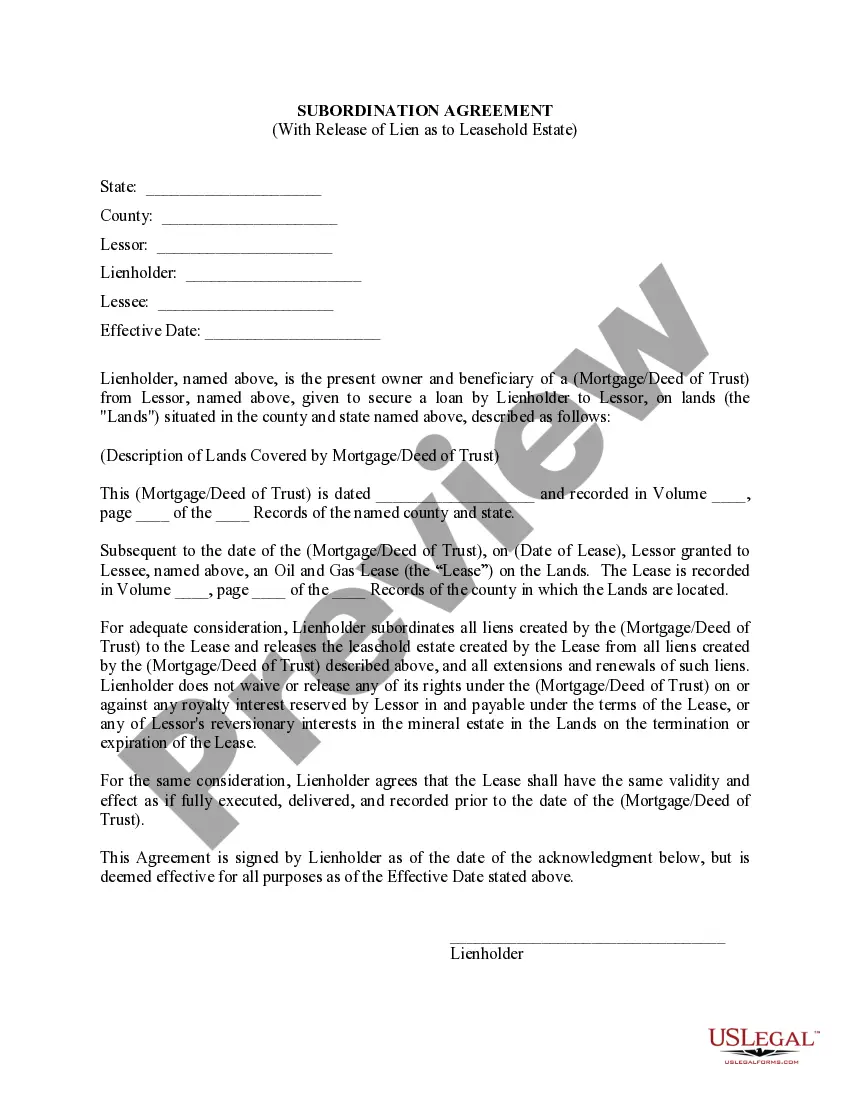
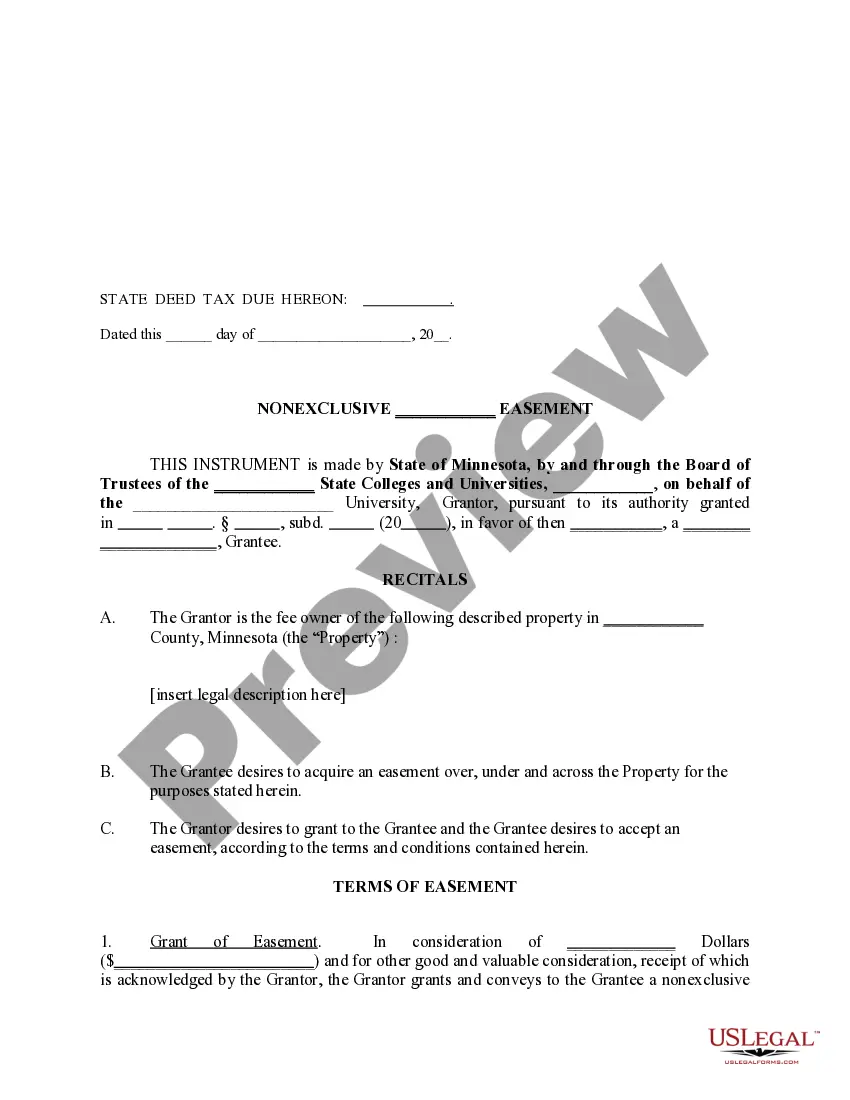
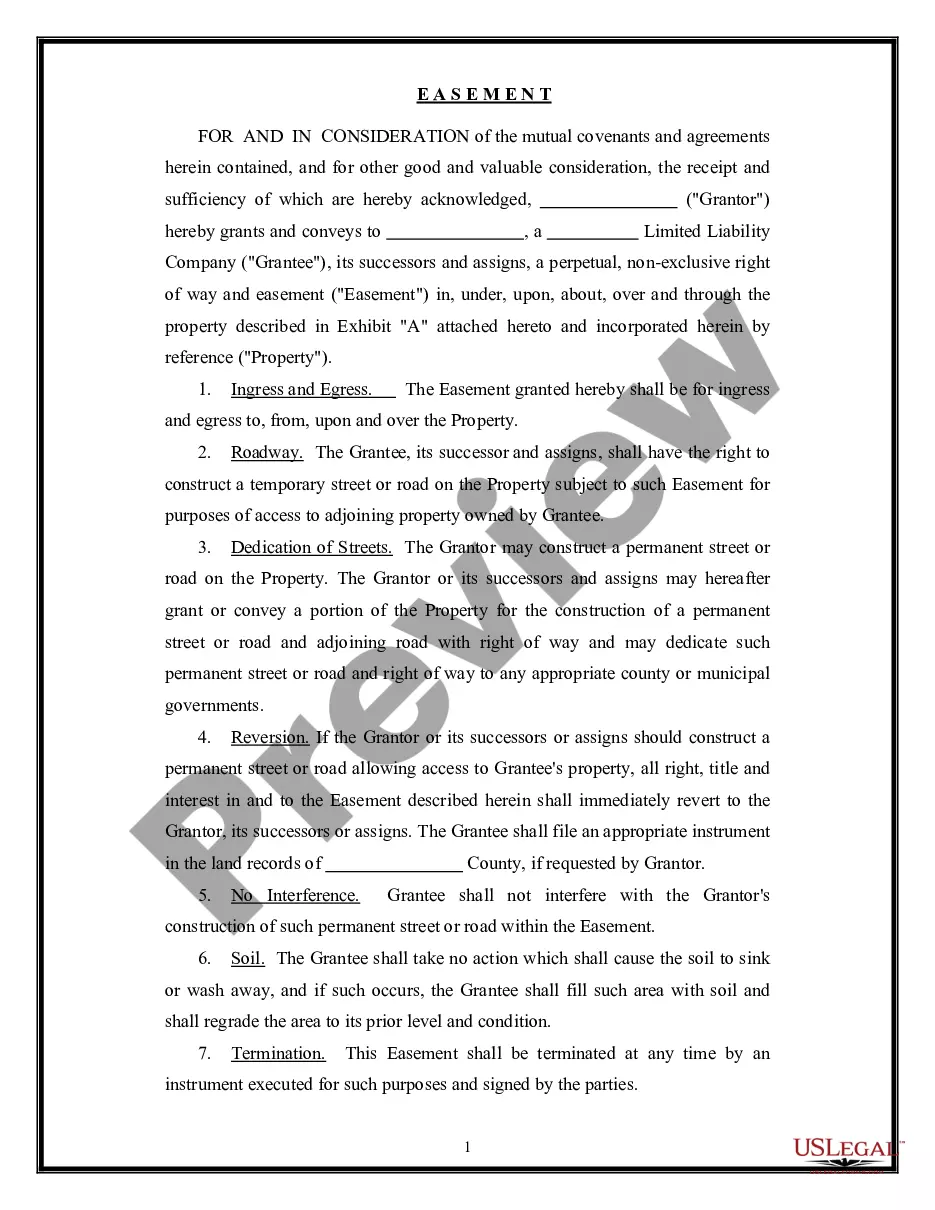
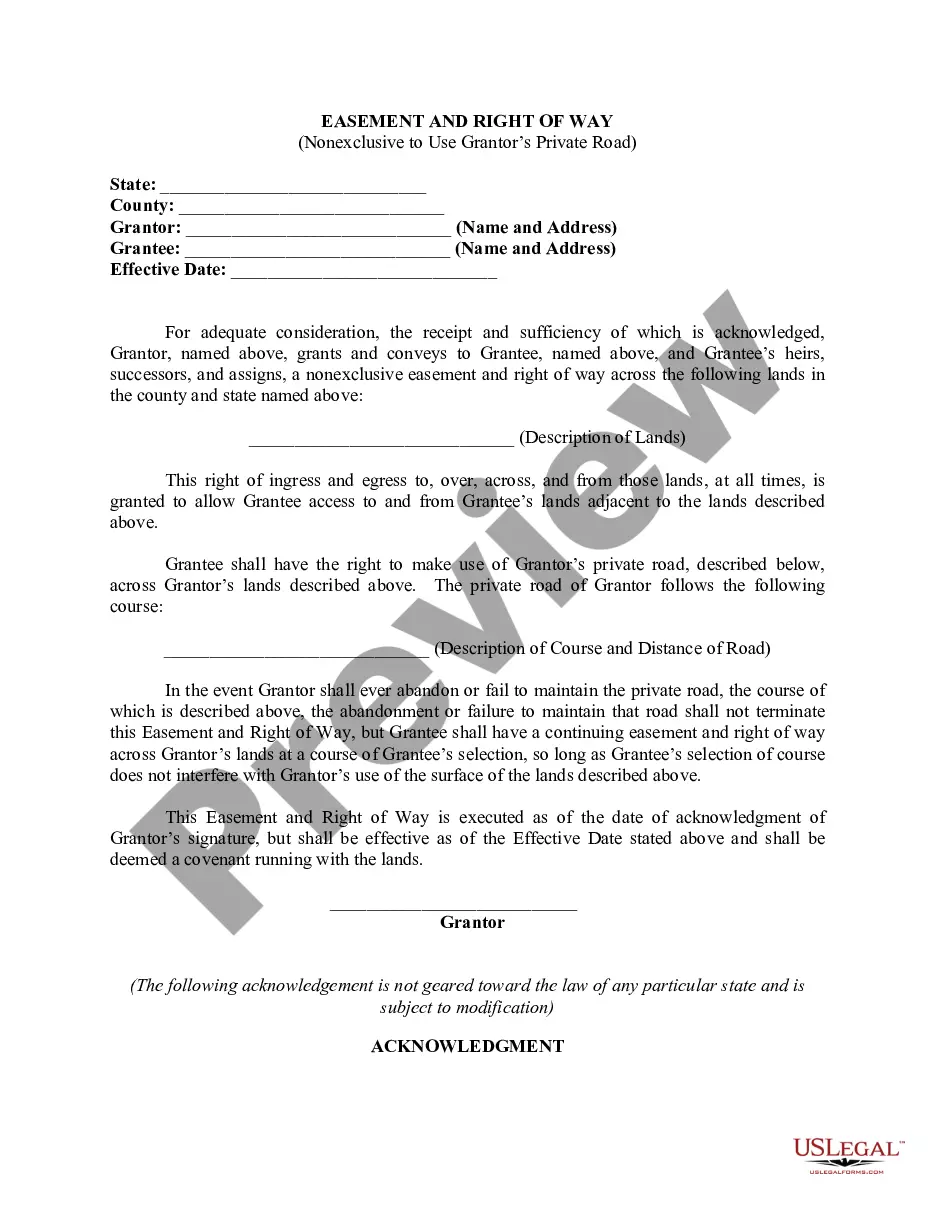
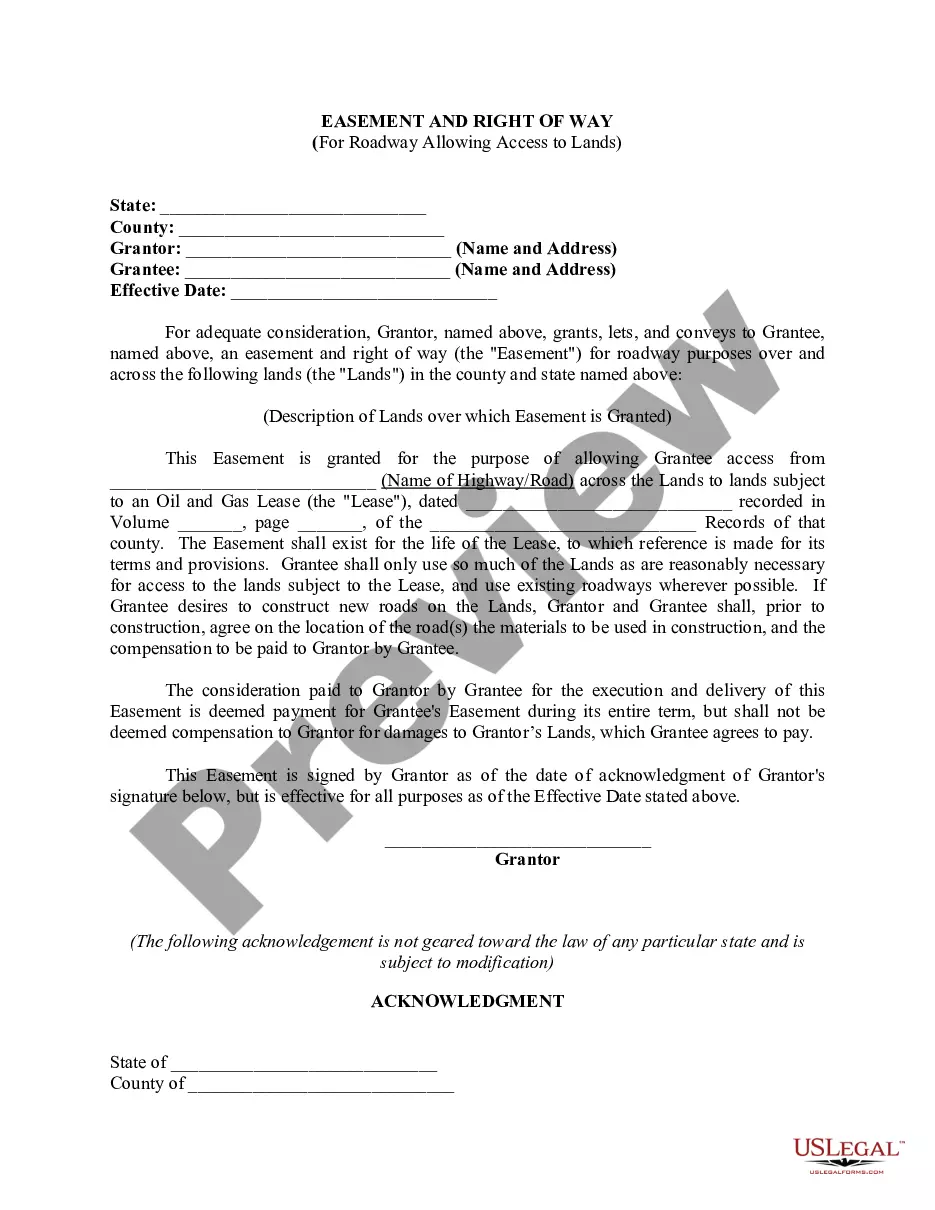
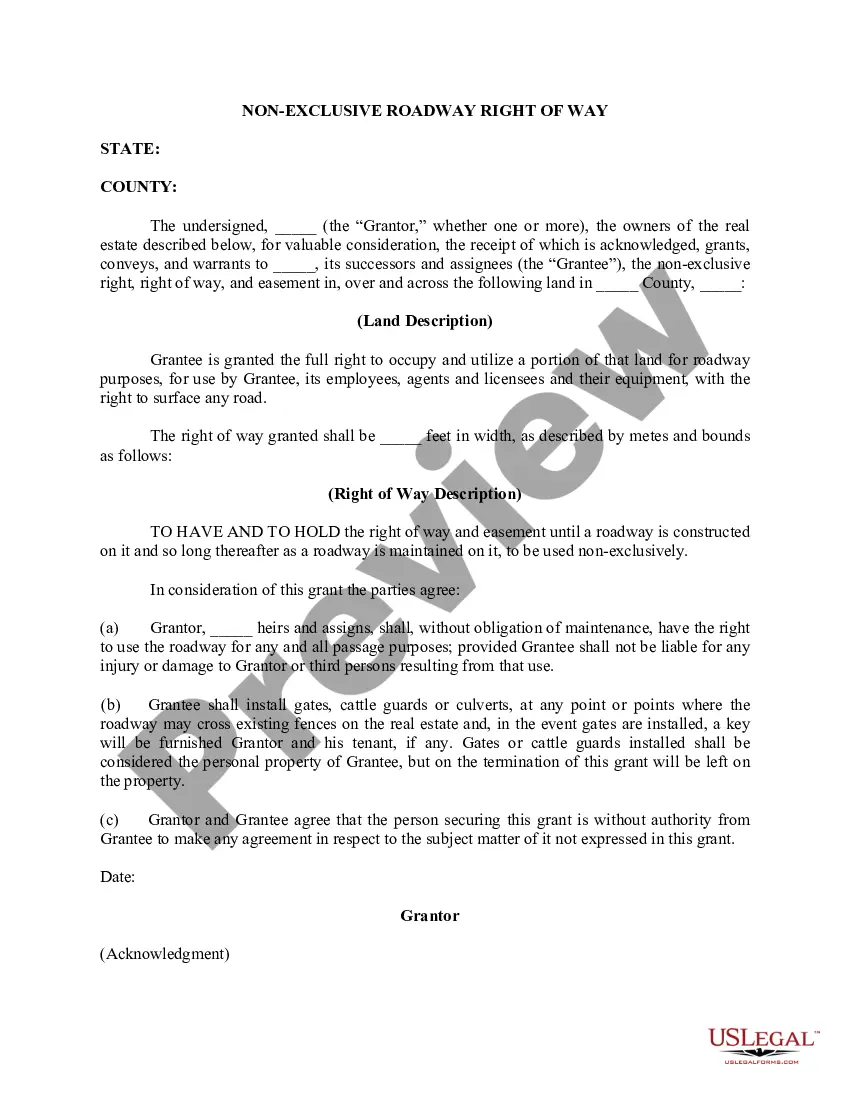
The Nonexclusive Roadway or Utility Easement is a legal document that grants access rights for utility or road purposes on a specific property. Created by the State of Minnesota through the Board of Trustees of its colleges and universities, this easement allows a private entity (the Grantee) to construct, maintain, and operate utility or roadway systems on the designated property. This form is distinct from other land use agreements due to its nonexclusive nature, which means multiple parties can share access to the same easement area.
Main sections of this form
- Grant of Easement: Details the terms under which the easement is granted, including any financial consideration.
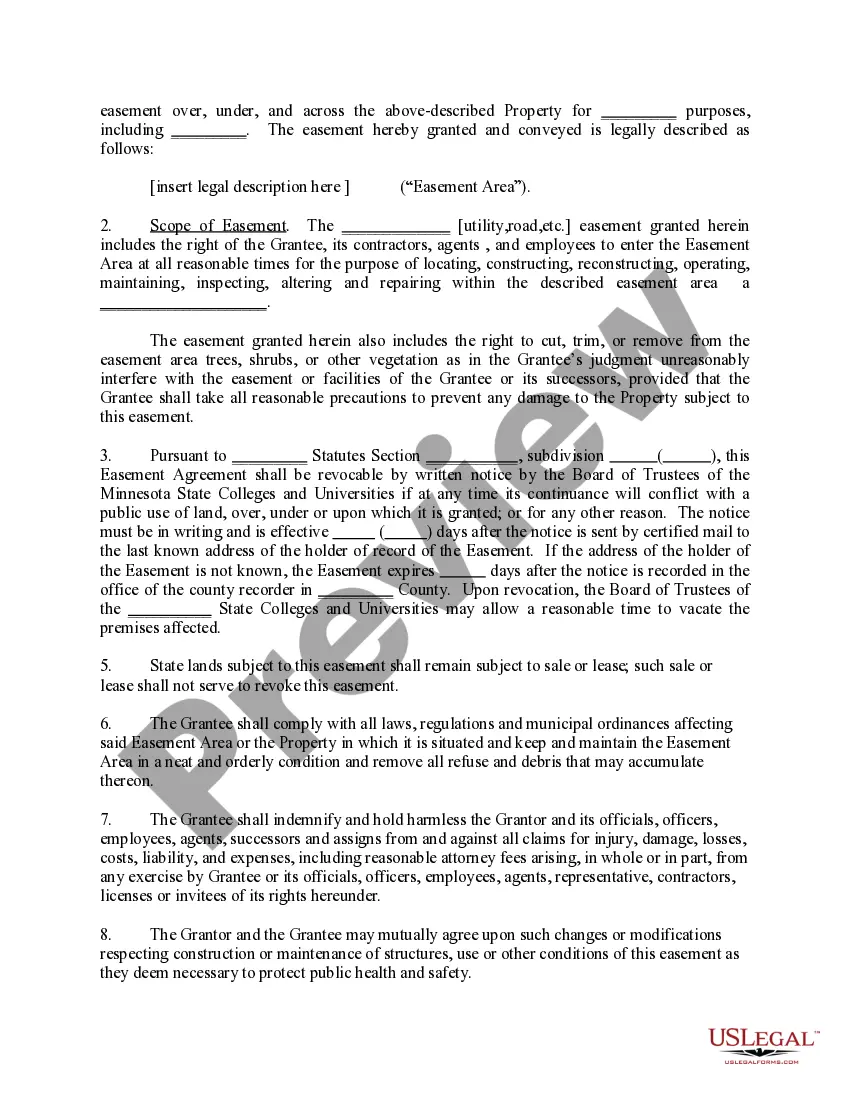
- Scope of Easement: Specifies the rights of the Grantee to enter and work within the easement area.
- Revocation Clauses: Explains conditions under which the easement can be revoked by the Grantor.
- State Statutes Reference: Cites relevant Minnesota statutes governing the easement.
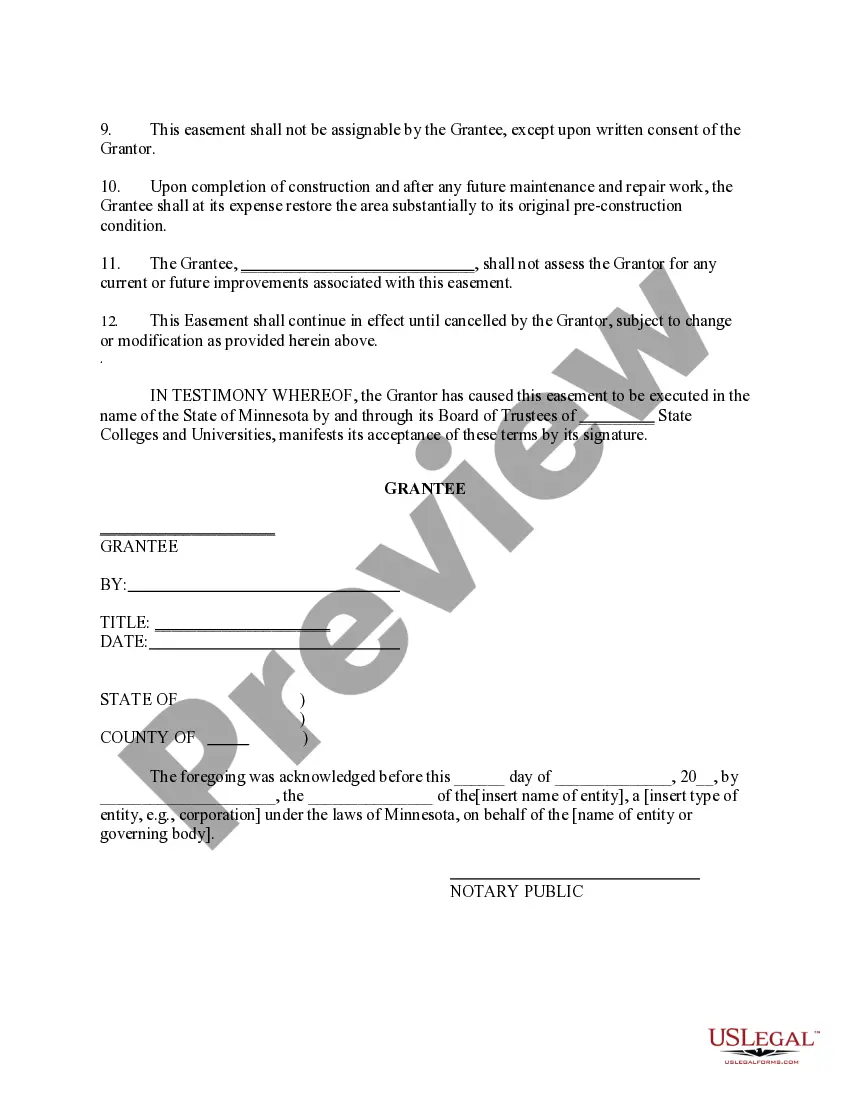
- Indemnification Clause: Outlines the Grantee's obligation to protect the Grantor from legal claims related to the easement.
- Restoration Requirement: Mandates the Grantee to restore the easement area after construction.

Situations where this form applies
This form is used when a private entity needs access to state-owned property for utility installation or to build and maintain roads. Scenarios may include constructing power lines, installing underground utilities, or improving public access roads through state lands. It is crucial when the work involves any significant alteration of land owned by a Minnesota state college or university.
Who should use this form
- Private contractors needing access to lay utility lines or perform road construction.
- Local governments seeking to improve infrastructure that crosses state property.
- Utility companies looking to maintain or upgrade their systems that require easement access.
- Any entity that requires legal permission to enter state-owned land for specified utility or roadway purposes.
Instructions for completing this form
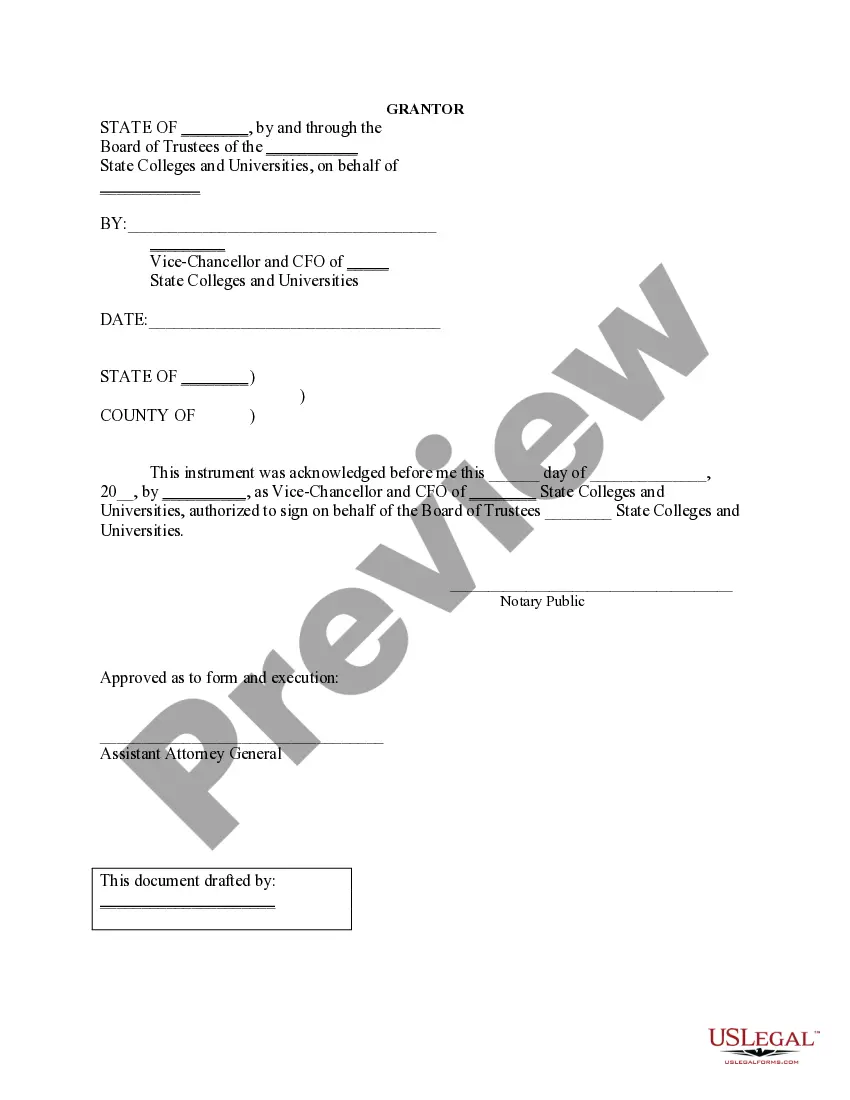
- Identify the parties involved: Name the Grantor (State of Minnesota) and the Grantee (private entity).
- Specify the property: Include the legal description of the property in Minnesota where the easement applies.
- Define the easement purpose: Clearly outline what the easement will be used for, such as utility installation or road maintenance.
- Enter compensation details: If applicable, include any financial consideration for the easement.
- Include signatures: Ensure that all parties sign the document, including notarization if required.
Notarization requirements for this form
Yes, this form must be notarized to be legally valid. This requires the signatures of the parties involved to be witnessed by a notary public, ensuring that the document is executed properly. US Legal Forms provides integrated online notarization options, enabling users to notarize their documents via a secure video call at any time.
Get your form ready online
Our built-in tools help you complete, sign, share, and store your documents in one place.
Make edits, fill in missing information, and update formatting in US Legal Forms—just like you would in MS Word.
Download a copy, print it, send it by email, or mail it via USPS—whatever works best for your next step.
Sign and collect signatures with our SignNow integration. Send to multiple recipients, set reminders, and more. Go Premium to unlock E-Sign.
If this form requires notarization, complete it online through a secure video call—no need to meet a notary in person or wait for an appointment.
We protect your documents and personal data by following strict security and privacy standards.

Make edits, fill in missing information, and update formatting in US Legal Forms—just like you would in MS Word.

Download a copy, print it, send it by email, or mail it via USPS—whatever works best for your next step.

Sign and collect signatures with our SignNow integration. Send to multiple recipients, set reminders, and more. Go Premium to unlock E-Sign.

If this form requires notarization, complete it online through a secure video call—no need to meet a notary in person or wait for an appointment.

We protect your documents and personal data by following strict security and privacy standards.
Mistakes to watch out for
- Failing to provide a complete legal description of the property.
- Not specifying the exact purposes for which the easement is granted.
- Omitting necessary signatures or notarization.
- Ignoring local zoning laws and regulations that might affect easement use.
Why use this form online
- Convenience: Easily download and save the form at your convenience.
- Editability: Tailor the form to your specific needs with digital editing tools before printing.
- Reliability: Access forms drafted by licensed attorneys, ensuring legal accuracy.
Quick recap
- The Nonexclusive Roadway or Utility Easement allows access for specific utility or road purposes on state-owned property.
- Proper completion, including notarization, is crucial for the form's legality.
- Understanding the scope and conditions of the easement is vital for both Grantors and Grantees.