Massachusetts Sale of a Business Package
What is this form package?
The Massachusetts Sale of a Business Package is designed to provide essential legal documents needed for individuals or corporations involved in buying or selling a business in Massachusetts. This package includes state-specific forms that can be tailored to suit your unique circumstances. Unlike general legal form packages, these documents are specifically drafted to address the complexities of business transactions within the state.
Forms you’ll find in this package
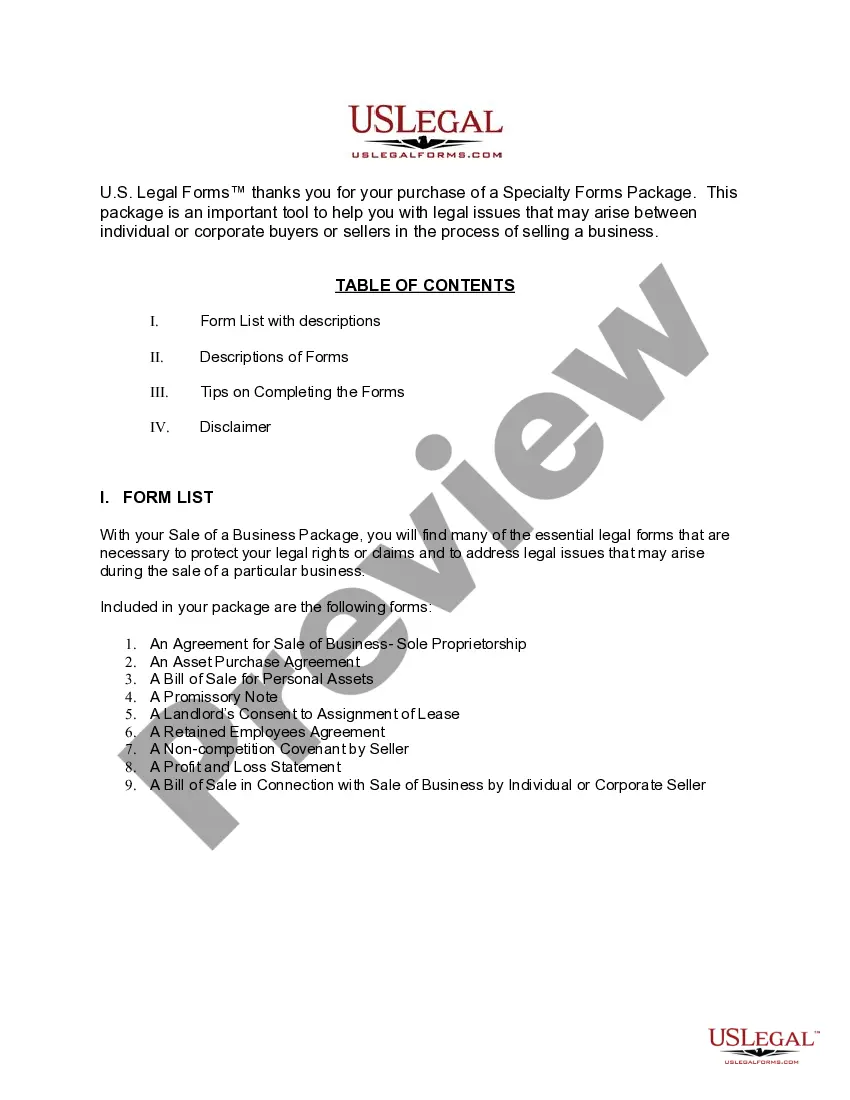
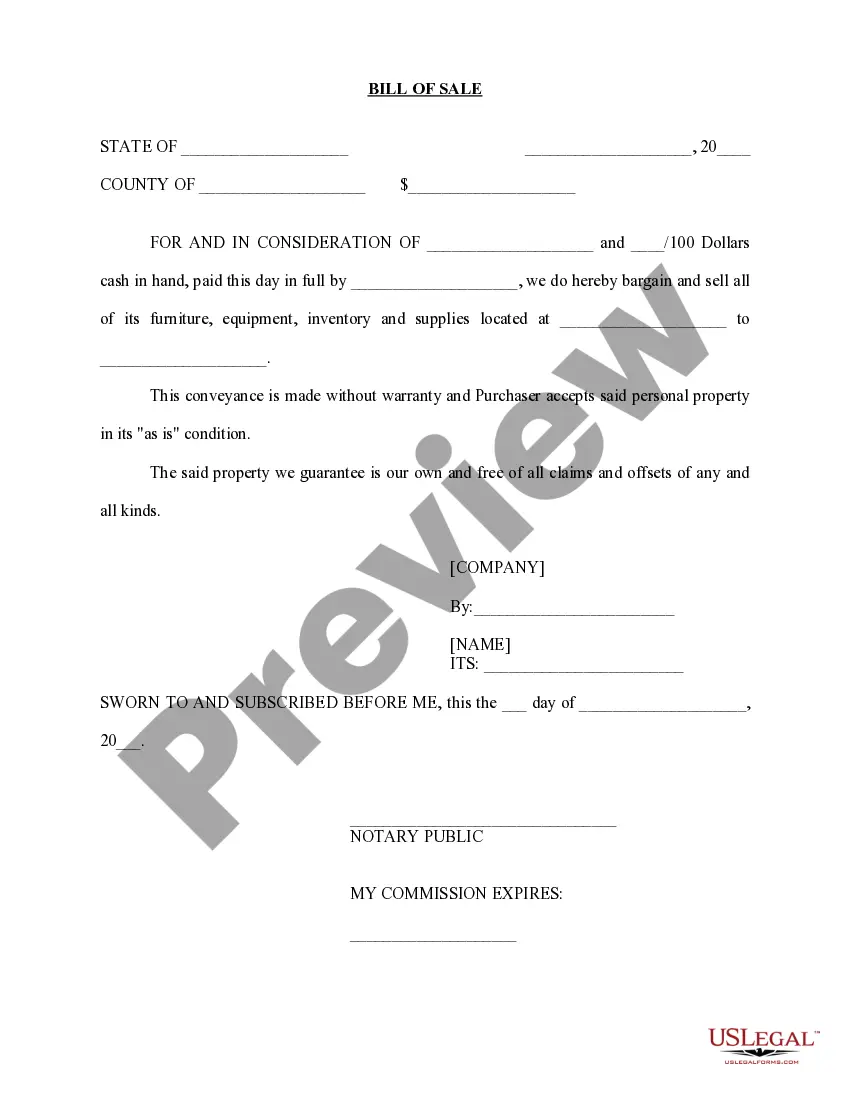
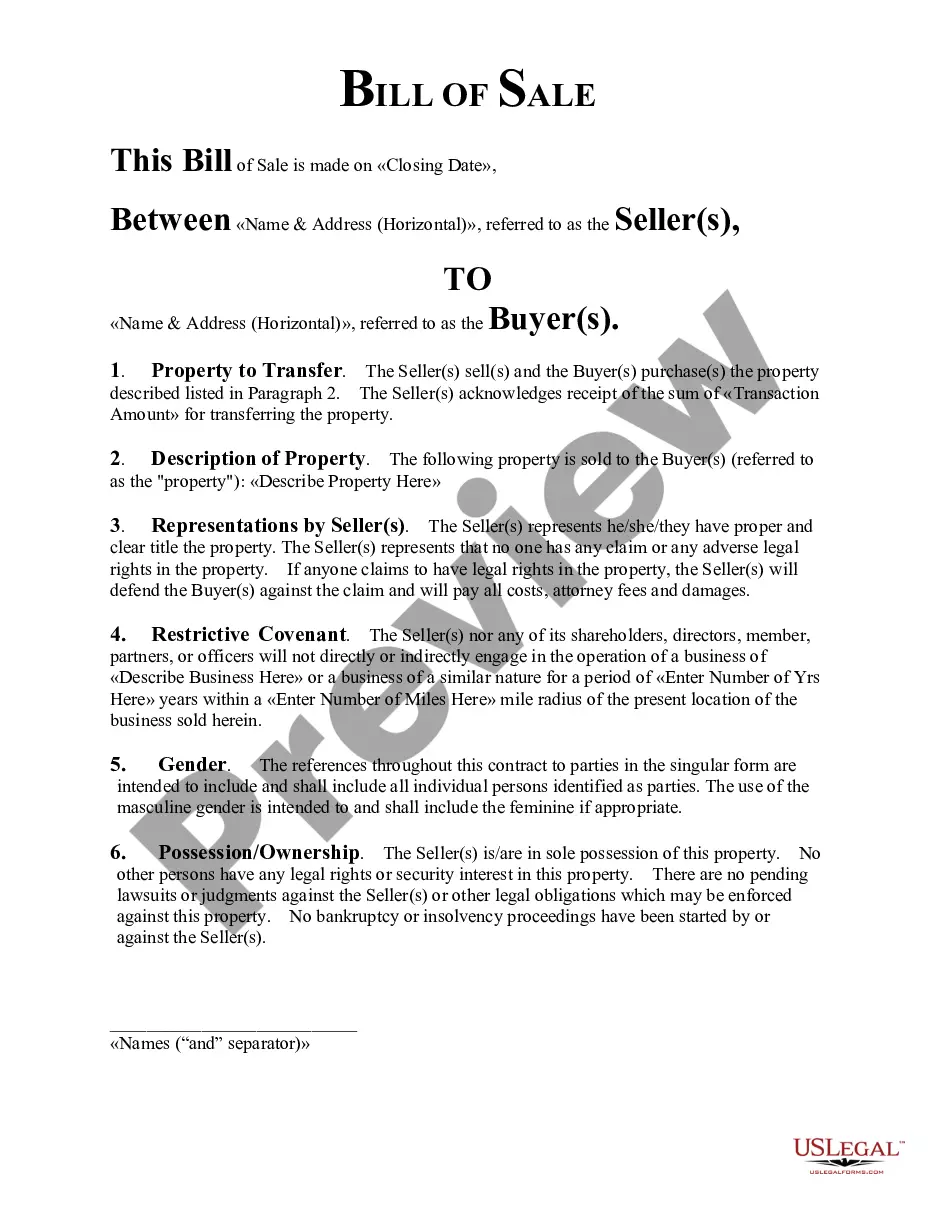
- Bill of Sale in Connection with Sale of Business by Individual or Corporate Seller
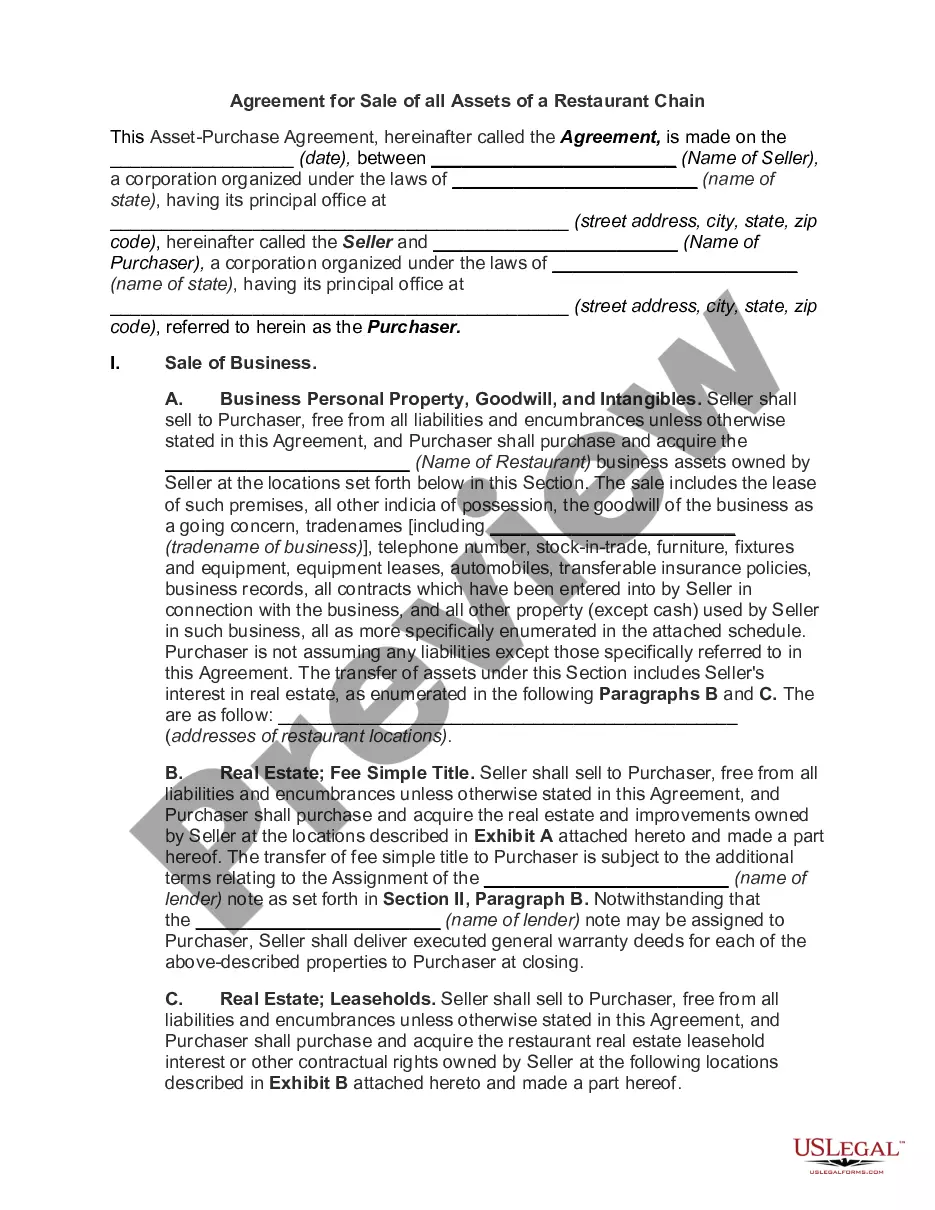
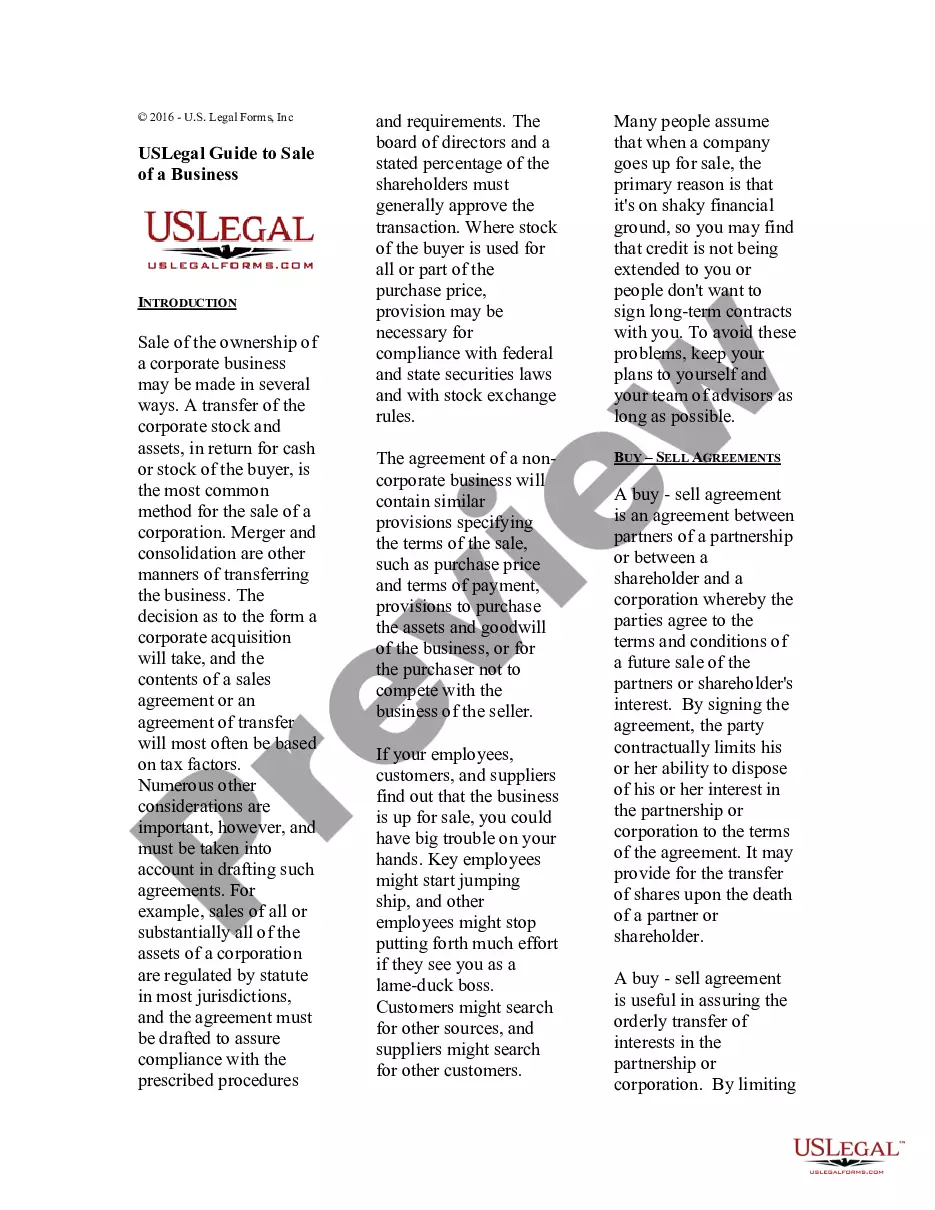
- Asset Purchase Agreement - Business Sale
- Sale of Business - Bill of Sale for Personal Assets - Asset Purchase Transaction
- Sale of Business - Landlord's Consent to Assignment of Lease - Asset Purchase Transaction
- Sale of Business - Promissory Note - Asset Purchase Transaction
- Sale of Business - Retained Employees Agreement - Asset Purchase Transaction
- Noncompetition Covenant by Seller in Sale of Business
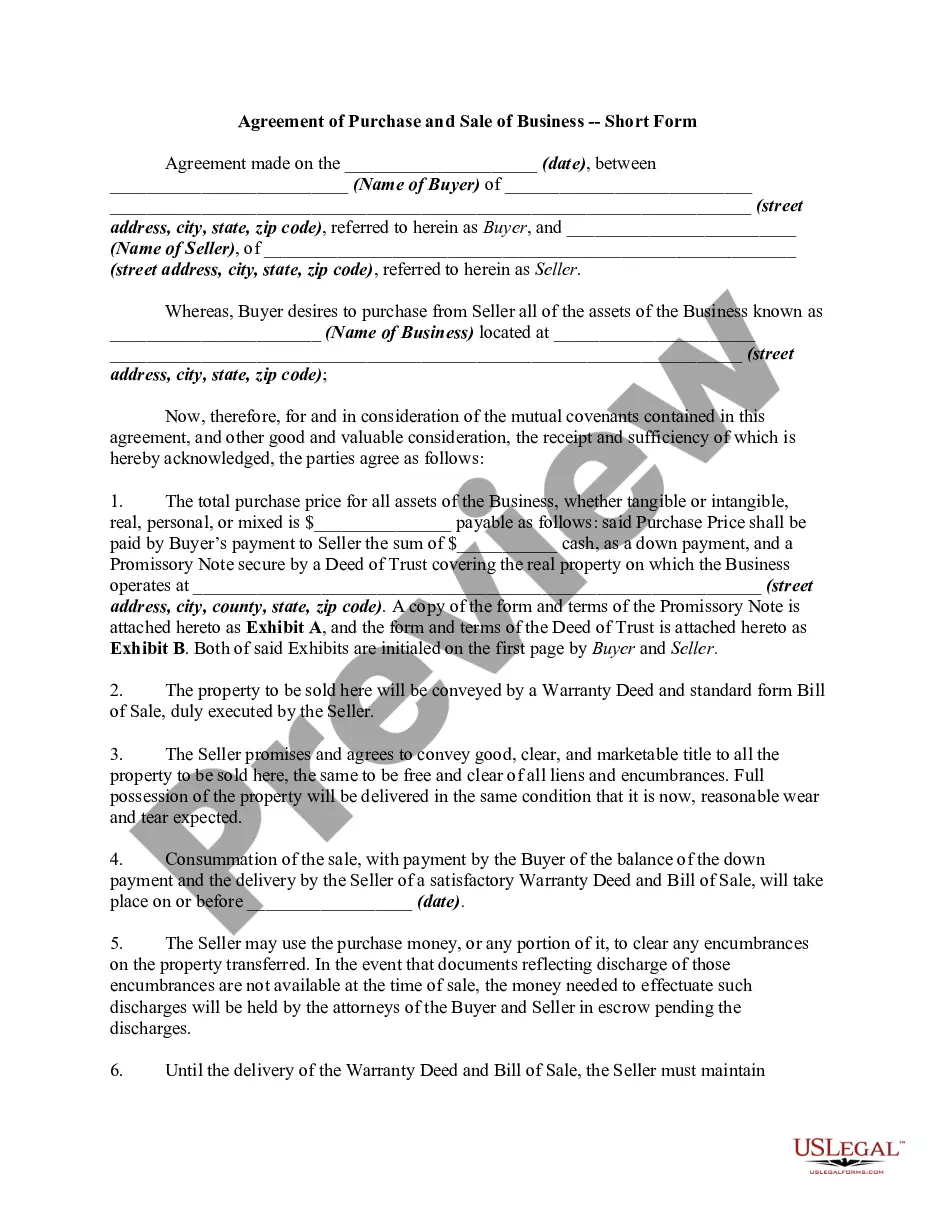
- Agreement for Sale of Business - Sole Proprietorship - Asset Purchase
- Profit and Loss Statement
When this form package is needed
This form package is ideal for use when:
- You are preparing to buy or sell a business in Massachusetts.
- You need to outline the terms of the sale through legally binding agreements.
- You want to ensure compliance with state regulations during a business transfer.
- You are seeking to protect your investment and the rights of all parties involved.
Who this form package is for
- Individuals looking to sell their sole proprietorship.
- Corporate buyers or sellers engaged in asset transactions.
- Business owners needing to secure agreements with employees during a sale.
- Parties wanting to formalize lease assignments related to the business premises.
Completing these forms step by step
- Review all included forms carefully to understand their purpose and requirements.
- Identify all parties involved in the sale, including sellers, buyers, and landlords if applicable.
- Fill in the required information in the designated fields on each form.
- Sign the documents where indicated, ensuring all parties are present if necessary.
- Store completed forms in a safe location and provide copies to all involved parties.
Do documents in this package require notarization?
Forms in this package typically do not require notarization. However, certain states or document types may still need it. US Legal Forms provides online notarization powered by Notarize, available 24/7 for your convenience.
Get your form ready online
Our built-in tools help you complete, sign, share, and store your documents in one place.
Make edits, fill in missing information, and update formatting in US Legal Forms—just like you would in MS Word.
Download a copy, print it, send it by email, or mail it via USPS—whatever works best for your next step.
Sign and collect signatures with our SignNow integration. Send to multiple recipients, set reminders, and more. Go Premium to unlock E-Sign.
If this form requires notarization, complete it online through a secure video call—no need to meet a notary in person or wait for an appointment.
We protect your documents and personal data by following strict security and privacy standards.

Make edits, fill in missing information, and update formatting in US Legal Forms—just like you would in MS Word.

Download a copy, print it, send it by email, or mail it via USPS—whatever works best for your next step.

Sign and collect signatures with our SignNow integration. Send to multiple recipients, set reminders, and more. Go Premium to unlock E-Sign.

If this form requires notarization, complete it online through a secure video call—no need to meet a notary in person or wait for an appointment.

We protect your documents and personal data by following strict security and privacy standards.
Common mistakes
- Failing to include all parties' signatures on critical agreements.
- Neglecting to provide accurate and complete information in the forms.
- Overlooking the necessity of a landlord's consent for lease assignments.
- Not retaining copies of completed documents for personal records.
Benefits of using this package online
- Convenience of downloading forms at any time and from anywhere.
- Editability allows for easy customization to fit specific needs.
- Access to documents created by licensed attorneys, ensuring reliability.
- Cost-effective solution by saving up to 40% compared to purchasing forms separately.
Looking for another form?
Form popularity
FAQ
Goods that are subject to sales tax in Massachusetts include physical property, like furniture, home appliances, and motor vehicles. Prescription medicine, groceries, gasoline, and clothing are all tax-exempt. Some services in Massachusetts are subject to sales tax.
Anyone who sells, leases, or rents tangible personal property, has a business location in Massachusetts or who acquires parts to manufacture goods for sale in Massachusetts needs to register for a sales tax permit. Here's more info about sales tax from the Massachusetts Department of Revenue.
Business Licenses The state of Massachusetts doesn't have a general business license; however, many cities require a business license to operate.While this isn't a license on the business, licensing is required in order to operate.
File online - File online at the Massachusetts Department of Revenue. You can remit your payment through their online system. File by mail - Fill out and mail in form ST-9. AutoFile - Let TaxJar file your sales tax for you.
File online - File online at the Massachusetts Department of Revenue. You can remit your payment through their online system. File by mail - Fill out and mail in form ST-9. AutoFile - Let TaxJar file your sales tax for you.
There is no charge to register for a sales tax permit in Massachusetts. Other business registration fees may apply. Contact each state's individual department of revenue for more about their requirements for registering your business. 5.
Online shoppers will start paying sales tax on more of their purchases. New rules go into effect Tuesday that require online retailers to collect Massachusetts' 6.25% sales tax from customers.
Step 1 Begin by downloading the Massachusetts Resale Certificate Form ST-4. Step 2 Identify the name and business address of the purchaser. Step 3 Include the Account ID number or Federal ID number (FEIN) Step 4 Describe the purchaser's business.
A Seller's Permit (or Seller's License) is required for most businesses that sell goods or services online. Nearly all states require a Seller's Permit to legally sell products online, but the requirements, fees, and other details vary by state.