Massachusetts Corporate Records Maintenance Package for Existing Corporations
What this document covers
The Corporate Records Maintenance Package for Existing Corporations is specifically designed for businesses that have already been formed but need to update or maintain their corporate records. This package ensures compliance with essential corporate formalities, which is crucial to protect against personal liability. By utilizing these forms, corporations can avoid potential legal issues stemming from inadequate record-keeping.
Key parts of this document
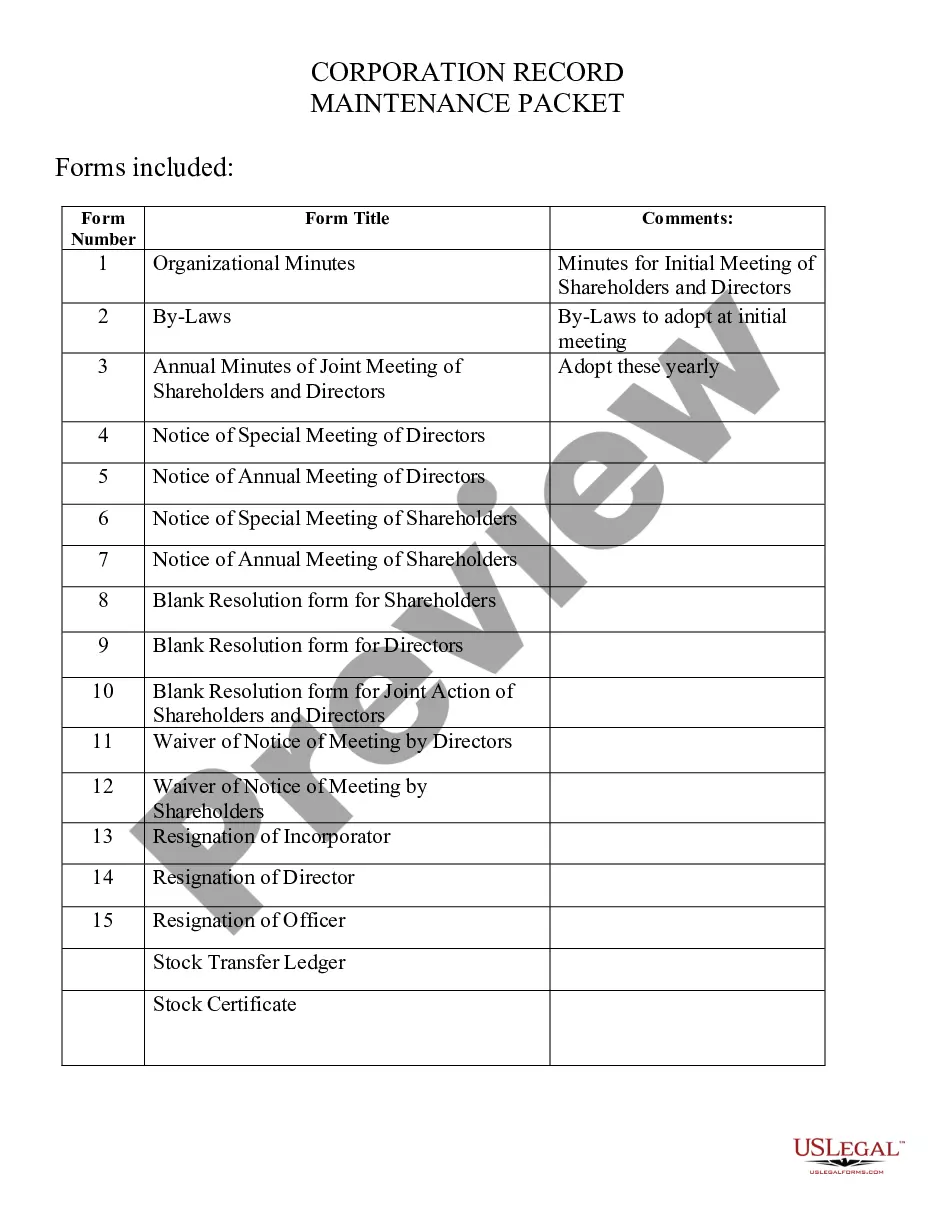
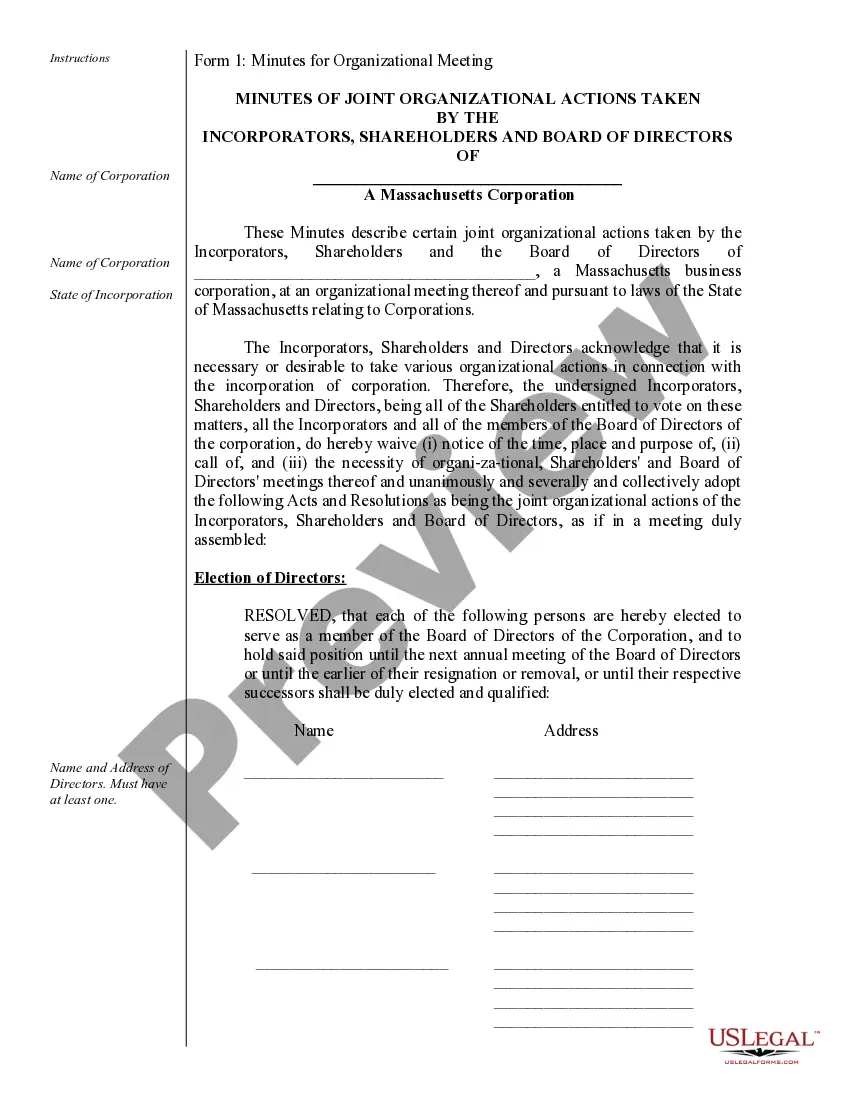
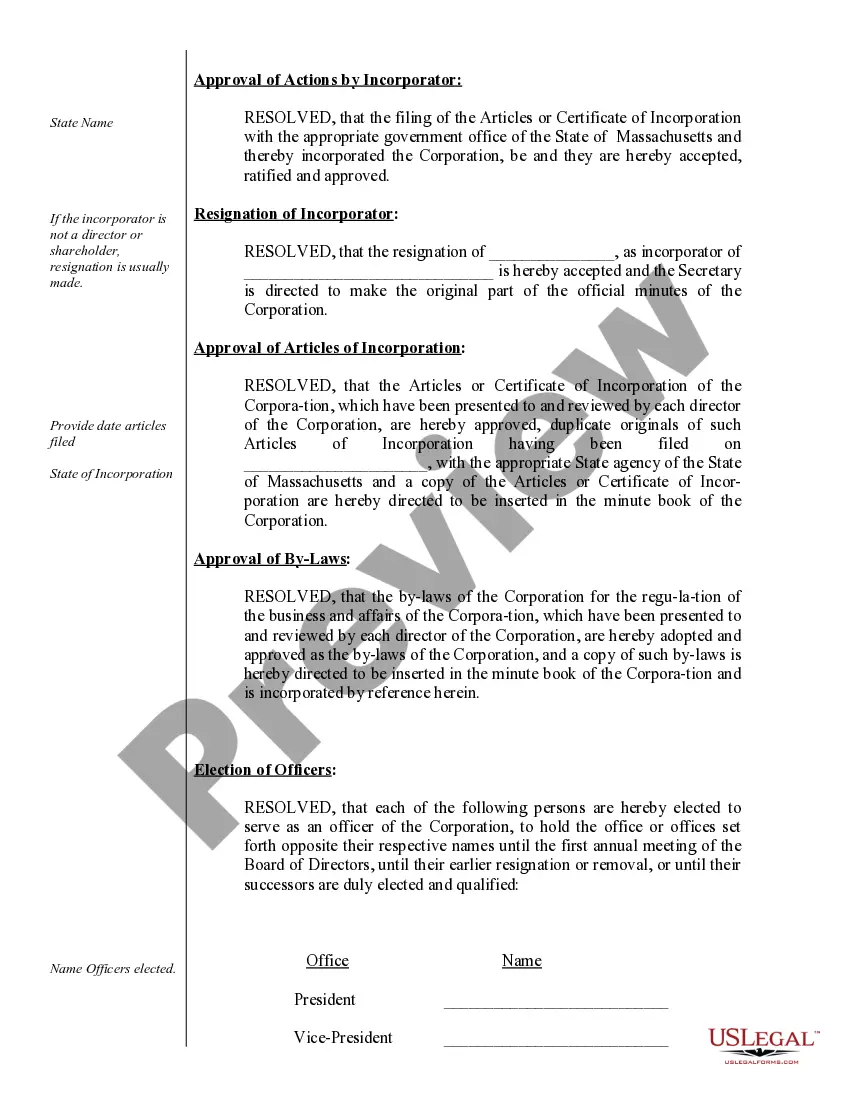
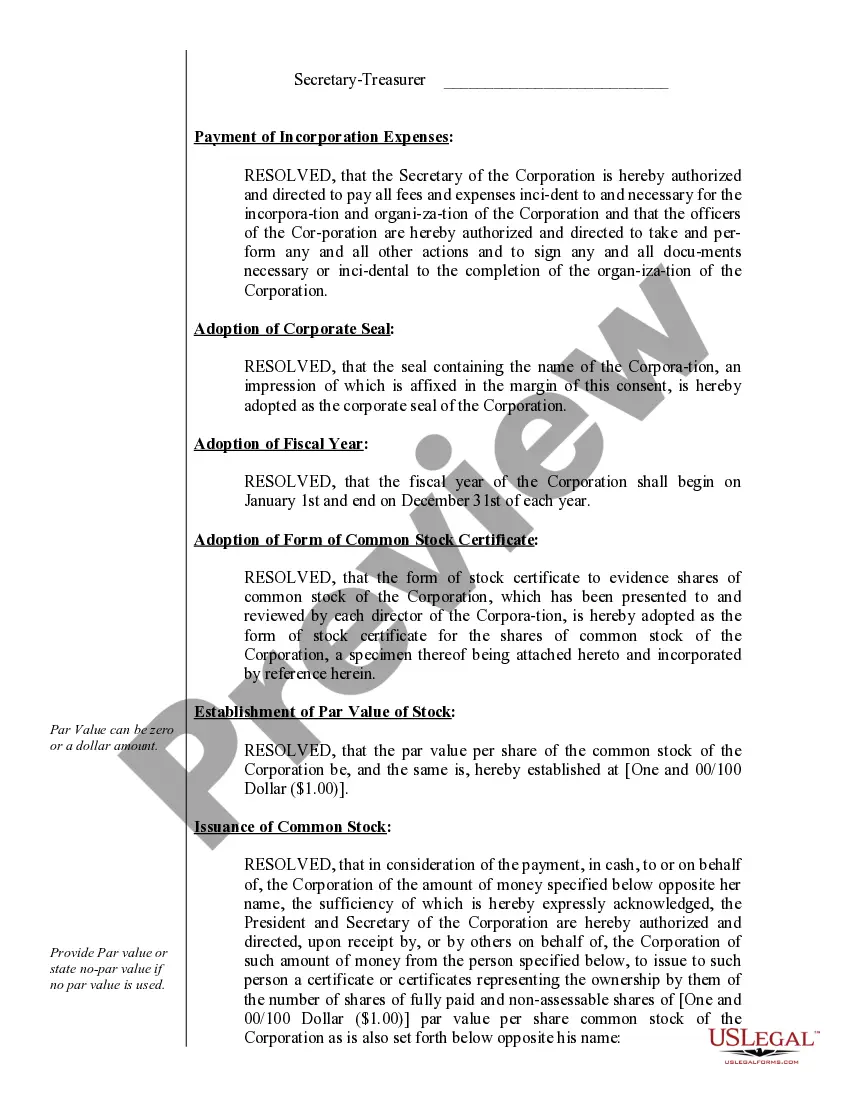
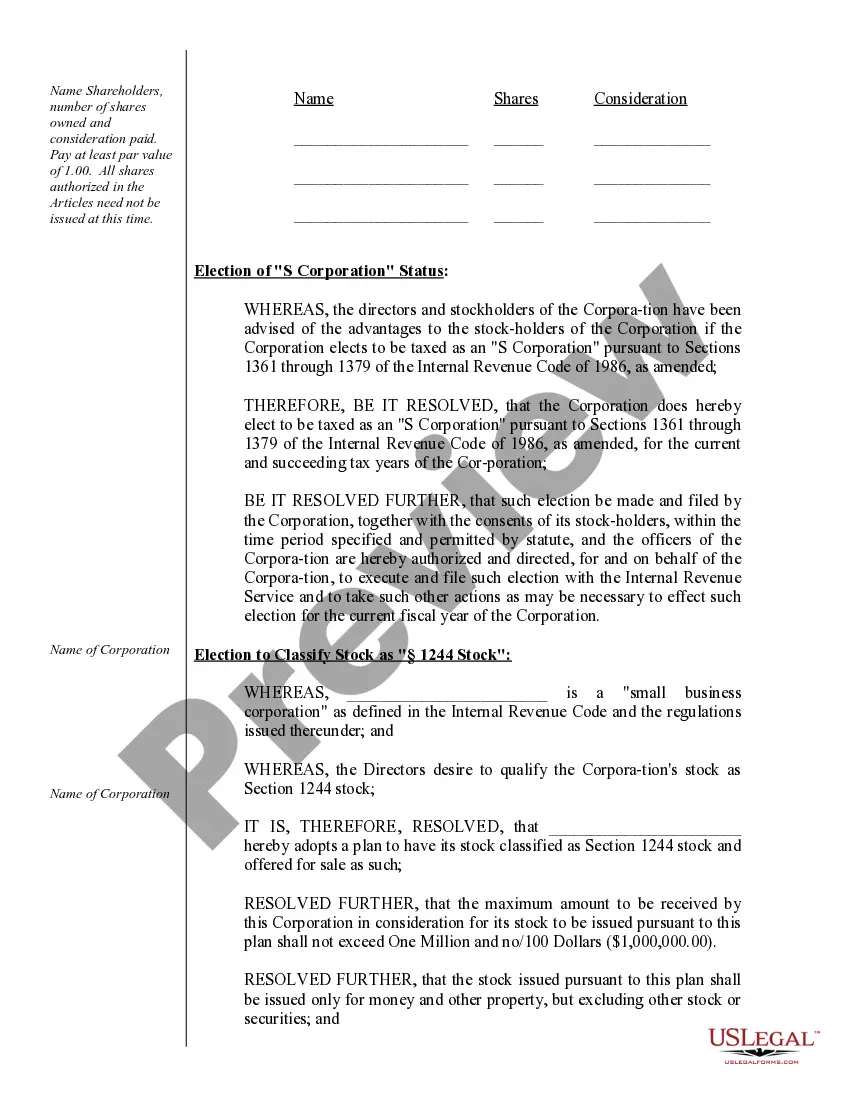
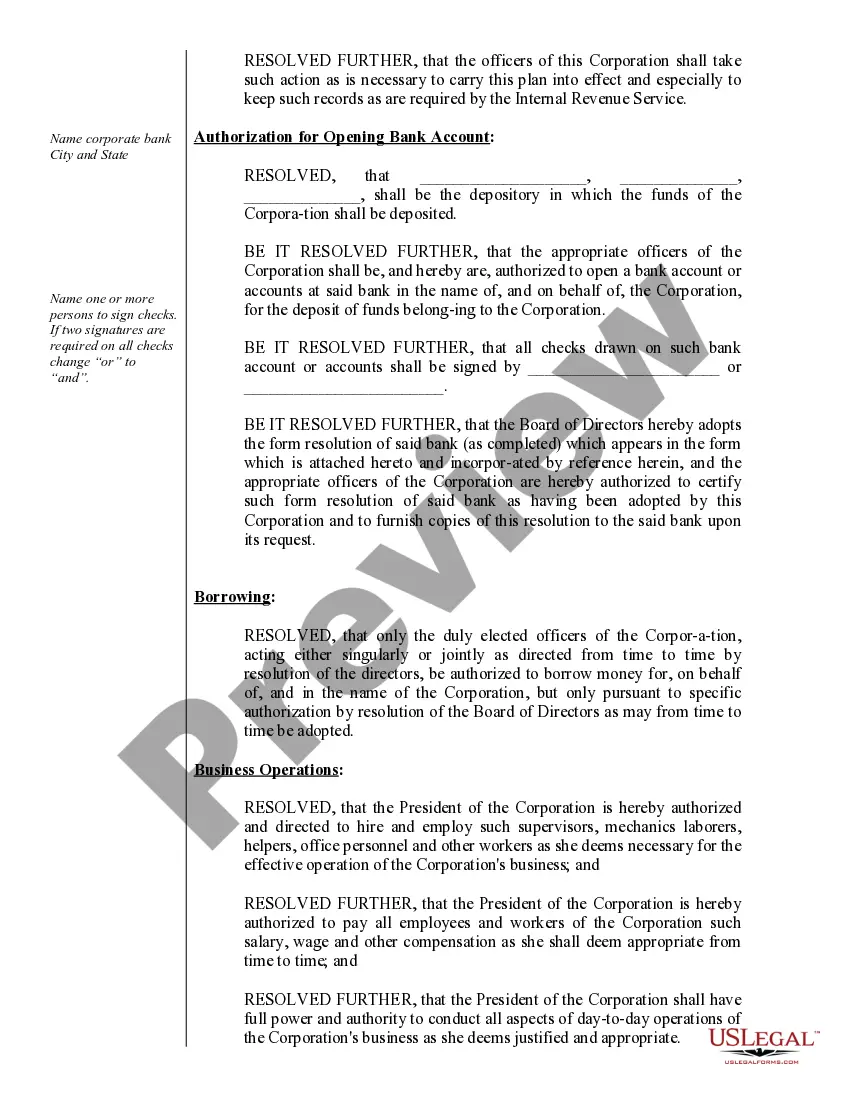
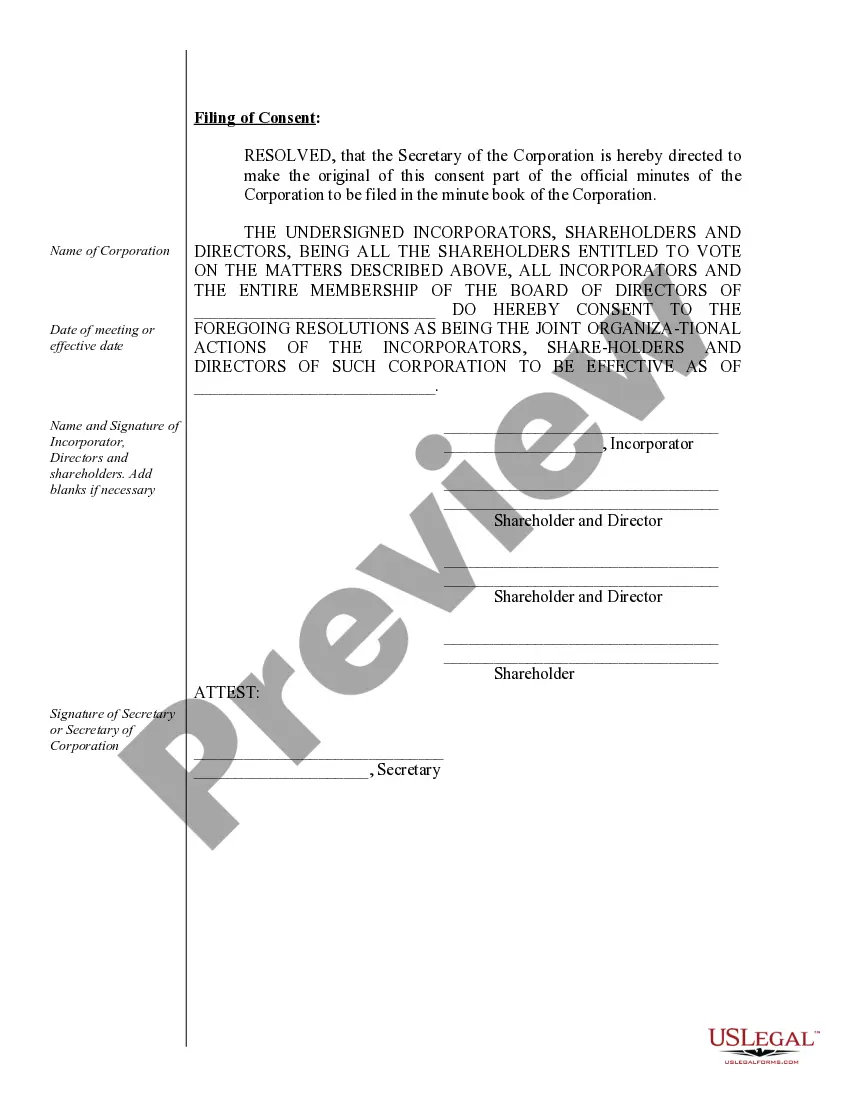
- Organizational Minutes: Document actions taken by the board of directors and shareholders during their initial meetings.
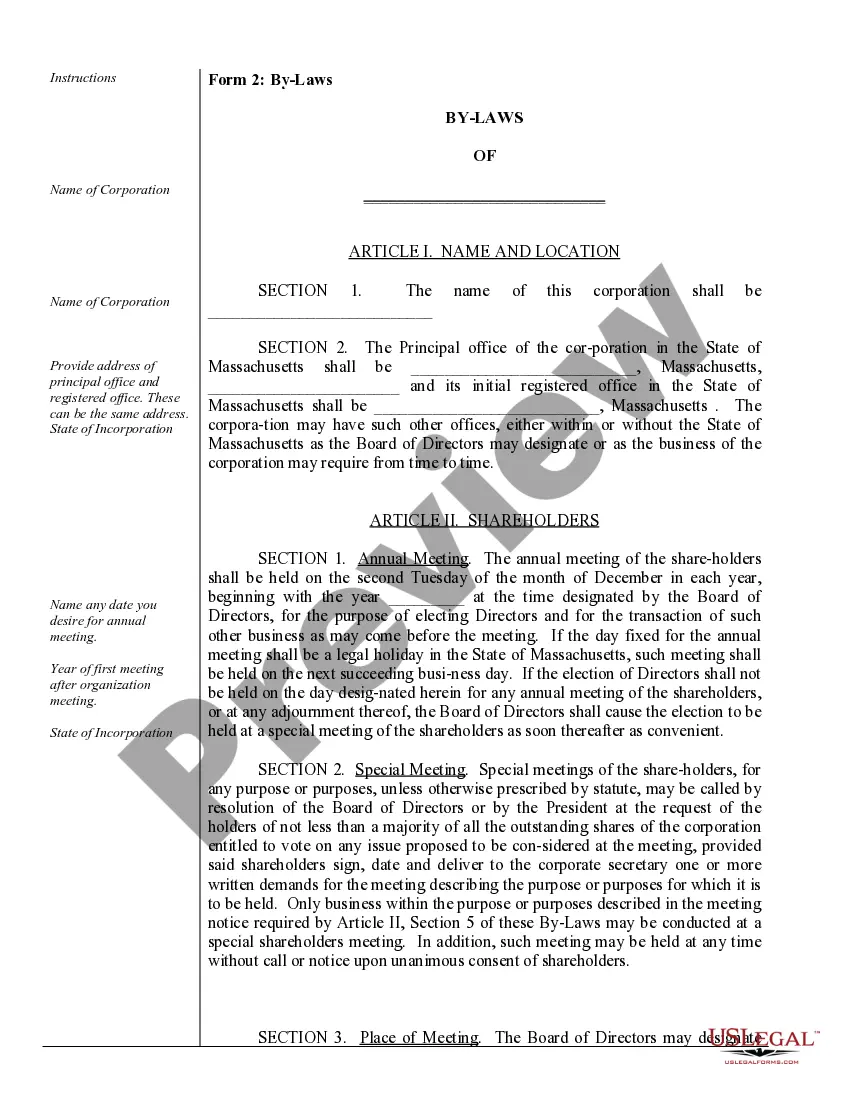
- By-Laws: Rules and regulations governing the corporation's operations.
- Annual Minutes: Records of actions taken during annual meetings of shareholders and directors.
- Notices: Formal announcements for special and annual meetings of directors and shareholders.
- Resolutions: Blank forms for formal decisions made by shareholders and directors.
- Stock Transfer Ledger: Record of stock ownership and transfers.
- Stock Certificates: Issued to represent ownership of shares.





Situations where this form applies
This form package is essential for corporations that need to keep their records up to date. It should be utilized during: - Annual meetings to document decisions made by shareholders and directors. - Any special meetings where significant actions are taken. - When there are changes in corporate officers, shareholders, or other critical operational details.
Who needs this form
This form is intended for:
- Existing corporations looking to update their corporate records.
- Corporate officers and directors responsible for maintaining compliance.
- Shareholders who need to document voting and resolutions.
Instructions for completing this form
- Identify your corporation's name and state of incorporation.
- Gather the names and addresses of your current directors and officers.
- Complete the Organizational Minutes and By-Laws with all necessary details.
- Draft Notices for upcoming meetings including date, time, and location.
- Record any resolutions passed by shareholders or directors using the blank resolution forms.
- Maintain copies of Minutes and Notices in your corporate records for future reference.
Does this document require notarization?
In most cases, this form does not require notarization. However, some jurisdictions or signing circumstances might. US Legal Forms offers online notarization powered by Notarize, accessible 24/7 for a quick, remote process.
Get your form ready online
Our built-in tools help you complete, sign, share, and store your documents in one place.
Make edits, fill in missing information, and update formatting in US Legal Forms—just like you would in MS Word.
Download a copy, print it, send it by email, or mail it via USPS—whatever works best for your next step.
Sign and collect signatures with our SignNow integration. Send to multiple recipients, set reminders, and more. Go Premium to unlock E-Sign.
If this form requires notarization, complete it online through a secure video call—no need to meet a notary in person or wait for an appointment.
We protect your documents and personal data by following strict security and privacy standards.
Make edits, fill in missing information, and update formatting in US Legal Forms—just like you would in MS Word.
Download a copy, print it, send it by email, or mail it via USPS—whatever works best for your next step.
Sign and collect signatures with our SignNow integration. Send to multiple recipients, set reminders, and more. Go Premium to unlock E-Sign.

If this form requires notarization, complete it online through a secure video call—no need to meet a notary in person or wait for an appointment.
We protect your documents and personal data by following strict security and privacy standards.
Avoid these common issues
- Failing to keep records of all resolutions and meetings.
- Not updating records after changes in directors or officers.
- Missing deadlines for annual meeting notices.
- Using improper or outdated forms.
Advantages of online completion
- Convenience: Download forms anytime, directly from your device.
- Editability: Customize forms to fit your specific corporate needs.
- Reliability: Ensure compliance with legal standards by using attorney-drafted forms.
What to keep in mind
- Maintaining corporate records is essential for protecting personal liability.
- The Corporate Records Maintenance Package includes all necessary documents for compliance.
- Regular updates and documentation help sustain effective corporate governance.
Looking for another form?
Form popularity
FAQ
Step 1: Visit the Business Name Database. Go to the California Secretary of State's website. Step 2: Search your Business Name. Step 3: Review Results.
William Francis Galvin (bornSeptember 17, 1950) is an American politician who serves as the 27th Massachusetts Secretary of the Commonwealth.
Visit the Corporations Division Business Entity Search. http://corp.sec.state.ma.us/corpweb/CorpSearch/CorpSearch.aspx. Search Your LLC Name. Select Search by entity name, then enter your desired LLC name in the Enter name box. Browse the Results.
Step 1: Visit the State Database. Visit the Massachusetts Secretary of State website. Step 2: Search your Business Name. Enter the name you would like to use in the Search by entity name field. Step 3: Review Results.
Are articles of incorporation public? The answer is yes. These documents, which are filed with the Secretary of State or similar agency to create a new business entity, are available for public viewing.In some states, including Arizona, the articles of incorporation can be downloaded by anyone for free.
You can find information on any corporation or business entity in Massachusetts or another state by performing a search on the Secretary of State website of the state or territory where that corporation is registered.
You can get the Certificate of Organization form directly from the secretary of commonwealth website for Massachusetts. If you opt to file by mail, the applicable filing fee is $500.
Step 1: Visit the State Database. Visit the Massachusetts Secretary of State website. Step 2: Search your Business Name. Enter the name you would like to use in the Search by entity name field. Step 3: Review Results.