Tenantid Tdn
Description

Get your form ready online
Our built-in tools help you complete, sign, share, and store your documents in one place.
Make edits, fill in missing information, and update formatting in US Legal Forms—just like you would in MS Word.
Download a copy, print it, send it by email, or mail it via USPS—whatever works best for your next step.
Sign and collect signatures with our SignNow integration. Send to multiple recipients, set reminders, and more. Go Premium to unlock E-Sign.
If this form requires notarization, complete it online through a secure video call—no need to meet a notary in person or wait for an appointment.
We protect your documents and personal data by following strict security and privacy standards.

Make edits, fill in missing information, and update formatting in US Legal Forms—just like you would in MS Word.

Download a copy, print it, send it by email, or mail it via USPS—whatever works best for your next step.

Sign and collect signatures with our SignNow integration. Send to multiple recipients, set reminders, and more. Go Premium to unlock E-Sign.

If this form requires notarization, complete it online through a secure video call—no need to meet a notary in person or wait for an appointment.

We protect your documents and personal data by following strict security and privacy standards.
Looking for another form?










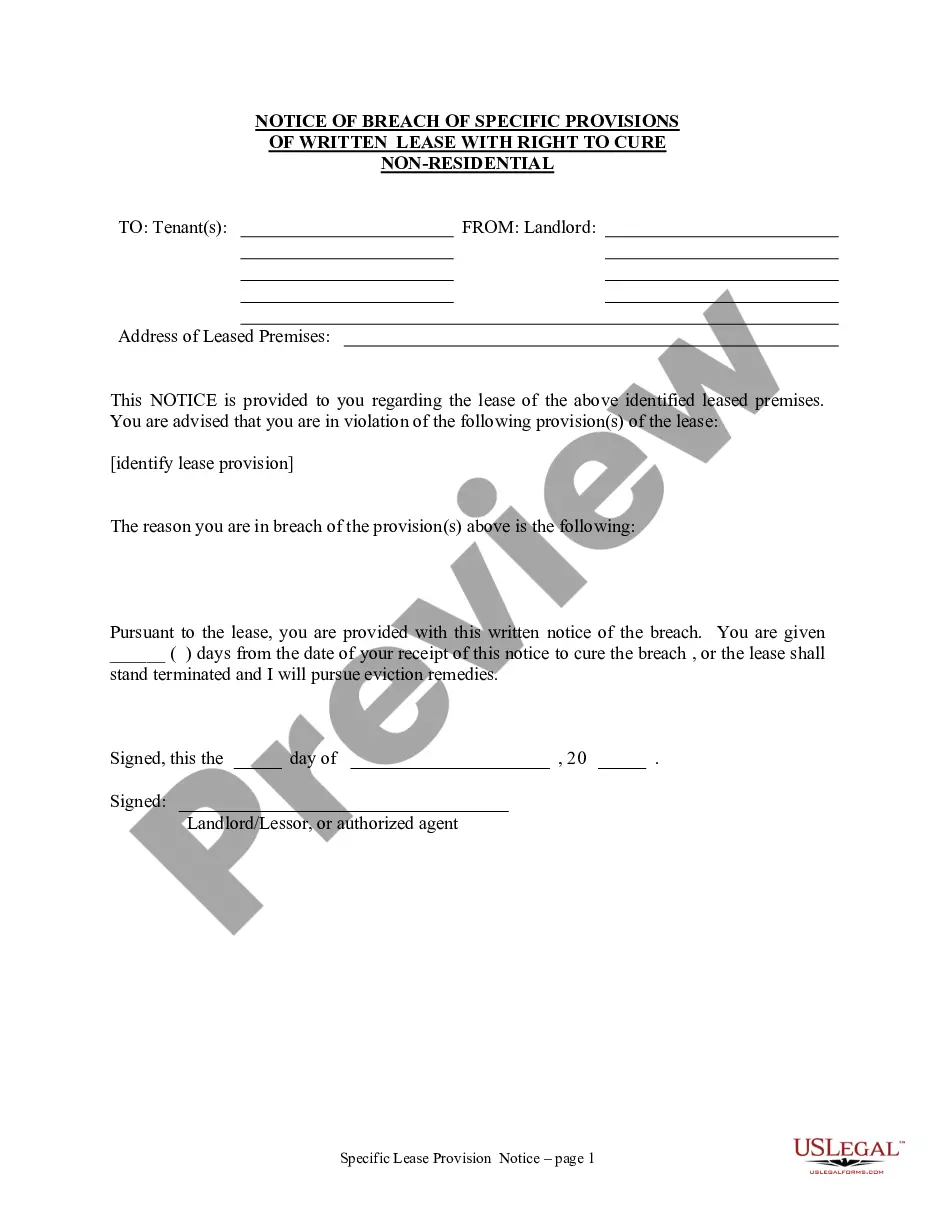
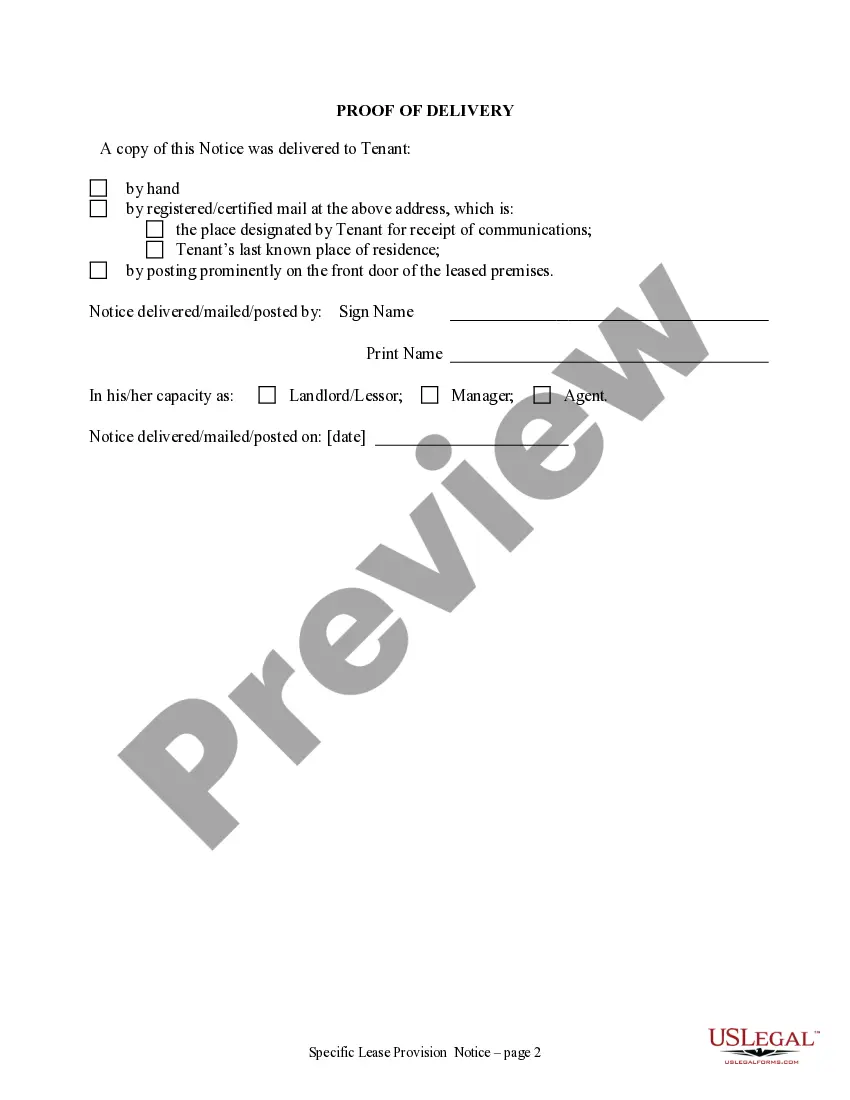
How to fill out Washington Notice Of Breach Of Written Lease For Violating Specific Provisions Of Lease With Right To Cure For Nonresidential Property From Landlord To Tenant?
- Log in to your existing account at US Legal Forms and verify your subscription status before downloading the necessary form template.
- If you are a new user, start by exploring the preview mode and detailed descriptions of available forms to choose the one that fits your requirements.
- Use the Search tab for assistance in locating alternative templates if the initial choice does not meet your needs.
- Once you find the right form, click the 'Buy Now' button and select a subscription plan that suits you.
- Complete your transaction by entering your payment details through your credit card or PayPal.
- Download your selected form to your device. You can also access it later in the 'My Forms' section of your profile.
In conclusion, US Legal Forms provides an efficient and reliable way to create essential legal documents. With a collection of over 85,000 forms, users can trust that they are supported by a resource designed to meet their legal needs.
Don't hesitate; sign up today to experience the ease and reliability of US Legal Forms.
Form popularity
FAQ
Your tenant name generally appears within your account settings or profile overview after logging into the platform. It acts as a label associated with your tenant ID, making it easier to recognize your setup in multi-tenant environments. If you're using uslegalforms, you may also locate this information in your dashboard or the administration panel. Knowing your tenant name can help you manage your legal resources effectively.
The tenant ID serves as a secure key that identifies your specific tenant identity across services. This unique code is essential for ensuring personalized access to legal documents and resources tailored to your needs. In platforms like uslegalforms, this ID can enhance your experience by providing you direct access to your documents and features designed just for you. Keeping your tenant ID handy can simplify many processes.
You can typically find your tenant ID by logging into your account and navigating to your profile or settings section. There, the platform may display relevant account information, including your tenant ID. If you are using uslegalforms, accessing your tenant ID may also be outlined in the help documentation or support resources. This quick lookup can greatly enhance your understanding of your account setup.
The primary distinction between tenant ID and group ID lies in their functionality. A tenant ID identifies an individual tenant within a platform, while a group ID is used to organize multiple tenants or users into a collective unit. For users of uslegalforms, knowing both IDs can enhance collaboration on shared legal documents. This separation aids in better management and access control within the system.
A tenant ID is a unique identifier assigned to a tenant within a multi-tenant environment. It helps distinguish different users or organizations using the same platform, ensuring data integrity and separation. For instance, in platforms like uslegalforms, the tenant ID can streamline the management of legal documents by associating them with the correct tenant. Understanding your tenant ID is essential for using features effectively.
Creating a tenant ID involves signing up for a Microsoft cloud service such as Azure or Microsoft 365. During the setup process, a unique tenant ID will be generated for your account, known as Tenantid tdn. This ID plays a vital role in managing various services and integrations without complications.
To locate your Intune application ID, access the Microsoft Endpoint Manager admin center. Sign in and go to the 'Apps' section. Select the application of interest, and you will see the application ID listed. This ID is pivotal for establishing specific policies and features related to your Tenantid tdn.
The Microsoft tenant ID has a specific format that consists of 36 characters, represented in a sequence of numbers and letters. Typically, it appears in a GUID format, divided by hyphens. Recognizing the Tenantid tdn format helps you ensure accuracy when integrating or configuring services.
To find your tenant ID in Intune, go to the Microsoft Endpoint Manager admin center. Sign in with your credentials, and then select 'Tenant administration' followed by 'Tenant properties'. The Tenantid tdn will be displayed under the Tenant ID section, which is essential for device management and compliance.
You can find your tenant ID by logging into the Azure portal. Once you access your account, click on 'Azure Active Directory' and look for the 'Properties' section. Your tenant ID will be listed under the Directory ID as Tenantid tdn, which can assist you in managing services and applications.