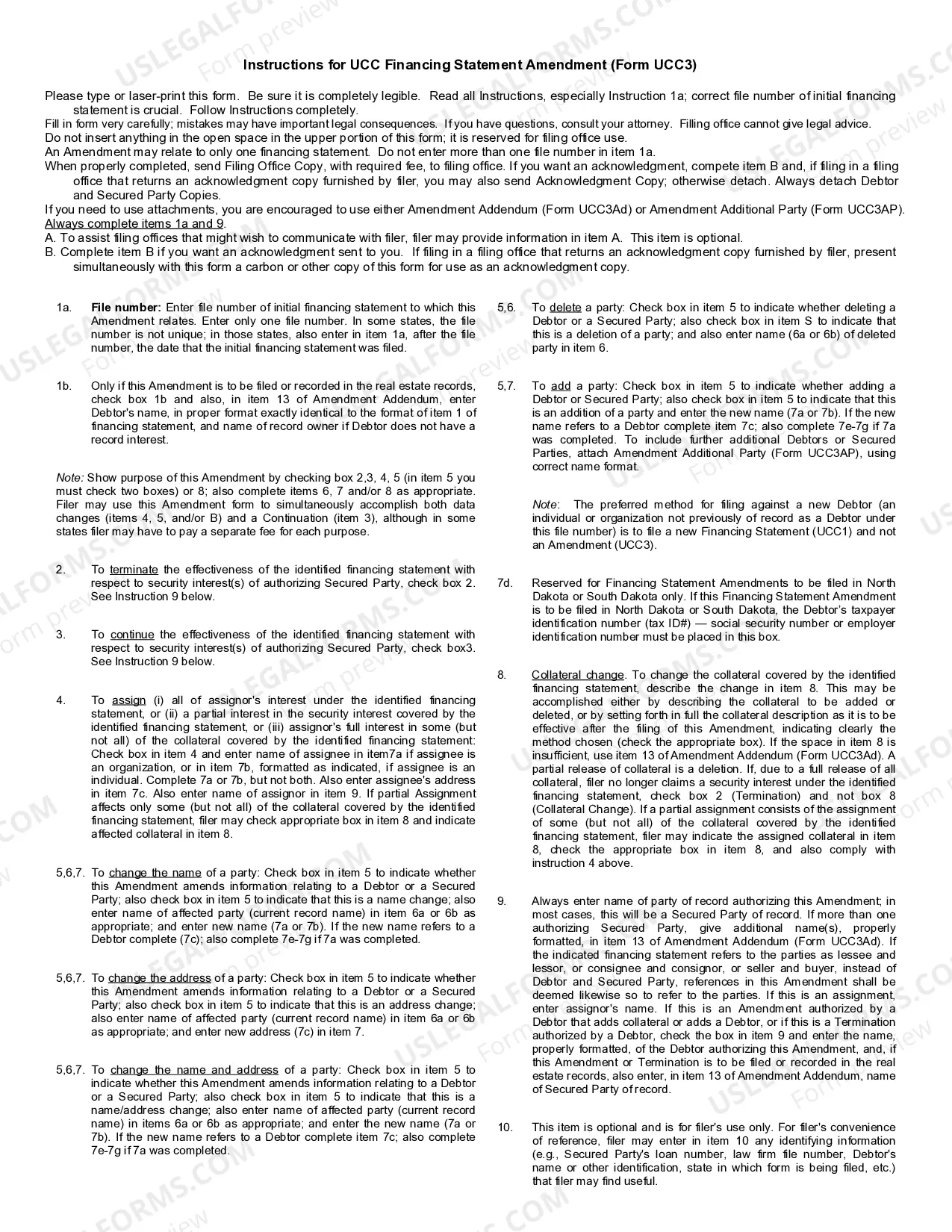
Ucc3 Form Nj
Description

Get your form ready online
Our built-in tools help you complete, sign, share, and store your documents in one place.
Make edits, fill in missing information, and update formatting in US Legal Forms—just like you would in MS Word.
Download a copy, print it, send it by email, or mail it via USPS—whatever works best for your next step.
Sign and collect signatures with our SignNow integration. Send to multiple recipients, set reminders, and more. Go Premium to unlock E-Sign.
If this form requires notarization, complete it online through a secure video call—no need to meet a notary in person or wait for an appointment.
We protect your documents and personal data by following strict security and privacy standards.

Make edits, fill in missing information, and update formatting in US Legal Forms—just like you would in MS Word.

Download a copy, print it, send it by email, or mail it via USPS—whatever works best for your next step.

Sign and collect signatures with our SignNow integration. Send to multiple recipients, set reminders, and more. Go Premium to unlock E-Sign.

If this form requires notarization, complete it online through a secure video call—no need to meet a notary in person or wait for an appointment.

We protect your documents and personal data by following strict security and privacy standards.
Looking for another form?
How to fill out UCC3 Financing Statement Amendment?
Handling legal paperwork and processes can be a lengthy addition to your day.
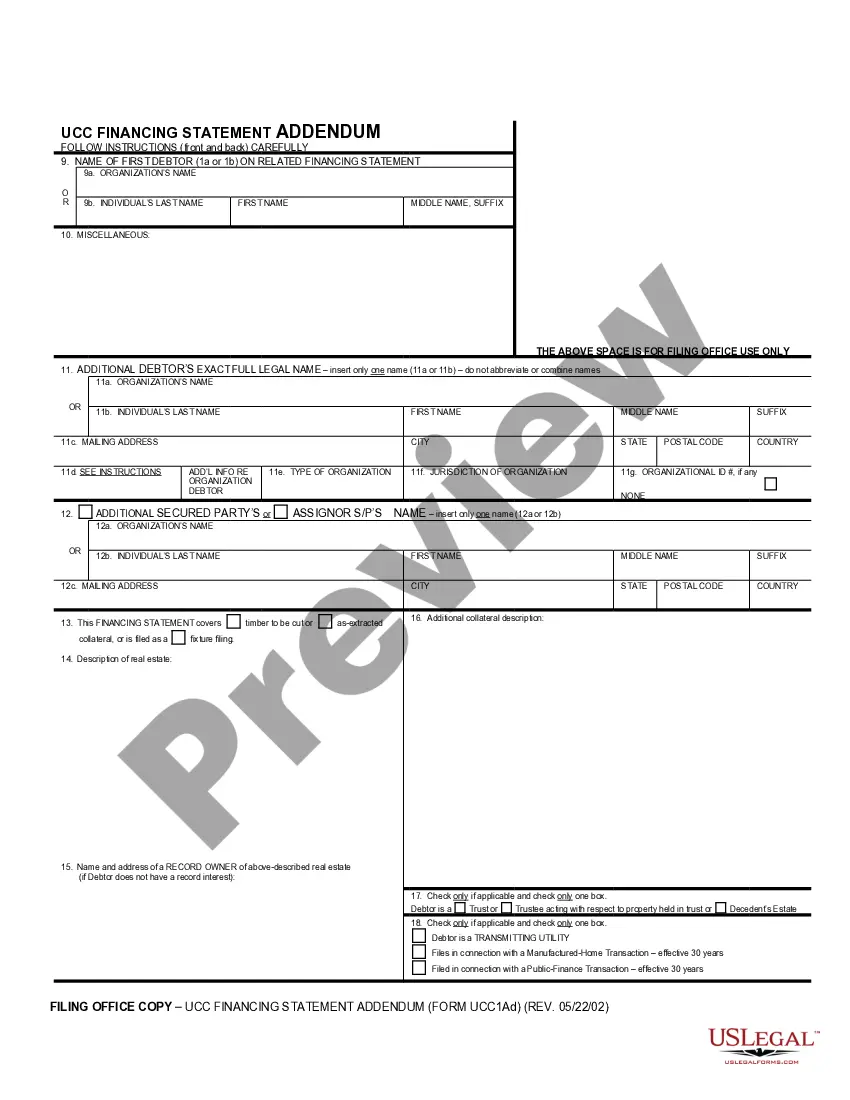
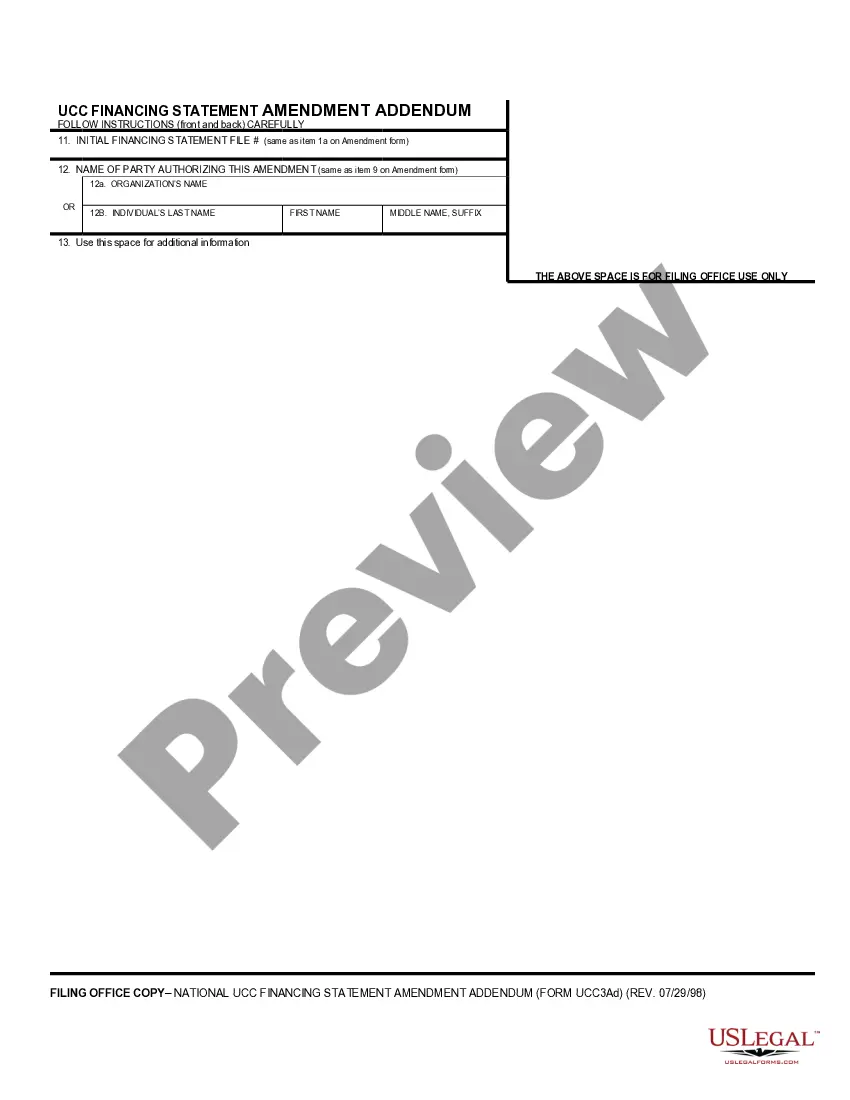
Ucc3 Form Nj and similar forms typically require you to search for them and navigate the steps to fill them out correctly.
Therefore, if you are managing financial, legal, or personal issues, having a comprehensive and accessible online library of forms at your disposal will be extremely beneficial.
US Legal Forms is the premier online platform for legal templates, offering over 85,000 state-specific forms and a variety of tools to help you complete your documents with ease.
Is this your first time using US Legal Forms? Sign up and create a free account in just a few minutes, and you’ll gain access to the form library and Ucc3 Form Nj. Then, follow the steps outlined below to fill out your form: Make sure you’ve identified the correct form by utilizing the Review function and examining the form description. Select Buy Now when prepared, and choose the monthly subscription plan that suits you best. Click Download then complete, eSign, and print the form. US Legal Forms has 25 years of experience assisting clients in managing their legal documents. Obtain the form you require now and streamline any process without exerting yourself.
- Browse the collection of pertinent documents available with just a single click.
- US Legal Forms provides state- and county-specific forms accessible anytime for download.
- Protect your document management processes by utilizing a reliable service that enables you to prepare any form within minutes without any extra or concealed fees.
- Simply Log In to your account, locate Ucc3 Form Nj, and download it immediately from the My documents section.
- You can also retrieve previously saved forms.
Form popularity
FAQ
UCC filings in New Jersey go through the New Jersey Department of the Treasury's Division of Revenue and Enterprise Services. UCC-1 financing statements are submitted to secure debt, and then form UCC-3 is used for amendments to a UCC-secured financing agreement.
1. Ask the lender to terminate the lien upon payoff. When you pay off a loan, a good rule of thumb is to immediately submit a request with the lender to file a UCC-3 form with your secretary of state. The UCC-3 will terminate the lien on your company's asset (or assets) and remove the UCC-1 filing.
UCC filings in New Jersey go through the New Jersey Department of the Treasury's Division of Revenue and Enterprise Services. UCC-1 financing statements are submitted to secure debt, and then form UCC-3 is used for amendments to a UCC-secured financing agreement.
Ask the lender to terminate the lien upon payoff. A good rule of thumb is to request that your lender file a UCC-3 form with your secretary of state as soon as possible after you pay off your loan. The UCC-3 will terminate the lien on your company's assets (or assets) and remove the UCC-1 filing.
To add, edit or delete a debtor, secured party and/or collateral, you can file an Amendment online. Go to the UCC Home Page at .njportal.com/UCC and select the link "Amendment (UCC-3)". Enter the filing number to pull up the information and then you can make a change to the debtor, secured party and/or collateral.