Uniform Commercial Code File With Comments
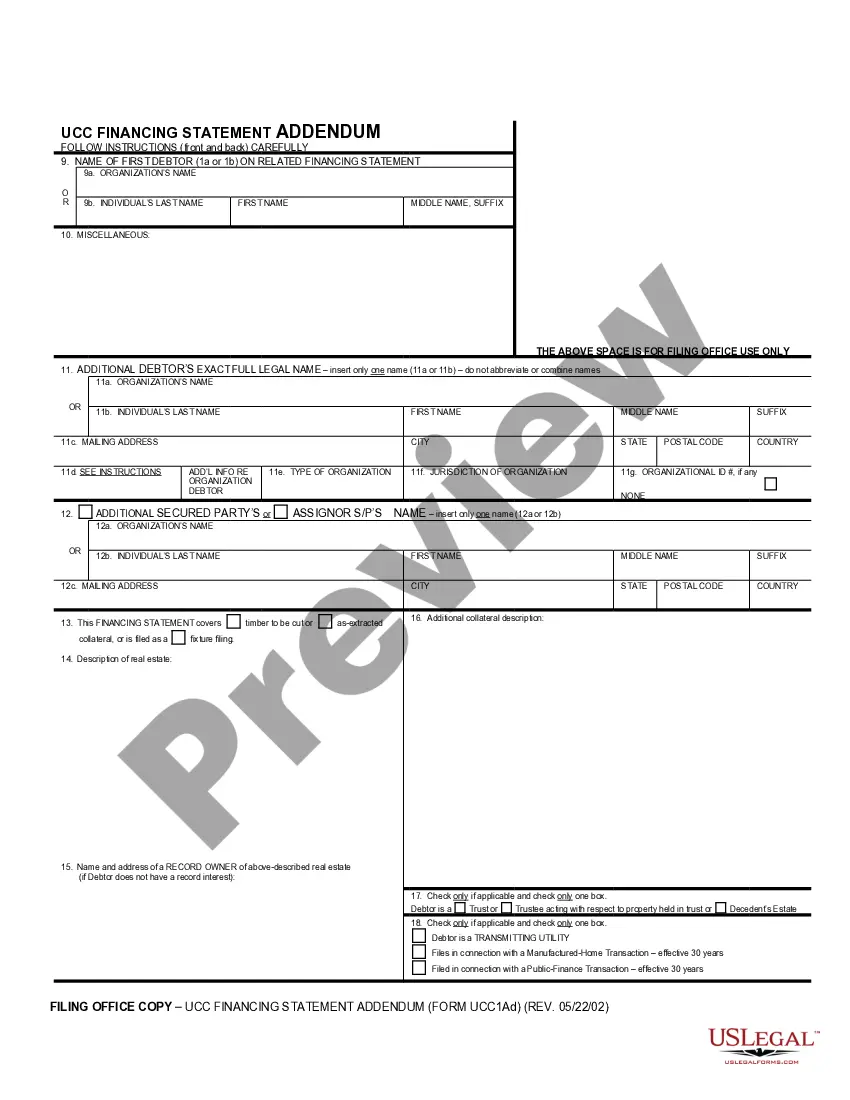
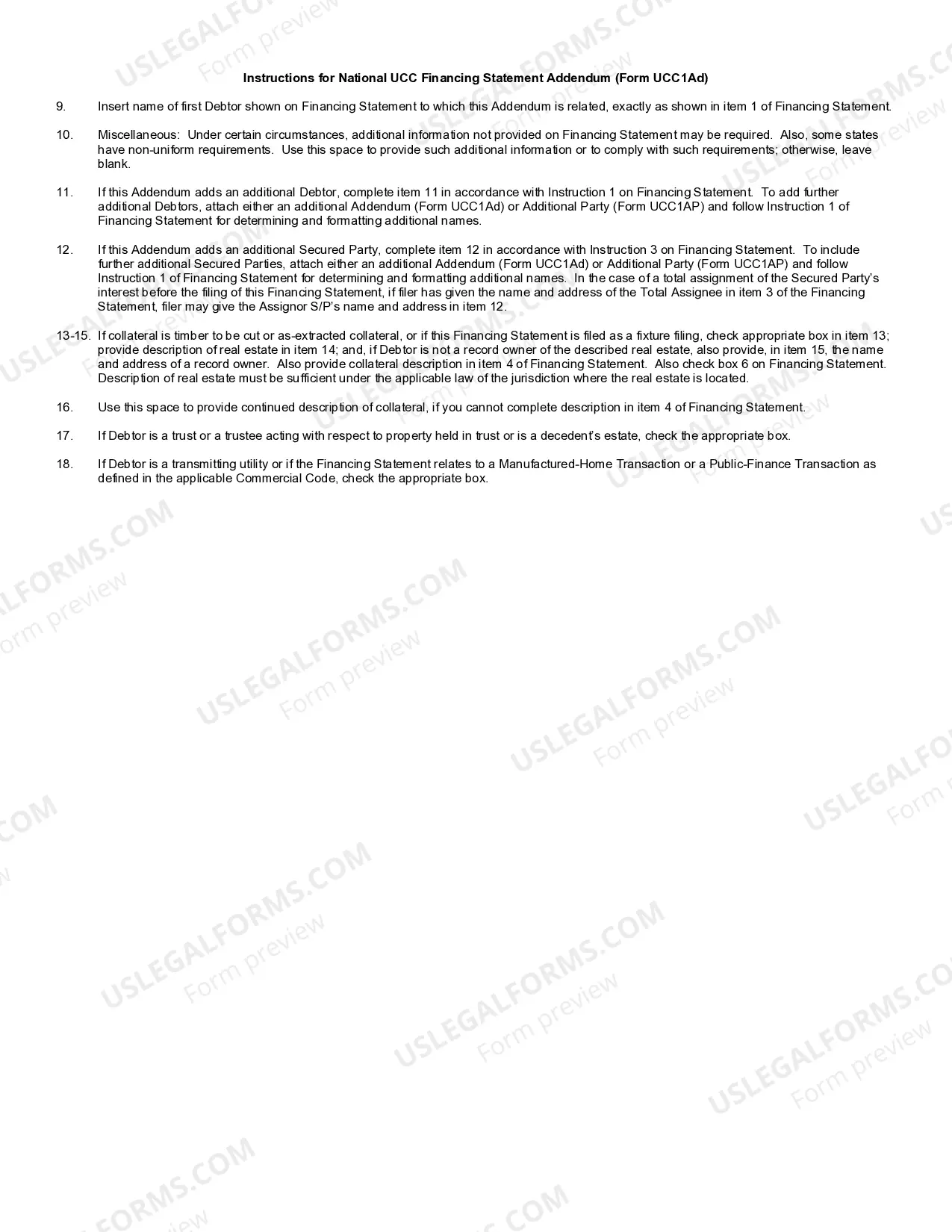
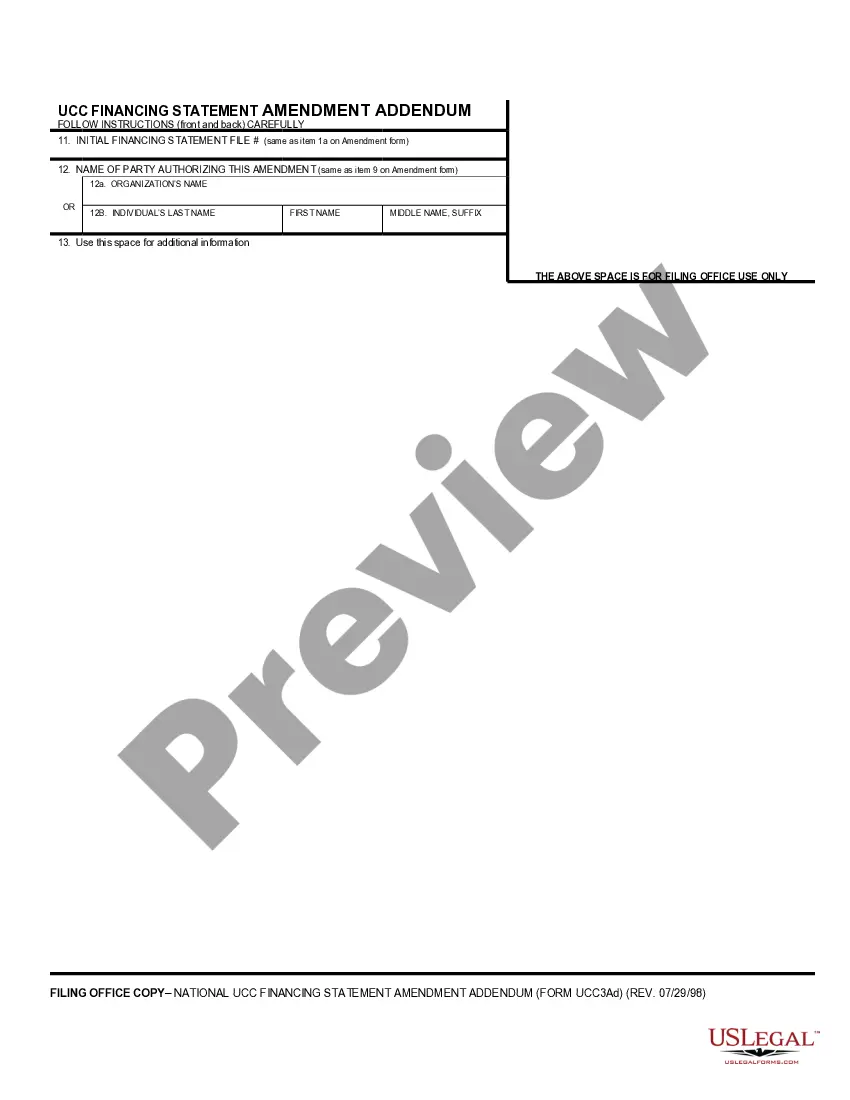
Description

Get your form ready online
Our built-in tools help you complete, sign, share, and store your documents in one place.
Make edits, fill in missing information, and update formatting in US Legal Forms—just like you would in MS Word.
Download a copy, print it, send it by email, or mail it via USPS—whatever works best for your next step.
Sign and collect signatures with our SignNow integration. Send to multiple recipients, set reminders, and more. Go Premium to unlock E-Sign.
If this form requires notarization, complete it online through a secure video call—no need to meet a notary in person or wait for an appointment.
We protect your documents and personal data by following strict security and privacy standards.

Make edits, fill in missing information, and update formatting in US Legal Forms—just like you would in MS Word.

Download a copy, print it, send it by email, or mail it via USPS—whatever works best for your next step.

Sign and collect signatures with our SignNow integration. Send to multiple recipients, set reminders, and more. Go Premium to unlock E-Sign.

If this form requires notarization, complete it online through a secure video call—no need to meet a notary in person or wait for an appointment.

We protect your documents and personal data by following strict security and privacy standards.
Looking for another form?
How to fill out UCC1-AD Financing Statement Addendum?
Utilizing legal templates that adhere to federal and local regulations is crucial, and the internet provides numerous choices.
However, what is the benefit of spending time searching for the appropriate Uniform Commercial Code File With Comments example online when the US Legal Forms online repository already compiles such templates in one location.
US Legal Forms is the largest online legal database with more than 85,000 editable templates created by lawyers for any business and personal situation. They are easy to navigate with all documents categorized by state and intended use.
Search for an additional sample using the search bar at the top of the page if necessary. Click Buy Now once you’ve found the correct form and select a subscription plan. Create an account or Log In and process your payment via PayPal or a credit card. Choose the preferred format for your Uniform Commercial Code File With Comments and download it. All documents you find through US Legal Forms are reusable. To re-download and complete previously acquired forms, visit the My documents section in your account. Take advantage of the most extensive and user-friendly legal document service!
- Our experts keep up with legal updates, so you can always trust that your form is current and compliant when obtaining a Uniform Commercial Code File With Comments from our site.
- Acquiring a Uniform Commercial Code File With Comments is fast and straightforward for both existing and new users.
- If you have an account with an active subscription, Log In and save the document sample you need in your desired format.
- If you are new to our platform, follow these steps.
- Review the template using the Preview function or the text outline to ensure it fits your needs.
Form popularity
FAQ
Legal requirements for the UCC-1 In order for a UCC-1 to hold weight in a legal proceeding, it must include the exact legal name of the debtor, the collateral included in the lien and the name of the secured party.
Westlaw offers the UCC text with comments in its Uniform Commercial Code Text (UCC-TEXT) database. PEB commentaries are available within the same database. Lexis Advance provides access to the Official Text and Comments of the Uniform Commercial Code in its its Uniform Commercial Code (U.C.C.) database.
Typical collateral For example, if you take out a loan to buy new machinery, the lender might file a UCC-1 lien and claim that new machinery as collateral on the loan. You would, of course, work with your lender to designate what the collateral will be before you sign any documentation committing to the loan.
A Uniform Commercial Code filing, also known as a UCC filing, is a document that lenders use to establish their legal right to assets that a borrower uses to secure a loan. This notice allows the lender to seize the borrower's collateral in the case of default.
Fill in the debtor's name and mailing address. It may be an individual, or it may be in the name of a business or organization. If the loan is in the name of the business, include the business mailing address. There is space for additional debtors. Include them exactly as they appeared on the loan agreement.