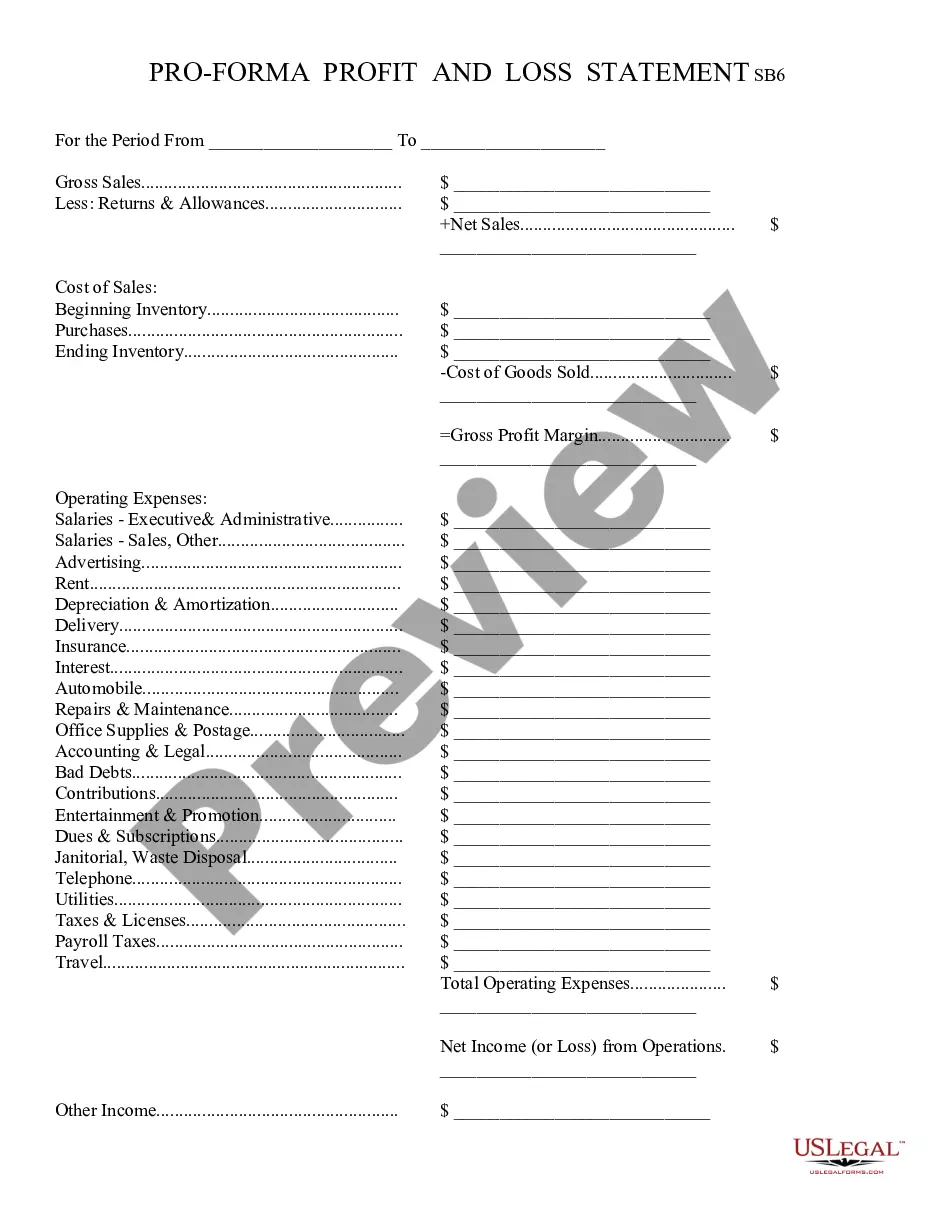
Template For Profit And Loss
Description
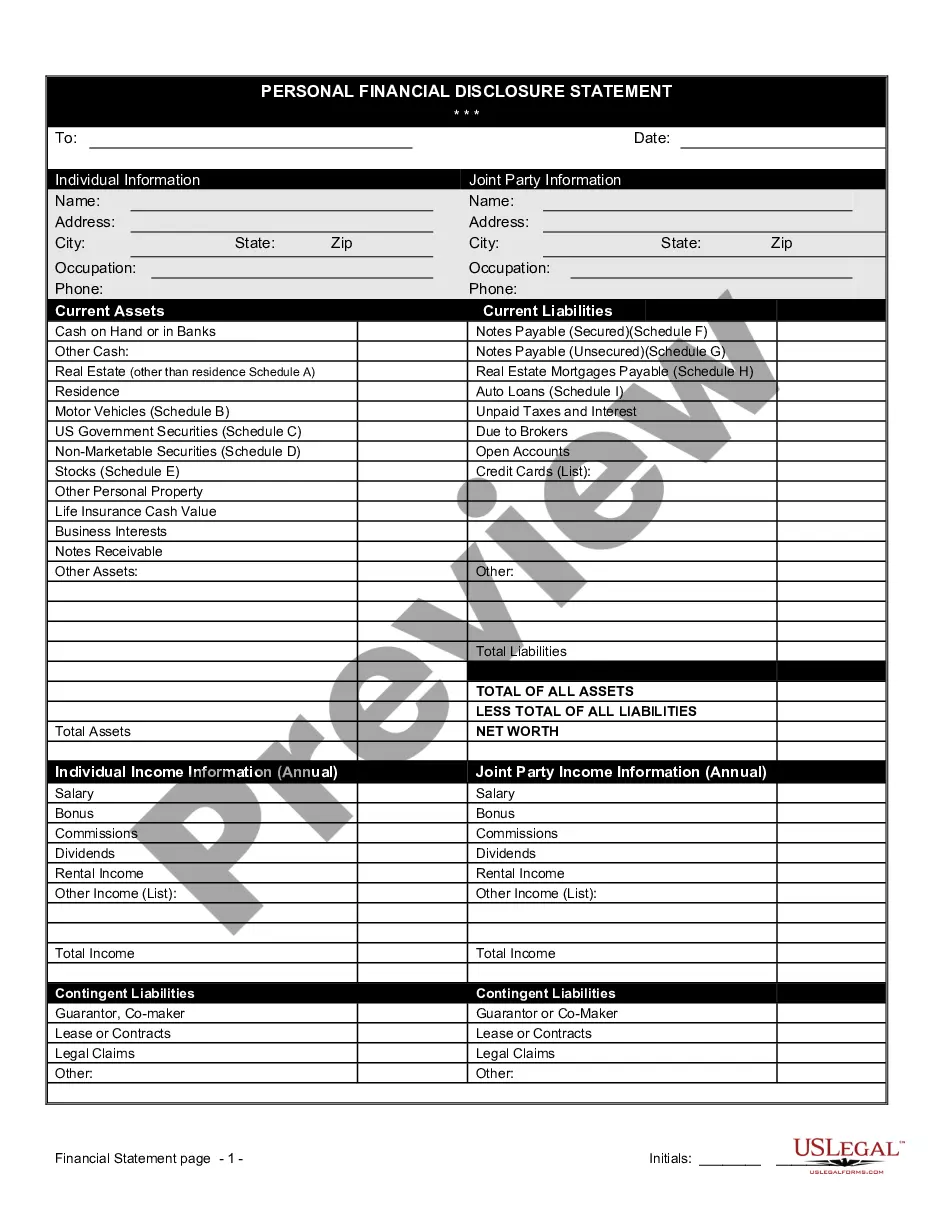


How to fill out Profit And Loss Statement?
Engaging with legal documents and tasks can be a lengthy addition to your day.
Templates for Profit And Loss and similar documents frequently necessitate searching for them and comprehending how to fill them out properly.
Hence, whether you are managing financial, legal, or personal issues, utilizing a comprehensive and user-friendly online directory of forms readily available will significantly aid you.
US Legal Forms is the leading online resource for legal templates, featuring over 85,000 state-specific documents and various tools to help you complete your paperwork effortlessly.
Simply Log In to your account, locate Template For Profit And Loss, and download it instantaneously from the My documents section. You can also retrieve forms you have previously downloaded.
- Explore the collection of relevant documents accessible to you with a single click.
- US Legal Forms offers you state- and county-specific forms available for download anytime.
- Protect your document management processes with a quality service that enables you to create any form in minutes without extra or hidden fees.
Form popularity
FAQ
Excel does indeed offer a P&L template, often referred to as a profit and loss statement. This template allows you to input your financial data efficiently, providing a clear view of your business's performance. By using an Excel template for profit and loss, you can easily generate reports that inform your financial decisions.
Yes, Google Sheets provides several templates for profit and loss statements. These templates are easily accessible and allow for real-time collaboration with your team. Using a Google Sheets template for profit and loss can enhance your financial tracking and reporting efficiency.
To create a profit and loss template, begin by identifying all your income and expense categories. Organize these categories into a structured layout, ensuring clarity and ease of use. Utilize tools such as US Legal Forms to access pre-designed templates for profit and loss, which can save you time and help ensure accuracy.
Creating a profit and loss template is straightforward. Start by outlining your revenue sources and expenses in a clear format. You can also consider using a user-friendly platform like US Legal Forms, which offers ready-made templates for profit and loss that you can customize to fit your specific needs.
Indeed, Microsoft Word provides templates for profit and loss statements. These templates can serve as a foundation for documenting your financial performance in a clear and organized manner. By utilizing a Word template for profit and loss, you can easily create professional-looking reports for your business.
Yes, Excel offers a variety of templates for profit and loss statements. You can find these templates in the Excel template gallery, making it easy to start tracking your finances. Using an Excel template for profit and loss allows for customization and flexibility, which can help you better manage your business finances.
How to create a profit and loss statement Gather necessary financial information. ... Choose a timeframe for the statement. ... Begin with revenue. ... Deduct the cost of goods sold. ... Calculate gross profit. ... Add operating expenses. ... Calculate net profit.
How to Fill Out a Profit and Loss Statement - YouTube YouTube Start of suggested clip End of suggested clip Period. Once all the fields are completed and checked off fill in your name date your p l statement.MorePeriod. Once all the fields are completed and checked off fill in your name date your p l statement. And click done then choose what you'd like to do with your document.
The formula of a profit and loss statement is: Net Profit and Loss = ((Total Revenue + Additional Income) ? (Cost of Products and Services + Operating Costs)) ? (Interests + Taxes + Depreciation + Amortization).
What Is a Profit and Loss Template? Businesses use profit and loss (P&L) templates to list revenue and expenses to determine profitability. Use a P&L template to calculate your net income (gross income minus expenses), and whether you need to increase income or reduce costs.