Legal Forms Website With No Author
Description
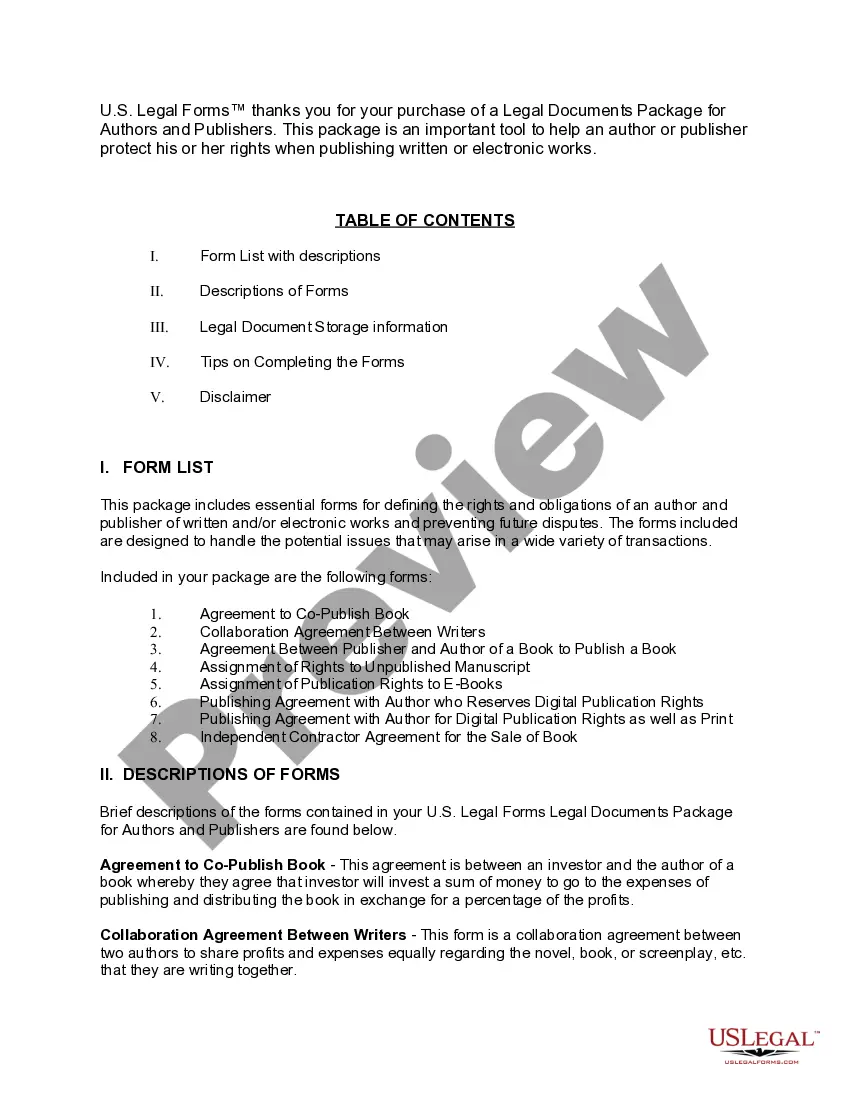
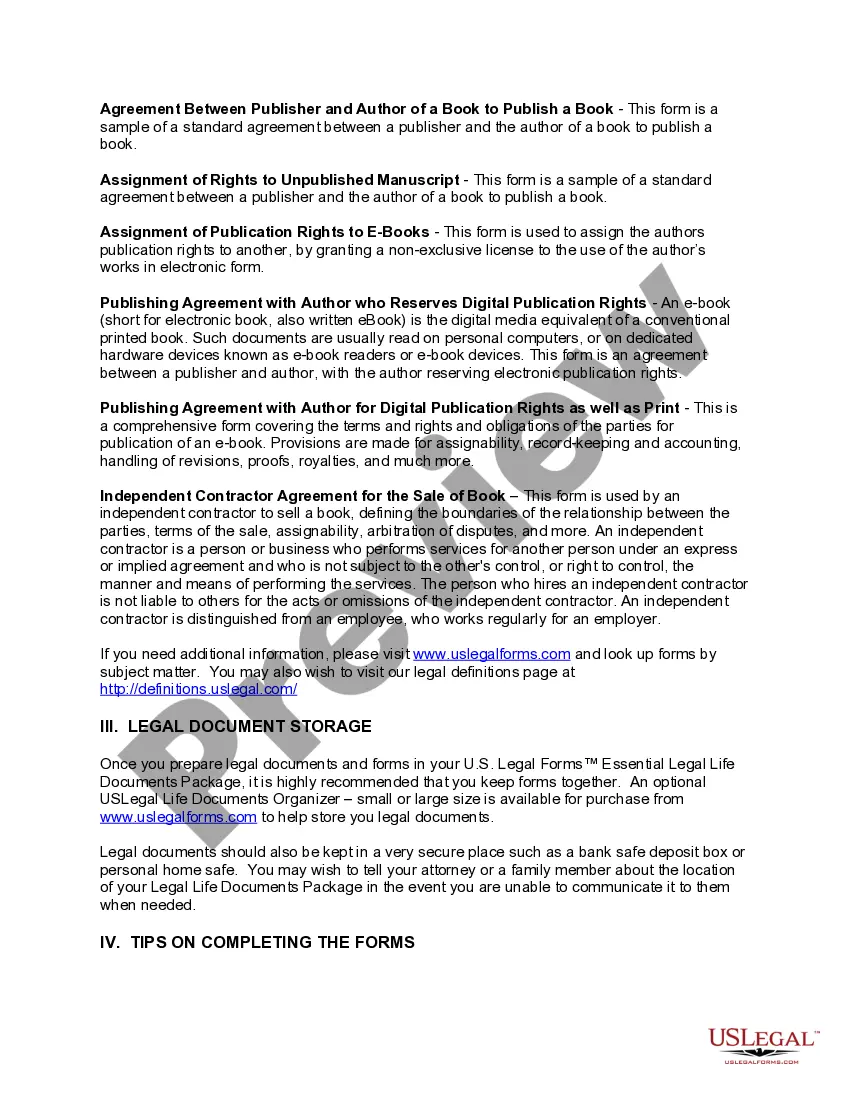
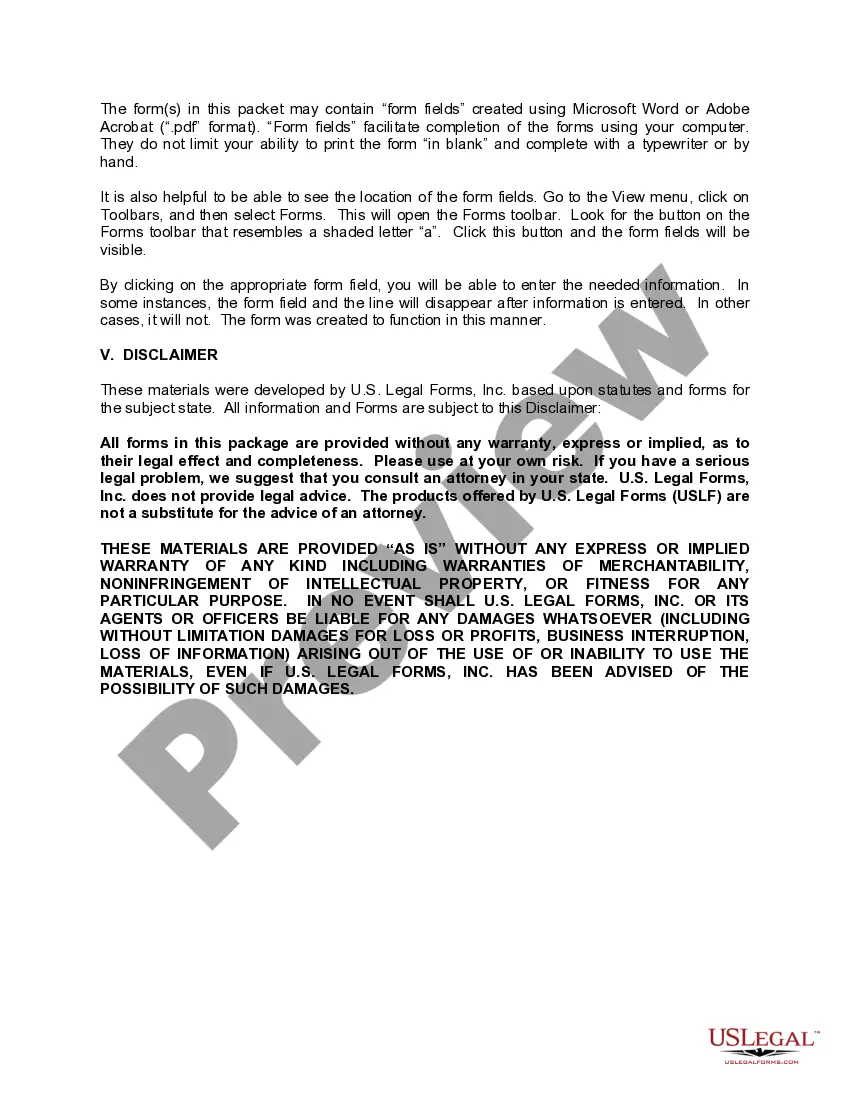

Get your form ready online
Our built-in tools help you complete, sign, share, and store your documents in one place.
Make edits, fill in missing information, and update formatting in US Legal Forms—just like you would in MS Word.
Download a copy, print it, send it by email, or mail it via USPS—whatever works best for your next step.
Sign and collect signatures with our SignNow integration. Send to multiple recipients, set reminders, and more. Go Premium to unlock E-Sign.
If this form requires notarization, complete it online through a secure video call—no need to meet a notary in person or wait for an appointment.
We protect your documents and personal data by following strict security and privacy standards.

Make edits, fill in missing information, and update formatting in US Legal Forms—just like you would in MS Word.

Download a copy, print it, send it by email, or mail it via USPS—whatever works best for your next step.

Sign and collect signatures with our SignNow integration. Send to multiple recipients, set reminders, and more. Go Premium to unlock E-Sign.

If this form requires notarization, complete it online through a secure video call—no need to meet a notary in person or wait for an appointment.

We protect your documents and personal data by following strict security and privacy standards.
Looking for another form?




How to fill out Legal Documents Package For Authors And Publishers?
Creating legal documents from the ground up can occasionally be overwhelming.
Certain situations may require extensive research and substantial financial investment.
If you’re seeking a simpler and more budget-friendly method of generating Legal Forms Website With No Author or other documents without unnecessary complications, US Legal Forms is readily accessible.
Our virtual repository of over 85,000 current legal documents encompasses nearly every aspect of your financial, legal, and personal matters.
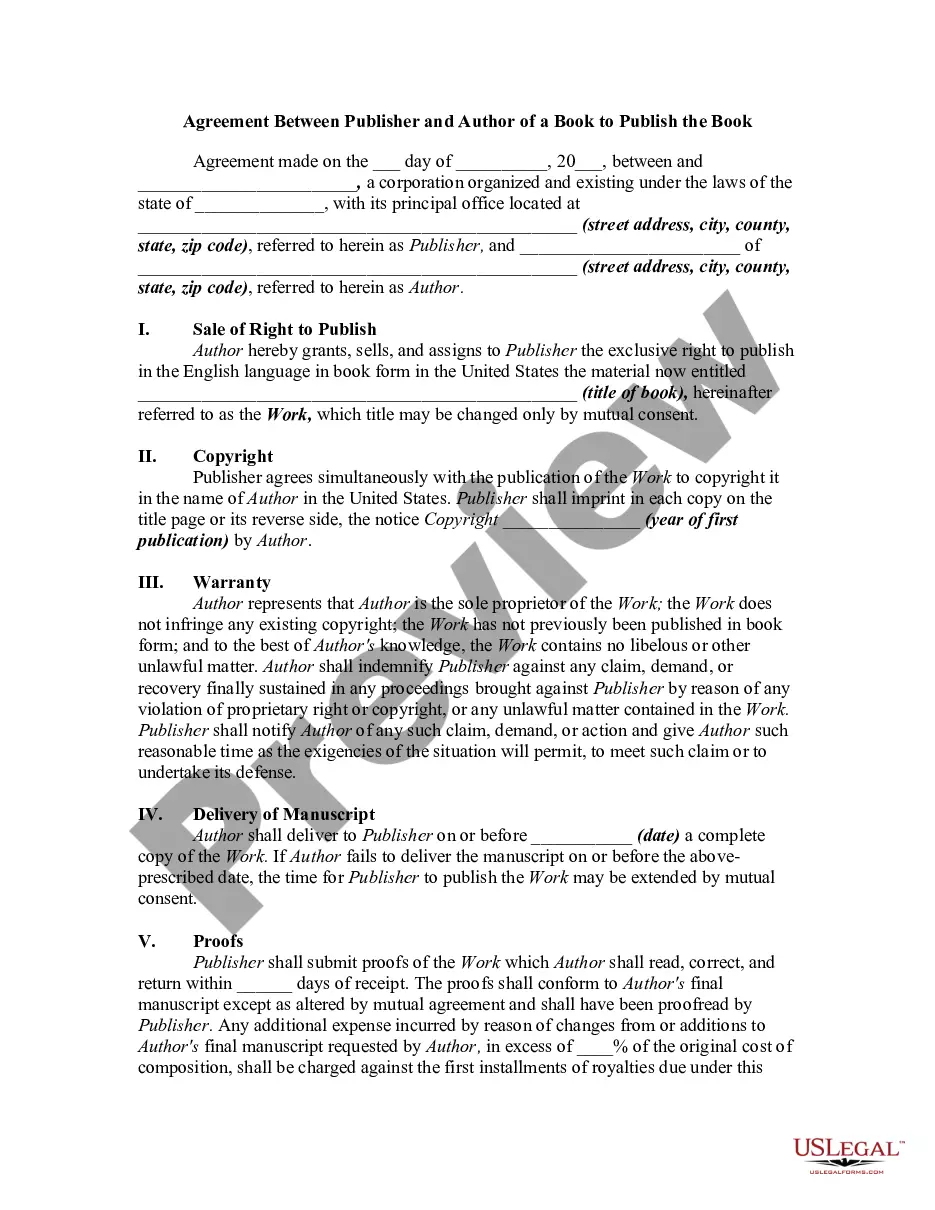
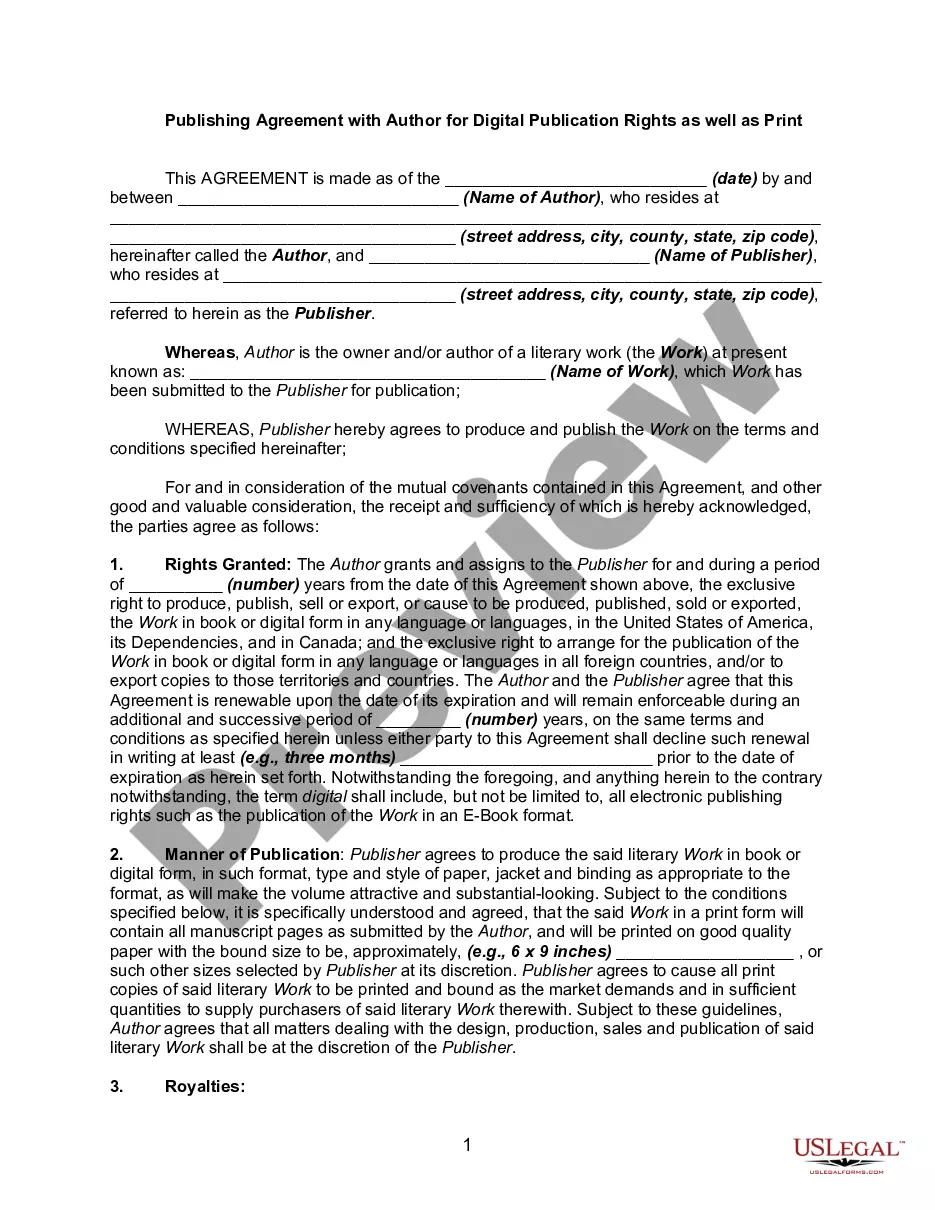
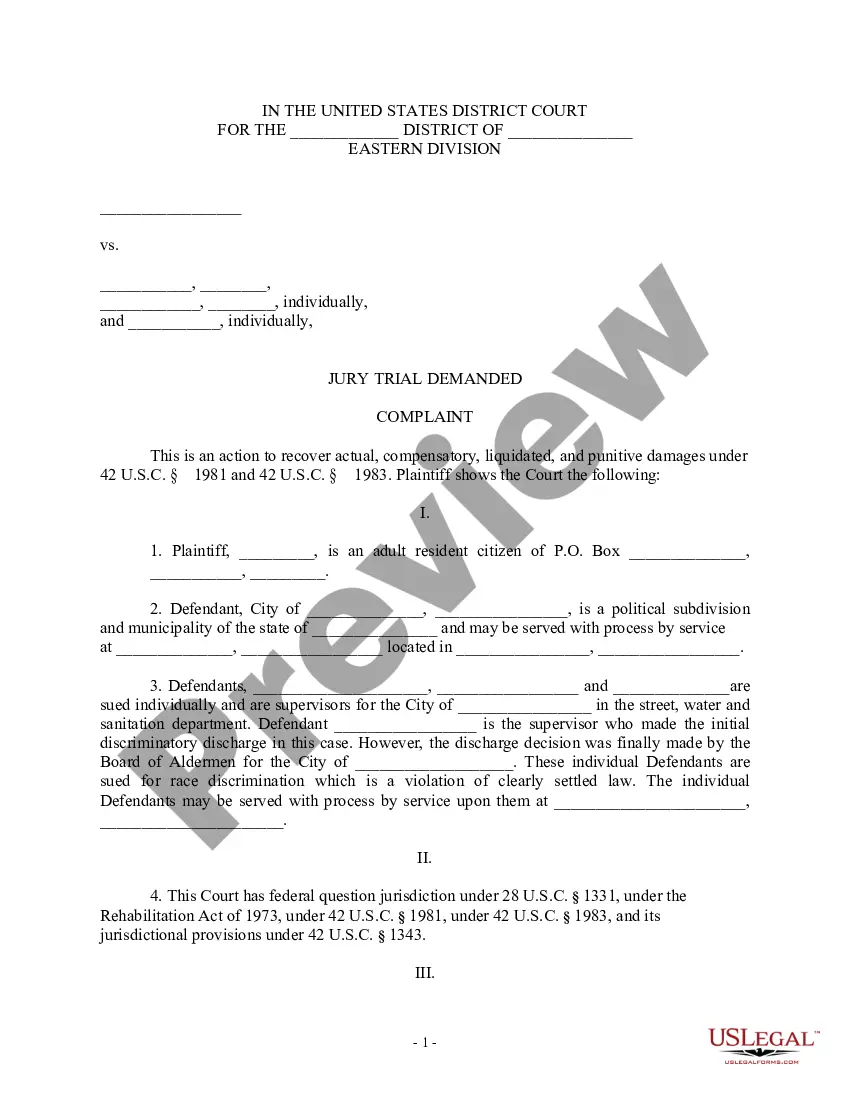
Before diving into downloading Legal Forms Website With No Author, follow these suggestions: Review the document preview and descriptions to ensure you have located the correct form. Verify that the template you select complies with the laws and regulations of your state and county. Choose the appropriate subscription plan to purchase the Legal Forms Website With No Author. Download the form, then fill it out, sign it, and print it. US Legal Forms enjoys an impeccable reputation and boasts over 25 years of expertise. Join us today and make document completion straightforward and efficient!
- With just a few clicks, you can swiftly obtain state- and county-specific forms meticulously crafted for you by our legal professionals.
- Utilize our platform whenever you require trusted and dependable services to quickly find and download the Legal Forms Website With No Author.
- If you’re a returning user and have established an account with us, simply Log In to your account, pick the template, and download it or re-download it anytime via the My documents tab.
- Not registered yet? No worries. Registration requires minimal time, allowing you to explore the library.
Form popularity
FAQ
When no author is listed, you may omit the author information from the MLA citation for the website and begin, instead, with the title (Handbook 108). ?Title of Web Page.? Title of Website, Publisher, date published in day month year format, URL. ?One Health and Disease: Tick-Borne.?
Ing to the APA guidelines, one can simply add the URL of the website as an in-text citation, e.g.: The website USA gov ( ) claims to be an online guide to government information and services.
Ing to the APA guidelines, one can simply add the URL of the website as an in-text citation, e.g.: The website USA gov ( ) claims to be an online guide to government information and services.
If the source you are referencing is missing an author, use the source's title instead of the author's name in your in-text citation. In your Reference list, use the source's title in place of the author's name. The rest of the reference should follow the usual style for the type of source you are citing.
Works Cited Entry Template: ?Title of the Webpage/Entry.? Title of the Website, Name of the publisher (if different from the website name), Date of publication, URL. When there isn't a known author, use the source's title in the in-text citation.