Court Form Procedure With Motion
Description

Get your form ready online
Our built-in tools help you complete, sign, share, and store your documents in one place.
Make edits, fill in missing information, and update formatting in US Legal Forms—just like you would in MS Word.
Download a copy, print it, send it by email, or mail it via USPS—whatever works best for your next step.
Sign and collect signatures with our SignNow integration. Send to multiple recipients, set reminders, and more. Go Premium to unlock E-Sign.
If this form requires notarization, complete it online through a secure video call—no need to meet a notary in person or wait for an appointment.
We protect your documents and personal data by following strict security and privacy standards.

Make edits, fill in missing information, and update formatting in US Legal Forms—just like you would in MS Word.

Download a copy, print it, send it by email, or mail it via USPS—whatever works best for your next step.

Sign and collect signatures with our SignNow integration. Send to multiple recipients, set reminders, and more. Go Premium to unlock E-Sign.

If this form requires notarization, complete it online through a secure video call—no need to meet a notary in person or wait for an appointment.

We protect your documents and personal data by following strict security and privacy standards.
Looking for another form?








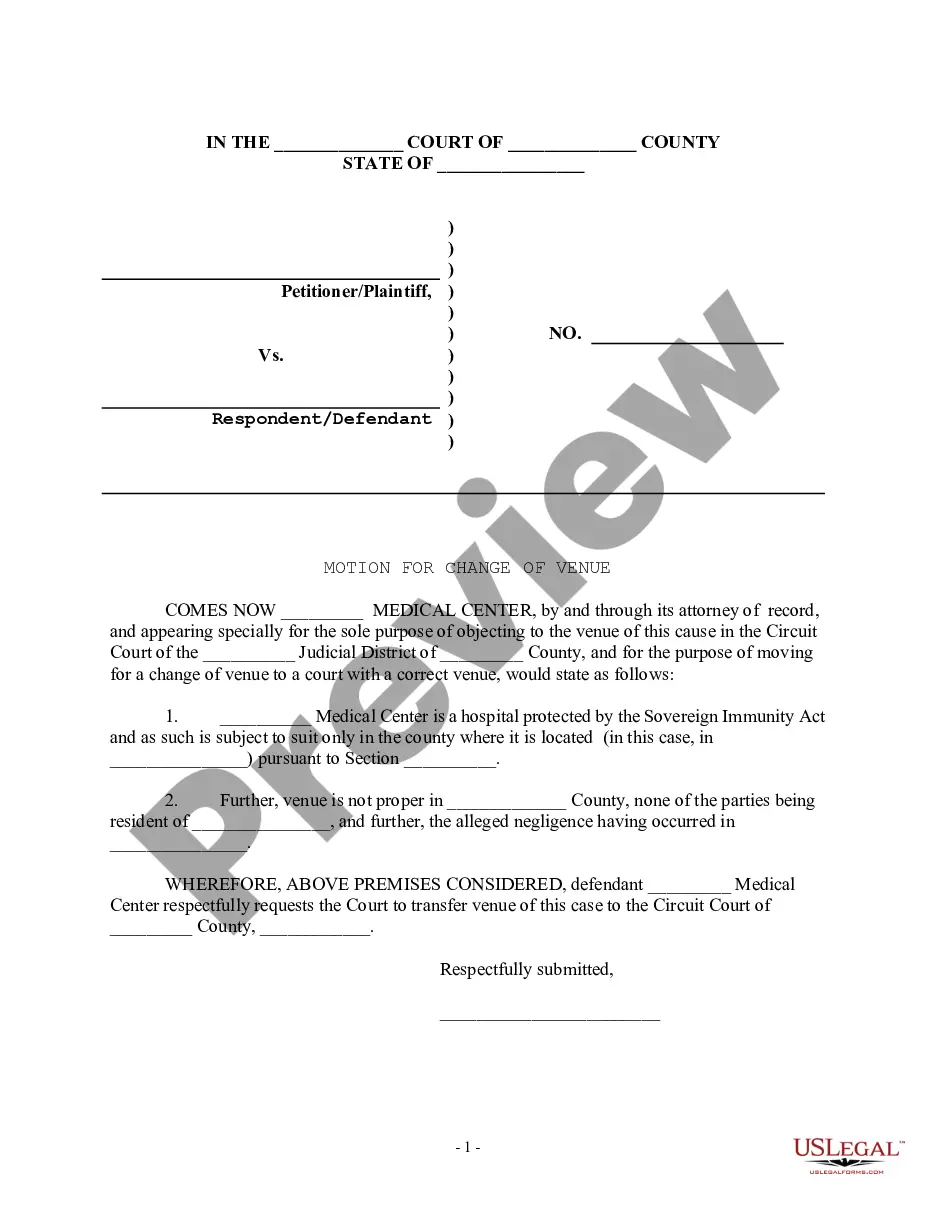
How to fill out Motion For Change Of Venue - Incorrect Court District?
It’s well-known that you cannot transform into a legal expert in a single day, nor can you learn how to swiftly prepare Court Form Procedure With Motion without possessing a specialized background.
Compiling legal documents is a labor-intensive endeavor that necessitates particular education and expertise. So why not entrust the formulation of the Court Form Procedure With Motion to the professionals.
With US Legal Forms, one of the most extensive legal template collections, you can access everything from court documents to templates for internal business communication. We recognize how vital compliance and adherence to federal and local statutes and regulations are.
Click Buy now. Once the payment is finalized, you can retrieve the Court Form Procedure With Motion, complete it, print it, and send or mail it to the appropriate individuals or entities.
You can revisit your documents from the My documents tab at any time. If you’re a returning customer, you can simply Log In, and locate and download the template from the same tab.
- Here’s how you can begin with our website and acquire the document you require in just minutes.
- Find the form you need by utilizing the search bar at the top of the page.
- Preview it (if this option is available) and read the accompanying description to determine if Court Form Procedure With Motion is what you’re looking for.
- Restart your search if you require any other template.
- Create a free account and select a subscription plan to purchase the template.
Form popularity
FAQ
A motion is an application to the court made by the prosecutor or defense attorney, requesting that the court make a decision on a certain issue before the trial begins. The motion can affect the trial, courtroom, defendants, evidence, or testimony. Only judges decide the outcome of motions.
If you are a party responding to a motion you may file a responding motion record and respondent's factum.
To bring a motion, you need to: ask the court for a motion date. identify and fill out your motion forms. serve and file your motion forms. confirm that you will attend the motion. go to your motion hearing. receive the judge's decision.
To bring a motion, you need to: ask the court for a motion date. identify and fill out your motion forms. serve and file your motion forms. confirm that you will attend the motion. go to your motion hearing. receive the judge's decision.
If another party has served motion forms on you, there are a few steps you must follow when responding. Step 1: fill out your motion forms. To respond to a motion you must complete the following forms: ... Step 2: serve and file your motion forms. ... Step 3: attend the motion hearing.