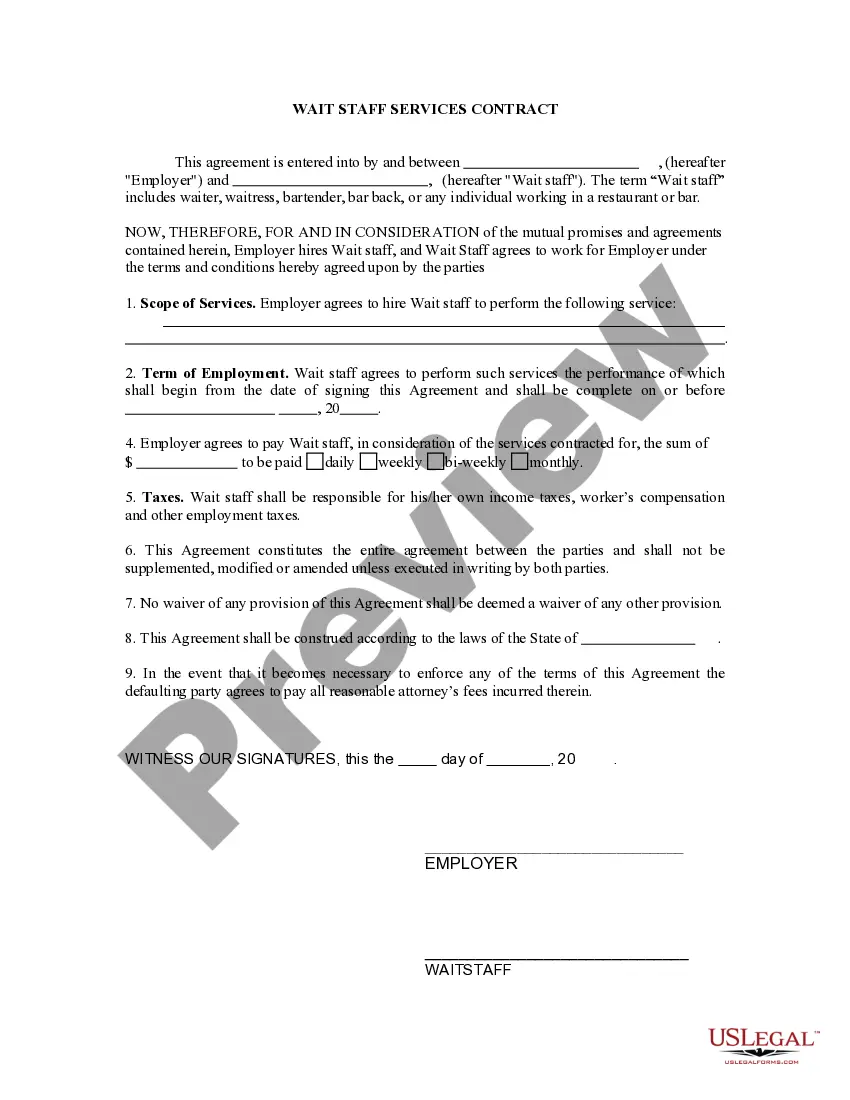
Contract For Self Employed Staff Form
Description
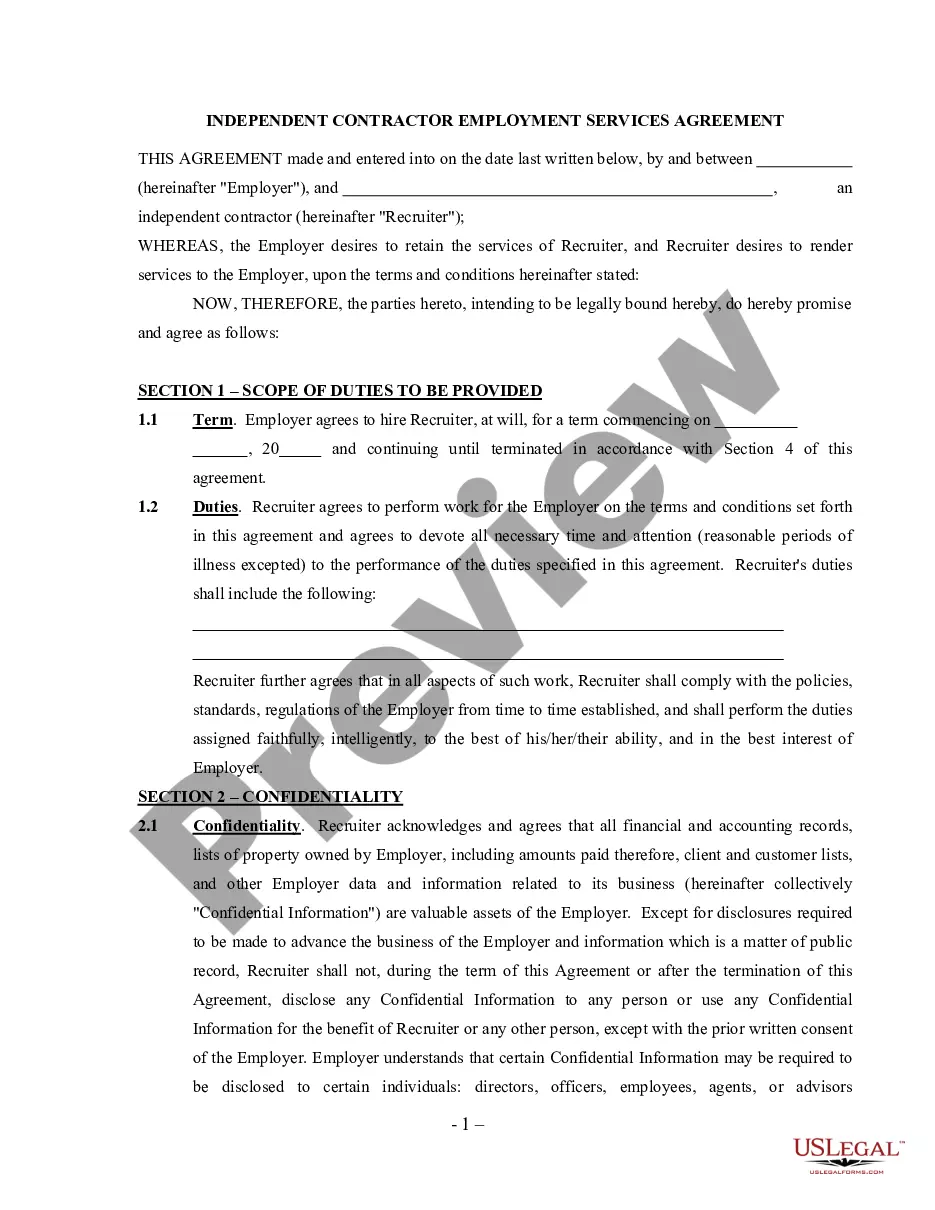
Get your form ready online
Our built-in tools help you complete, sign, share, and store your documents in one place.
Make edits, fill in missing information, and update formatting in US Legal Forms—just like you would in MS Word.
Download a copy, print it, send it by email, or mail it via USPS—whatever works best for your next step.
Sign and collect signatures with our SignNow integration. Send to multiple recipients, set reminders, and more. Go Premium to unlock E-Sign.
If this form requires notarization, complete it online through a secure video call—no need to meet a notary in person or wait for an appointment.
We protect your documents and personal data by following strict security and privacy standards.

Make edits, fill in missing information, and update formatting in US Legal Forms—just like you would in MS Word.

Download a copy, print it, send it by email, or mail it via USPS—whatever works best for your next step.

Sign and collect signatures with our SignNow integration. Send to multiple recipients, set reminders, and more. Go Premium to unlock E-Sign.

If this form requires notarization, complete it online through a secure video call—no need to meet a notary in person or wait for an appointment.

We protect your documents and personal data by following strict security and privacy standards.
Looking for another form?
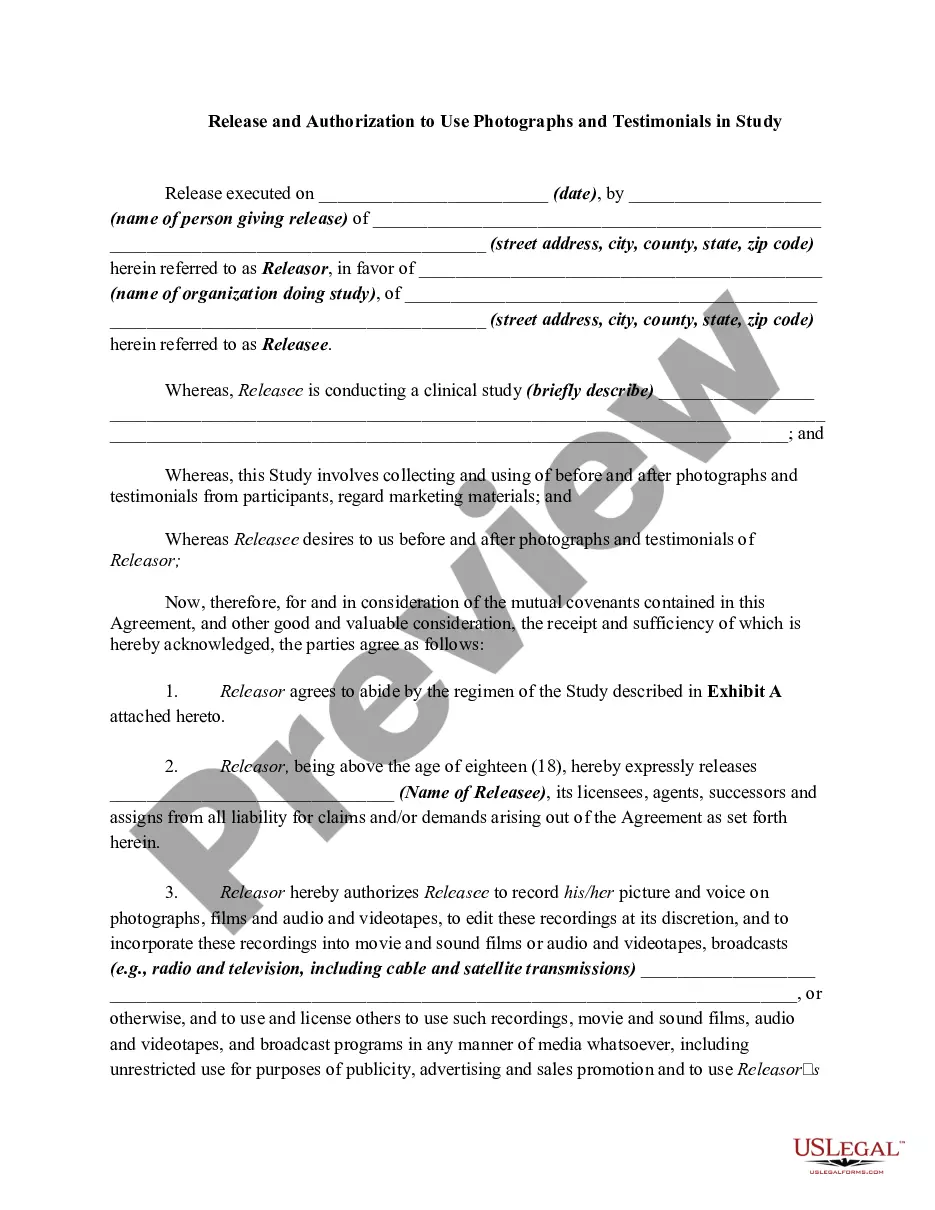







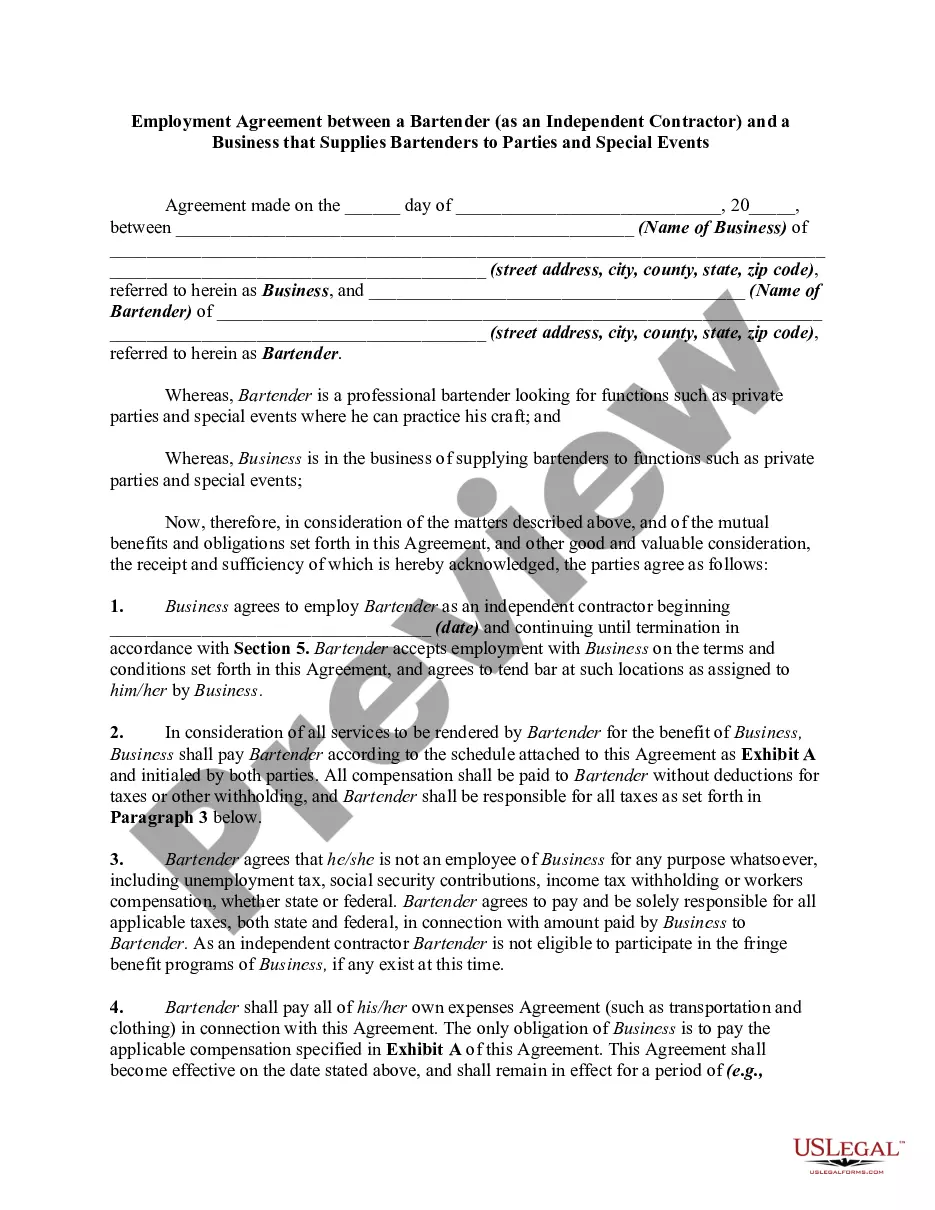
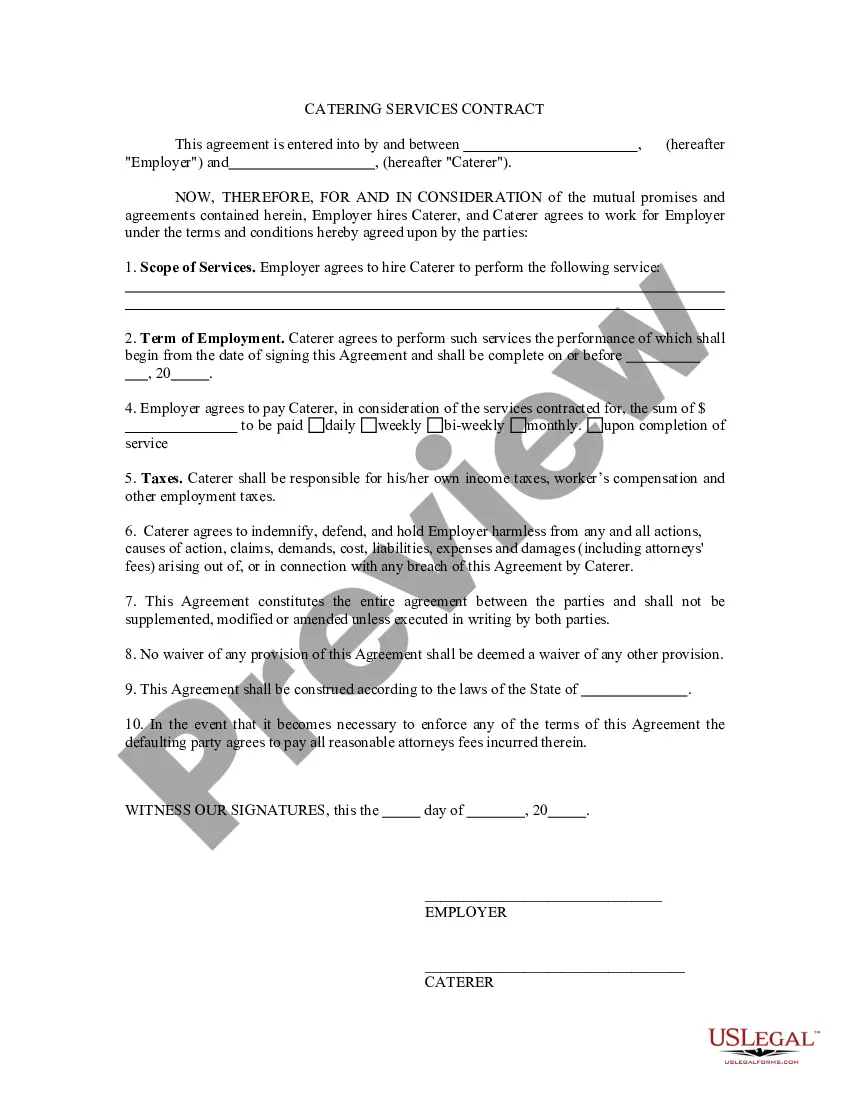
How to fill out Self-Employed Wait Staff Services Contract?
There's no longer a necessity to dedicate hours searching for legal forms to comply with your local state requirements.
US Legal Forms has compiled all of them in one location and made their retrieval easier.
Our website provides over 85k templates for various business and personal legal purposes categorized by state and type of use.All documents are properly composed and verified for authenticity, allowing you to confidently obtain a current Contract For Self Employed Staff Form.
Select the most appropriate subscription plan and either create an account or sign in. Pay for your subscription using a card or via PayPal to continue. Choose the file format for your Contract For Self Employed Staff Form and download it onto your device. Print your form to fill it out by hand or upload the template if you prefer using an online editor. Completing official documents under federal and state legislation is quick and straightforward with our platform. Try out US Legal Forms today to manage your paperwork effectively!
- If you are acquainted with our service and possess an account, make sure your subscription remains active before accessing any templates.
- Log In to your account, select the document, and hit Download.
- You can also revisit all saved documents whenever necessary by accessing the My documents section in your account.
- If you haven't utilized our service before, additional steps are required to finish the process.
- Here’s how new users can find the Contract For Self Employed Staff Form in our library.
- Examine the page content attentively to confirm it includes the sample you require.
- To assist, use the form description and preview options if available.
- Utilize the Search field above to look for another template if the current one does not meet your needs.
- Click Buy Now alongside the template name when you locate the correct document.
Form popularity
FAQ
9 Form InstructionsLine 1 Name.Line 2 Business name.Line 3 Federal tax classification.Line 4 Exemptions.Lines 5 & 6 Address, city, state, and ZIP code.Line 7 Account number(s)Part I Taxpayer Identification Number (TIN)Part II Certification.
Here are some steps you may use to guide you when you write an employment contract:Title the employment contract.Identify the parties.List the term and conditions.Outline the job responsibilities.Include compensation details.Use specific contract terms.Consult with an employment lawyer.
What should be included in a Contractor Agreement?Statement of Relationship.Project Description.Payment and Billing Terms.Responsibilities of Each Party.Project Timeline and Deadlines.Termination Conditions.Nondisclosure Terms, and Confidentiality and Non-Compete Clauses.
How to Fill Out a 1099 for a Contractor. The 1099-NEC requires the business/payor's name, address, phone number, and employer identification number. It also requires the payee's name, address and tax identification number. For nonemployee compensation, the total amount paid for the year goes in box 1 of the 1099-NEC.
How do I create an Independent Contractor Agreement?State the location.Describe the type of service required.Provide the contractor's and client's details.Outline compensation details.State the agreement's terms.Include any additional clauses.State the signing details.