Payroll Service For Contractor
Description
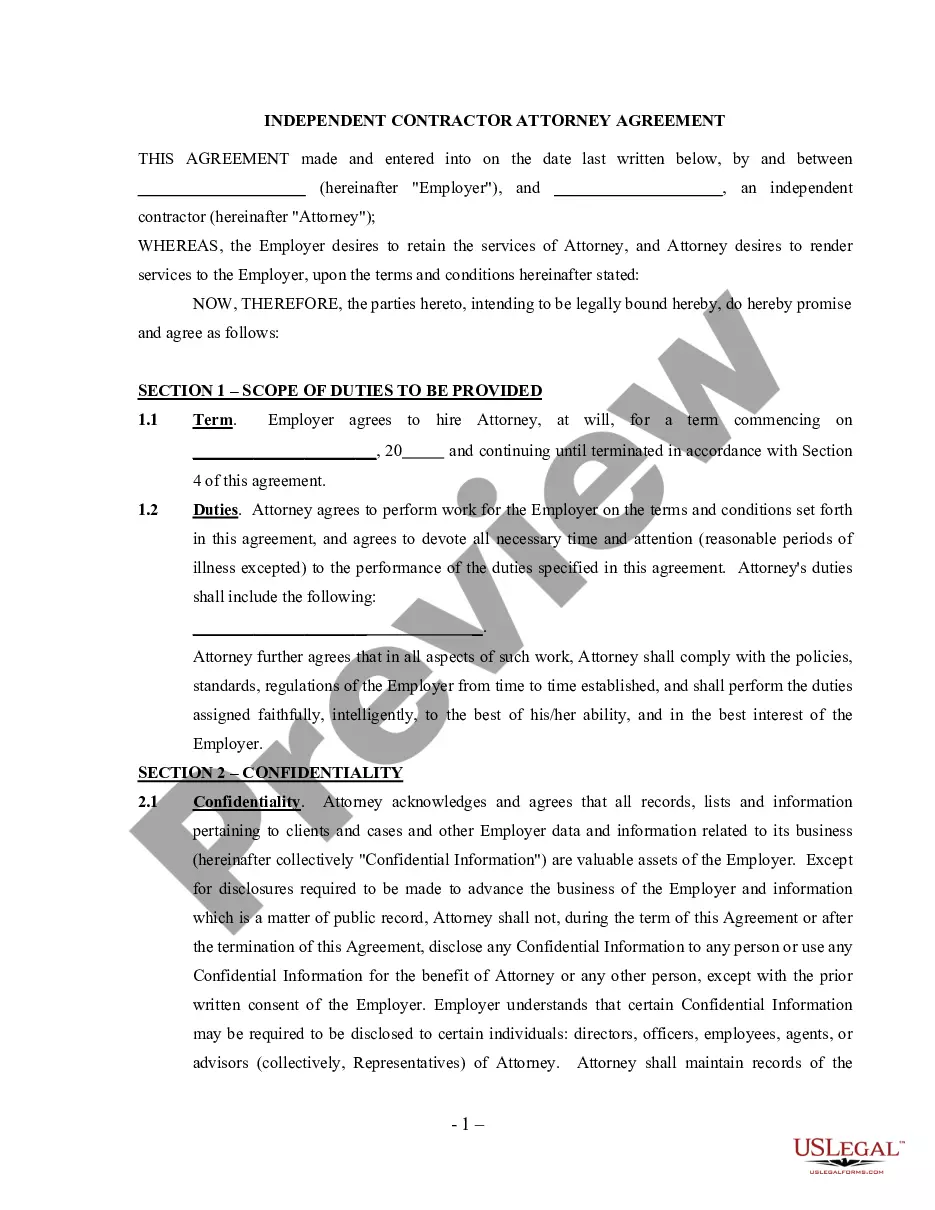
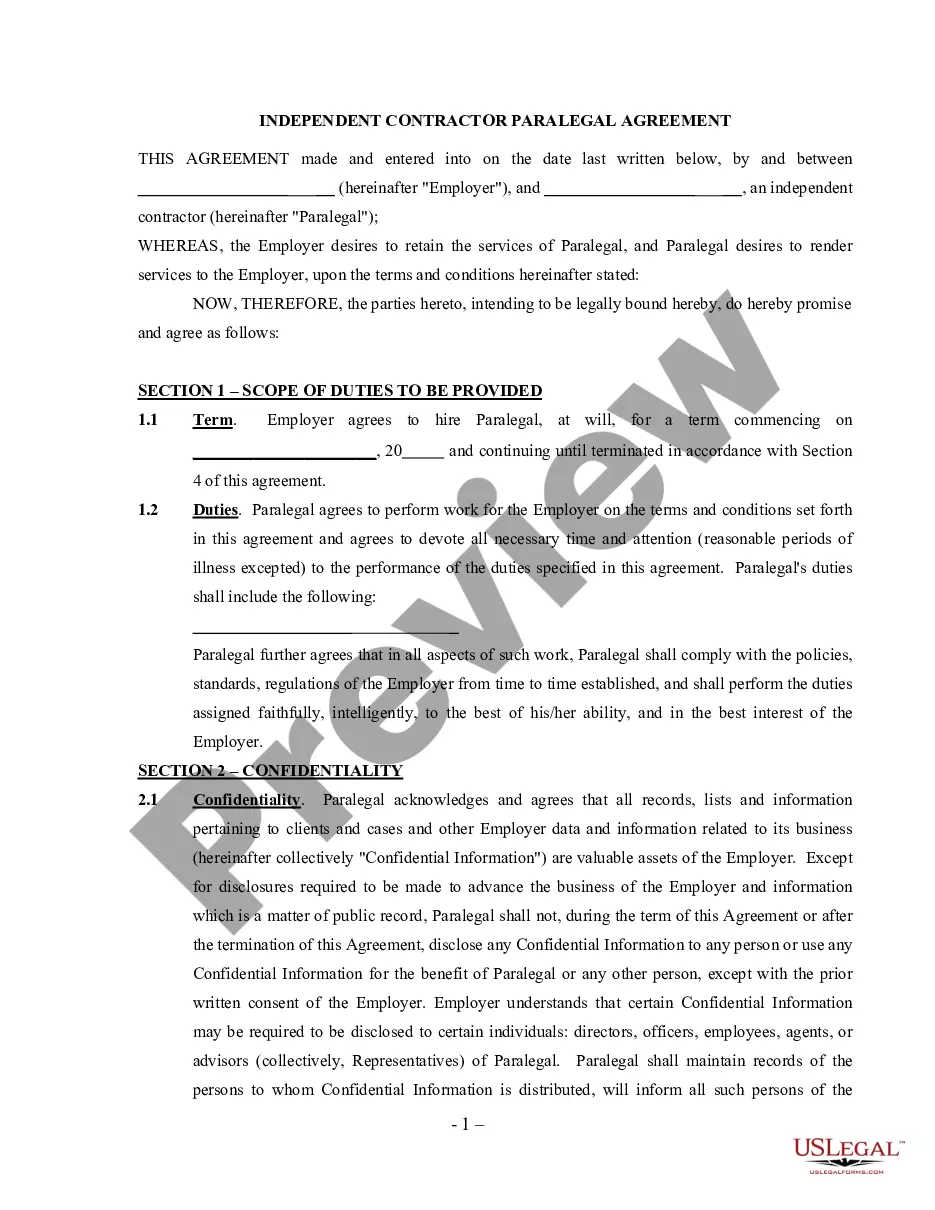
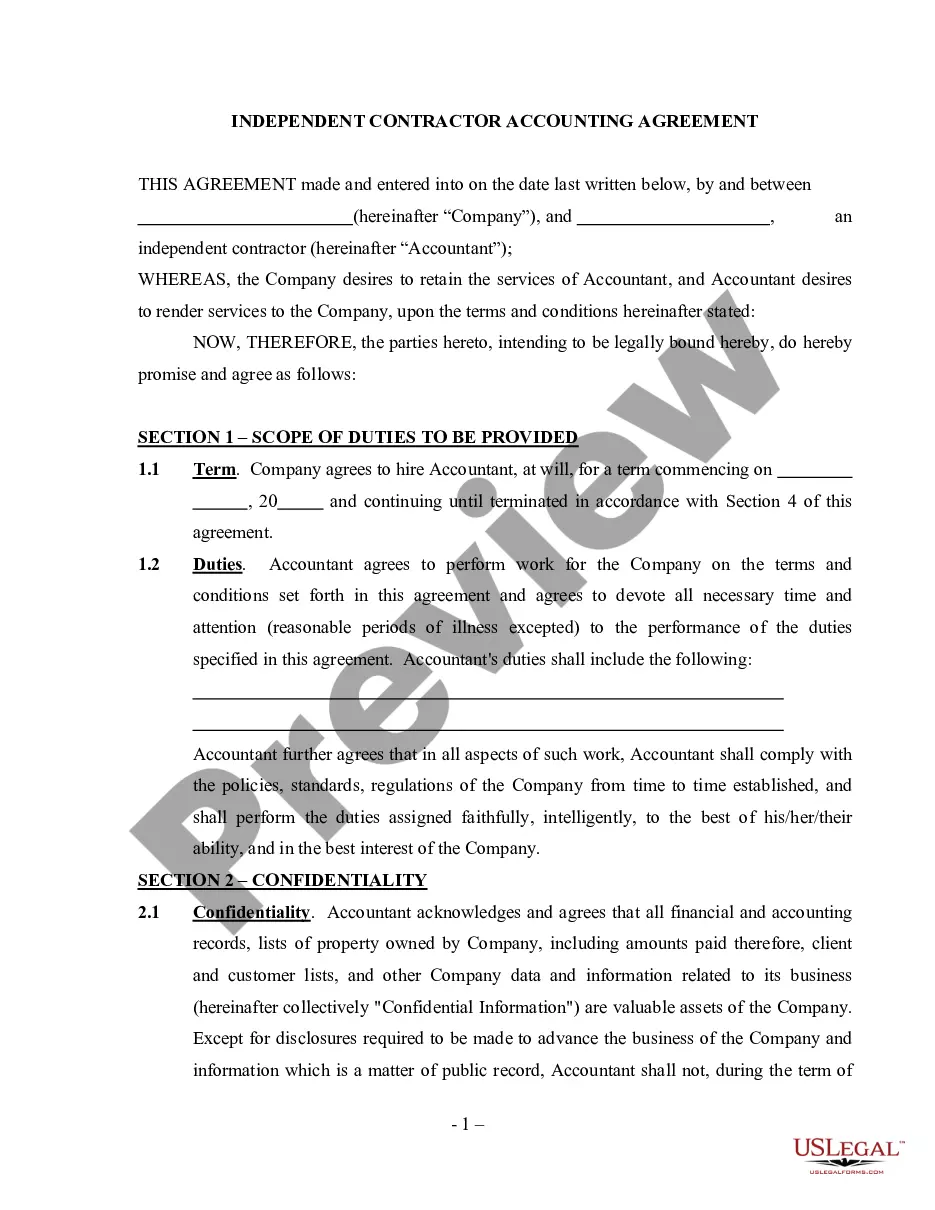
Get your form ready online
Our built-in tools help you complete, sign, share, and store your documents in one place.
Make edits, fill in missing information, and update formatting in US Legal Forms—just like you would in MS Word.
Download a copy, print it, send it by email, or mail it via USPS—whatever works best for your next step.
Sign and collect signatures with our SignNow integration. Send to multiple recipients, set reminders, and more. Go Premium to unlock E-Sign.
If this form requires notarization, complete it online through a secure video call—no need to meet a notary in person or wait for an appointment.
We protect your documents and personal data by following strict security and privacy standards.

Make edits, fill in missing information, and update formatting in US Legal Forms—just like you would in MS Word.

Download a copy, print it, send it by email, or mail it via USPS—whatever works best for your next step.

Sign and collect signatures with our SignNow integration. Send to multiple recipients, set reminders, and more. Go Premium to unlock E-Sign.

If this form requires notarization, complete it online through a secure video call—no need to meet a notary in person or wait for an appointment.

We protect your documents and personal data by following strict security and privacy standards.
Looking for another form?




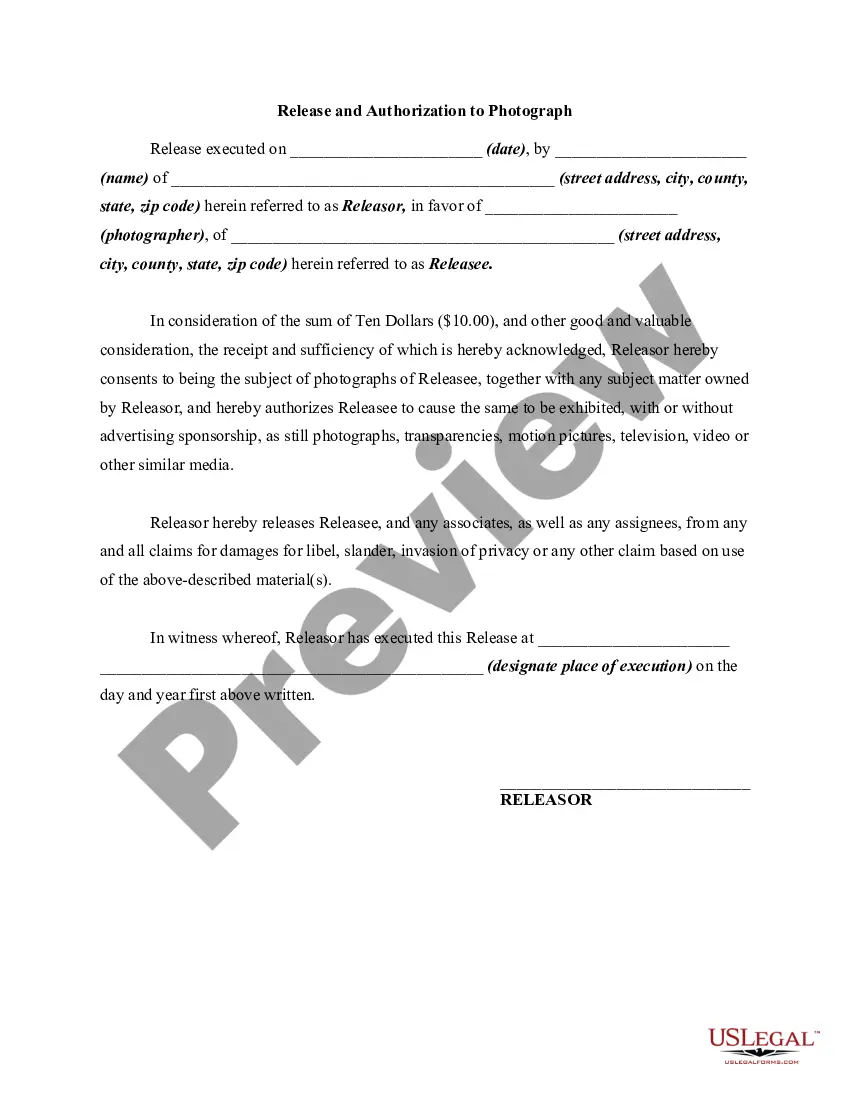




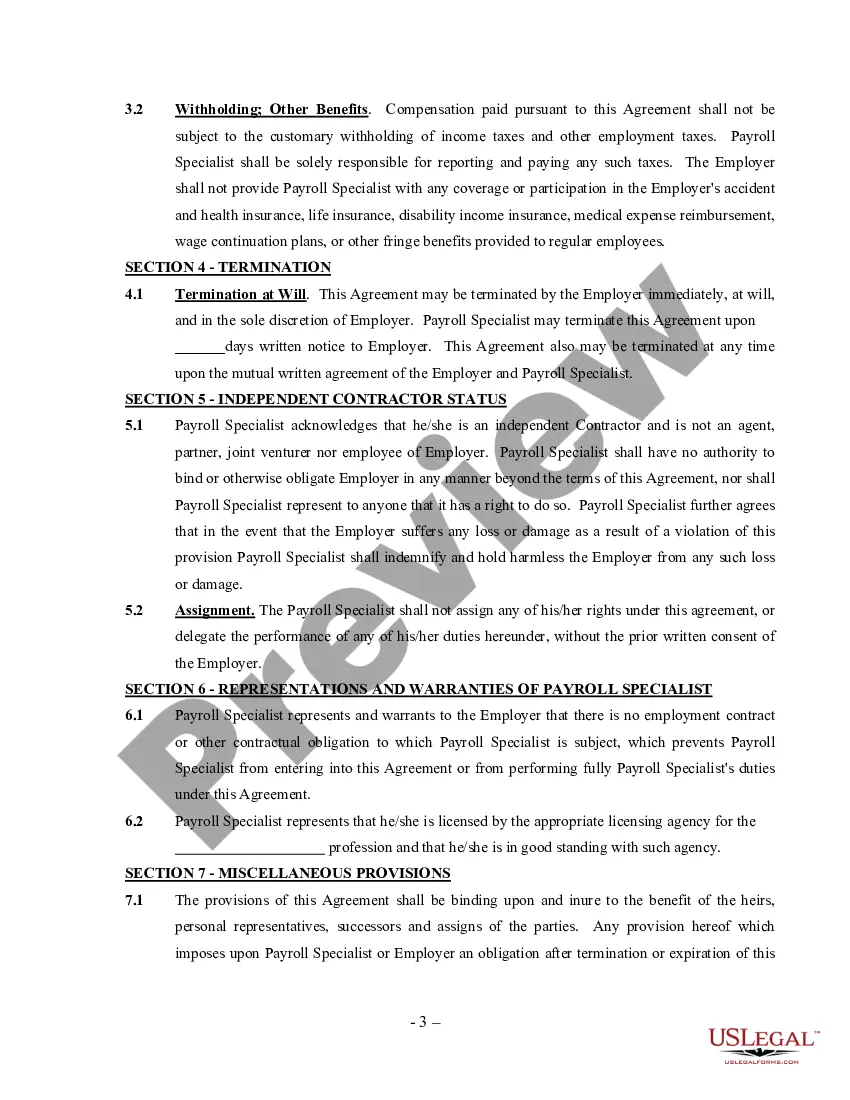
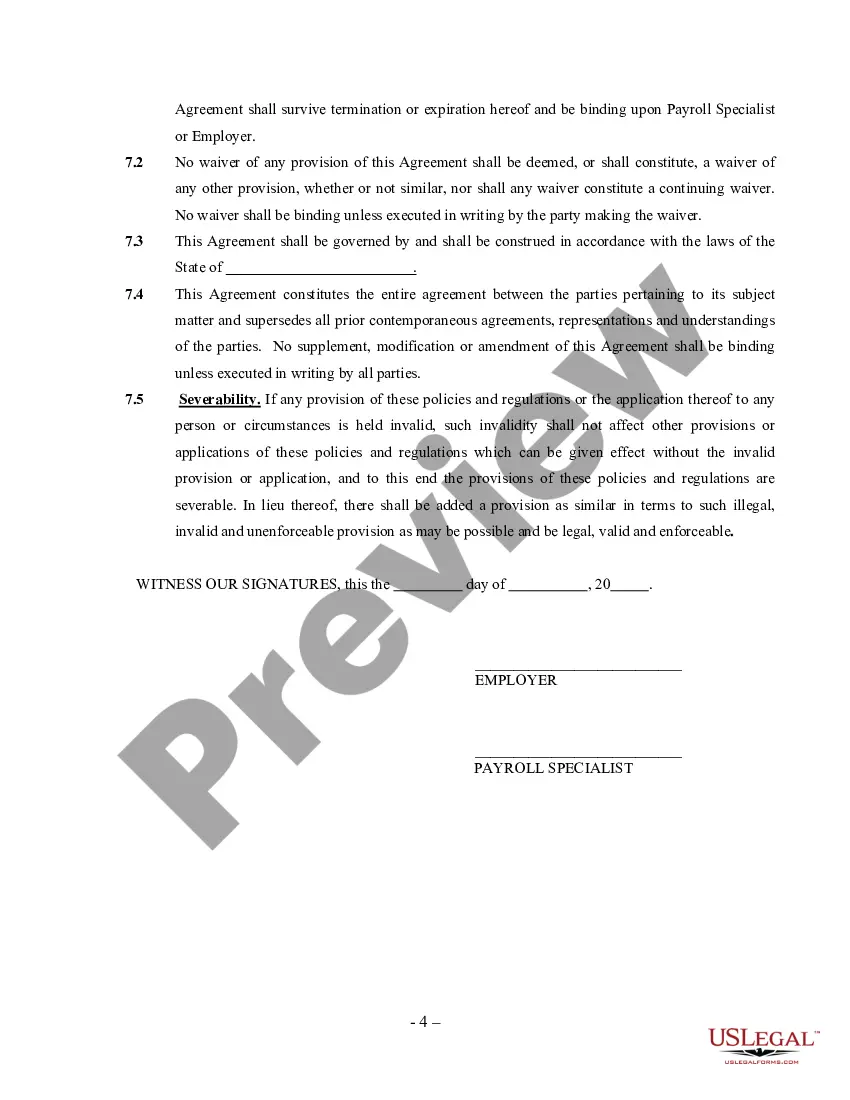
How to fill out Payroll Specialist Agreement - Self-Employed Independent Contractor?
Individuals frequently link legal documentation with complexity that solely a specialist can manage.
In a certain manner, that's accurate, as creating Payroll Service For Contractor demands considerable expertise in subject specifications, including state and municipal regulations.
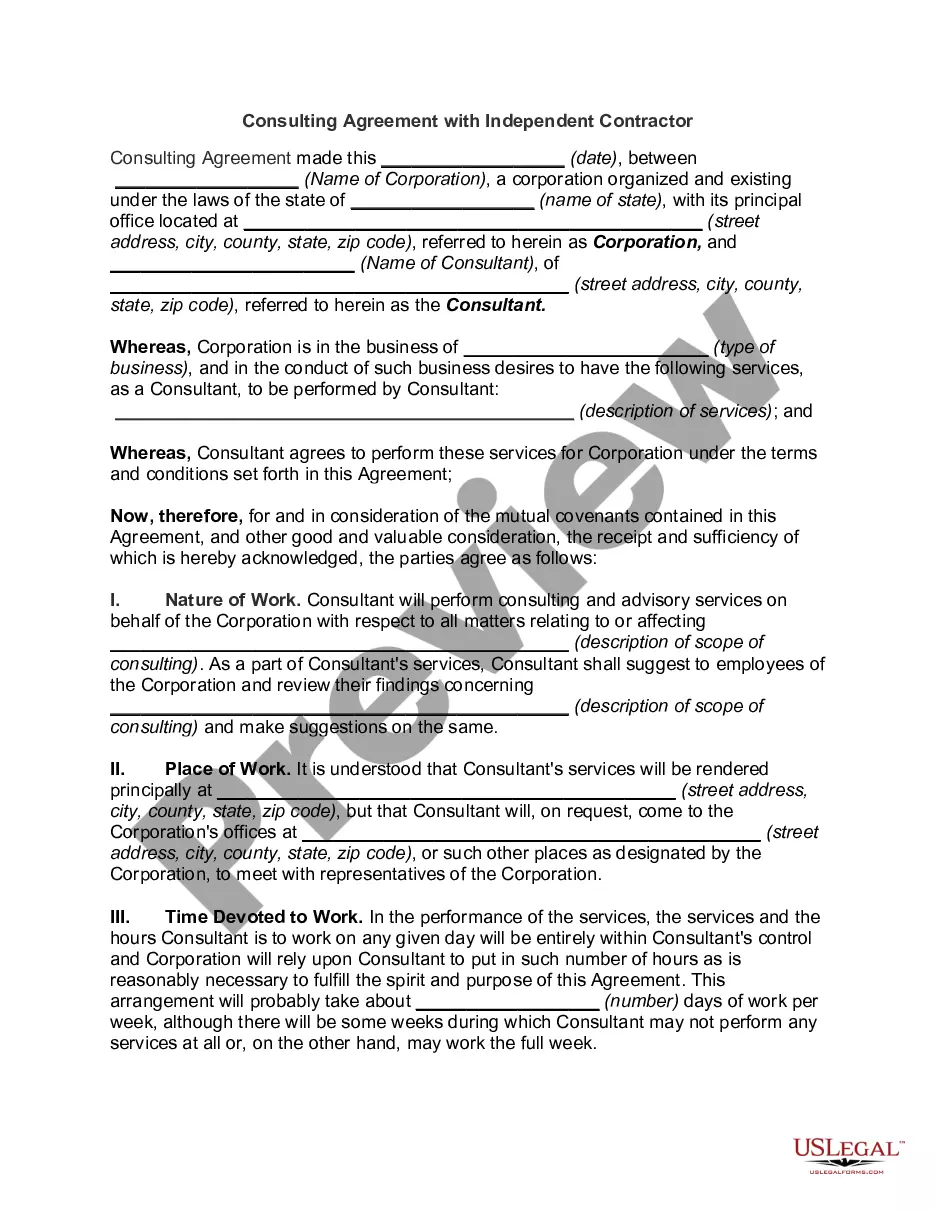
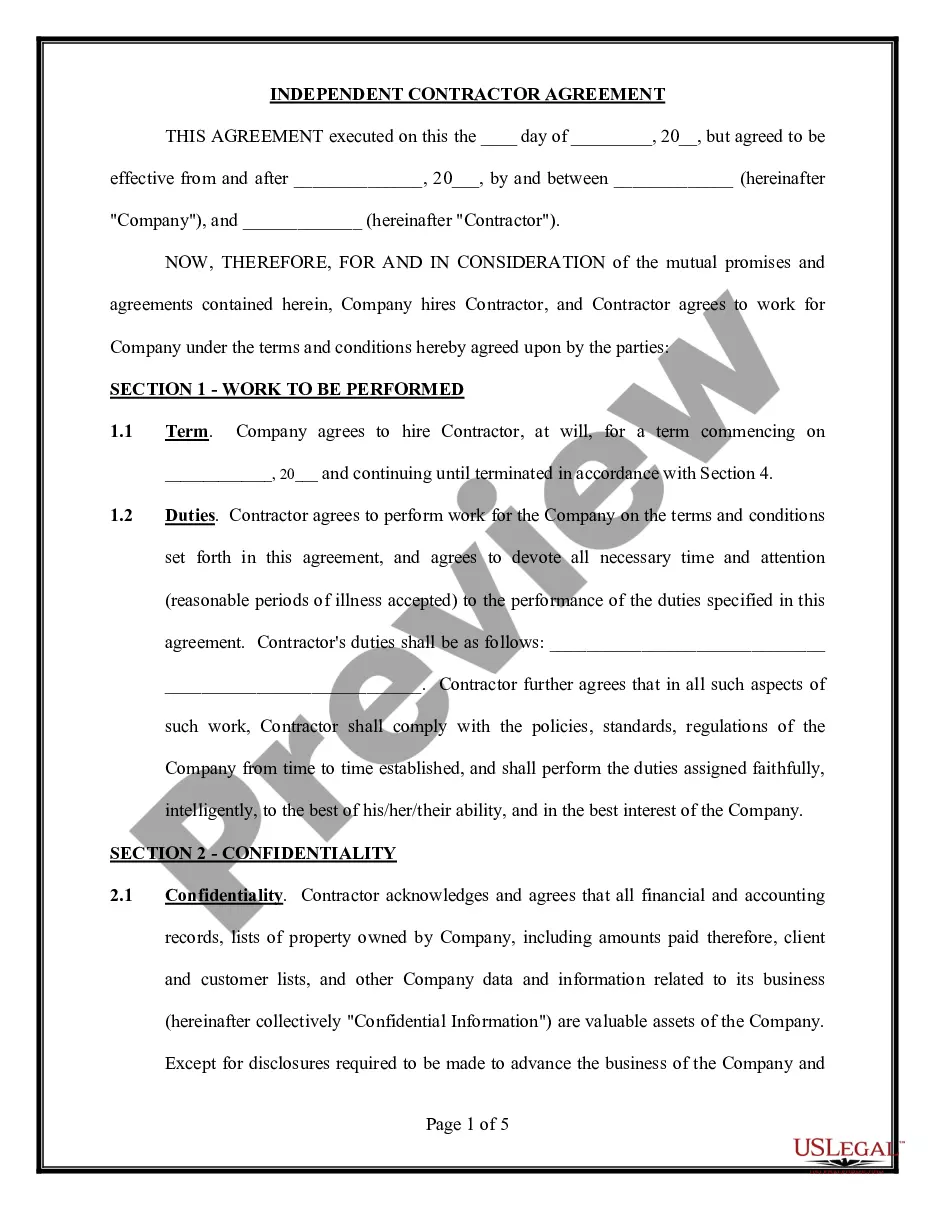
Nonetheless, with US Legal Forms, everything has turned more straightforward: pre-prepared legal templates for any life and business event specific to state statutes are assembled in a single online repository and are now accessible to everyone.
Select the format for your document and click Download. You can print your document or upload it to an online editor for a quicker completion. All templates in our library are reusable: once obtained, they remain stored in your profile. You can access them anytime needed through the My documents tab. Explore all advantages of using the US Legal Forms platform. Subscribe today!
- US Legal Forms provides over 85k current forms categorized by state and usage area, allowing a search for Payroll Service For Contractor or any other unique document to take only minutes.
- Users who have registered with a valid subscription must Log In to their account and click Download to retrieve the form.
- New users to the service will first need to create an account and subscribe before they can store any files.
- Follow this step-by-step guide to obtain the Payroll Service For Contractor.
- Thoroughly review the page content to confirm it suits your requirements.
- Read the form description or examine it through the Preview function.
- If the previous example doesn’t fit you, find another sample using the Search field in the header.
- When you discover the appropriate Payroll Service For Contractor, click Buy Now.
- Choose the subscription plan that aligns with your needs and budget.
- Create an account or Log In to move on to the payment page.
- Complete your subscription payment via PayPal or with your credit card.
Form popularity
FAQ
Here are the 4 best ways to pay independent contractors.With a Check. A personal check is simple, tried and tested and fairly cheap.Wire Transfers. Sending payment through a wire transfer is one of the quickest ways to make a payment.Direct Deposit.PayPal.
Generally, since 1099 workers (freelancers and independent contractors) don't receive wages, they must pay their own payroll taxes. Those who are self-employed or sole proprietorships must pay the entire payroll tax on their own.
Independent contractors are not classified as employees by the Internal Revenue Service (IRS), so instead of being paid through your payroll system, they're paid separately as a business expense.
Payroll refers to the tasks an employer must execute to ensure employees are paid accurately and on time. An independent contractor is not an employee; therefore, he's not paid through the payroll.
How to Run ADP Payroll in 7 StepsSet up an ADP Run Account.Sign in and Click Run Payroll.Resolve Timecard Issues.Enter Overtime or Vacation.Enter Contractor Information.Approve Payroll.Review the Confirmation Screen and You're Done.