Contract For Building A Deck With Stairs
Description
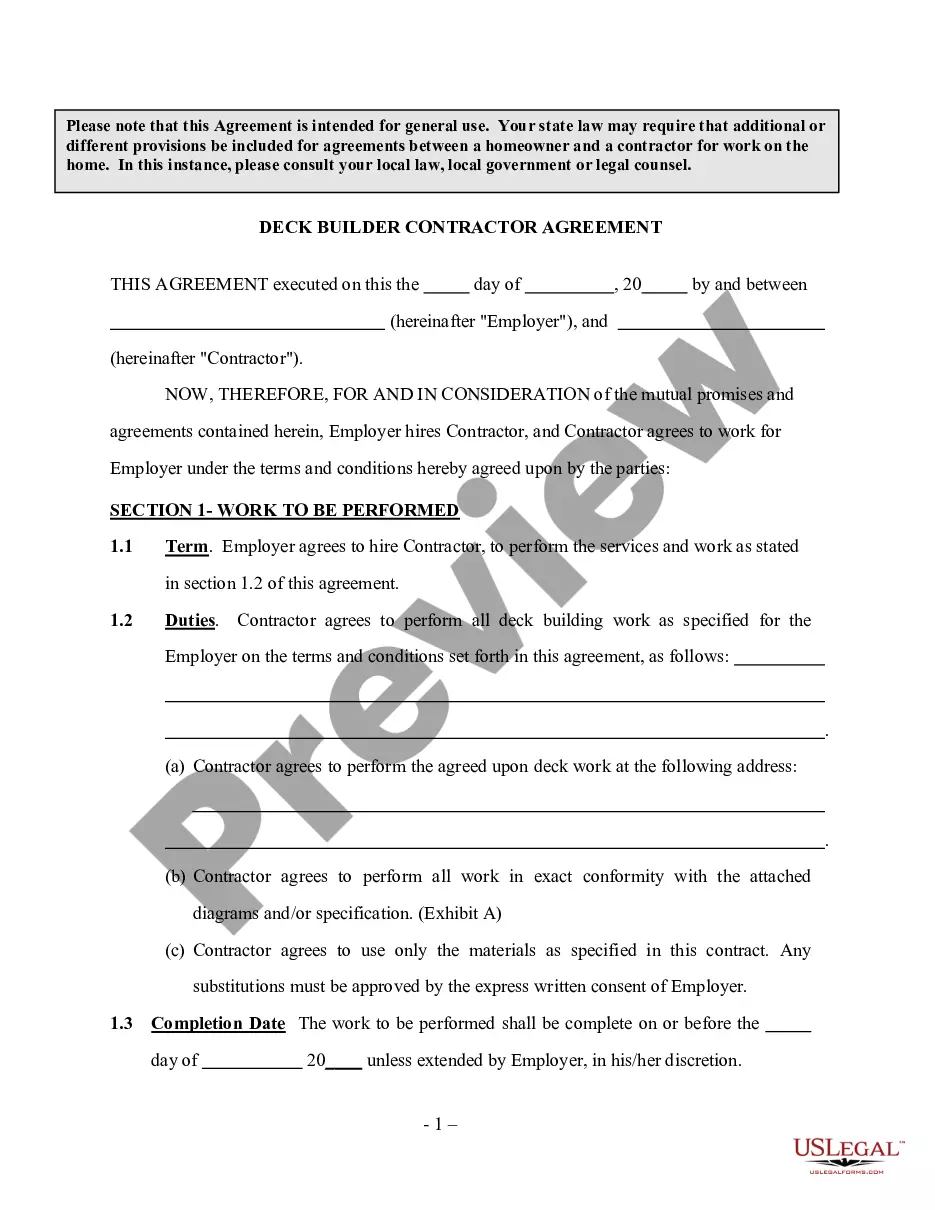


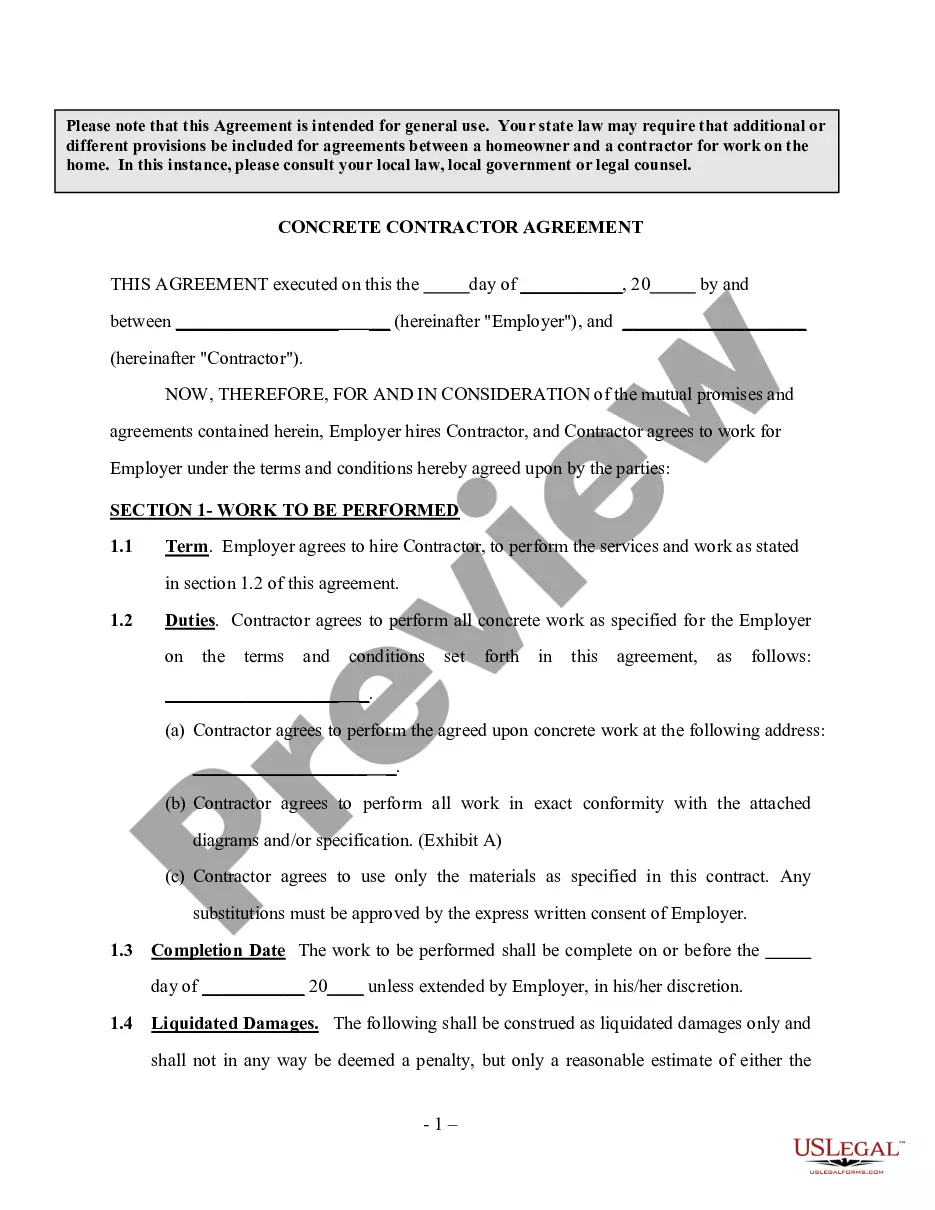
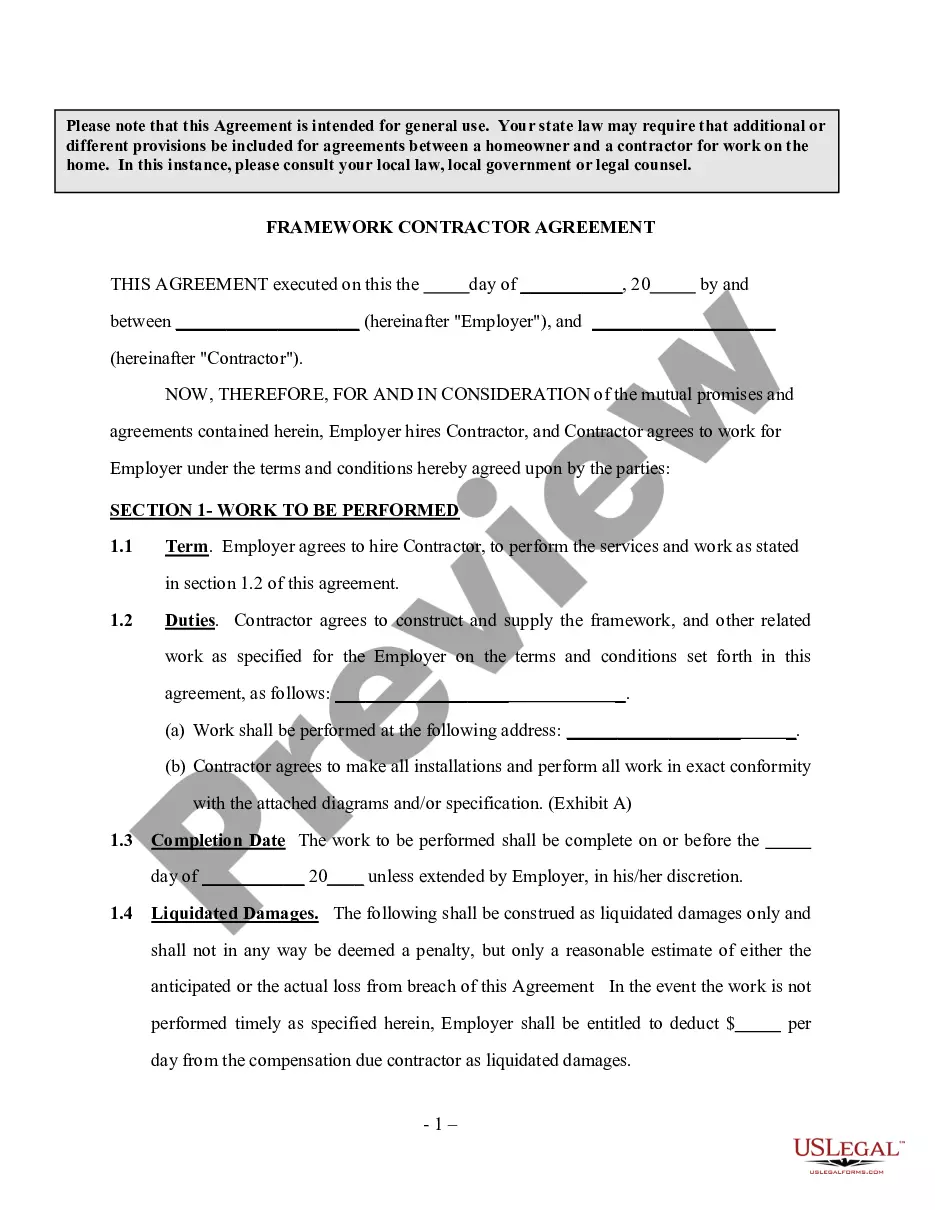

How to fill out Deck Builder Contractor Agreement - Self-Employed?
Creating legal documents from the ground up can occasionally feel somewhat daunting. Certain situations may require extensive research and significant financial investment.
If you’re looking for an easier and more cost-effective method of preparing a Contract For Building A Deck With Stairs or any other documentation without dealing with excessive complications, US Legal Forms is always accessible.
Our online collection of over 85,000 current legal documents covers nearly every facet of your financial, legal, and personal concerns. With just a few clicks, you can promptly retrieve state- and county-specific forms that have been meticulously assembled by our legal professionals.
Utilize our platform whenever you need dependable and trustworthy services that allow you to swiftly locate and acquire the Contract For Building A Deck With Stairs. If you’re already familiar with our services and have previously set up an account, simply Log In, find the form, and download it or re-download it later in the My documents section.
US Legal Forms boasts an impeccable reputation and more than 25 years of expertise. Join us today and transform document preparation into a straightforward and efficient process!
- Review the form preview and descriptions to confirm you are accessing the correct form.
- Verify that the form you select adheres to the requirements of your specific state and county.
- Select the appropriate subscription plan to obtain the Contract For Building A Deck With Stairs.
- Download the document. Afterward, complete, validate, and print it.
Form popularity
FAQ
How to Undo in Google Forms Step 1: Open your Google Form. Step 2: Make any changes to the form. Step 3: Click the ?Undo? button. Step 4: (optional) Click the ?Redo? button to bring it back.
How to Undo in Google Forms Step 1: Open your Google Form. Step 2: Make any changes to the form. Step 3: Click the ?Undo? button. Step 4: (optional) Click the ?Redo? button to bring it back.
How to Edit Google Form Responses After Submitting Them - YouTube YouTube Start of suggested clip End of suggested clip So as you can see we click settings over here. And under settings you're going to see a option thatMoreSo as you can see we click settings over here. And under settings you're going to see a option that says responses. Now under the responses.
Google Forms does not have version history like Google Docs or Sheets. When you delete responses in Google Forms, it will be deleted permanently. The deleted form responses cannot be restored later.
When you submit a Google Form, the confirmation window saying ?Your response has been recorded? may contain a link to edit your form. If you click this link, it will take you back to the form where you can view your responses.
(2) At the top of your Google Form, click Add-ons (puzzle icon) > Forms History > Open. (3) If this is the first time you are using Forms History, you will be prompted to provide the necessary permissions.
I'm afraid to inform you that version history feature for Microsoft Forms is not yet available but this feature is currently up for a vote for a possible future implementation. You may check on this link for more information: ...