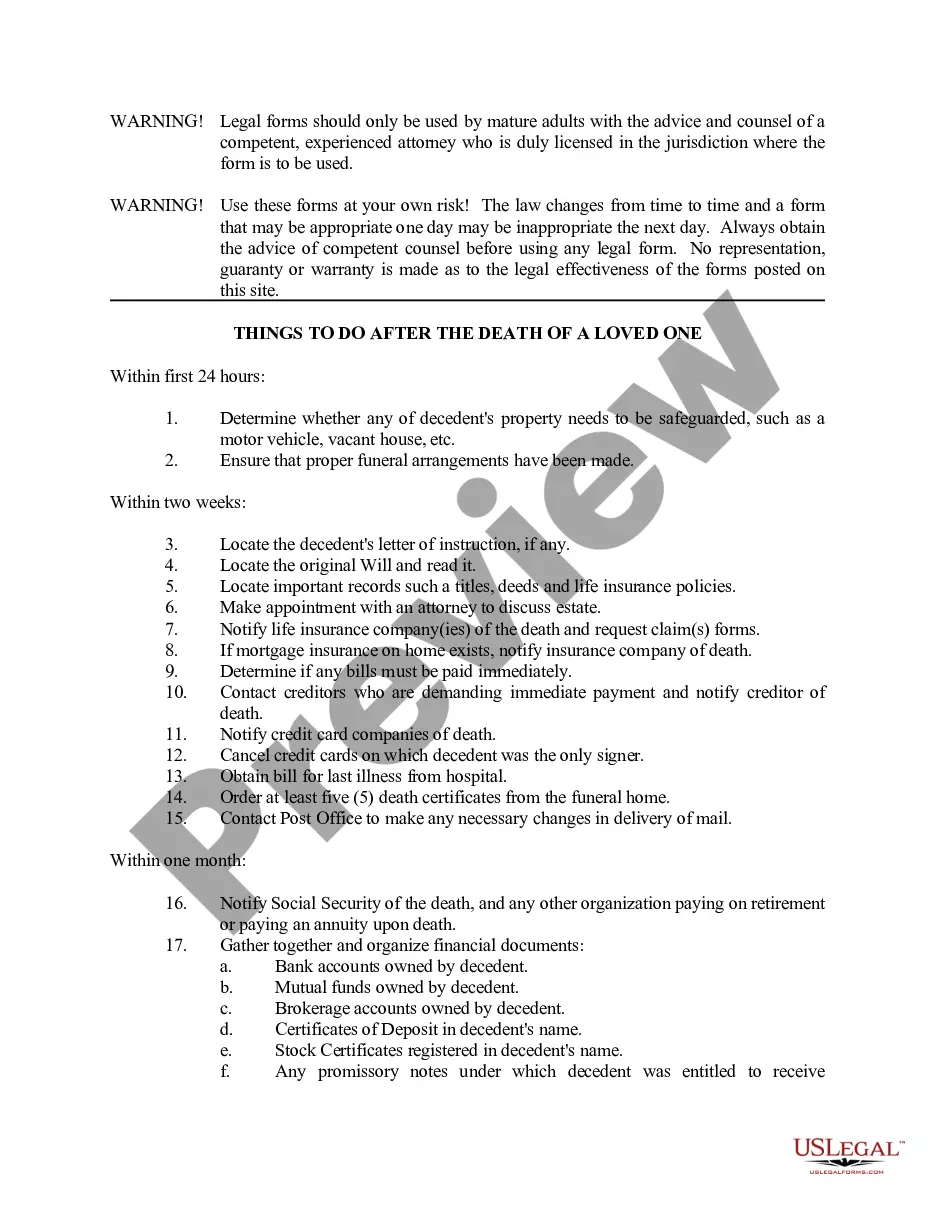
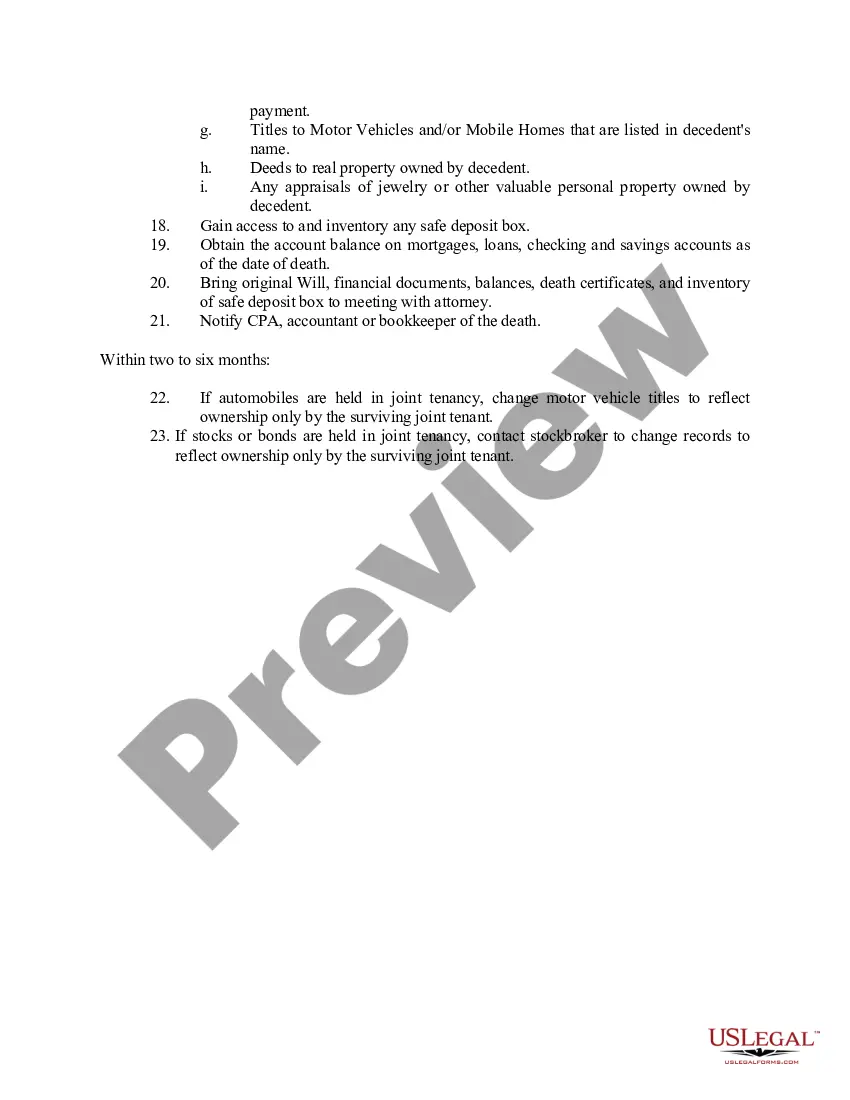
Checklist Template With Initials
Description
Get your form ready online
Our built-in tools help you complete, sign, share, and store your documents in one place.
Make edits, fill in missing information, and update formatting in US Legal Forms—just like you would in MS Word.
Download a copy, print it, send it by email, or mail it via USPS—whatever works best for your next step.
Sign and collect signatures with our SignNow integration. Send to multiple recipients, set reminders, and more. Go Premium to unlock E-Sign.
If this form requires notarization, complete it online through a secure video call—no need to meet a notary in person or wait for an appointment.
We protect your documents and personal data by following strict security and privacy standards.

Make edits, fill in missing information, and update formatting in US Legal Forms—just like you would in MS Word.

Download a copy, print it, send it by email, or mail it via USPS—whatever works best for your next step.

Sign and collect signatures with our SignNow integration. Send to multiple recipients, set reminders, and more. Go Premium to unlock E-Sign.

If this form requires notarization, complete it online through a secure video call—no need to meet a notary in person or wait for an appointment.

We protect your documents and personal data by following strict security and privacy standards.
Looking for another form?

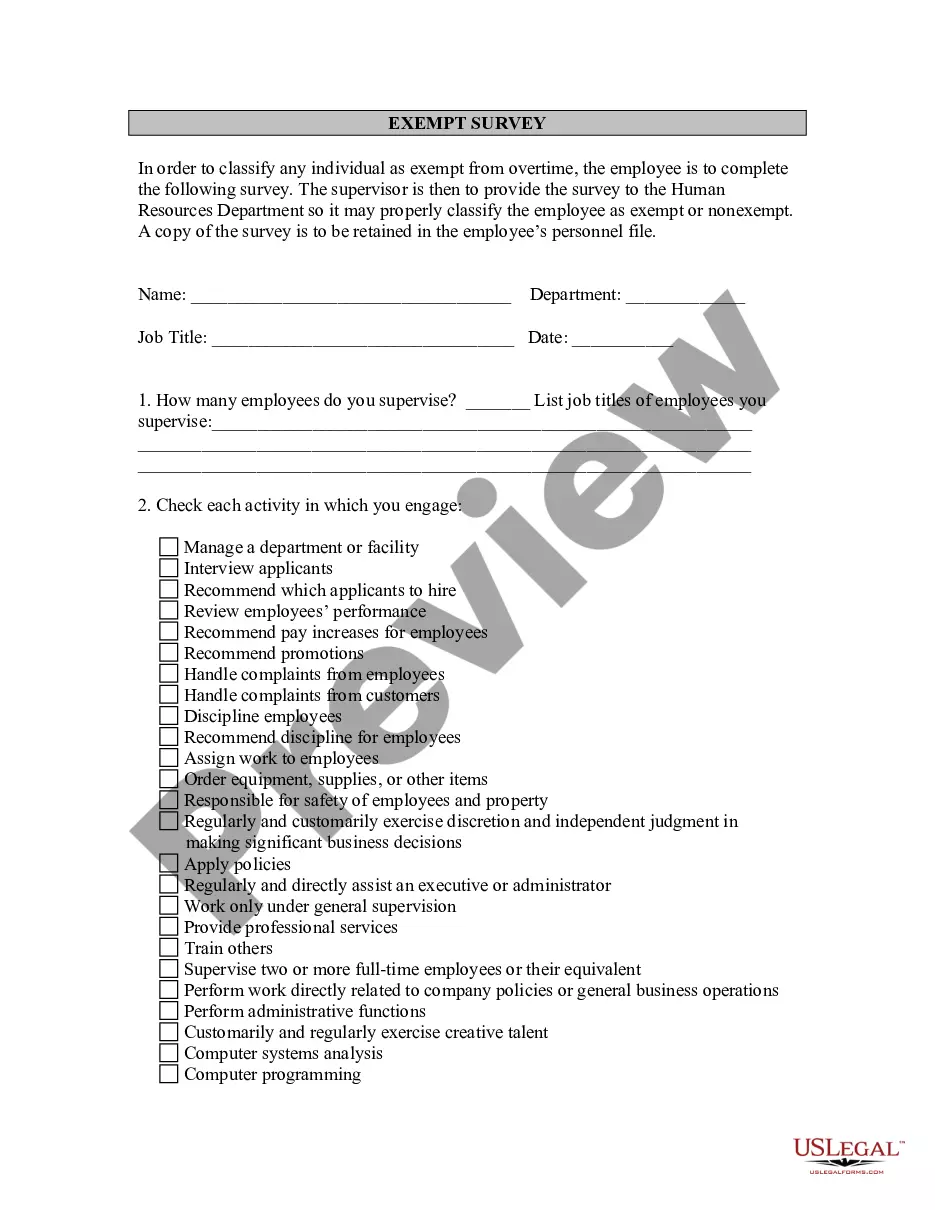

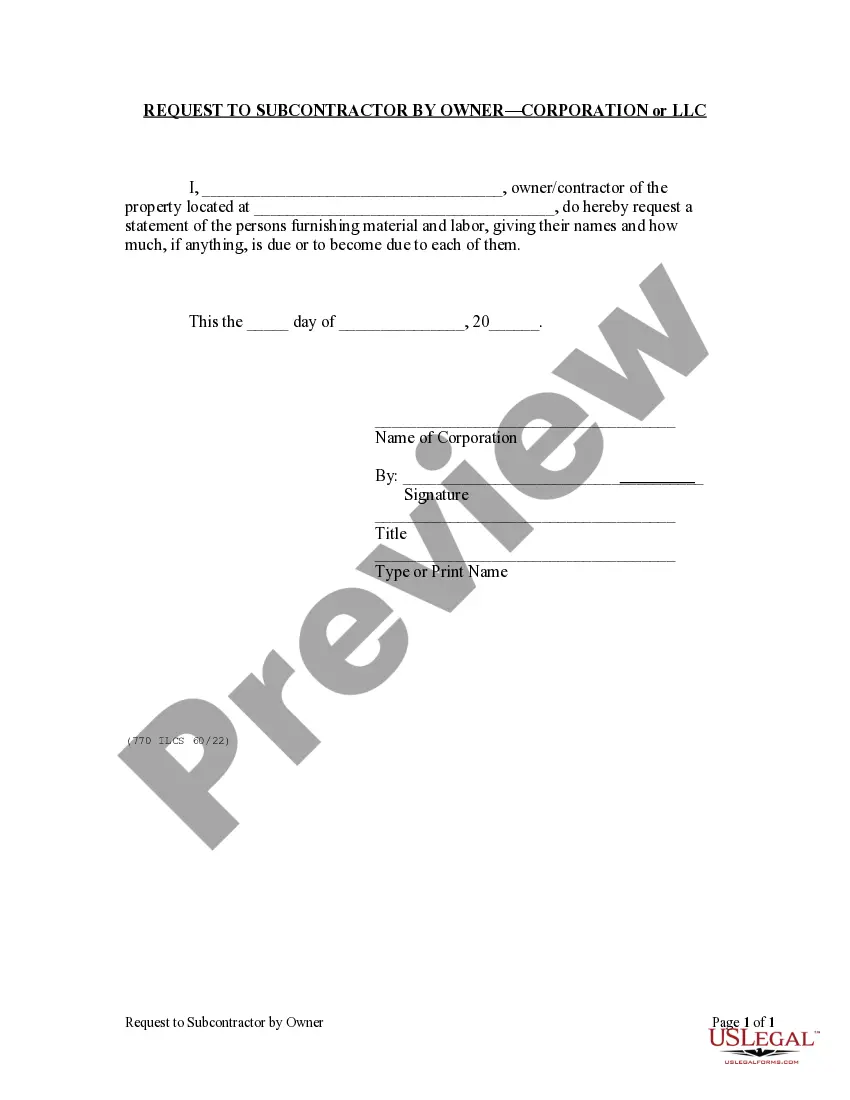



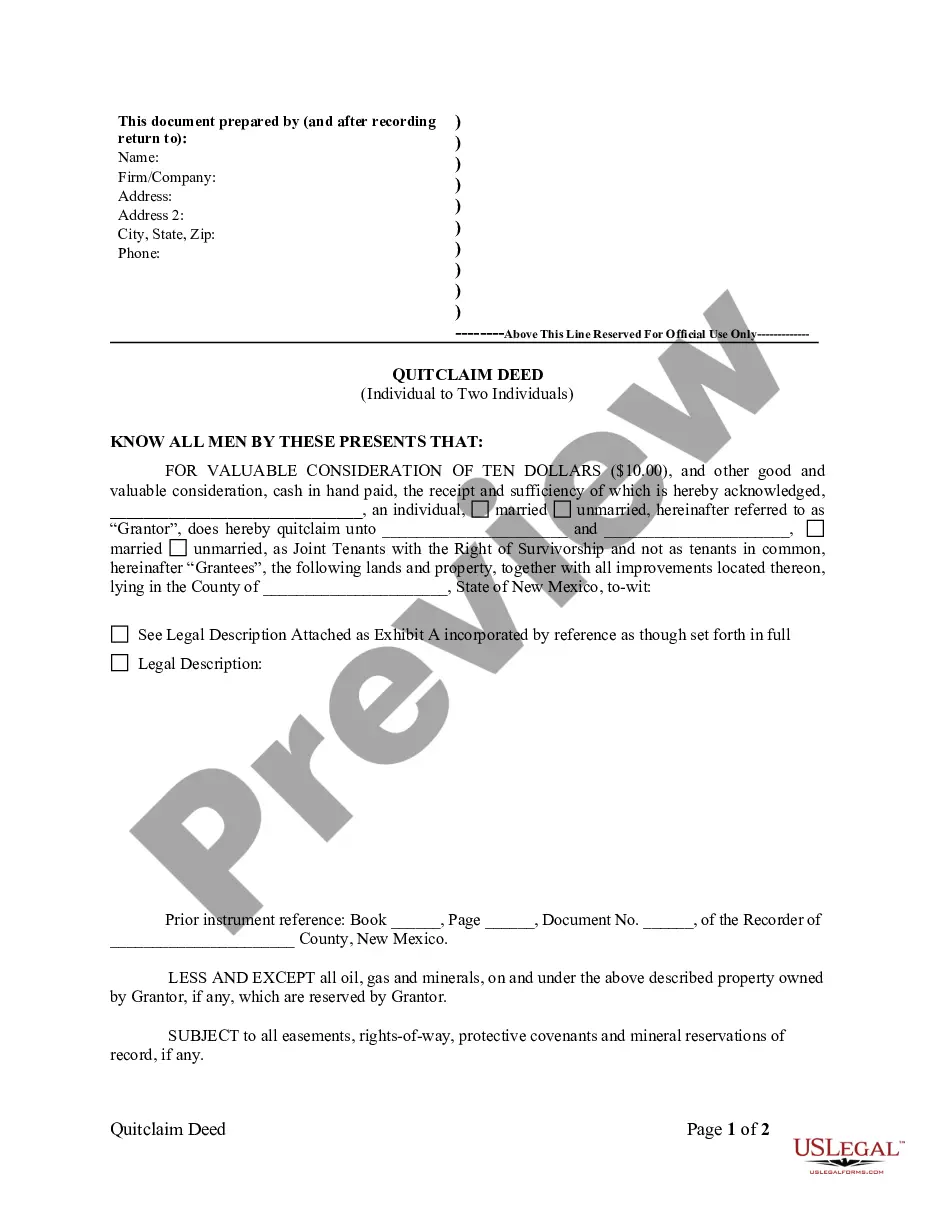

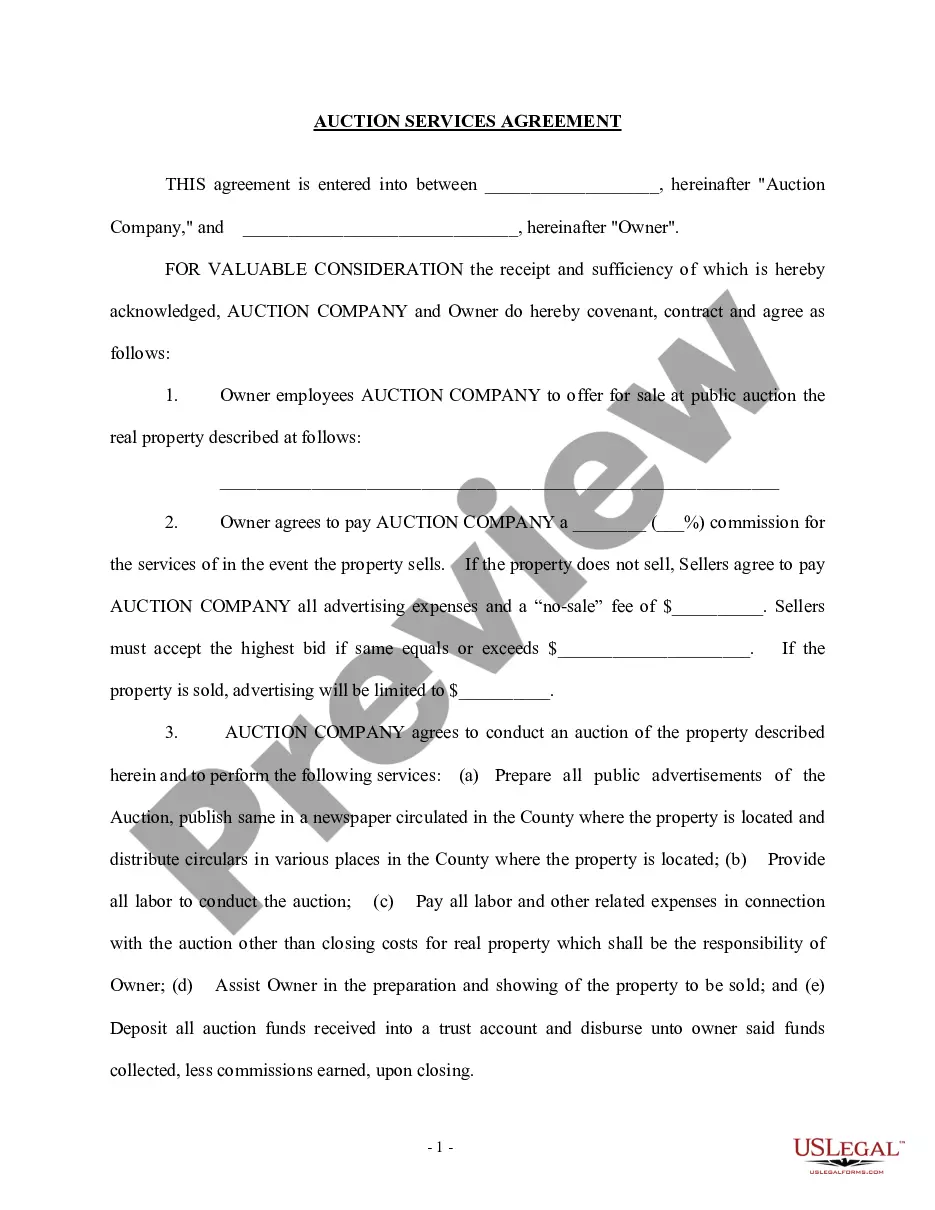
How to fill out Death To Do List - Checklist?
Creating legal documents from scratch can occasionally be somewhat daunting.
Certain situations may require extensive research and significant financial investment.
If you’re seeking a simpler and more economical means of generating the Checklist Template With Initials or any other documentation without unnecessary complications, US Legal Forms is always accessible.
Our online library of more than 85,000 current legal forms encompasses nearly every aspect of your financial, legal, and personal matters.
Examine the document preview and descriptions to confirm you are accessing the correct form.
- With just a few clicks, you can swiftly obtain state- and county-specific forms meticulously prepared for you by our legal experts.
- Utilize our platform whenever you require a reliable service through which you can conveniently find and download the Checklist Template With Initials.
- If you’re already familiar with our website and have previously established an account, simply Log In to your account, find the template, and download it or re-download it later in the My documents section.
- Not registered yet? No worries. Setting it up is quick and easy, allowing you to browse the catalog.
- But before rushing to download the Checklist Template With Initials, consider these suggestions.
Form popularity
FAQ
Creating a checklist template is straightforward. Begin by determining the tasks you want to include, then format these tasks in any word processor or spreadsheet tool. Incorporate checkboxes and spaces for initials to enhance accountability. If you're looking for a pre-made option, check out USLegalForms for templates specifically designed to include initials, making your document more organized.
How to create your checklist Step 1:Do a ?brain dump? ... Step 2:Organize and prioritize tasks. ... Step 3:Put them on your to-do list. ... Step 4:Check off each item as you complete it. ... Step 5:Continue adding items as they come up.
Here are a few points to remember in order to avoid those mistakes: Make sure items are clear and concise. The content of the list is the most important element of a checklist. ... Categorize items. ... Items must be applicable. ... Never skip an item.
A checklist organizes items in a systematic manner and provides you an overview of what tasks you need to accomplish instead of relying on your memory. It's a way to ensure everyone is on the same page with what needs to be completed and by when.
How to make a checklist in Excel Display the "Developer" tab. Here's how you can display the "Developer" tab: ... Create your list of items. In one column, create your checklist. ... Select the "Developer" tab. ... Click "Insert" ... Select the "Check Box" button. ... Select the location for your check box.
Make a checklist in Word Type the list. Go to Developer and select the Check Box Content Control at the beginning of the first line. To change the default X to something else, see Change checked boxes from an X to a checkmark. Copy and paste the check box control at the beginning of each line.