Letter Template
Description
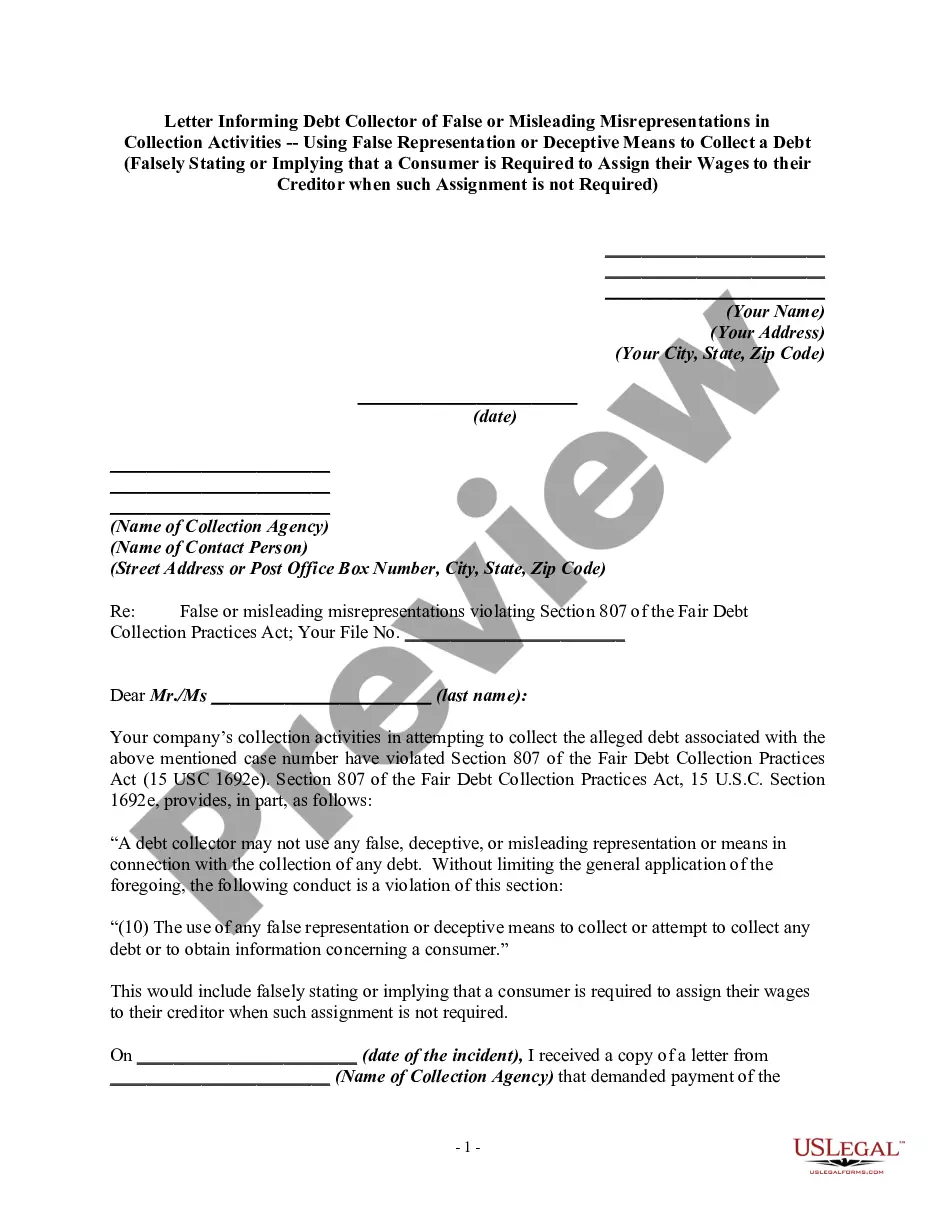
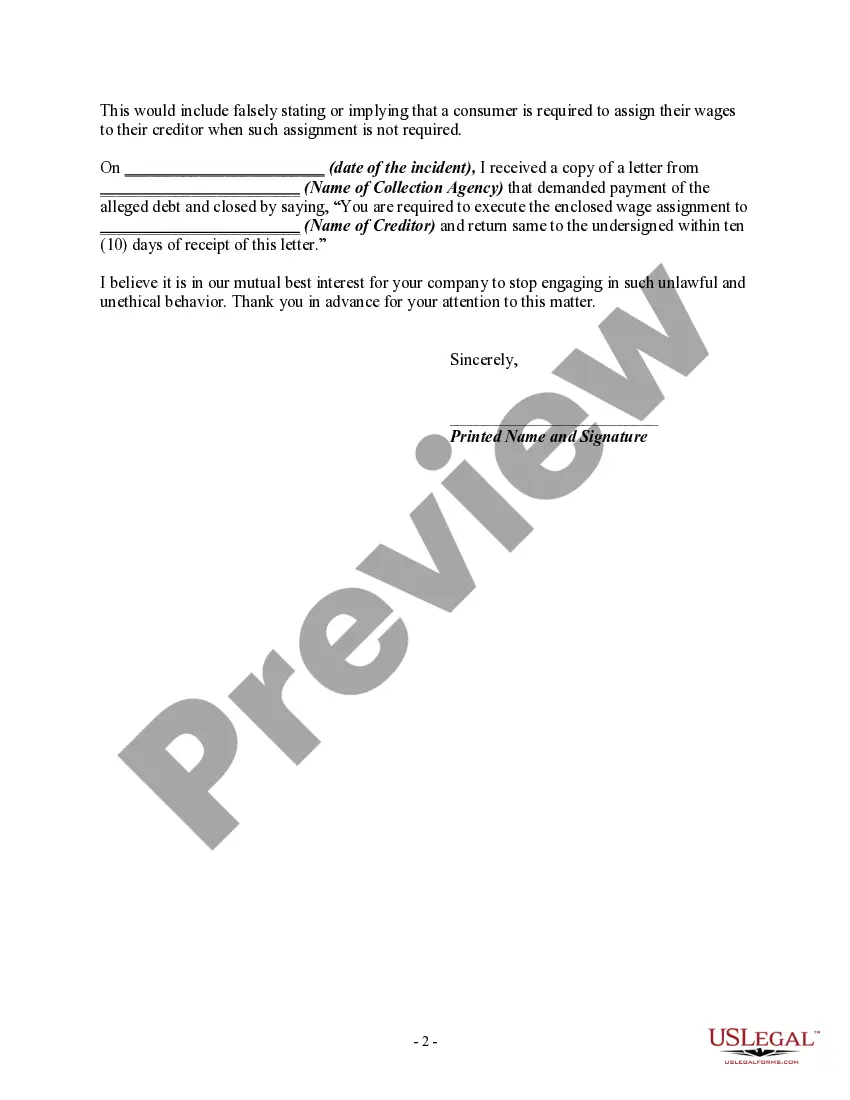
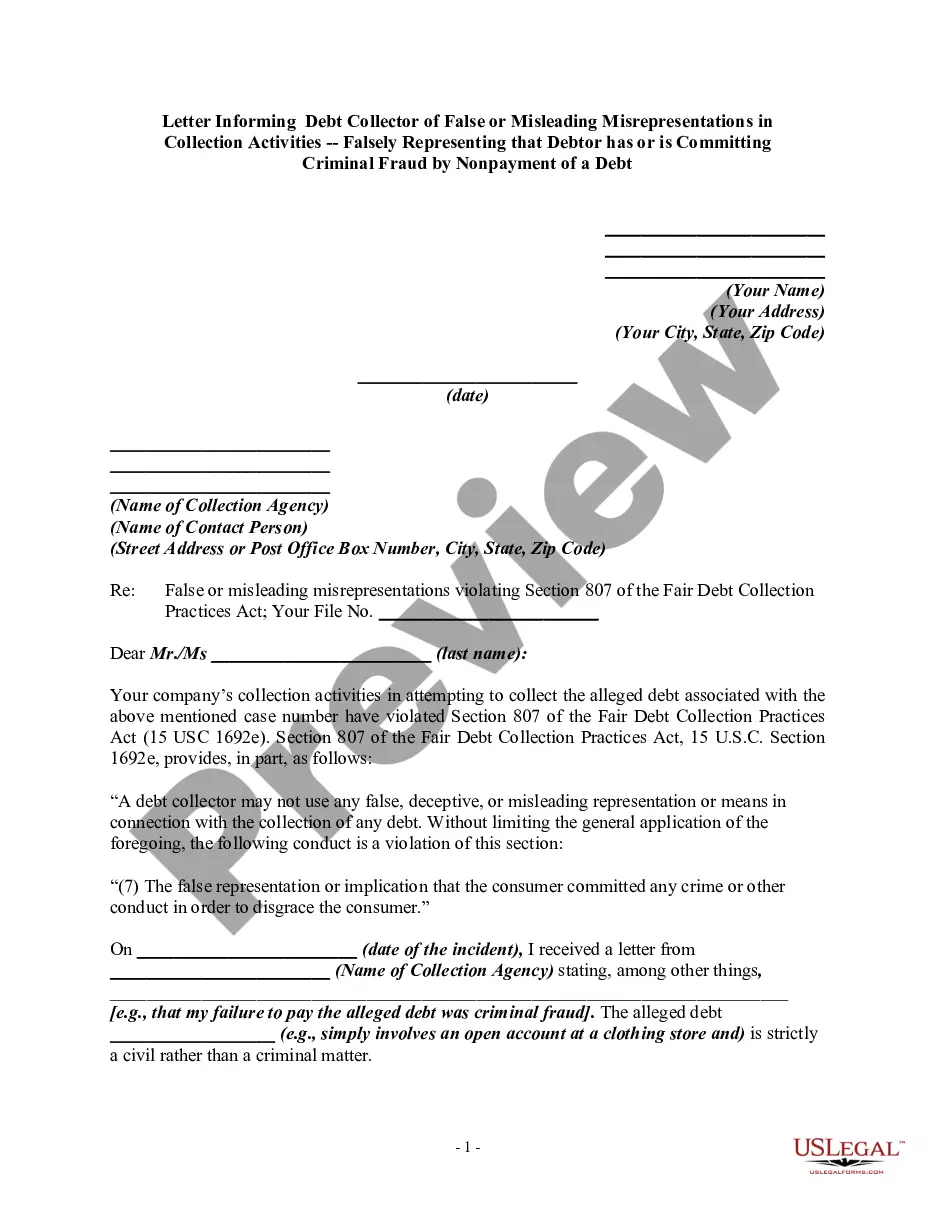
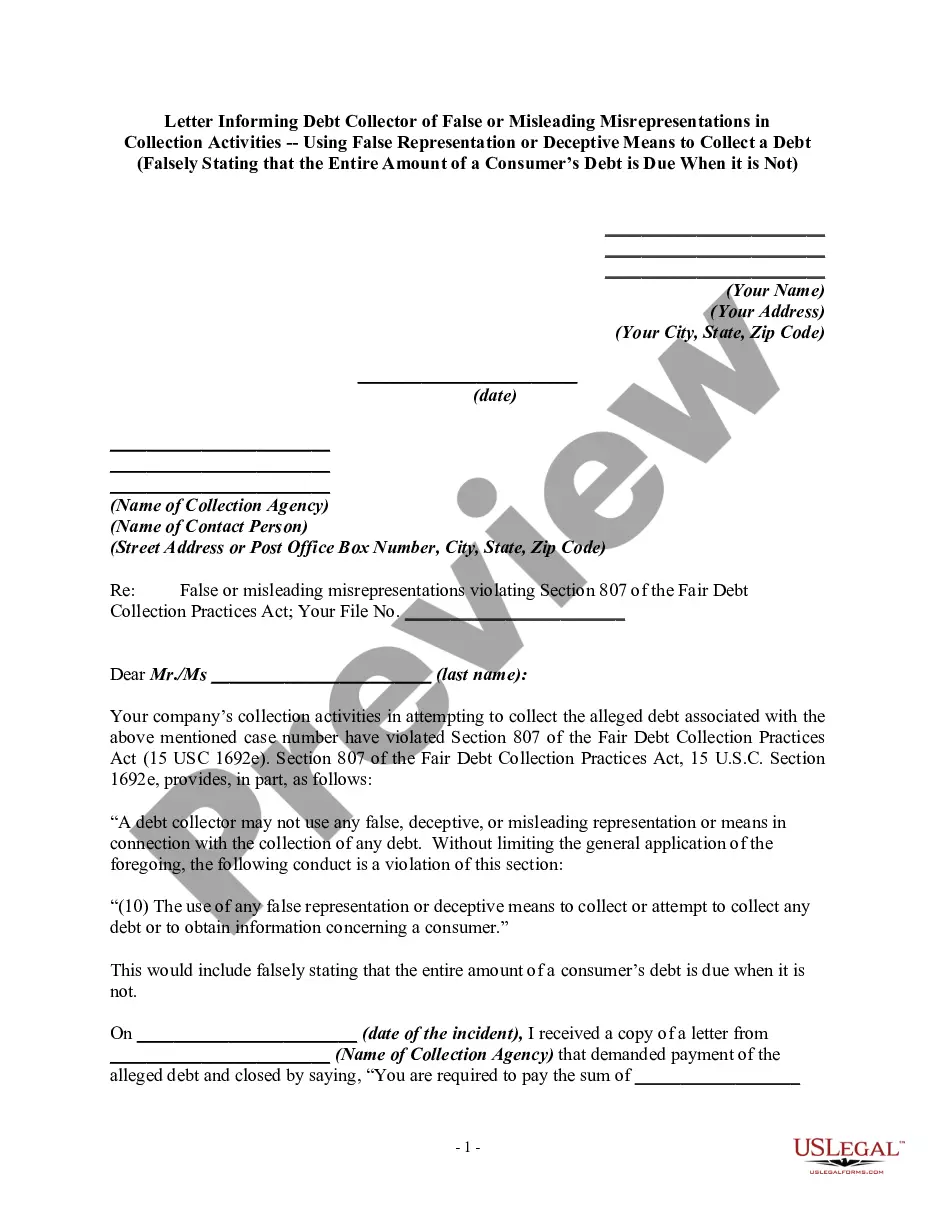
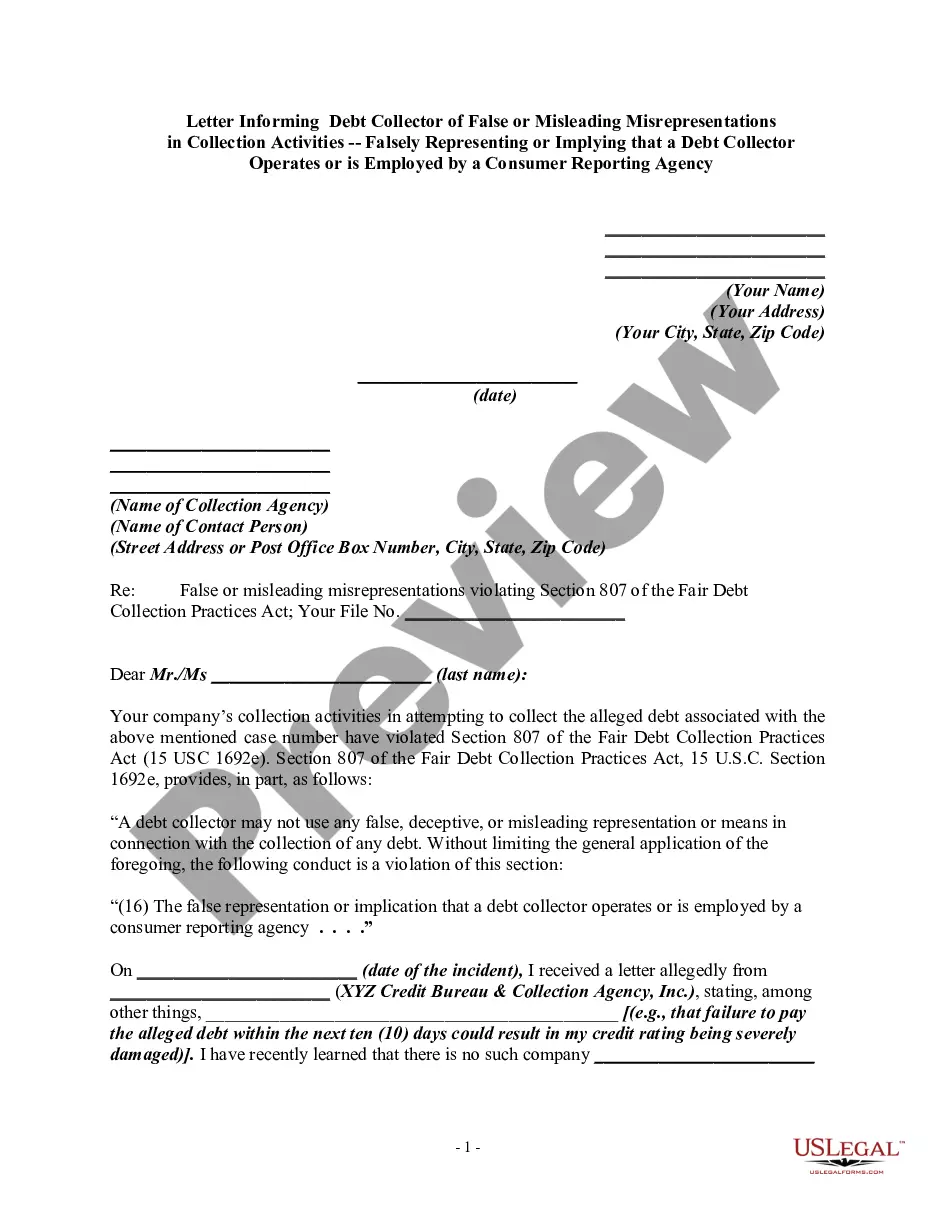
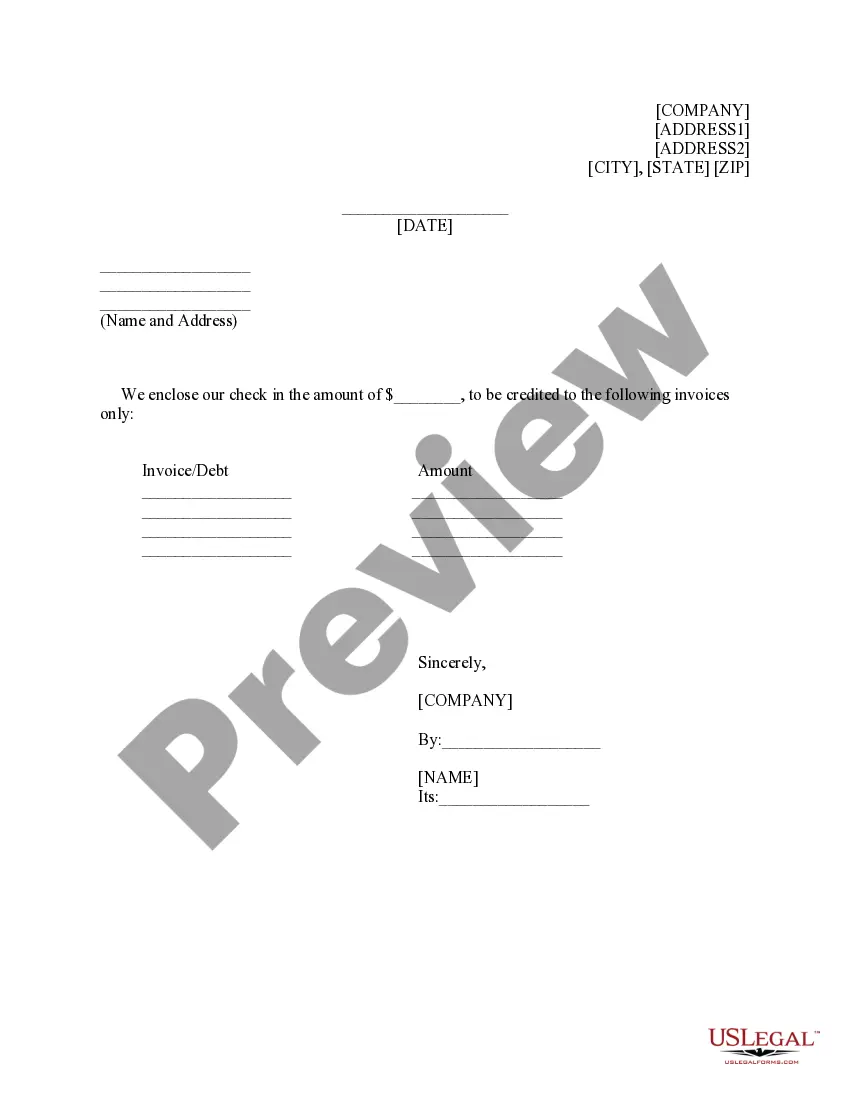
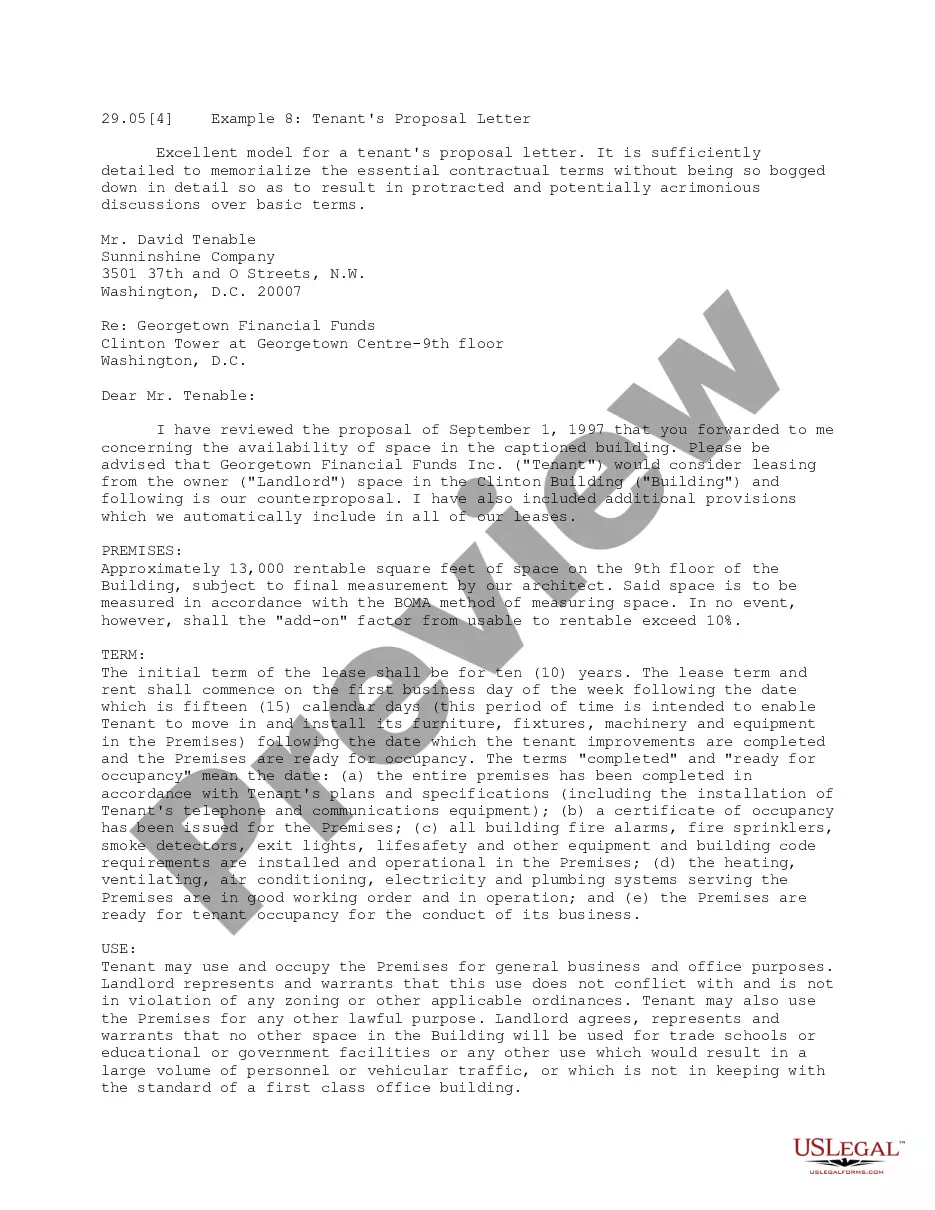
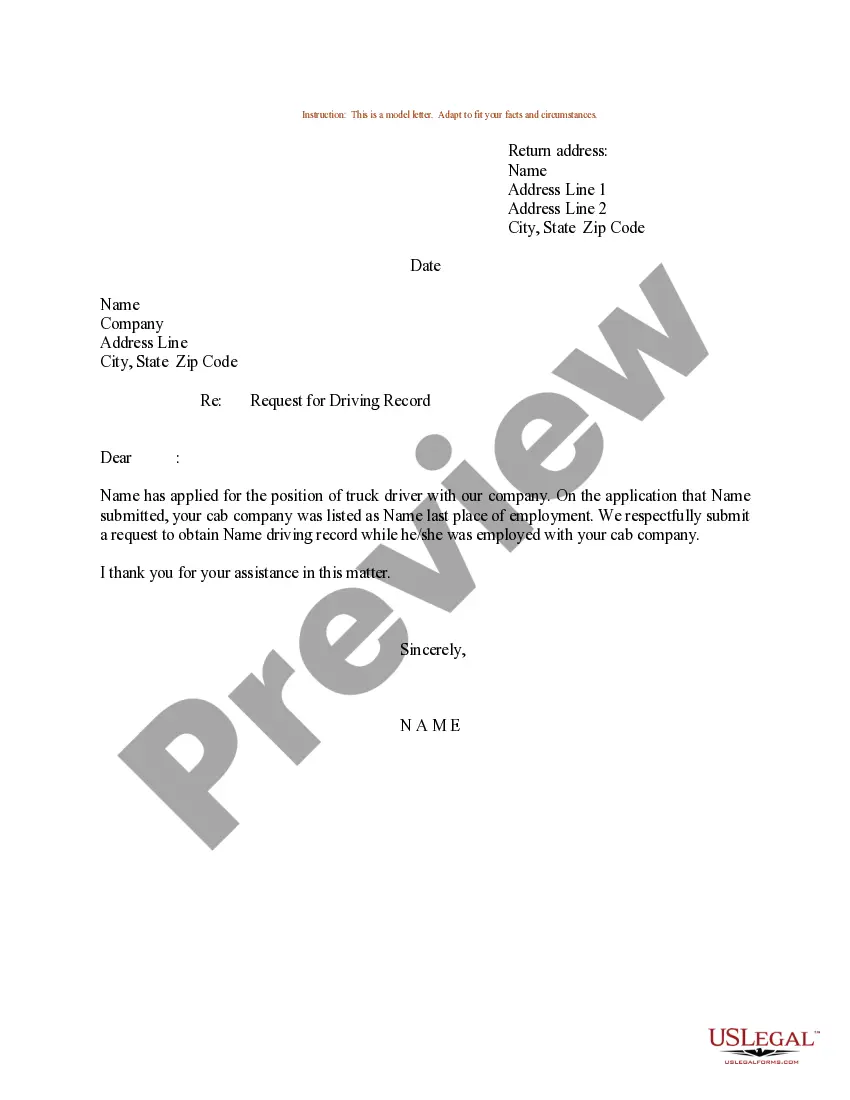
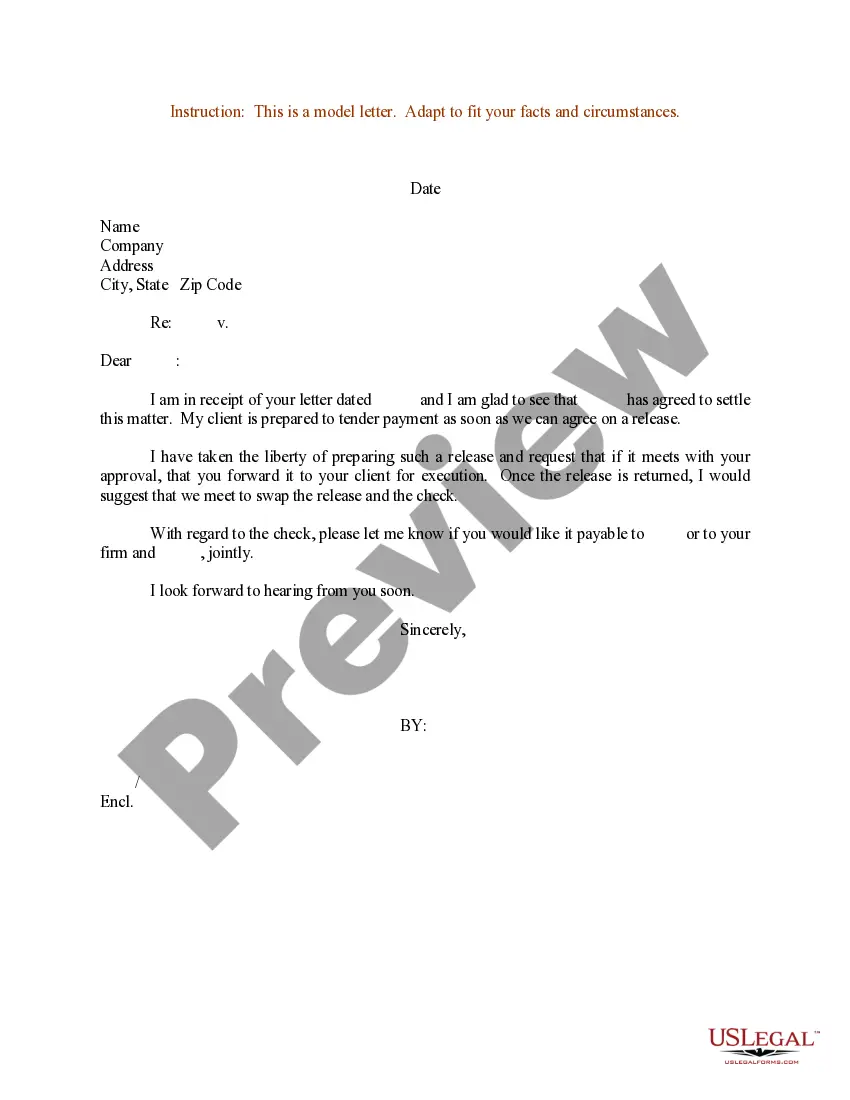
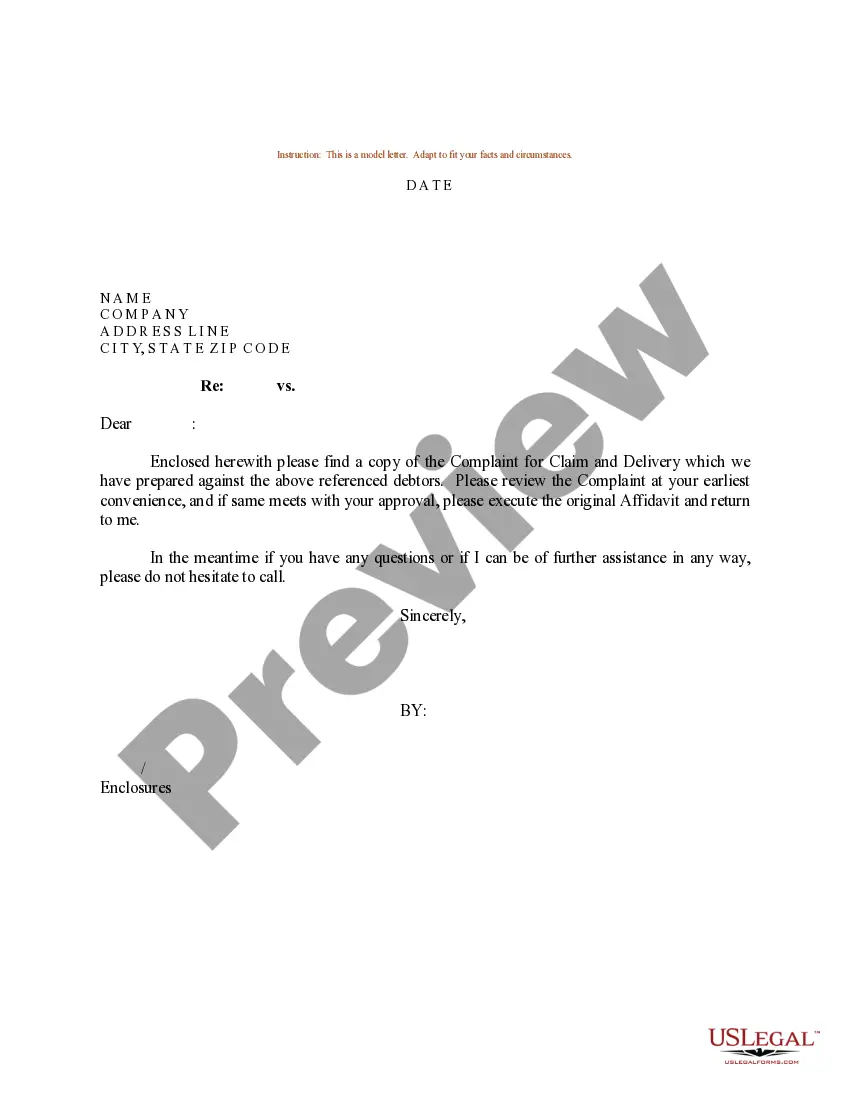

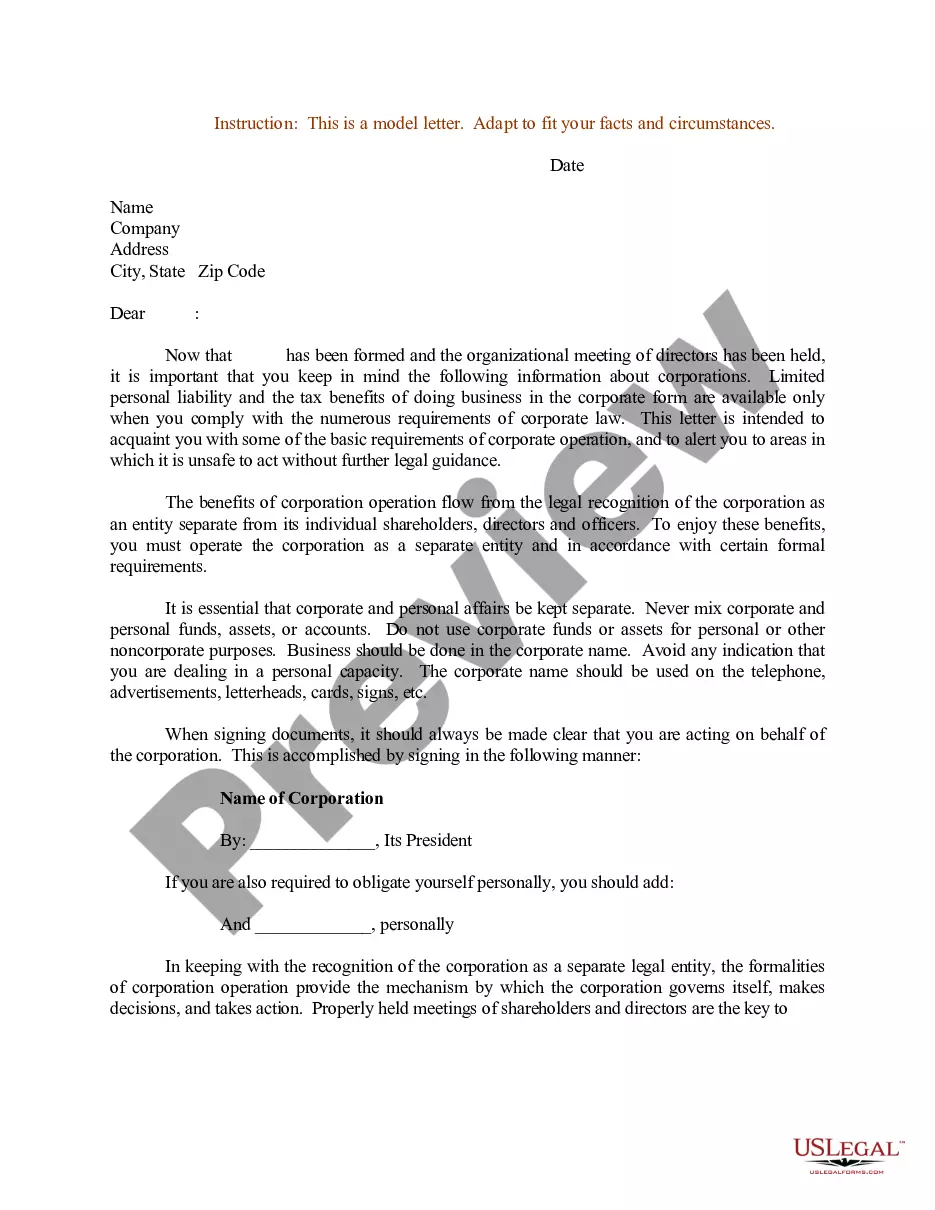

How to fill out Letter Informing Debt Collector Of False Or Misleading Misrepresentations In Collection Activities - Using False Representation Or Deceptive Means To Collect A Debt?
- Visit the US Legal Forms website and log into your existing account or create a new one if you're a new user.
- Explore the form library to find a letter template that suits your legal needs. Check the preview and description to ensure it meets local requirements.
- If you can't find the correct template, use the search function to locate another option that fits your specifications.
- Select the template you need and click the 'Buy Now' button to choose your preferred subscription plan.
- Complete your purchase by entering your payment details or using PayPal for convenience.
- Download your chosen letter template to your device and access it later through the 'My Forms' section of your account.
By following these easy steps, you can effectively utilize the resources available through US Legal Forms. This platform not only offers an extensive library of over 85,000 legal forms but also provides access to premium experts who can assist with your document needs.
Start your journey with US Legal Forms today and experience the benefits of having comprehensive legal documents at your fingertips. Don't wait; get started now!
Form popularity
FAQ
A typical letter format includes several components: your address, the date, the recipient's address, a greeting, a clearly written body, and a closing line with your signature. This structure not only aids in conveying your message effectively but also makes your correspondence appear professional. Using a letter template simplifies the process, ensuring you don't overlook any essential elements.
An official letter format usually contains your address, the date, the recipient's address, a salutation, the main content of the letter, and a conclusion with your signature. This format provides a clear, structured way to communicate in professional settings. By using a letter template, you can ensure that you adhere to this format and create a polished document.
The proper format for a letter involves several key elements. Begin with your address and the date at the top. Then, include the recipient's address, a greeting, the body of the letter, a closing, and your signature. Utilizing a letter template can help you organize your thoughts and present your message clearly and professionally.
To write a letter correctly, start with your address at the top right corner, followed by the date. Next, include the recipient's address on the left side, followed by a greeting. Use a clear and professional body and end with a closing and your signature. By using a letter template, you can ensure you maintain this structure easily.
Full letter format refers to the complete structure of a formal letter. This includes your contact information, the date, the recipient's address, a salutation, a well-organized body, and a closing with your signature. Maintaining this format ensures your letter appears professional and conveys your message clearly. A letter template can help ensure you include all necessary components.
To write a letter form, consider what information you need to convey and who your audience is. Start with a clear heading that includes your and the recipient's contact details, then proceed with a formal greeting. The body should be coherent and relevant to the purpose of the letter, and finish with an appropriate closing statement. Using a letter template can simplify this writing process.
Properly formatting a letter involves several key steps. Begin with your contact information, followed by the date and the recipient's address. Use a professional greeting, organize the body into clear paragraphs, and conclude with a polite closing. Utilizing a letter template can guide you through this process without missing any important elements.
To create a fillable letter template in Word, start by drafting your letter as you normally would. Then, go to the 'Developer' tab and select 'Rich Text Content Control' for areas that need to be fillable. You can also use text boxes for added flexibility. This way, you can create a user-friendly letter template that can be reused easily.
The proper way to form letters involves organizing your content with a clear structure. Start with a heading that includes your address, followed by the date and the recipient's address. Next, use a formal salutation, write the body in well-defined paragraphs, and finish with a courteous closing. A letter template helps maintain this structure effectively.
When typing a letter, ensure to use a standard font like Times New Roman or Arial, with a size of 12 points. Maintain consistent margins, typically one inch on all sides, and double-space the text for readability. Using a pre-designed letter template can streamline your typing process and ensure your letter looks professional.