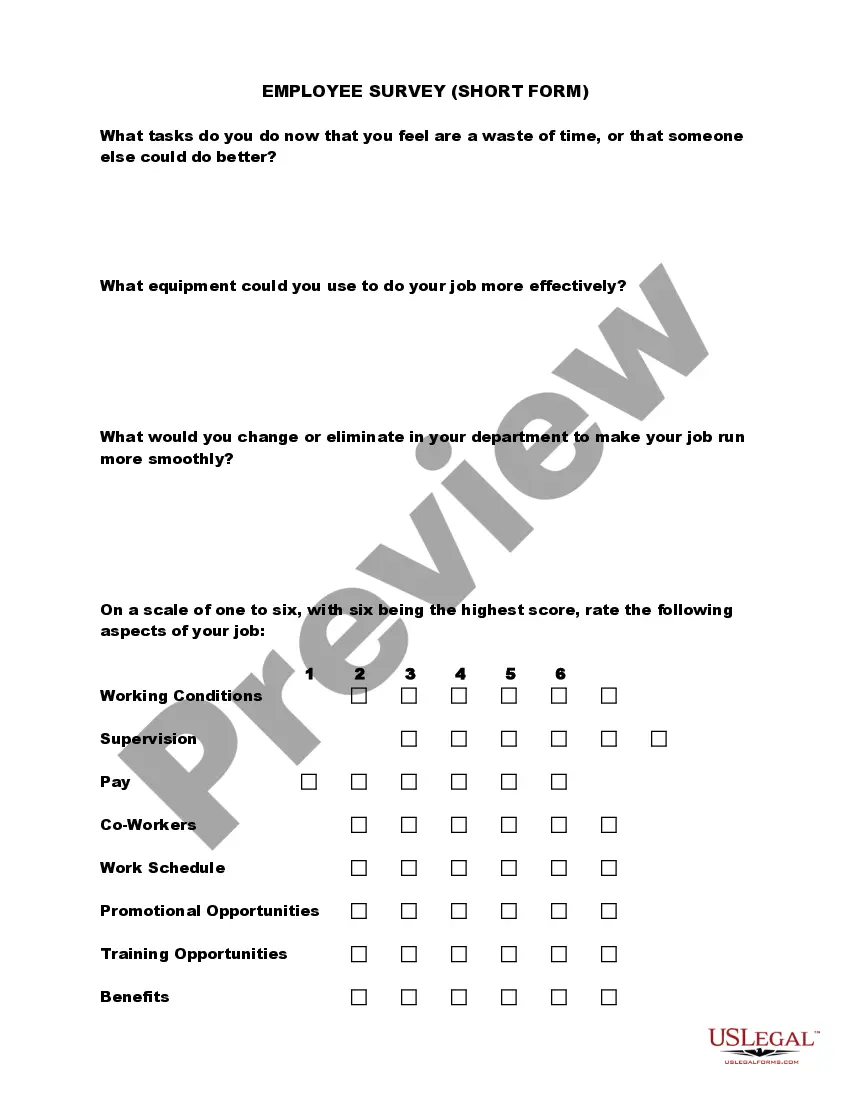
Satisfaction Survey For Employee Benefits
Description
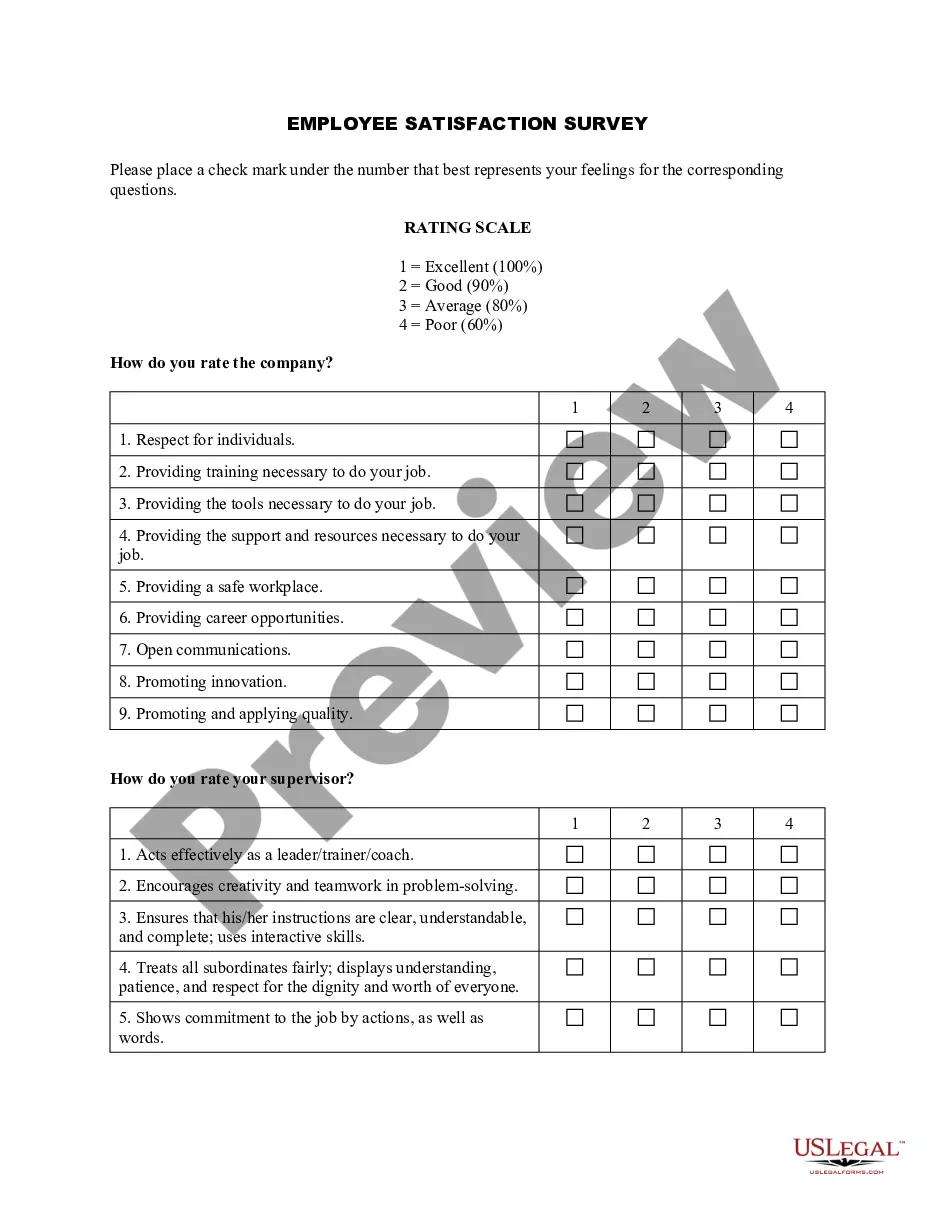
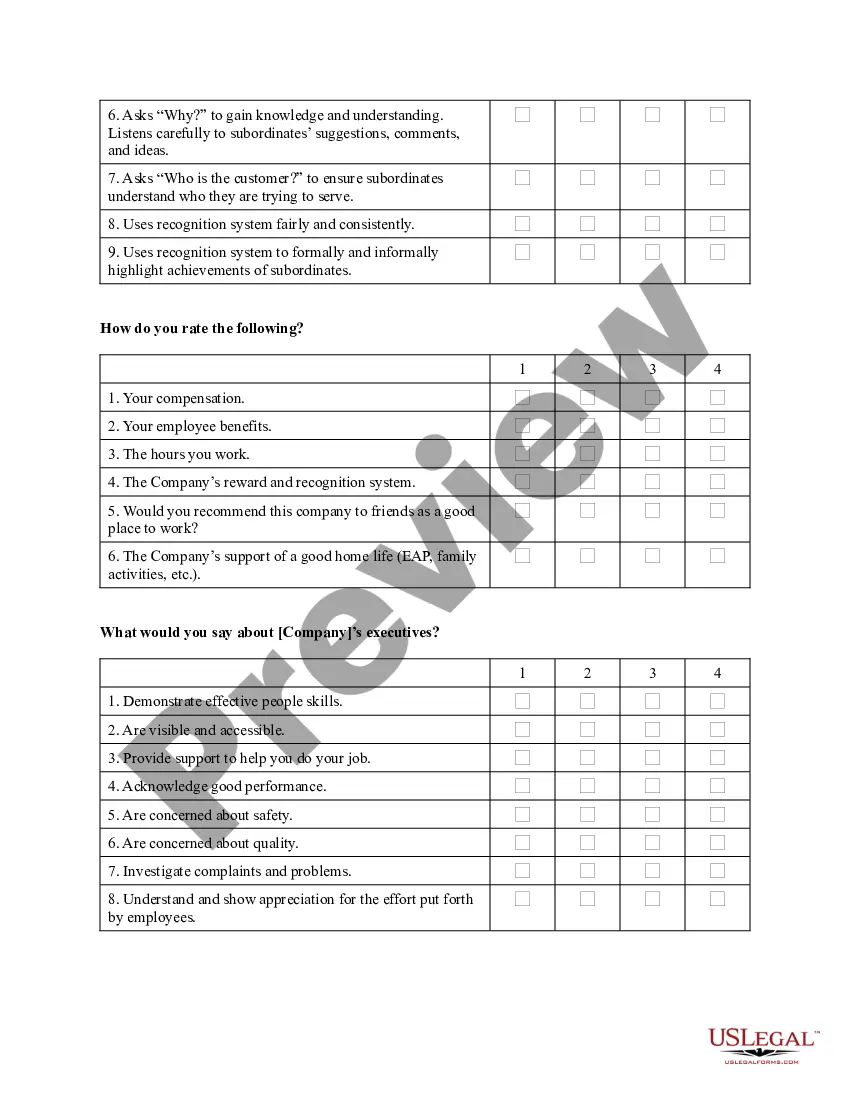
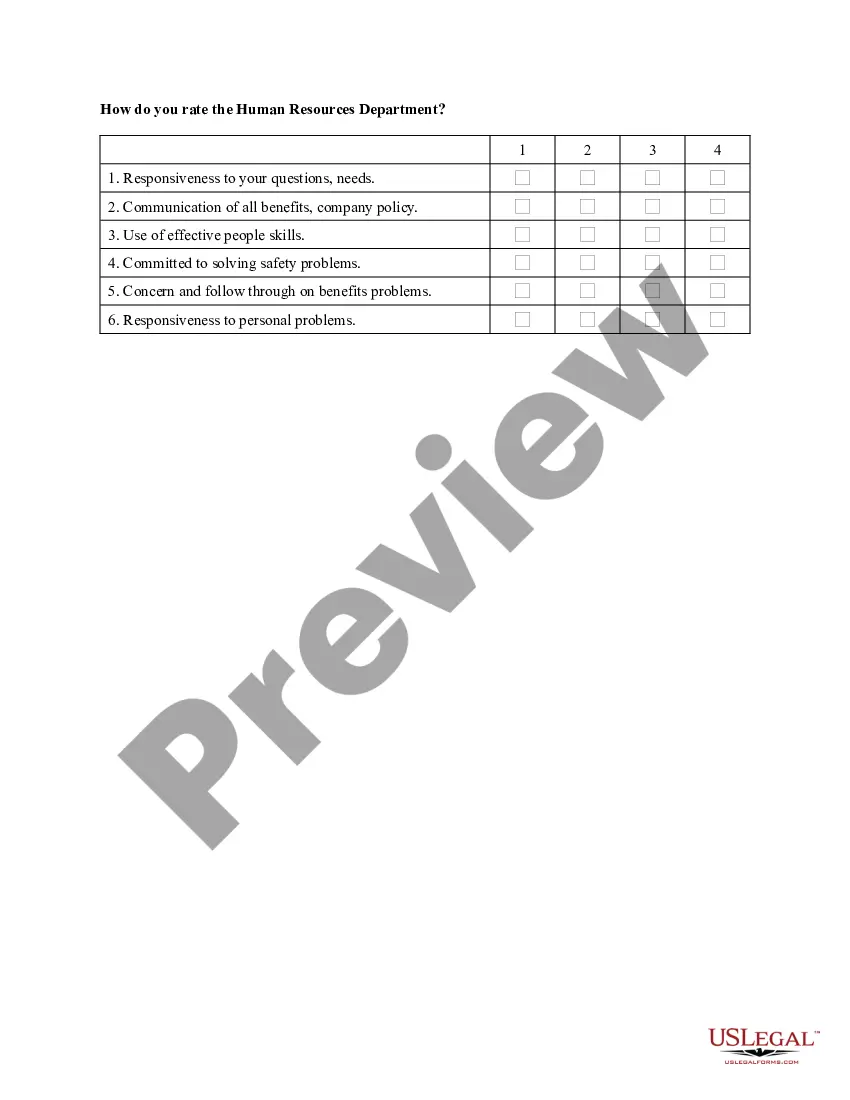
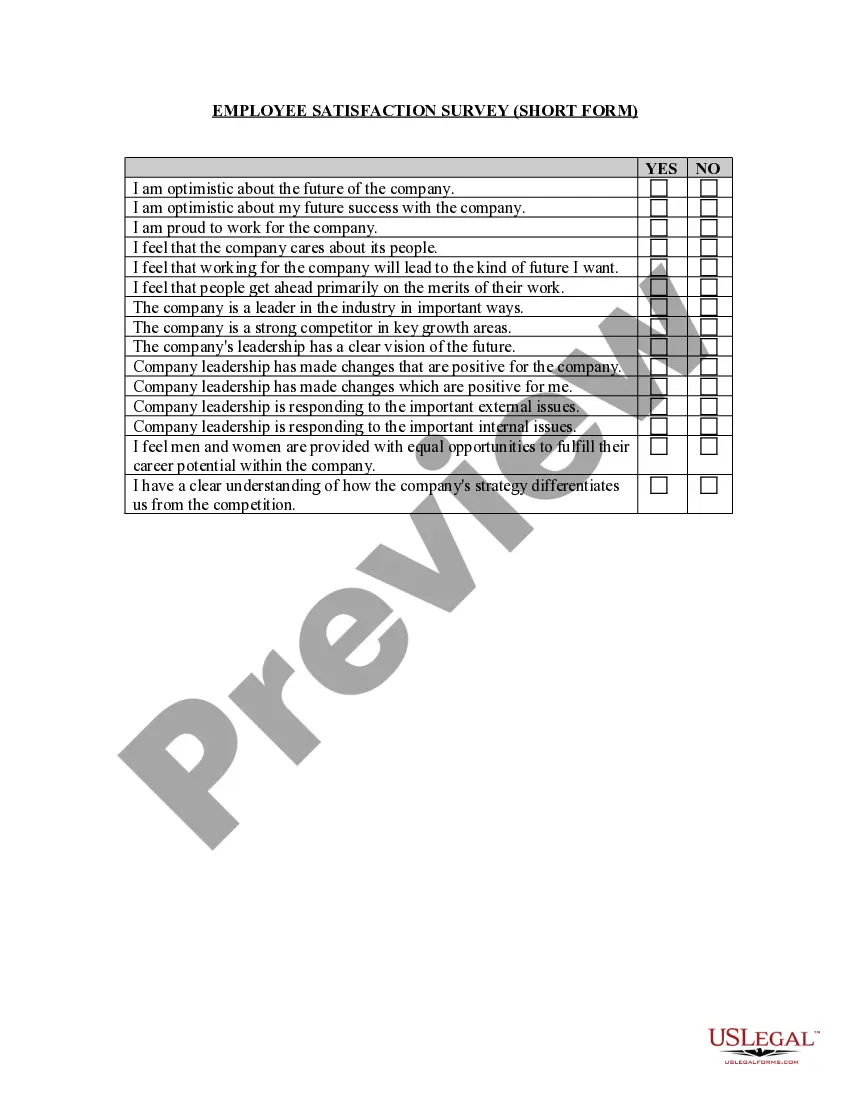
Get your form ready online
Our built-in tools help you complete, sign, share, and store your documents in one place.
Make edits, fill in missing information, and update formatting in US Legal Forms—just like you would in MS Word.
Download a copy, print it, send it by email, or mail it via USPS—whatever works best for your next step.
Sign and collect signatures with our SignNow integration. Send to multiple recipients, set reminders, and more. Go Premium to unlock E-Sign.
If this form requires notarization, complete it online through a secure video call—no need to meet a notary in person or wait for an appointment.
We protect your documents and personal data by following strict security and privacy standards.

Make edits, fill in missing information, and update formatting in US Legal Forms—just like you would in MS Word.

Download a copy, print it, send it by email, or mail it via USPS—whatever works best for your next step.

Sign and collect signatures with our SignNow integration. Send to multiple recipients, set reminders, and more. Go Premium to unlock E-Sign.

If this form requires notarization, complete it online through a secure video call—no need to meet a notary in person or wait for an appointment.

We protect your documents and personal data by following strict security and privacy standards.
Looking for another form?






How to fill out Employee Satisfaction Survey - Long Form?
Legal management can be daunting, even for seasoned professionals.
If you are looking for a Satisfaction Survey For Employee Benefits but lack the time to search for the appropriate and current version, the process may become taxing.
Access legal and business documents tailored to specific states or counties.
US Legal Forms caters to all your needs, covering everything from personal to business paperwork, all in one location.
If this is your initial experience with US Legal Forms, establish a free account and gain unrestricted access to all platform benefits.
- Utilize cutting-edge tools to complete and manage your Satisfaction Survey For Employee Benefits.
- Use a repository of articles, guides, and handbooks relevant to your circumstances and needs.
- Save time and energy searching for the necessary documents, by utilizing US Legal Forms’ refined search and Preview feature to locate and obtain the Satisfaction Survey For Employee Benefits.
- If you possess a subscription, Log In to your US Legal Forms account, search for the required form, and obtain it.
- Check the My documents section to review the documents you have saved and manage your folders as you wish.
- A comprehensive online form library could revolutionize the way individuals tackle these challenges.
- US Legal Forms is a frontrunner in digital legal documents, featuring over 85,000 state-specific forms accessible at any time.
- With US Legal Forms, you have the capability to.
Form popularity
FAQ
Five good survey questions for employees include: How satisfied are you with your current benefits? What additional benefits would you find valuable? Do you feel your benefits contribute to your overall job satisfaction? How easy is it to access and utilize your benefits? What improvements would you suggest for our current benefits program? Using a satisfaction survey for employee benefits can help in gathering these insights effectively.
To measure the effectiveness of benefits, you can analyze data from satisfaction surveys and related performance metrics. Regularly engaging with employees through a satisfaction survey for employee benefits gives you valuable insights into what works and what does not. This feedback helps refine and enhance your benefits strategy to better meet employee expectations.
Creating an employee satisfaction survey involves identifying the key areas you want to assess. Begin by focusing on specific topics related to benefits and gather input from employees to create relevant questions. Using a satisfaction survey for employee benefits ensures that you capture essential feedback while also addressing employee needs effectively.
You can measure benefits satisfaction by conducting regular satisfaction surveys that focus specifically on employee perceptions of their benefits. This feedback is essential for understanding what employees value the most. Implementing a satisfaction survey for employee benefits lets you track changes over time and improve your offerings based on actual employee insights.
Measuring satisfaction involves collecting feedback through surveys, interviews, and focus groups. The satisfaction survey for employee benefits can play a crucial role in this process, providing a structured way to assess employees' feelings about their benefits. Ensure that your questions are clear and that they cover various aspects of employee satisfaction.
Benefits can be measured through various methods, including employee feedback and performance metrics. Utilizing satisfaction surveys for employee benefits allows you to gather insights directly from your team. Analyzing this data helps you understand the impact of your benefits program on employee morale and productivity.
To check an employee satisfaction survey, start by analyzing the collected data, looking for patterns and trends. You can use software tools to visualize the results, making it easier to interpret the feedback. Regularly reviewing these surveys helps ensure that your satisfaction survey for employee benefits remains relevant and effective.
The formula for a satisfaction survey is generally similar to that of employee satisfaction, focusing on collecting and analyzing responses. Start with clear questions and define criteria for satisfaction. Calculate the average satisfaction score by aggregating positive responses, dividing by the total, and multiplying by 100. This structured approach helps organizations better understand feedback regarding their offerings, including employee benefits.
To calculate the results of an employee satisfaction survey, first collate all response data into a spreadsheet or survey tool. Next, categorize responses based on satisfaction levels and calculate the percentage of positive feedback. Afterward, analyze trends and identify areas for improvement. This method gives a clear picture of employee satisfaction, especially regarding employee benefits.
The formula for employee satisfaction often involves calculating the percentage of positive responses to your survey questions. You can sum up the favorable responses and divide by the total number of responses, then multiply by 100 to get the satisfaction percentage. This quantitative measure helps organizations grasp employee sentiments towards their benefits and workplace environment. Tools like US Legal Forms can guide you in structuring your surveys effectively.