Advance Employee Template With Formulas
Description
Get your form ready online
Our built-in tools help you complete, sign, share, and store your documents in one place.
Make edits, fill in missing information, and update formatting in US Legal Forms—just like you would in MS Word.
Download a copy, print it, send it by email, or mail it via USPS—whatever works best for your next step.
Sign and collect signatures with our SignNow integration. Send to multiple recipients, set reminders, and more. Go Premium to unlock E-Sign.
If this form requires notarization, complete it online through a secure video call—no need to meet a notary in person or wait for an appointment.
We protect your documents and personal data by following strict security and privacy standards.

Make edits, fill in missing information, and update formatting in US Legal Forms—just like you would in MS Word.

Download a copy, print it, send it by email, or mail it via USPS—whatever works best for your next step.

Sign and collect signatures with our SignNow integration. Send to multiple recipients, set reminders, and more. Go Premium to unlock E-Sign.

If this form requires notarization, complete it online through a secure video call—no need to meet a notary in person or wait for an appointment.

We protect your documents and personal data by following strict security and privacy standards.
Looking for another form?










How to fill out Advance Preparation For A New Employee?
It’s clear that you cannot transform into a legal authority overnight, nor can you understand how to swiftly prepare Advance Employee Template With Formulas without the necessity of a specialized background.
Assembling legal documents is a lengthy process that demands a specific education and expertise.
So why not entrust the creation of the Advance Employee Template With Formulas to the professionals.
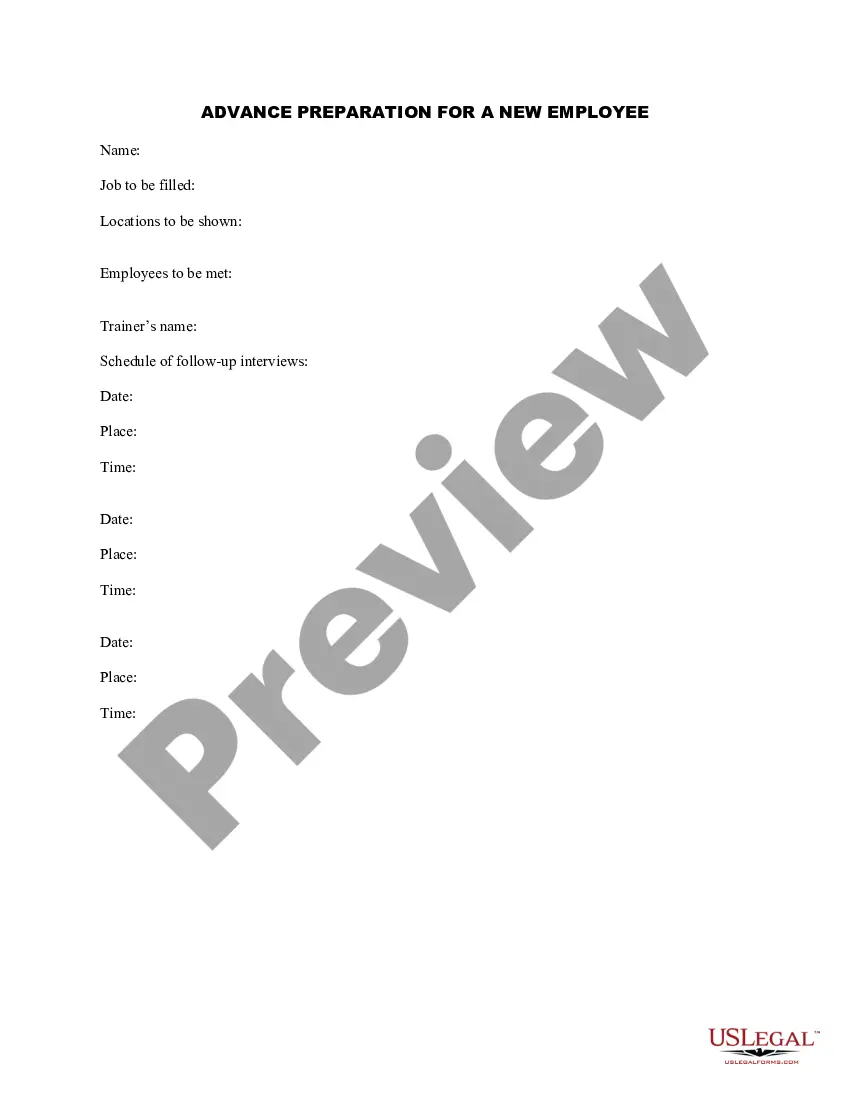
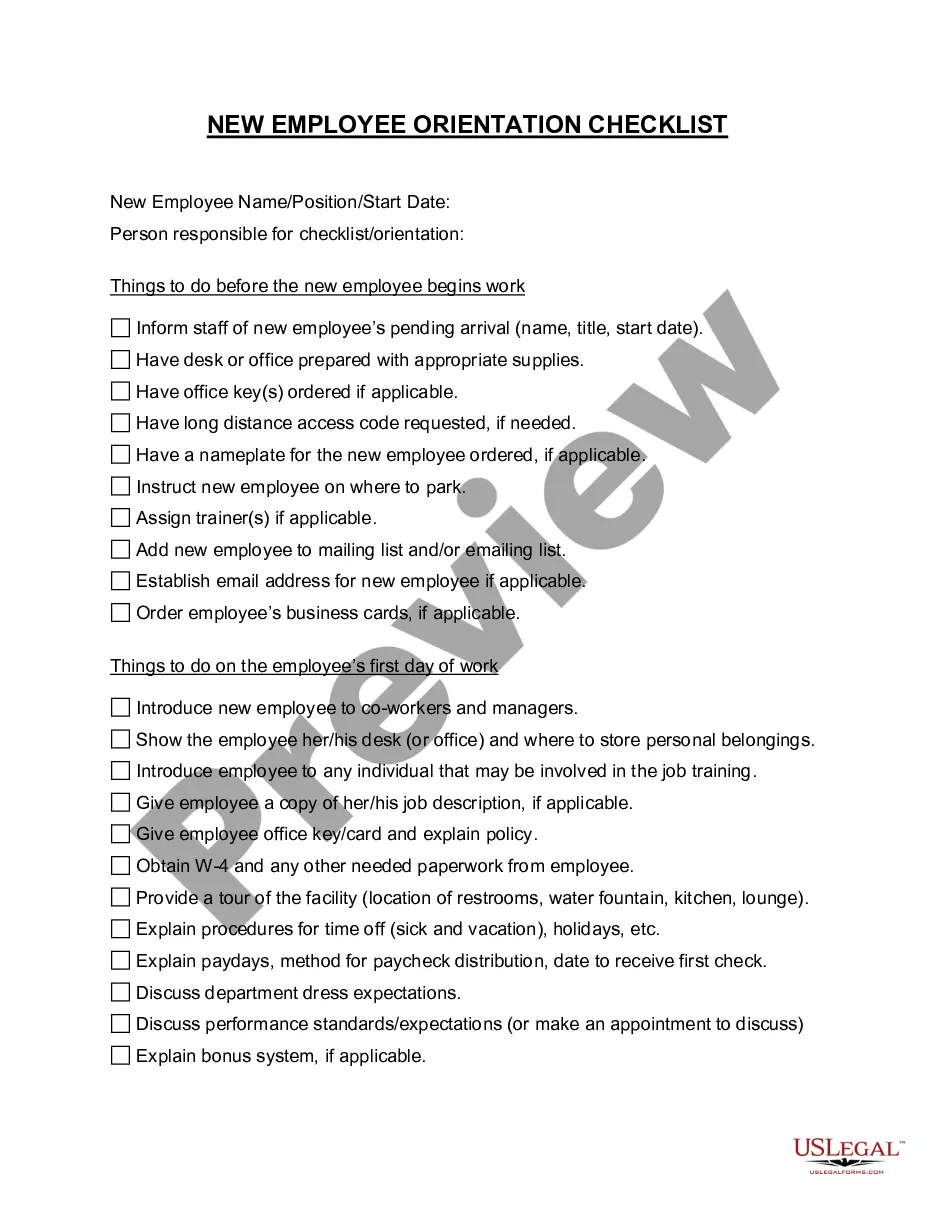
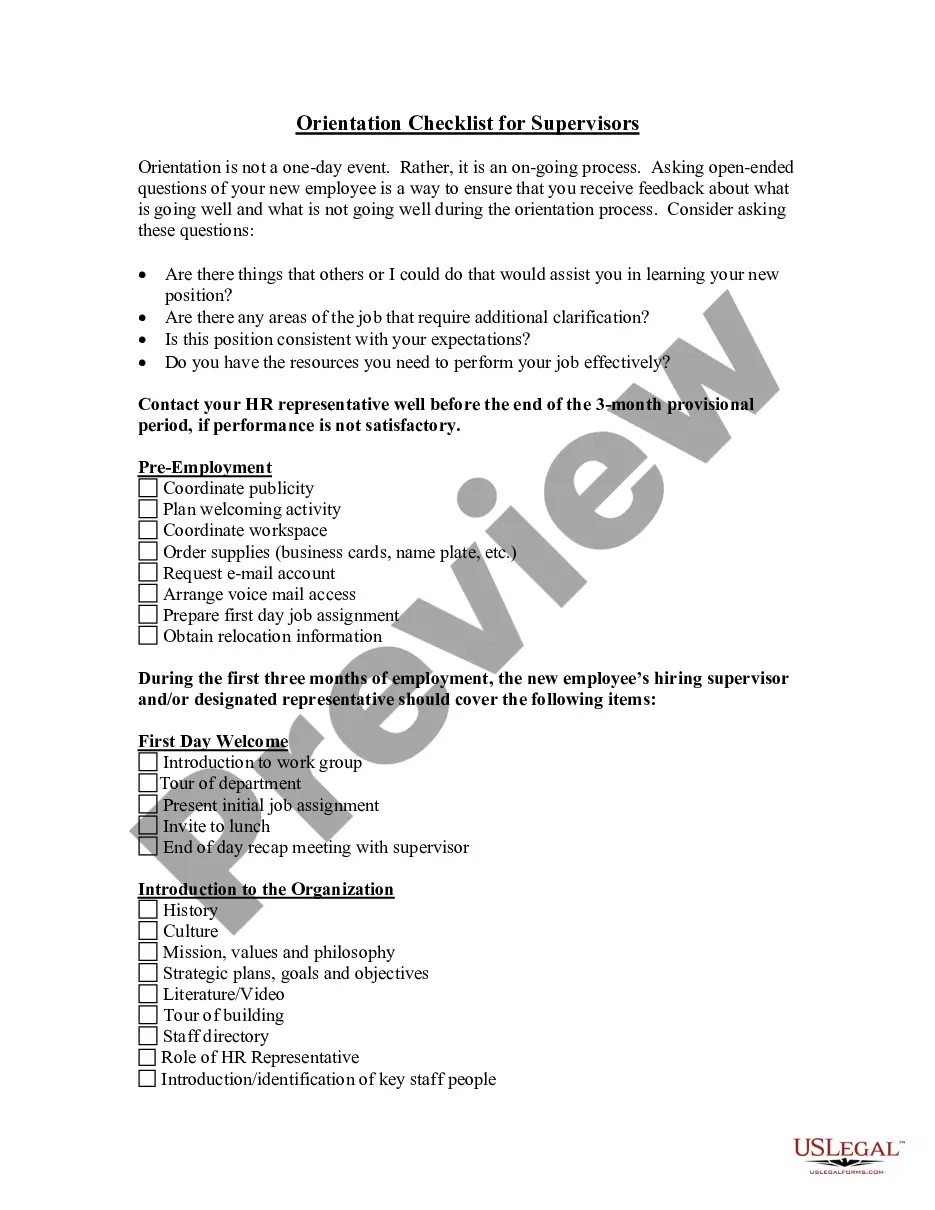
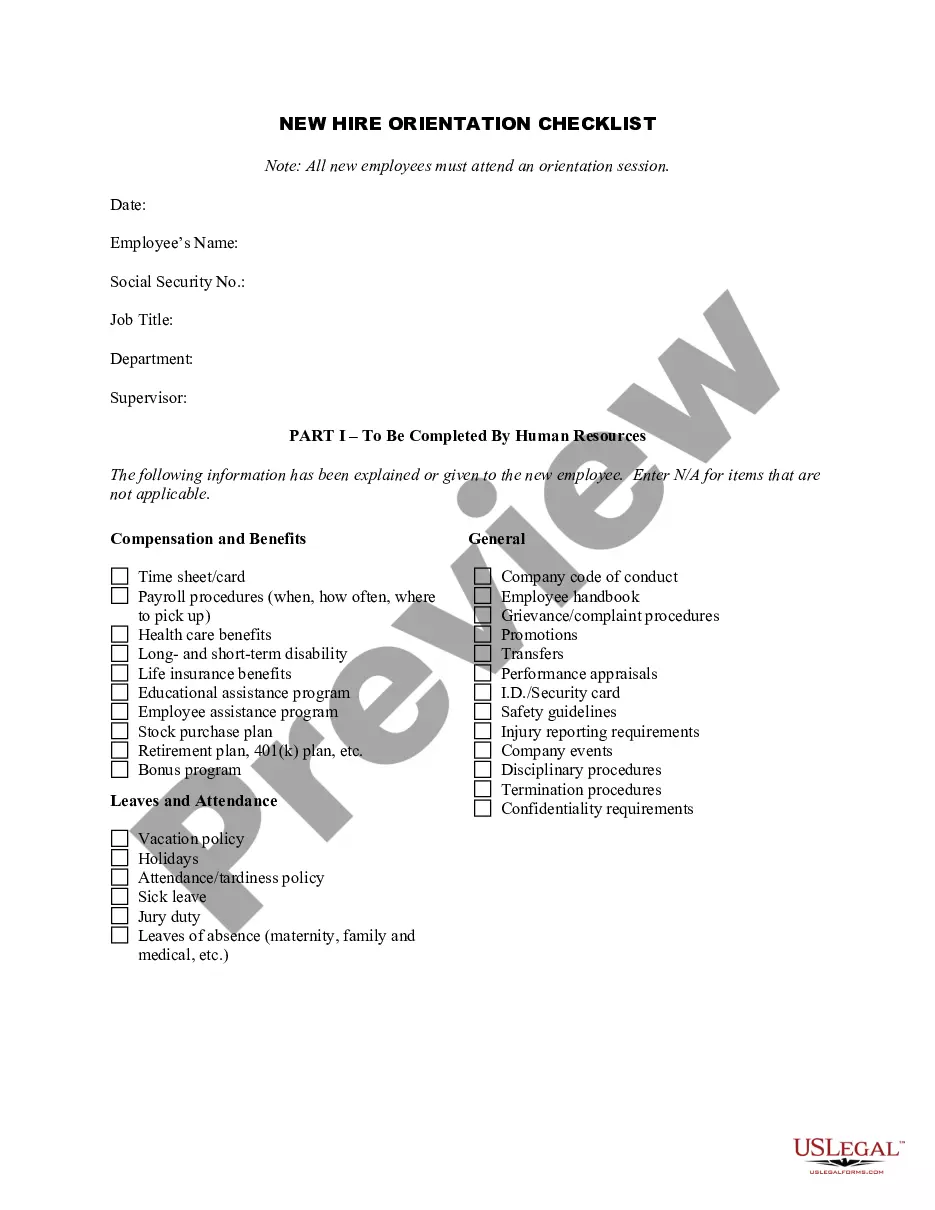
Preview it (if this option is available) and review the accompanying description to ascertain whether Advance Employee Template With Formulas is what you’re looking for.
Initiate your search again if you require any additional template.
- With US Legal Forms, one of the most comprehensive legal template libraries, you can find anything from court documents to templates for in-office communication.
- We recognize how vital adherence and compliance with federal and state regulations are.
- That’s why, on our platform, all forms are location-specific and current.
- Here’s how you can initiate your journey with our platform and acquire the document you need in just a few minutes.
- Discover the form you need by utilizing the search bar at the top of the page.
Form popularity
FAQ
Using advanced Excel formulas involves leveraging functions like VLOOKUP, IF statements, and CONCATENATE to manipulate data effectively. For example, you can use VLOOKUP to find employee details quickly within an advance employee template with formulas. These functions enhance your ability to manage large datasets and perform complex calculations without hassle.
Yes, Excel templates can include formulas, allowing you to automate a variety of calculations. When you create a template with formulas, you ensure that the template provides accurate results every time it is used. Using an advance employee template with formulas helps you manage employee information efficiently and accurately.
Making a template with formulas in Excel involves designing a layout that suits your requirements. First, enter your data and then apply formulas to automate calculations. Remember to save your work as an Excel template so that you can reuse it. Utilizing an advance employee template with formulas can simplify your processes significantly.
To create a template with formulas in Excel, start by opening a new workbook. Next, input the data and use Excel's formula features to create calculations based on your needs. Once you have set up your formulas, save the workbook as a template. Consider using an advance employee template with formulas for streamlined employee data management.
Create a simple formula in Excel On the worksheet, click the cell in which you want to enter the formula. Type the = (equal sign) followed by the constants and operators (up to 8192 characters) that you want to use in the calculation. For our example, type =1+1. Notes: ... Press Enter (Windows) or Return (Mac).
Open the workbook that you want to use as a template. , and then click Save As. In the File name box, type the name that you want to use for the template. In the Save as type box, click Excel Template, or click Excel Macro-Enabled Template if the workbook contains macros that you want to make available in the template.
Collect Information. To create an employee database in Excel, you'll first need to collect and collate the information you'll be tracking. ... Create a New Spreadsheet & Name Your File. ... Add Columns to Your Spreadsheet. ... Enter Employee Information. ... Set Permissions & Access. ... Keep Your Employee Database Updated.
7 Steps to Building Your Employee Database Consider what you want to accomplish with an employee database. ... Identify your specific data needs. ... Involve key stakeholders. ... Evaluate possible solutions. ... Gather relevant policies and information. ... Train and empower employees. ... Look for new ways to leverage employee data.
A template for Excel is a pre-built spreadsheet or workbook that's already formatted, organized, and populated with formulas tailored for its purpose.