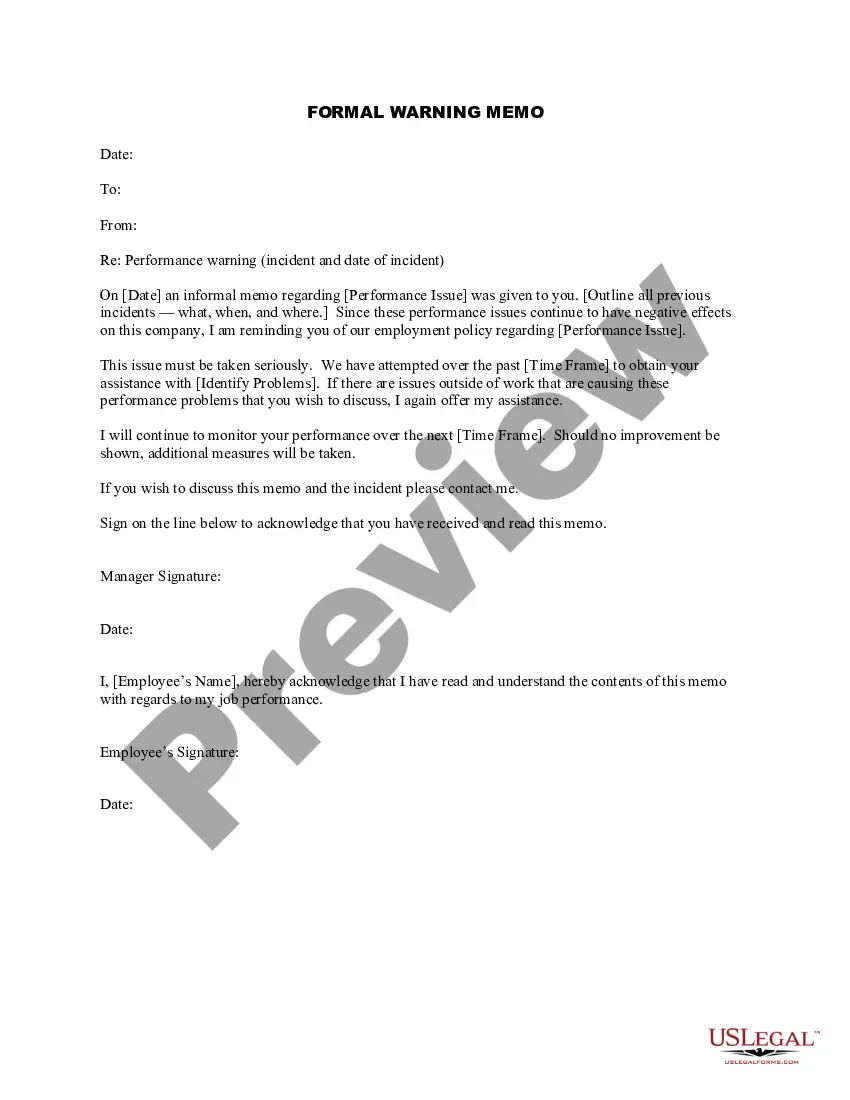
Memorandum Format With Cc
Description
Get your form ready online
Our built-in tools help you complete, sign, share, and store your documents in one place.
Make edits, fill in missing information, and update formatting in US Legal Forms—just like you would in MS Word.
Download a copy, print it, send it by email, or mail it via USPS—whatever works best for your next step.
Sign and collect signatures with our SignNow integration. Send to multiple recipients, set reminders, and more. Go Premium to unlock E-Sign.
If this form requires notarization, complete it online through a secure video call—no need to meet a notary in person or wait for an appointment.
We protect your documents and personal data by following strict security and privacy standards.

Make edits, fill in missing information, and update formatting in US Legal Forms—just like you would in MS Word.

Download a copy, print it, send it by email, or mail it via USPS—whatever works best for your next step.

Sign and collect signatures with our SignNow integration. Send to multiple recipients, set reminders, and more. Go Premium to unlock E-Sign.

If this form requires notarization, complete it online through a secure video call—no need to meet a notary in person or wait for an appointment.

We protect your documents and personal data by following strict security and privacy standards.
Looking for another form?



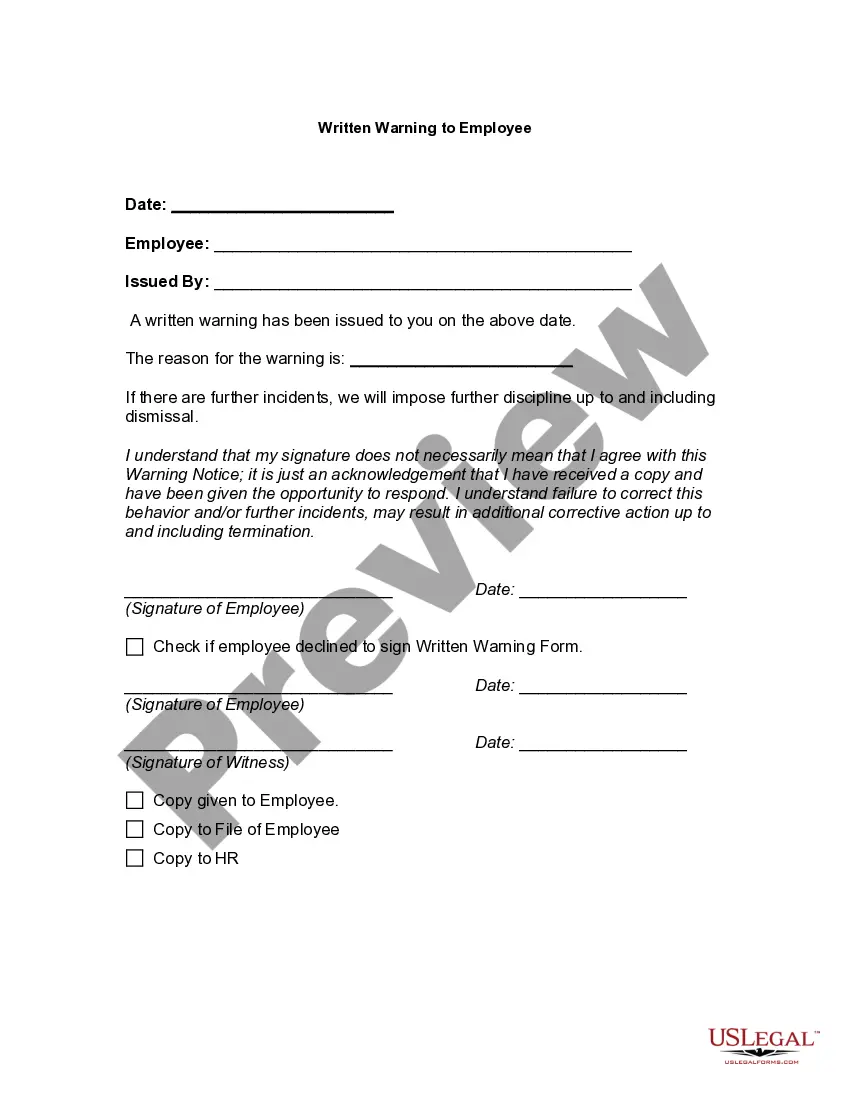
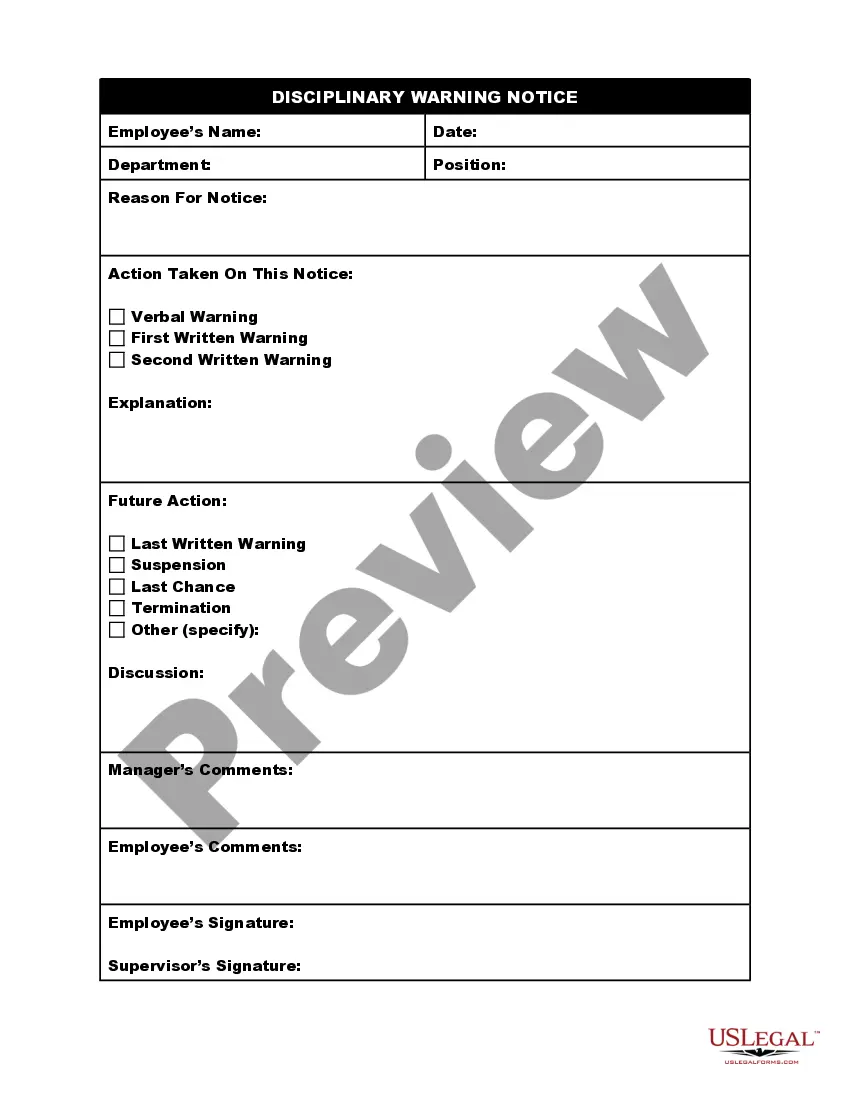
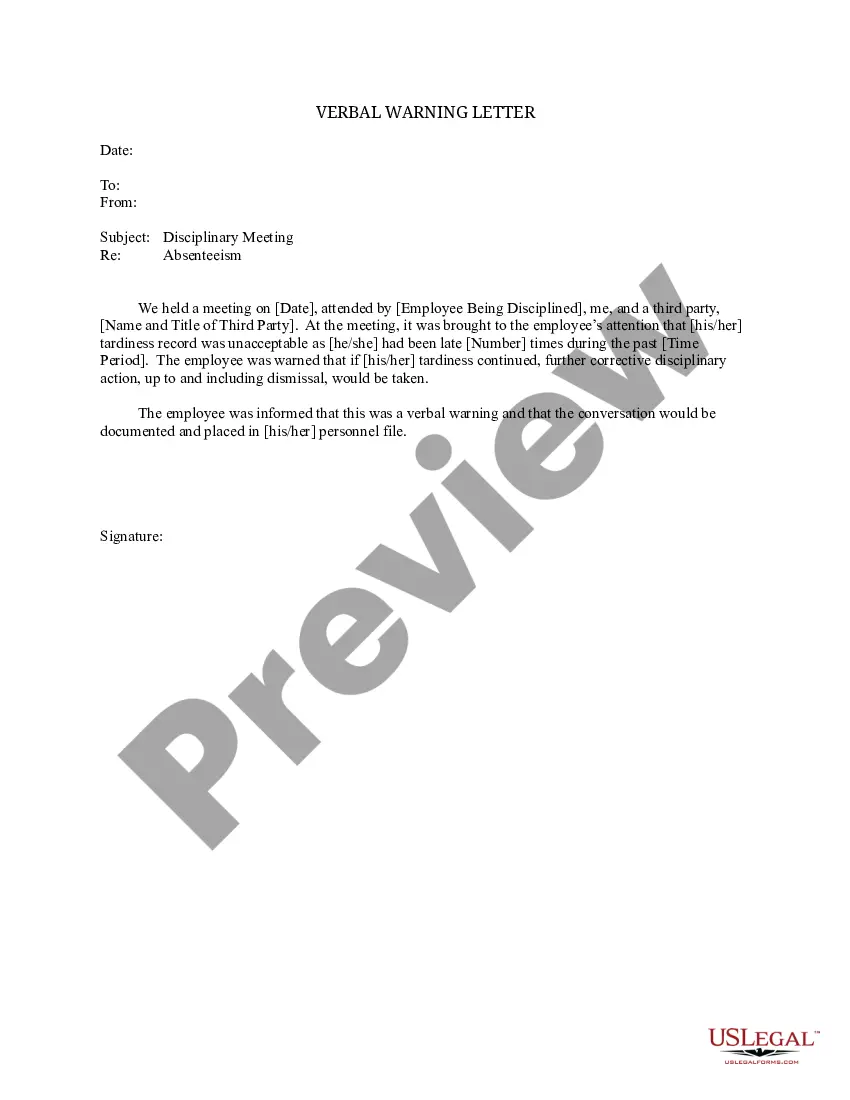
How to fill out Formal Warning Memo?
Utilizing legal templates that comply with federal and local laws is crucial, and the internet provides numerous options to select from.
However, what’s the benefit of spending time searching for the accurately drafted Memorandum Format With Cc example online when the US Legal Forms online repository already compiles such templates in one location.
US Legal Forms is the largest online legal repository with over 85,000 fillable templates created by lawyers for any professional and personal situation. They are simple to navigate with all documents categorized by state and intended use. Our specialists keep abreast of legislative changes, so you can always feel confident your documentation is current and compliant when obtaining a Memorandum Format With Cc from our site.
Click Buy Now once you've found the appropriate form and choose a subscription plan. Establish an account or sign in and make a payment via PayPal or a credit card. Select the format for your Memorandum Format With Cc and download it. All templates you discover through US Legal Forms are reusable. To re-download and fill out previously saved forms, access the My documents tab in your profile. Enjoy the most comprehensive and user-friendly legal documentation service!
- Acquiring a Memorandum Format With Cc is straightforward and fast for both existing and new users.
- If you already possess an account with an active subscription, Log In and download the document sample you require in the appropriate format.
- If you are new to our platform, follow the instructions below.
- Review the template using the Preview option or through the text description to confirm it meets your requirements.
- If needed, find another sample using the search feature at the top of the page.
Form popularity
FAQ
Step 1Follow Traditional/Professional Format. Follow a proper letter format when you write your letter. ... Step 2Input Names of CC Recipients. Under your signature, type "CC" and place two to four spaces between your signature and the CC line. ... Step 3Send Letters. Now simply send letters to everyone in the CC list.
The signature block starts on the fifth line below the body text ? this spacing is handled automatically by the Signature Block style. Never separate the text from the signature block: the signature page must include body text above the signature block.
In email sending, CC is the abbreviation for ?carbon copy.? Back in the days before internet and email, in order to create a copy of the letter you were writing, you had to place carbon paper between the one you were writing on and the paper that was going to be your copy.
CC stands for "carbon copy." BCC stands for "blind carbon copy." When you put an email address in the CC or "carbon copy" field it means that a copy of the email you are sending will also be sent to that address.
Occasionally, if there is a secondary audience for a memo, a "carbon copy" (CC) field will be required. CC should be placed between the To and From fields. of purpose. This immediately informs the reader about what the following memo will address.