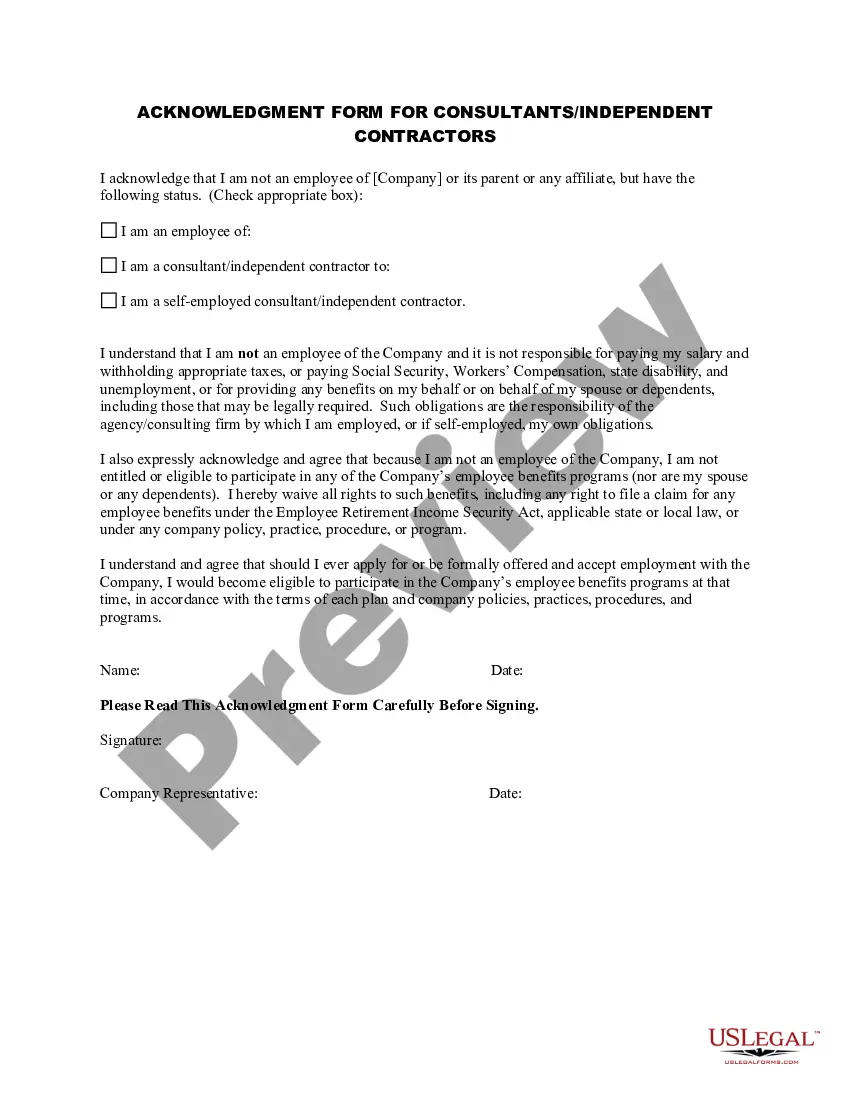
Consultant Contract Agreement Format India
Description
Get your form ready online
Our built-in tools help you complete, sign, share, and store your documents in one place.
Make edits, fill in missing information, and update formatting in US Legal Forms—just like you would in MS Word.
Download a copy, print it, send it by email, or mail it via USPS—whatever works best for your next step.
Sign and collect signatures with our SignNow integration. Send to multiple recipients, set reminders, and more. Go Premium to unlock E-Sign.
If this form requires notarization, complete it online through a secure video call—no need to meet a notary in person or wait for an appointment.
We protect your documents and personal data by following strict security and privacy standards.

Make edits, fill in missing information, and update formatting in US Legal Forms—just like you would in MS Word.

Download a copy, print it, send it by email, or mail it via USPS—whatever works best for your next step.

Sign and collect signatures with our SignNow integration. Send to multiple recipients, set reminders, and more. Go Premium to unlock E-Sign.

If this form requires notarization, complete it online through a secure video call—no need to meet a notary in person or wait for an appointment.

We protect your documents and personal data by following strict security and privacy standards.
Looking for another form?
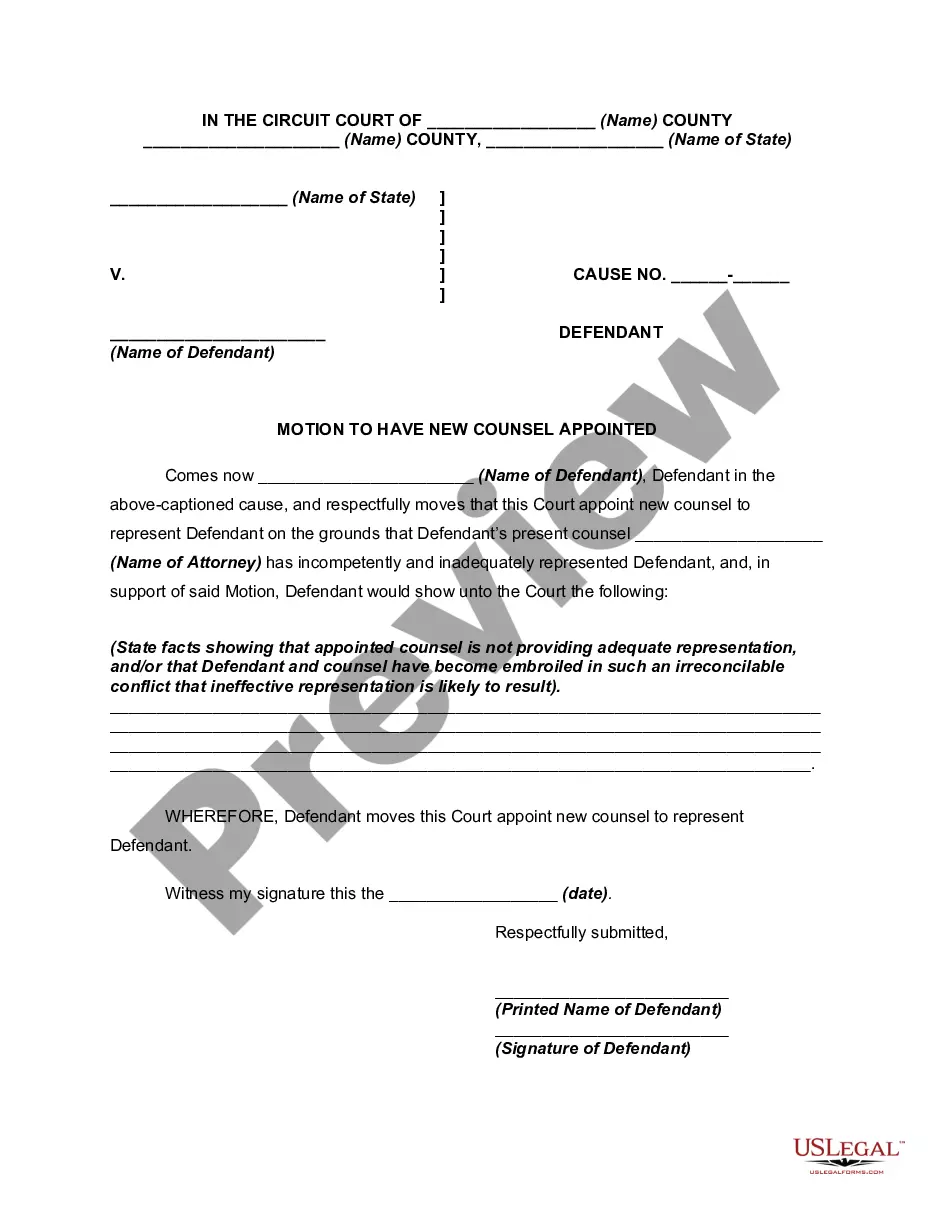
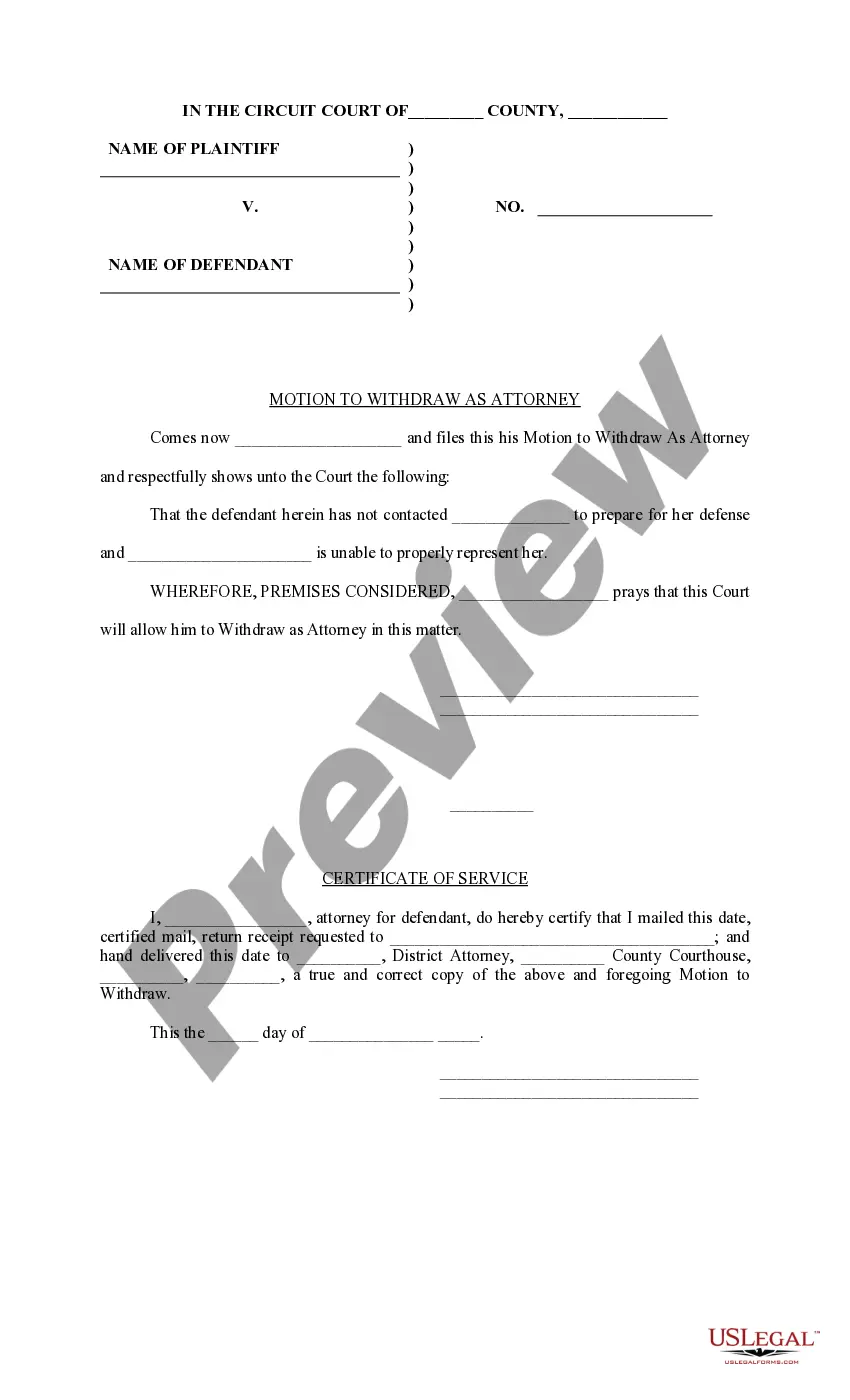
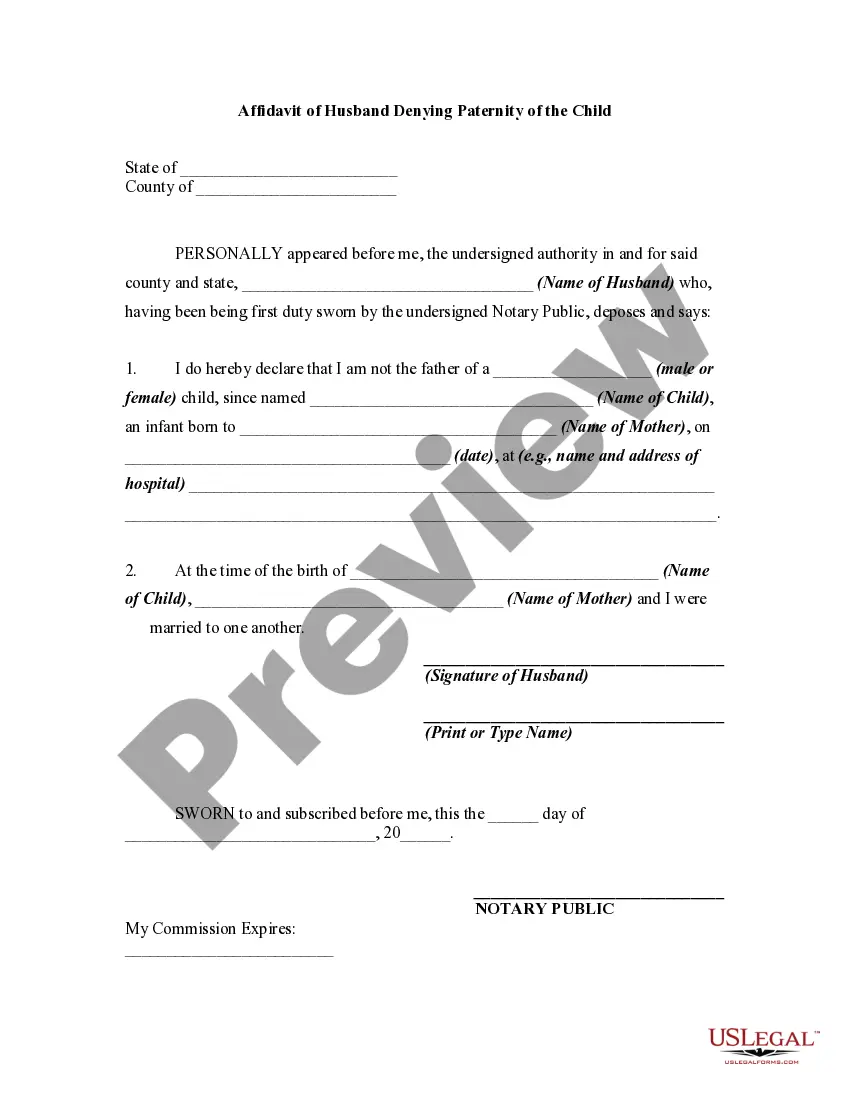

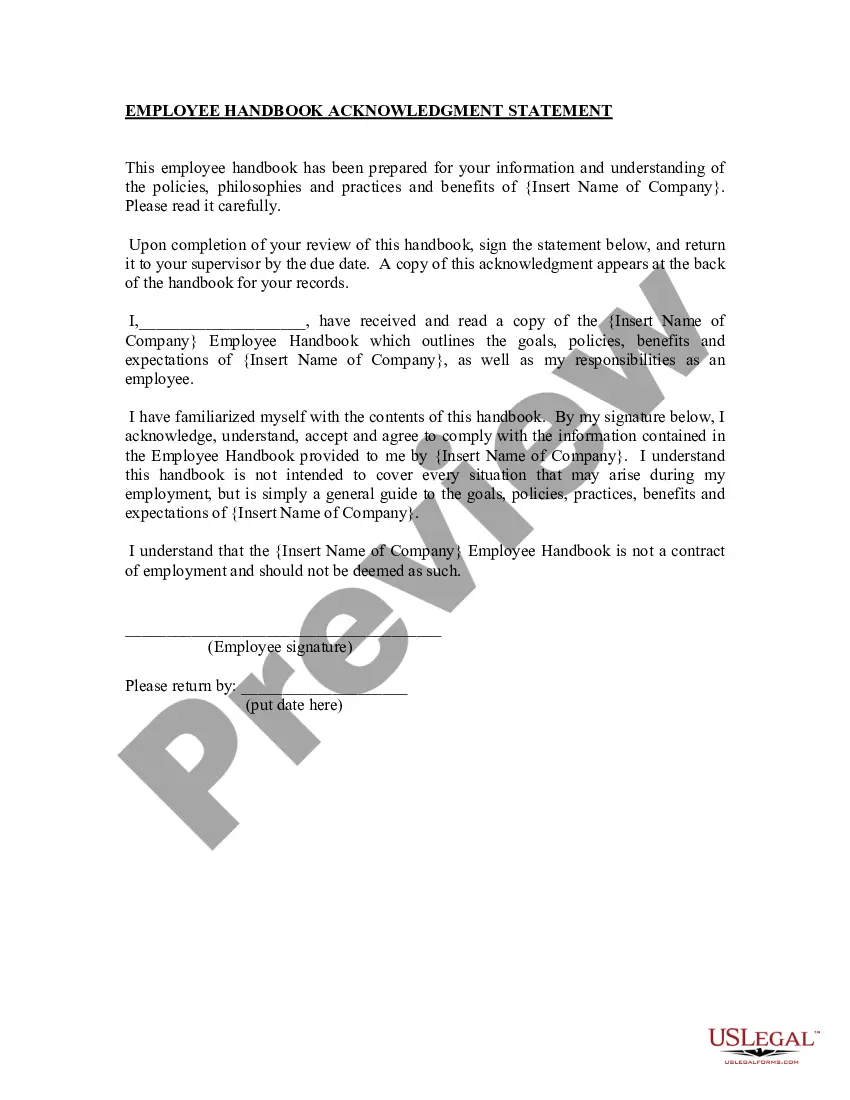
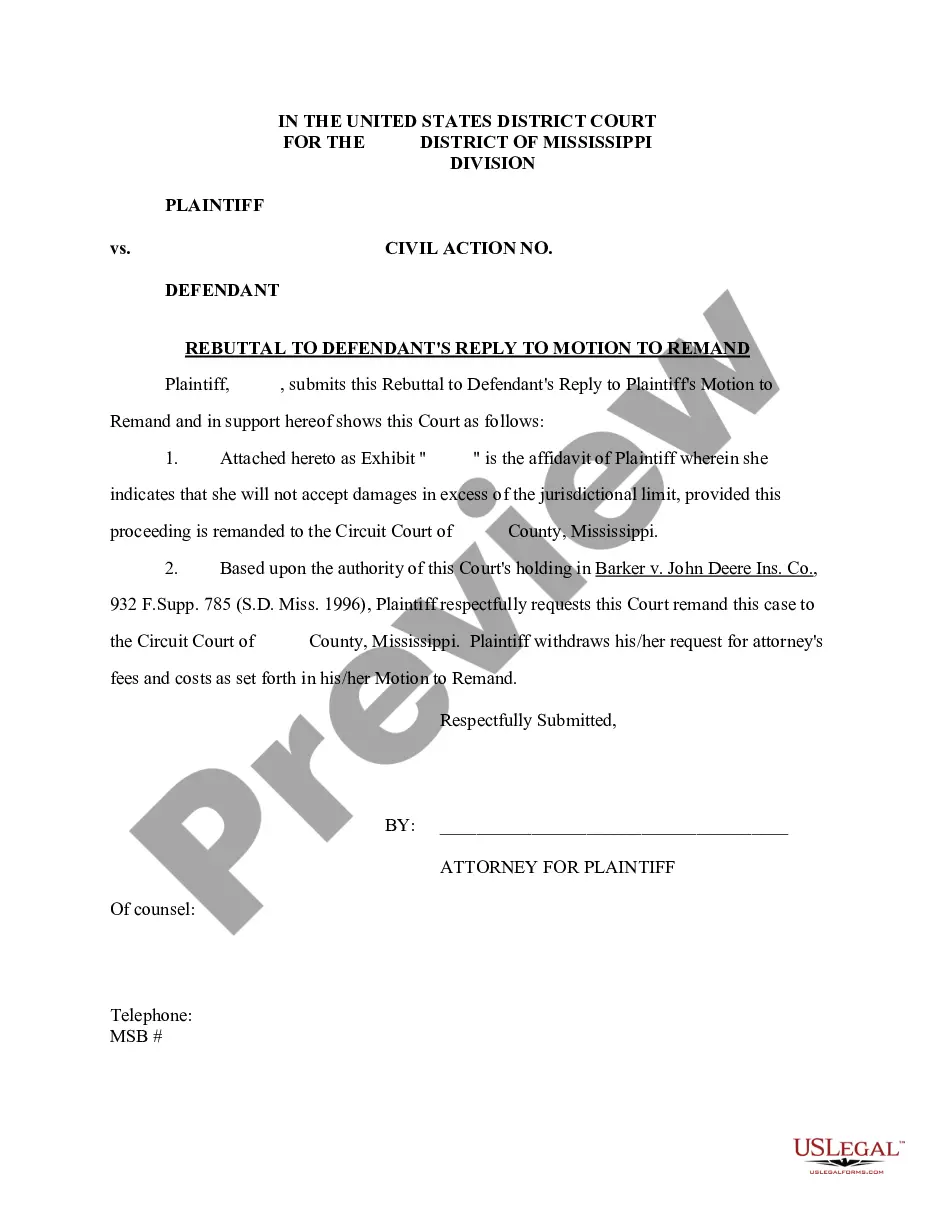
How to fill out Acknowledgment Form For Consultants Or Self-Employed Independent Contractors?
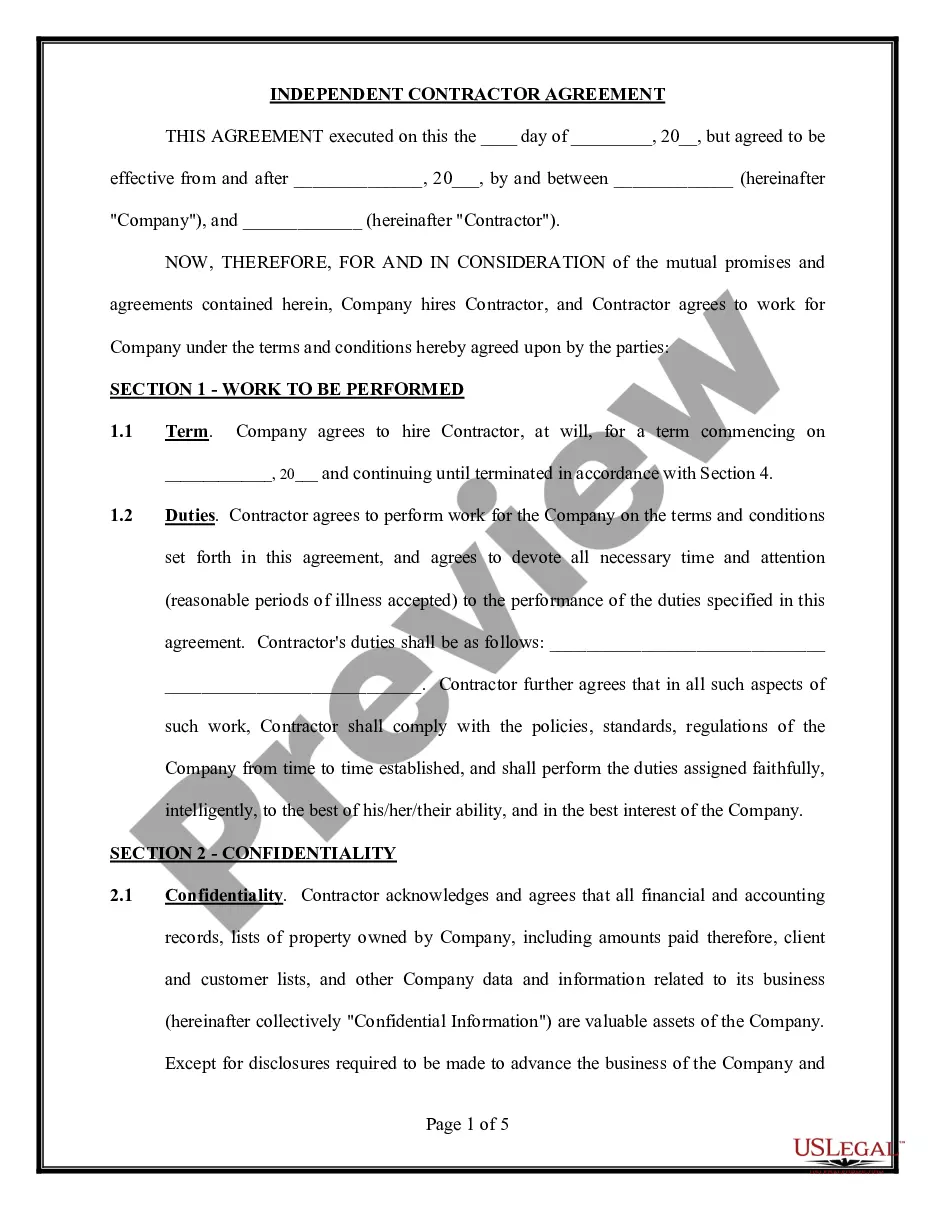
Whether for professional reasons or for personal matters, everyone eventually encounters legal issues in their lifetime. Completing legal documents requires meticulous attention, starting with selecting the right form template. For example, if you choose an incorrect version of a Consultant Contract Agreement Format India, it will be denied upon submission. Thus, it is essential to have a trustworthy source of legal documents like US Legal Forms.
If you wish to acquire a Consultant Contract Agreement Format India template, follow these straightforward steps.
With an extensive US Legal Forms catalog available, you do not need to waste time searching for the correct sample online. Utilize the library’s easy navigation to find the appropriate form for any scenario.
- Locate the sample you require using the search bar or catalog browsing.
- Review the form’s description to confirm it aligns with your circumstance, state, and county.
- Click on the form’s preview to view it.
- If it is the incorrect form, return to the search feature to find the Consultant Contract Agreement Format India sample you need.
- Obtain the template if it satisfies your criteria.
- If you already possess a US Legal Forms account, simply click Log in to access previously saved templates in My documents.
- In case you do not have an account yet, you can download the form by clicking Buy now.
- Choose the suitable pricing choice.
- Complete the account registration form.
- Select your payment method: use a credit card or a PayPal account.
- Choose the document format you prefer and download the Consultant Contract Agreement Format India.
- Once it is downloaded, you can fill out the form using editing software or print it and complete it by hand.
Form popularity
FAQ
Only vehicles that have Maryland vehicle registrations can be transferred as gifts. In order to be eligible as a gift transfer, a car must be transferred to a member of your family (except cousins). For example, you can transfer your car to a parent, son, daughter, stepson, or stepdaughter.
You Must Specify It's a Gift Firstly, the purchase price of the car has to be marked as ?Gift? on the Bill of Sale (Form VR-181). You and the family member you're gifting the car to must both complete Form VR-103, Application for Maryland Gift Certification.
To complete the Maryland car title transfer form, you will need to provide the following info: Name and address of the buyer and current car owner. Date of sale. Car mileage, condition, and purchase price. Odometer reading. Completed a bill of sale. Completed Certificate of Title (VR-005) Government-issued photo ID.
Bill of Sale Form VR-181 must be completed by both you and your relative. Although you are making a gift and not selling the car, you fill in the sections of the form as the seller, and your relative will fill in the sections of the form as the buyer.
If the vehicle is titled in Maryland, excise tax (6% of the vehicle's value) may not be collected when a family member gives the vehicle to you as a bona fide gift. Allowable family relationships are identified on the Application for Maryland Gift Certification (see below).
Transferring a title from an individual to another individual - To transfer the title of a vehicle from one individual, please complete the assignment section on the reverse side of the title, by providing the name of the person receiving the vehicle in the space provided for ?buyer/receiver.? In the same section, the ...