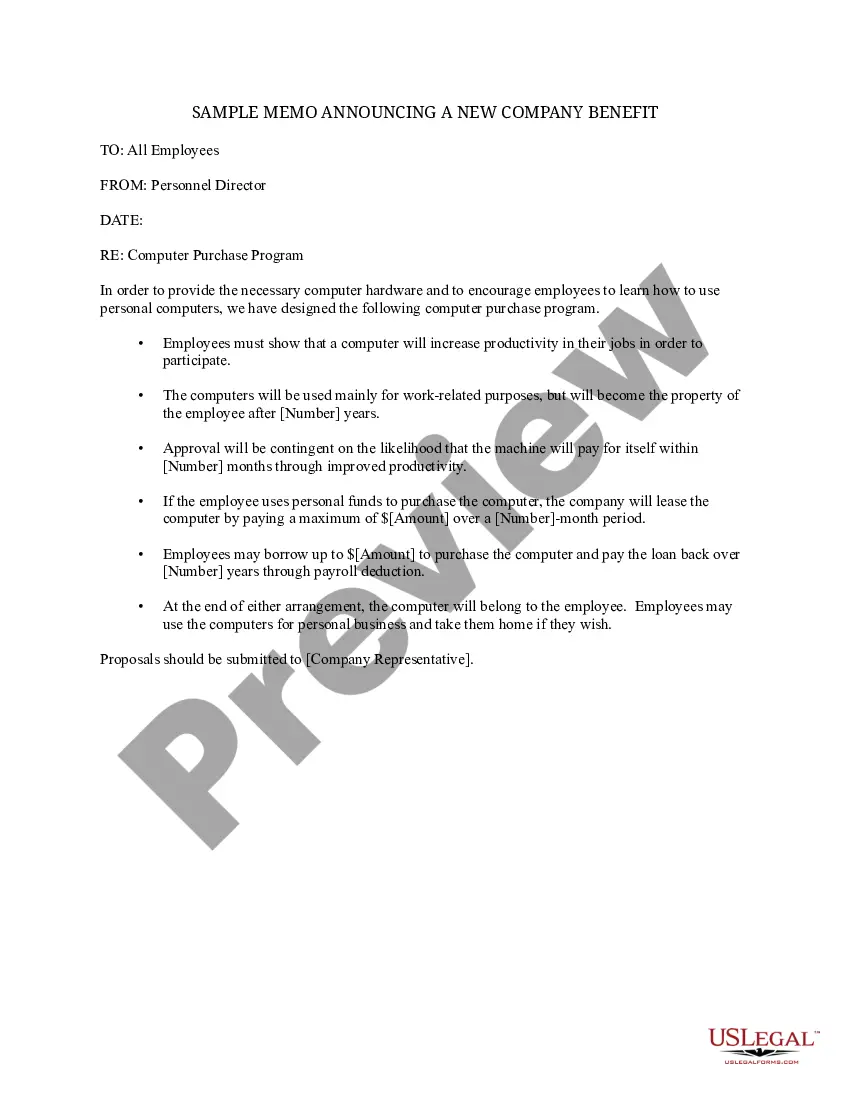
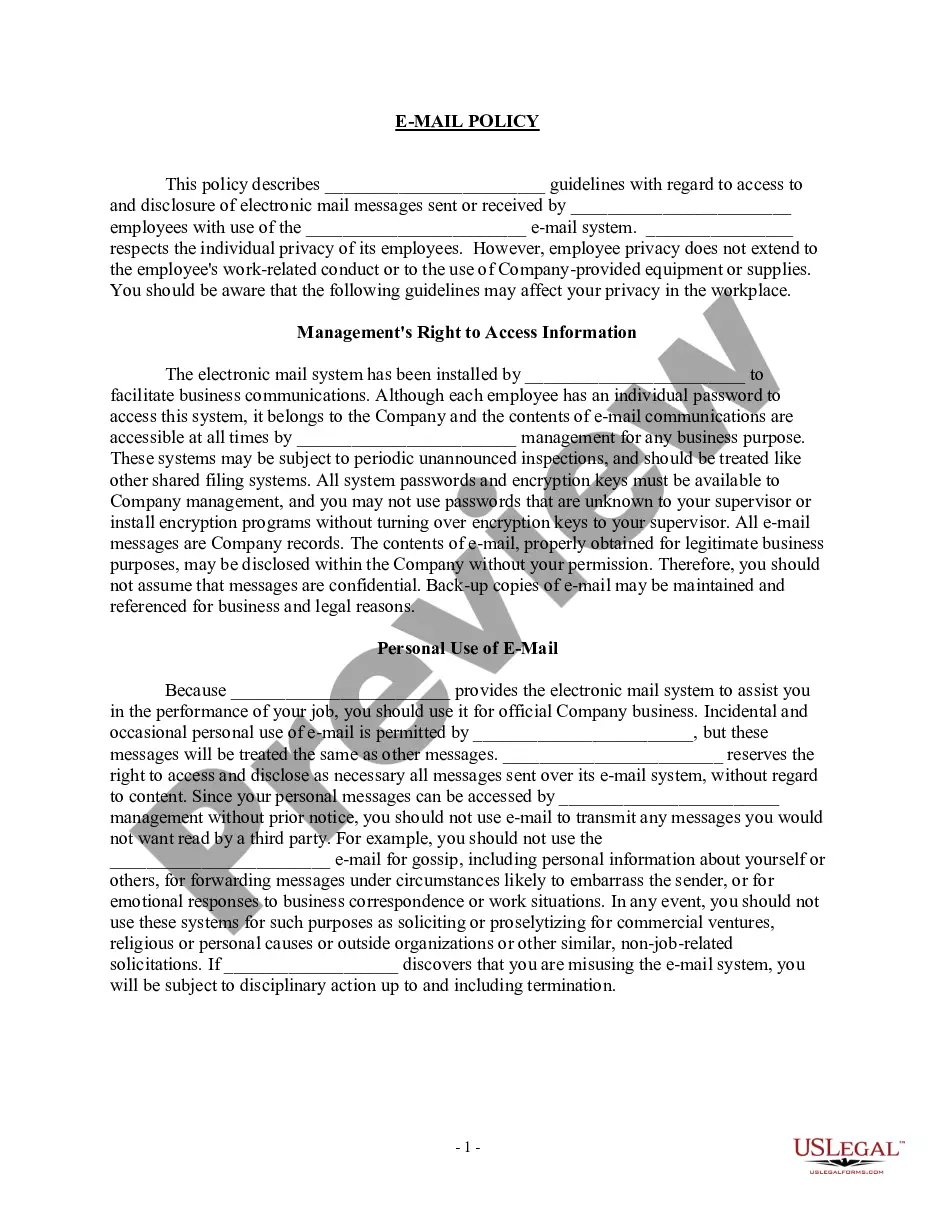
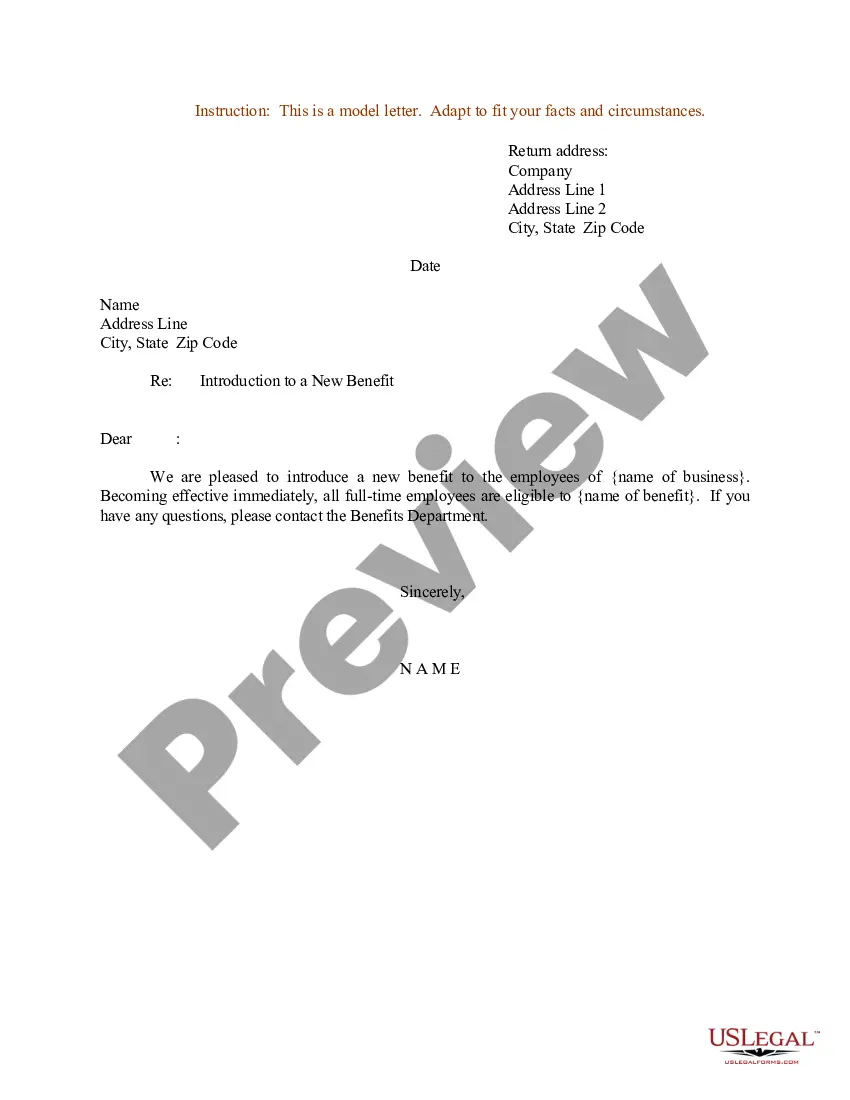
Sample Memo Company Template With Logo
Description
Get your form ready online
Our built-in tools help you complete, sign, share, and store your documents in one place.
Make edits, fill in missing information, and update formatting in US Legal Forms—just like you would in MS Word.
Download a copy, print it, send it by email, or mail it via USPS—whatever works best for your next step.
Sign and collect signatures with our SignNow integration. Send to multiple recipients, set reminders, and more. Go Premium to unlock E-Sign.
If this form requires notarization, complete it online through a secure video call—no need to meet a notary in person or wait for an appointment.
We protect your documents and personal data by following strict security and privacy standards.

Make edits, fill in missing information, and update formatting in US Legal Forms—just like you would in MS Word.

Download a copy, print it, send it by email, or mail it via USPS—whatever works best for your next step.

Sign and collect signatures with our SignNow integration. Send to multiple recipients, set reminders, and more. Go Premium to unlock E-Sign.

If this form requires notarization, complete it online through a secure video call—no need to meet a notary in person or wait for an appointment.

We protect your documents and personal data by following strict security and privacy standards.
Looking for another form?

How to fill out Sample Memo Announcing A New Company Benefit?
Regardless of whether it is for corporate reasons or personal matters, everyone must navigate legal circumstances at some stage in their life.
Filling out legal paperwork necessitates meticulous care, starting with choosing the correct form template.
With an extensive US Legal Forms library available, you never have to waste time searching for the correct template online. Utilize the library’s simple navigation to locate the right template for any circumstance.
- Obtain the template you require by utilizing the search bar or browsing the catalog.
- Review the form’s details to ensure it aligns with your scenario, state, and locality.
- Click on the form’s preview to inspect it.
- If it is incorrect, return to the search function to find the Sample Memo Company Template With Logo template you require.
- Acquire the template if it fulfills your requirements.
- If you already possess a US Legal Forms account, just click Log in to access documents you have saved in My documents.
- In case you do not have an account at this point, you can download the form by clicking Buy now.
- Choose the appropriate payment option.
- Fill out the profile registration form.
- Select your payment method: use a credit card or a PayPal account.
- Choose the document format you desire and download the Sample Memo Company Template With Logo.
- Once it is saved, you can fill out the form using editing software or print it and complete it by hand.
Form popularity
FAQ
Memos often have letterheads with the word ?MEMO? written clearly with the company name and logo at the top of the page. Below this are the header fields identifying the recipient, author, date, and subject much like you would see in an email.
How to write a memo Start with a header that clearly indicates that the communication is a memorandum, the intended recipients, the sender, the date and the subject. Write an introduction that uses a declarative sentence to announce the main topic of the memo.
A memo should be brief, straightforward, and easy to read. It informs recipients and provides an action plan with specific next steps. You may send a memo as a paper letter, fax, or PDF attached to an email.
Maintain a professional, succinct style. To achieve such a style, use short, active sentences. Avoid jargon and pretentious language. Maintain a positive or neutral tone; avoid negative language if possible. In addition to making memos easier to read, a professional writing style also improves the writer's credibility.
A memo is usually a page or two long, single spaced and left justified. Instead of using indentations to show new paragraphs, skip a line between sentences. Business materials should be concise and easy to read. Therefore it is beneficial to use headings and lists to help the reader pinpoint certain information.