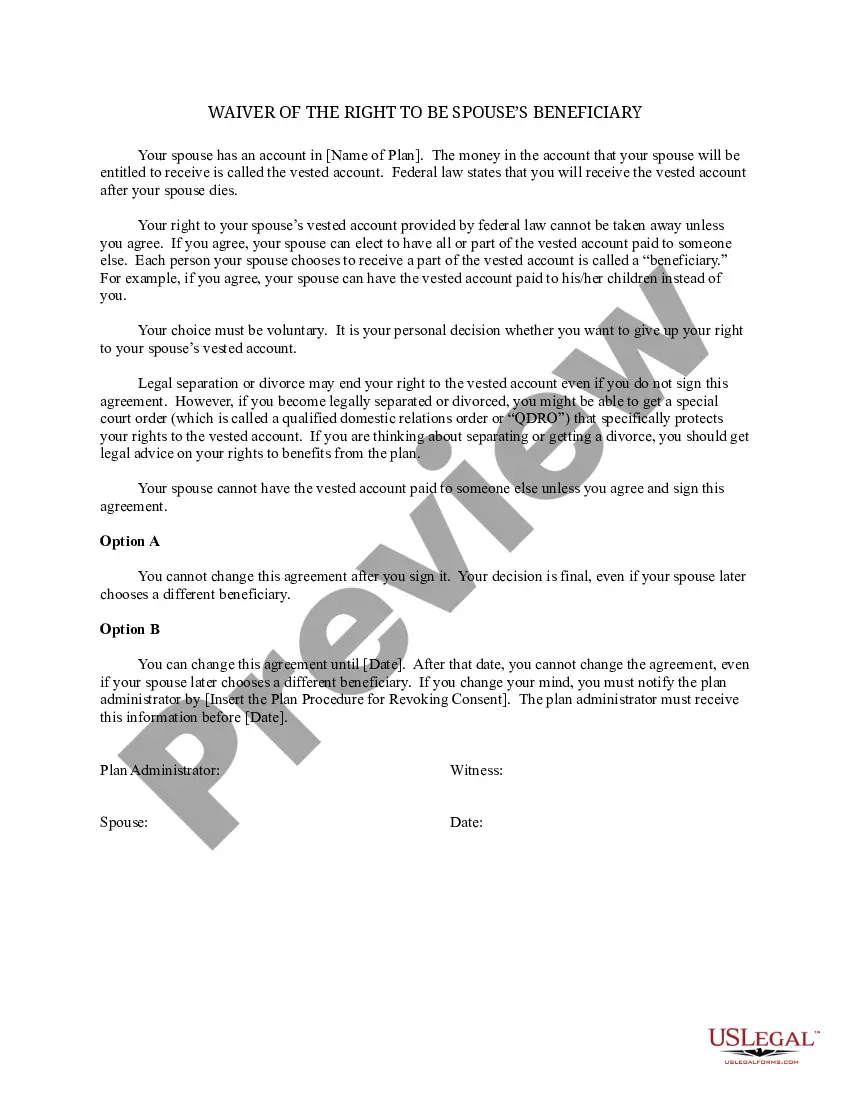
Spousal Waiver For 401k
Description
Get your form ready online
Our built-in tools help you complete, sign, share, and store your documents in one place.
Make edits, fill in missing information, and update formatting in US Legal Forms—just like you would in MS Word.
Download a copy, print it, send it by email, or mail it via USPS—whatever works best for your next step.
Sign and collect signatures with our SignNow integration. Send to multiple recipients, set reminders, and more. Go Premium to unlock E-Sign.
If this form requires notarization, complete it online through a secure video call—no need to meet a notary in person or wait for an appointment.
We protect your documents and personal data by following strict security and privacy standards.

Make edits, fill in missing information, and update formatting in US Legal Forms—just like you would in MS Word.

Download a copy, print it, send it by email, or mail it via USPS—whatever works best for your next step.

Sign and collect signatures with our SignNow integration. Send to multiple recipients, set reminders, and more. Go Premium to unlock E-Sign.

If this form requires notarization, complete it online through a secure video call—no need to meet a notary in person or wait for an appointment.

We protect your documents and personal data by following strict security and privacy standards.
Looking for another form?



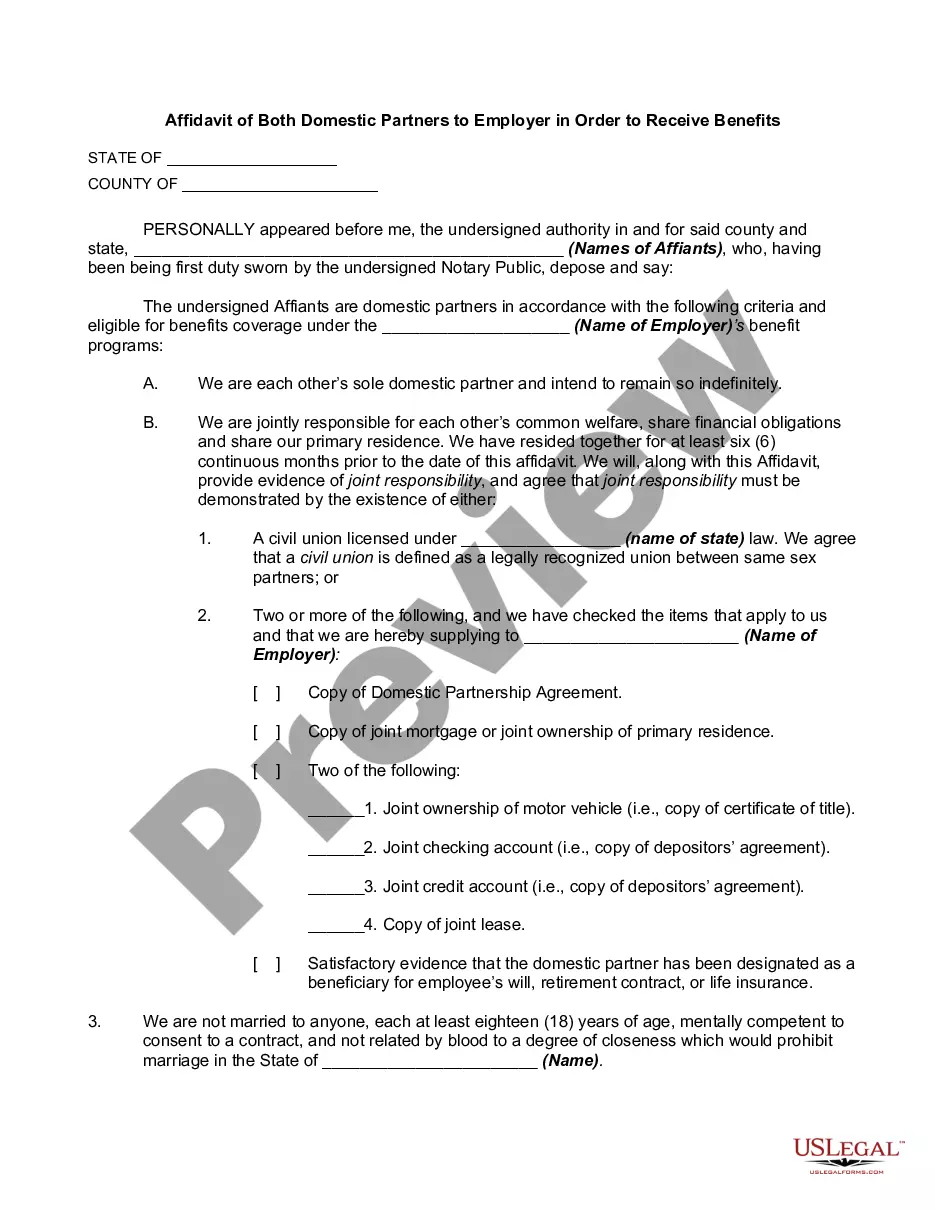
How to fill out Waiver Of The Right To Be Spouse's Beneficiary?
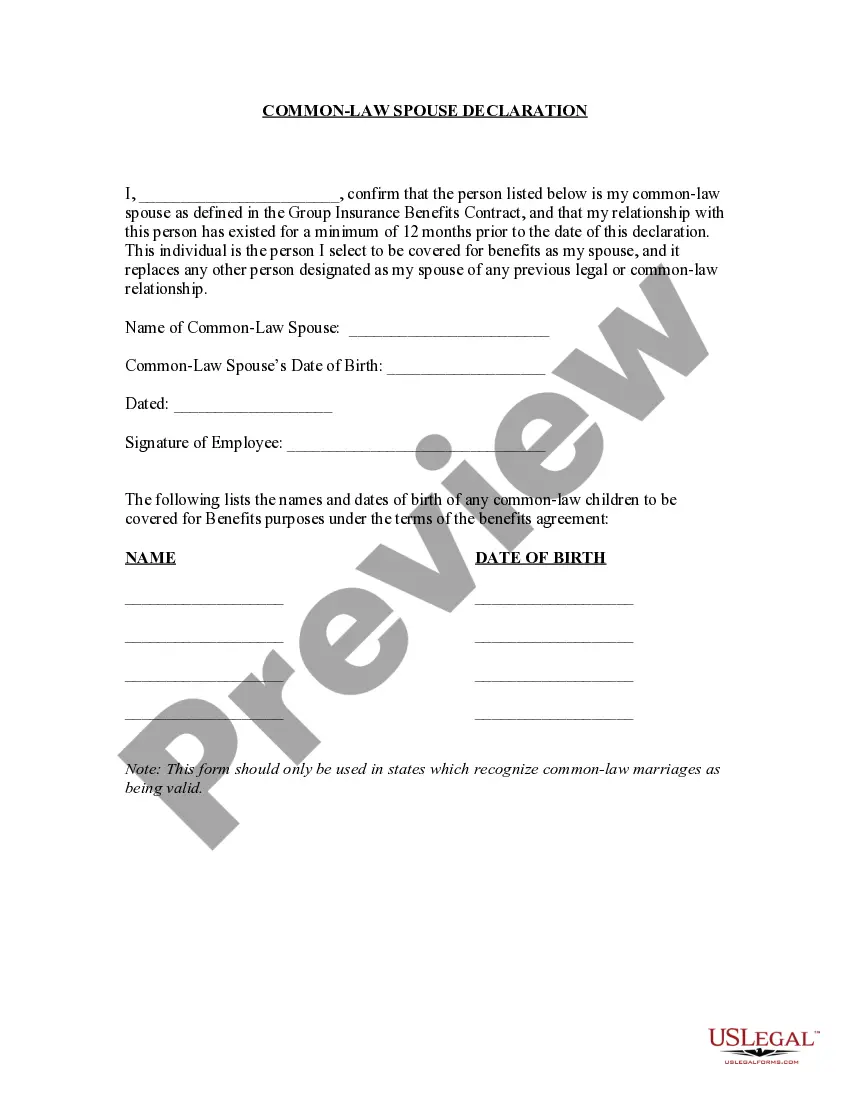
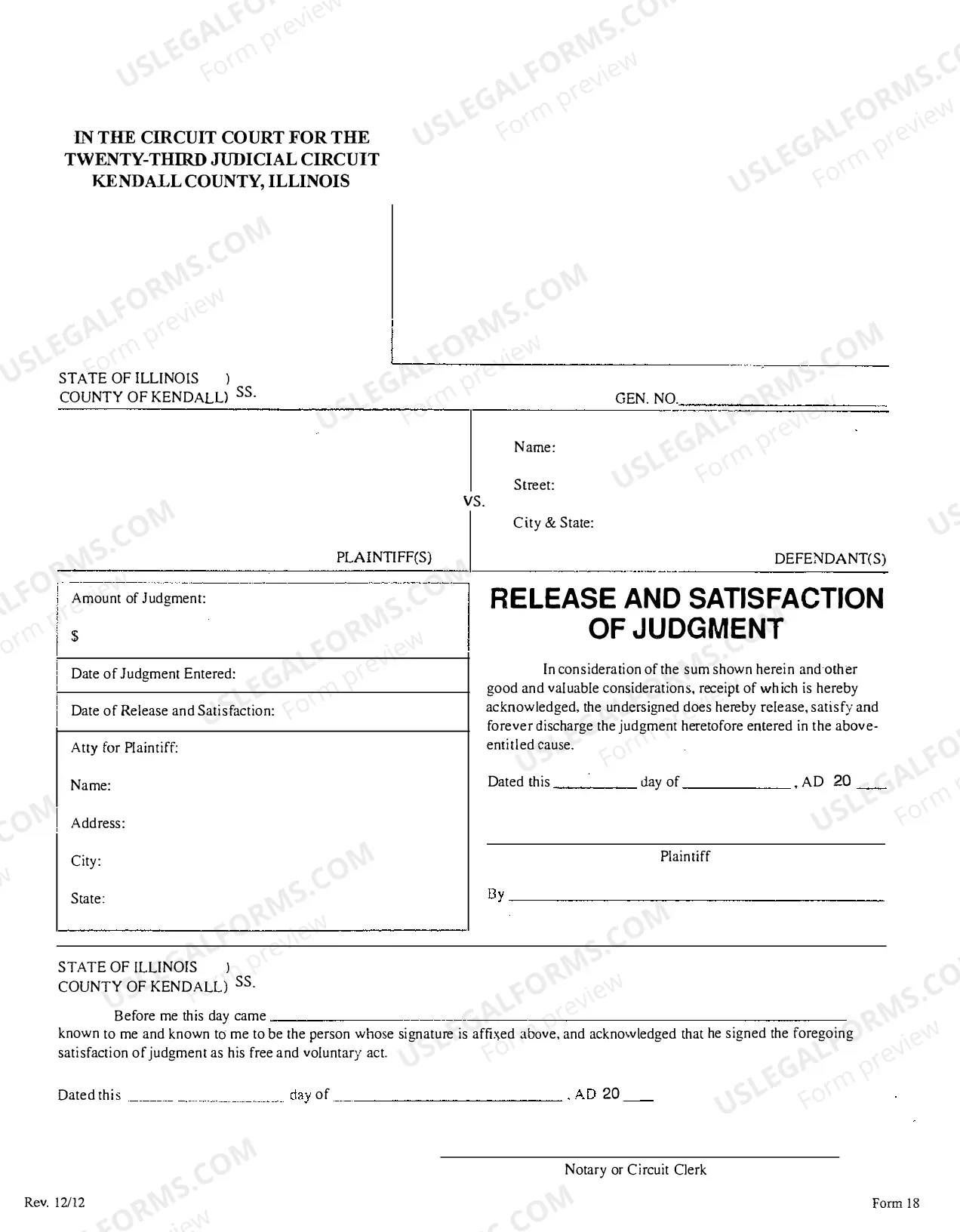
The Spousal Waiver For 401k displayed on this site is a reusable official template created by expert attorneys in compliance with national and state laws.
For over 25 years, US Legal Forms has offered individuals, businesses, and legal practitioners more than 85,000 authenticated, state-specific forms suitable for various business and personal needs. It’s the fastest, simplest, and most reliable method to acquire the documents you require, as the service promises bank-level data protection and anti-malware safeguards.
Redownload your paperwork whenever necessary. Access the My documents tab in your profile to retrieve any previously downloaded documents.
- Search for the document you require and review it.
- Browse the example you looked for and preview it or examine the form description to ensure it meets your requirements. If it doesn't, use the search feature to find the right one. Click Buy Now once you have found the template you need.
- Subscribe and Log In.
- Choose the subscription plan that best fits your needs and set up an account. Make a quick payment via PayPal or a credit card. If you already possess an account, Log In and verify your subscription to proceed.
- Acquire the editable template.
- Select the format you desire for your Spousal Waiver For 401k (PDF, Word, RTF) and download the form onto your device.
- Fill out and sign the document.
- Print the template to fill it in manually. Alternatively, use an online multi-functional PDF editor to quickly and accurately complete and sign your form with a valid signature.
Form popularity
FAQ
Beyond the basic terms, make sure that you have included and are comfortable with all of these terms as laid out in the contract: Amount of earnest money deposit. Financing terms. Closing date. Possession date. Personal property and fixtures included in the sale. Right of inspection. Tax prorations. Contingencies.
If you're set on the idea of doing it on your own, follow these steps for a hopefully smooth process. Step 1: Apply for a mortgage. ... Step 2: Find a neighbourhood and home you love. ... Step 3: Request a Property Condition Disclosure Statement (PCDS) ... Step 4: Make an offer. ... Step 5: Hire a lawyer. ... Step 6: Negotiate.
Any purchase agreement should include at least the following information: The identity of the buyer and seller. A description of the property being purchased. The purchase price. The terms as to how and when payment is to be made. The terms as to how, when, and where the goods will be delivered to the purchaser.
First and foremost, a purchase agreement must outline the property at stake. It should include the exact address of the property and a clear legal description.
A purchase and sale agreement is used to document the parties' intentions and the terms they have agreed will govern the transaction. You can include specific terms like the product or property, the price of the product or property, conditions for the delivery of the product, and the date of product delivery.
Table of Contents Step 1: Give it an accurate name. Step 2: Mention all parties involved. Step 3: Describe your services or product with all rights, guarantees, and restrictions. Step 4: State the contract duration and make deadlines clear. Step 5: Include the price, services, payment conditions, and penalties.
Your offer must include: your legal name, the name of the seller and the address of the property. the amount you're offering to pay (the purchase price) and the amount of your deposit. any extra items you want included in the purchase (for example, window coverings) the date you want to take possession (?closing day?)
How do I write a Sales Agreement? Specify your location. ... Provide the buyer's and seller's information. ... Describe the goods and services. ... State the price and deposit details (if applicable) ... Outline payment details. ... Provide delivery terms. ... Include liability details. ... State if there's a warranty on the goods.