Warning Letter To Employee For Not Working Properly
Description
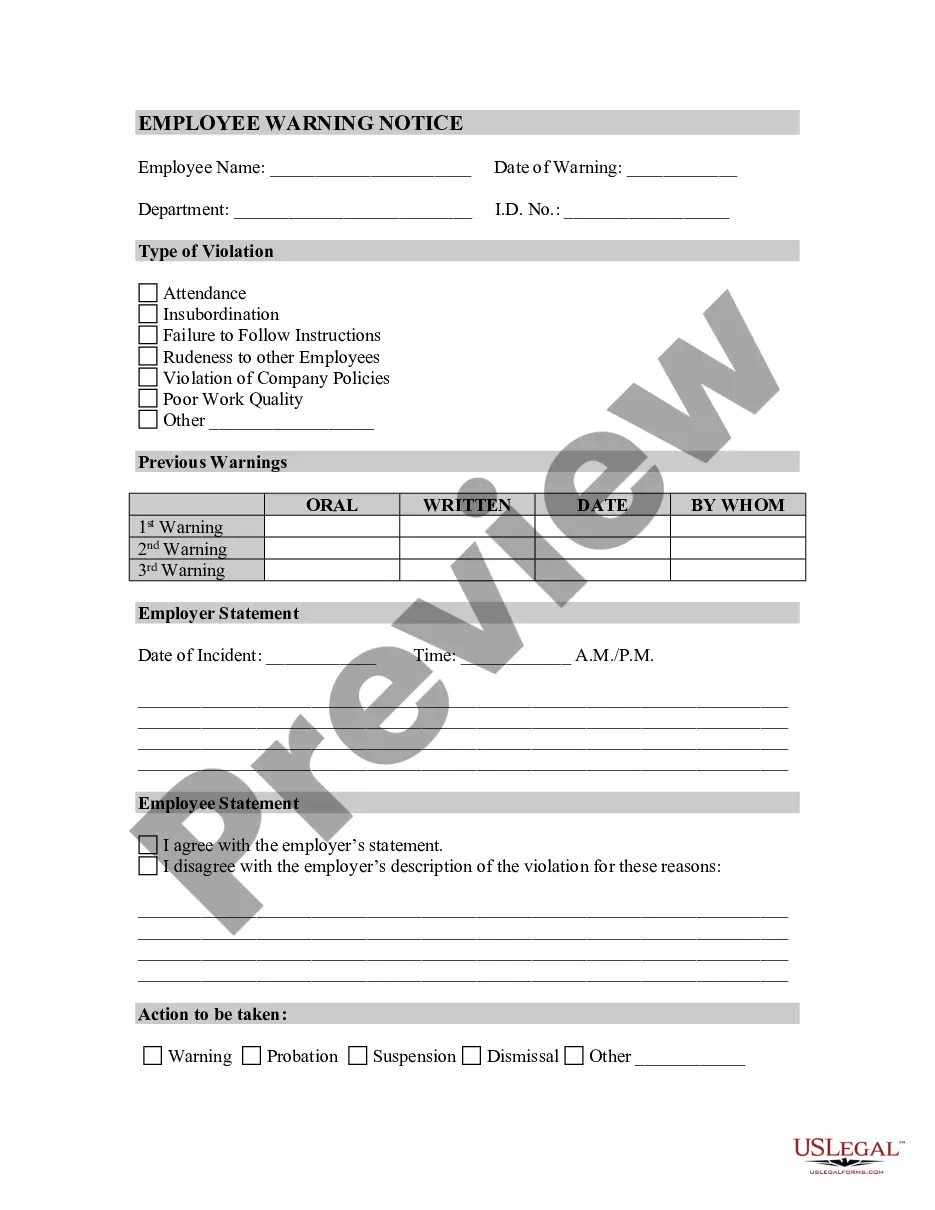
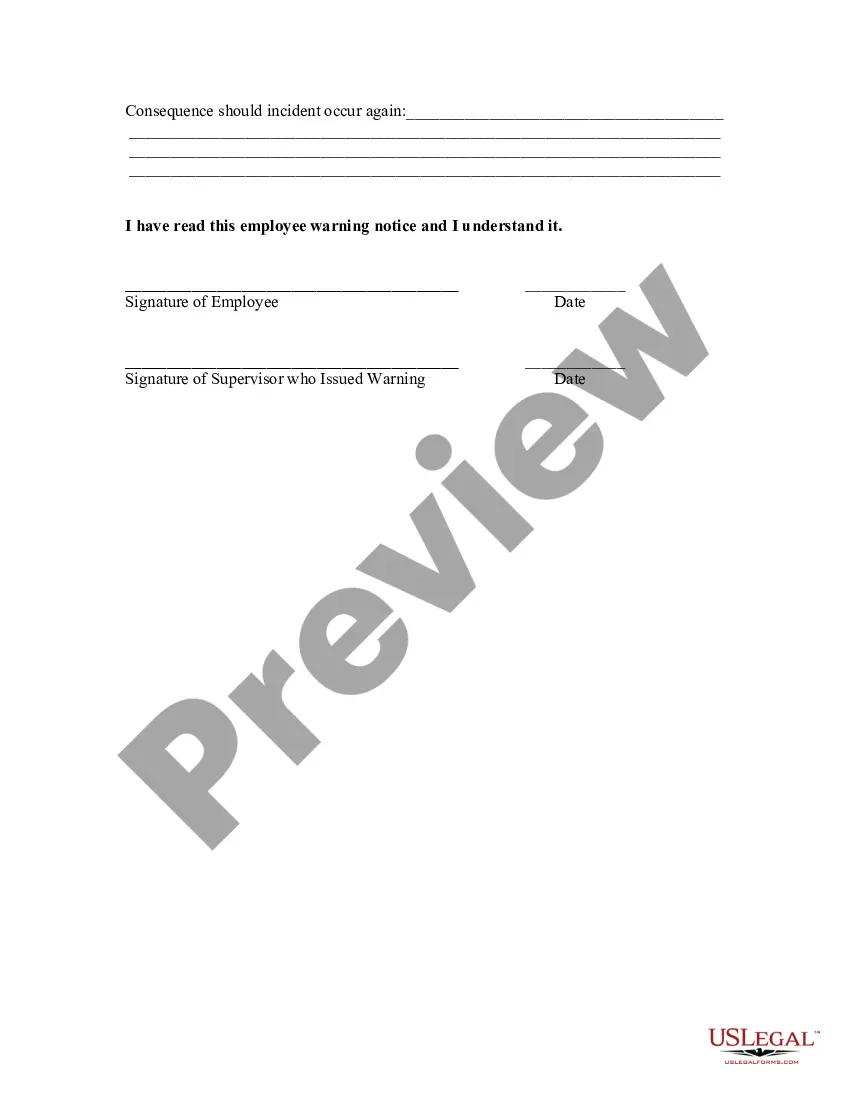
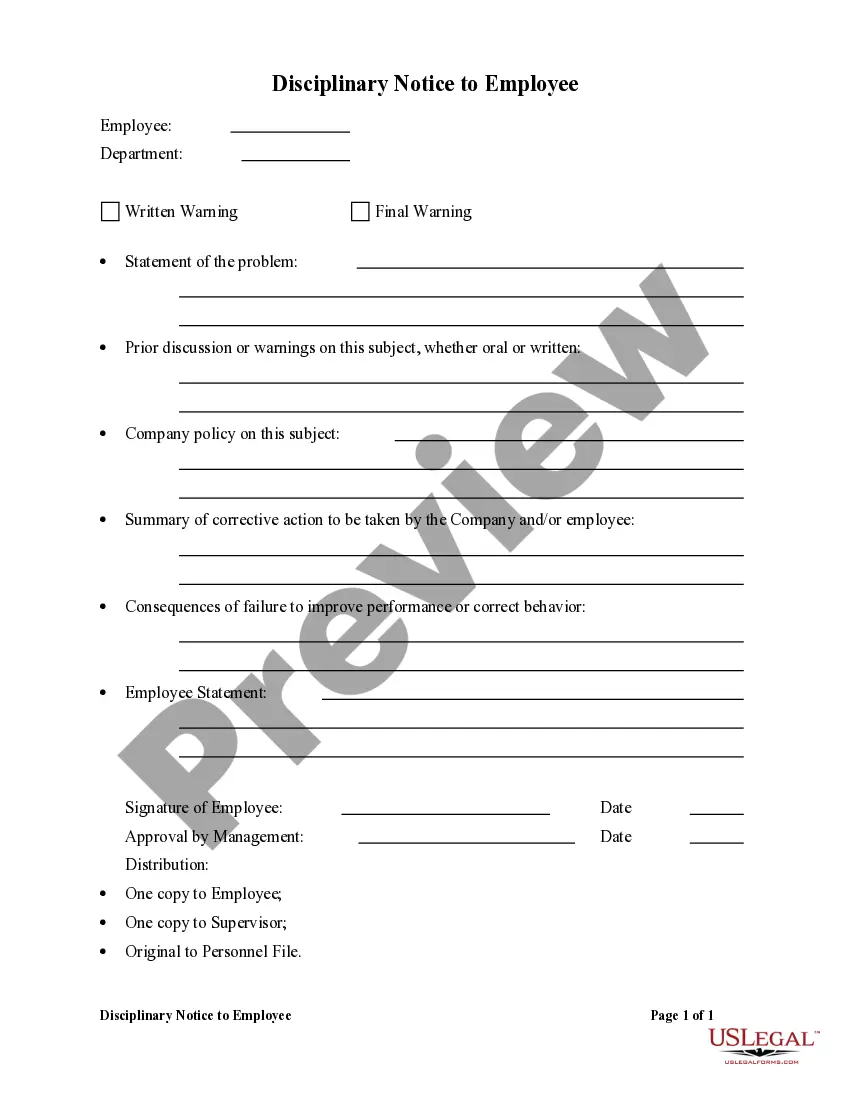
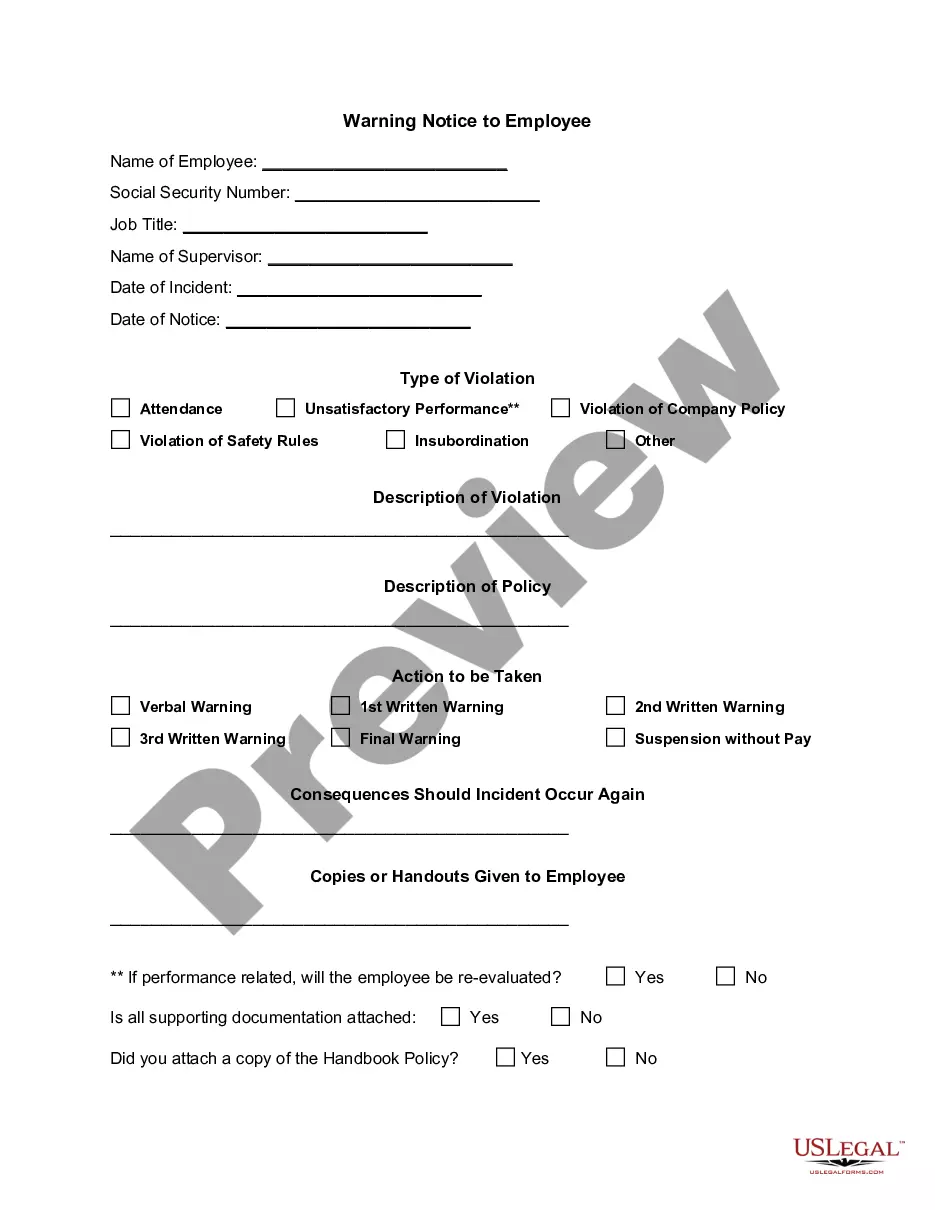
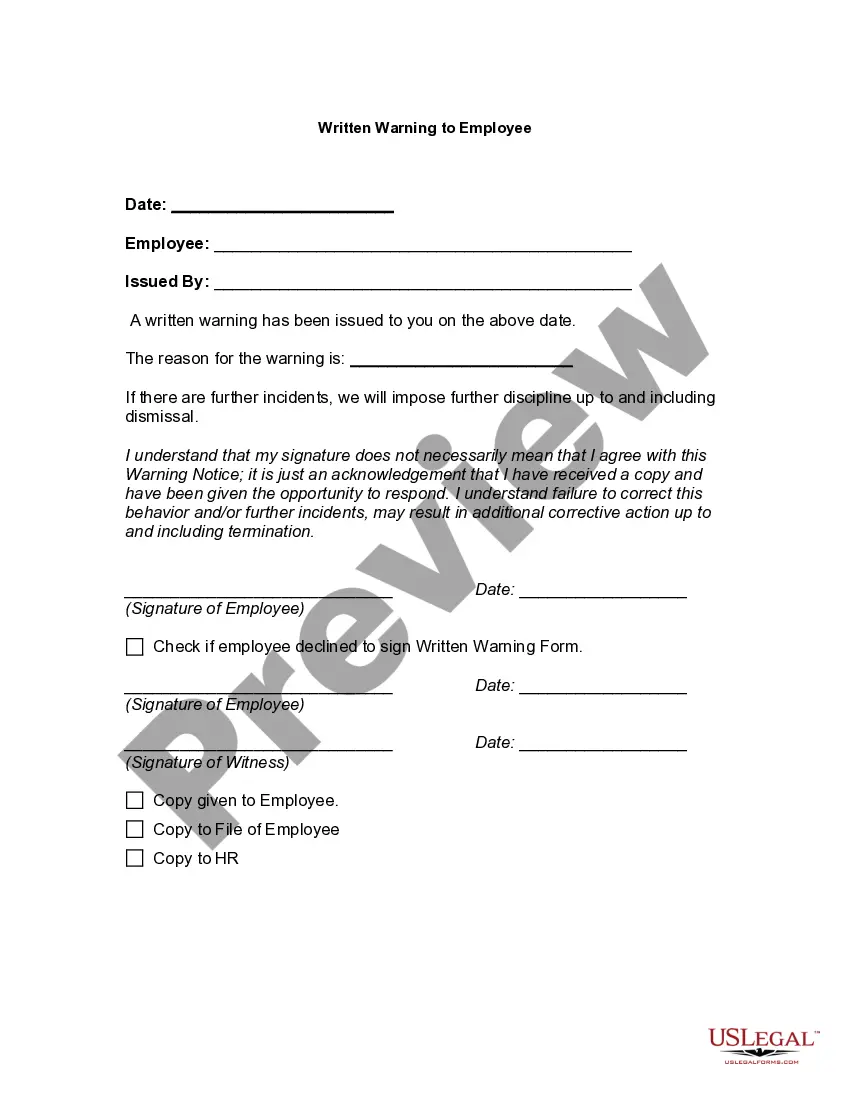
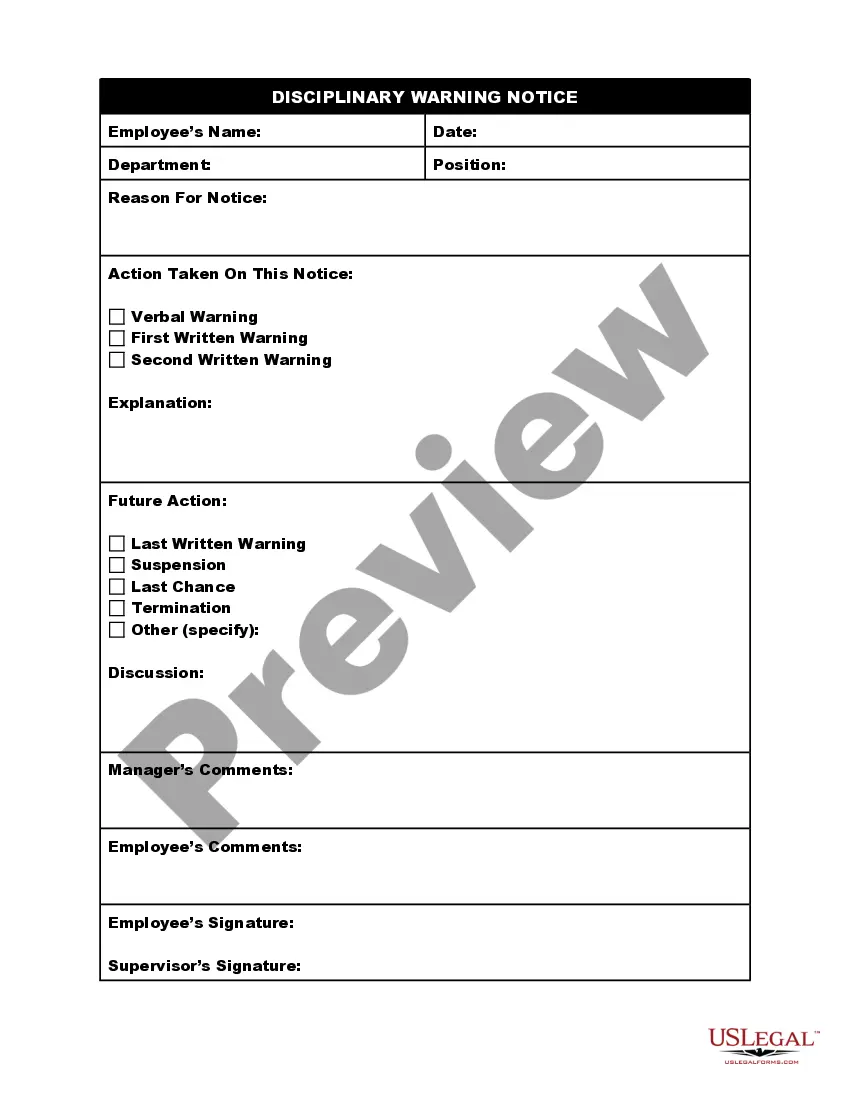
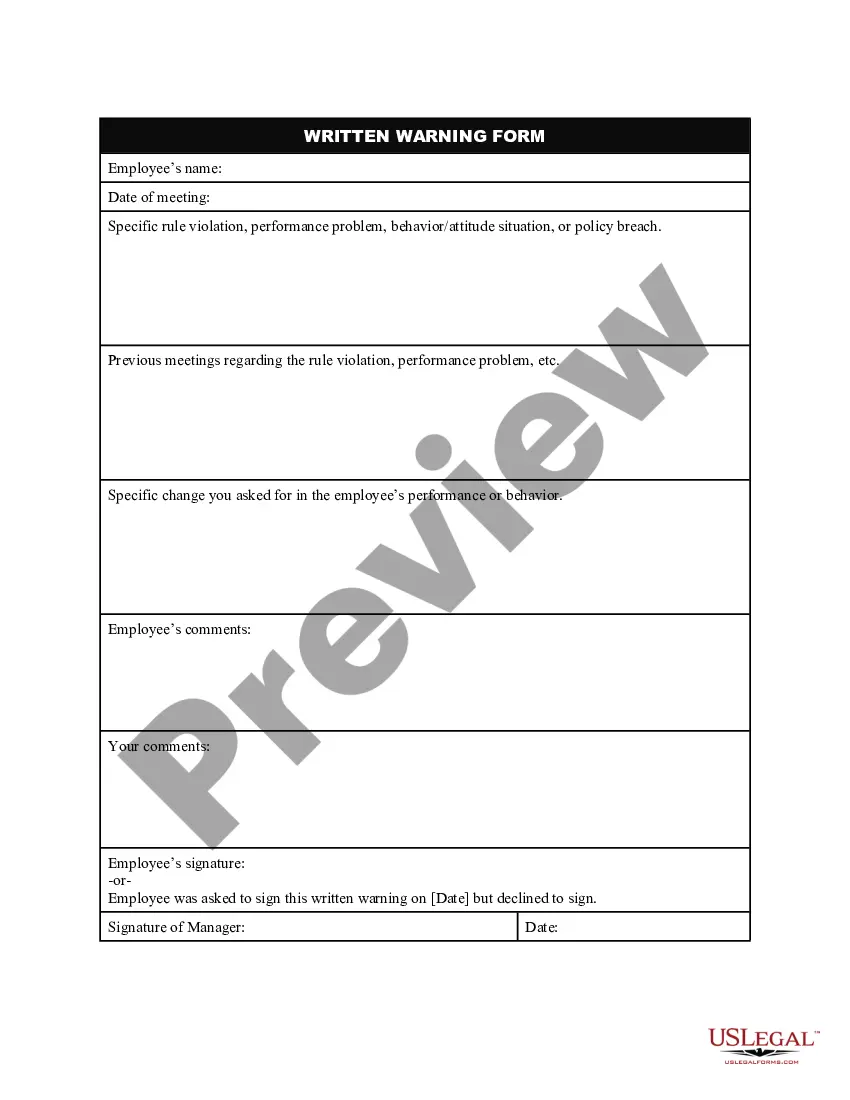
Get your form ready online
Our built-in tools help you complete, sign, share, and store your documents in one place.
Make edits, fill in missing information, and update formatting in US Legal Forms—just like you would in MS Word.
Download a copy, print it, send it by email, or mail it via USPS—whatever works best for your next step.
Sign and collect signatures with our SignNow integration. Send to multiple recipients, set reminders, and more. Go Premium to unlock E-Sign.
If this form requires notarization, complete it online through a secure video call—no need to meet a notary in person or wait for an appointment.
We protect your documents and personal data by following strict security and privacy standards.

Make edits, fill in missing information, and update formatting in US Legal Forms—just like you would in MS Word.

Download a copy, print it, send it by email, or mail it via USPS—whatever works best for your next step.

Sign and collect signatures with our SignNow integration. Send to multiple recipients, set reminders, and more. Go Premium to unlock E-Sign.

If this form requires notarization, complete it online through a secure video call—no need to meet a notary in person or wait for an appointment.

We protect your documents and personal data by following strict security and privacy standards.
Looking for another form?




How to fill out Employee Warning Notice?
It’s clear that you cannot become a legal authority in a short period, nor can you determine how to swiftly create a Warning Letter To Employee For Not Working Properly without requiring a specialized skill set.
Constructing legal documents is a lengthy task that demands specific knowledge and abilities. So why not entrust the drafting of the Warning Letter To Employee For Not Working Properly to the experts.
With US Legal Forms, one of the broadest legal template collections, you can find everything from judicial papers to templates for internal company communications. We recognize the significance of compliance and adherence to federal and local regulations.
You can access your documents again from the My documents section at any time. If you’re a current customer, you can simply Log In and find and download the template from the same section.
Regardless of your document's purpose—whether financial, legal, or personal—our website has everything you need. Experience US Legal Forms today!
- Identify the document you need using the search bar at the top of the webpage.
- Preview it (if this option is available) and read the supporting description to ascertain whether Warning Letter To Employee For Not Working Properly is what you’re looking for.
- Commence your search anew if you need any different document.
- Create a free account and choose a subscription plan to acquire the document.
- Select Buy now. Once the transaction is finalized, you can download the Warning Letter To Employee For Not Working Properly, fill it out, print it, and deliver it to the necessary parties or organizations.
Form popularity
FAQ
Minnesota forms and booklets: Taxpayers can request forms and booklets be mailed to their homes by calling 651-296-3781 or 1-800-652-9094. Federal forms and booklets: Taxpayers can request forms and booklets be mailed to their homes by calling 1-800-TAX-FORM (1-800-829-3676) or on the IRS website.
How much does it cost to apply for a sales tax permit in Minnesota? It's free to apply for a sales tax permit in Minnesota. Other business registration fees may apply. 5.
Form ST3 Expiration Exemption certificates do not expire unless the information on the certificate changes. But we recommend updating exemption certificates every three to four years.
Depending on the type of purchase, IU may not reimburse employee for sales tax paid. Exemption certificates are valid indefinitely or until the information in the certificate changes. However the MN Department of Revenue recommends updating the certificates every 3 to 5 years.
You must submit the following: DSI Class R License Application. Acknowledgement. Information of Items Being Sold. Photo of licensee for badge (will be taken at the DSI office by appointment) Required fee.
Most businesses operating in or selling in the state of Minnesota are required to purchase a resale certificate annually. Even online based businesses shipping products to Minnesota residents must collect sales tax.
Page Menu. A completed Form ST3 is provided by colleges, universities, and the System Office to vendors to exempt most official expenditures from Minnesota sales tax.
Exemption certificates retained by the seller must be updated every five (5) years or when the certificate expires by its terms, whichever is earlier.