Application Leave Form With Multiple Emails
Description
Get your form ready online
Our built-in tools help you complete, sign, share, and store your documents in one place.
Make edits, fill in missing information, and update formatting in US Legal Forms—just like you would in MS Word.
Download a copy, print it, send it by email, or mail it via USPS—whatever works best for your next step.
Sign and collect signatures with our SignNow integration. Send to multiple recipients, set reminders, and more. Go Premium to unlock E-Sign.
If this form requires notarization, complete it online through a secure video call—no need to meet a notary in person or wait for an appointment.
We protect your documents and personal data by following strict security and privacy standards.

Make edits, fill in missing information, and update formatting in US Legal Forms—just like you would in MS Word.

Download a copy, print it, send it by email, or mail it via USPS—whatever works best for your next step.

Sign and collect signatures with our SignNow integration. Send to multiple recipients, set reminders, and more. Go Premium to unlock E-Sign.

If this form requires notarization, complete it online through a secure video call—no need to meet a notary in person or wait for an appointment.

We protect your documents and personal data by following strict security and privacy standards.
Looking for another form?


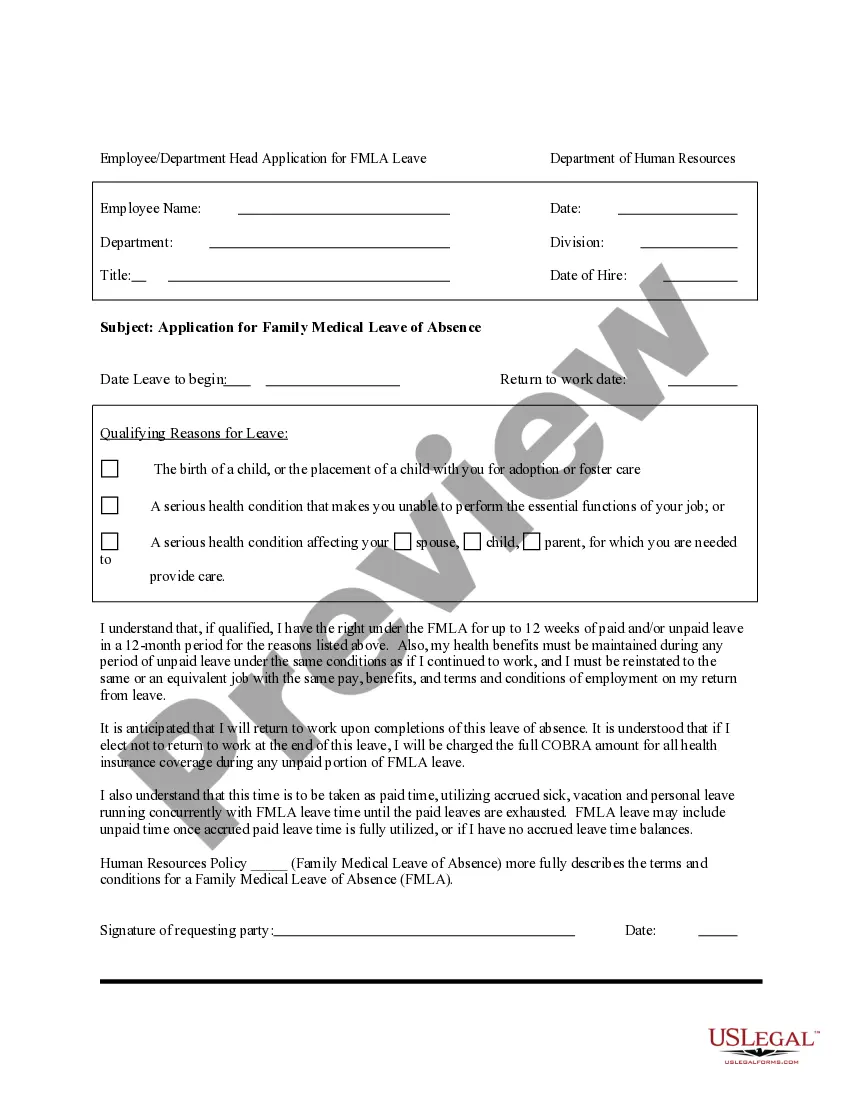
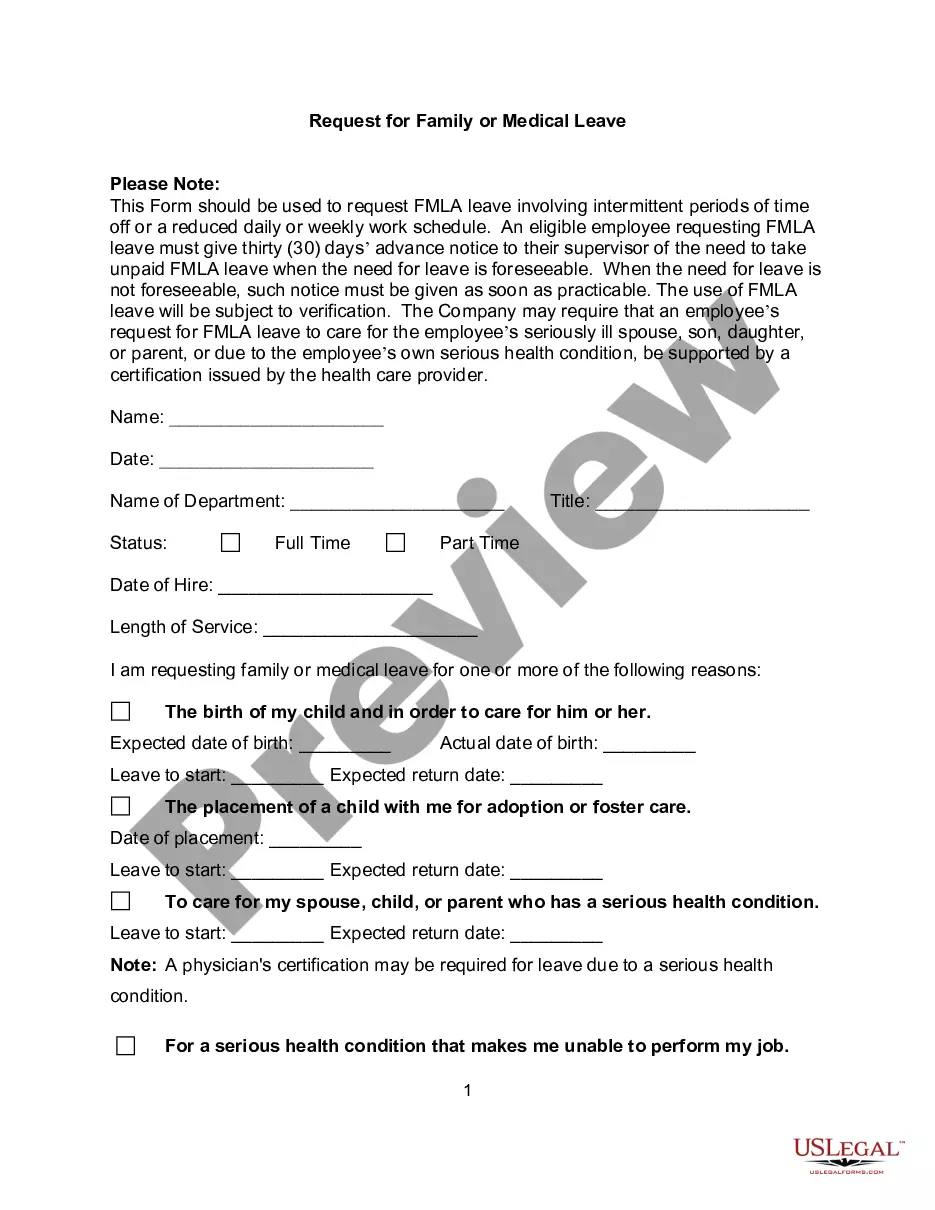
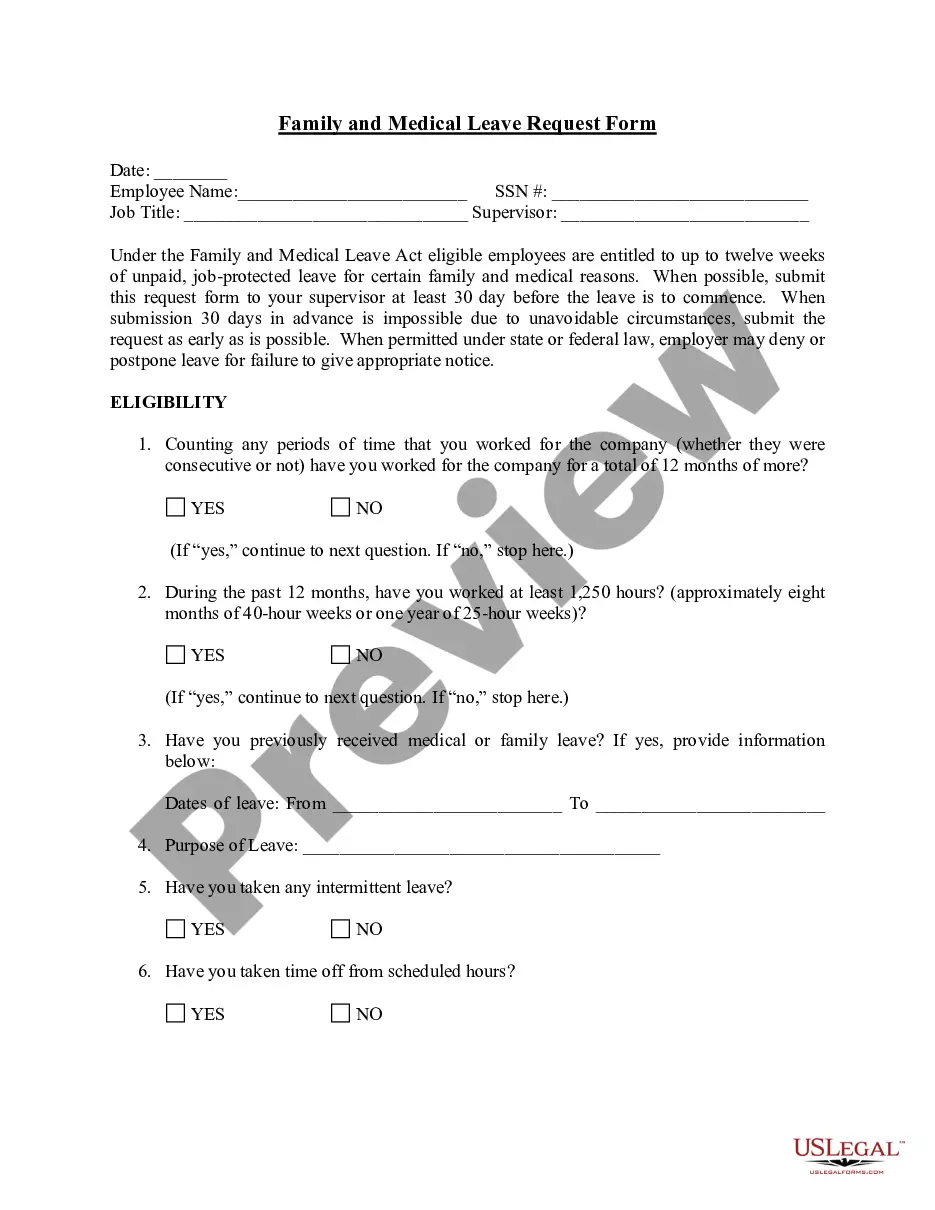
How to fill out Application For Family Medical Leave Of Absence?
- If you're a returning user, log in to your account and select the desired form template from your library. Ensure your subscription remains active or renew it as necessary.
- For first-time users, start by browsing the extensive library. Use the Preview mode to check the form's description and confirm it fits your specific needs.
- In case the form isn't quite right, utilize the Search feature to find alternative templates that better meet your requirements.
- Once you have found the right document, click on the Buy Now button and select your preferred subscription plan. You'll need to create an account for access to the complete library.
- Proceed with your purchase by entering your payment information via credit card or PayPal to finalize the subscription.
- After successfully completing your purchase, download the form to your device. You can always revisit your documents through the My Forms section.
US Legal Forms provides unparalleled access to a robust collection of legal documents, making it easier than ever to find solutions for legal needs. With the ability to consult with premium experts for form completion, you can ensure your documents are accurate and legally sound.
Start streamlining your legal processes today. Access US Legal Forms and simplify obtaining your application leave form with multiple emails!
Form popularity
FAQ
When emailing someone who is on leave, you should be clear and cordial in your message. Consider referencing the application leave form with multiple emails to expedite the communication process to appropriate colleagues. Ensure to acknowledge their absence and provide pertinent information to assist them upon their return.
When formatting an email for leave, start with a clear subject line related to your absence, and use a friendly yet professional greeting. In the body, mention the dates of your leave and your reason, keeping it concise. Lastly, include a list of colleagues who can be reached during your leave for proper communication.
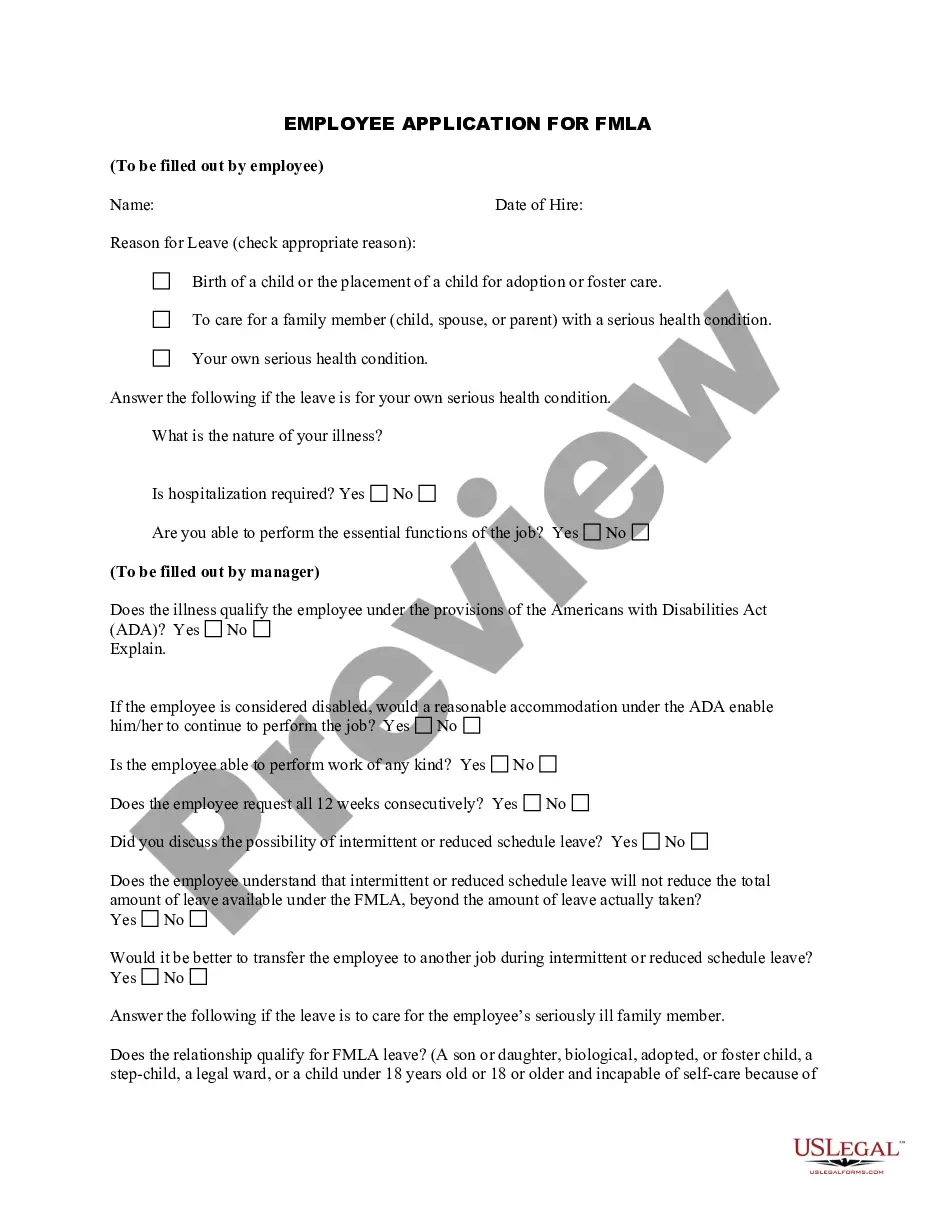
Filling out a leave request form requires you to provide critical information such as your name, department, leave type, dates, and a brief reason for the leave. Utilize the application leave form with multiple emails to ensure that all relevant managers and HR members receive your request. Verify your entries before submission to avoid delay in processing.
Writing a leave format email involves a structured approach similar to the application leave form with multiple emails. Start with the subject line indicating your leave, followed by a greeting. Clearly state your leave dates, reasons, and provide additional information on who to contact in your absence for a seamless transition.
To create a leave request using Microsoft Forms, start by designing a form that includes essential fields like employee name, leave dates, and reason for the leave. You can also integrate the application leave form with multiple emails to ensure the right people receive notifications. After designing your form, share it with your team for easy access and submissions.
To communicate your leave in an email, follow the structure of the application leave form with multiple emails. Begin with a polite greeting, state your dates of absence, and explain your reason briefly. Remember to thank your recipients for their understanding, and list any colleagues to contact during your leave.
To inform your team that you are on leave, send an email using the application leave form with multiple emails feature. Start with a clear subject line, such as 'Leave Notification.' In the email body, specify your leave dates and reason, and ensure you include a list of key contacts who will handle inquiries in your absence.
When you respectfully request leave, start by expressing your appreciation for the recipient's support. Clearly specify the leave dates and your reasons, keeping it professional and straightforward. A well-prepared application leave form with multiple emails can enhance your request's clarity and ensure that all necessary information reaches your supervisors effectively.
Polite requests begin with addressing the receiver warmly. Follow with your leave request, ensuring you express gratitude for their consideration. Including an application leave form with multiple emails not only demonstrates professionalism but also helps in providing context to your request.
To ask for leave permission in an email, begin with a courteous introduction. Make your request explicit by stating the specific dates you need off and the reason, if appropriate. Using an application leave form with multiple emails allows others to be informed simultaneously, facilitating smoother communication and approval.